Portrait generation is the hardest thing to get right in AI imagery. Skin that reads as real. Eyes with depth. Hair strands that fall naturally. Most models either over-process the face into a plastic mask or produce a single consistent flaw that gives the illusion away. Seedream 5.0 from ByteDance breaks that pattern, and when you run side-by-side tests against Midjourney's latest version, the gap in portrait realism is hard to ignore.
This article breaks down exactly where the difference shows up, how Seedream achieves it architecturally, and how you can replicate the results using Seedream 5 Lite directly on PicassoIA.
Why Portraits Are the Real Benchmark

The human brain has spent millions of years evolving to read faces. Uncanny valley responses activate almost instantly when something is off: a slightly misaligned eye, a pore pattern that looks stamped rather than organic, hair that behaves like a single texture rather than thousands of individual strands. This makes portrait generation the hardest test any AI image model can face.
Most AI benchmarks focus on prompt adherence, resolution, and style consistency. These matter, but they miss the deeper question: does the face look real at close inspection? Can you zoom in to 200 percent and still believe you are looking at a photograph?
Midjourney dominated this space for years. Its stylized realism had a unique quality that set industry expectations. But in 2027, the ground has shifted. Seedream 5.0 approaches portrait generation from a different architectural angle, and the outputs prove it.
💡 Portrait quality in AI comes down to three things: skin micro-texture, eye wetness and depth, and hair physics. Get all three right and the image reads as photographic.
The "Ideal Face" Trap
One reason portraits fail is over-correction. Many models were trained to produce faces that are symmetrical, blemish-free, and conventionally beautiful. The result is an image that looks like a retouched stock photo at best, and a 3D render at worst. Real faces have asymmetry, micro-imperfections, and slight uneven pigmentation.
Midjourney's v6 output tends toward this over-polished result. The faces are attractive, but they share a recognizable "Midjourney look" that has become a kind of visual fingerprint. Seedream 5.0 actively works against this, preserving the micro-variation that makes a face read as photographed rather than generated.
What Seedream 5.0 Actually Changed

ByteDance's Seedream 5 Lite is the accessible version of their flagship portrait model, and even in its lighter form it demonstrates a measurable architectural shift in how the model processes human faces.
A Different Training Approach
Where earlier models trained on broad image datasets and applied generic quality upscaling to faces, Seedream 5.0's architecture dedicates specific attention heads to facial anatomy. The model was built to separately process skin layers, depth cues in the iris, and hair strand physics rather than treating the face as a single texture map.
The practical result is visible immediately in generated outputs: skin with visible subsurface scattering at the ears and temples, iris structures showing the complex fiber patterns of real eyes, and hair where individual strands separate in backlighting rather than merging into a single dark mass.
Skin That Reads as Skin
Skin rendering is where the gap is most visible. Midjourney produces smooth, even skin that photographs well at distance but loses believability at close range. Zoom into a Midjourney portrait and the pore pattern either disappears entirely or appears stamped, repeating in a way that reveals it as a texture overlay.
Seedream 5.0 generates skin with organic variation: slightly larger pores near the nose, finer texture at the temples, visible fine hairs on the upper lip. The T-zone shows natural moisture with a subtle sheen that differs from the matte of the cheeks. This is how skin actually looks under a camera.
💡 When prompting for skin detail with Seedream, add terms like "visible pores", "skin subsurface scattering", "natural skin texture variation" and avoid "perfect skin" or "flawless" which push the model toward over-smoothing.
Eye and Iris Depth
The eyes are where the uncanny valley is sharpest. Midjourney's eyes are beautiful but often share a characteristic flatness. The iris color is vivid and the catchlights are well placed, but the sense of depth, the feeling that you are looking through a wet curved surface into a three-dimensional eye, is frequently absent.
Seedream 5.0 renders the iris as a layered structure. You can see fiber patterns inside the iris, the slight reflective dome of the cornea, the distinction between the clear vitreous and the pigmented tissue behind. The pupil responds to the lighting direction of the scene. Catchlights reflect the actual light source in the prompt rather than a default studio setup.
This is a significant leap for portrait photography applications, headshot generation, and any use case where the subject needs to look directly at the camera and hold the viewer's gaze convincingly.
Where Midjourney Still Falls Short

Calling Midjourney weak overstates the case. It remains one of the best all-purpose image generators for stylized work, concept art, and images where photorealism is a secondary concern. But for portraits specifically, several persistent limitations show up across versions.
Hair That Doesn't Move
Hair generation is notoriously difficult. Real hair consists of between 80,000 and 120,000 individual strands, each with a slightly different response to light and gravity. No model handles this at strand-by-strand fidelity, but the difference between good and great is whether the model treats hair as a continuous surface or as a collection of semi-independent volumes.
Midjourney produces hair that looks polished and styled, but under scrutiny it often reads as a single layered texture rather than individual strands. Backlit hair lacks the rim-light separation of real photography. Dark hair against a dark background loses definition. The baby hairs at the hairline that give portraits a sense of naturalness are frequently absent.
Seedream 5.0 handles these edge cases with noticeably more realism. Backlit hair in Seedream outputs shows strand-level separation. The hairline reveals fine short hairs. Hair in motion has directional coherence that suggests real physics.
Lighting Physics Coherence

A subtler failure mode in Midjourney is lighting that is beautiful but internally inconsistent. The face might be lit as if by a softbox but the background suggests natural window light. Shadows on the nose and under the chin might not match the same light source. These errors are hard to articulate but immediately register as wrong to the eye.
Seedream 5.0 shows stronger coherence between the lighting specified in the prompt and the actual distribution of light across facial features. When you prompt for a single primary light from the upper left, the shadows fall consistently: under the nose, at the jaw, with a darker left cheek and brighter right. The physics are respected throughout the image rather than applied decoratively.
The Style Lock Problem
Midjourney imposes a recognizable aesthetic signature on every output, regardless of how specific you get with photorealistic prompting. There is a softness, a certain color grading, a particular relationship between sharpness and blur that is immediately identifiable as Midjourney output. For portrait work where you need images to read as actual photographs, this style lock is a real limitation.
Seedream 5.0 is more neutral. The model steps aside and lets the content of the prompt define the output aesthetic rather than imposing its own.
Direct Comparison: 6 Portrait Areas

Here is where the two models stack up across the metrics that matter most for portrait work:
| Feature | Seedream 5.0 | Midjourney v6.1 |
|---|
| Skin pore realism | Organic variation, subsurface detail | Smooth, texture-stamped at close range |
| Eye depth and iris | Layered iris structure, wet cornea | Vivid but often flat |
| Hair strand separation | Individual strands in backlight | Polished but single-surface feel |
| Lighting coherence | Physics-accurate shadow placement | Beautiful but sometimes inconsistent |
| Style neutrality | High, reads as photography | Lower, "Midjourney look" persists |
| Prompt specificity response | Strong, descriptors translate accurately | Good but filtered through aesthetic layer |
The overall verdict across these areas: Seedream 5.0 wins specifically for portrait work and for users who need photorealistic human faces. Midjourney remains competitive for stylized portraits, illustrated looks, and non-photorealistic use cases.
How to Use Seedream 5.0 on PicassoIA
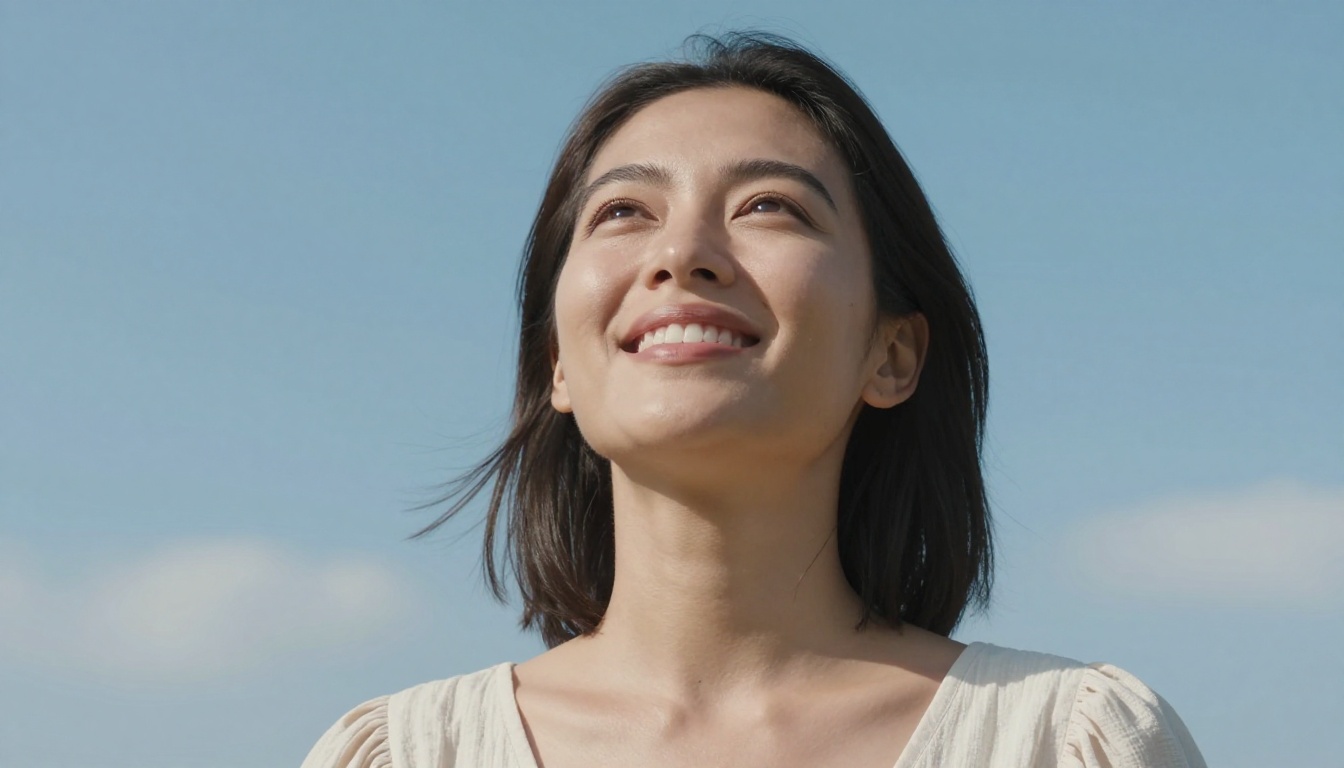
Since Seedream 5 Lite is available directly on PicassoIA, you can generate portrait-quality results without any API setup or local installation. Here is how to get the most out of it.
Writing Prompts That Work
Seedream responds strongly to specific technical photography language. The model was clearly trained on datasets tagged with camera equipment, lighting setups, and photographic technique. Use this to your advantage.
Effective portrait prompt structure:
- Subject description: Age, look, expression, gaze direction
- Lighting setup: Single source, direction, quality (soft/hard), color temperature
- Camera and lens: Body, focal length, aperture for depth of field
- Film emulation: Kodak Portra 400, Fuji 400H, ILFORD HP5
- Skin and texture modifiers: "visible pores", "skin subsurface scattering", "natural skin texture variation"
- Background: Distance, texture, color, bokeh quality
- Atmosphere: Time of day, weather, mood
Example prompt that performs well:
"Portrait of a woman in her thirties, direct gaze, soft smile, window light from left, single diffused source, 85mm f/1.4 Sony lens, bokeh cream background, Kodak Portra 400 grain, visible skin pores at nose bridge, natural hair fall, photorealistic RAW 8K"
Parameters That Matter
💡 For portrait work specifically, avoid mixing too many lighting descriptors. One clear light source produces more coherent shadows than attempting to describe a complex multi-light setup in a single prompt.
When using Seedream on PicassoIA, pay attention to:
- Aspect ratio: 16:9 works for environmental portraits, 2:3 or 3:4 for traditional headshot crops
- Seed values: When you find a face composition you like, lock the seed and vary the lighting or background to create a series
- Negative space: Leaving room in the background for cropping gives you more compositional flexibility
- Style raw modifier: Always append
--style raw at the end of prompts to suppress any artistic stylization
Getting Consistent Results
One challenge with any portrait model is consistency: getting the same person across multiple images. This is not solved by prompting alone, but you can significantly narrow variation by:
- Being very specific about distinguishing features (eye color, hair color and length, face shape descriptors)
- Using the same seed number across variations
- Keeping the core subject description identical while varying only background and lighting
- Using ControlNet-based workflows with SDXL Multi ControlNet LoRA for pose-locked portrait series
Other Strong Portrait Models to Try
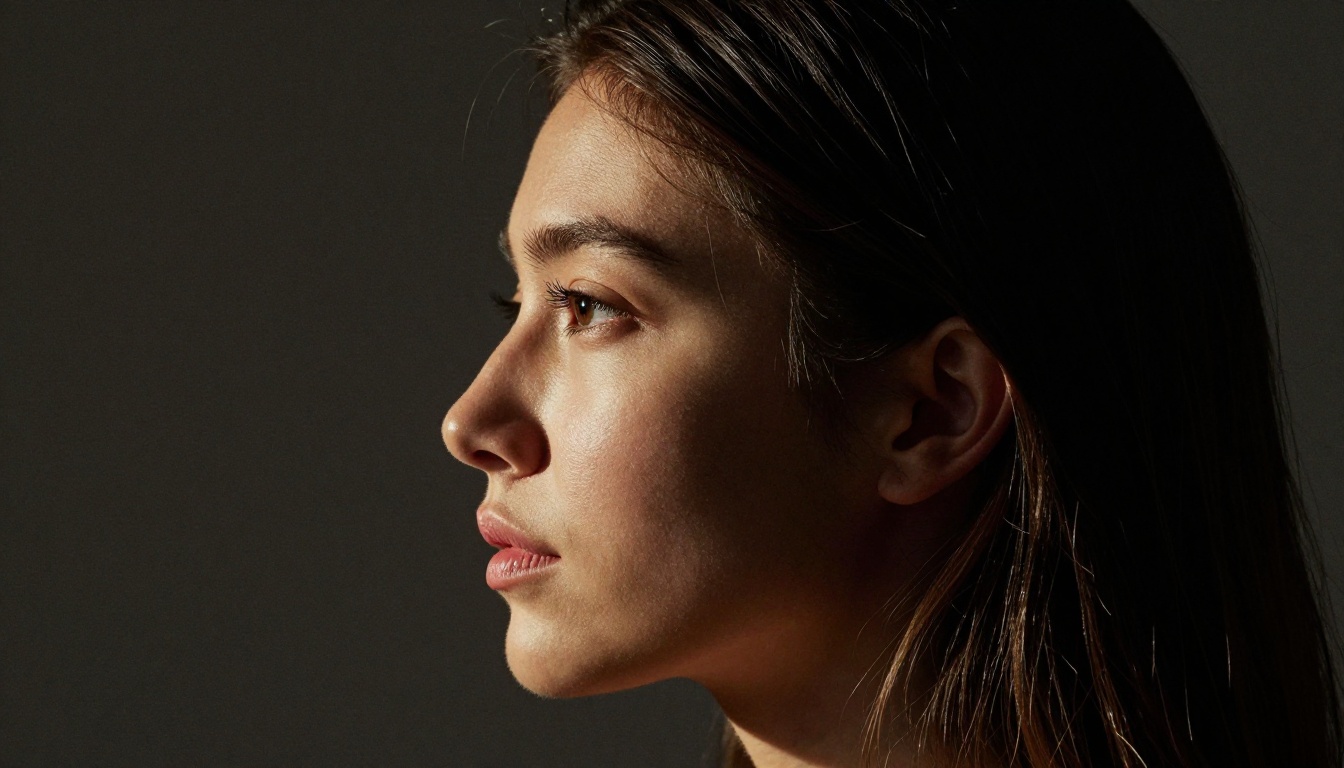
Seedream 5.0 is not the only strong portrait option on PicassoIA. Depending on your specific need, these models are worth running alongside it:
Flux 1.1 Pro Ultra handles portraits with excellent sharpness and strong prompt adherence. It produces slightly more stylized results than Seedream but offers excellent consistency across generations.
Realistic Vision v5.1 is a focused photorealistic model that performs particularly well for close-up face photography. It is less versatile than Seedream but highly specialized for natural-looking portraits.
GPT Image 1.5 brings strong instruction following to portrait work, making it useful when you need to describe specific compositional requirements with precision.
Flux 2 Pro is the current generation of the Flux architecture with significant improvements to photorealism. Portraits from Flux 2 Pro show excellent lighting coherence and are worth running in parallel with Seedream for comparison.
The practical approach is to run the same prompt through two or three of these models and select the best result. PicassoIA makes this fast since all models are accessible through the same interface without switching platforms.
The Verdict on Portrait Benchmarks
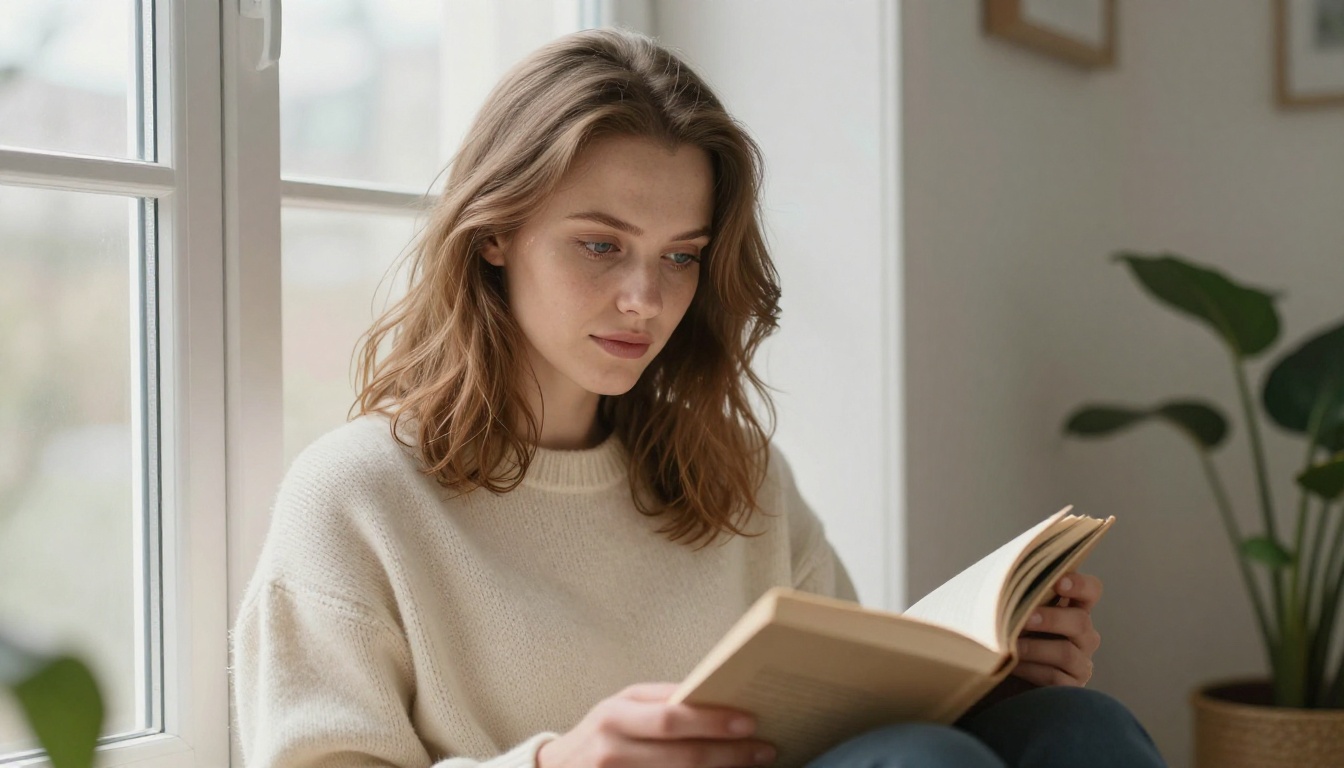
Benchmarking AI image models is inherently subjective, and the "best" result depends on what you are making. But if the specific requirement is a portrait that reads as a real photograph, with convincing skin, eyes that hold depth, and hair that looks like it was photographed rather than rendered, Seedream 5.0 currently produces results that are measurably harder to distinguish from photography than equivalent Midjourney outputs.
The core differences are not dramatic in isolation. No single feature makes the gap obvious. It is the accumulation of small details, the pore variation, the iris layering, the hair strand separation, the consistent light physics, that adds up to an image crossing the threshold into believable photography rather than stopping just short of it.
For portrait photographers, content creators, social media professionals, and anyone who needs AI-generated faces that can pass for the real thing, Seedream 5.0 deserves to be the first model you reach for.
Previous versions of the Seedream family, including Seedream 4.5 and Seedream 4, were already strong portrait performers. The 5.0 generation builds on that foundation with targeted improvements to exactly the areas where earlier versions showed weakness: the hairline, the eye's wet-look realism, and the organic variation in skin across different facial zones.
Create Your Own Portraits Now
The models described in this article are available right now. Seedream 5 Lite is ready to use on PicassoIA without any setup, alongside Flux 1.1 Pro Ultra, Flux 2 Pro, and Realistic Vision v5.1.
Take the prompt structure from the tutorial section above, run it through Seedream 5 Lite, and see the difference for yourself. The gap between what these models produce today and what most people expect from AI portraits is wider than you think, in the best possible direction.
If you want even sharper control over your portrait results, try using SDXL Multi ControlNet LoRA for pose-locked workflows or Qwen Image 2 Pro for instruction-following portrait generation. PicassoIA's collection of over 91 text-to-image models means you are never limited to a single approach. Pick a model, write a detailed prompt, and generate the portrait your project actually deserves.


