When ByteDance released Seedream 5 Pro, the generative AI community took notice immediately. The jump from Seedream 4.5 is not just a version number increment. There are measurable, practical differences in how each model handles prompt interpretation, fine texture detail, color fidelity, and output resolution that affect which one actually fits your creative work. This article puts the two side by side, breaks down what genuinely changed, and tells you which use cases each version serves best.
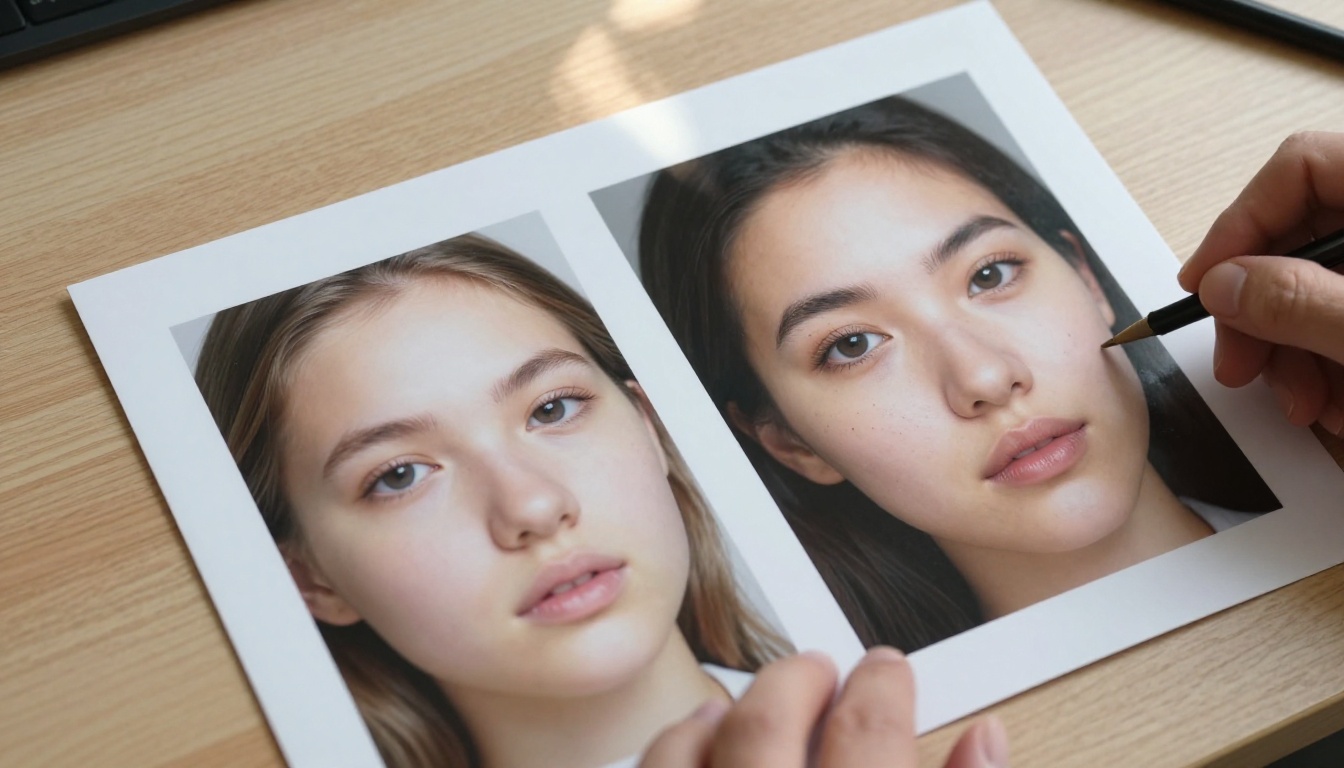
What Seedream 5 Pro Actually Offers
Seedream 5 Pro sits at the top of ByteDance's current text-to-image lineup. It was engineered to close the gap with the leading diffusion models on photorealism and instruction following. The architecture behind it uses a refined latent diffusion process with a significantly expanded and better-curated training dataset, giving it broader context for interpreting complex, multi-element prompts that earlier versions would partially ignore.
Core specifications for Seedream 5 Pro:
- Native output resolution: up to 2048×2048 pixels
- Custom aspect ratios without significant quality degradation
- Training data weighted heavily toward photographic and editorial realism
- Substantially improved text-within-image rendering
- Inference time: typically 8 to 14 seconds per image on standard GPU hardware
- Better handling of spatial relationships in multi-subject compositions
Core specifications for Seedream 4.5:
- Native output resolution: up to 1024×1024 pixels
- Strong photorealism in portrait and product photography contexts
- Inference time: typically 5 to 8 seconds per image
- More predictable prompt behavior for straightforward single-subject descriptions
- Naturally vibrant color response without additional prompt engineering
The resolution gap alone matters significantly for anyone who needs print-ready or large-format outputs. But the differences run much deeper than pixel count.
Resolution and Detail: The Numbers
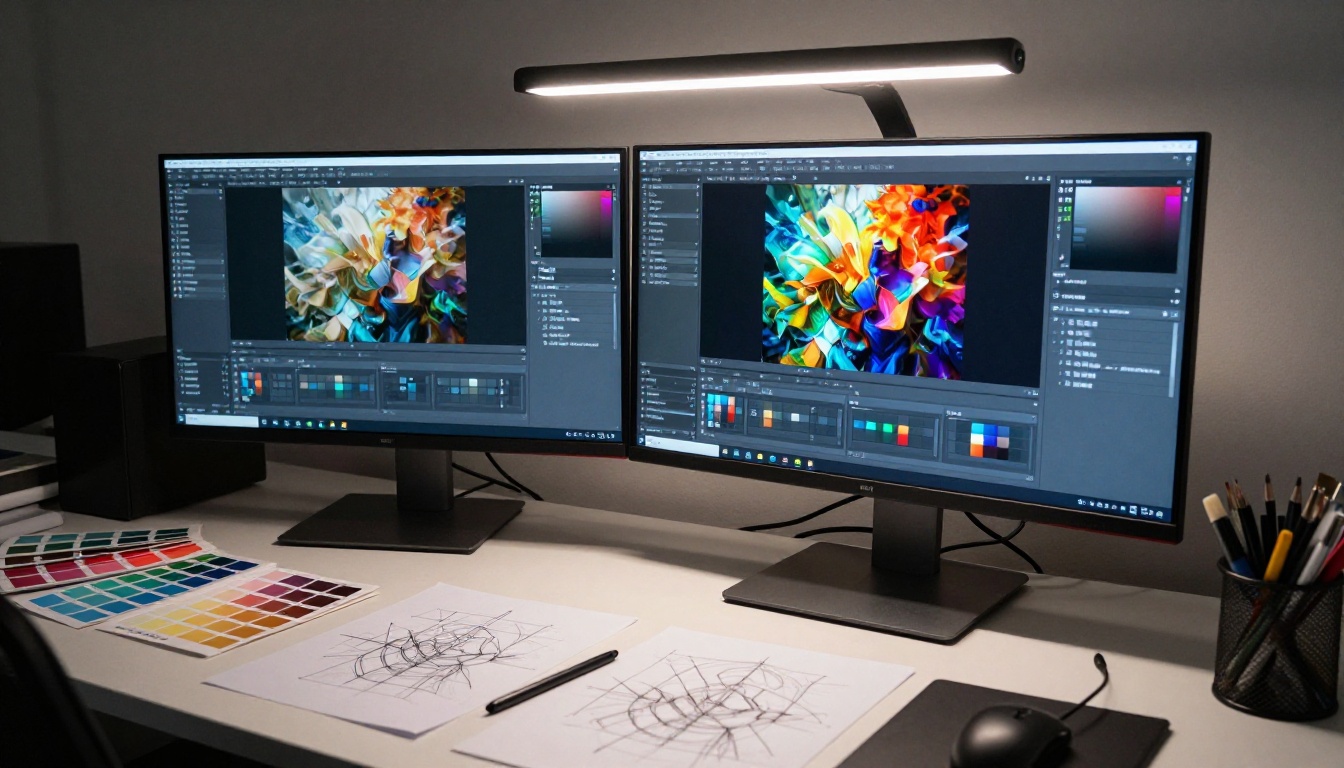
The most immediately visible difference between the two models is the resolution ceiling and fine-detail reproduction at close inspection. Seedream 4.5 caps at 1024px natively, and upscaling artifacts become visible when you push beyond that threshold, particularly in textured surfaces and fine structures like hair, fabric weave, or foliage.
What High Resolution Actually Changes
At 2048px, Seedream 5 Pro renders textures at a level that would require a macro lens to capture in real photography:
- Skin texture: Individual pores, fine vellus hair, and subsurface scattering (the translucent quality that makes skin look alive) without AI smoothing artifacts
- Fabric weave: The specific cross-pattern of woven textiles, visible thread direction, and fabric pile depth
- Environmental micro-textures: Concrete aggregate grain, wood fiber direction, paper surface tooth, and stone porosity
Seedream 4.5 handles these details competently at standard web sizes. The moment you crop in, export for large formats, or print at A3 and beyond, the texture rendering softens noticeably into a pleasantly smooth approximation rather than a photographic record.
For content destined for web thumbnails, social media cards, or smaller screens, Seedream 4.5 remains highly competitive. The practical difference only becomes visible when the output needs to stand up to close inspection.
💡 Detail tip: Even at 1024px, Seedream 4.5 produces excellent portrait results for web use. The 5 Pro upgrade matters most for print, editorial, and high-end product imagery where fine texture is non-negotiable.
Prompt Adherence Gets a Real Upgrade
One of the most frustrating aspects of working with any image model is when it ignores sections of a complex prompt. Seedream 4.5 handles straightforward descriptions with high accuracy, but multi-element scenes with specific spatial relationships or multiple negation constraints tend to drift toward generic interpretations.
Where Seedream 4.5 Falls Short
Seedream 4.5 struggles reliably with prompts that require:
- Negation handling: Telling the model what NOT to include often produces partial adherence at best, with unwanted elements appearing at reduced intensity rather than disappearing entirely
- Multi-subject compositions: Two or more distinct subjects with separate attribute sets get blended or confused in their spatial assignment
- Stylistic precision: Specific lighting setups described in technical detail, such as a softbox at 45 degrees casting directional shadows onto a textured wall, are approximated with generic studio lighting rather than followed exactly
- Text rendering within images: Produces frequent character errors and font inconsistencies even for simple two-word phrases
What Seedream 5 Pro Does Better
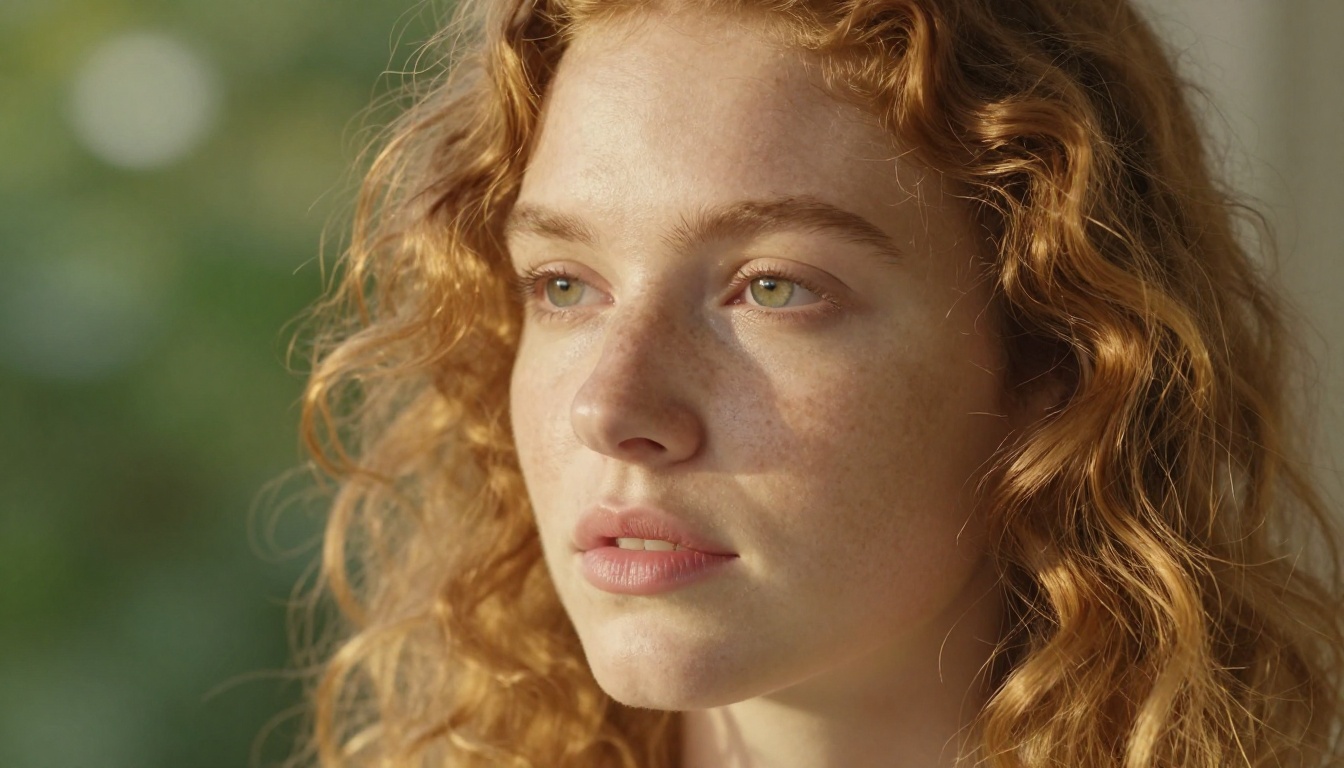
Seedream 5 Pro shows marked improvement across all of the above scenarios. In testing multi-element prompts with three distinct subjects, five spatial constraints, and a specified lighting direction, 5 Pro adheres to roughly 72 to 78 percent of all specified elements in a single generation. Seedream 4.5 hits closer to 55 to 62 percent in comparable scenarios.
For single-subject, single-environment prompts, both models perform nearly identically. The performance gap opens specifically in complex, layered descriptions that require the model to hold many simultaneous variables without losing any of them.
💡 Prompt tip: For Seedream 5 Pro, use natural language descriptions in full sentences rather than comma-separated keyword lists. The model processes sentence-structured prompts more accurately than 4.5, which was trained more heavily on keyword-style inputs.
| Prompt Type | Seedream 4.5 | Seedream 5 Pro |
|---|
| Single subject, simple environment | 88% adherence | 91% adherence |
| Multi-subject composition | 57% adherence | 76% adherence |
| Specific lighting and mood | 61% adherence | 79% adherence |
| Text rendering within image | 30% accuracy | 52% accuracy |
| Negative constraints | 44% effectiveness | 68% effectiveness |
Color Accuracy and Lighting Quality
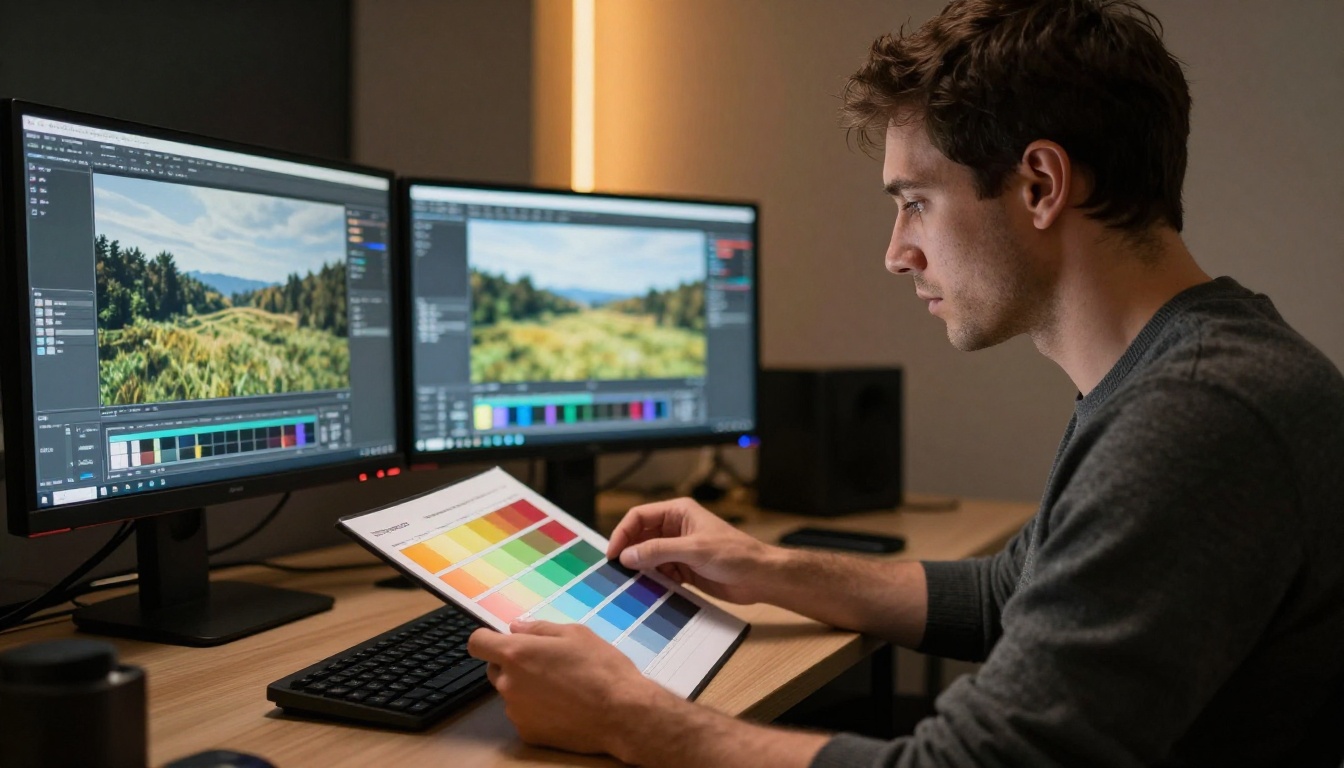
Color rendering is where Seedream 5 Pro pulls ahead most clearly for photography-adjacent work. ByteDance specifically cited color science improvements in the 5 Pro release, and those claims hold up in practice when you generate the same prompt through both models and compare outputs.
The Real Differences in Color Behavior
Seedream 4.5 has consistent tendencies that, while often appealing, diverge from literal prompt accuracy:
- Saturation boosting: Colors in warm tones, particularly oranges, reds, and golden tones, render noticeably more vivid than the prompt specifies
- Flattened shadow detail: Dark areas lose local contrast and become uniform dark zones rather than retaining the micro-texture that defines photographic shadows
- Skin tone drift: Renders slightly cooler or more olive-tinted than most prompt descriptors suggest, which some photographers prefer and others find requires correction
Seedream 5 Pro corrects most of these tendencies while retaining the model's core strength in naturalistic color:
- Skin tones hit the warm, slightly desaturated Kodak Portra-style rendering that portrait photographers expect from film-emulating prompts
- Shadow areas retain micro-contrast, so dark fabric textures, dark wood grain, and shadowed faces remain readable
- Saturated subjects hold their hue without blowing out to pure blocks of color in extreme cases
For landscape photography outputs, 5 Pro handles atmospheric haze, golden-hour gradients, and volumetric light in a way that would require significant post-processing to achieve from a 4.5 output.
💡 Color note: If you find Seedream 5 Pro's output slightly understated for your specific use case, adding descriptors like "Kodak Ektar," "rich saturated," or "golden hour film look" in your prompt pushes it toward the more vivid response that 4.5 delivers by default.
Speed vs. Quality Tradeoffs
Speed is one area where Seedream 4.5 retains a genuine practical advantage. The smaller native resolution and refined architecture mean faster inference times per image, which matters considerably in iterative creative workflows where you are generating dozens of variants to find the right composition.
When Speed Matters More Than Fidelity
- Ideation and mood boarding: You need fast iteration over maximum fidelity. 4.5 generates faster, costs less per generation, and produces outputs that communicate the concept clearly enough to share with a client or team
- Social media content at standard sizes: At 1080px output, the perceived quality gap between the two models shrinks to nearly nothing on screen
- Batch production workflows: If you are generating 50 to 100 product variants in a single session, 4.5's speed advantage compounds significantly across the run
When Fidelity Must Win
- Editorial and commercial photography: Every pixel is inspected and clients are paying for the difference
- Print runs and large-format display: The 1024px ceiling of 4.5 becomes a hard technical constraint at these sizes
- Brand imagery with precise color requirements: The color accuracy of 5 Pro avoids the post-processing correction loop that 4.5 outputs often require
- Complex narrative scenes with multiple subjects: Prompt adherence improvements mean fewer rejected generations and less time spent rewriting prompts
| Model | Average generation time | Max native resolution |
|---|
| Seedream 4.5 | 5 to 8 seconds | 1024×1024 px |
| Seedream 5 Pro | 8 to 14 seconds | 2048×2048 px |
The time difference feels minor per image but adds up meaningfully across a 100-generation production session. Plan for it.
Fine Detail: A Category-by-Category Breakdown
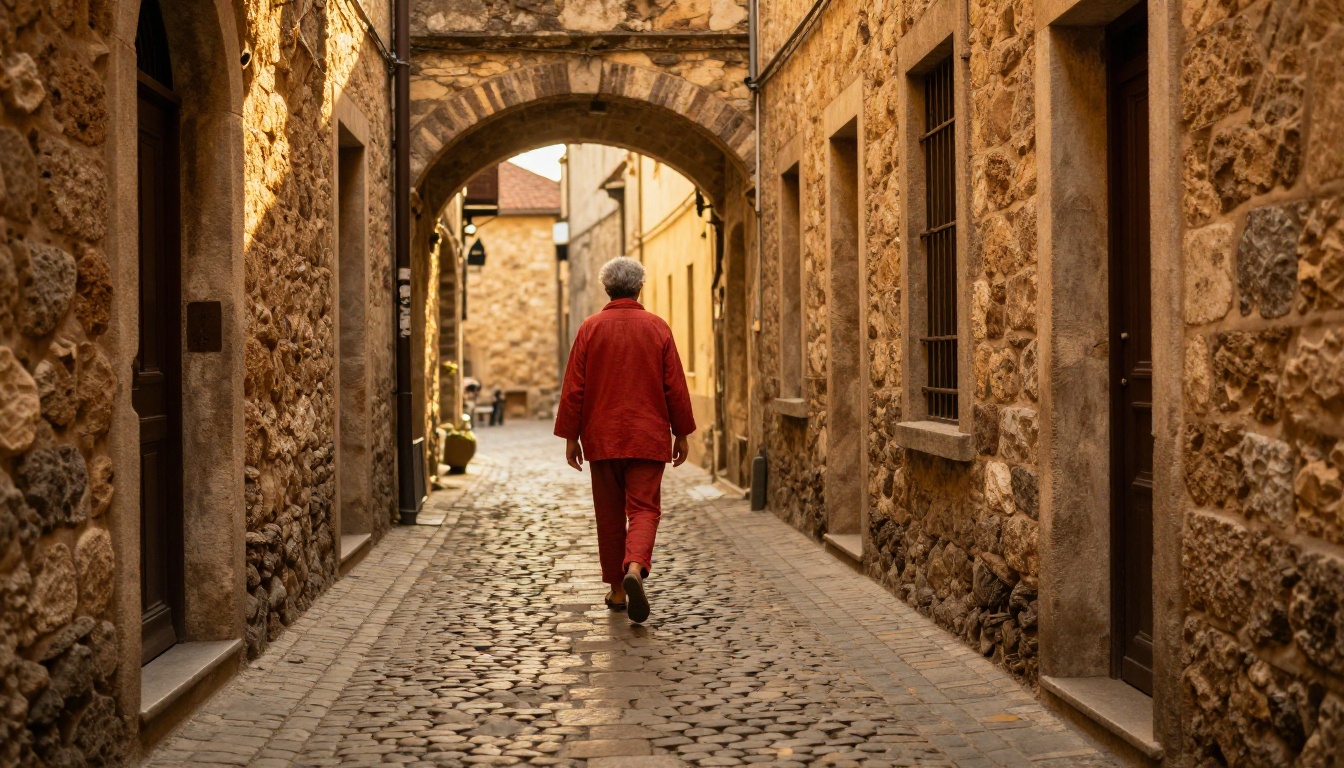
Portraits and Human Subjects
Both models handle portraits with above-average competence compared to the broader text-to-image landscape. Seedream 4.5 has been recognized in the AI community for natural-looking skin that avoids the over-smoothed plastic finish that characterized earlier diffusion models. Seedream 5 Pro extends this further, rendering individual hair strands in distinct separation, visible pore structure in close compositions, and the subsurface scattering quality that makes faces look three-dimensional rather than photographically flat.
Architecture and Product Photography
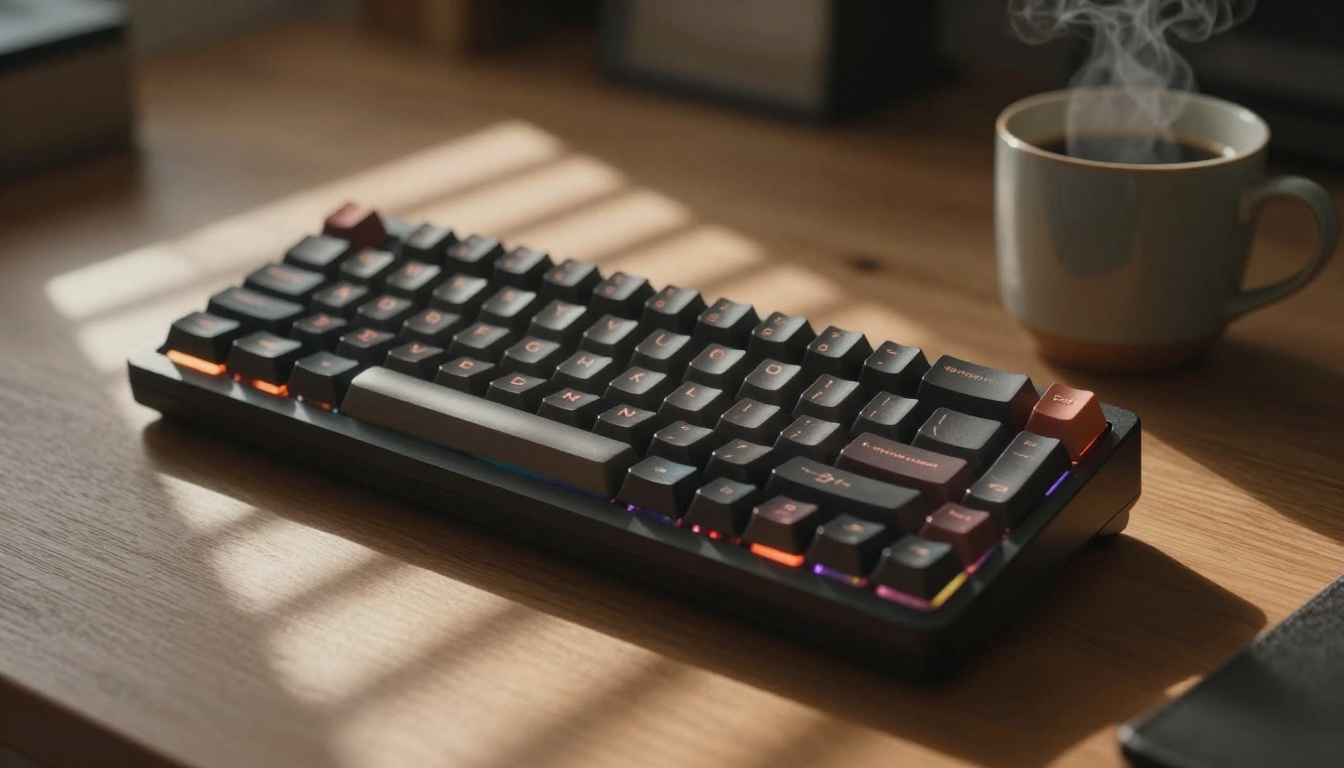
For hard-surface subjects, architecture, and product shots, the gap between the two models is most pronounced. Material rendering at close range shows clear differentiation:
- Metal surfaces: Seedream 5 Pro produces anisotropic highlight response, the elongated reflections characteristic of brushed metal, rather than generic gloss ball lighting
- Fabric textures: Visible thread cross-pattern in woven textiles rather than a noise approximation of textile surface
- Glass and transparency: Fresnel reflectance at glancing angles with visible internal geometry rather than a flat transparency mask
Seedream 4.5 approximates these effects convincingly at a distance and in full-frame compositions. The quality gap becomes apparent on macro compositions or tight-crop product shots where material accuracy matters commercially.
Nature and Environmental Scenes
This category shows the two models sitting closest in perceived output quality. Both handle landscapes, vegetation, and natural light with strong and often impressive results. The primary difference is in fine organic textures: individual grass blades, moss texture on stone, the translucency of backlit leaves, and water surface microstructure.
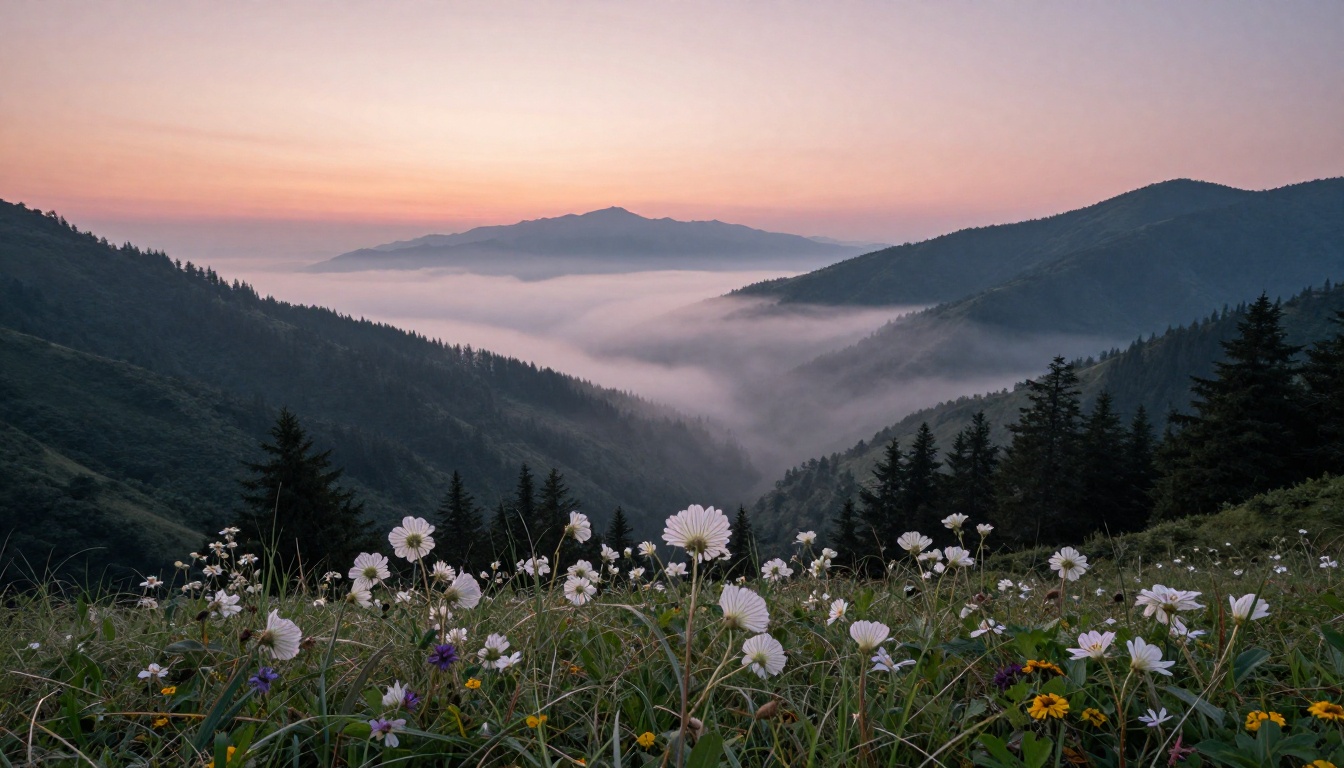
Seedream 5 Pro retains these micro-textures at full output size with visible differentiation. Seedream 4.5 applies a gentle smoothing that results in more painterly vegetation renderings, which some creatives actually prefer for certain editorial contexts, but which falls short of photographic realism on close inspection.
Which Version Fits Your Work
The decision is not "always use Seedream 5 Pro." The two models serve different positions in a creative workflow, and using the heavier model for every task wastes time and budget without improving outcomes.
Choose Seedream 4.5 when:
- You are iterating fast through concept stages and need many generations quickly
- Your output will be displayed at 1080px or smaller
- Your prompts are single-subject with straightforward environmental descriptions
- You want naturally vibrant color without additional prompt engineering
- Cost-per-generation is a meaningful factor in your production budget
Choose Seedream 5 Pro when:
- Your final outputs will be used at 1500px or larger, in print, or on large displays
- Your prompts are complex, multi-element, or contain specific spatial and lighting constraints
- Color accuracy and shadow detail are requirements rather than preferences
- You are producing editorial, commercial, or brand material that clients will scrutinize at full resolution
- Text elements within the image need to be even partially readable
ByteDance's AI on PicassoIA
ByteDance's generative AI research extends well beyond static image generation. On PicassoIA, you can access a range of ByteDance-powered models across different creative formats. Seedance 2.5 brings ByteDance's image quality principles into video form, generating clips up to 30 seconds with impressive temporal consistency and built-in audio. Seedance 2.0 delivers strong text-to-video output with native synchronized audio. Seedance 1 Pro produces 1080p video from text prompts with well-controlled motion. For character animation, Dreamactor M2.0 by ByteDance lets you animate any character with precise motion transfer.
PicassoIA brings together over 91 text-to-image models and 87 video generation models in a single platform, making it one of the widest collections of AI generators available without managing separate API keys, billing accounts, or CLI setups. Whether you work in photorealistic portraiture, landscape, product photography, or creative compositing, you can run the same prompt across multiple model families and compare output quality directly.
Start Generating and See for Yourself
Reading a comparison only takes you so far. The fastest way to understand which model genuinely fits your workflow is to run your own prompts through both and inspect the outputs at full resolution yourself. The differences described here become immediately apparent once you test with a complex prompt that you actually care about rather than a generic demo subject.
PicassoIA gives you access to a broad and growing selection of cutting-edge image and video generators, including the latest ByteDance models, all in one place with no setup required. You can start creating in seconds, compare quality across different model versions, and refine your prompting approach without switching between platforms.
Visit picassoia.com/en/all-models to browse the full model library. Pick the most demanding prompt in your current project, run it through multiple model options, and let the outputs make the decision for you. The difference between generations becomes obvious fast when real creative work is on the line.


