When you type a prompt into Sora 2, something far more complex than a keyword search happens. The model does not look up "sunset beach" and stitch together matching footage. It builds an entirely new scene from scratch, inferring physics, spatial relationships, lighting behavior, and object motion from the specific language you chose. That gap between what most people type and what Sora 2 can actually produce is exactly what this article addresses.
What Sora 2 Actually Does With Your Words

Sora 2 is a diffusion transformer model trained on an enormous corpus of video and text pairs. When your prompt arrives, the model does not process words one at a time like a basic language model. It encodes the entire sentence as a set of semantic relationships and spatial intentions, then uses those relationships to condition the generation process from the very first frame.
The model has learned to recognize not just nouns and verbs, but compositional meaning: the difference between "a dog chasing a ball" and "a ball being chased by a dog" is not trivial for a video model. Sora 2 preserves that directionality. Subject, object, and motion direction all shape the output independently.
From Text to World Model
What makes Sora 2 distinct from earlier text-to-video systems is its internal world representation. Rather than treating video as a sequence of independent image outputs, it maintains a coherent three-dimensional spatial model across the entire clip duration.
When you write "a woman walks from the kitchen into the living room," the model infers:
- The two rooms are spatially adjacent and connected by a doorway
- The woman's body occupies continuous space as she moves through the transition
- Lighting conditions may shift between zones due to different window positions
- The camera perspective must stay consistent to preserve spatial coherence
This is why a prompt like "camera slowly orbits around a red sports car parked on an empty road at sunset" produces results that feel physically grounded. The car stays the same car from every angle. The road stays level. The light source remains consistent across all frames of the orbit.
The Role of Physical Simulation
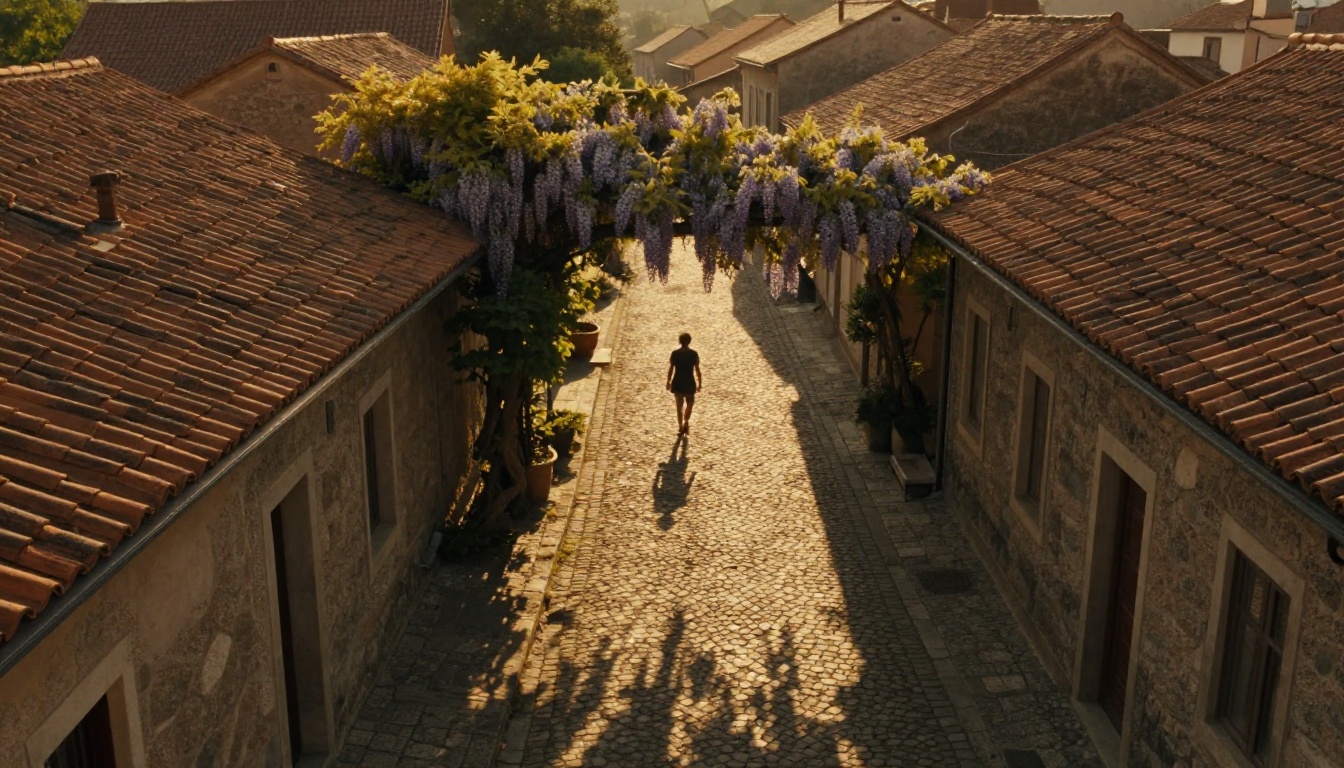
Sora 2 carries an implicit understanding of how objects in the physical world behave. Fabric moves with wind. Water reflects and ripples. Hair catches light differently from cloth. Fire rises. These are not programmed rules. They emerge from training data patterns, but they are surprisingly reliable when your prompt activates the right behavior.
💡 Tip: Describe materials explicitly. "A silk dress catching the ocean breeze" will produce better cloth physics than just "a woman on the beach." The material type activates learned physical behavior in the generation process.
The model also respects scale relationships. A "close-up of an ant carrying a grain of sand" tells the model to shrink the frame and exaggerate surface textures. A "satellite view of a city at night" pulls the virtual camera to an altitude where individual people become invisible and only street grid patterns and light clusters remain visible. Scale is a semantic instruction, not just a zoom setting.
How Specificity Changes Everything
Most people type prompts the way they would text a friend: short, casual, and full of assumed context. That works fine for general requests. But Sora 2 rewards specificity in a direct and measurable way. Every vague word is an opportunity the model fills with an arbitrary default.
Vague vs. Precise Prompts
Here is a concrete comparison of what happens at different levels of prompt specificity:
| Prompt Type | Example | Typical Result |
|---|
| Vague | "A woman walking" | Generic figure, undefined environment, flat lighting |
| Medium | "A woman walking through a park in the afternoon" | More defined, but Sora 2 fills many gaps arbitrarily |
| Precise | "A woman in her 30s with dark curly hair walks along a leaf-covered path through a quiet autumn park, dappled light filtering through golden trees, shot from behind at mid-distance, 50mm lens feel" | High fidelity, coherent atmosphere, consistent visual identity |
The precise version is not harder to write. It just requires thinking in more dimensions simultaneously: who, where, when, how it looks, and how we see it. Those five dimensions cover most of what separates a compelling output from a forgettable one.
Scene Elements That Matter Most
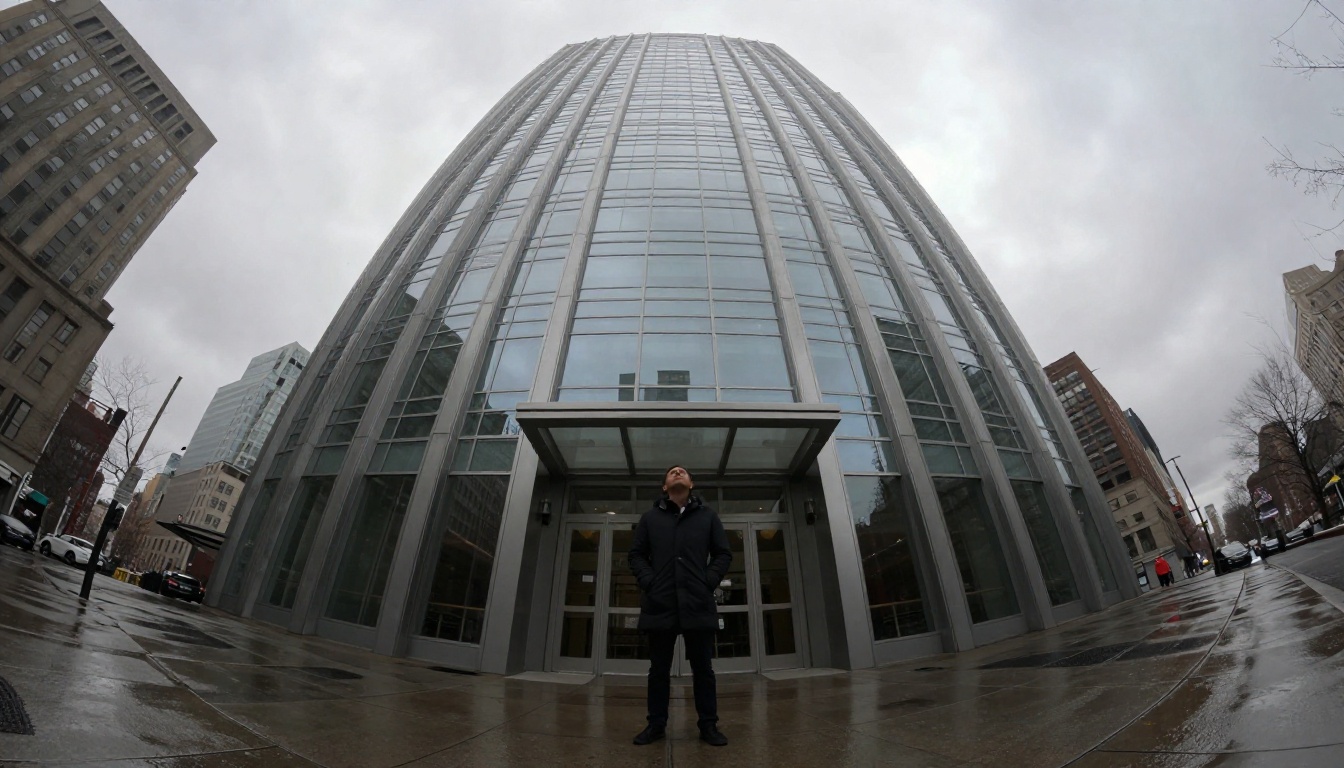
Not all descriptive details carry equal weight. These elements have the strongest impact on output quality, roughly in order of influence:
- Subject identity and action — the primary driver of scene content
- Environment and setting — establishes spatial and contextual grounding
- Lighting quality and direction — the most visible single quality signal
- Camera position and movement — determines composition and viewer perspective
- Temporal context — time of day, weather, season affects everything
- Material and texture — activates physics simulation behavior
Emotional adjectives like "melancholic" or "joyful" do affect color grading and pacing slightly, but they remain secondary to the six structural elements above. Build those six first, then layer in emotional tone.
Camera Language Sora 2 Responds To

One of the most underused capabilities of Sora 2 is its fluency in cinematography vocabulary. The model has been trained on professional film and television footage where camera terminology is tightly correlated with specific visual outputs. Using that vocabulary is not a trick. It is speaking the model's native language.
Shot Types and Angles
Using precise shot terminology consistently shifts output toward the intended framing:
- "Extreme close-up" zooms to facial features or detailed object surfaces
- "Low-angle shot" creates drama by positioning the camera below the subject looking up
- "Bird's eye view" or "aerial shot" places the camera directly overhead
- "Dutch angle" tilts the frame for psychological tension or disorientation
- "Over-the-shoulder shot" situates the viewer behind a character looking toward another
- "Two-shot" frames two characters together within the same composition
The model does not always execute these perfectly, but including the terminology shifts the probability distribution significantly toward the intended framing. It is better to ask and get close than to not ask at all.
Motion and Pacing Cues
Sora 2 understands motion descriptions at both the subject level and the camera level independently:
- "The camera slowly pushes in on her face" describes camera movement only
- "She walks quickly and then stops abruptly" describes subject motion only
- "A gentle pan from left to right across the skyline" specifies direction and speed for the camera
| Camera Motion Desired | Phrase That Works |
|---|
| Slow zoom in | "camera slowly drifts closer" |
| Orbit around object | "camera orbits 180 degrees around the subject" |
| Tracking shot | "camera follows the subject from behind at walking pace" |
| Static, locked off | "fixed tripod shot, no camera movement whatsoever" |
| Handheld feel | "slightly shaky, handheld documentary style" |
| Crane or rise | "camera rises slowly from ground level to rooftop height" |
💡 Tip: Always specify whether the camera moves or stays still. If you leave this out, Sora 2 may introduce subtle drift or slow zoom that you did not intend. Silence on camera movement is not treated as "no movement."
Lighting, Atmosphere, and Time
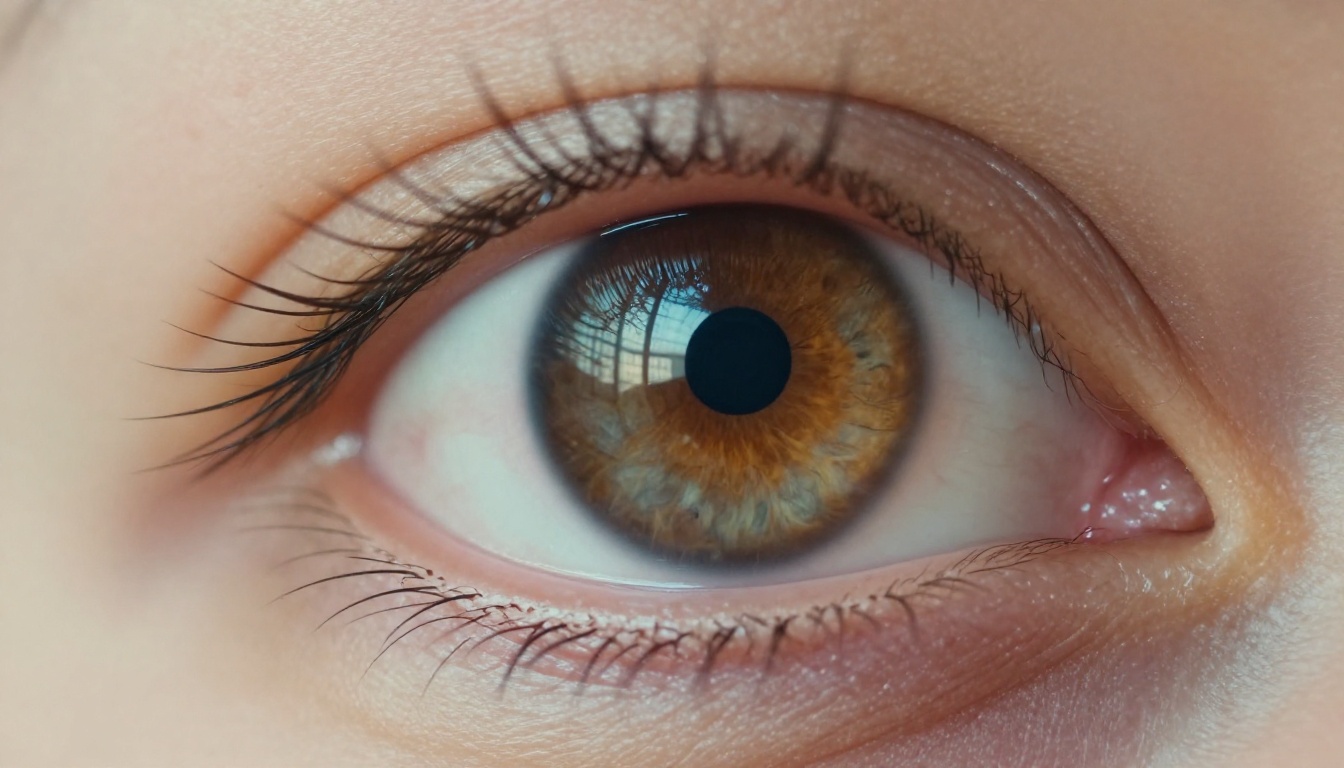
Lighting is the single most powerful atmospheric variable available to you in a prompt. It affects mood, apparent production quality, and the physical realism of every surface in the scene. Sora 2 processes lighting cues with remarkable accuracy when they are stated explicitly rather than left to inference.
Light Direction and Quality
These lighting descriptors carry the strongest effect on output:
- "Golden hour" yields warm amber low-angle sunlight with long soft shadows
- "Overcast diffused light" produces soft, even, shadow-free illumination across all surfaces
- "Single practical lamp" places a visible in-frame light source with realistic falloff
- "Backlit against a window" creates a rim-lit silhouette effect with blown-out background
- "Moonlight only" results in blue-tinted high-contrast shadows with minimal ambient fill
- "Volumetric morning fog" adds atmospheric scattering that interacts with all light sources
The direction of light matters as much as its quality. "Morning light from the right" or "warm side lamp from behind the subject" gives the model a spatial light source to work with, which improves shadow consistency and surface detail dramatically across the entire clip.
Time of Day as a Prompt Layer
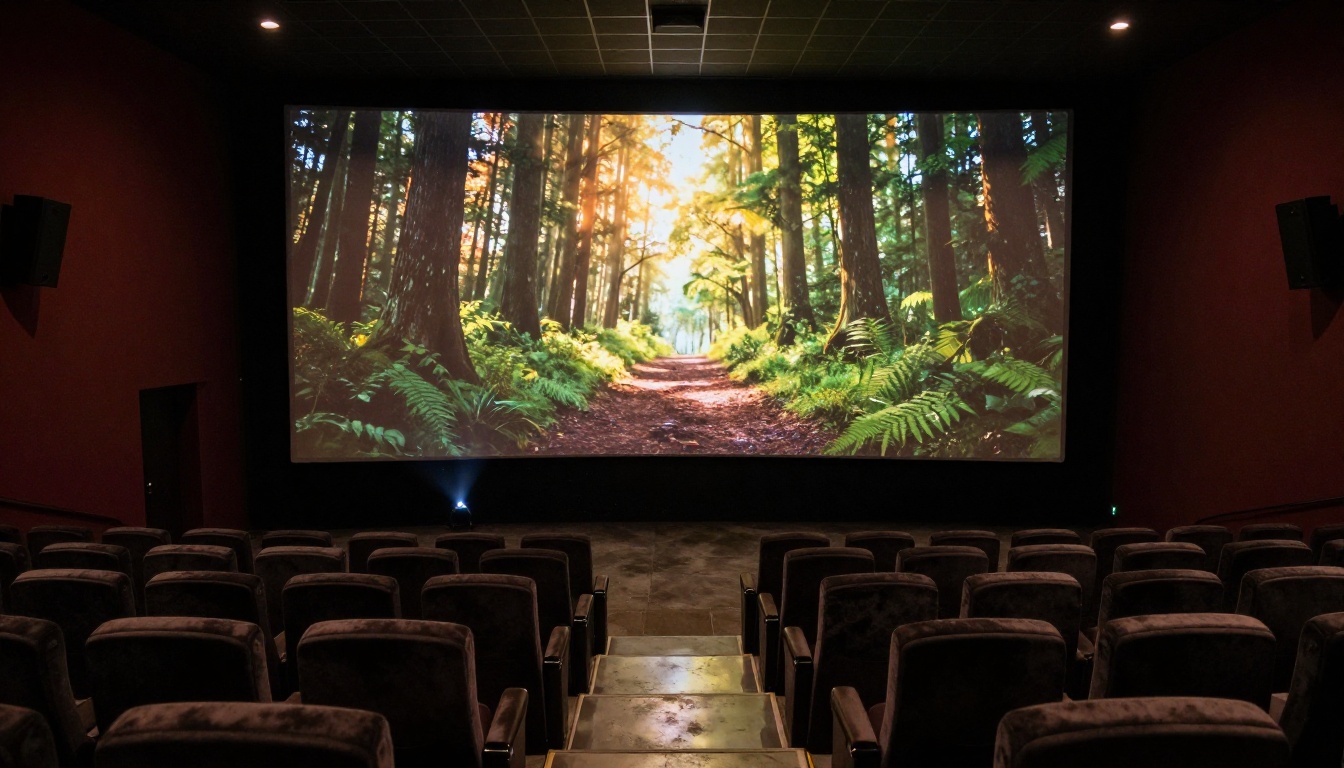
Think of time of day as a bundle of preset conditions. It tells the model the color temperature of the dominant light source, the angle and length of shadows, the ambient activity level in the environment, and the density of atmospheric haze.
- "3 AM in an empty city" implies artificial orange street light, near silence, empty streets, deep shadows under awnings
- "Noon in a busy market" implies harsh overhead sun, deep short shadows directly below subjects, crowded and colorful frame
- "Dusk over the ocean" implies purple-pink horizon gradient, long reflections on water, gradual shift from warm to cool tones
You do not need to spell out all those sub-conditions individually. The time phrase carries most of them implicitly. Use that implicit knowledge deliberately.
What Trips Sora 2 Up
Even a sophisticated model has failure modes worth knowing. Recognizing these patterns helps you avoid prompt structures that waste generations and produce confusing outputs.
Conflicting Instructions

The most common prompt failure is internal contradiction. Examples that cause degraded outputs:
- "A crowded Times Square with no people" — the model cannot satisfy both simultaneously
- "A sunny indoor scene lit only by candlelight" — competing dominant light sources without a stated hierarchy
- "The camera is both static and slowly zooming in" — a direct motion contradiction
- "An ancient medieval town with modern glass skyscrapers in the background" — temporal inconsistency
When the model receives contradicting signals, it typically resolves them by averaging or alternating, which means neither instruction is fully honored. The result is a visual compromise that satisfies nothing clearly.
Solution: State one dominant condition, then use qualifying language for secondary elements. "A nearly empty Times Square at 6 AM, a few distant figures visible on the far sidewalk" resolves the tension without contradiction.
Abstract Concepts vs. Concrete Scenes
Sora 2 struggles with pure abstractions. Words like "loneliness," "the passage of time," or "the weight of memory" are powerful ideas but they do not map to specific spatial or visual instructions the model can act on.
The consistent workaround is visual metaphor: translate the abstract concept into a concrete scene that implies the feeling.
- Instead of "loneliness": "a single person sitting at a large empty dinner table, all other chairs vacant, the last window light fading slowly"
- Instead of "the passage of time": "a time-lapse of shadows rotating across a blank white wall over several hours as the sun crosses"
- Instead of "tension": "two people standing three feet apart in a narrow hallway, both looking straight ahead, neither moving"
💡 Tip: If your concept is abstract, ask yourself: how would a film director actually shoot this for a cinema audience? That answer is almost always the correct prompt.
How to Use Sora 2 on PicassoIA
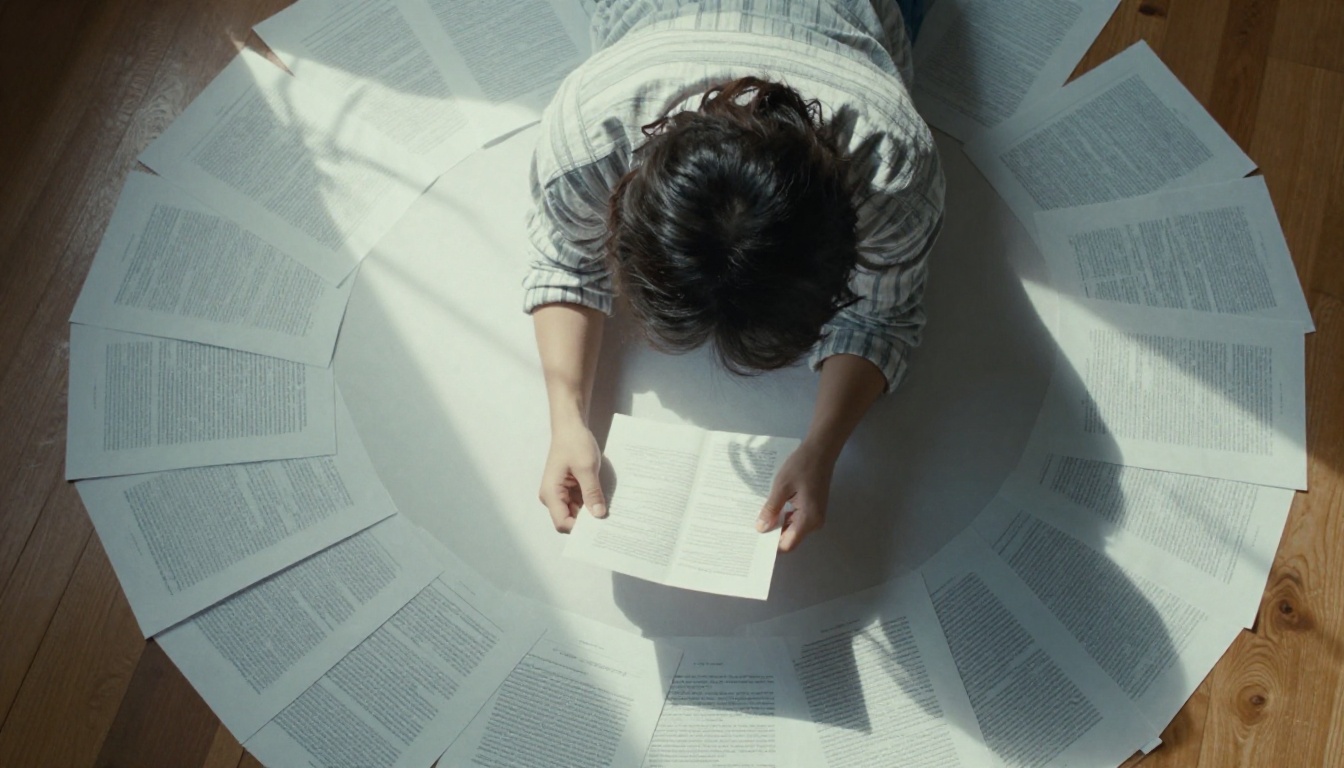
Sora 2 is available directly on the PicassoIA platform. No API key or technical configuration is required. Here is exactly how to run it.
Step-by-Step Walkthrough
- Open the model page: Navigate to Sora 2 on PicassoIA from any browser
- Write your prompt: Use the principles from this article. Structure it as: subject + action + environment + lighting + camera angle + time of day
- Set the resolution: Sora 2 supports up to 1080p. Start at 720p during iteration to generate faster, then scale up for your final version
- Set the duration: Short clips (5-8 seconds) are faster to generate and easier to evaluate. Longer clips introduce more temporal drift risk
- Run the first generation: Treat it as diagnostic. Use it to evaluate which prompt element needs adjustment, not as a final output
- Refine one variable at a time: If the lighting is wrong, update only the lighting description. If the camera angle is off, fix only that. Changing multiple elements at once makes it impossible to know what helped
- Scale up for finals: Once the prompt produces a satisfying result at 720p, switch to 1080p for the deliverable
For higher production quality and extended generation time with finer detail, try Sora 2 Pro, which runs the same architecture with a higher fidelity sampling configuration.
Parameter Tips
| Parameter | Recommended Setting | Why |
|---|
| Resolution | 720p for testing, 1080p for finals | Faster iteration without losing prompt feedback |
| Duration | 5-8 seconds | Long enough to evaluate motion, short enough to iterate quickly |
| Prompt length | 50-100 words | The sweet spot for coherent scene control |
| Negative prompt | "blurry, overexposed, shaky, low quality" | Prevents the most common artifacts |
| Seed | Fixed during refinement | Lets you isolate the effect of prompt changes |
💡 Tip: Run 2-3 generations with the exact same prompt before changing anything. Sora 2 has natural output variance, and what looks like a prompt problem might just be a statistical outlier that a second run avoids.
Other Models Worth Comparing
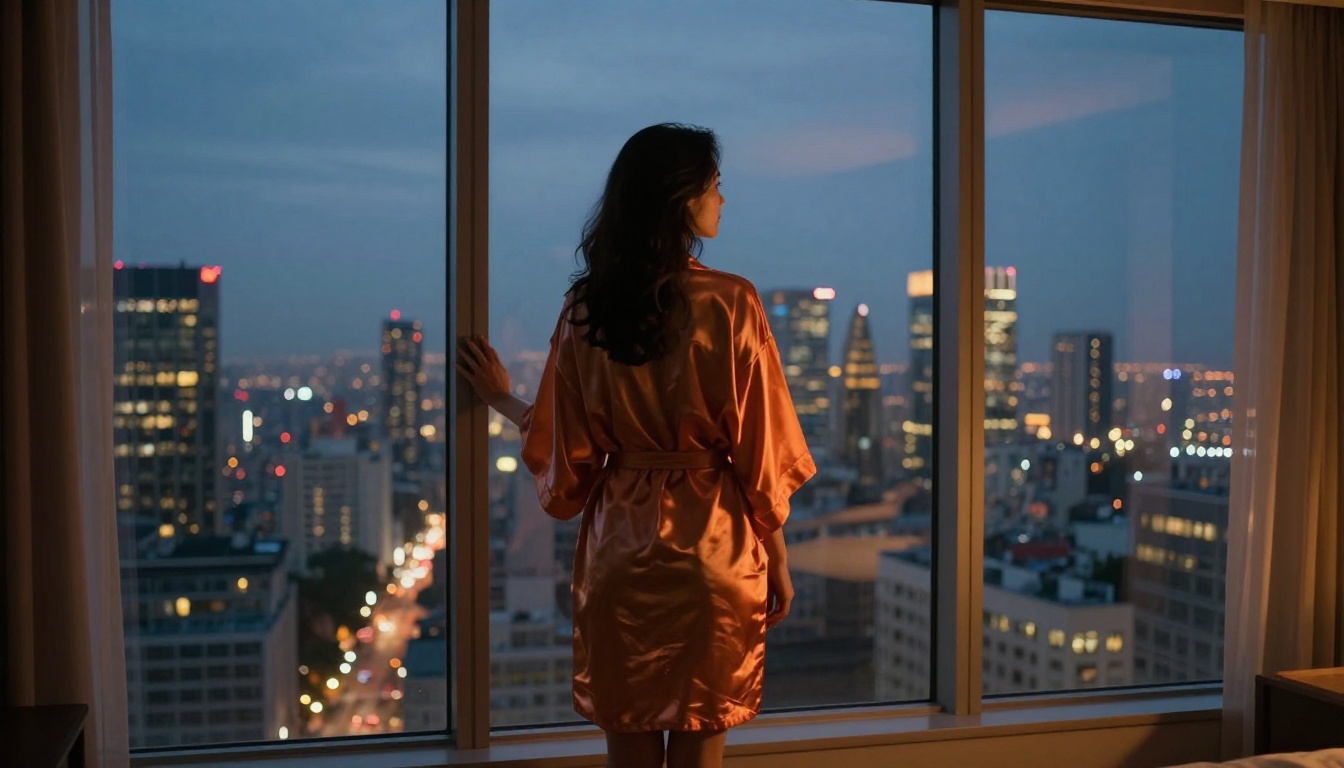
If your use case does not align with what Sora 2 produces, PicassoIA offers a strong selection of alternatives with different strengths:
- Kling v2.6: Excellent for cinematic human motion and emotionally expressive close-up scenes. Handles face detail with notably high consistency.
- Wan 2.6 T2V: Strong for environmental scenes, wide landscapes, and sweeping architectural shots with natural physics.
- Veo 3: Google's flagship model with native synchronized audio generation. The right choice when ambient sound is part of the deliverable.
- Kling v3 Video: Reliable for cinematic motion control with precise temporal output. Good when consistency matters more than variety.
- Gen 4.5: RunwayML's contender with strong narrative scene coherence across longer clips.
Each model has different prompt sensitivities and training biases. What works for Sora 2 will not transfer perfectly to every alternative, but the structural principles from this article apply broadly across all of them: be specific, use camera language, describe light direction, and avoid internal contradictions.
Start Creating Now
Writing better prompts is a skill that improves quickly with deliberate practice. The difference between a forgettable output and something that stops a viewer mid-scroll is almost always in the 20 words that describe lighting and camera angle, not in the subject itself.
Pick a scene you have been imagining. Write it out using the framework from this article: subject, action, environment, lighting direction, camera type, time of day. Run it on Sora 2 and study what comes back.
The model already knows how physics works, how light behaves, and how a camera moves through space. Your job is simply to give it the right instructions.
Start creating on PicassoIA today and see exactly how far a well-crafted sentence can take you.


