You type a sentence. A few seconds later, a video clip appears that matches your words almost exactly, no camera, no actors, no editing suite. Just a prompt and a running model. If you've seen it happen and still can't quite believe it, you're not alone. The mechanics behind text-to-video AI are genuinely surprising, and most explanations make them harder to grasp, not easier. So here is the real version: plain, accurate, and skipping the hype.

What the Model Actually Receives
Text-to-video AI starts with words, but what the model processes is nothing like the sentence you typed. The moment you hit generate, your prompt gets converted into a token sequence, a numerical representation of your text where each word, or sometimes parts of words, maps to a number inside a massive lookup table built during training.
That token sequence then passes through a text encoder, a neural network trained specifically to extract semantic meaning from language. The encoder's output is called an embedding vector: a long list of floating-point numbers that represents the meaning of your prompt in a high-dimensional mathematical space. Think of it less like a sentence and more like a coordinate on a vast conceptual map. "A dog sprinting across wet sand" sits close to "a puppy running on a beach" in that space, and very far from "a steel factory at dusk."
Your Prompt Is Not a Script
This distinction matters because the model never reads your prompt the way you read it. It does not parse narrative structure, grammar, or sequence. It works entirely from that compressed embedding, and uses it to steer a generation process that begins somewhere completely different from your words. This is why very specific wording can change your output dramatically even when the surface meaning seems identical. The embedding space is sensitive to vocabulary, specificity, and the relationships between concepts.
Tokens, Weights, and Attention
Most current models use a variant of the transformer architecture to build these embeddings. Inside the transformer, an attention mechanism lets each token look at every other token and assign relevance weights. "Sunset" carries more semantic weight when it sits next to "ocean" than next to "warehouse." That weighted context shapes the final embedding that gets passed to the video generator. This is why prompts that include relational descriptions, "a cat sleeping on top of a worn leather couch beside a window," tend to produce more spatially accurate outputs than flat lists of keywords.
Inside the Diffusion Process
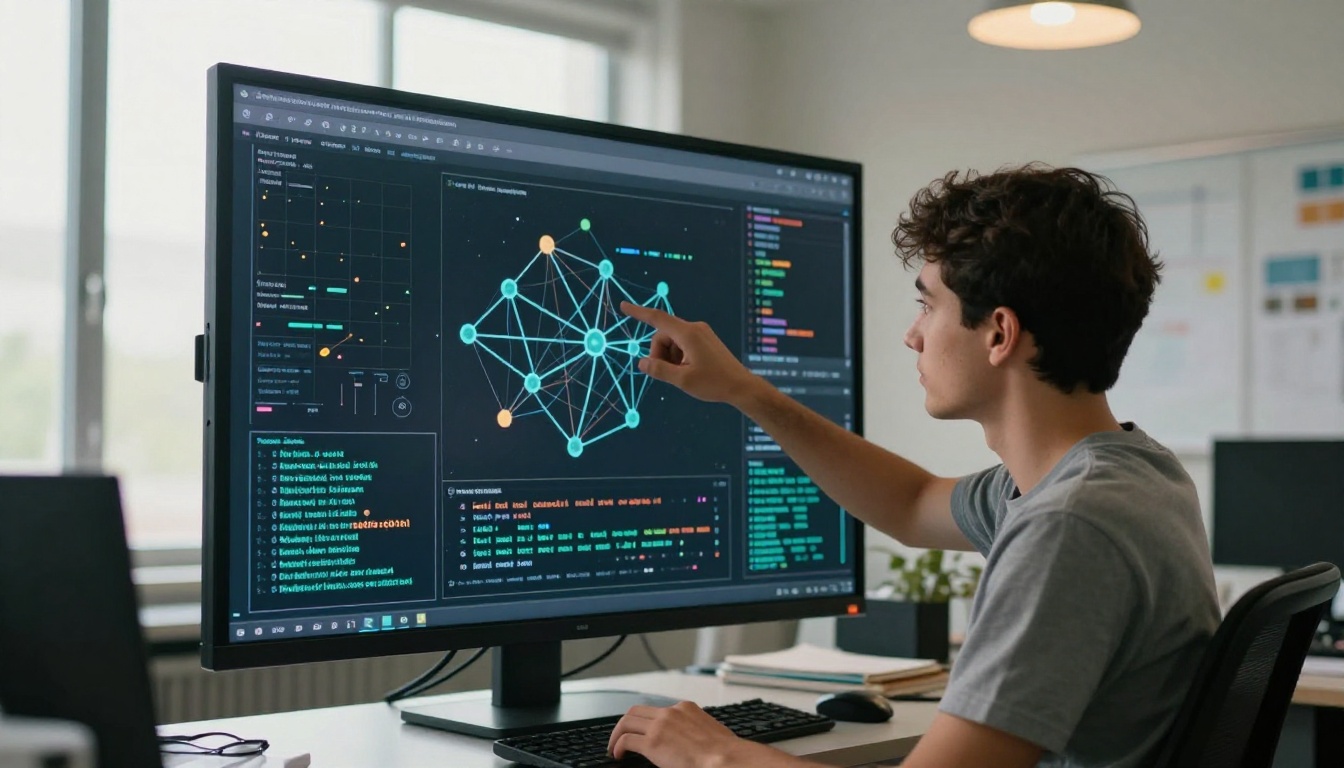
The actual video generation in most state-of-the-art models, including Veo 3, Wan 2.6 T2V, and Kling v3 Video, relies on a process called diffusion. Once you understand diffusion, everything else in text-to-video AI clicks into place.
Starting from Pure Noise
The model does not start with a blank canvas or a rough sketch of your scene. It starts with a tensor of pure random noise, essentially meaningless scrambled values, in a compressed representation of video space called latent space. Latent space is a lower-resolution, more abstract encoding of the actual video data. Working in latent space rather than raw pixels is what makes diffusion computationally feasible at all. Manipulating raw 1080p video frame-by-frame in pixel space would require compute resources far beyond current hardware.
The noise is intentional. Diffusion models are trained by doing the reverse: taking real video clips, progressively adding noise until they become unrecognizable static, and then training a neural network to predict and reverse that noise addition step by step.
Denoising Step by Step
From that starting noise, the model runs a series of denoising steps, typically between 20 and 50 iterations depending on the model and quality settings. At each step, a neural network called the denoiser, usually a U-Net or a newer diffusion transformer architecture, takes three inputs: the current noisy latent, the text embedding from your prompt, and a timestep value indicating how far along the denoising process is. It predicts what noise was added at that step. The model subtracts that predicted noise, leaving a slightly more coherent result.
Run that process 30 to 50 times and the random noise gradually resolves into a video clip that reflects your prompt.
Your text embedding is present at every single denoising step, not just the first one. It guides the process continuously through a technique called classifier-free guidance. The denoiser runs two predictions simultaneously at each step: one conditioned on your prompt embedding and one without it. The difference between those two predictions is amplified and added to the output. Turn the guidance scale up and your prompt has stronger influence over the result. Push it too high and the output becomes oversaturated and artifacts appear.
How Frames Become Video
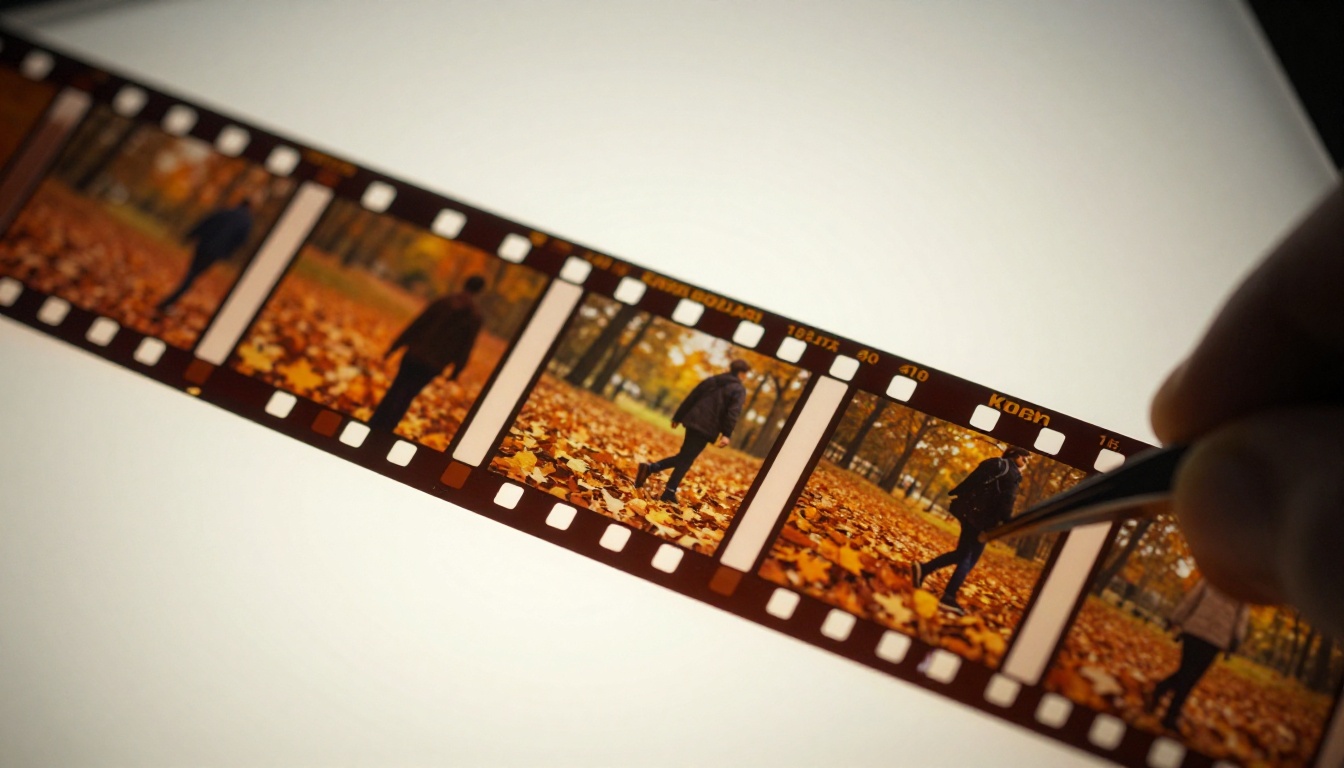
Generating a single coherent image is one problem. Generating dozens or hundreds of frames that flow consistently through time is a fundamentally harder problem, and it is where text-to-video AI diverges sharply from text-to-image AI.
The Temporal Consistency Problem
A still image can be evaluated in isolation. A video cannot. If an AI model generates each frame independently, you get visual flickering, morphing objects, and characters whose faces subtly change between frames. This problem, called temporal inconsistency, was the defining limitation of early text-to-video models. Watch early outputs from models released in 2023 and you will see it immediately: the subject is right, but everything shimmers and shifts as if filmed through heat distortion.
The core challenge is identity preservation across time. The coffee mug on the table needs to be the same mug in frame 12 as it is in frame 60, same angle, same color, same texture. Any drift in the denoising trajectory that affects one frame but not adjacent frames shows up as a visible discontinuity in the final clip.
How Models Solve It
Modern architectures address temporal consistency through several approaches that often work together:
- 3D attention layers: Instead of attending only to spatial positions within a single frame, these layers let every position in every frame attend to every other position across the entire clip. Frame 5 informs frame 6 and frame 7 directly.
- Temporal convolutions: Convolutional layers that operate along the time dimension rather than only across height and width, smoothing motion between adjacent frames.
- Video VAE encoding: The variational autoencoder that compresses video into latent space is trained on video clips rather than individual images, so it learns to encode motion as a continuous variable, not as independent snapshots.
- Flow-matching training: Some newer models like LTX 2.3 Pro and Seedance 2.0 use flow-matching objectives rather than traditional diffusion noise schedules, which provides smoother interpolation along the generation trajectory and noticeably better motion quality.
Text-to-Video vs. Text-to-Image
At the architecture level, text-to-image and text-to-video models share foundational ideas but differ in scope and complexity in ways that explain why video generation is so much harder and more resource-intensive.
| Dimension | Text-to-Image | Text-to-Video |
|---|
| Output shape | Height x Width | Height x Width x Frames |
| Attention scope | Spatial only | Spatial + Temporal |
| Latent space | 2D image latent | 3D video latent |
| Training data | Image-caption pairs | Video clips with captions |
| Compute per generation | Moderate | High to very high |
| Primary failure mode | Anatomy and composition errors | Temporal inconsistency |
| Prompt sensitivity | High | Very high |
What Changes at the Architecture Level
The biggest architectural shift is the move from 2D spatial attention to full 3D spatiotemporal attention or at minimum factored spatial-temporal attention. In full 3D attention, every position in every frame can attend to every position in every other frame simultaneously. This gives excellent temporal coherence but scales poorly with frame count and resolution.
Factored approaches alternate between spatial-only and temporal-only attention passes as a practical compromise. This makes generation feasible at longer durations without exponential memory growth. Most production models use factored attention with selective full-attention layers at certain depths in the network.
Models like Sora 2 Pro and Veo 3.1 are believed to use full spatiotemporal transformer architectures trained on enormous curated video datasets, which is why their outputs show dramatically better temporal coherence and motion physics than earlier-generation models. The gap is not just compute. It is architecture choices and training data quality working together.

The Models Doing This Right Now
There are now more than 80 credible text-to-video models, each with different tradeoffs between speed, quality, resolution, motion accuracy, and cost. Here is a practical breakdown.
High-End Options
These models prioritize output quality and realism, often at higher generation time or per-minute cost:
- Kling v3 Video: Cinematic motion quality with strong subject tracking and composition control
- Veo 3: Native audio generation alongside video from a single text prompt, a significant capability jump
- Veo 3.1: Outputs at 1080p with improved motion physics over the previous version
- Sora 2 Pro: High-resolution outputs with strong long-form narrative coherence
- Hailuo 2.3: 1080p with consistent character rendering across clip duration
- Seedance 2.0: Text to video with native synchronized audio, strong temporal stability
- Kling v2.6: Reliable cinematic output with motion control features
Fast and Free Options
These models trade some quality for speed, making them ideal for prompt iteration and rapid testing:
💡 Tip: Use a fast model to iterate your prompt until the scene and motion feel right. Then run the final version through a high-end model. You will save time and cost significantly.
Why Some AI Videos Look Bad
Even with the best models available, outputs can disappoint. The causes are usually specific and fixable once you know what to look for.
Common Failure Modes
Temporal flickering: Each individual frame looks acceptable but adjacent frames do not match smoothly. This typically happens when the architecture uses insufficient temporal attention, or when inference steps are set too low. Switching to a model with stronger temporal training like Kling v3 Omni Video often resolves this.
Morphing faces and dissolving anatomy: Human anatomy is extraordinarily difficult. The model learned from video data where faces and bodies move in complex, highly variable ways. When the denoising process is uncertain between two plausible positions, it averages them, which creates the melting-face effect. More specific prompts about pose and angle reduce uncertainty and improve output stability.
Floaty or physically incorrect motion: Physics are not modeled explicitly in diffusion systems. Motion is approximated from statistical patterns in training video data. Anything requiring precise physical behavior, cloth dynamics, liquid pouring, rigid body collisions, tends to look wrong. Fix this by describing the motion explicitly in the prompt rather than leaving the model to infer it.
Prompt bleed: Two distinct concepts in a prompt can merge spatially in ways you did not intend. "A red bag on a white table" might produce a pink table because the color descriptors bleed. Separate your spatial descriptors deliberately and be specific about what property belongs to what object.
Scene drift over longer clips: For clips beyond 6 to 8 seconds, many models lose track of the initial scene setup and gradually drift toward a different composition. This is a known limitation of current video latent space sizes. Keeping prompts focused on a single, continuous motion within a single location dramatically helps.
💡 Tip: Short, specific, single-scene prompts almost always outperform long, multi-event descriptions. One clear action is better than a sequence.
How to Use Wan 2.6 T2V on PicassoIA
Wan 2.6 T2V is one of the strongest open-architecture text-to-video models available right now, with particularly good temporal consistency and high prompt adherence. Here is how to run it directly on PicassoIA.
Step 1: Open the Model Page
Go to the Wan 2.6 T2V page on PicassoIA. The interface loads the model parameters and a prompt field immediately.
Step 2: Write a Structured Prompt
Build your prompt in layers, not as a stream of consciousness:
- Subject first: Who or what is in the frame and what do they look like? ("A woman in a cream coat")
- Action second: What is happening and how? ("walks slowly through a deserted cobblestone street")
- Camera behavior: Where is the camera and how does it move? ("camera tracks from behind at waist height, slight push forward")
- Environment: Where is this taking place and what does it look like? ("early morning, dense fog, soft diffused grey light")
- Atmosphere: Any final quality descriptors ("photorealistic, cinematic, no music")
Step 3: Set Your Parameters
| Parameter | Recommended Starting Value |
|---|
| Duration | 5 seconds |
| Resolution | 720p |
| Guidance Scale | 7.0 to 7.5 |
| Inference Steps | 30 |
| Aspect Ratio | 16:9 |
Start conservative. You can always increase steps and resolution once your prompt is working. Longer clips need more steps to stay temporally consistent.
Step 4: Review What You Got
After generation, evaluate your output on three axes:
- Prompt adherence: Did the content match what you described?
- Temporal consistency: Does the subject hold its identity through the clip?
- Motion realism: Do the physics look plausible?
Step 5: Iterate Efficiently
If something is off, change one thing at a time in your prompt. If you need faster turnaround while testing, Wan 2.5 T2V Fast uses a similar architecture at faster generation speed, so your prompt learnings transfer directly.
💡 Tip: For best temporal results with Wan 2.6 T2V, focus each prompt on a single continuous motion within a single location. Scene transitions and multi-event sequences push the model's consistency limits.
Now It's Your Turn
Understanding the mechanics is one thing. Actually generating something is another. The gap between a mediocre output and a genuinely good one narrows fast once you know what the model is doing at each step. You are no longer guessing. You know it starts from noise, denoises toward your embedding at every step, attends across time to maintain consistency, and decodes back into pixels through a learned decoder.
That knowledge changes how you write prompts. Shorter descriptions. Explicit motion instructions. One coherent scene per clip. Spatial specificity for every property. Realistic expectations about what physics the model can plausibly reproduce.
PicassoIA has more than 80 text-to-video models ready to run right now, from free entry points like Ray Flash 2 540p and Pixverse v5.6 to cinematic-quality options like Kling v3 Omni Video and Veo 3.1. There is no better way to internalize how these models work than to run a few prompts yourself, compare the outputs side by side, and notice exactly where and why they differ.
Pick a model. Write one clear, specific sentence. See what comes back. Then adjust one thing and run it again.