Your AI girlfriend has the perfect look, the right personality, and responses that feel thoughtful. But the second she speaks in a flat, robotic voice, the illusion breaks completely. Voice is the single most intimate channel of human communication, and getting it right changes everything about the experience.
This is the practical breakdown of how to add a custom voice to your AI girlfriend: the best text-to-speech models, voice cloning methods, lipsync tools, and the LLMs that make her dialogue feel natural rather than scripted. Every tool covered here is available on PicassoIA.
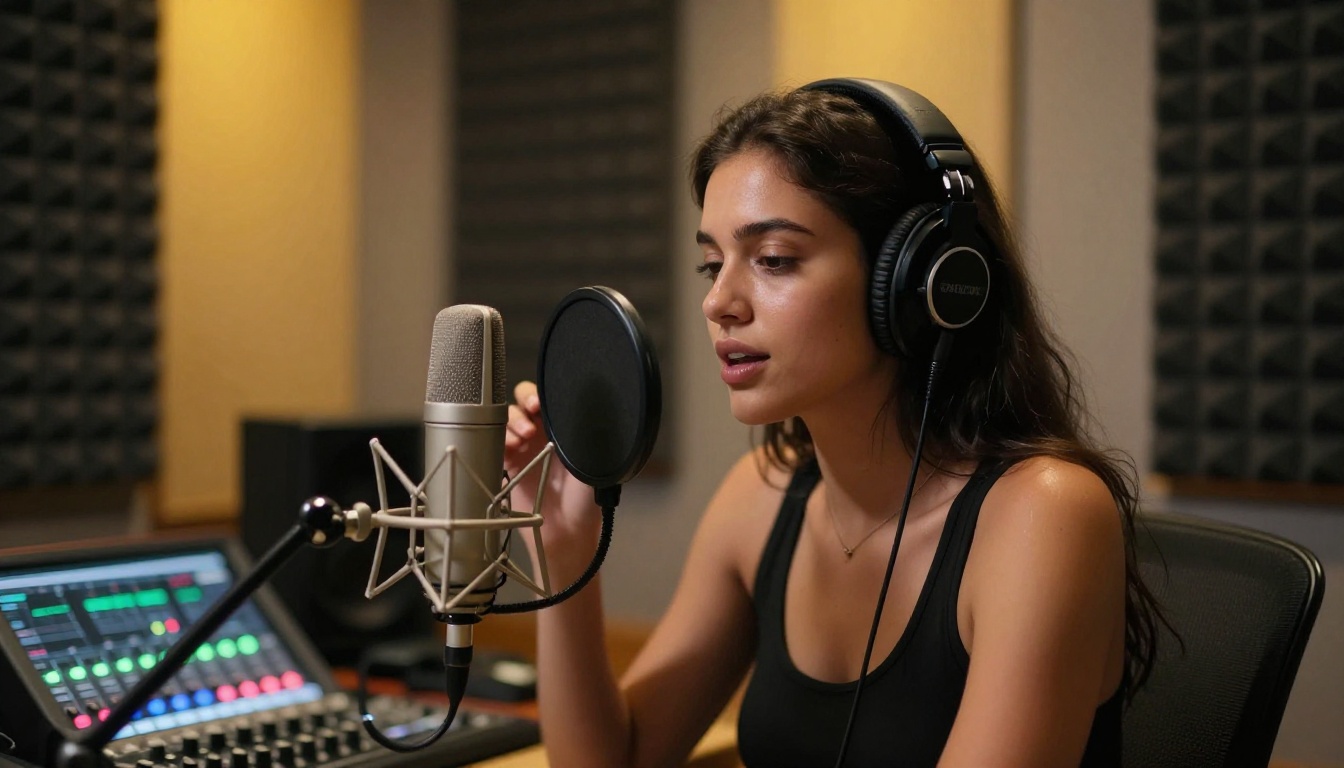
Why Voice Matters More Than Words
The gap between text and speech
Text is processed by your eyes at your own pace. Speech is delivered directly into your nervous system, whether you want it or not. Tone, speed, breath, micro-pauses between syllables: all of it carries emotional weight that no paragraph of text can replicate.
When you add a custom voice to your AI companion, you're not just adding audio. You're adding emotional context, personality signals, and intimacy cues that text simply cannot deliver. A warm, slightly breathy voice with natural pacing registers in the brain as a presence. A robotic monotone registers as a machine.
💡 People attribute far more emotional intelligence to voices they find warm and natural. The way your AI girlfriend sounds shapes how you perceive her intelligence, her empathy, and her personality.
What "natural" actually means in voice AI
The word "natural" in TTS covers three distinct components:
- Prosody: the rise and fall of pitch, the rhythm of sentences, the way questions sound like questions
- Timbre: the unique tonal color of a voice, the frequencies that make one voice sound different from another
- Spontaneous markers: subtle hesitations, breath sounds, and micro-variations in speed that signal a thinking, feeling person rather than a playback machine
Modern AI voice models have largely solved prosody and timbre. The frontier is spontaneous markers, and that's where the best models on PicassoIA now operate.
Two Ways to Build a Custom Voice
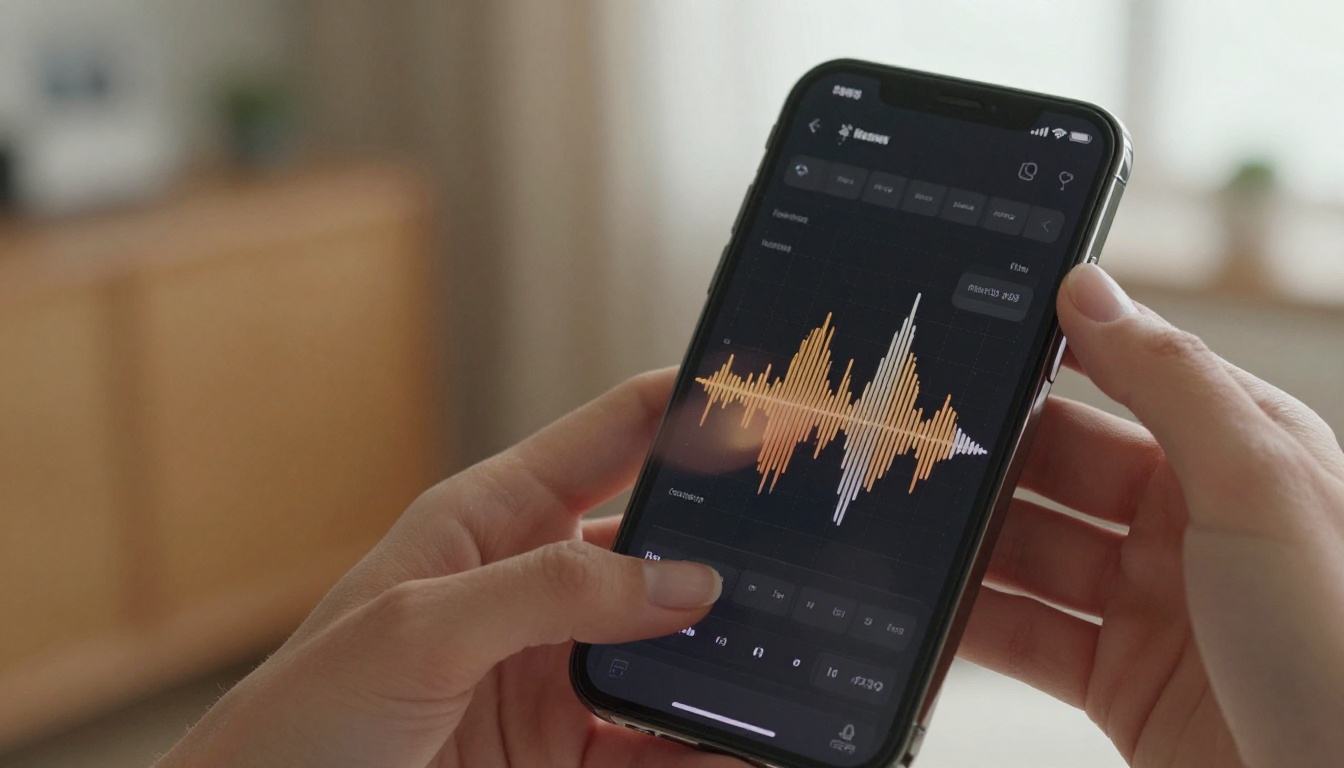
Voice design from scratch
Voice design means choosing a voice profile from a built-in library and customizing parameters like speed, pitch, emotional tone, and speaking style. This is the fastest method and works well when you have a clear idea of the type of voice you want: soft and intimate, confident and direct, or warm and playful.
The advantage is zero setup time. You pick a voice, adjust a few parameters, and you're ready. The tradeoff is that the voice belongs to the model's built-in character, not a specific persona you've defined.
Voice cloning from audio samples
Voice cloning works by analyzing a short recording of a target voice, anywhere from 5 to 60 seconds of clean audio, and generating a personalized voice model that captures the exact timbre, speech patterns, and unique characteristics of that recording.
This is the most powerful option for AI companion customization because it lets you define the voice from the ground up. You can record your own voice, use a royalty-free voice actor sample, or work with AI-generated voice references.
💡 Best practice: Use at least 15 to 20 seconds of audio with minimal background noise, natural speaking pace, and a variety of sentence structures including both statements and questions.
The Best TTS Models for AI Companions

Not all text-to-speech models are equal when it comes to intimate companion voices. Here's a breakdown of the top options available on PicassoIA:
MiniMax Speech 2.8 HD
MiniMax Speech 2.8 HD is the go-to for studio-quality output with real emotional depth. What makes it stand out for AI companion use is its handling of intimate speech registers: the kind of soft, warm, slightly lower-register tone that makes a voice feel close rather than distant.
It's synchronous and fast, typically returning audio in around 2 seconds. For companion apps where latency kills immersion, that speed matters as much as quality. The companion model Speech 2.8 Turbo trades a fraction of quality for even faster response times when speed is the priority.
Resemble AI Chatterbox
Resemble AI Chatterbox is the strongest voice cloning option in the lineup. It takes a short audio reference and produces output that captures not just the timbre but the emotional coloring of the source voice.
The Chatterbox Pro variant extends this with precise emotion control parameters, letting you push the output toward warmth, playfulness, or seriousness depending on the context of each line.
ElevenLabs V3
ElevenLabs V3 remains one of the most natural-sounding TTS models available anywhere. Its prosody modeling handles complex emotional sentences exceptionally well, producing output that varies in pitch and pace the way a real person would.
For users who want their AI companion to support multiple languages without losing voice consistency, V3 combined with ElevenLabs Flash v2.5 creates a strong full-stack solution.
Qwen3 TTS
Qwen3 TTS is the most flexible option if you want both voice cloning and voice design in a single model. You can provide a reference audio for cloning or describe the voice characteristics you want, and the model builds accordingly.
This makes it ideal for users who are still experimenting with what their AI companion should sound like before committing to a specific voice identity.
Using MiniMax Voice Cloning on PicassoIA
MiniMax Voice Cloning is the dedicated voice cloning model from MiniMax and one of the most direct tools for creating a custom AI girlfriend voice on PicassoIA. Here's how to use it:
Step 1: Prepare your reference audio
Record or source a clean audio clip of 15 to 30 seconds. The voice should be consistent throughout, with no background noise, no music, and no echo. MP3 or WAV formats work best.
Step 2: Open MiniMax Voice Cloning on PicassoIA
Navigate to the Voice Cloning model page and upload your reference audio file to the model input panel.
Step 3: Write your dialogue
In the text input field, type the exact words you want your AI companion to say. Keep sentences conversational and natural. Avoid overly complex sentence structures that could trip up the prosody engine.
Step 4: Set voice parameters
Adjust speaking speed: a slightly slower pace tends to sound more intimate. If the model offers emotion tagging, select "warm" or "affectionate" for companion dialogue. Leave pitch neutral unless you have a specific target in mind.
Step 5: Generate and evaluate
Run the model and listen critically. Pay attention to whether the output sounds like the reference voice, whether the emotion reads correctly, and whether there are any unnatural pauses or artifacts. If any of those are off, adjust your input text to remove complex punctuation clusters or re-upload a cleaner reference clip.
Step 6: Integrate the audio output
Download the generated audio and plug it into your AI companion pipeline, whether that's a chat platform, a lipsync workflow, or a custom app.
💡 Pro tip: If you need a voice for different emotional contexts, such as happy, tender, or playful, generate separate audio captures with those emotional qualities and save them as distinct voice presets.
Lipsync: Giving Her a Face That Talks
Voice alone handles the audio side. Lipsync closes the loop by making your AI companion's avatar physically speak in sync with that audio.
What lipsync AI actually does
A lipsync model takes two inputs: a video or image of a face, and an audio track. It then generates a new video in which the face's mouth movements are precisely synchronized to the audio. The output is a video of your AI companion visually speaking in the custom voice you created.
The best modern lipsync models go beyond mouth movement. They generate natural micro-expressions, subtle head movements, and eye blinks that make the talking feel genuinely alive rather than a mechanical overlay.
Best lipsync models on PicassoIA
Omni Human 1.5 from ByteDance is the current flagship for realistic talking avatar generation from a single photo. It handles diverse facial structures, skin tones, and expressions with exceptional realism. Upload a photo of your AI companion and your custom voice audio, and it produces a fully animated talking video.
Sync Lipsync 2 Pro offers the most precise lip movement accuracy in the lineup. It's the choice when mouth shape accuracy is the priority, particularly for close-up shots where small misalignments are clearly visible.
HeyGen Lipsync Precision excels at dubbing longer video clips with consistent sync throughout. Where other models can drift on extended audio, HeyGen Precision maintains accuracy over 30-second clips and beyond.
P Video Avatar from PrunaAI is the fastest option for generating talking avatar videos, making it ideal for rapid iteration when you're testing different voice and expression combinations.
Kling Lip Sync and Sync Lipsync 2 are strong all-rounders that work well across a variety of source image styles, from realistic photographs to stylized AI-generated portraits.
Using LLMs to Write Better Dialogue

Even with a perfect custom voice and flawless lipsync, the experience falls apart if the dialogue is generic. The words your AI companion says are what the voice and lipsync actually deliver, which makes the LLM behind those words a critical piece of the system.
Why dialogue quality matters
There's a specific failure mode in AI companion dialogue: responses that are technically correct but emotionally flat. The LLM produces accurate, coherent text, but it reads like a FAQ page rather than a person speaking.
Fixing this comes down to two things: the quality of the underlying model and the quality of the system prompt that defines your companion's character, tone, and way of speaking.
Top LLM picks for companion conversations
GPT 5 is the current highest-capability general model. Its emotional register handling and ability to maintain character consistency across long conversations make it the top choice for companion dialogue. It adapts naturally to custom personas without over-generalizing.
Claude Opus 4.7 has exceptional nuance in emotional language. It's particularly good at writing dialogue that feels warm without being sycophantic, one of the hardest tonal balances to get right in companion AI.
Deepseek R1 brings step-by-step reasoning to dialogue generation, which translates to more contextually consistent responses. It's a strong option if your companion setup involves complex scenario tracking or continuity across multiple sessions.
Gemini 3 Flash offers fast response generation with solid emotional language quality, making it the best choice when latency is a constraint and you still need dialogue that sounds genuine.
💡 Character consistency tip: Write your system prompt in first person from your companion's perspective. Describe her specific speech habits, the words she tends to use, what she finds funny, how she expresses affection. The more specific the character brief, the more consistent and authentic the output.
3 Things That Kill Voice Realism
Even with good tools, common patterns break the realism of a custom AI voice. Here's what to watch for and how to fix each one.
Uniform sentence speed
Real people naturally speed up through familiar phrases and slow down when emphasizing something important. TTS models sometimes deliver every sentence at exactly the same pace. If your output sounds metronomic, add natural punctuation cues: commas, ellipses for pauses, shorter sentences to force rhythm variation.
Missing breath points
Long sentences spoken without any natural breath pause sound unnatural to the human ear at a subconscious level. Break any sentence longer than 25 words into two shorter ones, or add a comma to create a natural breath point midway through.
Wrong emotional baseline
If the voice sounds "announcer-flat" rather than conversational, the issue is usually the voice preset or model default, not the text itself. Switch to a warmer voice preset, reduce speaking speed by 10 to 15%, and if the model offers emotion parameters, set it to "warm" or "affectionate" rather than "neutral."
| Problem | Likely Cause | Fix |
|---|
| Monotone delivery | No prosody variation in input | Add punctuation, shorten sentences |
| Missing breath sounds | Long unbroken text strings | Break into shorter sentences |
| Robotic timing | Default neutral speaking rate | Reduce speed 10-15%, use intimate preset |
| Mismatched emotion | Wrong voice preset selected | Switch to warm or affectionate register |
| Lipsync drift on long clips | Model not suited to long audio | Use HeyGen Precision for 30s+ clips |
4 Steps to the Full Voice Setup

Here's the complete workflow from a static AI companion to one that speaks with a custom voice and moves her lips to match:
1. Create your companion's portrait
Use a photorealistic AI image generator to create your companion's appearance. This image serves as the source for lipsync generation, so quality matters. A clean, well-lit, forward-facing portrait works best.
2. Clone or design the voice
Use MiniMax Voice Cloning or Resemble AI Chatterbox to create the voice. If cloning, prepare a clean 15 to 20 second audio reference. If designing, use Qwen3 TTS and describe the target voice characteristics.
3. Generate dialogue audio
Feed your dialogue text into MiniMax Speech 2.8 HD using the cloned voice profile, or use ElevenLabs V3 with your custom voice ID. Download the resulting audio file.
4. Apply lipsync
Upload your companion portrait and the audio to Omni Human 1.5 or Sync Lipsync 2 Pro. The output is a video of your companion speaking in her custom voice with accurate lip synchronization.
Repeat steps 3 and 4 for different conversation lines, building a library of voice responses for your companion system.
Start Creating on PicassoIA
Every model covered in this article is available directly on PicassoIA: from voice cloning and TTS generation to lipsync animation and the LLMs that power the dialogue itself. The full stack for a custom-voiced AI companion runs on a single platform, from portrait to talking video.
Start with MiniMax Voice Cloning to capture the voice. Add MiniMax Speech 2.8 HD for ongoing speech generation. Wire in Omni Human 1.5 for lipsync, and use GPT 5 or Claude Opus 4.7 to write dialogue that actually sounds like the character you've created.
What you can do right now:
The full model catalog is at picassoia.com/en/all-models. The voice is the difference between an AI that replies and an AI that speaks to you. Now you have every tool to build it.


