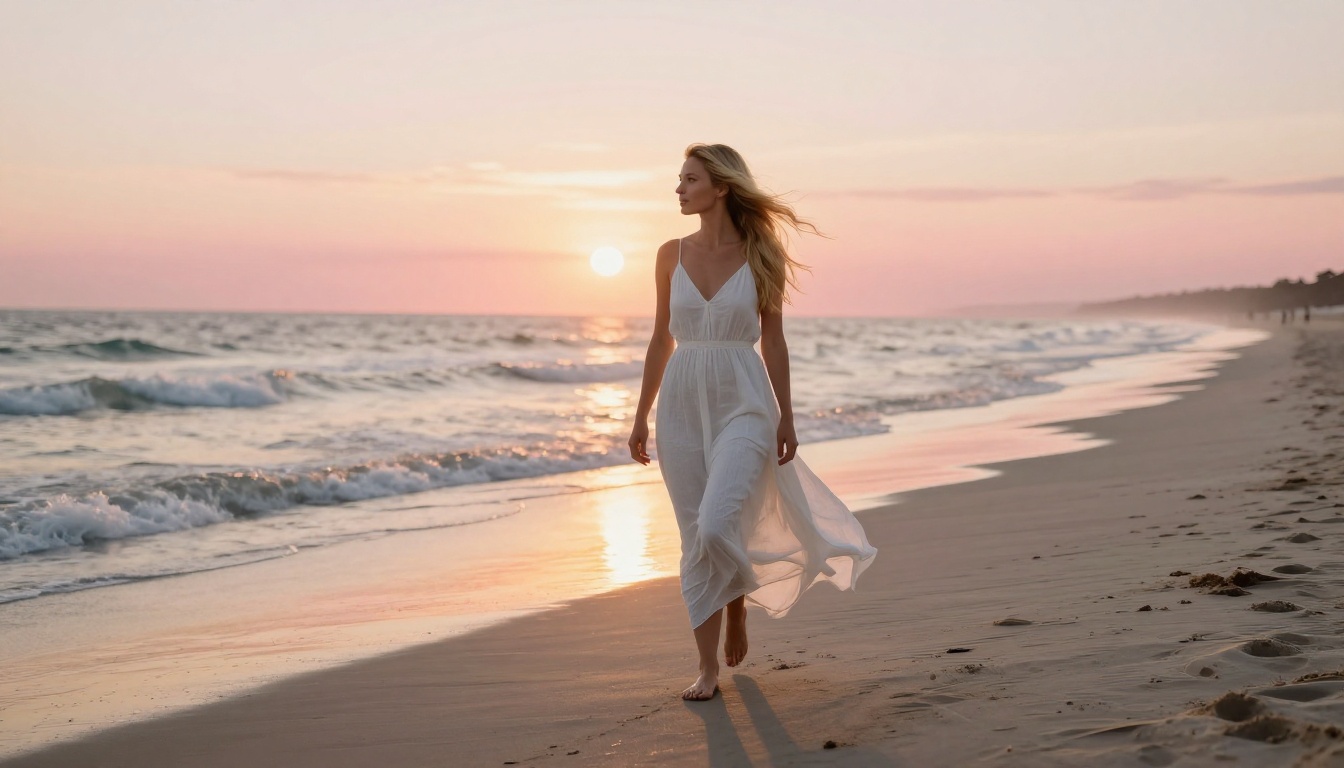
How to Build a Blonde AI Companion That Looks Strikingly Real
Want a realistic blonde AI companion? This article shows you exactly how to design, prompt, and generate one using the top uncensored AI models available today, with step-by-step tips on lighting, pose, and realism that produce stunning results every time.
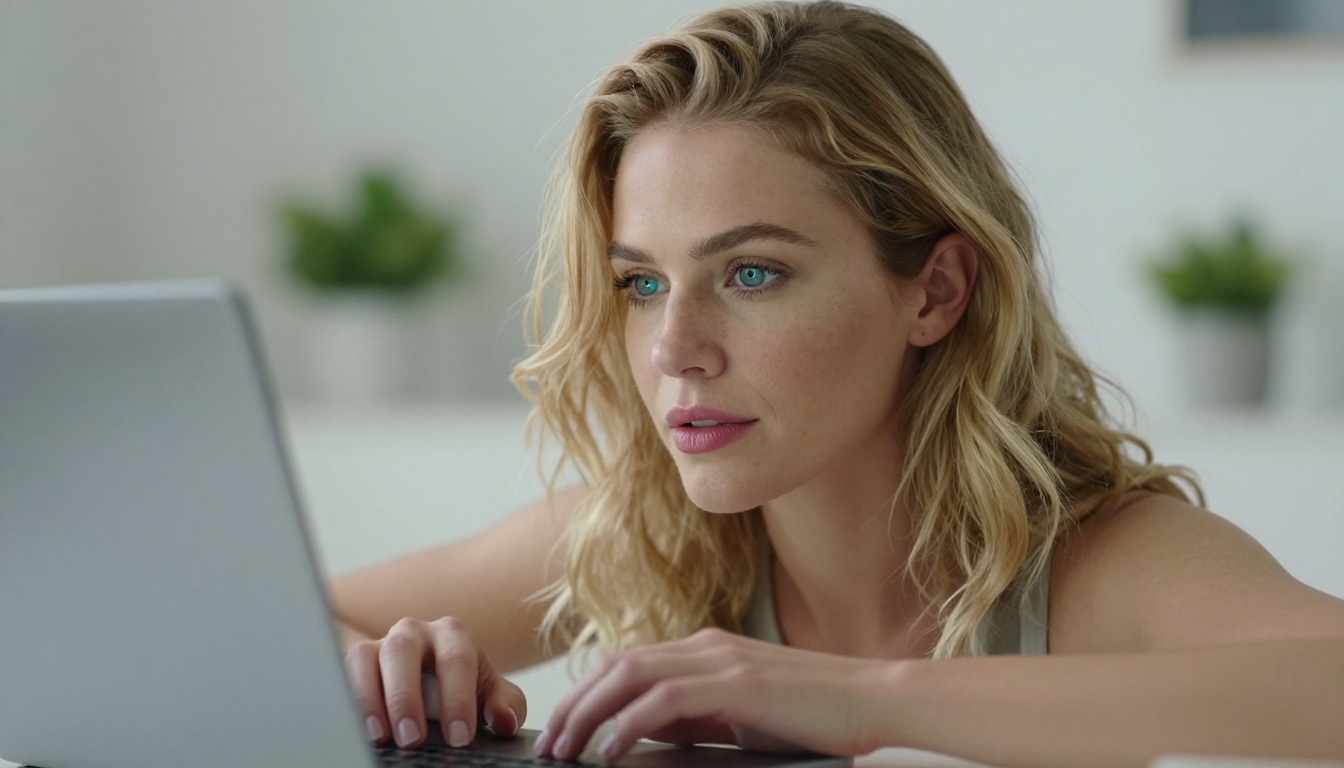
There's something fascinating about designing your own AI companion from scratch. Not just typing a vague prompt and hoping for the best, but actually constructing a character with presence, personality in her expression, and photographic realism that stops you mid-scroll. Blonde companions consistently rank among the most requested AI-generated character types, and for good reason: the interplay of warm hair tones, skin luminance, and lighting creates images that feel alive. This article shows you how to build one that genuinely impresses, using the most capable uncensored AI models available right now.
Why Blonde AI Companions Are Hard to Get Right
Most people jump straight to a simple prompt and get disappointing results. The issue is rarely the model. It is almost always the prompt architecture, and more specifically, the absence of four elements that separate mediocre outputs from genuinely striking ones.
The Four Variables That Change Everything
Every high-quality AI companion image depends on these four variables working together:
Hair tone specificity: "Blonde" covers a spectrum from platinum to honey to dirty blonde. The model interprets these very differently.
Lighting direction: Backlighting creates halo effects in blonde hair. Side lighting reveals texture and volume. Overhead light flattens both.
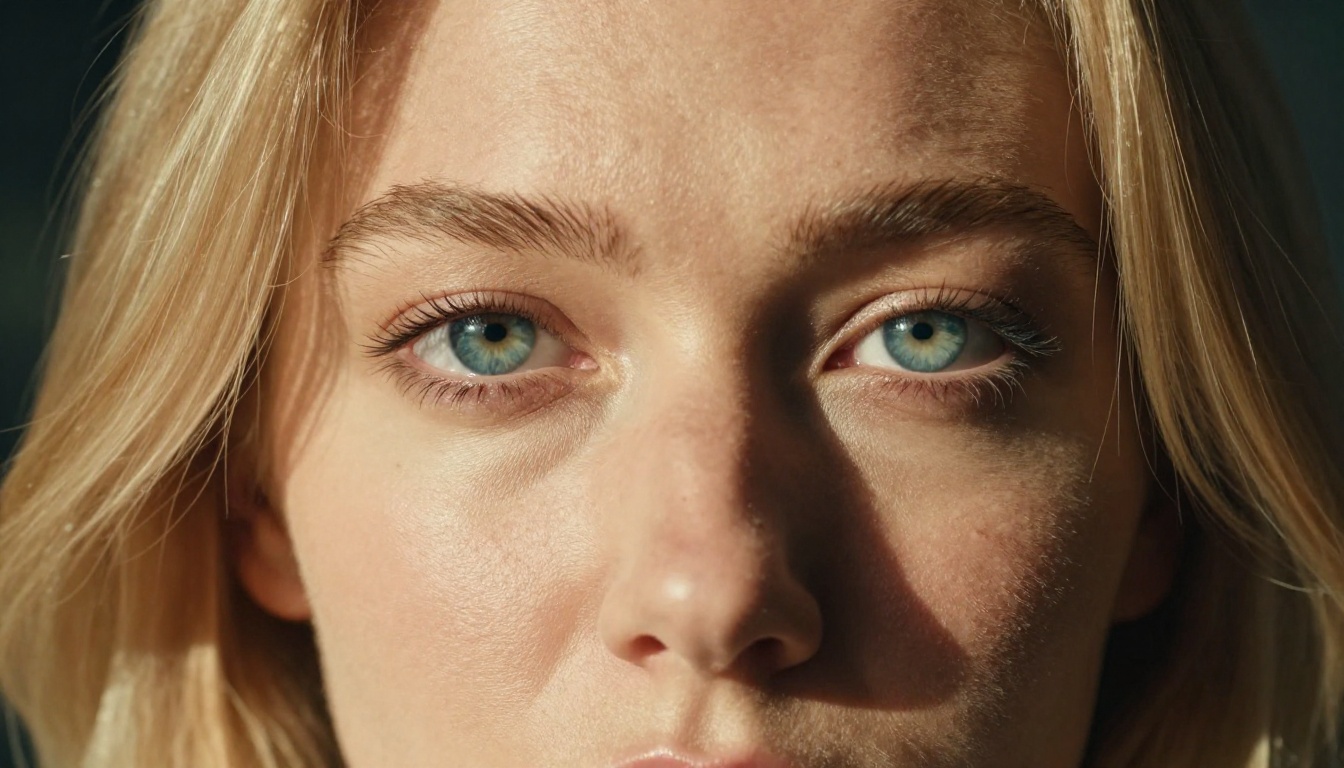
Skin context: Natural skin pores, warm undertones, and microdetail require explicit prompting on most models.
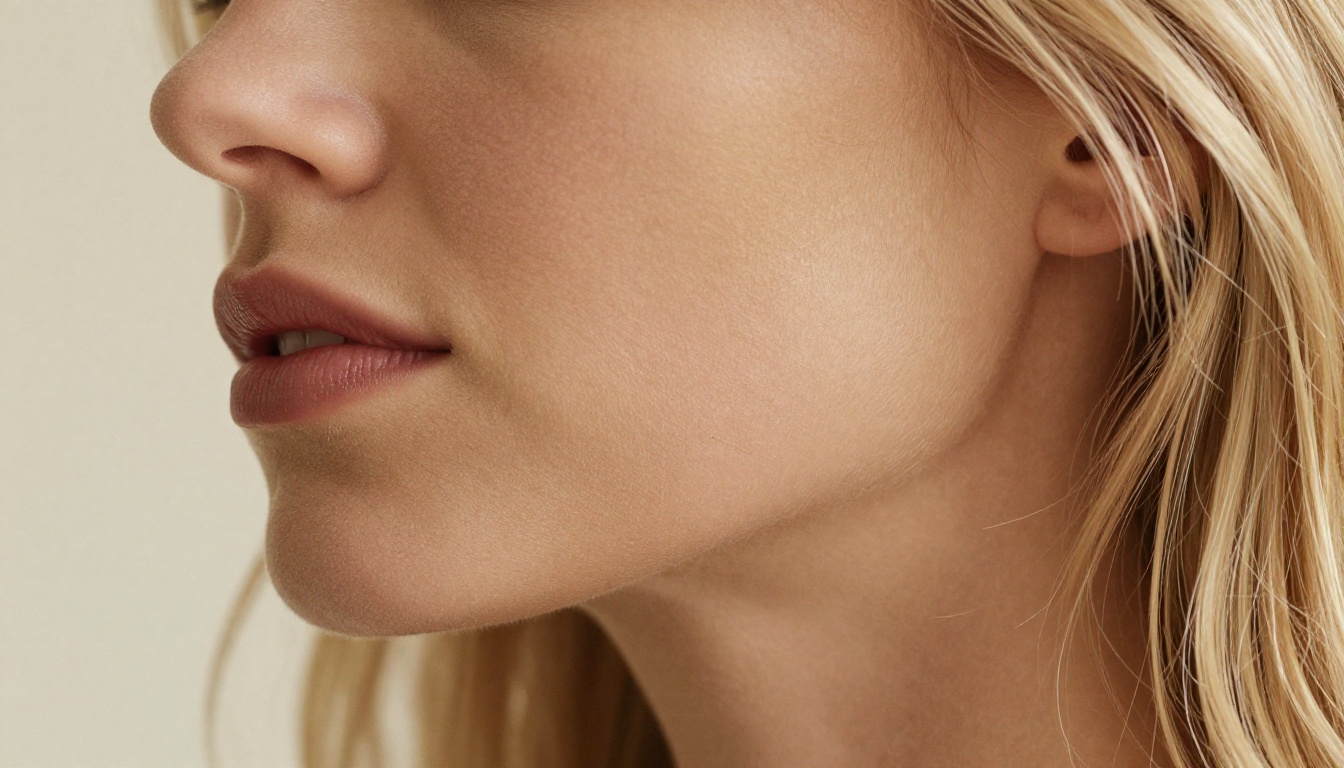
Focal depth: A shallow depth of field separates your subject from the background and adds instant photographic credibility.
Ignore any of these and you get the generic AI portrait look: technically correct, immediately forgettable.
Realism vs. Aesthetics
There is a tension between clinical realism and attractive aesthetics in AI image generation. The best results sit in the middle. You want:
Natural imperfections (a strand of hair out of place, natural skin variation)
Strong aesthetic composition (rule of thirds, leading lines in the background)
Photographic post-processing cues (Kodak Portra 400 grain, warm color grading)
These are not things that happen automatically. They are things you build into your prompt deliberately.
The Best Models for Blonde AI Companions
Not every text-to-image model handles blonde hair the same way. Some introduce subtle green casts. Others flatten hair texture into a single toneless mass. The models below have been selected specifically for how well they handle hair luminance, skin realism, and uncensored character generation.
Seedream 4.5: The Top Pick
Seedream 4.5 is the single best model for this type of work right now. It accepts NSFW content without filtering, supports both text-to-image and image editing in a single interface, and generates results in under 3 seconds. The rendering quality on fine hair detail is exceptional: it handles the layered tonal complexity of blonde hair (the way different strands catch light differently) better than most alternatives.
💡 Tip: When using Seedream 4.5, include phrases like "honey blonde highlights," "platinum root shadow," or "sun-kissed highlights with natural variation" to get realistic color depth rather than flat yellow.
Note: Do not use Seedream 5 Lite for this type of content. The newer model does not support NSFW generation and will reject prompts that the 4.5 version handles without issue.
PicassoIA Image Editor Pro: Unlimited Refinement
Once you have a strong base image from Seedream 4.5, PicassoIA Image Editor Pro becomes your best tool. This image-to-image model accepts NSFW content and returns results in under 1 second. Its most significant advantage: unlimited generations on Elite and Infinite plans. If you want to iterate 200 times to get a specific expression exactly right, that is 200 generations at no extra cost. On models like Nano Banana 2, that volume would cost approximately $100. Here, it is included in your subscription. There is also a 3-generation free trial available with no credit card required.
Use Image Editor Pro for:
Refining facial expressions on an existing base image
Adjusting clothing or scene details without regenerating from scratch
Adding specific NSFW elements to an otherwise finished image
The Full Model Lineup
Here is a ranked overview of all models worth using for blonde AI companion generation:
The gap between a forgettable image and a striking one is almost entirely in the prompt. Here is how to structure one correctly.
Anatomy of a Strong Prompt
A well-structured blonde companion prompt has six layers:
Subject definition: Who she is, approximate age, expression mood
Hair specifics: Exact shade, texture (wavy/straight/tousled), length, how it is sitting (loose, swept to side, damp)
Lighting direction: Where is the main light source? What color temperature is it?
Environment/background: The setting, how blurred, what mood it adds
Camera simulation: Lens (85mm, 50mm, 100mm macro), aperture (f/1.4 for bokeh, f/2.8 for more context), camera body reference
Film simulation: Kodak Portra 400, Fuji Superia, Cinestill 800T
Hair Color Examples That Work
Hair Description
Effect in Image
"Platinum blonde, almost white"
Ice-cool tone, high contrast against warm skin
"Honey blonde with golden undertones"
Warm and luminous, works with golden hour lighting
"Dirty blonde with natural root shadow"
More grounded, realistic, high believability
"Sun-kissed blonde with bleached highlights"
High-fashion look, suggests outdoor lifestyle
"Strawberry blonde, copper warm tones"
Rare and distinctive, pairs with cool backgrounds
The Lighting Variables
Lighting changes the entire character of a portrait. For blonde hair specifically:
Backlight (from behind): Creates a halo rim around blonde hair. Highly photogenic.
Side light (45-degree): Reveals texture and volume in hair. Shows strand separation.
Golden hour (low sun): The warm amber tones complement blonde naturally. Almost always flattering.
Overcast diffused light: Flat and even. Works for close-ups but loses drama in wider shots.
💡 Always specify lighting direction in your prompt. Writing "soft natural light" gives the model too much freedom. Writing "volumetric side light from the left at 45 degrees, golden hour color temperature" gives it a precise instruction.
Step-by-Step on PicassoIA
This is the practical workflow for building a compelling blonde companion from nothing to a finished, polished image.
Step 1: Choose Your Starting Model
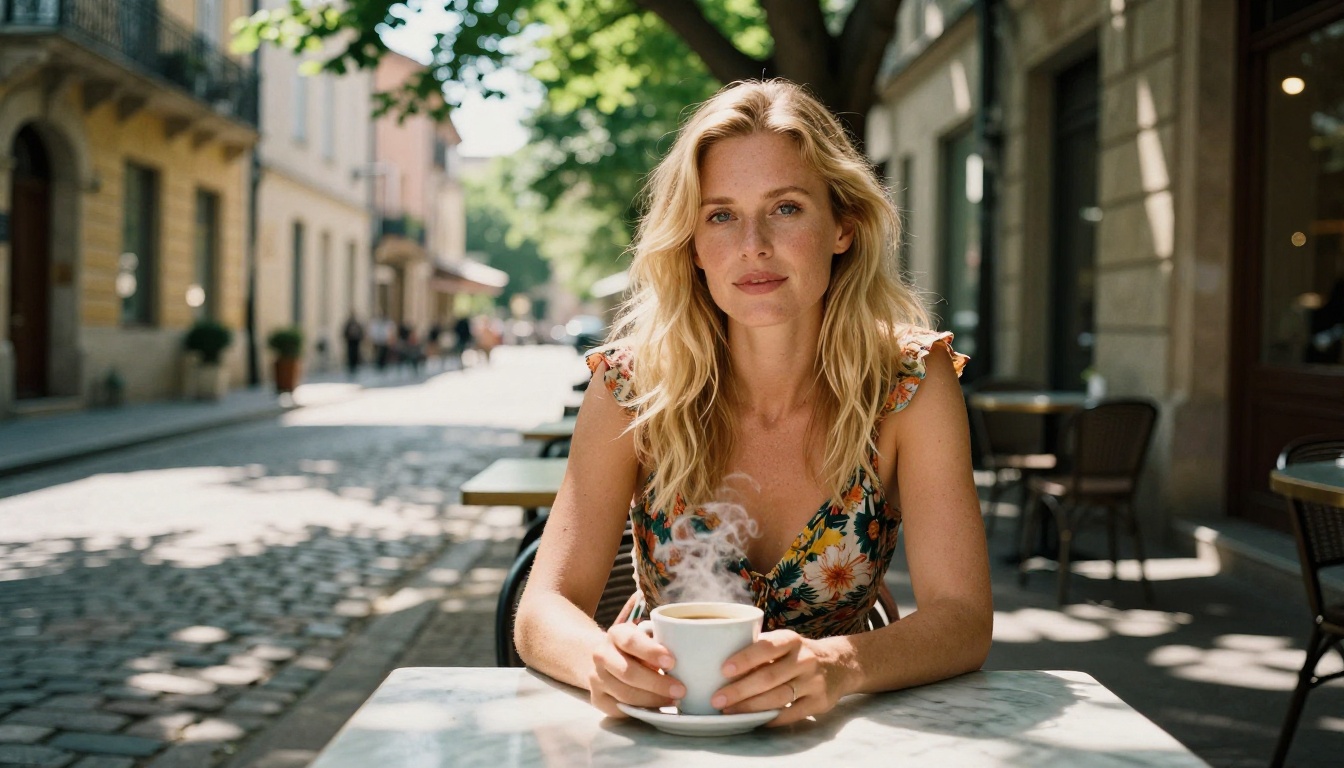
Open Seedream 4.5 on PicassoIA. This is your primary generation engine. Set aspect ratio to 16:9 for widescreen portraits or 9:16 for vertical orientation.
Step 2: Build Your Prompt Layer by Layer
Start with the subject, then add hair, then lighting, then environment, then camera specs:
Beautiful blonde woman, honey-toned waves,
seated near a window at golden hour,
warm backlight creating natural hair halo,
wearing a cream silk blouse,
shot on 85mm f/1.4, Kodak Portra 400 film grain,
RAW 8K photorealistic --ar 16:9
Generate three variations before committing to one direction.
Since iterations are unlimited on Elite plans, iterate aggressively. The difference between your 3rd and 30th refinement is usually dramatic.
Step 4: Try Environment Variants
Once your character is locked, vary the setting:
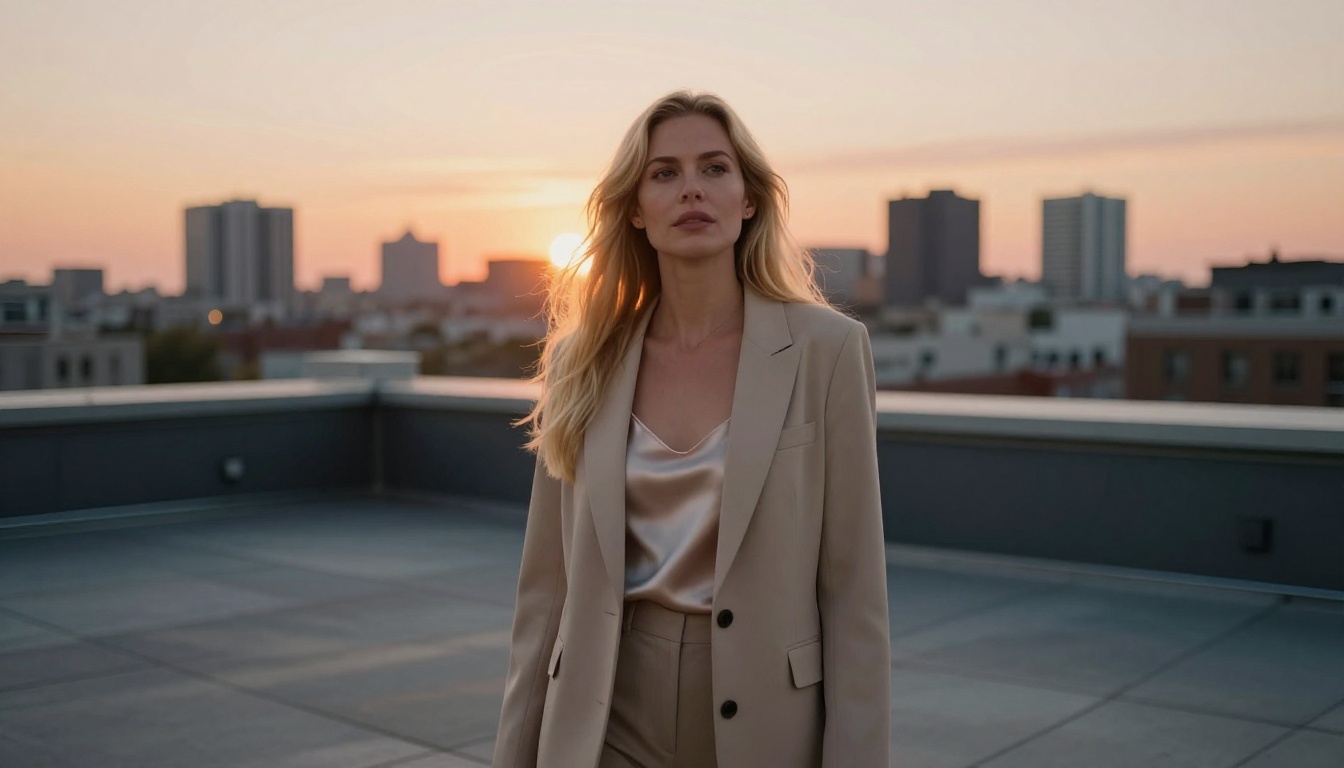
Move her from indoors to a rooftop terrace
Swap a cafe scene for a beach at sunrise
Change time of day (golden hour to dusk to morning)
The same character in different environments gives you a complete visual universe rather than a single image.
Getting the NSFW Elements Right
When you want the images to lean into more suggestive territory, the approach matters as much as the prompt.
What Works and What Does Not
Most platform rejections and poor results in NSFW generation come from two mistakes: being too vague (writing "sexy blonde" when you need specificity) or being too explicit in clinical terms (which triggers filters on many platforms).
PicassoIA's recommended models strip these issues out entirely. Models like Seedream 4.5, Qwen Image 2, and Grok Imagine Image accept adult content without filters. The skill is in writing prompts that are specific and aesthetic rather than clinical.
Effective NSFW Prompt Strategies
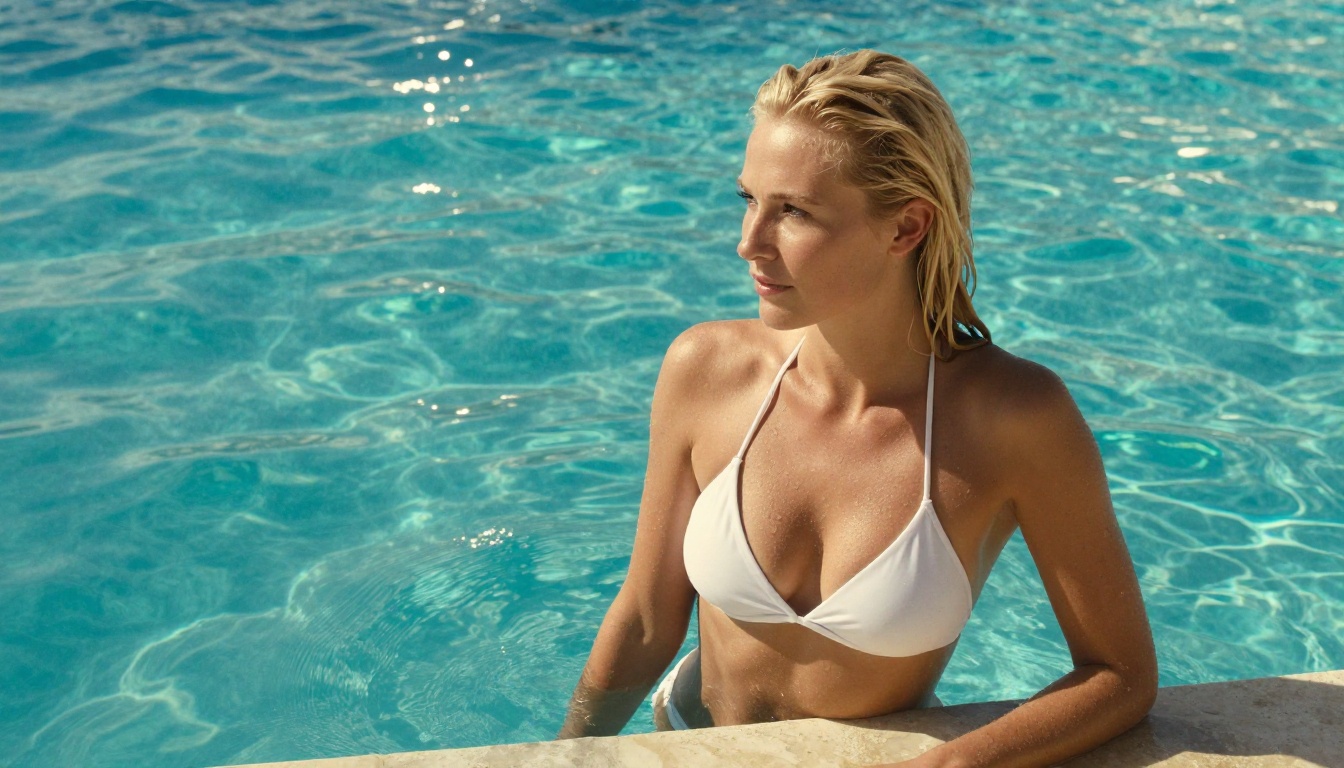
Use wardrobe as a transition tool: "White bikini" sets the scene naturally. "Slight off-shoulder" creates suggestion without explicitness.
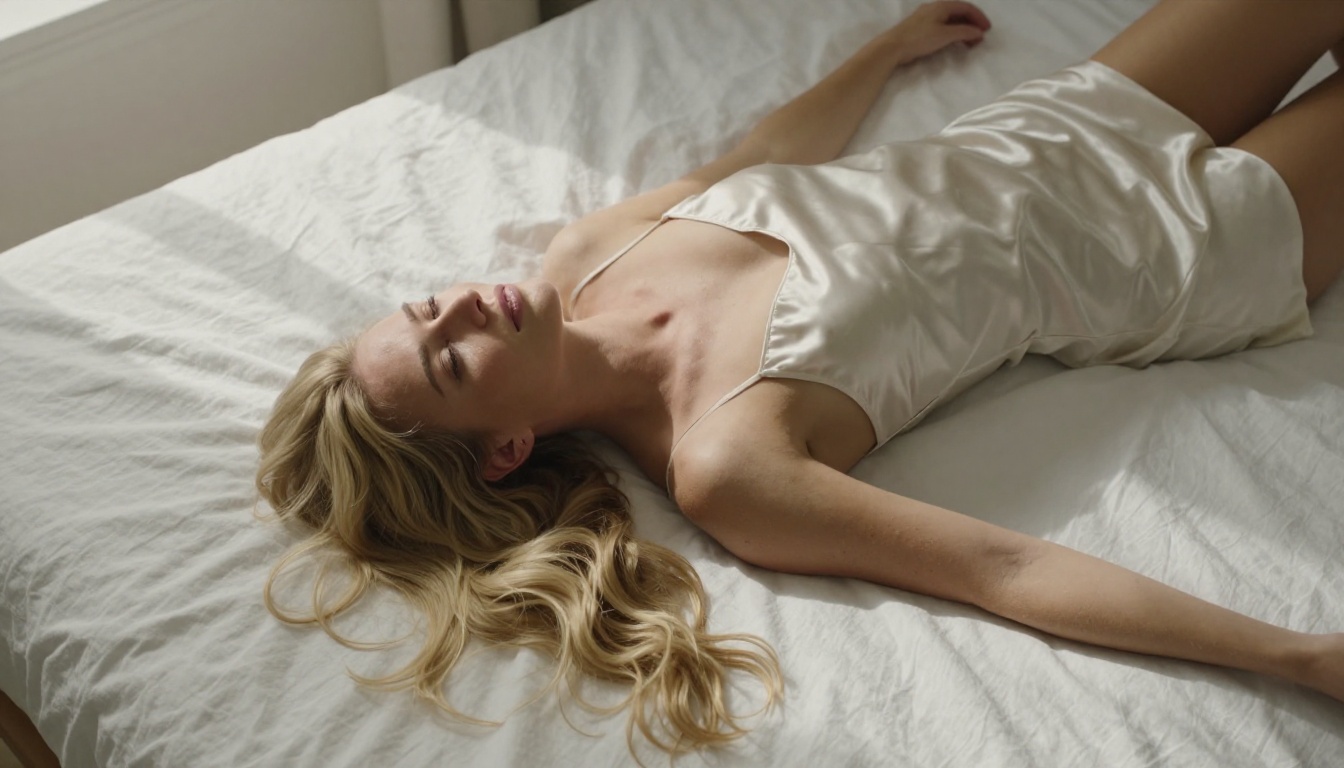
Reference the setting: Pool, beach, bedroom morning light. The environment provides context that signals tone better than explicit wording.
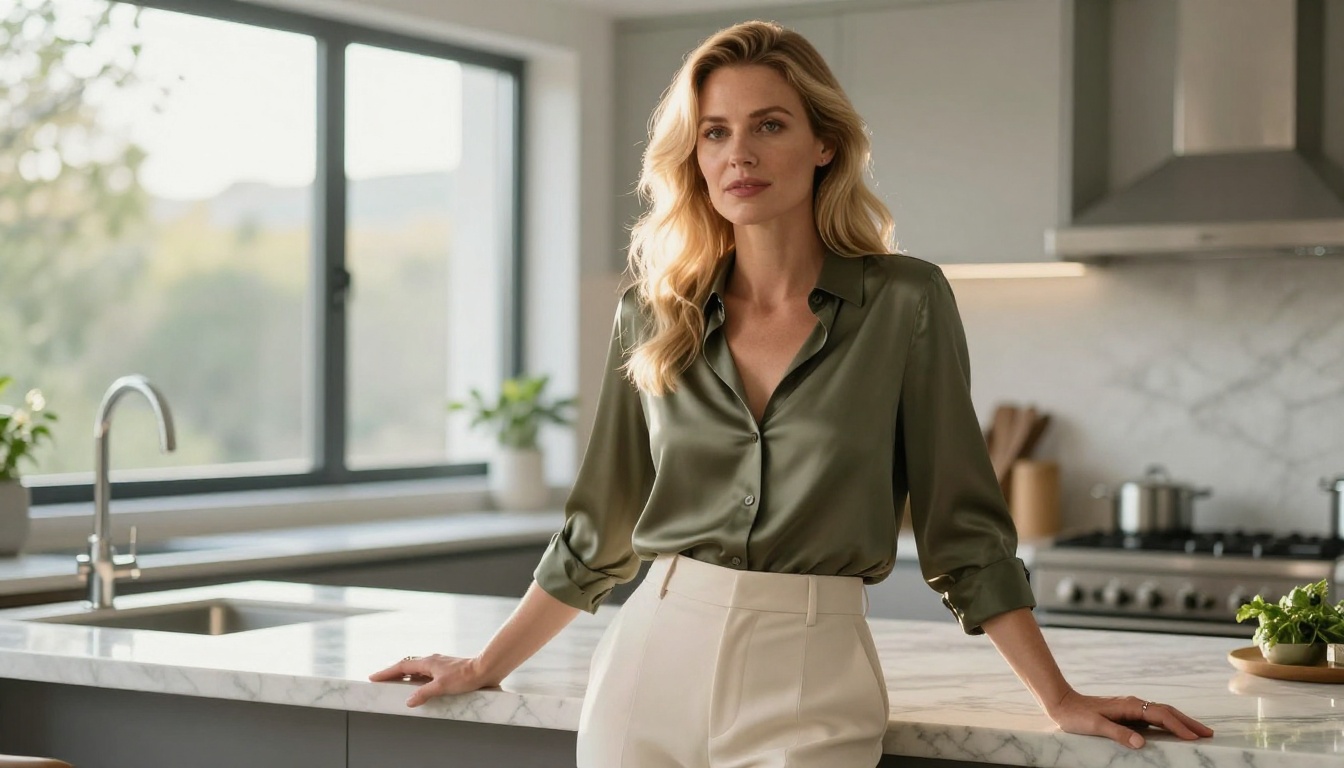
Describe body language: "Relaxed gaze over the shoulder," "casual lean against the counter" creates attitude without requiring explicit content descriptors.
Leverage Grok Imagine Image: This model is specifically capable of realistically converting any reference image into a swimwear or bikini format. Use it to take an existing portrait and shift its wardrobe context entirely.
💡 The most effective NSFW images balance suggestion with aesthetics. The goal is an image that feels like a high-end fashion or glamour photo, not a clinical catalog. Lighting and composition do more for that goal than explicit content descriptors.
Models for Video Companions
If you want to bring your blonde AI companion to life with movement, PicassoIA has strong options here too.
From Image to Motion
Once you have a strong still image, you can convert it to video using these models:
PicassoIA Video: Generate video directly from text prompts at up to 720p and 5 seconds. The main advantage is unlimited video generation on eligible plans.
P-Video (PrunaAI): Text, image, or audio input at up to 1080p, with the safety filter disabled by default. Draft mode gives you an instant low-res preview before committing to the full render.
Grok Imagine Video: Clips up to 15 seconds, no watermarks, supports image-to-video mode that auto-matches your source photo's proportions.
LTX 2.3 Pro: The highest-fidelity video option, exporting up to 4K at 50fps. Includes retake and extend editing modes for precise control.
For blonde AI companions specifically, image-to-video is usually more reliable than text-to-video: start with your best static image and animate from there. This preserves the character consistency you built in the still images.
Fixing Common Problems
Even with a strong workflow, certain issues come up repeatedly. Here is how to handle each one.
Hair Looks Flat or Monotone
This happens when the prompt does not specify tonal variation. Fix it by adding specific highlight and shadow terms:
"Platinum highlights at the crown, deeper golden tones through the mid-lengths, subtle warmth at the ends"
"Visible strand separation in the hair with multiple tonal values"
"Hair catching overhead light with some strands lighter than others"
Skin Looks Plastic or Oversaturated
This is the most common realism failure in AI portrait generation. To fix it:
Add "RAW photograph, Kodak Portra 400 film grain" to introduce organic texture
Avoid prompts that use words like "flawless" or "perfect skin" as they instruct the model to remove texture
The Background Competes with the Subject
Keep backgrounds simple and well-blurred:
Reference a wide aperture: "f/1.4 shallow depth of field, background completely blurred"
Use simple environments: a single window, a plain wall, a distant cityscape
Avoid complex patterns directly behind the subject's head
Best Models for NSFW AI Generation on PicassoIA
PicassoIA offers the most capable uncensored lineup available on any single platform:
Seedream 4.5 — The best all-around model. Accepts adult content, supports image editing, and generates ultra-realistic results in under 3 seconds. Its successor, Seedream 5 Lite, does not allow NSFW.
PicassoIA Image Editor Pro — Img2img with unlimited generations. Iterate 1,000 times at no extra cost on Elite or Infinite plans. That same volume on models like Nano Banana 2 would cost approximately $100. Accepts NSFW, returns results in under a second. 3 free trial generations with no credit card required.
Qwen Image 2 — Open-source model that edits or creates any image in seconds with very detailed realism.
Grok Imagine Image — Realistically converts any image to a bikini or swimwear format.
Recraft V4 — Very realistic results from text-to-image only.
P-Image — NSFW text-to-image generation in under 1 second.
prunaai-wan-2.2-image — Highly realistic images from text without content filters.
PicassoIA Video — Unlimited video generation from text prompts, up to 720p and 5 seconds per clip.
P-Video — Text, image, or audio to video up to 1080p, safety filter off by default, draft mode for instant previews.
Grok Imagine Video — Clips up to 15 seconds, no watermarks, image-to-video with auto-matched proportions.
LTX 2.3 Pro — Highest fidelity, up to 4K at 50fps, with retake and extend editing for precise control.
Unlike mainstream AI platforms, PicassoIA gives creators full creative freedom with uncensored, high-performance models.
The concepts in this article get real only when you start generating. The first image will not be perfect. That is expected. The value of a platform like PicassoIA is that you can iterate quickly at low or no cost, and the gap between your first attempt and your fifth is usually dramatic.
Start with Seedream 4.5, apply the prompt structure from this article, and take your strongest result into PicassoIA Image Editor Pro for unlimited refinement. From there, extend into video with PicassoIA Video or P-Video if you want motion.
The blonde companion you are imagining is about five well-crafted prompts away.