If you've ever wanted to bring a specific kind of beauty to life using AI, you already know how frustrating it can be when the tools fight back. Mainstream platforms add blur effects, refuse prompts, or water down your results until the character looks nothing like what you imagined. That's not a creative problem. That's a platform problem. The models and tools available on PicassoIA don't work that way. They give you the output you actually asked for, in photorealistic detail, without filters softening the result.
This article walks through exactly how to build a curvy AI girlfriend, from choosing the right model to writing prompts that produce realistic curves, natural skin texture, and the kind of lighting that makes an image feel alive.
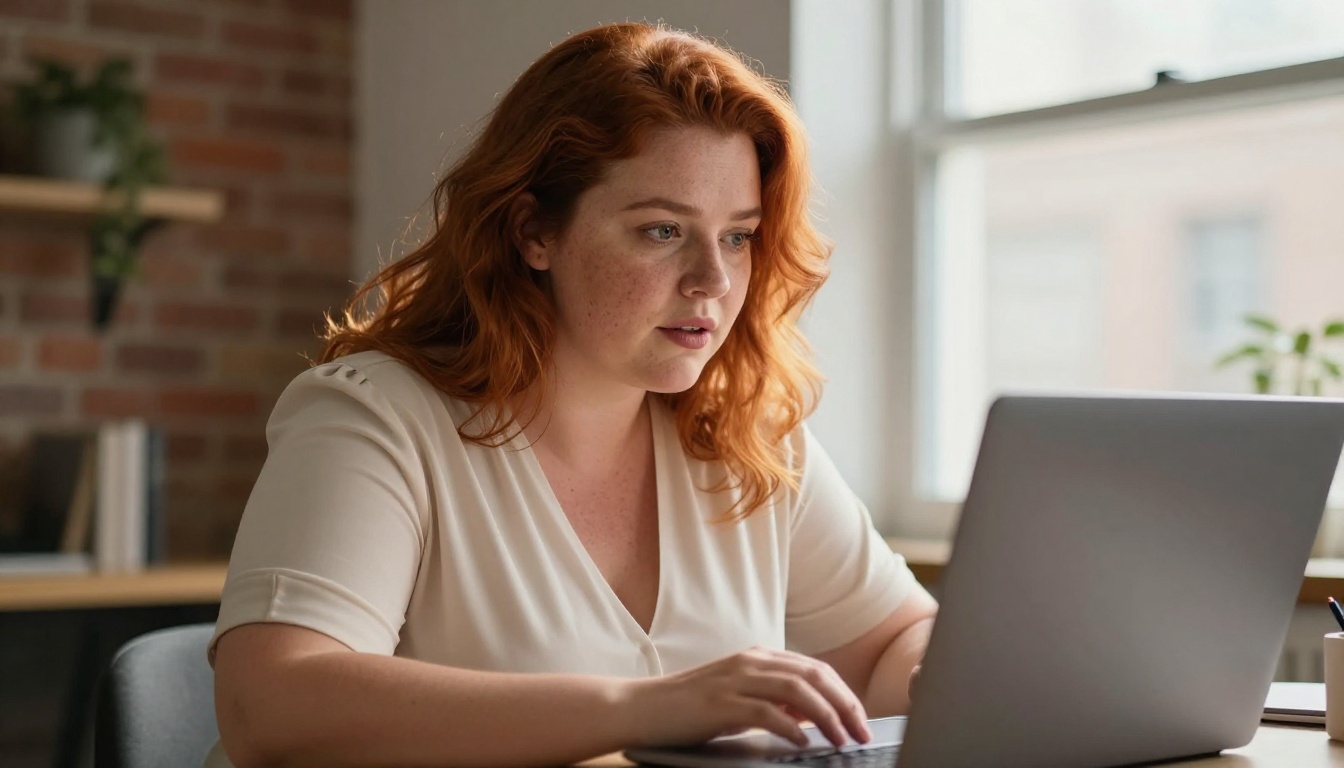
Why AI Girlfriend Creation Took Off
The idea of generating a personalized AI companion isn't new, but the quality has changed everything. Three years ago, AI-generated women looked like illustrations. Today, with the right model and prompt, you get images that are indistinguishable from professional photography. That jump in realism is what moved this from a niche experiment into something millions of people do every week.
The Shift From Fiction to Photorealism
Early AI image generation relied on stylized outputs. Everything had a painted quality, soft edges, and that uncanny valley feeling you get from stock photos that are almost right. Models like Stable Diffusion changed the baseline, and newer architectures like those behind Seedream 4.5 took realism to a level that earlier tools couldn't touch.
The defining shift was in skin rendering. Modern models now generate pores, fine hair, subtle discoloration, and the way light interacts with different skin tones at a micro level. When you describe "natural skin texture with visible pores and light freckles" in a prompt, a top model actually delivers that. That level of detail is what makes the result feel real rather than generated.
What "Curvy" Means in AI Terms
This is where most beginners go wrong. Typing "curvy woman" into a prompt produces inconsistent results because the word means different things to different training datasets. To get consistent, photorealistic results, you need to be specific in the prompt itself.
💡 Prompt Tip: Instead of "curvy," describe the actual physical details. "Full hips and waist with soft, rounded proportions" or "voluptuous figure with a defined waist and naturally full chest and hips" gives the model something measurable to work with.
The specificity matters because models like Recraft V4 and Seedream 4.5 are trained on massive datasets. Vague terms average out across that data. Specific physical descriptions anchor the output to what you actually want.
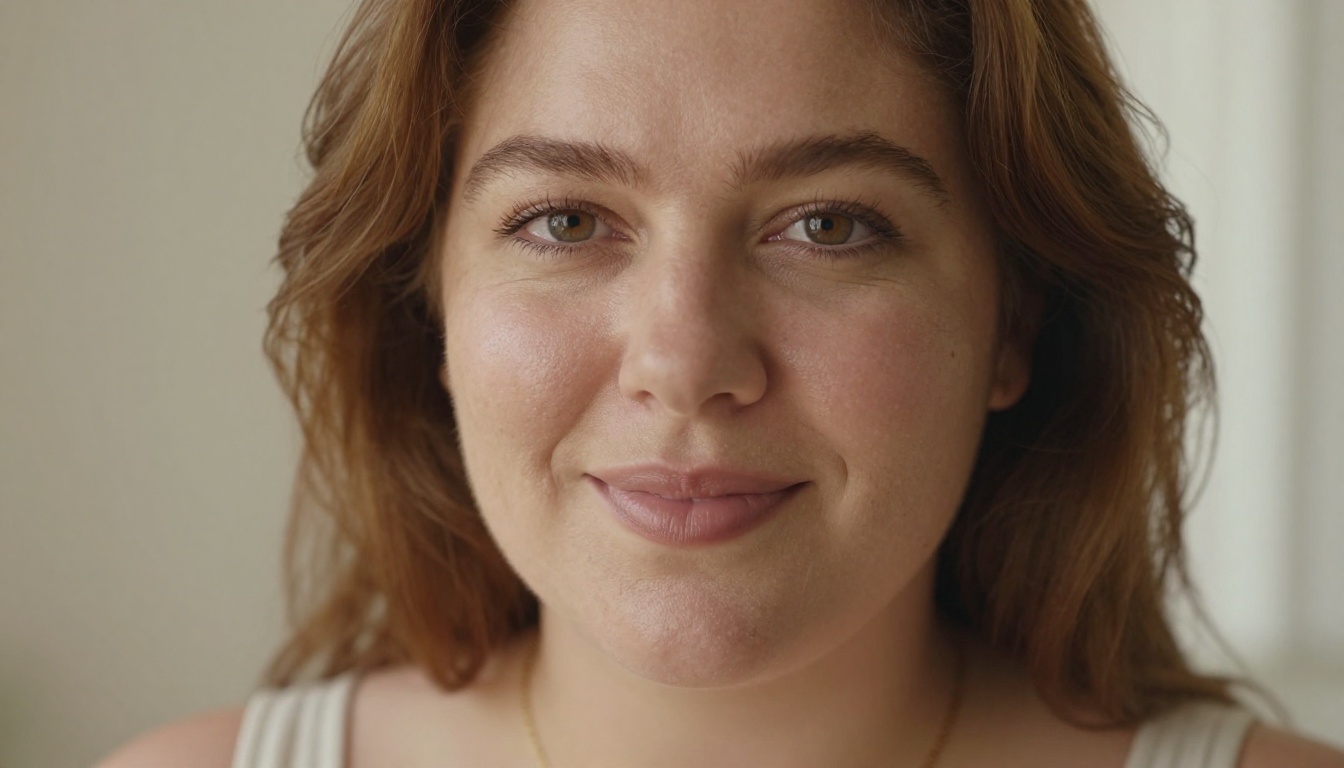
The Right Models for the Job
Not every model on every platform accepts NSFW prompts or delivers photorealistic curves without restriction. PicassoIA stands out because it hosts multiple uncensored models that are fast, detailed, and designed for exactly this kind of output.
Seedream 4.5: The Top Pick
Seedream 4.5 is the strongest all-around choice for building a curvy AI girlfriend. It accepts NSFW content without restriction, supports both text-to-image and image editing, and delivers results in under 3 seconds. The realism level is exceptional: skin texture, lighting interaction, fabric drape, and anatomical proportions all render with photographic accuracy.
What makes it stand apart is the combination of speed and detail. Most models at this realism level are slow. Seedream 4.5 isn't. You can iterate through variations quickly, which matters when you're dialing in the exact look you want.
⚠️ Note: The newer Seedream 5 Lite does not support NSFW content. Stick with Seedream 4.5 for unrestricted generation.
PicassoIA Image Editor Pro: Unlimited Runs
Once you've generated a base image you like, PicassoIA Image Editor Pro becomes your best tool for refinement. It's an img2img model, which means it takes your existing image as input and edits it based on your new prompt. The result is a modified version that keeps the character consistent while changing whatever you specify.
The real advantage here is cost. On Elite or Infinite plans, you get unlimited generations. There's no per-image fee. Need to try 200 variations of the same character? That's 200 generations at no additional cost. For comparison, generating that volume on models with per-image pricing would run close to $100. Here it's included.
It also offers a free trial of 3 generations with no credit card required, which is a good way to test the output quality before committing.
Other Models Worth Trying
Beyond the top two, PicassoIA hosts several other models that work well for realistic curvy character creation:
| Model | Type | Speed | Best For |
|---|
| Qwen Image 2 | Text-to-Image | Fast | Detailed edits, open source flexibility |
| Grok Imagine Image | Image-to-Image | Fast | Converting photos to bikini/swimwear |
| Recraft V4 | Text-to-Image | Moderate | Very realistic text-to-image output |
| P-Image | Text-to-Image | Under 1s | Fast NSFW generation at volume |
Each of these serves a different workflow stage. Grok Imagine Image is particularly useful if you're starting from a reference photo, since it converts existing images into new formats with impressive realism.
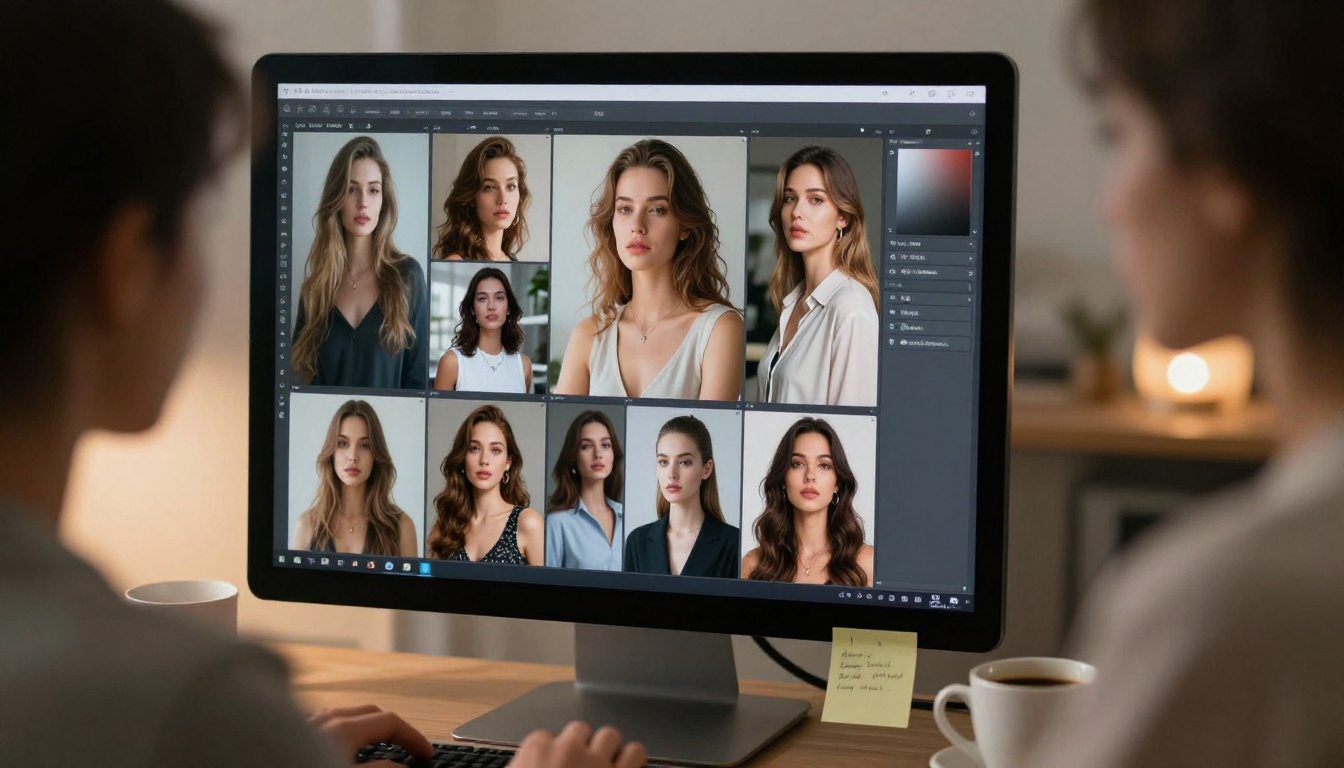
How to Write Prompts That Actually Work
The prompt is where most people lose time. A vague prompt produces a vague result. Here's how to write prompts that produce consistent, photorealistic curvy characters.
Describing Body Shape Without Ambiguity
Every element you want in the output needs to appear explicitly in the prompt. Don't rely on the model to infer your preferences. The structure that works best is:
[Subject description] + [Body specifics] + [Clothing/styling] + [Environment] + [Lighting] + [Camera specs] + [Film/texture style]
For body shape specifically, use objective descriptors. "Naturally full hips, defined waist, soft rounded abdomen" is much more effective than "curvy" alone. Include posture cues as well. "Standing with weight shifted to one hip" or "seated with legs crossed" tells the model how to arrange the figure in the frame.
Lighting and Skin Texture Tips
Lighting is what separates a believable image from a flat one. Natural light sources always produce more realistic results than described artificial setups. Use these anchors:
- "Volumetric morning light from the left window"
- "Golden hour backlight creating a hair halo"
- "Soft overcast daylight, no harsh shadows"
- "Warm incandescent lamp creating a skin-flattering glow"
For skin texture, always include: "visible skin pores, natural complexion, subtle surface variation, no digital smoothing."
💡 Film Stock: Adding a specific film stock reference dramatically improves realism. "Kodak Portra 400" gives warm skin tones. "Fujifilm Velvia" adds saturation and contrast. "Kodak Ektar 100" is ideal for outdoor bright-light shots.
Angles and Composition Choices
The camera angle changes everything about how the body reads in the frame. Here are the most effective options for curvy character generation:
- Low angle (upward tilt): Emphasizes height and presence, great for full-body power shots
- Eye level 3/4 view: Most flattering for face and upper body detail
- Aerial/overhead: Shows body curves and proportions naturally
- Close-up (50-100mm): Best for face and skin texture detail
Specify the lens as well. "85mm f/1.4" creates that classic portrait compression with beautiful bokeh. "35mm f/5.6" keeps the full scene in focus for lifestyle shots.
Step-by-Step on PicassoIA
Setting Up Your First Generation
- Go to Seedream 4.5 on PicassoIA
- Set the aspect ratio to 16:9 for landscape shots or 9:16 for portrait/full-body
- Write your prompt using the structure above: subject, body, clothing, environment, lighting, camera, film stock
- Add the suffix:
--style raw for maximum photorealism
- Hit generate and wait for the result (typically under 3 seconds)
If the first output isn't quite right, note which element is off and adjust the prompt rather than regenerating blindly. Is the lighting wrong? Change the lighting description. Is the body proportion not matching? Add more specificity to the body descriptor.
Editing and Refining Results
Once you have a base image you like, move to PicassoIA Image Editor Pro for refinements. Upload your generated image as the input and describe what you want changed. This keeps the character's identity consistent while adjusting specific elements like clothing, background, or pose.
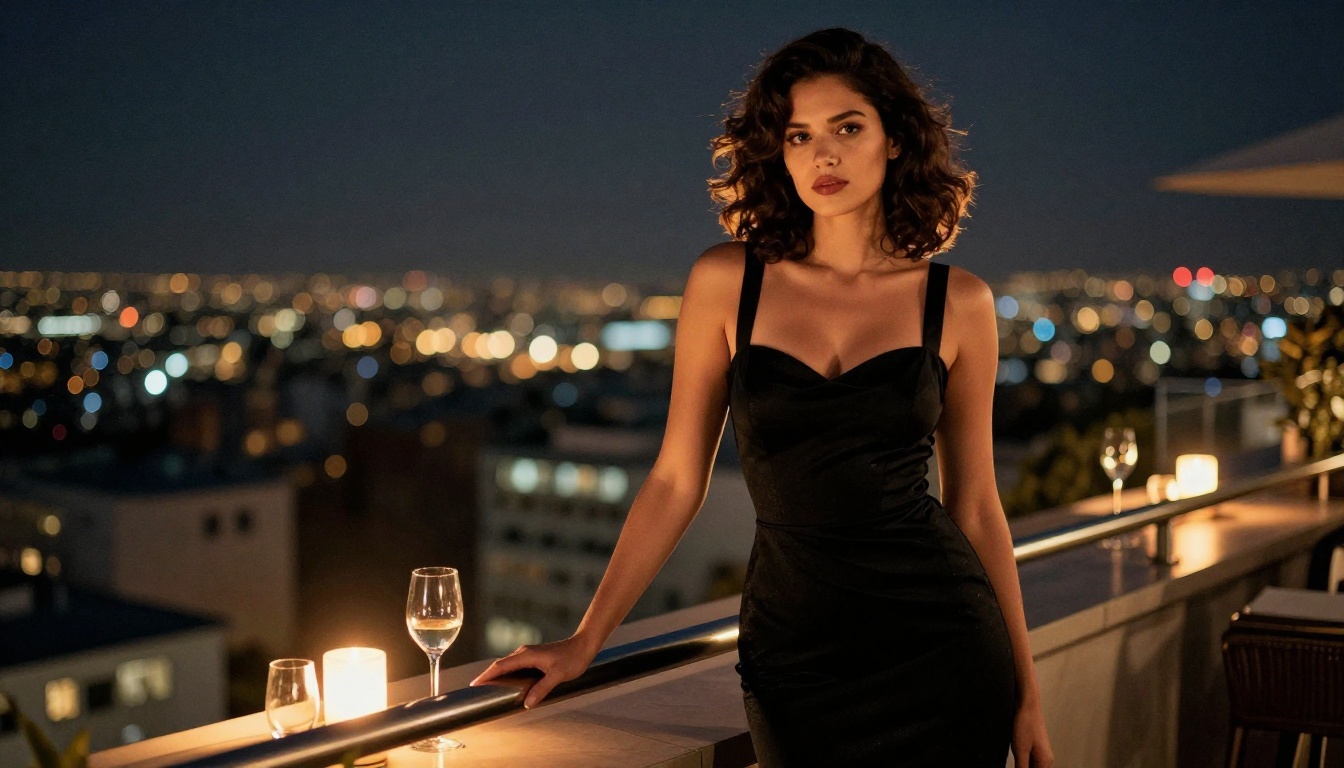
For major stylistic variations, like switching from a beach setting to an indoor boudoir environment, Qwen Image 2 handles scene transfers well while maintaining character consistency.
Best Scenarios and Styles to Try
Beach and Swimwear
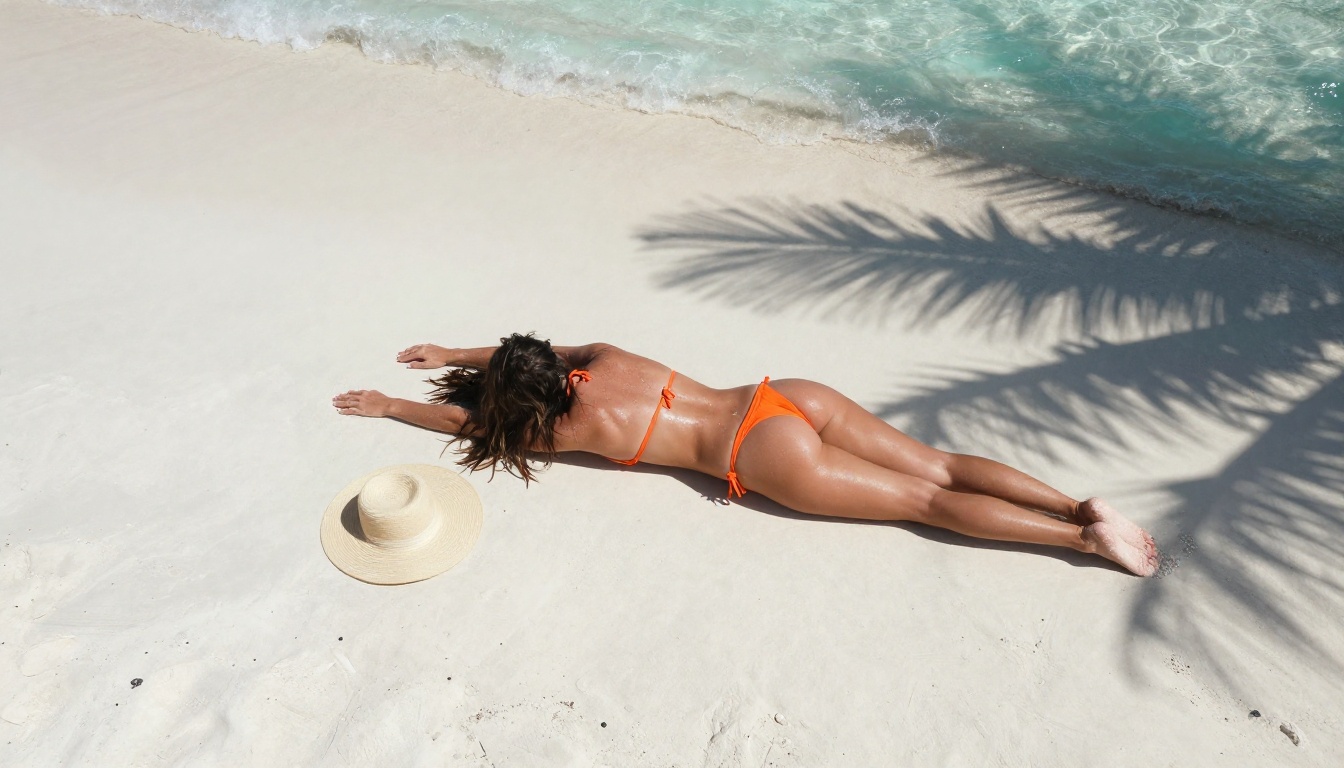
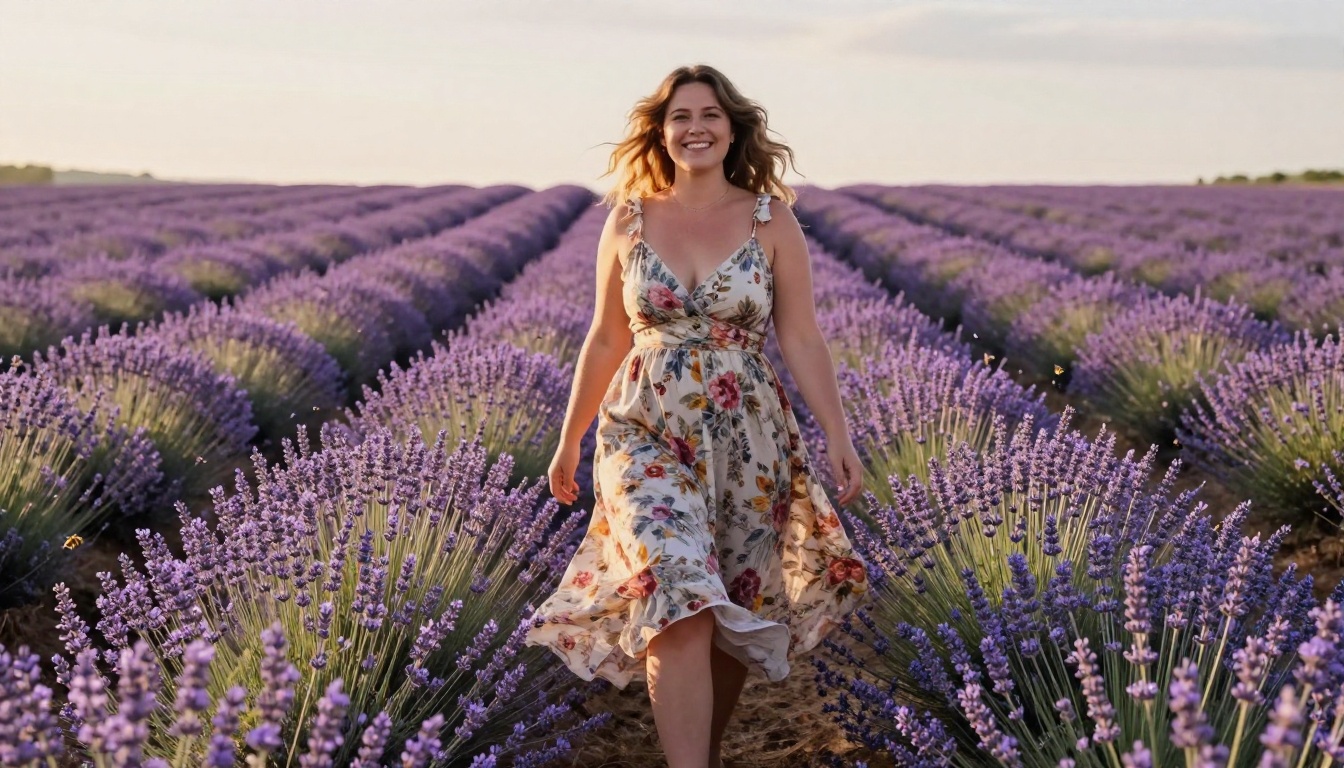
Beach scenarios are among the most requested for curvy AI character generation. The combination of natural outdoor lighting, minimal clothing, and a relaxed environment produces images that highlight body proportions naturally.
Effective prompt elements for beach shots:
- Time of day: "golden hour, warm late afternoon sun"
- Setting specifics: "white sand beach, turquoise shallow water"
- Swimwear details: describe the specific swimsuit style, color, and fit
- Body position: "lying on beach towel" or "standing at water's edge, one foot in the surf"
- Skin condition: "natural sun-kissed glow, slight moisture from the ocean"
Urban and Lifestyle
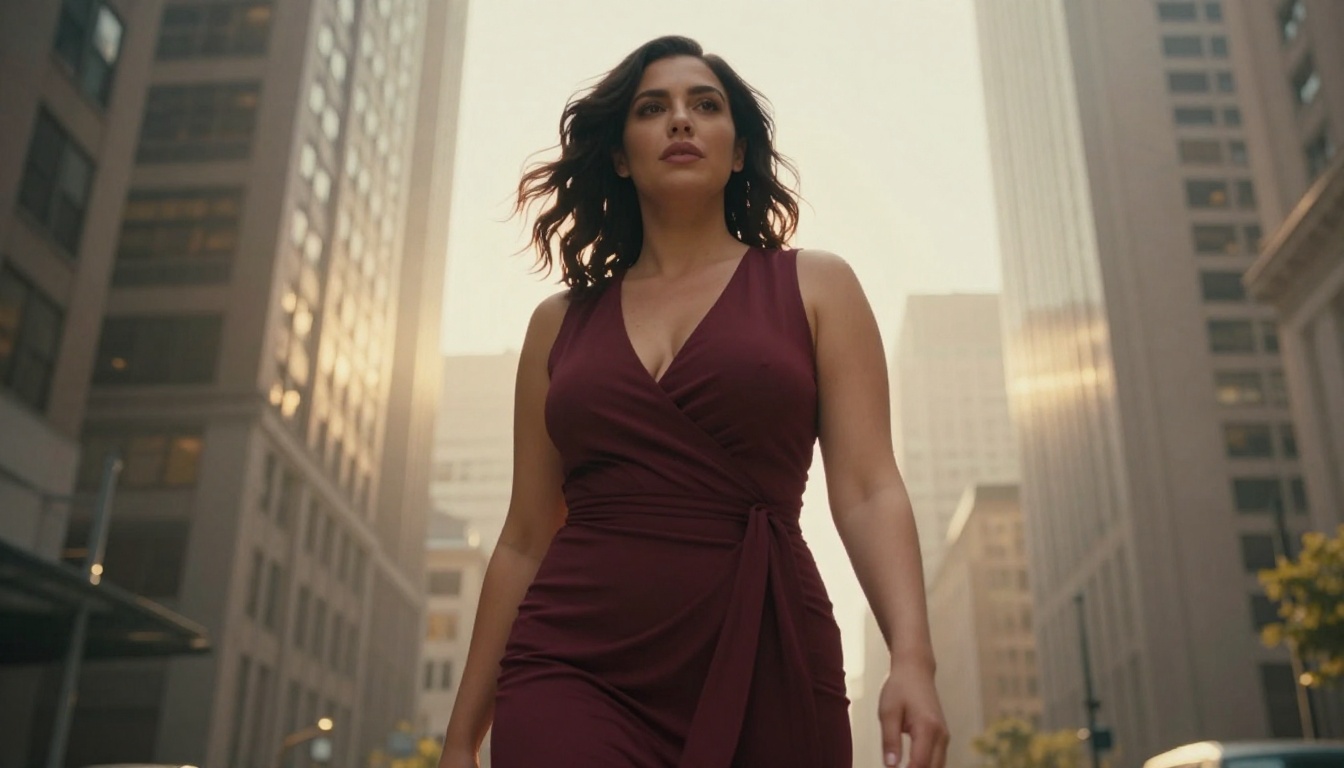
Urban settings add context and personality to the character. A well-dressed curvy woman against a city backdrop or in a stylish apartment feels grounded and real in a way that studio shots don't always achieve.
Try these settings:
- City rooftop at dusk with ambient city glow
- Upscale restaurant booth with candlelight
- Boutique clothing store trying on outfits
- Coffee shop window seat with morning light
The contrast between soft feminine curves and hard urban architecture creates a visually striking composition.
Intimate and Boudoir
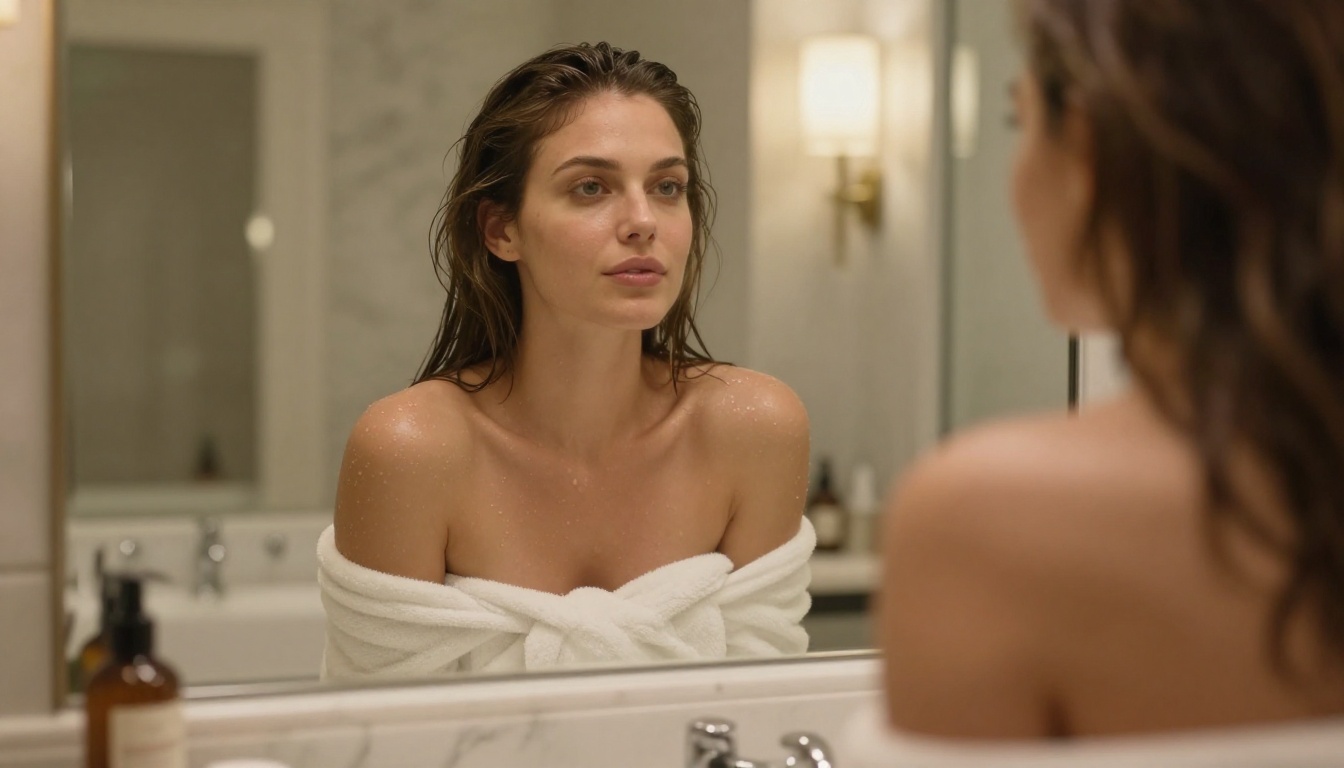
Boudoir is one area where PicassoIA's uncensored models shine over mainstream alternatives. The ability to generate suggestive, tasteful intimate content without artificial restrictions means you can achieve the exact aesthetic you're going for.
For boudoir:
- Use soft, diffused lighting (overcast window light, candlelight, string lights)
- Describe fabrics specifically: "sheer white linen," "dark satin sheets," "plush white towel"
- Keep the environment intimate: "cozy bedroom," "sun-drenched master suite," "minimalist white studio"
- Use models like Seedream 4.5 or P-Image for fastest iteration
Best NSFW Models on PicassoIA
PicassoIA hosts the strongest lineup of unrestricted image and video models available on any platform. Here's the complete ranked list:
- Seedream 4.5: Best all-around NSFW model. Accepts adult content, supports image editing, generates ultra-realistic results in under 3 seconds. Its successor Seedream 5 Lite does not allow NSFW.
- PicassoIA Image Editor Pro: Img2img with unlimited generations. 1,000 images are free with Elite or Infinite plans. Under 1 second per result. Free 3-generation trial, no credit card.
- Qwen Image 2: Open-source model. Edits or creates any image in seconds with very detailed realism.
- Grok Imagine Image: Converts any image to bikini format realistically.
- Recraft V4: Very realistic text-to-image results.
- P-Image: NSFW text-to-image in under 1 second.
- prunaai-wan-2.2-image: Highly realistic images from text without content filters.
- Wan 2.2 I2v Fast: Turns static images into dynamic videos with natural animations.
- PicassoIA Video: Unlimited video generation from text prompts, up to 720p and 5 seconds per clip.
- P-Video: Text, image, or audio to video up to 1080p. Safety filter off by default. Draft mode for instant preview.
- Grok Imagine Video: Clips up to 15 seconds from text, image, or existing video. No watermarks.
- LTX 2.3 Pro: Highest fidelity at up to 4K/50fps. Retake and extend editing for precise control.
Unlike mainstream AI image platforms, PicassoIA gives creators full creative freedom with uncensored, high-performance models.
Model Comparison at a Glance
What to Do When Results Don't Match
Sometimes the first generation misses the mark. Here's how to fix the most common issues:
Body proportions not right: Add more specific descriptors. "Naturally full hips with a defined waist approximately 12 inches narrower" is more specific than "curvy."
Skin looks artificial: Add "Kodak Portra 400 grain, visible skin pores, no digital smoothing, natural skin imperfections."
Lighting too flat: Specify a single dominant light source and its direction. "Soft window light from the upper left, creating a shadow on the right side of the face."
Face looks generic: Add specific facial feature descriptors. Eye color, face shape, hair texture, and expression all help anchor the result.
Background distracting: Add "background blurred to 80% bokeh, subject in sharp focus."
The Privacy Advantage
One thing that sets PicassoIA apart from some alternatives is the absence of aggressive content moderation on uploads. You're not submitting your prompts and outputs to a moderation queue that flags adult content and suspends accounts. The platform respects creator autonomy and gives you tools that work the way you intend them to.
For those building AI characters for creative projects, private use, or artistic experimentation, that matters. The creative process requires iteration, and iteration requires a platform that doesn't interrupt your workflow every third prompt.
Start Creating Your Own Character
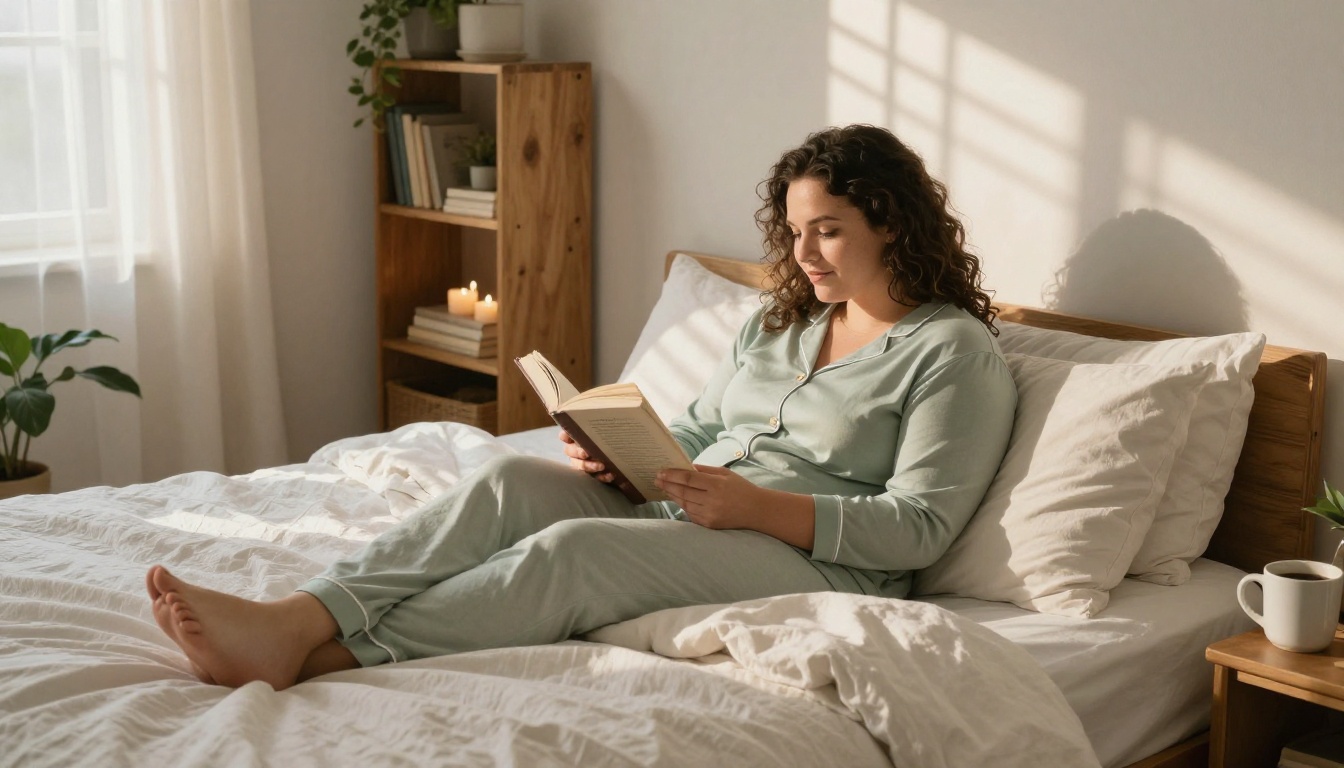
If you've never generated a realistic AI character before, start with Seedream 4.5. Write a detailed prompt using the structure in this article, pick 16:9 for a lifestyle shot or 9:16 for a full-body portrait, and generate. Adjust based on what you see. Within a few iterations you'll have an image that matches your vision.
For unlimited experimentation without per-image costs, switch to PicassoIA Image Editor Pro. Use your best Seedream 4.5 output as the input image and refine from there. The free trial gets you three generations with no credit card.
The full lineup of unrestricted AI image and video models is at picassoia.com/en/all-models. Every model on this list supports adult content and delivers photorealistic results at speeds that make iteration practical rather than painful.


