How to Build a Latina AI Girlfriend That Looks Completely Real
A practical, step-by-step breakdown of how to create a strikingly realistic Latina AI girlfriend using the best uncensored AI image generators on PicassoIA. Covers model selection, prompt engineering for authentic skin tones and facial features, lighting techniques, and an unlimited-generation workflow for iterating your results to perfection.
Most AI generators fail at creating convincing Latina AI girlfriends for one simple reason: default models were trained with heavy censorship and limited ethnic diversity. The result is flat, generic skin tones and feature sets that look nothing like what you actually want. This article breaks down exactly how to fix that using the right models, precise prompt engineering, and a zero-waste iteration workflow on PicassoIA.
Why Most AI Girlfriend Results Look Fake
Building a convincing Latina AI girlfriend is more about model selection and prompt engineering than raw creativity. Most people use whatever model is set as default, then wonder why outputs look plasticky, over-lit, and ethnically ambiguous. The fix is not complicated, but it requires understanding what is going wrong at each stage.
The Skin Tone Problem
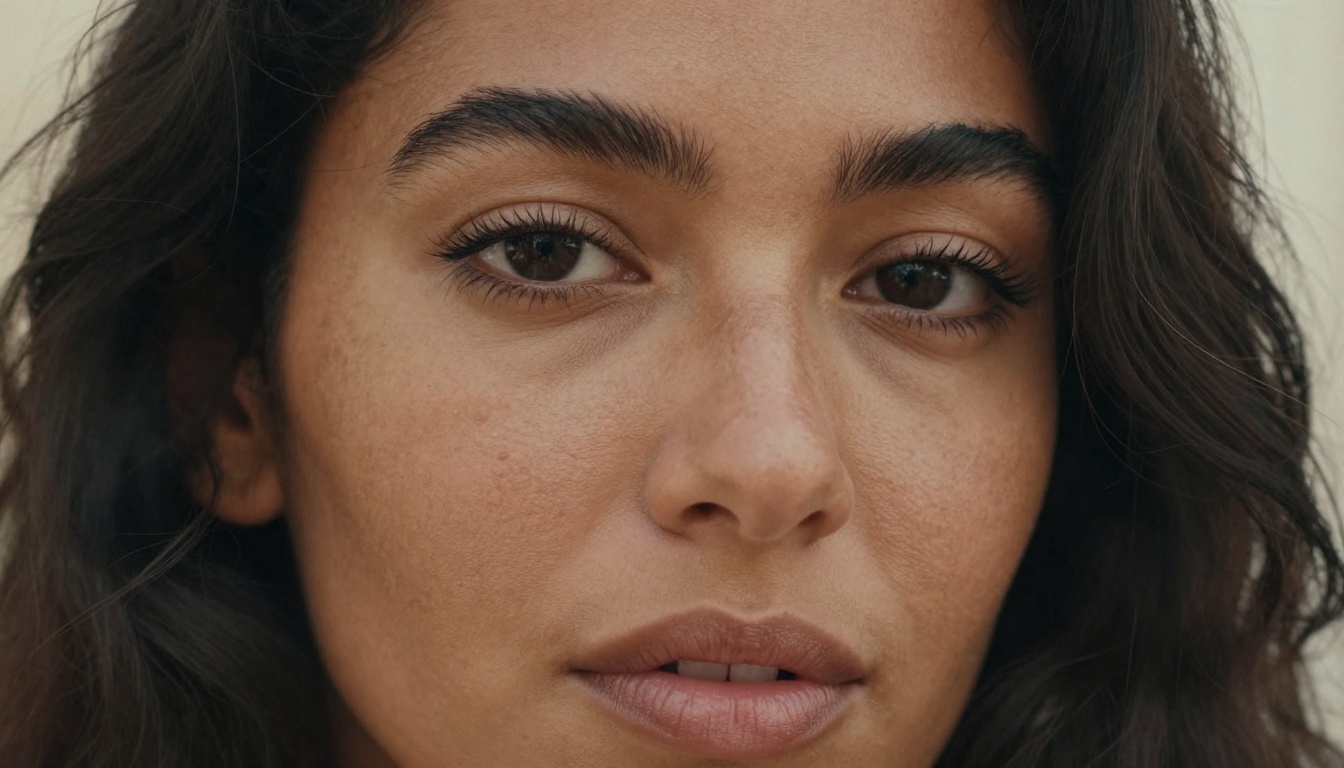
Latina women span a wide range of skin tones, from light olive to rich deep brown, and each requires a different photographic approach to render realistically. Most AI models default to a generic "warm beige" and lose the nuance entirely.
In your prompts, be explicit. Write "warm caramel skin tone with natural undertones," "rich terracotta complexion with subtle olive overtones," or "deep brown skin with warm amber highlights in direct sunlight." Vague terms like "tan" produce generic, unconvincing results every time.
The most important rule: never assume the model knows what you mean. Describe it like you are explaining to someone who has never seen a photograph before.
Hair and Feature Accuracy
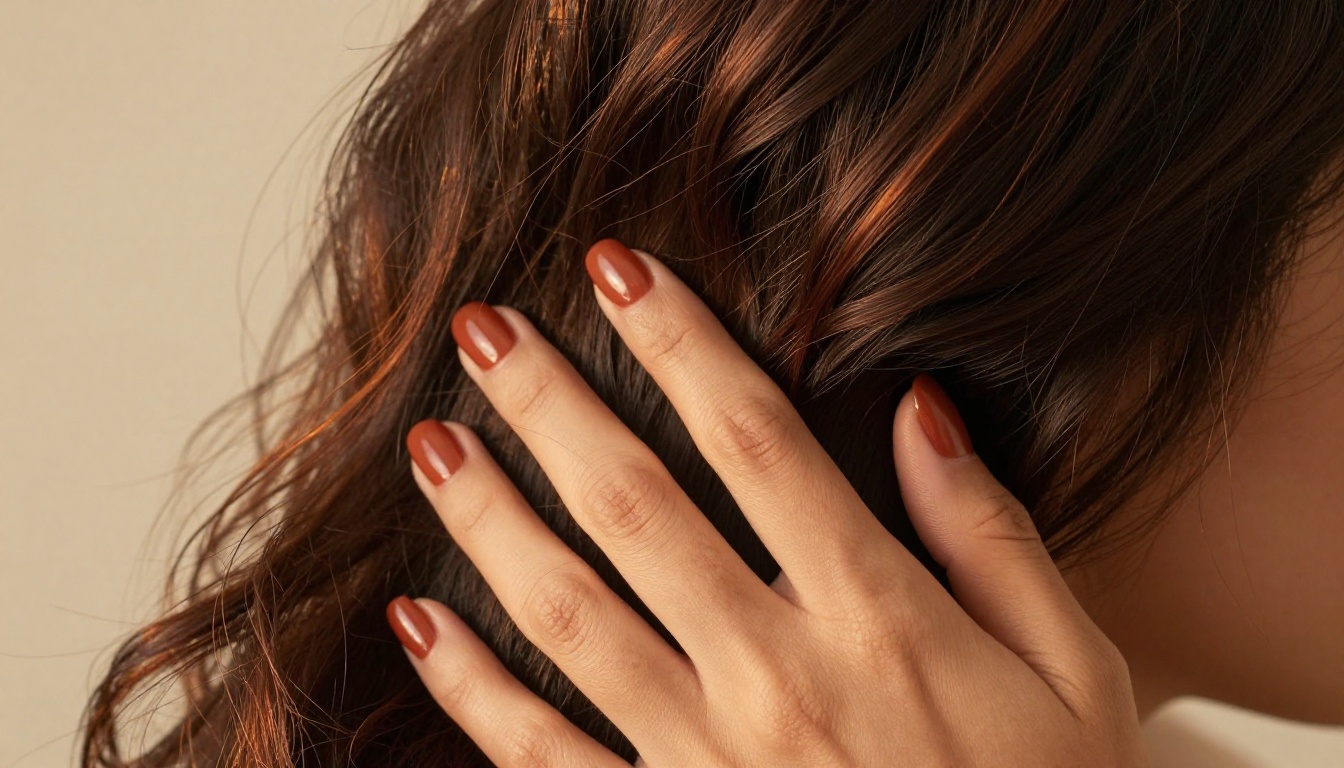
Dark, wavy or curly hair is technically challenging for AI models because of its light-interaction complexity. A weak model renders it as a flat dark mass. A strong one captures individual strands, natural highlights (dark amber, copper), and realistic movement.
For facial features, describe the specifics: "strong jaw with defined cheekbones," "full lips with natural shape," "dark almond-shaped eyes with long natural lashes." The more anatomically precise you are, the more convincing the output becomes.
This is the biggest error beginners make. Running suggestive or NSFW content through models with built-in safety filters is like trying to drive with the handbrake on. The model constantly interprets your prompt as a policy violation and sanitizes the output, producing an obviously edited, artistically compromised result.
The solution is using platforms and models that respect the artistic intent of your prompt without invisible restrictions applied behind the scenes.
Best Models for a Realistic Latina AI Girlfriend
PicassoIA hosts a curated selection of high-performance uncensored models built specifically for realistic AI photography. Here is the exact stack you need.
Seedream 4.5 — Start Here
Seedream 4.5 is the clear top choice for generating a realistic Latina AI girlfriend. It accepts adult content, handles skin tone diversity with exceptional accuracy, and generates results in under 3 seconds. For NSFW and suggestive content, no other text-to-image model on PicassoIA performs at this level.
Its image editing capability adds a significant workflow advantage: generate a base image, then use the same model to refine specific details like facial features, hair style, or outfit without starting over from zero.
💡 Critical note: The newer Seedream 5 Lite does NOT support NSFW content. Always use Seedream 4.5 for adult or suggestive image generation. The newer version blocks it entirely.
What makes Seedream 4.5 the best choice:
Highly realistic skin rendering across all tones
Accepts NSFW prompts and processes them as intended
Generates in under 3 seconds per image
Supports both text-to-image and image editing in one model
Consistent anatomy and proportions
PicassoIA Image Editor Pro — Unlimited Results
PicassoIA Image Editor Pro is the second essential tool in this workflow. It is an image-to-image model with one defining advantage over every other option: unlimited generations on Elite and Infinite plans.
You can run 1,000 variations at no additional cost. Compare that to models like Nano Banana 2, where the same volume costs around $100. When you are iterating to find the perfect result, this is how you do it without burning through your credits.
It also accepts NSFW content and returns results in under 1 second. A free trial of 3 generations is available without requiring a credit card.
The ideal two-model workflow:
Generate your base image with Seedream 4.5 using a detailed 60+ word prompt
Import that output into PicassoIA Image Editor Pro
Write a targeted refinement prompt focused on one or two specific changes
Generate in under 1 second
Repeat as many times as needed at zero extra cost
💡 Pro tip: Keep your refinement prompts to one or two changes at a time. Asking for too many simultaneous changes degrades output consistency significantly.
More Models Worth Testing
Beyond the top two, these models on PicassoIA consistently deliver strong results for Latina AI character creation:
The model is only half the equation. A weak prompt on a great model still produces mediocre results. Prompt engineering for realistic Latina AI girlfriend images follows specific patterns that separate convincing outputs from generic ones.
Describing Latina Features with Precision
Stop writing "beautiful Latina woman" and start writing anatomically accurate descriptions. The AI does not know what "beautiful" means in the context of your vision, but it does know what "warm caramel skin with natural freckles across the nose and cheekbones, full lips, dark almond-shaped eyes with long natural lashes" means.
Example skin tone descriptors (copy and adapt these):
"Warm caramel skin tone with natural freckles scattered across nose and cheeks, visible pore texture, subtle warm undertones"
"Rich terracotta complexion with olive overtones, smooth skin with natural texture, collarbone catching directional light"
"Deep brown skin with warm amber highlights where sunlight hits directly, natural skin imperfections, realistic skin-to-shadow transitions"
"Light olive skin with Mediterranean undertones, faint natural blush on cheeks, visible skin texture without retouching"
Lighting Details That Change Everything
Lighting is the single most impactful variable in photorealism. A prompt with no lighting specification defaults to a flat, neutral output that reads as unmistakably AI-generated. You must include it.
The lighting formula:
[Direction] + [Quality] + [Color Temperature] + [Secondary Fill Source]
Practical lighting examples:
"Volumetric morning light from the left at 45 degrees, warm 4500K, soft diffused fill light from right window"
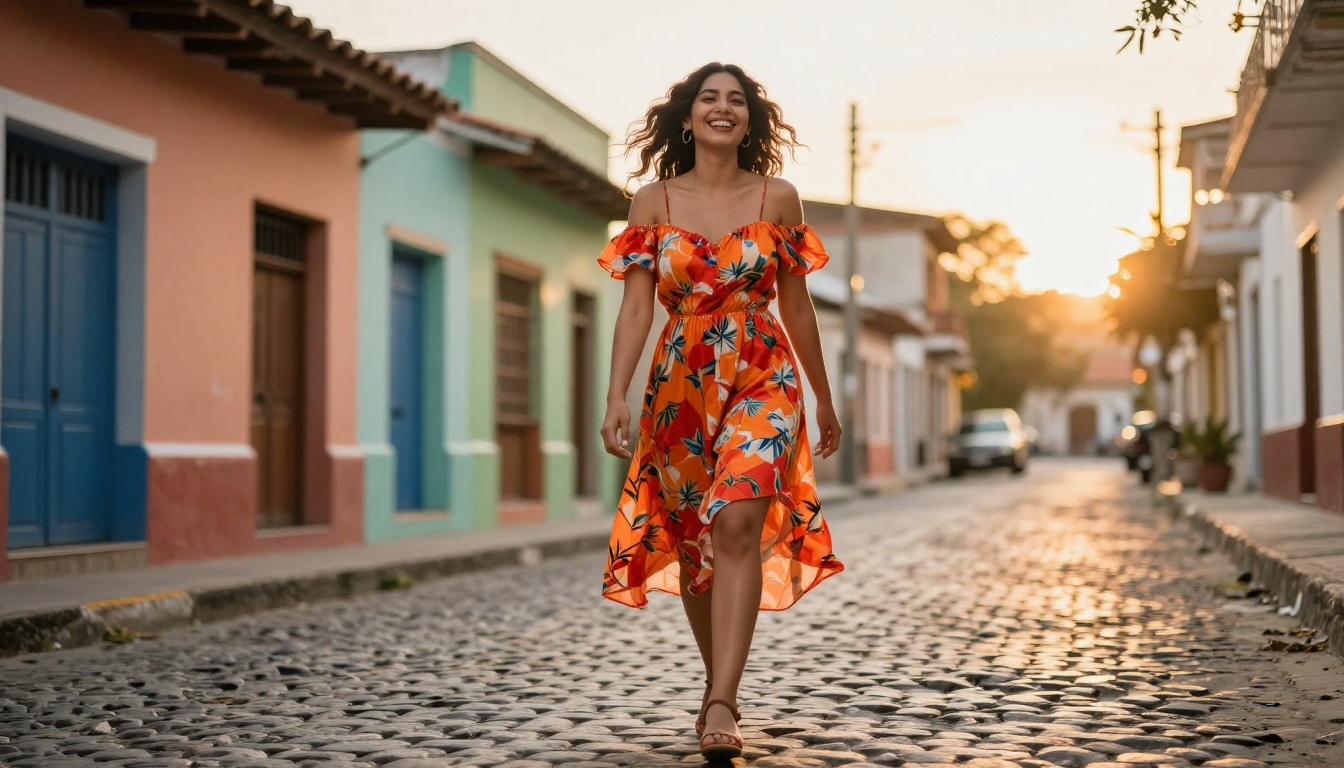
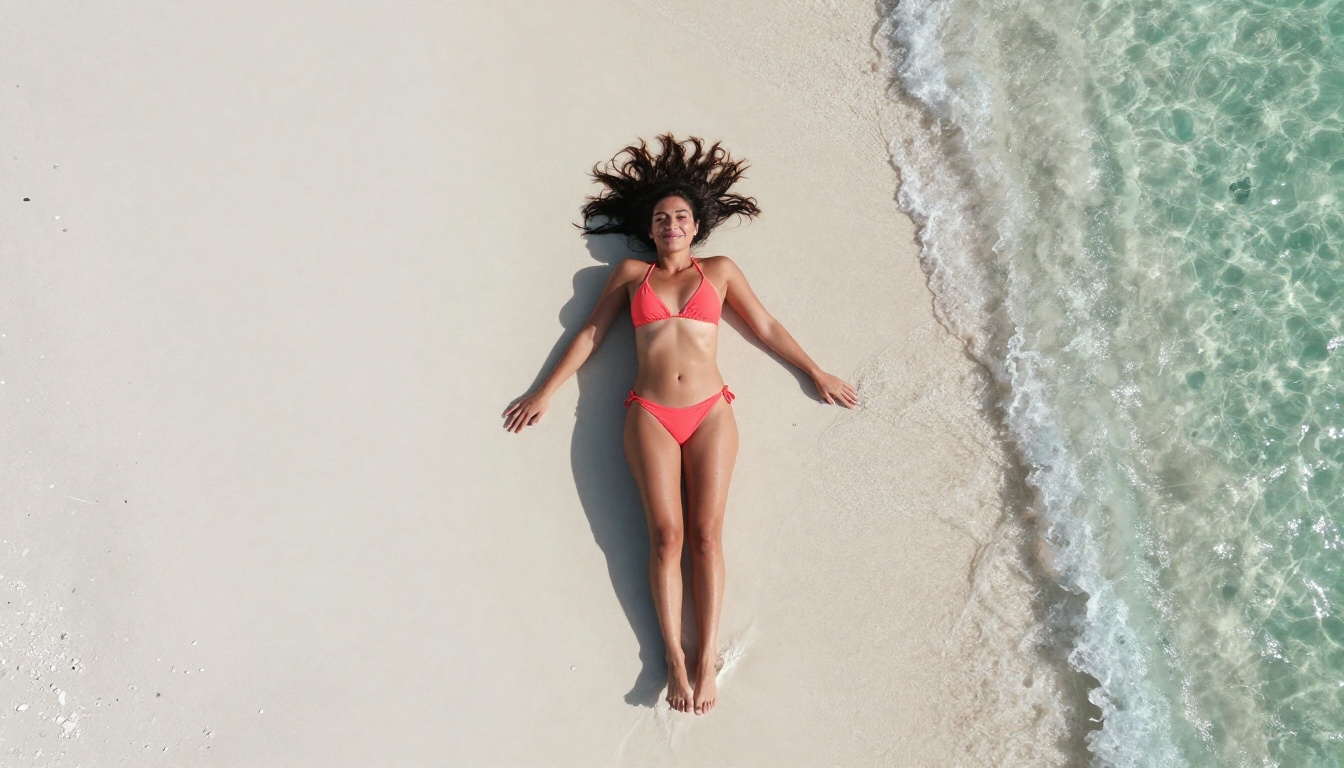
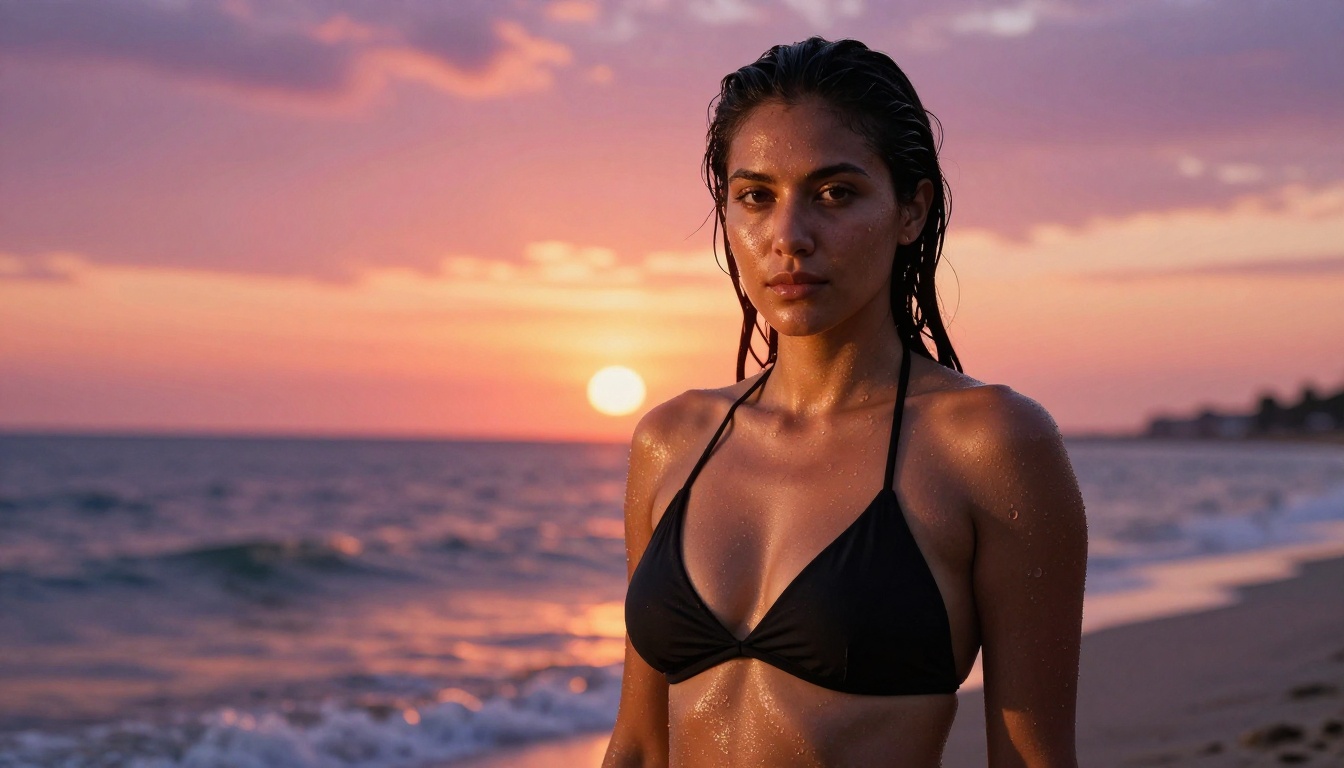
"Golden hour backlight creating rim light halo effect on hair and shoulders, warm ambient fill reflected from white sand below"
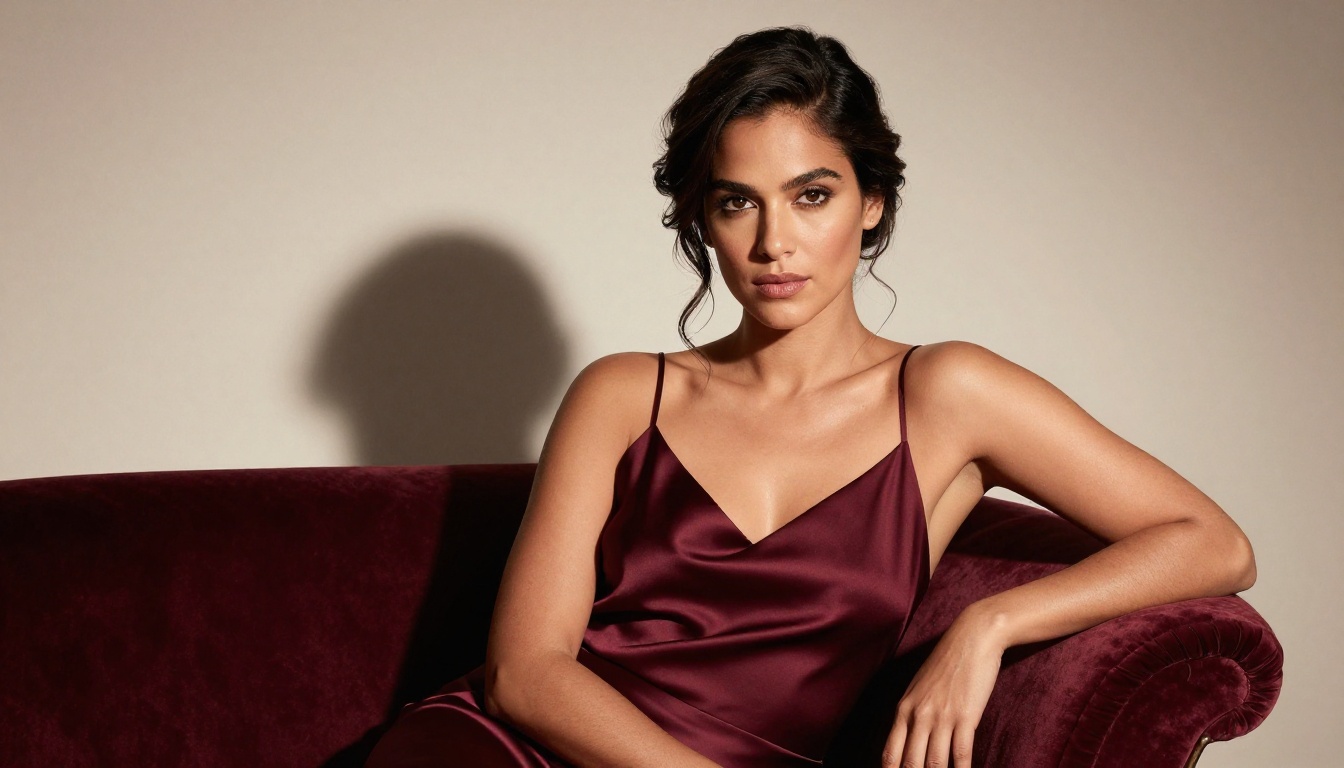
"Rembrandt lighting from above-right casting shadow triangle on left cheek, soft cool fill from opposite side"
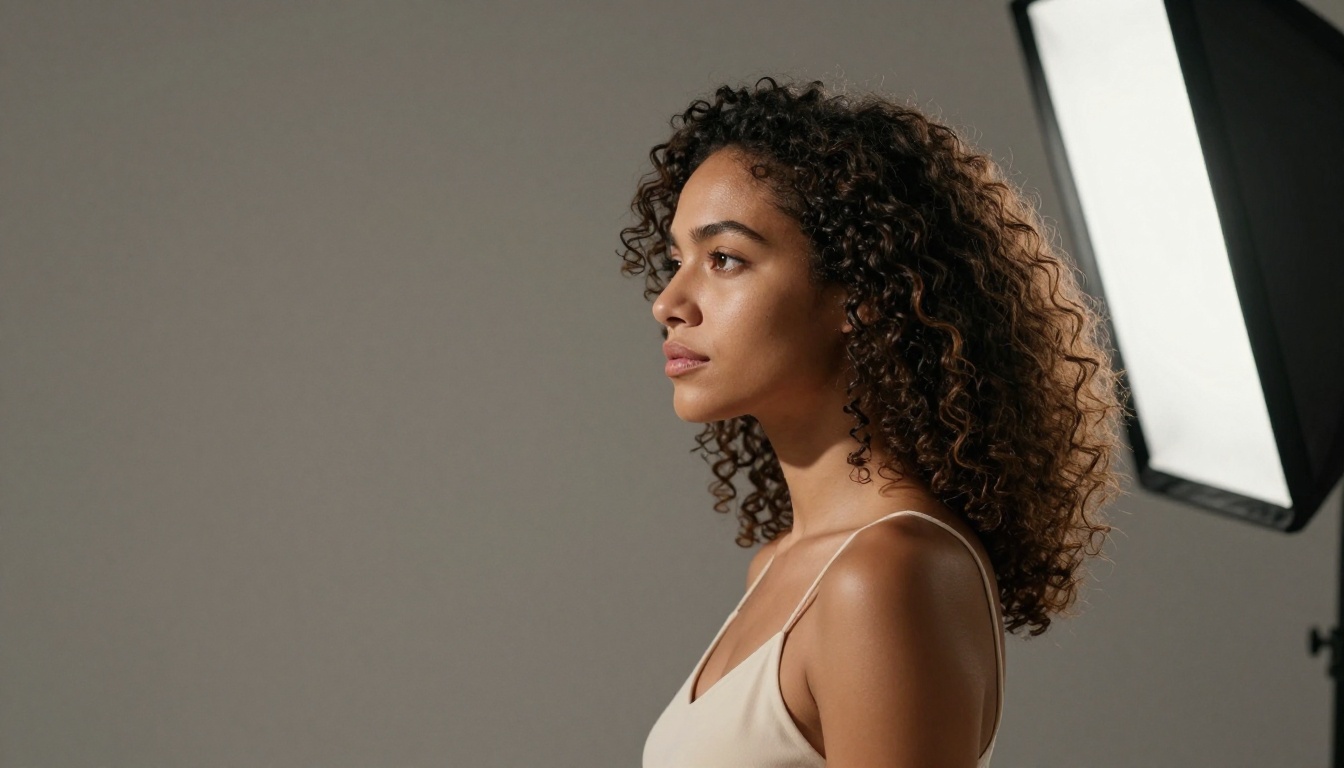
"Large octabox softbox directly to the right, smooth gradient shadows, warm hair light from behind at low angle"
"Overcast outdoor diffused light, soft shadows, natural even skin tone rendering, slight cool cast from open sky"
Pose and Expression Tips
Expression is the hardest element to control with text prompts. Instead of saying "looking confident" or "sexy expression," describe the specific physical details of what those expressions actually look like.
Expression translation table:
Vague Term
Precise Description
"confident"
"chin raised 10 degrees, direct eye contact, shoulders back and relaxed"
"happy"
"caught mid-laugh, eyes crinkling at corners, head slightly tilted right"
"natural"
"looking slightly past camera at 3/4 angle, relaxed jaw, lips slightly parted"
"contemplative"
"gaze directed downward at 20 degrees, slight furrow between brows, lips pressed together gently"
"playful"
"one eyebrow raised, corner of mouth pulled into asymmetric smile, head tilted"
Pose precision formula:
Instead of: "standing confidently"
Write: "standing with weight shifted to left hip, right shoulder dropped slightly lower, left hand resting on waist, right arm at side, chin elevated 10 degrees"
How to Build a Consistent Character
One of the most powerful use cases for AI girlfriend generation is creating a consistent character across multiple images, essentially building a persistent virtual identity that looks like the same person in every scene.
Anchoring Your Character Description
Create a "character sheet" prompt block that you paste into every generation. This block describes the fixed physical attributes that define your character:
[Name placeholder] — 27 years old, 5'6" Latina woman, warm caramel skin
with natural freckles on nose and cheeks, thick dark wavy hair to mid-back
with subtle copper highlights, dark brown almond-shaped eyes, defined
cheekbones, full lips with natural shape, slim athletic build
Paste this block at the start of every prompt, then add the scene-specific details (outfit, lighting, environment, expression) after it. The model treats the character block as a consistent anchor.
The Reference Image Trick
After generating a strong base result with Seedream 4.5, save that image and use it as the reference for all future generations in PicassoIA Image Editor Pro.
The image-to-image workflow uses your reference as a visual anchor, maintaining face shape, skin tone, and general features while applying your new prompt's scene changes. This is how you build a cohesive gallery that looks like a real photo shoot of one person.
Grok Imagine Image is also excellent for this: it can take your reference image and apply style or outfit changes while maintaining the core appearance with high fidelity.
Set aspect ratio: 16:9 for widescreen, 9:16 for phone wallpaper or portrait format
Write your full prompt using the character block + scene description structure above, minimum 60 words
Click generate. Results arrive in under 3 seconds
If the first output is not quite right, refine the prompt before switching models. The issue is almost always in the prompt, not the model
First prompt template (fill in your specifics):
[Your character block]. Wearing [outfit with fabric details].
[Scene and environment description]. [Lighting formula].
[Camera angle and lens specification]. [Expression and pose description].
Shot with [camera and lens], photorealistic RAW 8K photography,
Kodak Portra 400 film grain, realistic skin texture --ar 16:9 --style raw
Upload your Seedream 4.5 output as the source image
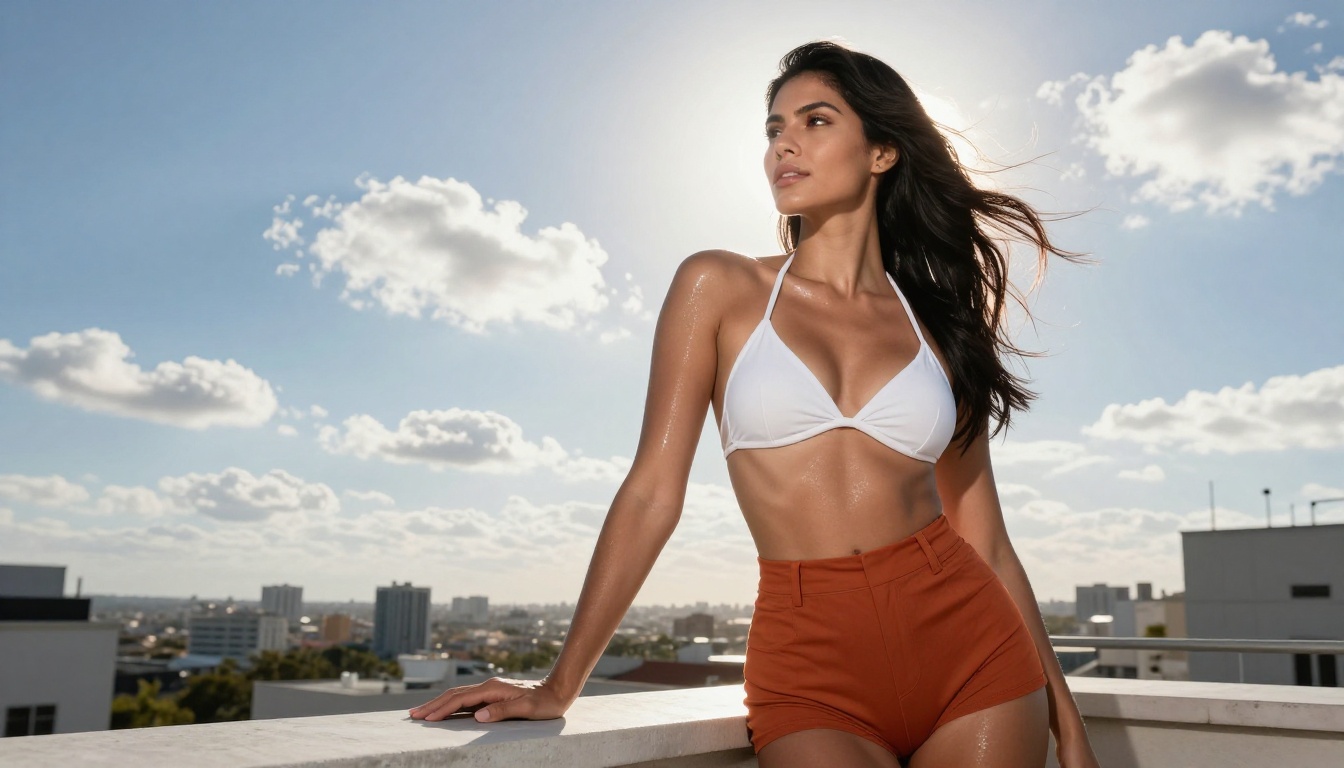
Write a refinement prompt focused on what you want changed: "change outfit to white bikini, maintain all other features," or "adjust lighting to golden hour, same pose and expression"
Generate in under 1 second
Repeat as many times as needed. Unlimited on Elite and Infinite plans.
Qwen Image 2 is worth using when you want very fine detail refinements. As an open-source model, it processes prompts with fewer interpretive biases and often delivers more literal interpretations of specific feature requests.
Iterating Until Perfect
Treat the generation process like a photography session. A real photographer takes dozens of frames to get one perfect shot. With PicassoIA Image Editor Pro, each "frame" costs nothing extra on an unlimited plan.
Iteration variables to test systematically:
Lighting direction (left vs. right vs. overhead vs. backlight)
Expression variations (smile vs. neutral vs. contemplative)
Camera angle (close-up vs. mid-shot vs. full body)
Time of day in the scene (morning vs. golden hour vs. evening)
Run through these variables one at a time to identify which combination produces your ideal result, then lock it in as your final reference image.
Why PicassoIA Beats Other AI Platforms
No Content Filters
Most mainstream AI platforms apply automatic safety filters that interpret any suggestive content as a policy violation. The result is either a blocked prompt, a sanitized version of what you asked for, or an obviously AI-modified image that has been digitally "clothed" or "desexualized" by the filter.
Here is how PicassoIA stacks up against typical alternatives:
Factor
PicassoIA (Elite Plan)
Generic Platform
Generation speed
Under 1 to 3 seconds
15 to 45 seconds
NSFW support
Full, uncensored
Blocked or filtered
Unlimited generations
Yes (Image Editor Pro)
Pay per generation
1,000 images cost
$0 (plan included)
~$100 or more
Text-to-image models
91+ available
Limited selection
Output resolution
RAW 8K equivalent
Often 512 to 1024px
3 Mistakes That Kill Your Results
Vague Feature Descriptions
"Beautiful Latina girl with dark hair" tells the model almost nothing actionable. The output will be an AI average of every similar prompt in the training data, which produces generic and unconvincing results.
Every physical attribute needs specificity: skin tone, hair texture, eye shape, facial structure, body type, clothing material, and natural skin details that make the image feel real (freckles, visible pore texture, subtle natural asymmetry). The more specific the description, the further from the AI average the output lands, which almost always means more realistic and more personalized.
Wrong Model Choice
Using a general-purpose text-to-image model for adult or suggestive content is the single most common mistake. These models have hardcoded restrictions that activate for any prompt adjacent to adult content, regardless of how the prompt is phrased.
Always start with Seedream 4.5 as your primary generation model. For refinement and unlimited iterations, move to PicassoIA Image Editor Pro. Do not waste prompts on models that will filter your results anyway.
Flat Lighting Prompts
Lighting is the single highest-impact variable in AI photorealism. A prompt with no lighting information defaults to a flat studio-neutral output that reads as unmistakably AI-generated. There is a stark visible difference between an image generated with "warm morning light from the left with soft shadow detail on the right side, visible rim light on shoulder and hair" versus an image generated with no lighting specification at all.
At minimum, always include: light direction, light quality (soft diffusion vs. hard direct), color temperature (warm tungsten vs. cool daylight), and a secondary fill source.
Start Creating Yours Right Now
You now have the complete picture: the right models, the right prompt architecture, a two-model workflow for generating and iterating without burning credits, and the specific mistakes to avoid.
The fastest path forward is opening Seedream 4.5 on PicassoIA right now, writing a detailed 60-word prompt using the character block and lighting formula above, and running your first generation. From there, PicassoIA Image Editor Pro gives you unlimited refinements to iterate toward exactly the result you want, at no extra cost on Elite and Infinite plans.
Every model covered in this article is available on PicassoIA in one place, with no hidden content filters and no unexpected sanitization of your prompts.