How to Create Adult AI Videos Like Seedance 2.0 Quality (Without Wasting Hours on Bad Results)
A no-nonsense breakdown of how to produce adult AI videos that match the photorealistic standards set by Seedance 2.0. From picking the right model and writing tight prompts, to dialing resolution settings and running image-to-video workflows that actually deliver cinematic results every time.
Most people trying to create adult AI videos run into the same wall: the output looks like it was generated in 2022. Plastic skin, jittery motion, flat lighting that kills any sense of realism. Seedance 2.0 changed what the baseline should look like, and once you see what it can do, going back to anything less feels painful. This article breaks down exactly how to close that gap, whether you're using Seedance 2.0 directly or coaxing other models up to its standard.
What Seedance 2.0 Actually Does
Cinematic realism, not just sharp pixels
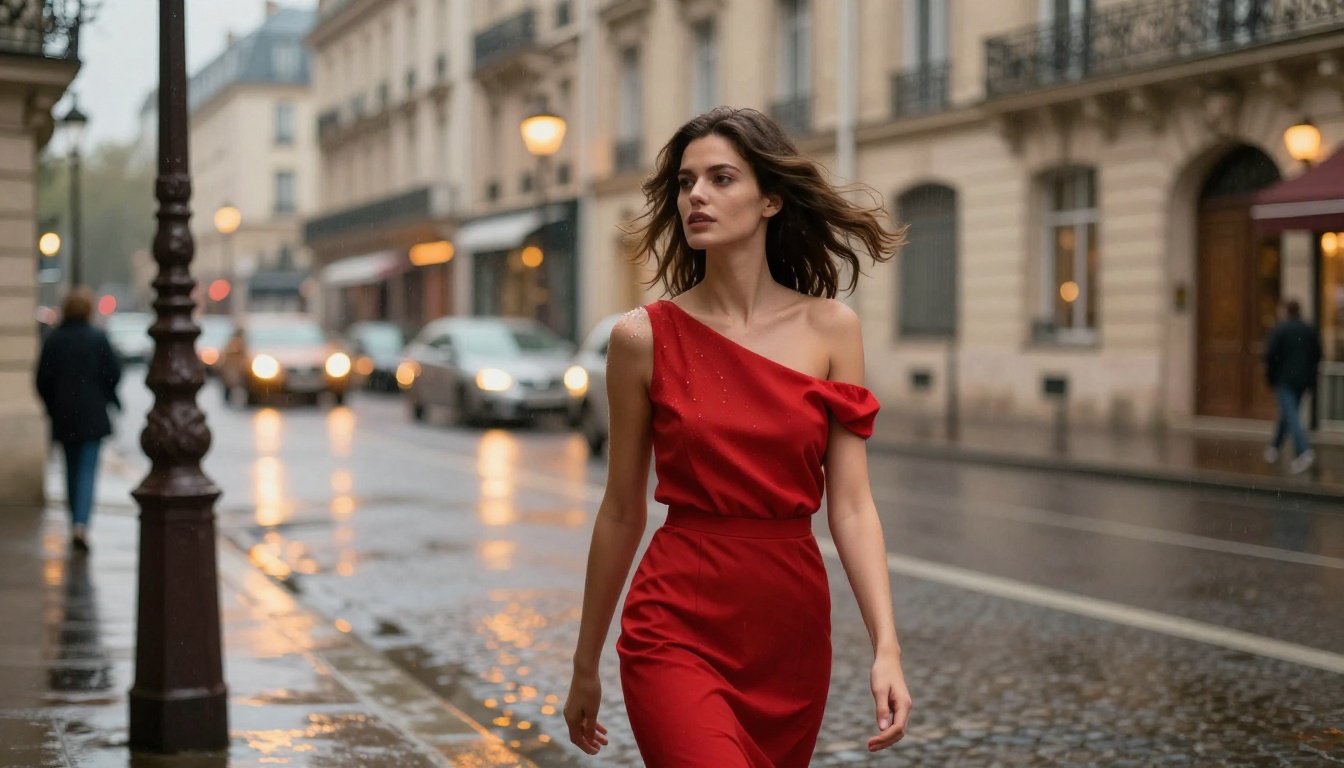
The reason Seedance 2.0 hits differently from other text-to-video models is not just resolution. It is how ByteDance trained it to handle motion coherence, skin texture continuity between frames, and natural lighting behavior across a scene. Previous generation models would produce individual frames that looked acceptable in isolation but fell apart the moment they were assembled into motion. Seedance 2.0 treats the clip as a temporal unit, keeping character identity stable across every frame.
For adult content specifically, this matters enormously. Skin textures that shift between frames, faces that morph subtly from shot to shot, and lighting that does not match between cuts are the three fastest ways to pull a viewer out of the experience. Seedance 2.0 handles all three significantly better than its predecessors.
Native audio changes the workflow
One feature most people do not leverage enough: Seedance 2.0 supports native audio generation alongside the video. This means ambient sound, environmental noise, and soft audio texture can be baked in at generation time rather than added in post. For suggestive content with a mood-setting atmosphere, that ambient layer adds a level of immersion that silence simply cannot match.
Picking the Right Model
Seedance 2.0 vs. the competition
Not every use case needs the full Seedance 2.0 model. Understanding where competitors actually compete changes how you allocate your generation budget.
💡 Use Seedance 2.0 Fast for prompt testing and iteration. Once you have a prompt that works, run it through full Seedance 2.0 for the final render.
Speed vs. quality: where to draw the line
For adult AI video creation, quality almost always wins over speed. The difference between a render that looks real and one that looks generated is the difference between a video people share and one they close immediately. That said, using Seedance 2.0 Fast during prompt development lets you test five prompt variations in the time a single full-quality render would take. Build the prompt first, render it right once.
If you want motion precision, Kling v3 and its Kling v3 Omni variant give you explicit motion control parameters that Seedance does not offer. For adult content where specific poses, gestures, or movement trajectories matter, this is a genuine advantage.
Writing Prompts That Don't Fail
The anatomy of a quality prompt
A prompt that produces Seedance 2.0 quality output follows a specific structure. Vague prompts produce vague results. The model needs context at every level: who is in the scene, what they are doing, what the environment looks like, what the lighting is, and how the camera is positioned.
A working template:
[Subject description with specific physical detail] +
[Action/pose description] +
[Environment with texture/material detail] +
[Lighting direction and quality] +
[Camera angle and movement] +
[Mood/atmosphere modifiers]
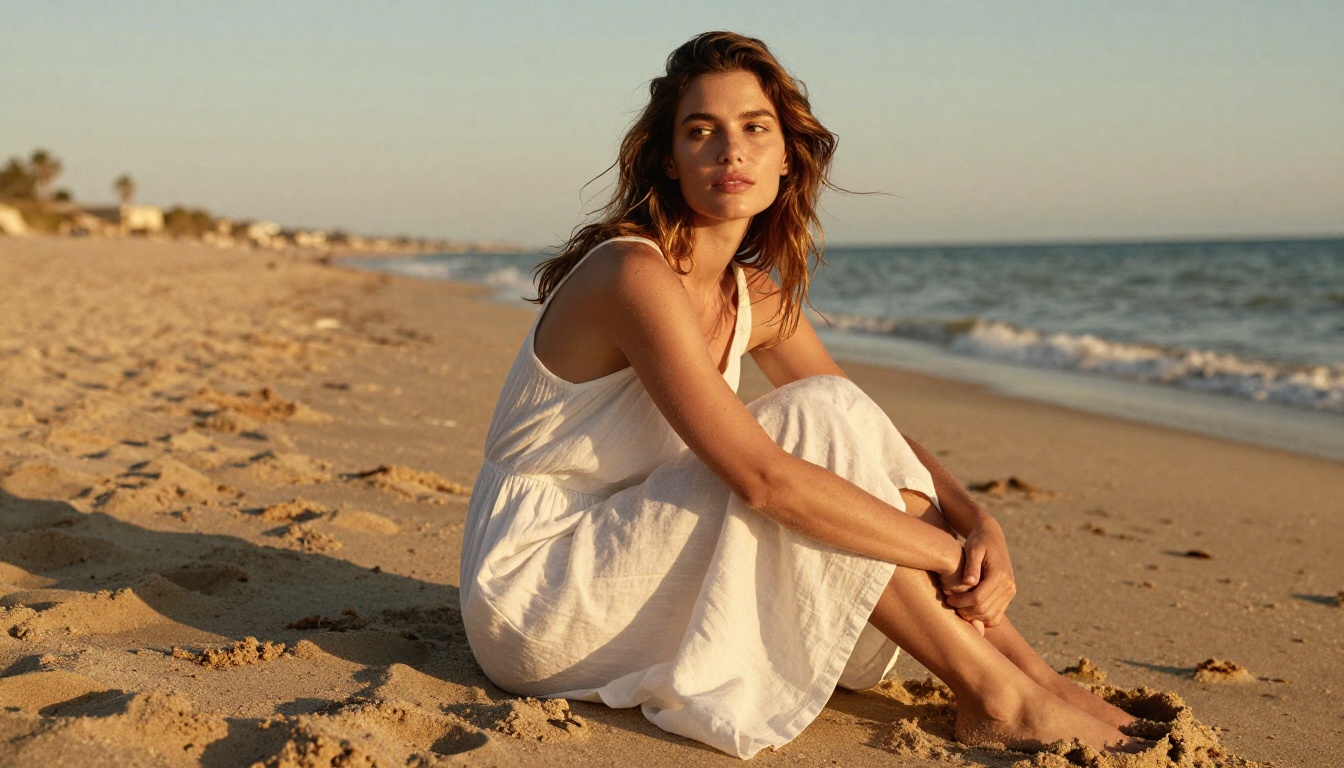
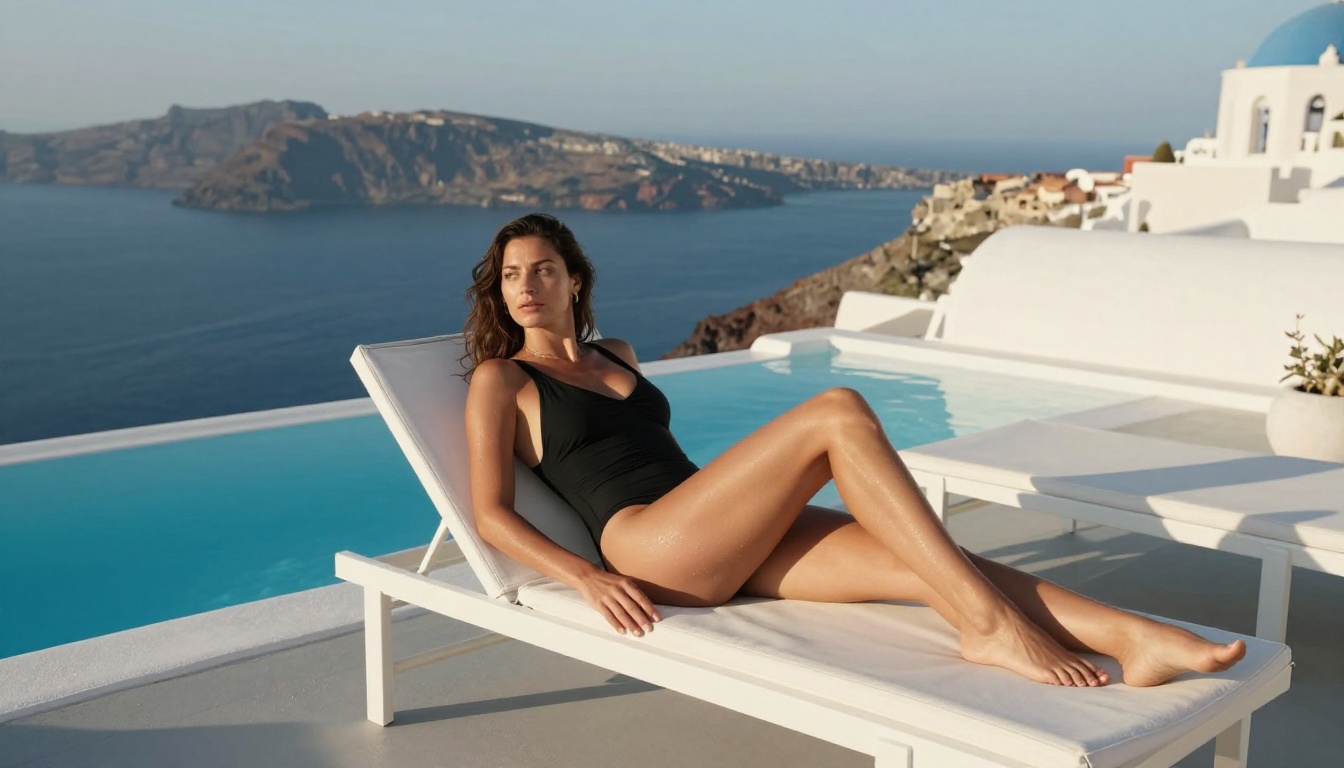
For example: "A beautiful woman with sun-bronzed skin and loose dark hair, standing waist-deep in a calm turquoise pool, arms resting on the pool edge, looking back over one shoulder with a relaxed smile. Afternoon sun from the left creating a warm backlight halo in her hair. Rooftop villa setting with white stone and ocean horizon behind. Low-angle camera from pool level, slight tilt up. Cinematic golden hour atmosphere, photorealistic, 8K."
That prompt gives the model almost everything it needs. Compare it to "beautiful woman in pool" and the quality difference is not subtle.
5 mistakes that ruin realism
Most bad adult AI video output comes from one of five places:
No lighting direction: Saying "soft lighting" tells the model nothing. Say "volumetric morning light from the left" or "warm backlight from a sunset behind the subject."
Missing camera information: The model needs to know where the camera sits. "Medium shot, 70mm lens, slight low angle" produces a completely different result than the same prompt without it.
Generic character description: "Beautiful woman" is not a description. Specify hair texture, skin tone, build, what she is wearing, and the exact state of her expression.
Ignoring negative prompts: Do not skip the negative prompt field. Add: blurry, distorted, plastic skin, low quality, flat lighting, cartoon, animated, CGI, glowing effects, neon to every generation.
Overcrowding the action: One clear action beats three simultaneous ones every time. "Walking slowly toward the camera" is clear. "Walking, while turning, while brushing hair" creates jitter and confusion in the generated motion.
Dialing the Right Settings
Resolution, duration, and ratio
Seedance 2.0 supports multiple resolution and aspect ratio outputs. For content meant to be watched on standard screens, 1080p at 16:9 is the sweet spot. For mobile-first adult content, 9:16 at 720p produces faster renders with better-optimized framing for vertical viewing.
Duration matters more than most people realize. A 5-second clip at maximum quality beats a 15-second clip where the model runs out of budget to maintain consistency in the back half. If you need longer content, generate it as 5-second segments and assemble them in post. This gives you a quality floor across every moment rather than a quality ceiling at the start that degrades by the end.
💡 Set steps to maximum when using Seedance. Lower step counts save time but produce noticeably softer, less detailed output on skin textures and hair.
Negative prompts and style modifiers
Every generation should include a well-built negative prompt. For photorealistic adult content, the standard negative prompt set:
Blurry, low resolution, plastic skin, waxy texture, flat lighting, overexposed, underexposed, cartoon, anime, CGI, 3D render, illustration, distorted anatomy, extra limbs, fused fingers, bad hands, watermark, text overlay, neon glow, digital art.
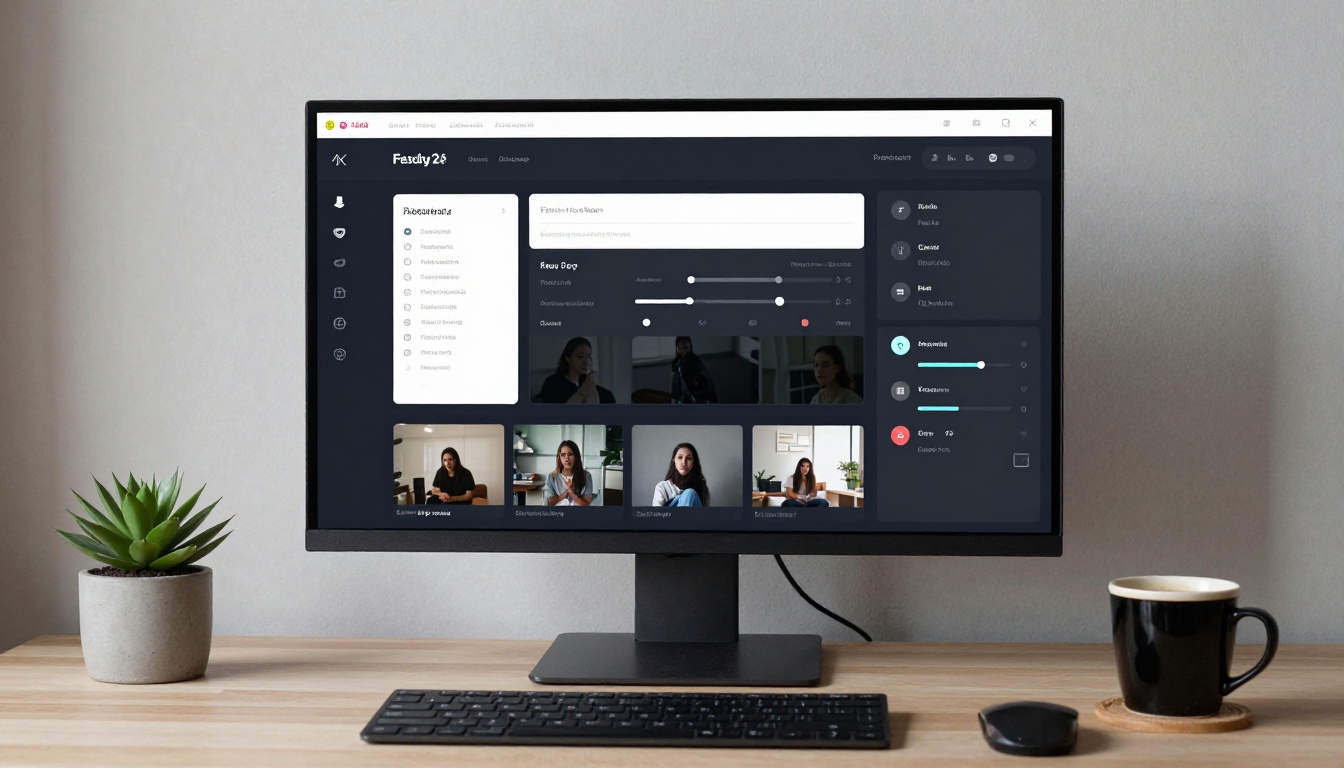
Step 2. In the prompt field, paste your full structured prompt. Do not use the default short description approach. Write the full scene.
Step 3. Set your aspect ratio. For standard adult content, 16:9. For vertical or mobile content, 9:16.
Step 4. Choose your duration. Start with 5 seconds for quality testing.
Step 5. Add your negative prompt in the dedicated negative prompt field.
Step 6. Set the guidance scale. Higher values (7-9) produce output that follows your prompt more literally. Lower values (4-6) allow more model creativity. For realism, stay between 7 and 8.5.
Step 7. Hit generate and wait. Full quality renders take longer than fast variants. Do not cancel and restart if it seems slow.
Step 8. Review the output. Check for motion consistency, skin texture quality, and lighting accuracy. If any fail, adjust the prompt before running again.
Image-to-video workflow
The image-to-video workflow in Seedance 2.0 produces significantly more consistent character results than pure text-to-video. This is because you are giving the model a reference image for what the character looks like, removing the ambiguity that causes face drift and body proportion inconsistency.
The workflow:
Generate a photorealistic character image first, using a text-to-image model with a detailed physical description.
Upload that image to Seedance 2.0 as the reference frame.
Write an action prompt that describes motion from the character's current position.
Generate the video.
For adult AI content where character consistency matters across multiple clips, this approach is not optional. It is the difference between a series of clips featuring "a character" and a series featuring your character.
If you want even more motion fidelity, Wan 2.6 Image-to-Video is another strong option for this workflow, particularly for longer clip durations.
Comparing Results Across Top Models
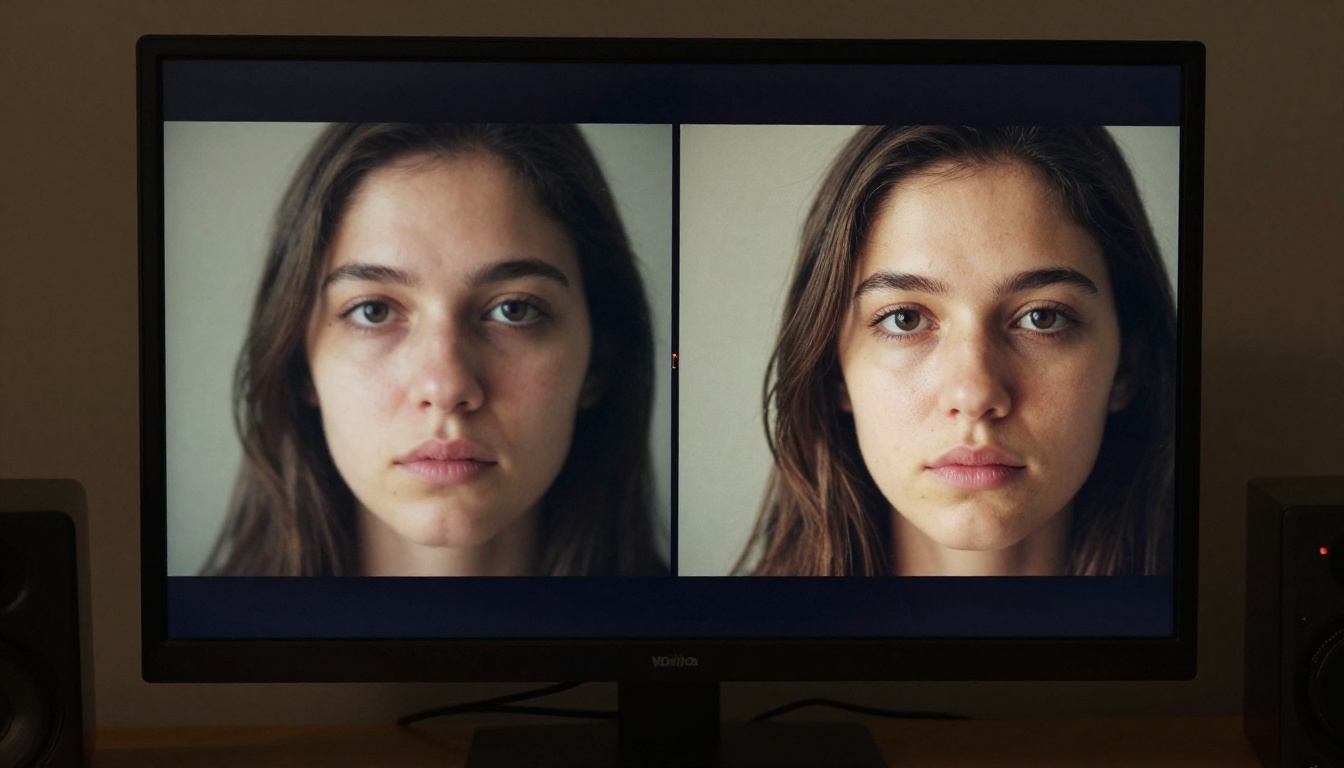
Running the same prompt through multiple models and comparing outputs is the fastest way to develop intuition for what each model does well. Here is a practical breakdown based on adult content generation specifically:
💡 For maximum realism in adult content, Seedance 2.0 leads across every metric that matters. Kling v3 competes on motion naturalness and is worth testing when precise movement is the priority.
Beyond Seedance: The Full Toolkit
Getting to Seedance 2.0 quality is partly about choosing the right model, but it is also about using the right tools around that model. A few capabilities that meaningfully improve adult AI video output:
Super Resolution: If a clip looks good but needs to be upscaled for larger display formats, PicassoIA's super resolution tools can push the resolution up 2x or 4x without the softening artifacts most scalers introduce. This is useful when generating at a lower resolution for speed and then upscaling for the final output.
Video Refinement: AI video refinement tools can stabilize motion, reduce artifacts, and sharpen detail in already-generated clips. If a Seedance 2.0 render is 90% perfect but has one section with visible compression artifacts, refining rather than fully regenerating saves significant time.
Face Swap AI: For character consistency across a content series, face swap tools let you standardize appearance across clips generated with slightly different prompt phrasings. This solves the "almost the same character" problem that plagues multi-clip adult content projects.
Lipsync: If your adult AI video includes a speaking character, PicassoIA's lipsync models can synchronize mouth movement to audio, adding a layer of realism that static mouths or generic movement simply cannot match.
Start Creating Right Now
The gap between "AI video that looks generated" and "AI video that looks real" is mostly a gap in prompt quality, model selection, and settings discipline. None of it requires specialized technical skills. It requires attention to detail and the willingness to iterate.
Seedance 2.0 on PicassoIA is the fastest path to cinematic adult AI video without hardware requirements, API configuration, or queue management. Write a tight prompt, set the parameters correctly, and you are generating output that would have been technically impossible two years ago.
If you want to start immediately, the image-to-video workflow is the most forgiving entry point. Generate a reference image you like, upload it, describe the motion you want, and let Seedance handle the rest. You will have your first high-fidelity adult AI video in minutes.