AI has rewritten the rules for adult content creation. What used to require professional photography studios, expensive equipment, and the right connections now fits entirely inside a text box. Type what you want to see, pick a model, and in seconds you have a photorealistic image that would have taken days to produce a decade ago.
This article walks through every piece of that process: the models worth using, how prompts actually work for adult and NSFW content, the exact steps to use on PicassoIA, and the mistakes that will tank your results before you even start.
The Models That Actually Matter
Not every text-to-image model is built for photorealistic human subjects. Some excel at landscapes or abstract art, others are tuned specifically for lifelike skin tones, realistic lighting, and believable anatomy. If you are creating adult or glamour content, the model choice is the single most important decision you will make before writing a single prompt.
Flux Is the Current Benchmark
Flux 1.1 Pro Ultra from Black Forest Labs sits at the top of the photorealism stack right now. Its capacity for rendering fine skin texture, hair strands, fabric detail, and realistic lighting conditions makes it the default choice for anyone serious about adult AI imagery.
Flux 2 Pro pushes that even further with updated architecture that handles complex compositions, multiple light sources, and edge-case prompts with more consistency than its predecessor. For close-up portraits and boudoir-style shots especially, the skin rendering is hard to beat.
Flux Dev offers the same quality backbone with more flexibility for creative experimentation. It runs slightly slower but gives you more control over the final look through detailed prompting.
SDXL and Realistic Vision for Flexibility
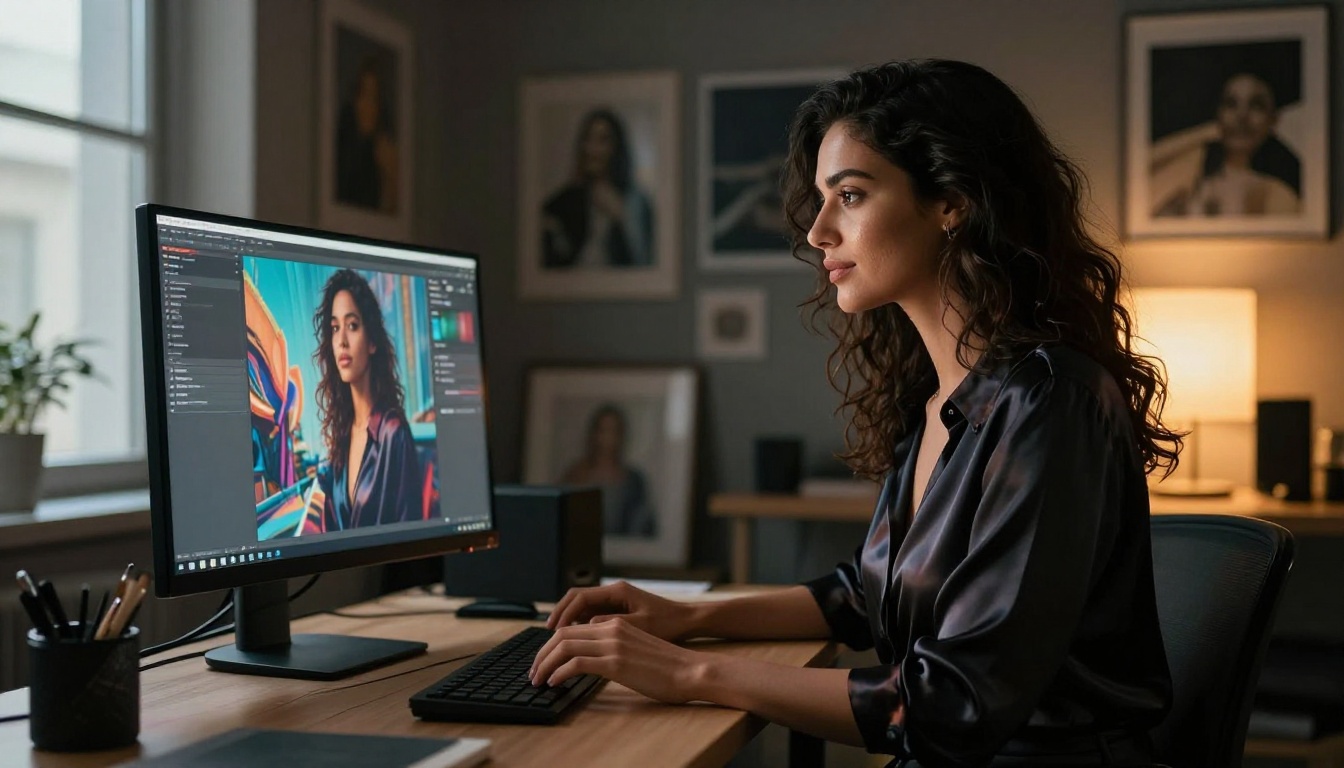
SDXL remains one of the most versatile options. Its checkpoint-based system and broad LoRA compatibility mean you can customize it heavily toward specific aesthetics, body types, and styles. If you want to blend artistic glamour with realism, SDXL handles that transition well.
Realistic Vision v5.1 was built with one purpose: photorealistic humans. The model is specifically trained on high-quality photographic data, making it exceptional for portraits, lingerie shots, and anything that needs to pass as genuine photography. The skin tones alone put it ahead of generalist models.
RealVisXL v3 Turbo combines the SDXL backbone with the Realistic Vision tuning in a faster-running package. If you need volume, it is the fastest way to generate a large batch of high-quality realistic human images without sacrificing too much on detail.
When You Want Something Different
Stable Diffusion 3.5 Large has improved dramatically on body anatomy and scene coherence. It does particularly well with full-body shots that include environmental context, like outdoor scenes or interior settings with complex lighting.
Flux 1.1 Pro is the sweet spot between cost, speed, and quality. For most adult content use cases, it is all you need.
| Model | Best For | Speed | Realism |
|---|
| Flux 1.1 Pro Ultra | Boudoir, close-up portraits | Medium | ★★★★★ |
| Flux 2 Pro | Complex scenes, multiple subjects | Medium | ★★★★★ |
| Realistic Vision v5.1 | Pure photorealism, skin texture | Fast | ★★★★☆ |
| RealVisXL v3 Turbo | High volume generation | Fast | ★★★★☆ |
| SDXL | Custom styles, LoRA workflows | Medium | ★★★☆☆ |
| Stable Diffusion 3.5 Large | Full-body, environmental shots | Slow | ★★★★☆ |
Writing Prompts That Actually Work
Most people who get mediocre results from AI image generators have a prompt problem, not a model problem. The model is only as good as the information you give it. For adult content specifically, vague prompts produce generic outputs. Specific prompts produce images that match your vision.
The Structure of a Photorealistic NSFW Prompt
Every prompt that produces a high-quality result includes the same building blocks:
- Subject description: Who is in the image, their physical characteristics, expression, pose
- Wardrobe or state: What they are wearing, fabric type, fit, detail
- Environment: Where the scene takes place, background elements
- Lighting: Direction, temperature, source (natural, artificial, mixed), quality (hard, soft, diffused)
- Camera specifics: Lens focal length, aperture, distance from subject
- Technical style: Film stock, grain type, color profile
A weak prompt looks like this: "beautiful woman in lingerie, photorealistic"
A strong prompt looks like this: "a woman with olive skin and dark curly hair wearing a black satin slip dress with thin straps, seated on the edge of a white bed with rumpled cotton sheets, late afternoon sunlight from a window to the right casting warm directional light across her shoulder and jawline, 85mm f/1.8 shallow depth of field, Kodak Portra 400 film grain, photorealistic 8K"
The second version tells the model exactly what you want at every level. The first one gives it room to guess, which is where problems start.
Lighting Is Everything
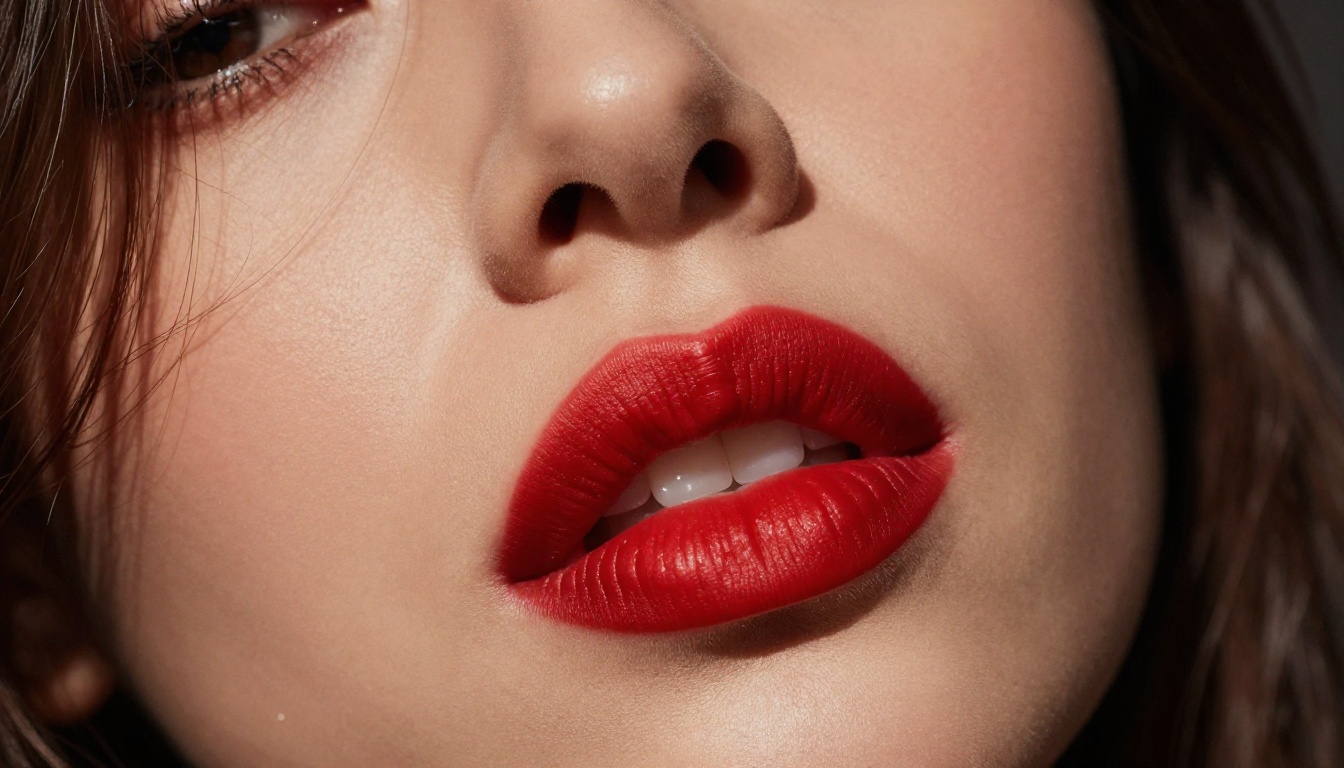
More than any other single variable, lighting determines whether an image reads as photographic or artificial. For adult content, the most effective lighting setups are:
- Golden hour natural light: Warm, directional, flattering on skin. Specify "volumetric afternoon sunlight from the left" or "golden hour backlight creating rim glow on hair and shoulders"
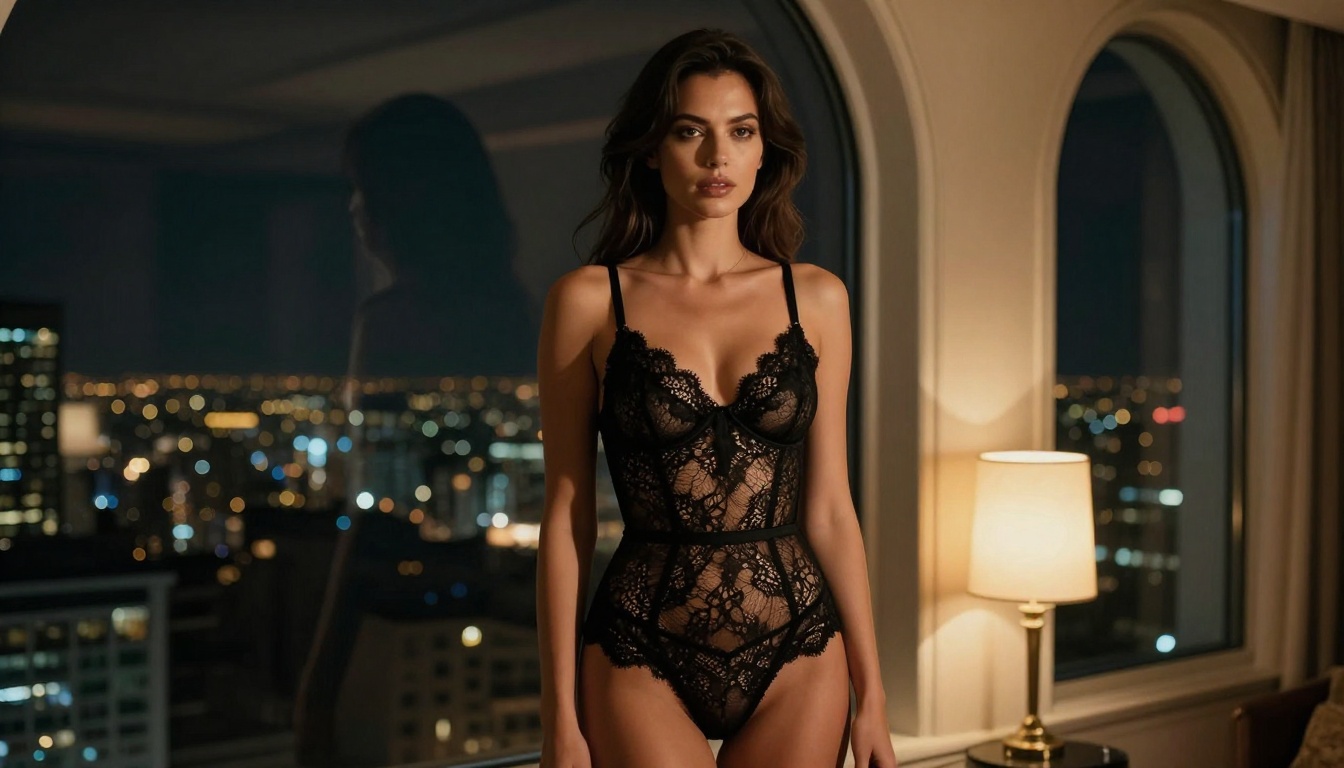
- Single source dramatic light: One lamp, one window. Creates sculpted shadows that feel cinematic. "single bedside lamp casting warm amber glow from the right"
- Soft studio light: Overcast or diffused, even illumination. "diffused window light, soft shadow fill, no harsh highlights"
- Night city light: Warm ambient glow from below mixed with directional lamp. Excellent for urban interior scenes.
Specifying the temperature of light (warm amber vs. cool blue) and its direction (from the left, from behind, overhead) gives the model the information it needs to produce consistent results.
Camera and Lens Details That Change Everything
Mentioning camera lens specifics is not just technical detail, it directly shapes the output:
- 85mm f/1.4: Compressed perspective, blurred background, face and subject in sharp relief. The classic portrait lens. Use for close-ups and intimate shots.
- 35mm f/2.0: Slightly wider, more environment visible, still natural looking. Good for three-quarter or seated shots.
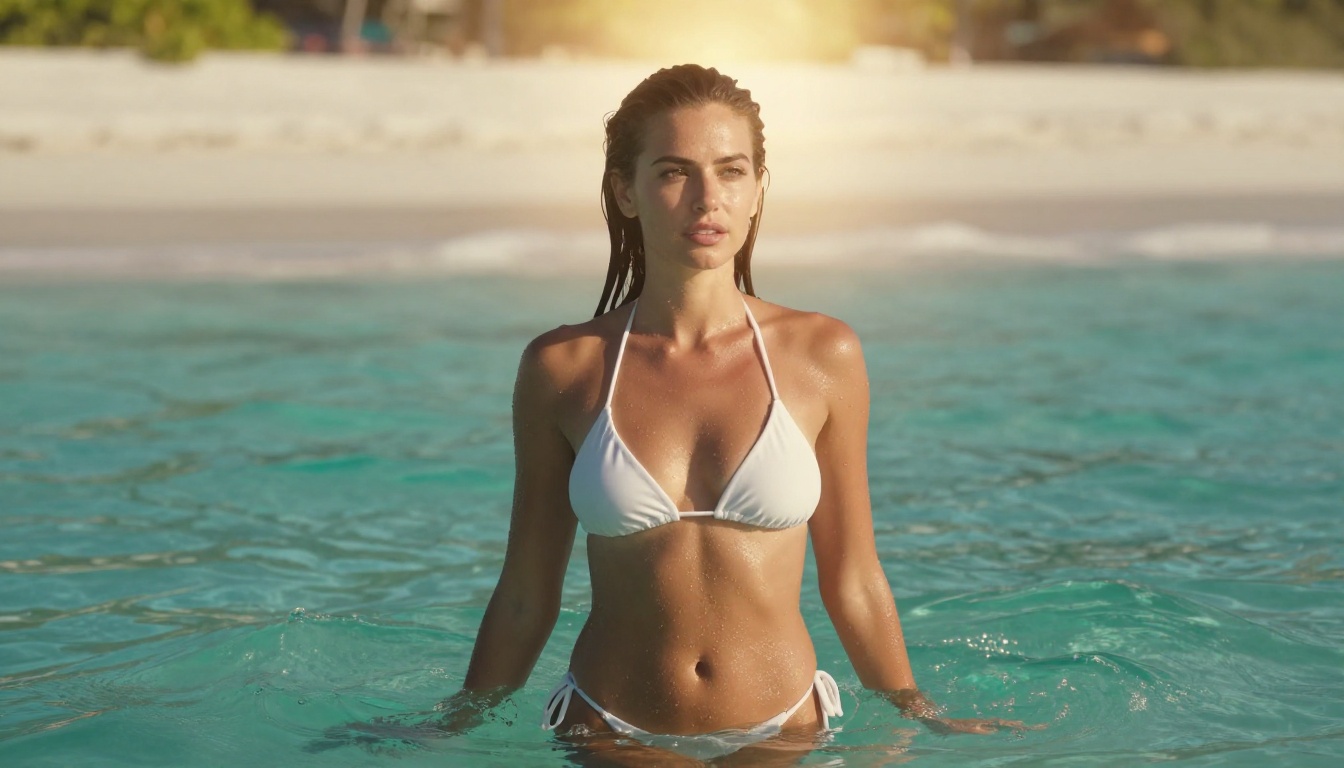
- 24mm f/4.0: Environmental context, full body with surroundings. Beach scenes, full-room shots.
- 50mm f/1.8: The most natural "human eye" perspective. Versatile for most compositions.
Adding "Kodak Portra 400 film grain" or "Fuji 400H" as a style reference pulls the color science toward warm, organic film aesthetics rather than the sometimes sterile look of purely digital renders.
Tip: The phrase "--style raw" at the end of a Flux prompt suppresses the model's tendency toward over-processing and keeps the output closer to natural photography.
What Negative Prompts Actually Do
Most platforms allow negative prompt inputs, which tell the model what to avoid generating. For adult content, your most important negative prompts are:
Anatomy issues: extra fingers, deformed hands, extra limbs, malformed anatomy
Quality issues: blurry, low resolution, watermark, signature, text
Style contamination: cartoon, anime, illustration, CGI, painted, digital art
Unwanted additions: clothes where skin expected, covered, censored
Tip: Hands are still the hardest thing for any model to get right. If your subject's hands are visible, add "detailed hands, correct finger count, natural hand pose" to your positive prompt and "deformed fingers, extra fingers" to your negative prompt.
How to Use Flux 1.1 Pro Ultra on PicassoIA
Flux 1.1 Pro Ultra is available directly on PicassoIA without any local setup, accounts with third-party services, or GPU requirements. Here is the exact workflow:
Step 1: Open the model page
Go to Flux 1.1 Pro Ultra on PicassoIA. No login required to preview, but you will need an account to generate.
Step 2: Write your prompt
Use the structure outlined above. Subject, wardrobe, environment, lighting, camera. Aim for at least 60 words. Short prompts give you generic results.
Step 3: Set your aspect ratio
For portrait and boudoir work, use 2:3 (portrait orientation). For full-body environmental scenes, use 16:9. For headshots, 1:1 works well.
Step 4: Adjust the output quality setting
Flux 1.1 Pro Ultra includes a raw mode toggle. Enable it for maximum photorealism. It disables the model's built-in beautification pass and gives you more naturalistic results.
Step 5: Generate and iterate
Your first output will rarely be perfect. Save any seeds that produce results close to what you want, then build on that prompt with small adjustments, one variable at a time. Changing too many things simultaneously makes it hard to know what worked.
Step 6: Use inpainting to fix specific areas
If the face is perfect but the hands are wrong, PicassoIA's inpainting tools let you redraw only the problem area without regenerating the whole image. This is the most efficient way to reach a final result.
Tip: Flux 1.1 Pro Ultra runs at maximum 2048px output. For anything larger, use PicassoIA's Super Resolution tools to upscale to 4K without losing the photorealistic quality.
The Styles That Work Best
Not all adult content is the same thing. The styles that AI image tools handle best each have their own prompt logic.
Boudoir Photography
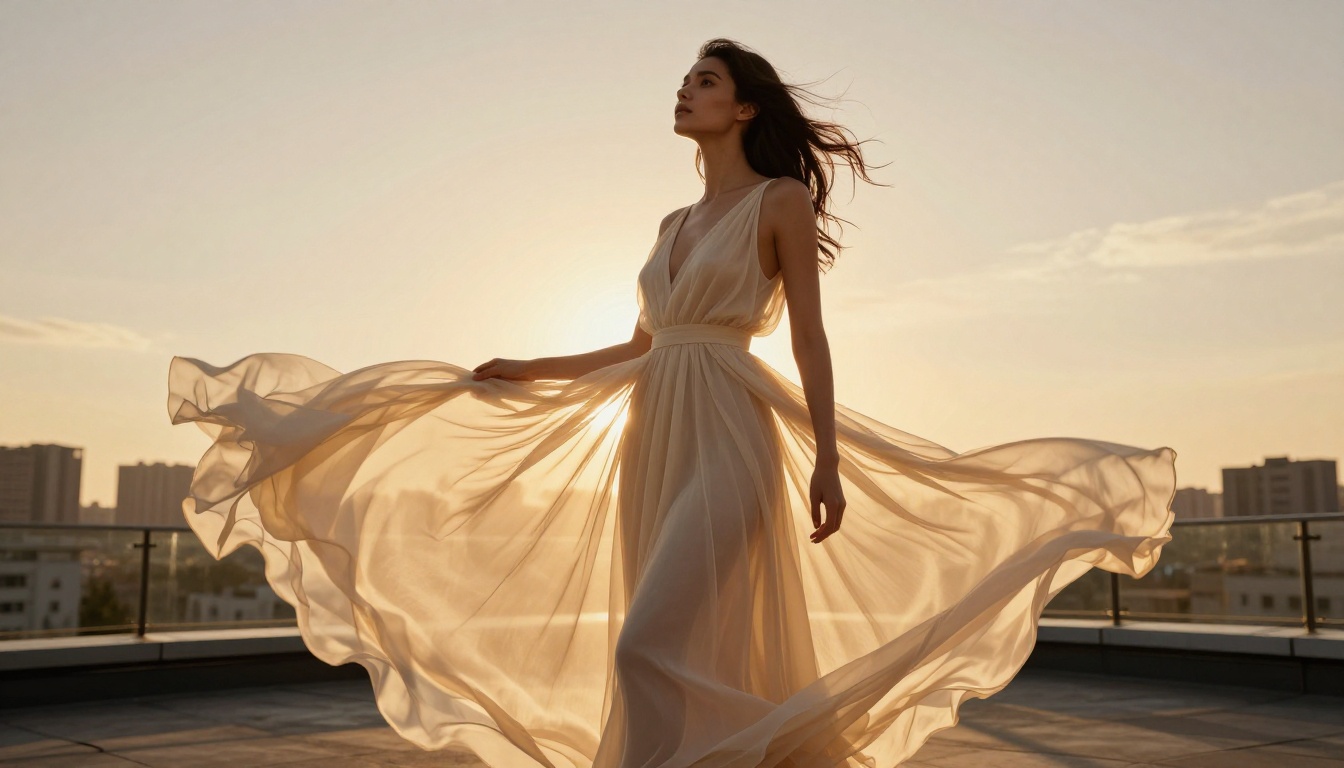
Boudoir is the sweet spot for AI adult content. It is intimate, softly lit, and focuses on the relationship between the subject and the camera. What makes boudoir work:
- Indoor settings: bedroom, bathroom, chaise lounge
- Soft single-source lighting
- Close to medium distance shots
- Natural expressions, not posed
- Fabric with texture: silk, lace, satin
Reference keywords: "boudoir photography, intimate bedroom setting, soft natural light, editorial, 85mm portrait lens"
Glamour and Pin-Up
Glamour content focuses on polished presentation. Bold lighting, confident poses, high-gloss environments. The AI models handle this exceptionally well because the training data is rich with high-fashion and editorial photography.
Words to include: "glamour photography, high fashion editorial, dramatic lighting, confident pose, fashion magazine quality"
For pin-up style specifically, adding "1950s color palette, warm saturated tones, red lips, polished styling" steers the output toward that classic aesthetic.
Artistic Implied Nudity
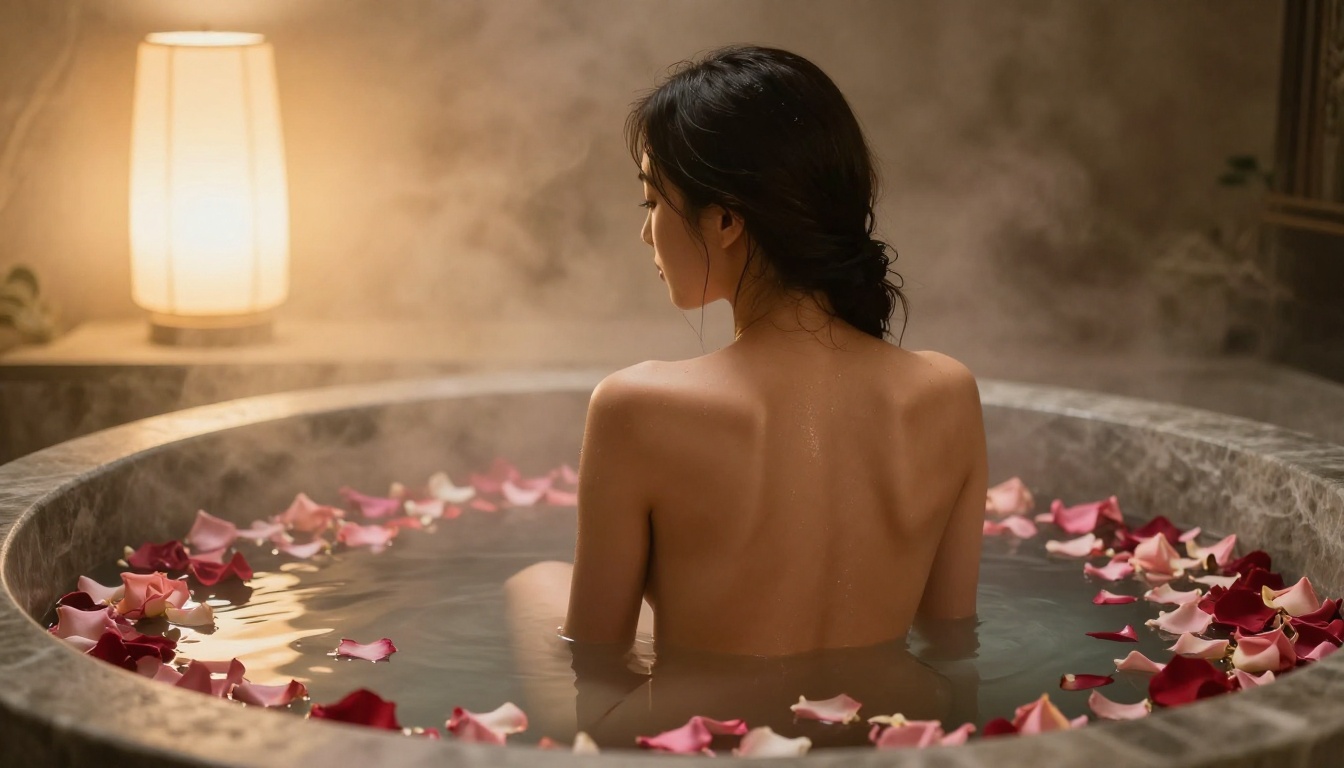
This is the most technically demanding category because it requires the model to suggest without showing explicitly. The most reliable approach is composing the image so the natural environment, lighting, or subject positioning does the work.
Effective framing devices:
- Rear view shots
- Side profiles with strategic shadow
- Subjects partially behind architectural elements (doorframes, curtains)
- Water and steam obscuring detail naturally
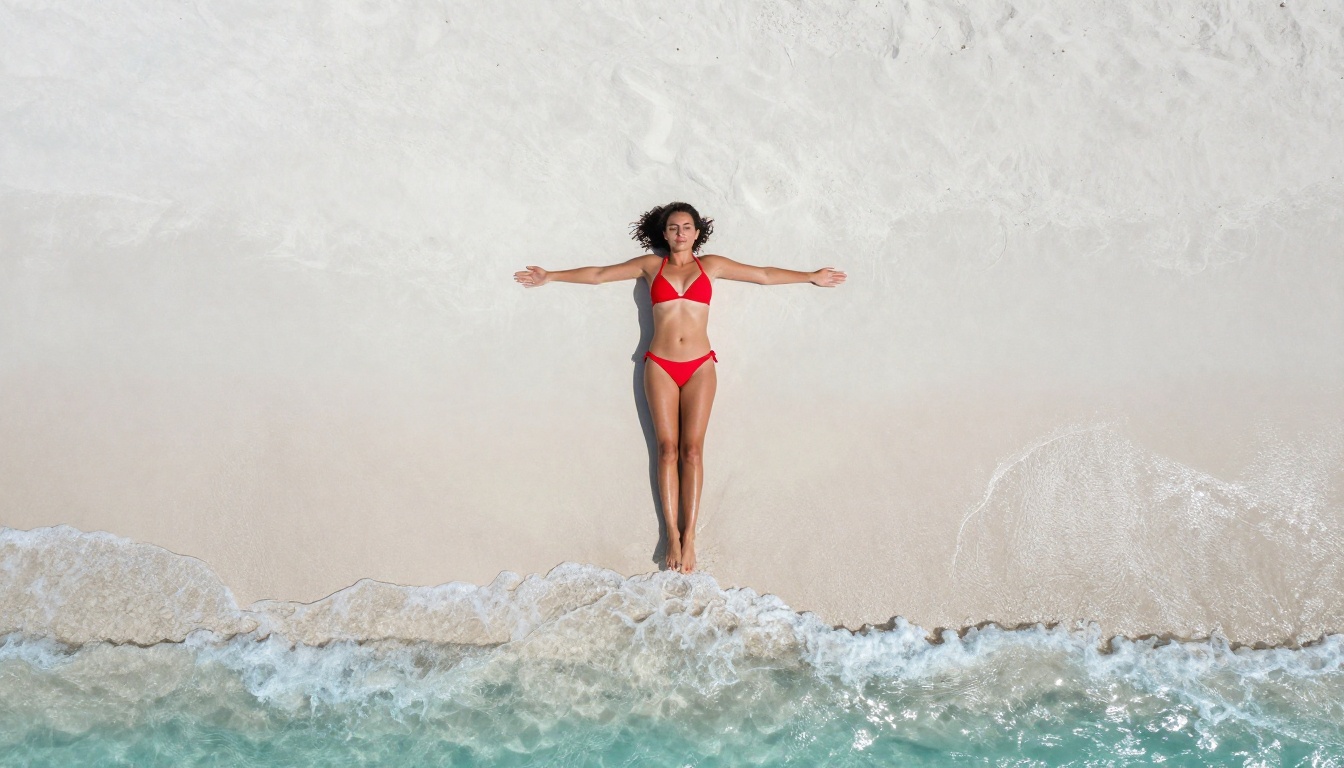
- Overhead or aerial perspectives
The phrase "tasteful implied nudity, artistic composition, suggestive but non-explicit" in your prompt signals the intent clearly to models that read natural language instructions.
Common Mistakes and How to Fix Them
Anatomy That Breaks the Illusion
The most common failure point is anatomy, specifically hands, feet, and facial proportions under challenging lighting. Three fixes:
- Add anatomy keywords to your positive prompt: "correct anatomy, proper proportions, natural body, realistic human form"
- Specify pose explicitly: Do not leave body positioning to chance. "left hand resting on thigh, right hand at side" is better than nothing.
- Use inpainting aggressively: Fix what is wrong rather than regenerating the whole image.
Lighting That Kills the Mood
Flat, directionless lighting is the fastest way to make an image look artificial. If you are not specifying a light source, the model defaults to generic frontal lighting that flattens everything.
Always name:
- The source (window, lamp, sunlight, candles)
- The direction (from the left, from behind, overhead)
- The temperature (warm amber, cool daylight, neutral)
- The quality (soft and diffused, hard with sharp shadows)
Tip: The phrase "volumetric light" adds atmospheric depth. "Rembrandt lighting" creates the classic single-source triangle shadow under one eye that works beautifully for close-up portraits.
Over-Prompting and Contradiction
More words do not always mean better results. Prompts with contradictory instructions, such as asking for both "soft diffused lighting" and "dramatic hard shadows" simultaneously, confuse the model. So do extremely long prompts where early instructions cancel out later ones.
Keep your prompt structured and sequential. Subject first, then environment, then lighting, then technical specs. Do not repeat yourself. Each concept should appear once, stated clearly.
Expanding Beyond Single Images
Once you have your base image, PicassoIA's editing tools give you room to build on it.
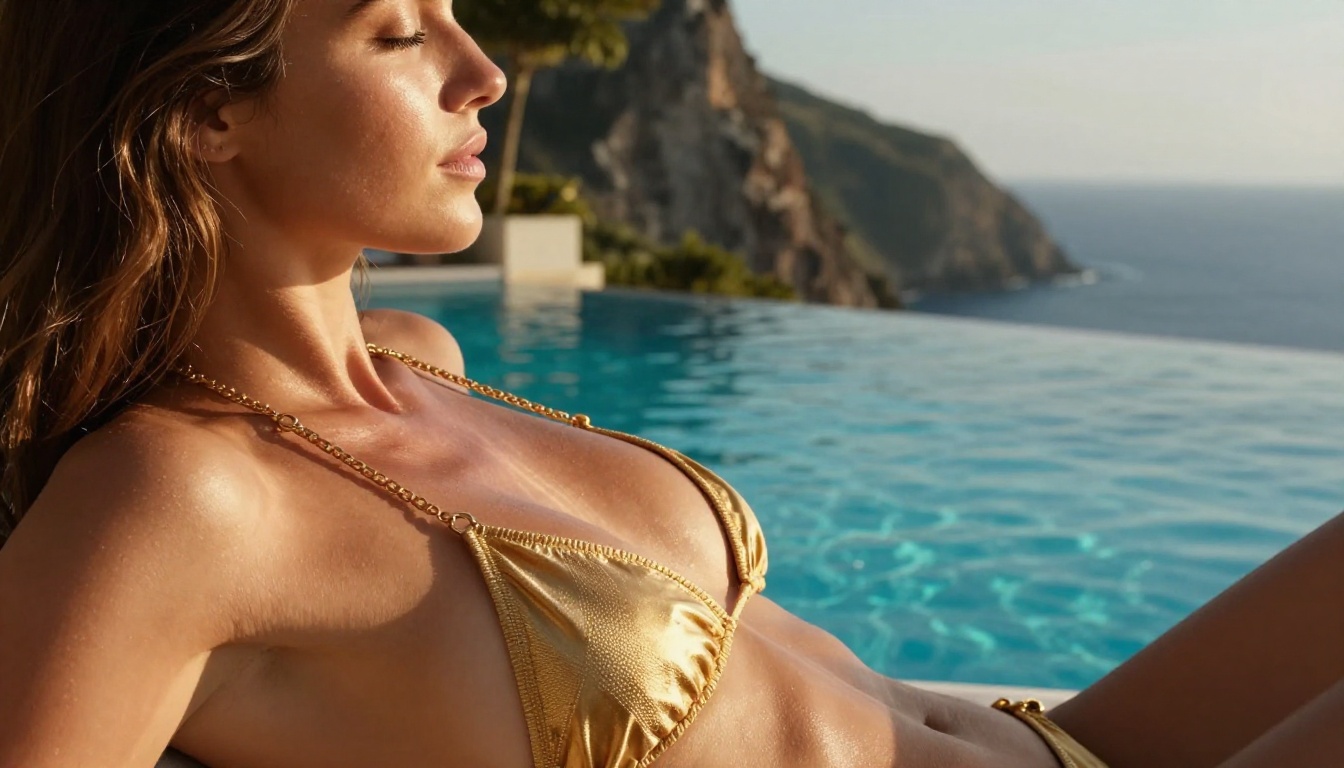
Outpainting lets you extend the canvas of an existing image. If you generated a close-up portrait but want to see the full room, outpainting adds the environment around the subject without regenerating the subject itself. This is particularly useful for establishing scene context in boudoir or glamour shots.
Inpainting is your surgical tool. Select any area of the image and redraw it with a new prompt while keeping everything else intact. Wrong expression? Fix just the face. Unwanted object in background? Erase and replace it.
Super Resolution upscales your output from the native generation resolution to print-quality dimensions. A 1024px image becomes a crisp 4096px file with detail added, not just stretched.
Face Swap AI allows you to replace the generated face with a reference face while preserving the body, lighting, and composition of the original image. This is useful when you have a specific reference and want to generate multiple variations around it.
These tools are available across the PicassoIA platform, linked directly from any model page.
What the Best Creators Do Differently
After generating thousands of images, the patterns that separate consistently excellent results from mediocre batches are clear.
- They save seeds: Every generation has a seed number. When something works, write it down. The same seed with minor prompt variations lets you iterate with control.
- They specialize: Rather than trying to generate every style, they pick one and go deep. The prompt knowledge that makes great boudoir work does not automatically translate to outdoor glamour.
- They use the right model for the task: Flux 1.1 Pro Ultra for premium close-ups, RealVisXL v3 Turbo for volume batches, Flux Schnell for rapid prototyping before committing to a longer run.
- They iterate in layers: Get the composition right first, then refine the lighting, then fix anatomy details. Trying to solve everything in one generation wastes time.
- They write long, specific prompts: The difference between 15 words and 80 words in a prompt is usually the difference between a generic output and something genuinely impressive.
Start Creating Your Own
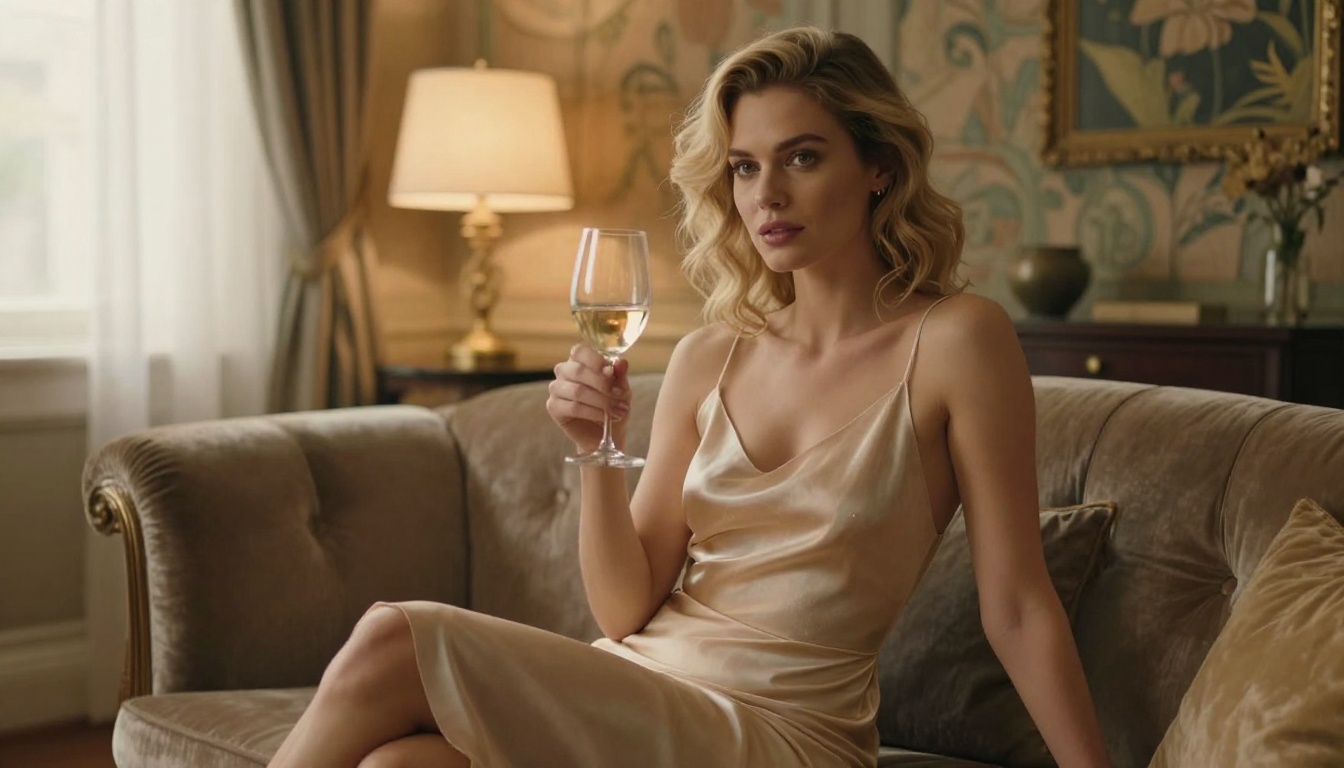
The barrier to creating stunning adult AI content has never been lower, and the quality ceiling has never been higher. Everything described in this article is available right now on PicassoIA without any local GPU, complicated setup, or technical background.
Start with Flux 1.1 Pro Ultra and the prompt structure from this article. Write a detailed 70-word prompt. Specify your lighting. Name your lens. Add the Kodak Portra 400 film reference. Run it five times, save the best seed, and build from there.
The difference between your first image and your fiftieth will be dramatic, and most of that improvement happens in the prompting, not the model selection. The model is already exceptional. What you put into the text box is where the real work is.
PicassoIA has over 90 text-to-image models available, from Flux 2 Pro to GPT Image 1.5 to Ideogram v3 Quality, all accessible without any local setup. Pick your model, write your prompt, and start creating.


