Making a professional video ad used to require a production crew, a studio rental, lighting rigs, and several days of post-processing before a single frame went live. With Seedance 2.0 on PicassoIA, that same output quality is available in minutes from a text prompt. This is not about rough drafts or placeholder content. Brands are already producing scroll-stopping, conversion-ready video ads with this model, and the results hold up against traditionally shot footage in real A/B tests. Whether you are a solo creator, a marketing manager, or a freelancer building a video ad service without a film crew, here is exactly how the workflow runs.
What Seedance 2.0 Brings to Ad Production
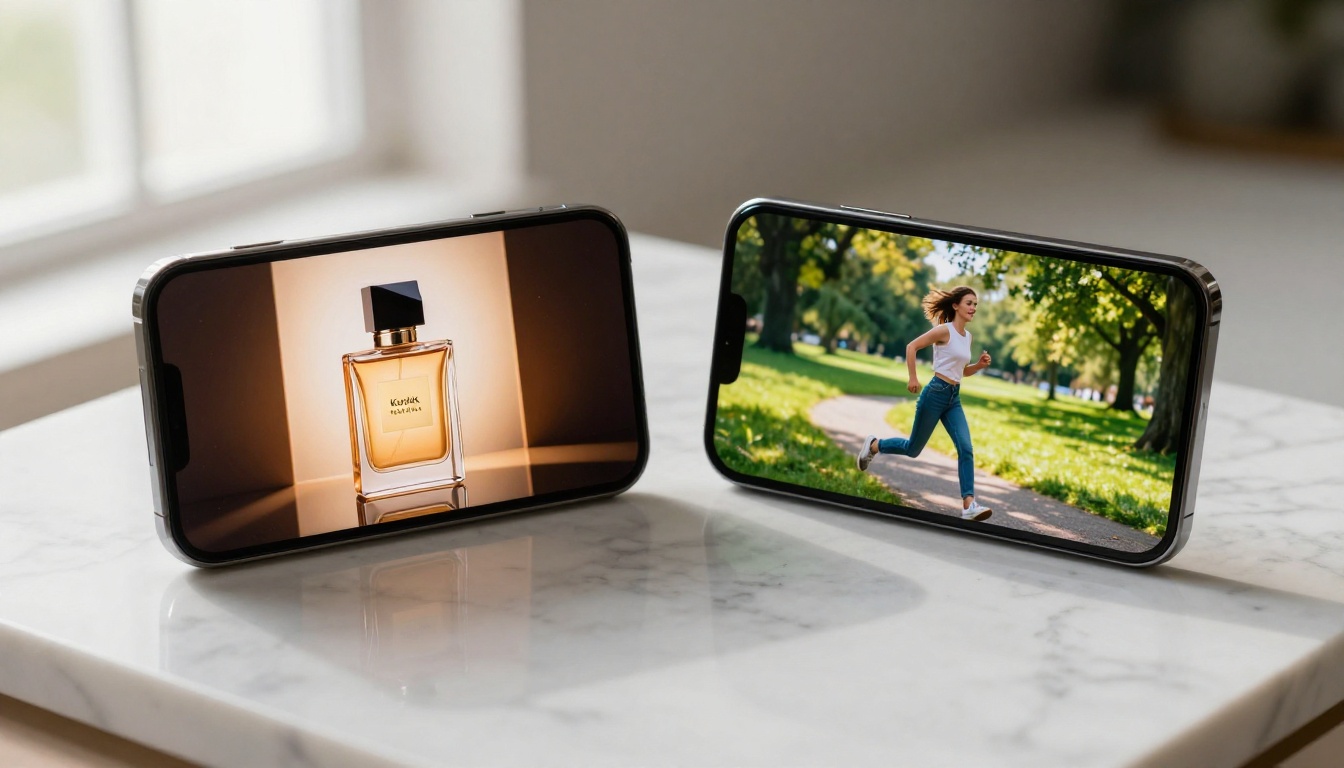
Seedance 2.0 is ByteDance's flagship text-to-video model built with commercial applications in mind. The generational shift it represents compared to earlier AI video tools comes from two places: native synchronized audio and significantly improved motion physics. Both of these matter enormously when you are producing paid advertising content.
Native Audio Is the Real Differentiator
Most AI video generators treat audio as a second step. Generate the clip, then spend time in post adding ambient sound, music, or dialogue separately. Seedance 2.0 builds synchronized audio directly into the generation process. The resulting clips carry ambient environment sound, motion-triggered audio cues, and atmospheric texture that match what is happening on screen. For ad production workflows, this eliminates one of the most time-consuming post-production phases entirely.
💡 Tip: Describe sounds explicitly in your prompt alongside visual details. "A luxury perfume bottle placed on a polished stone surface with soft ambient music and the faint sound of a gentle liquid pour" actively shapes the audio layer, not just the visual output.
Motion That Holds Viewer Attention
The physics of object and character movement in Seedance 2.0 is more realistic than what earlier models produced. Objects move with appropriate weight, camera movements feel intentional rather than random, and lighting maintains consistency across the duration of a clip. For advertising specifically, this matters because human perception detects unnatural motion within the first 200 milliseconds of watching a clip. When motion feels wrong, viewers scroll without consciously knowing why.
Compared to the previous Seedance 1 Pro, the 2.0 generation shows dramatically improved temporal coherence. People stay on-model across frames. Product shots maintain consistent surface quality and lighting throughout the clip. Branding elements placed in the scene do not drift or warp during playback.
The 3-Step AI Ad Workflow
The fastest path to a production-ready AI ad follows three distinct phases. Rushing past any one of them produces work that looks generated rather than intentional, and that distinction costs clicks.
Step 1 – Write the Prompt Like a Creative Director
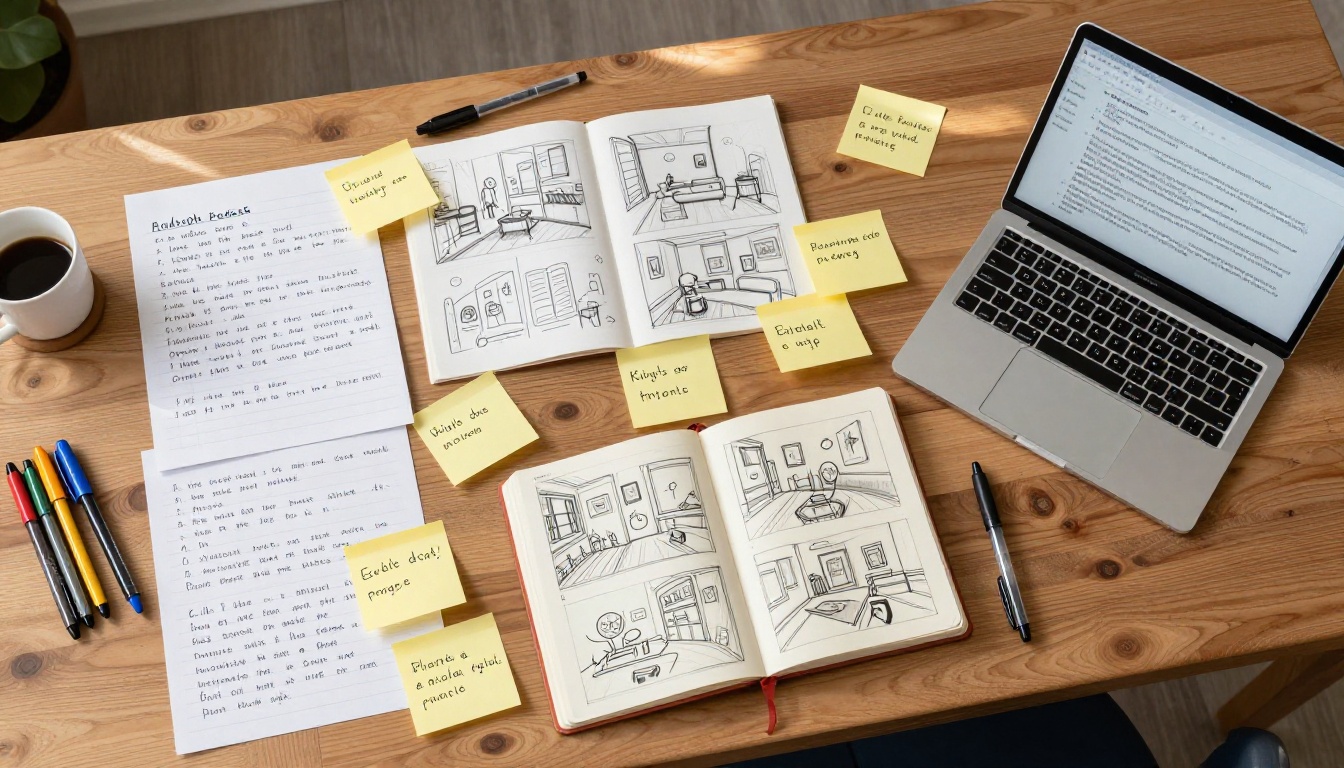
Before opening the tool, write a creative brief in prompt format. This means committing to six specific details before generating anything:
- Subject: Who or what is in the shot, with physical and contextual details
- Action: What happens, with how much energy, in what direction, over how many seconds
- Environment: Location, time of day, weather, surface textures, background density
- Camera: Angle, movement type, lens feel (wide establishing, close intimate, tracking)
- Mood: The emotional state the visual should produce in a viewer
- Audio cues: Ambient sound character, music energy level, any specific sounds to include
A vague prompt produces a generic output. "A person using a skincare product" generates something forgettable. "A woman in her late 20s, warm morning light streaming through a frosted bathroom window, applying face serum to clean glowing skin with a slow deliberate upward motion, 50mm close-up, soft out-of-focus plant in the background, calm piano ambience, confident and unhurried mood" produces an ad that could run on a paid social campaign tomorrow.
Step 2 – Generate and Pick Your Best Take
Run at least three prompt variations before committing to a final output. Adjust one variable per variation: switch camera angle from medium to close-up, change the lighting from golden hour to overcast morning, or shift the energy from calm to purposeful. With Seedance 2.0 Fast available as a rapid iteration option, running multiple takes does not add significant time to the session.
💡 Tip: Treat each generation like a director reviewing takes on set. You are not looking for perfection on the first output. You are looking for the strongest visual foundation to carry forward.
Step 3 – Post-Process for the Platform
Even a strong AI-generated clip benefits from light post-processing before it goes live:
- Trim: Cut the first and last half-second if generation startup artifacts appear
- Caption: Add burned-in or subtitle-style text for muted autoplay environments
- Crop: Reframe for the target aspect ratio (9:16 for Stories, 1:1 for feed, 16:9 for pre-roll)
- Color: A single warm or cool color grade pass can align the clip with brand palette
How to Use Seedance 2.0 on PicassoIA
PicassoIA hosts Seedance 2.0 directly in the browser, with no API credentials or local setup required. The entire production workflow runs in a single tab.
Open the Model and Set Parameters
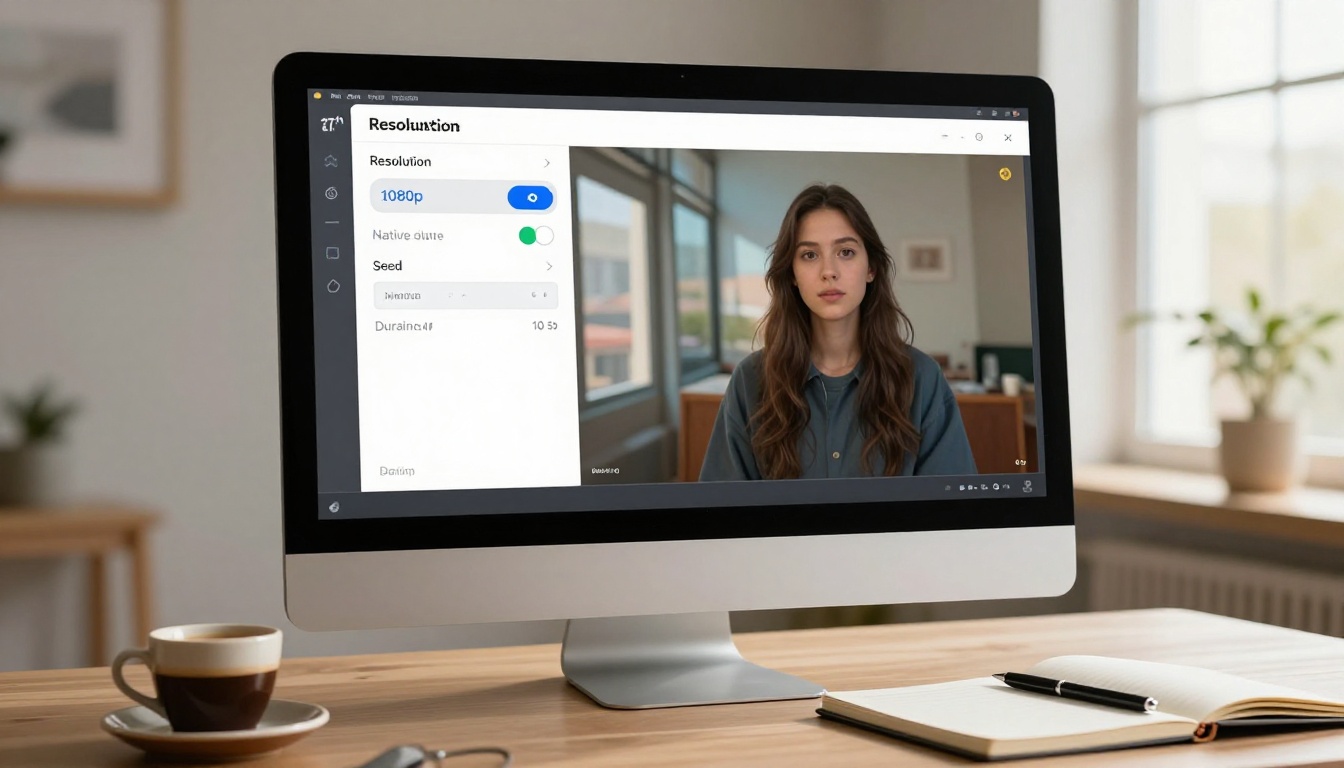
- Navigate to Seedance 2.0 on PicassoIA
- Select your target resolution: 1080p is available for platform-ready ad output
- Enable native audio in the settings panel to activate the synchronized audio layer
- Set duration: 5 to 10 seconds works best for ad hooks; longer durations suit explainer formats
- Paste your prepared prompt into the text input field and generate
For high-volume campaigns where you need rapid output across many ad variants, Seedance 2.0 Mini offers a lighter version of the same model that trades some quality ceiling for faster generation. For flagship campaigns where resolution and temporal quality need to be as high as the model can produce, the full Seedance 2.0 is the right choice. For long-form brand content up to 30 seconds, Seedance 2.5 is the natural next step.
Prompt Inputs That Get Results
The prompt field accepts both brief and extended inputs. For ad work, more specific prompts consistently outperform shorter ones. Structure your input in this order for maximum output quality:
- Subject with precise physical and contextual details
- Scene environment and background elements
- Specific action or motion occurring during the clip
- Camera position, angle, and movement behavior
- Lighting character and atmospheric quality
- Audio description including ambient sound and music energy
Remove abstract adjectives entirely. Replace "beautiful lighting" with "volumetric golden hour light from the left casting long soft shadows." Replace "energetic model" with "woman mid-stride with loose hair motion and visible athletic effort." Specificity is the only variable that consistently improves output quality.
Export and Build Your Ad Stack
Once generated, the video is available for immediate download. PicassoIA stores results in your generation history for reference. For multi-format campaigns where the same creative runs across several placements:
- Download in the native output resolution
- Reframe for each placement format in a video editor before publishing
- Note the seed value shown in your generation history if you want to reproduce a specific visual style across a campaign series
Not every ad format translates equally well to AI video generation. These five formats have the highest production success rate with Seedance 2.0 because the model's strengths in material rendering, motion physics, and ambient audio align directly with what makes each format perform.
Product Demo Ads

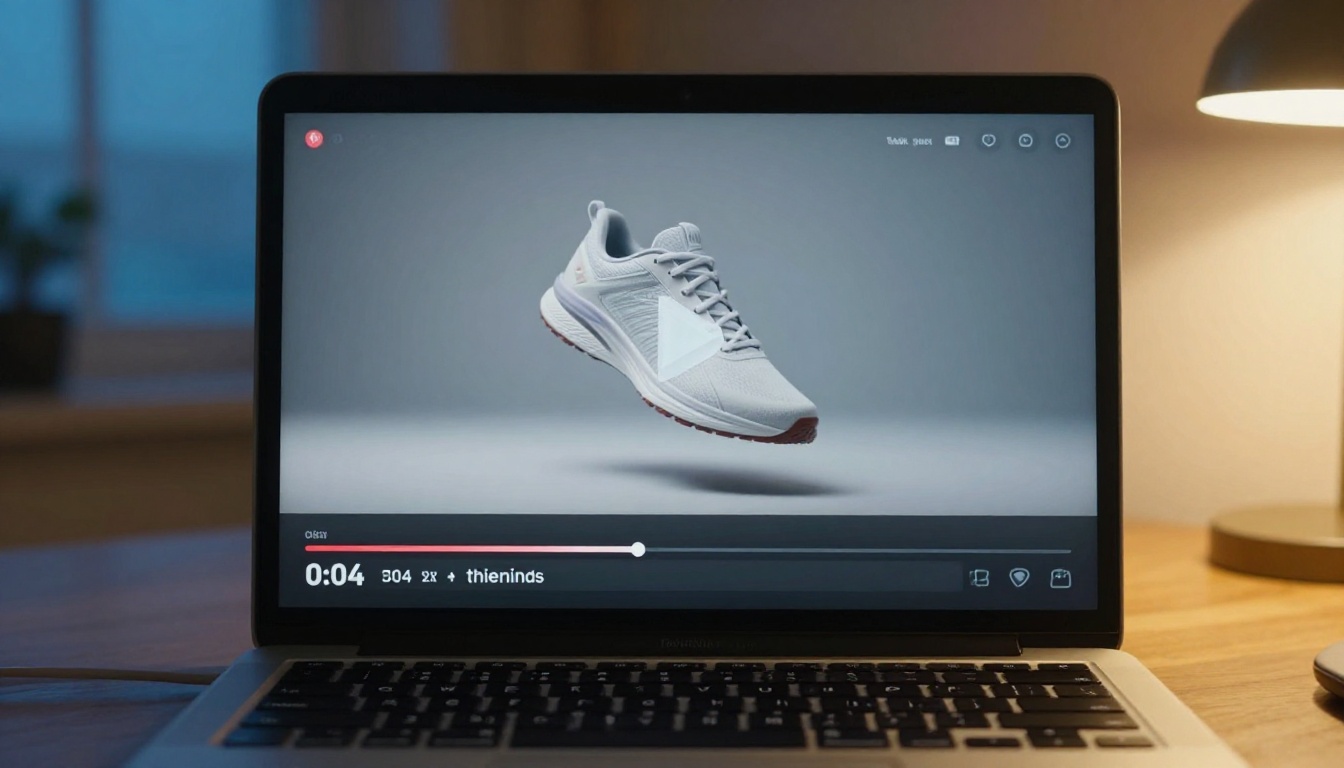
Show the product in context, in active use. A skincare serum applied to clean skin, a running shoe being laced on a track, a coffee being poured into a ceramic cup at sunrise. These clips convert because they answer the viewer's primary question before they consciously ask it: "What does this product actually do?" The model renders product materials, liquids, fabric textures, and glass surfaces with high realism, making this format particularly well-suited to its output style.
Prompt structure: [Product name, appearance, material] being [specific use action] by [hand or person description], on [surface], [environment details], [lighting direction], [camera angle and motion], photorealistic, Kodak Portra 400, 8K
Lifestyle and Brand Clips
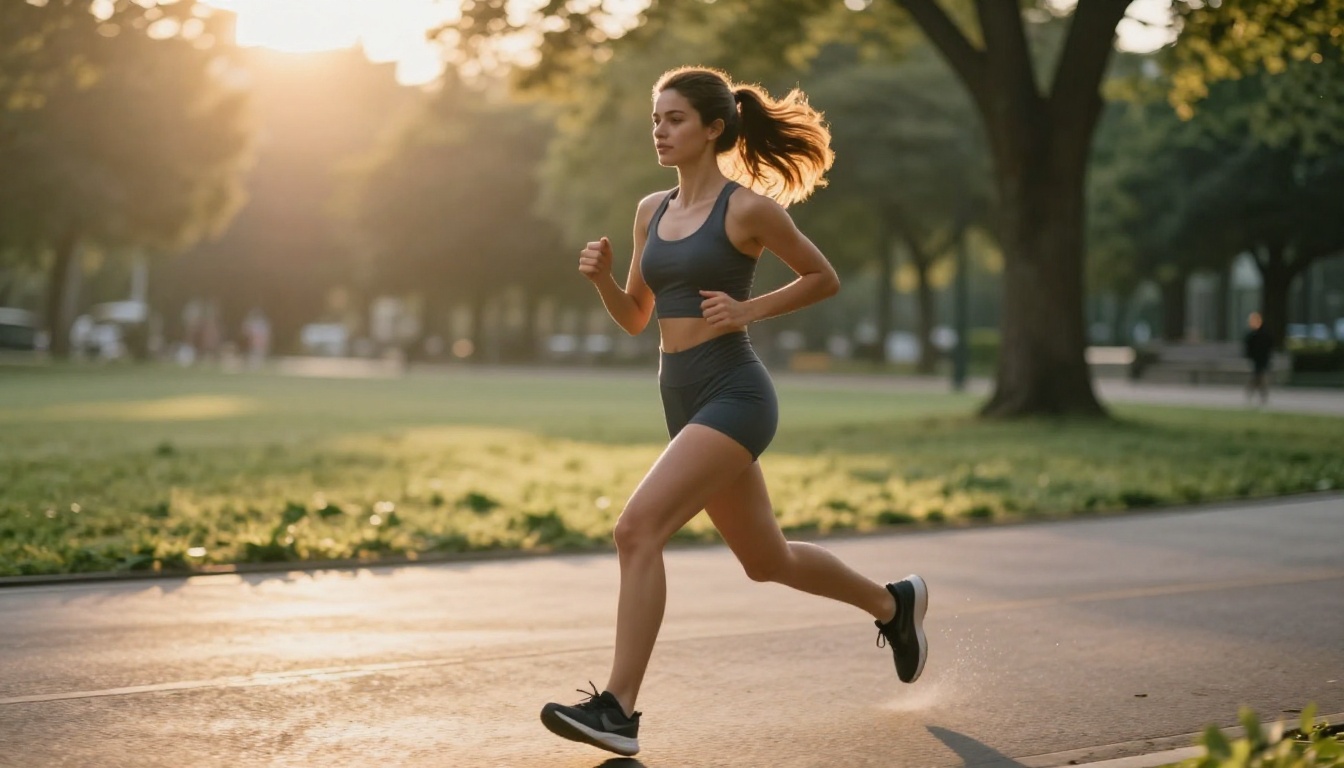
Position the viewer inside the experience of owning or using the product without showing it prominently. A person running through a park with wireless earbuds, a couple preparing a meal in a well-lit kitchen, someone reading in a sunlit cafe. These build aspirational association through environment and mood rather than direct product placement.
Prompt structure: [Person description] [activity] in [environment], [time of day and light quality], [emotional atmosphere description], [camera movement], natural lighting, photorealistic, 8K
Social Media Story Ads
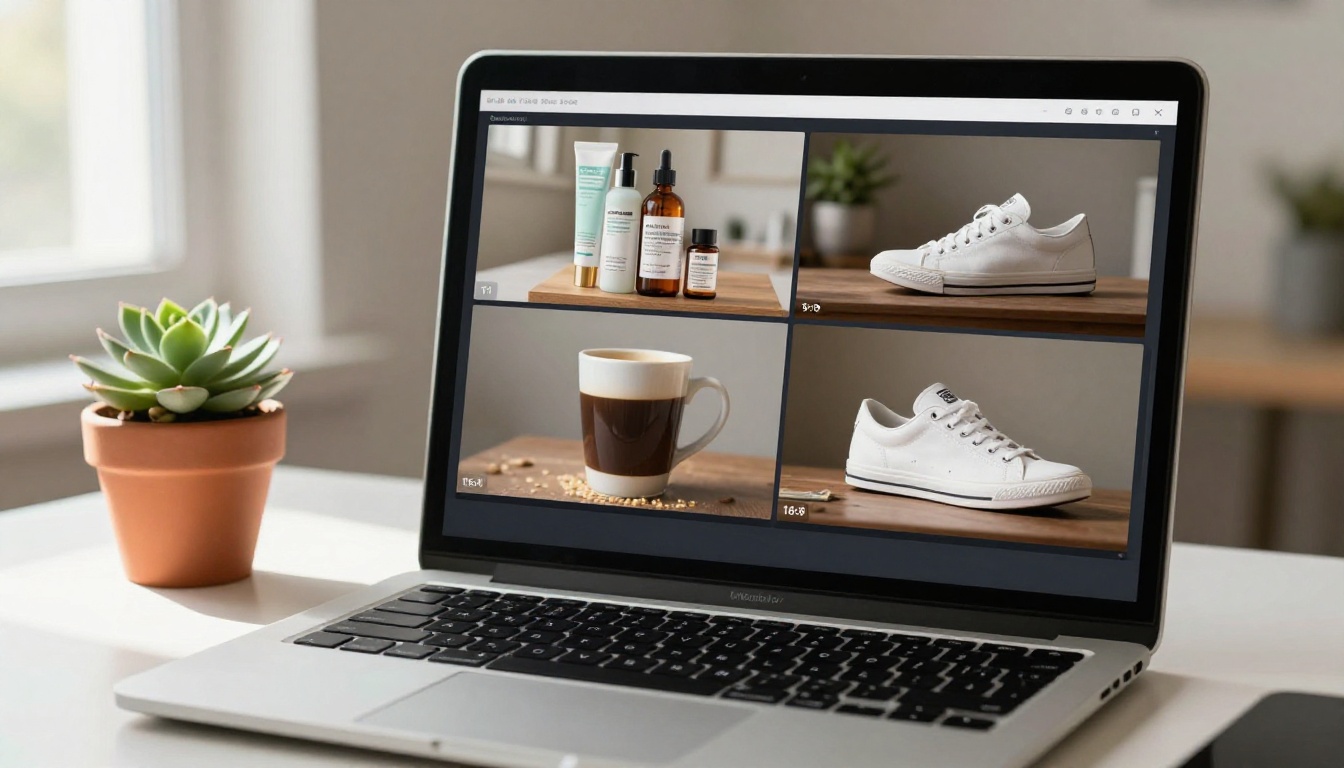
Vertical format ads (9:16) for fullscreen Story placements need to front-load the visual hook in the first 1.5 seconds before the skip button fully registers. Seedance 2.0 handles vertical composition effectively when the prompt specifies portrait orientation and immediate action from frame one. For high-volume Story creative iteration, pairing the full model with Seedance 2.0 Fast lets you run 10 variants in the time it would take to review one traditionally produced clip.
Prompt structure: [Close-up subject] [immediate striking action beginning in frame one], portrait orientation, [fast motion in opening second], [bright natural lighting], no text on screen, photorealistic
Event and Launch Promos
Countdown energy, reveal moments, product emergence from packaging. These ads run on the excitement of a specific moment. Describe body language and environmental motion explicitly in your prompt: "crowd of 20 people reacting with visible surprise and applause in a modern showroom, warm spotlighting from above, wide establishing shot slowly pushing in."
Testimonial-Style Videos
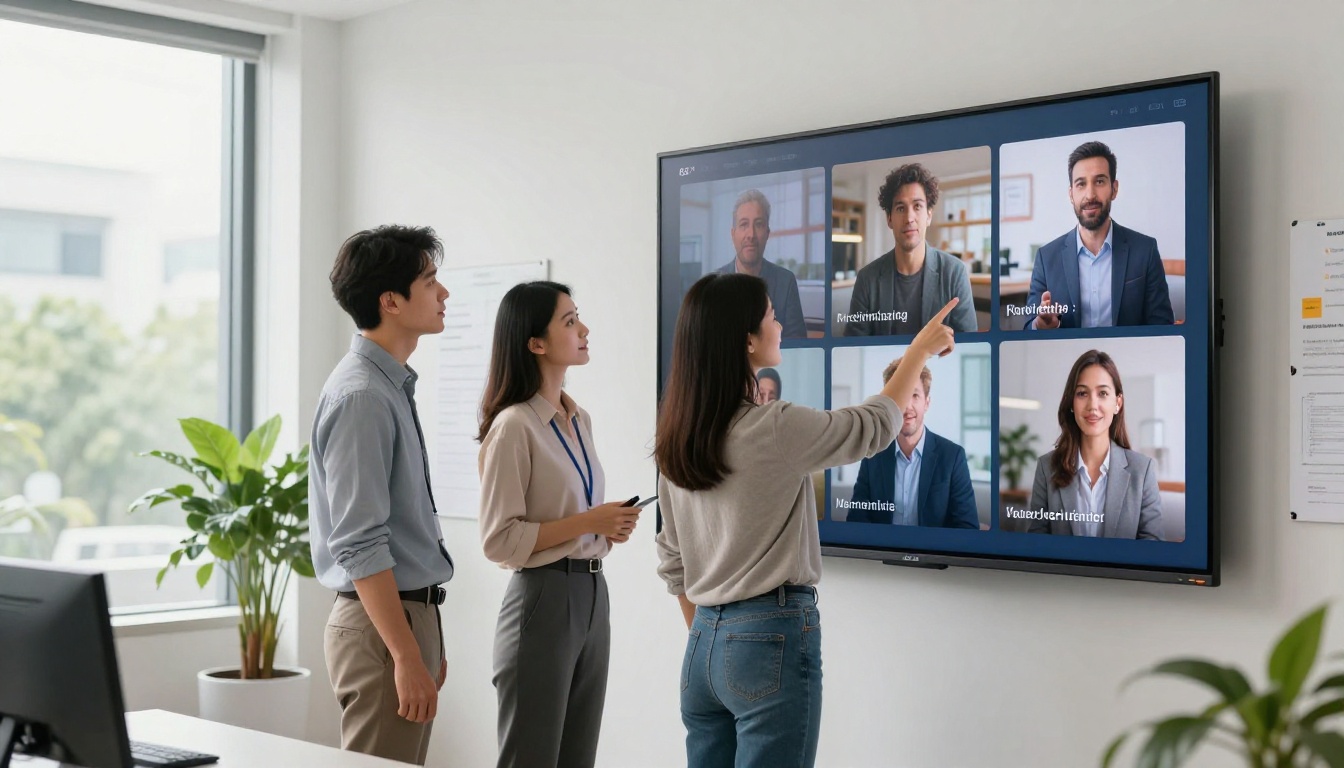
Generate a person speaking directly to camera in a natural, comfortable setting. Combined with PicassoIA's lipsync tools available in the text-to-video catalog, a generated video clip can be paired with recorded voiceover audio to produce a realistic testimonial ad format without recruiting on-camera talent or booking studio time.
Prompt Templates That Convert
These three frameworks address the most common brief types in paid ad production.
The Hook Formula
The first three seconds of a video ad determine whether a viewer keeps watching or scrolls. Your prompt needs to describe a visual hook that creates immediate forward momentum.
Formula: [Striking or unexpected opening visual], [camera starts wide and moves toward subject], [subject in purposeful motion], [environment with one unexpected or aspirational detail], [specific lighting condition], photorealistic
Example: "A luxury chronograph watch falling in slow motion against matte black velvet, extreme close-up on the rotating second hand mid-fall, soft ambient sound of a silent room broken only by the movement of the mechanism, cinematic depth of field blurring the background to pure black"
Emotion Over Information
The most-shared ads trigger an emotional response before they deliver any information about the product. Emotion is carried by environment, body language, and light quality rather than by text overlays or voiceover.
💡 Tip: Replace "happy customer using product" with "woman laughing with eyes closed, afternoon sunlight through kitchen window, holding a ceramic mug, warm steam rising, intimate close-up." The second version generates real emotion. The first generates a stock photo pose.
Camera Movement as a Sales Tool
Camera movement carries meaning that viewers interpret before they process the product being shown. Include camera direction in every ad prompt with a specific intention behind it:
- Slow dolly-in: Builds intimacy and trust with a subject or product
- Gentle pull-back reveal: Shows scale and context, creates discovery
- Tracking shot (left to right): Implies momentum and forward progress
- Handheld slight drift: Adds authenticity and human presence to a scene
- Static wide: Projects authority, stability, and brand permanence
Seedance 2.0 vs Other AI Video Models
| Model | Best Use Case | Audio | Max Duration | Resolution |
|---|
| Seedance 2.0 | Commercial ads, product videos | Native built-in | 10s | 1080p |
| Seedance 2.0 Fast | Rapid iteration, Story variants | Native built-in | 5s | 720p |
| Seedance 2.5 | Long-form brand content | Native built-in | 30s | 1080p |
| Kling v2.6 | Cinematic narrative ads | No | 10s | 1080p |
| Veo 3 | High-realism dialogue ads | Native built-in | 8s | 1080p |
| Ray 3.2 | HDR product reveals | No | 10s | 1080p |
| Pixverse v5 | Effect-driven social ads | Native built-in | 8s | 1080p |
| Hailuo 02 | High-detail face close-ups | No | 6s | 1080p |
For the majority of ad use cases, Seedance 2.0 is the strongest starting point because it combines duration, built-in audio, and commercial-grade visual quality in one tool. The fast variant handles volume production and rapid creative testing. When a brand needs longer-format content for pre-roll or connected TV, Seedance 2.5 handles up to 30-second clips with the same native audio system.
3 Mistakes That Sink AI Ad Campaigns
Overstuffing the Prompt
More words in a prompt do not always produce better output. A prompt that tries to describe six different scenes, five subjects, and three camera moves in a single generation produces a confused visual result where none of the elements land cleanly. Each prompt should focus on one scene, one camera position, one emotional beat. If your ad brief requires multiple scenes, generate each shot separately, then cut them together in editing. The resulting ad will be more coherent and faster to produce.
Skipping the Audio Layer
Seedance 2.0's native audio output is one of its most significant advantages over competing models. Creators who mute the generated audio immediately and add their own separate track are leaving generated assets on the table. Listen to the native output first. In many cases, the ambient sound is accurate, spatially realistic, and usable with only light mixing. Starting from Seedance's generated audio and adding a music track underneath is faster and sounds more integrated than building audio from scratch.
Wrong Aspect Ratio for the Platform
A 16:9 clip posted as a vertical Story wastes most of the screen and signals low production care to the platform algorithm. The fix is not complicated: specify your target aspect ratio in the prompt, or generate at 1:1 square, which is safe across both feed and story placements without major reframing. For dedicated Story or Reel campaigns, build portrait composition into the prompt from the start so the subject is centered vertically and the action reads clearly on a phone screen held upright.
Start Producing Ads That Work Today
The cost and complexity barrier to professional video ad production dropped sharply when Seedance 2.0 became accessible through platforms like PicassoIA. No studio, no crew, no four-figure day rate for a director. What the process requires is a well-structured prompt, the right model settings, and a willingness to generate several takes until the clip earns the click it is asking for.
PicassoIA removes the friction from the technical side so the focus can stay on creative output. You can move from a product brief to a publishable ad clip in the time it takes to write a thorough prompt. Start with Seedance 2.0 on PicassoIA for your first campaign, iterate with Seedance 2.0 Fast when you need volume, and when the brief calls for longer content or a different visual style, the full catalog of video generation models at picassoia.com/en/all-models has every format covered.


