How to Create AI Art for Adults Without Any Limits
Creating AI art for adults has never been more accessible. This article covers the best unrestricted models, prompt writing strategies, and step-by-step workflows to help you produce beautiful, mature, and artistic images with complete creative freedom.
Adult AI art is one of the fastest-growing creative categories in the AI image generation space, yet most mainstream tools still treat it like a problem to be blocked rather than a legitimate form of expression. If you have spent any time trying to generate glamorous, suggestive, or mature images on popular platforms, you already know the frustration: vague filters trip on innocent prompts, results get scrubbed without explanation, and your creative vision gets replaced by a bland refusal message. This article walks you through exactly how to create AI art for adults without any limits, covering the best models, the prompt strategies that actually work, and a full step-by-step workflow you can follow right now.
What "No Limits" Actually Means
Before diving into the tools and techniques, it is worth being clear about what creative freedom in adult AI art actually looks like in practice.
The spectrum of adult content
"No limits" does not mean only explicit or pornographic material. The adult art spectrum is wide and includes:
Erotic art (suggestive but tasteful, non-explicit)
Most adults generating AI art fall somewhere in the first three categories. The demand is for realism, beauty, and artistic integrity, not shock value.
Why mainstream tools block adult content
Platforms like DALL-E, Midjourney, and Adobe Firefly operate under strict usage policies shaped by their enterprise clients, app store guidelines, and public perception. Their safety filters are often blunt instruments. A prompt mentioning "silk robe" or "beach" can trigger false positives, and there is no appeal process when your output gets blocked.
The result is that creative freedom for adults has moved to specialized platforms and open-weight models that prioritize user autonomy over blanket censorship.
💡 Tip: The most effective adult AI art is produced by users who treat it as a craft. Detailed prompts, strong model selection, and iterative refinement produce results that look like professional photography, not AI fever dreams.
The Best Models for Adult AI Art
Not all AI image models are built equal when it comes to adult content. Skin texture, lighting, anatomy, and fabric rendering vary dramatically between architectures. Here is what actually performs.
Flux models for photorealism
The Flux family from Black Forest Labs sits at the top of the photorealism stack right now. Flux 1.1 Pro delivers exceptional detail in skin tones, hair, and soft fabrics. For maximum resolution and ultra-realistic results, Flux 1.1 Pro Ultra takes things further with higher fidelity outputs. If you want speed without sacrificing too much quality, Flux Dev is a reliable workhorse.
SDXL remains a strong base model for adult art, especially when paired with LoRA fine-tunes. DreamShaper XL Turbo is particularly popular for boudoir-style outputs because it handles soft lighting and skin tones naturally. Stable Diffusion 3.5 Large brings a significant jump in anatomical accuracy over its predecessors.
Realistic Vision for portraits
Realistic Vision v5.1 is a community favorite for close-up portrait work. It handles facial detail, eye clarity, and subtle skin variations better than most general-purpose models. For full-body compositions, RealVisXL v3.0 Turbo combines the strengths of SDXL architecture with tuning specifically aimed at photorealistic human subjects.
Writing Prompts That Actually Work
The single biggest factor separating mediocre AI art from professional-looking output is prompt quality. This is especially true in adult AI art, where anatomy, lighting, and fabric rendering are unforgiving of vague instructions.
The structure of a powerful prompt
Every strong adult art prompt follows this pattern:
Subject (who, what pose, what they are wearing or not wearing)
Environment (setting, background, context)
Lighting (direction, color temperature, quality)
Camera specs (angle, focal length, depth of field)
Film/texture (grain, color profile, mood)
Quality modifiers (RAW, 8K, photorealistic)
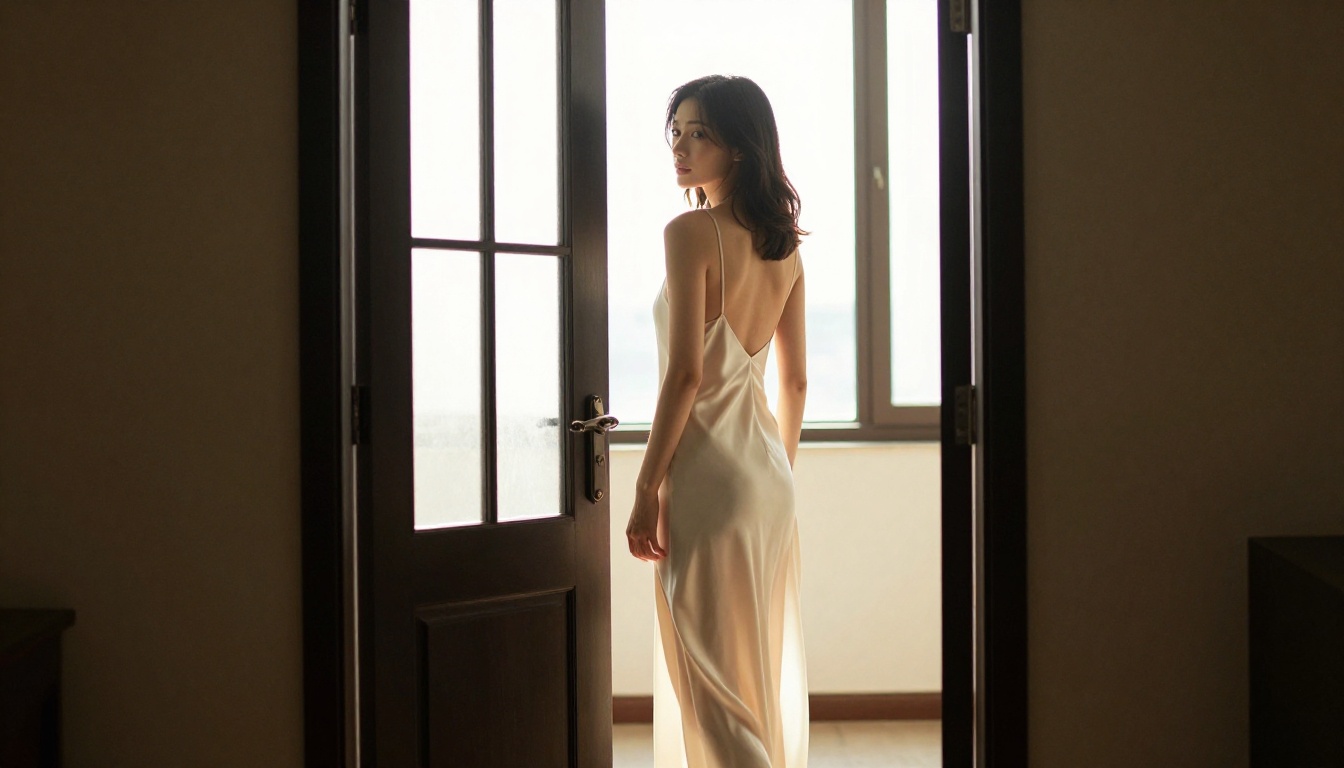
💡 Example structure: "A woman in a cream satin slip dress, seated on a velvet chaise, warm candlelight from left, shot with 85mm f/1.4, shallow depth of field, Kodak Portra 400 grain, photorealistic RAW 8K"
Style descriptors that matter
Certain descriptors consistently improve adult AI art output quality:
Kodak Portra 400 or Kodak Ektar 100 for film-like skin tones
85mm f/1.4 or 135mm f/2.0 for natural portrait compression
volumetric light for atmosphere and depth
RAW photography to suppress AI "smoothness"
fine skin texture to add realism to close-ups
satin, lace, sheer fabric for accurate textile rendering
3 common prompt mistakes
1. Being vague about clothing. "She is wearing lingerie" produces random, often inconsistent results. "She is wearing a black lace bodysuit with thin straps" gives the model concrete information to work with.
2. Forgetting the background. Empty prompts leave the model guessing. Specifying "cream marble interior" or "tropical terrace at golden hour" grounds the subject and makes lighting calculations more accurate.
3. Skipping camera specs. Without a focal length and aperture, the model uses a default "AI look" that appears flat and synthetic. Always include lens information.
How to Use Flux 1.1 Pro on PicassoIA
Flux 1.1 Pro is the recommended starting point for anyone creating adult AI art for the first time. Here is the exact workflow.
Step 1: Access the model
Navigate to the Flux 1.1 Pro page. This model is available without a signup wall for initial testing.
Step 2: Set your aspect ratio
For portrait and boudoir work, use 4:3 or 3:2 ratios. For landscape compositions (beach, rooftop, bedroom wide shots), use 16:9. Avoid 1:1 for human subjects as it forces awkward cropping.
Step 3: Write your prompt
Use the structure from the previous section. A starting template for adult portrait work:
[Subject description with clothing/styling] + [Detailed environment/lighting] + [Camera angle and lens] + [Film grain and color profile] + photorealistic RAW 8K --ar 16:9 --style raw
Keep negative prompts focused: cartoon, illustration, CGI, 3D render, plastic skin, overexposed are reliable exclusions.
Step 4: Adjust the guidance scale
Flux 1.1 Pro's guidance scale controls how closely the output follows your prompt. For adult art, a range of 3.0 to 4.5 gives the best balance between prompt adherence and natural-looking results. Higher values can produce oversaturated, over-contrasty outputs.
Step 5: Refine with Flux Kontext Pro
Once you have a strong base image, use Flux Kontext Pro for targeted editing. You can adjust clothing details, change lighting, or add background elements without regenerating the entire image. This is invaluable for adult art where getting one perfect base image and then refining it is far more efficient than starting from scratch.
💡 Tip: Save your best-performing prompts in a text file. When a prompt produces a strong result, small variations on it (changing lighting direction, background, or fabric color) can generate an entire cohesive series.
3 Adult Art Styles Worth Knowing
Different visual styles require different prompt strategies. These three are the most requested in adult AI art communities.
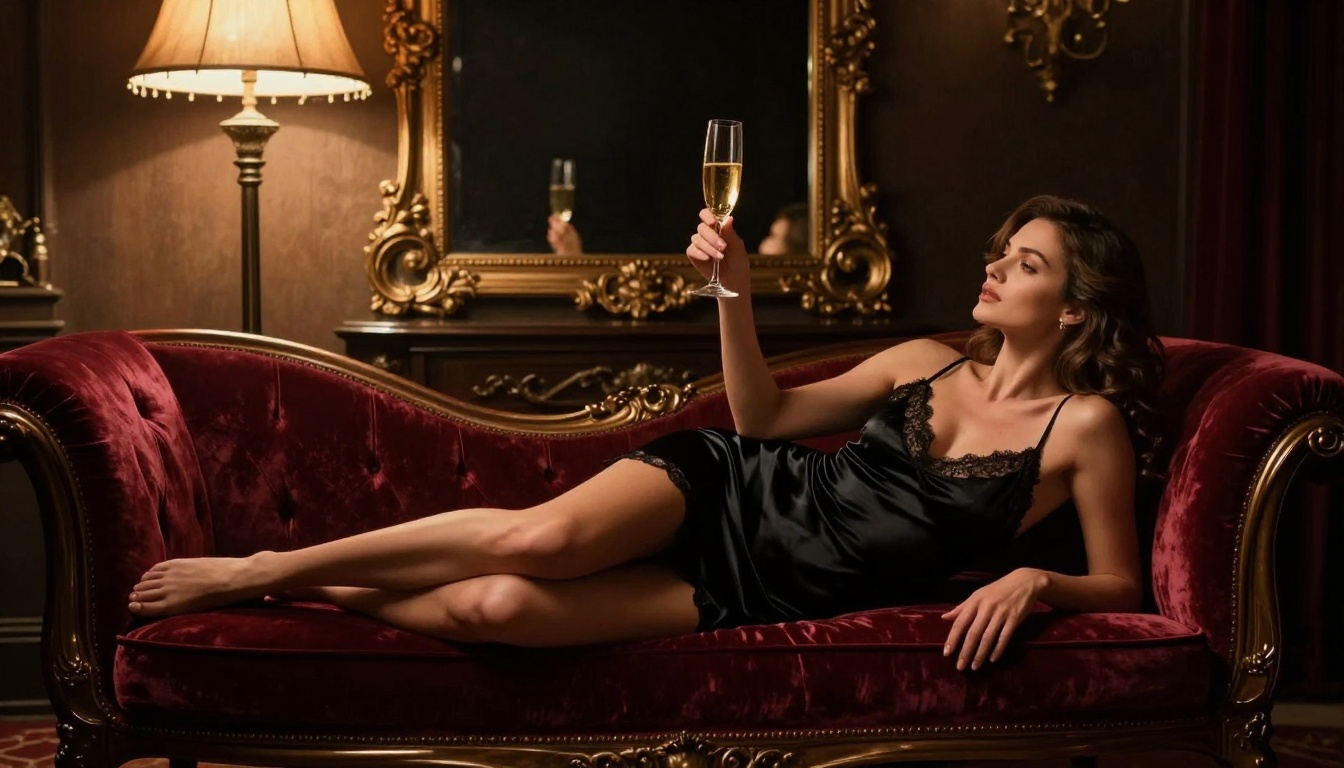
Glamour and boudoir photography
The defining characteristic of boudoir AI art is intimate, flattering light. Warm tungsten tones, soft shadows, and luxurious textures (velvet, satin, lace) are the visual language. Models like RealVisXL v3.0 Turbo and Flux 1.1 Pro handle this well.
Key prompt elements:
soft chiaroscuro lighting
velvet/satin textures
warm amber tones
shallow depth of field
intimate interior setting
Artistic nudity
Implied or partial artistic nudity follows fine art photography conventions. Backlighting, silhouette, and strategic framing do the visual work. The subject's expression and posture carry the emotional weight.
Key prompt elements:
backlit silhouette
sheer fabric in natural light
fine art photography
classic composition
natural skin texture
Fashion and lingerie editorial
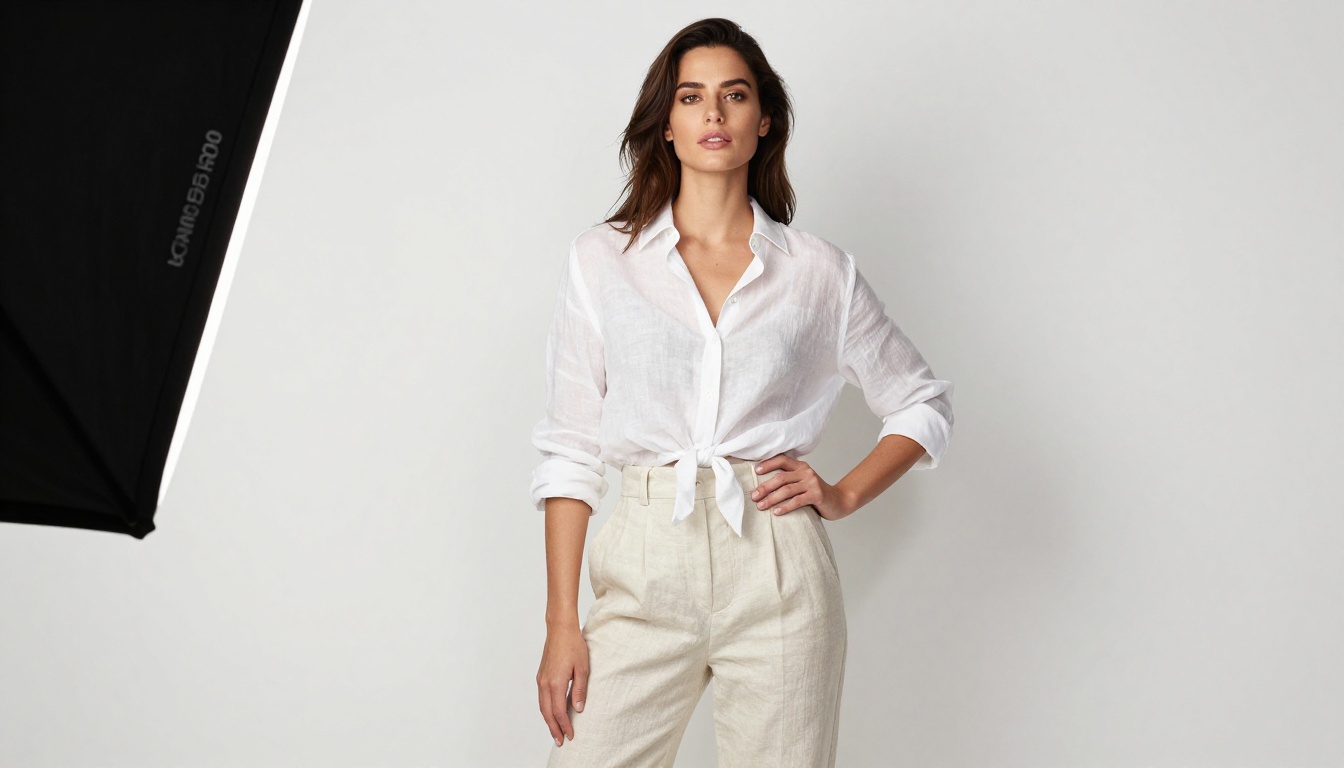
Editorial-style adult art borrows from high-fashion photography. Think bold compositions, strong directional lighting, and confident poses against minimal or architectural backgrounds.
Key prompt elements:
editorial fashion lighting
seamless white or black background
fashion photography
bold pose
studio softbox from camera left
Fixing Bad Outputs Fast
Even with strong prompts and the right model, adult AI art outputs can miss the mark. Here is how to diagnose and fix the most common problems.
When anatomy looks wrong
Distorted hands, extra fingers, and warped torsos are classic AI tells. Solutions:
Add anatomically correct, natural proportions to your prompt
Use a higher guidance scale (4.0 to 5.0) for stricter prompt adherence
For hands specifically, use negative prompts: deformed hands, extra fingers, fused fingers
When skin looks plastic
Overly smooth, poreless skin is the most common realism failure in AI-generated adult art. Fix it with:
fine skin texture, natural pores, real skin
Kodak Portra 400 film grain
RAW photography in the prompt
Avoid smooth, flawless skin descriptors as they signal the AI to over-smooth
When lighting feels flat
Flat lighting kills the mood of adult art. Solutions:
Specify a single primary light source direction: warm light from camera left
Add shadows and highlight detail to your prompt
Use volumetric light or dramatic chiaroscuro for depth
Models like GPT Image 1.5 and Imagen 4 handle complex lighting scenarios particularly well
When you need more detail
If your output looks soft or lacks sharpness, use the Super Resolution tools available on the platform to upscale 2x or 4x. This is especially useful for adult art where skin texture and fabric detail are central to the image quality.
Comparing Top Models Side by Side
Here is a practical comparison to help you pick the right model for your specific use case:
Some of the most compelling adult AI art happens in outdoor settings, where natural light and environmental context do most of the creative work.
Beach and resort scenes
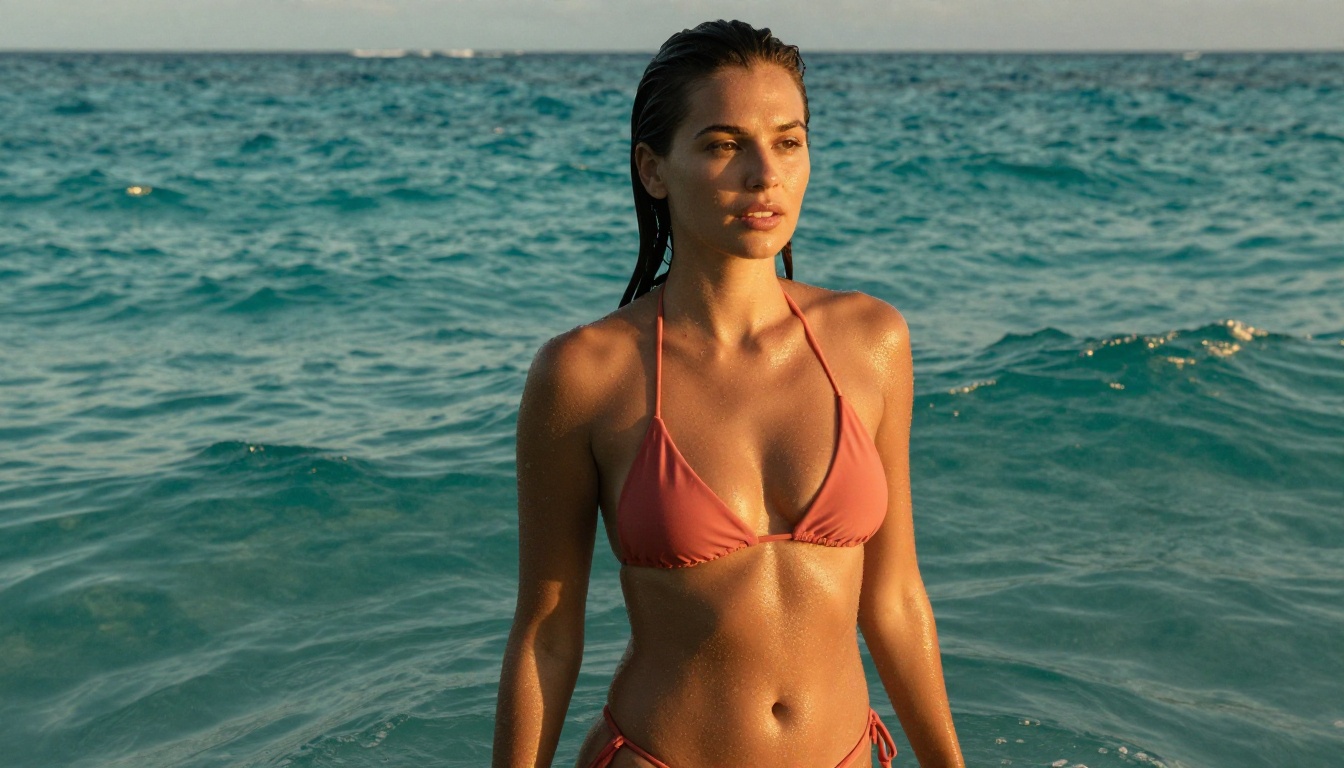
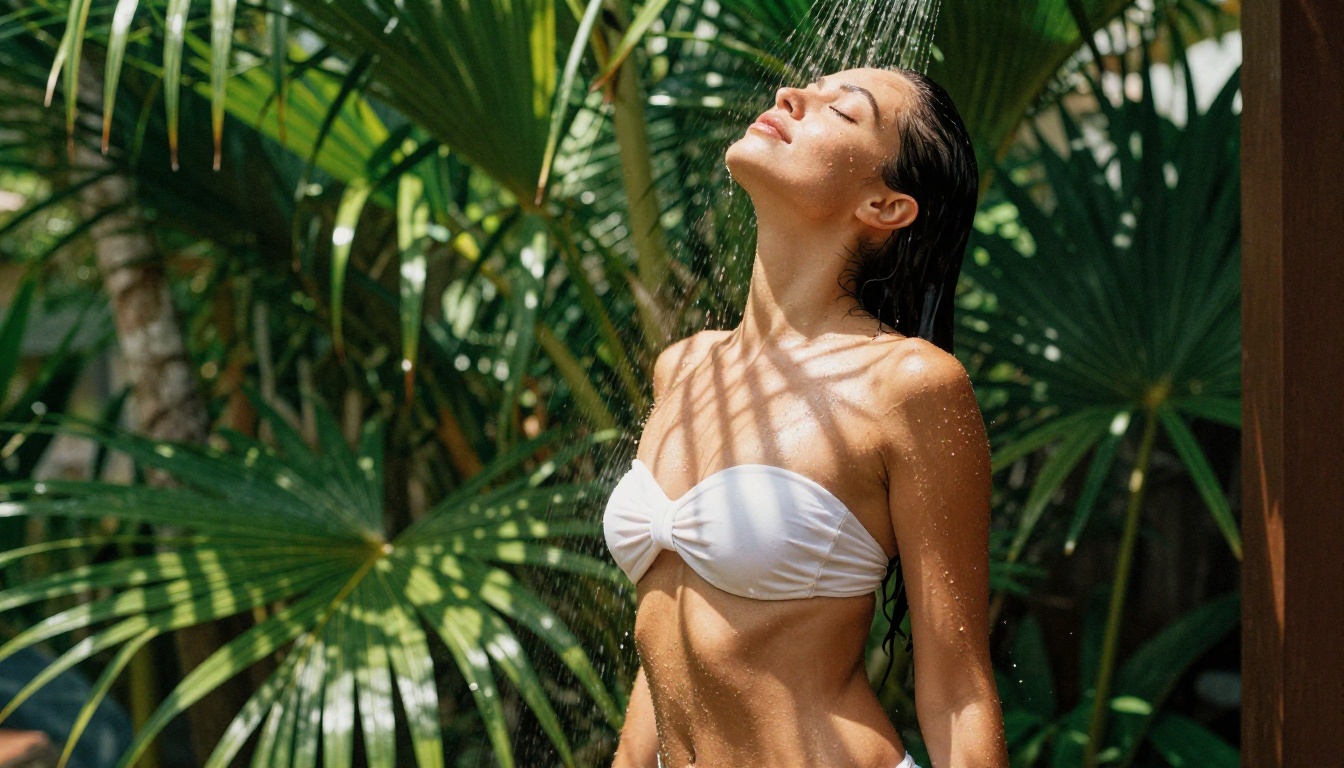
Water, wet skin, and strong directional sunlight are a technically demanding combination for AI models. Flux 1.1 Pro handles this particularly well. Key descriptors:
water droplets on skin
golden hour backlight
wet hair slicked back
ocean reflections
Canon 135mm f/2.0 telephoto compression
Urban and architectural settings
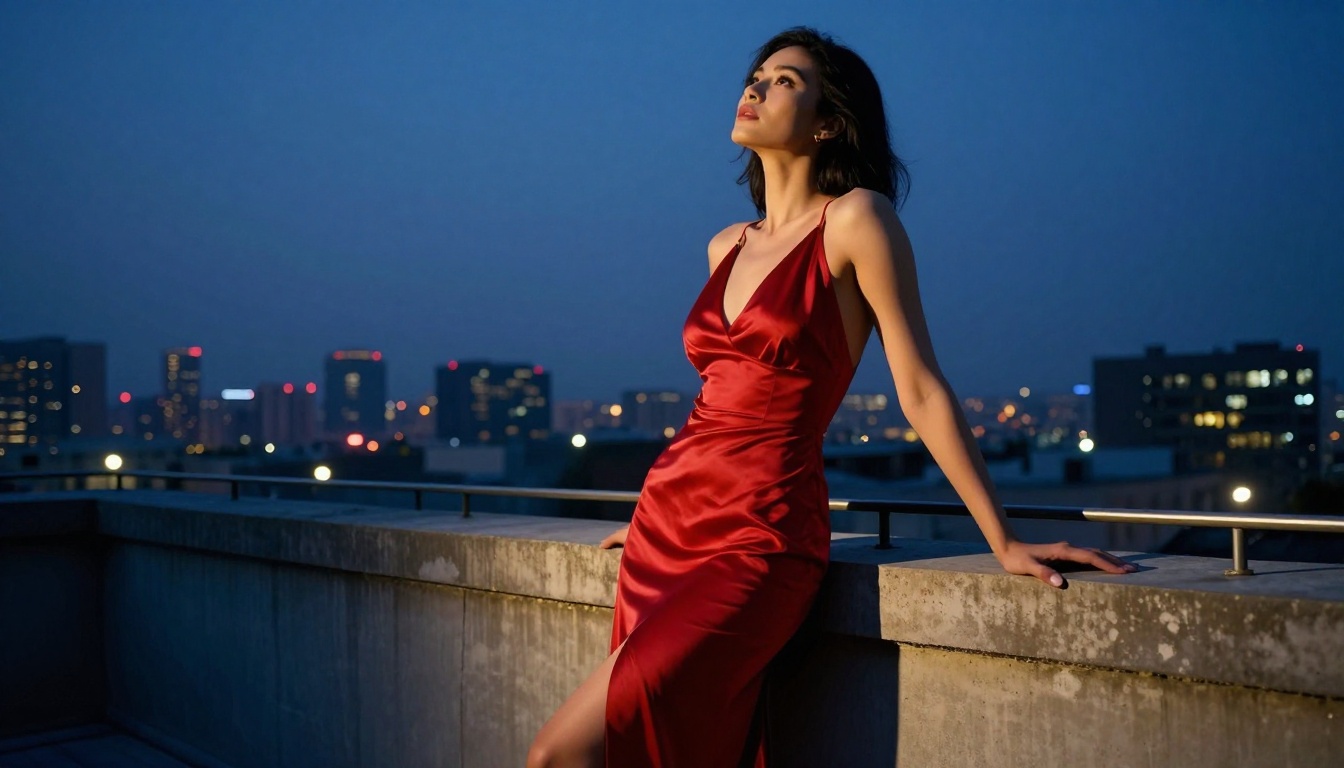
Rooftops, hotel rooms, industrial spaces, and city streets provide dramatic contrast with the human figure. The interplay of artificial city light and natural ambient creates mood that indoor shots cannot replicate.
blue hour city skyline
ambient street light reflections
concrete and glass textures
low-angle perspective
Garden and nature settings
Dappled sunlight through foliage creates natural lighting effects that are difficult to manufacture in a studio. For adult art with a softer, more romantic quality, outdoor nature settings are excellent.
dappled sunlight through leaves
morning mist
golden hour side-light
bokeh of green foliage
The Aerial and Overhead Angle
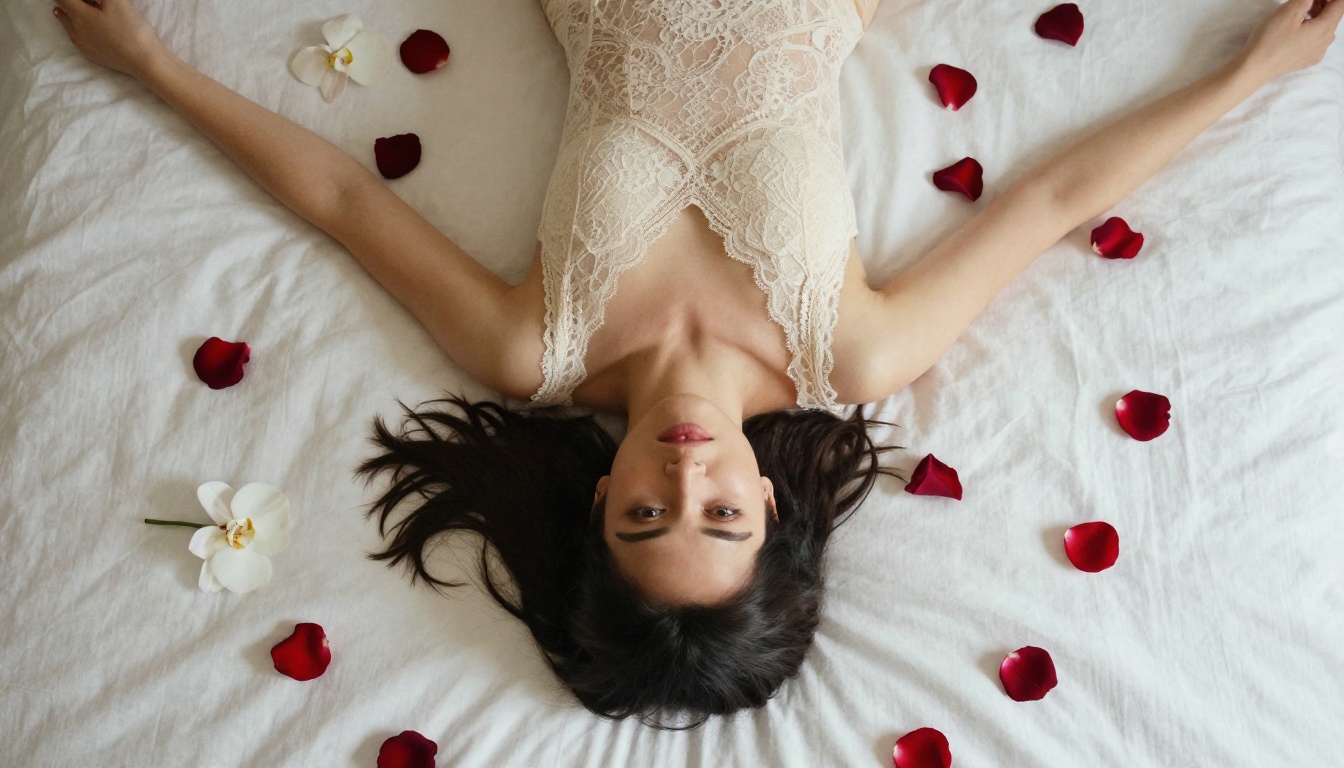
The overhead shot is underused in adult AI art. Shot directly from above, it creates a uniquely intimate and visually striking composition that feels immediately different from standard portrait angles.
Why the overhead angle works
Eliminates background entirely, focusing on subject and surface
Creates natural symmetry when arms are extended
Rose petals, flowers, and textile patterns become integral to the composition
Diffused top-down light eliminates harsh shadows
Prompt elements for overhead shots:
directly overhead bird's-eye view
shot from above looking straight down
24mm tilt-shift lens
even diffused natural skylight
symmetrical composition
Models like Flux 1.1 Pro and Imagen 4 handle overhead perspectives with notably better spatial accuracy than older architectures.
Building a Consistent Style Series
One of the most valuable things you can do as an adult AI artist is develop a recognizable visual style. Rather than generating random one-off images, build a series around a consistent set of choices:
One model (e.g., Flux 1.1 Pro for everything)
One film stock (e.g., Kodak Portra 400 throughout)
One color palette (e.g., warm cream and honey tones)
Recurring subject (same character description across multiple scenes)
Consistent focal length (e.g., always 85mm f/1.4)
This consistency is what separates amateur AI art from work that looks like a real photographer's portfolio.
💡 Tip: Write a "character sheet" prompt that you keep consistent across all images in a series. Include hair color, skin tone, body type, and any distinguishing features. This anchors the subject's identity even when the scene changes dramatically.
Now Create Your Own
You now have everything you need: the right models, the prompt architecture, the technical troubleshooting tools, and a clear workflow. Adult AI art rewards attention to detail and creative ambition in equal measure. The gap between a generic output and a professional-looking image is almost always in the specificity of the prompt and the choice of model.
Every style, every mood, and every visual scenario described in this article is available right now through the image generation tools on PicassoIA. Whether you are working through Flux 1.1 Pro for maximum photorealism, using RealVisXL v3.0 Turbo for portrait-focused boudoir work, or pushing quality ceilings with Flux 1.1 Pro Ultra, the creative controls are in your hands.
Start with one strong prompt. Iterate on what works. Build toward a series. The images you create reflect your creative judgment as much as the technology behind them.