How to Create AI Videos for Social Media That Actually Get Views
Creating AI videos for social media requires understanding both the technical tools and what makes content perform. This guide walks through selecting the right AI video generators, writing effective prompts, formatting for each platform, and optimizing for engagement. You'll learn which models work best for different content types, how to structure prompts that produce usable results, and the technical specs required for Instagram Reels, TikTok, and YouTube Shorts.
Creating AI videos for social media isn't about using the flashiest tools or following the latest trends. It's about understanding what makes content perform on each platform and using AI to enhance your creative process, not replace it. The difference between AI videos that get ignored and those that go viral often comes down to a handful of specific decisions about tools, prompts, and formatting.
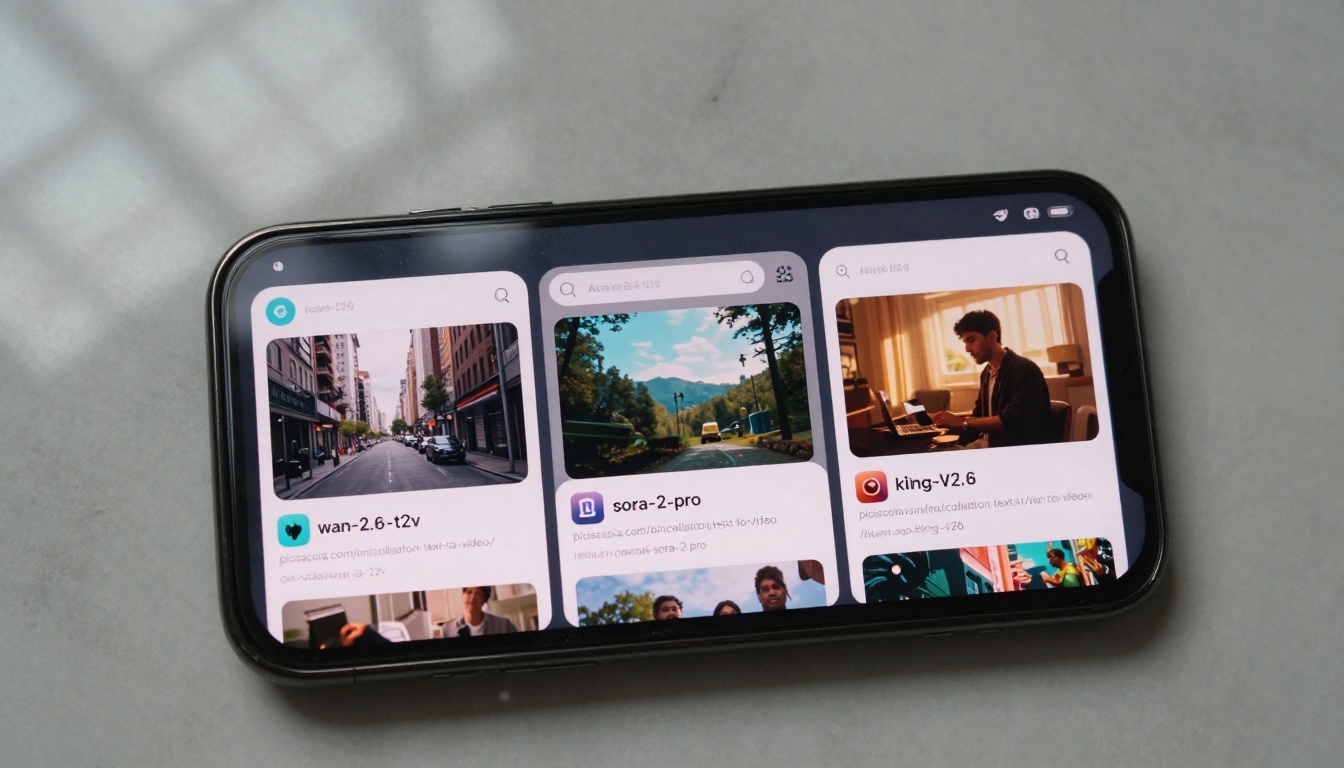
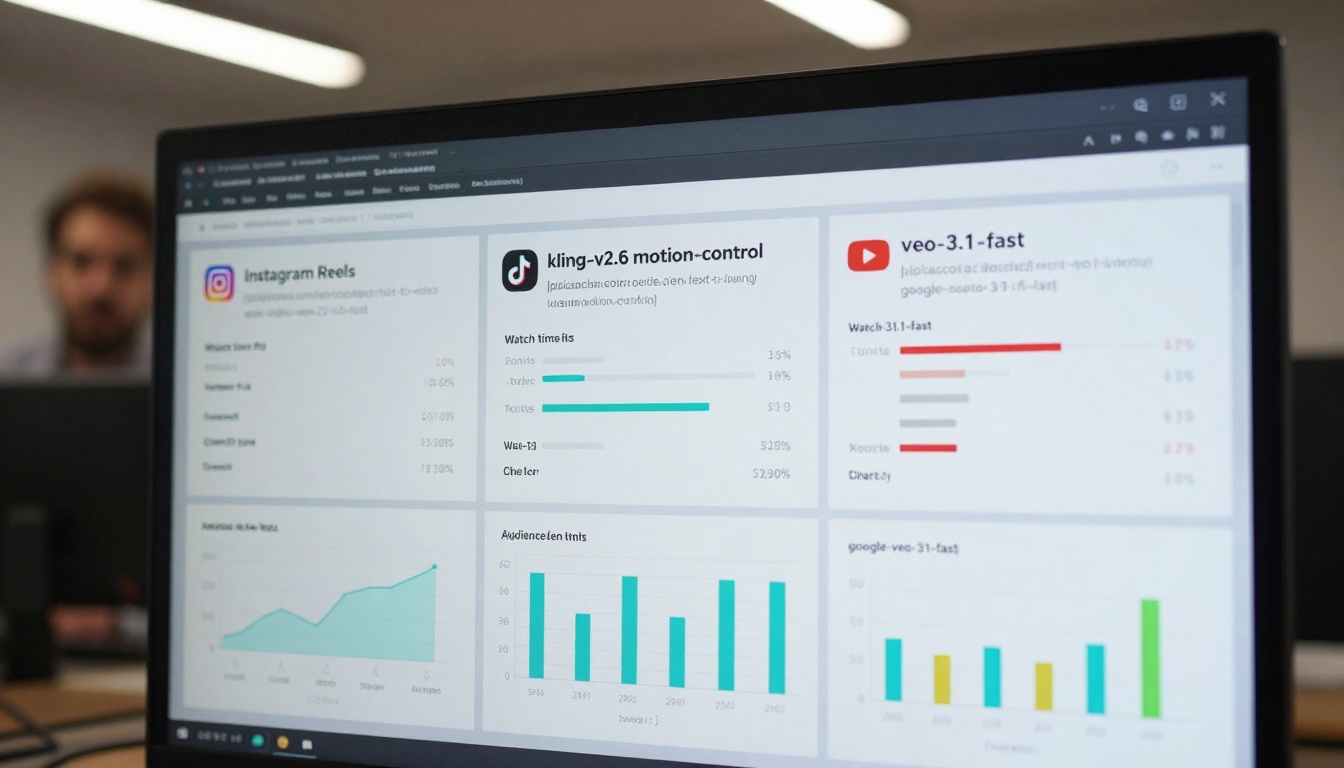
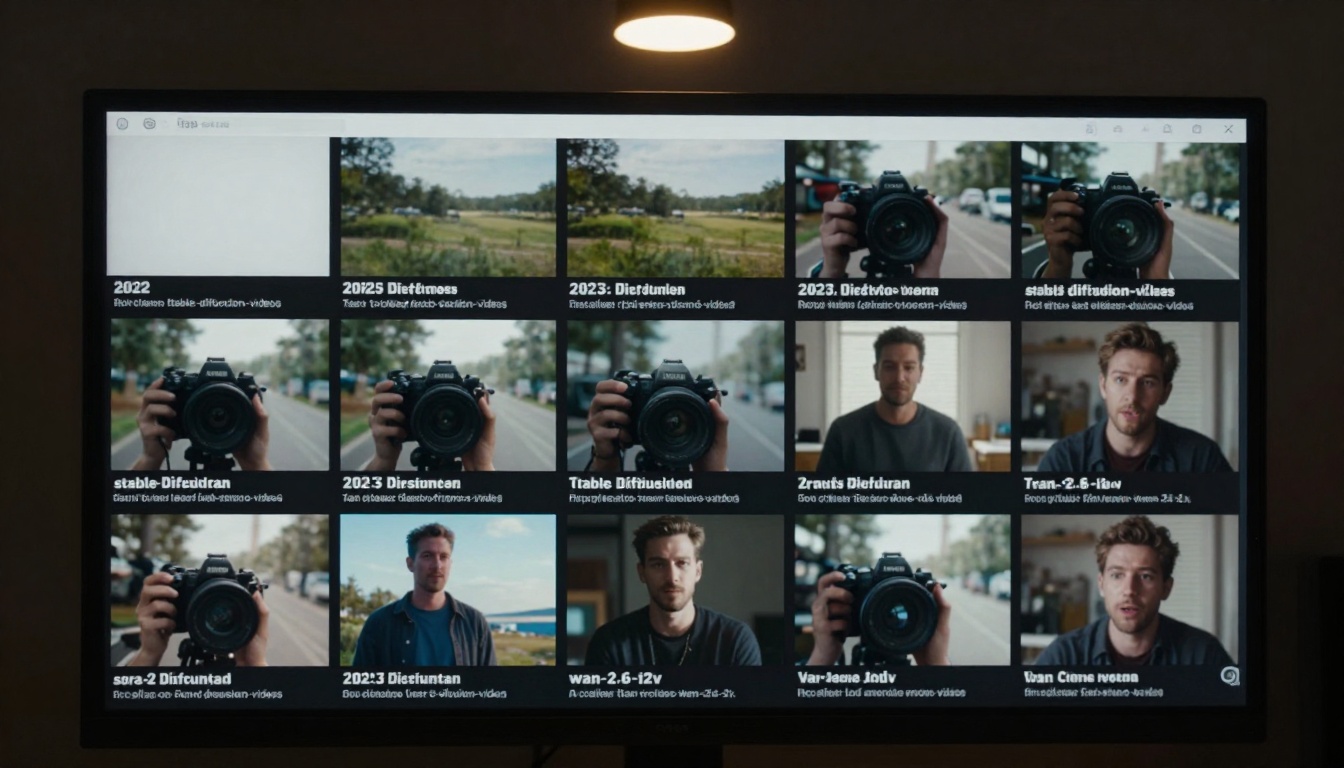
Comparison of different AI video generation interfaces side by side
Which AI Video Tools Actually Work for Social Media
Not all AI video generators are created equal, especially when it comes to social media content. The platform's requirements—vertical formats, short durations, attention-grabbing openings—demand specific capabilities from your AI tools.
For Instagram Reels and TikTok: You need tools that excel at quick, visually striking content. Kling v2.6 specializes in character animation and motion that works well for explainer content. WAN-2.5-i2v-fast generates videos quickly, which matters when you're testing multiple concepts. Pixverse v5 produces the vibrant, attention-grabbing visuals that stop scrolling thumbs.
For YouTube Shorts: Longer attention spans (relatively) mean you can use more sophisticated tools. Sora-2-pro handles complex scenes and narratives better than most. Veo-3.1 produces cinematic quality that stands out even on larger screens. Seedance-1.5-pro offers good consistency for serialized content.
For Facebook and LinkedIn: Professional presentation matters more here. Mochi-1 generates cleaner, more polished business-oriented content. Hailuo-2.3 works well for corporate explainer videos.
💡 Tool Selection Rule: Match the AI tool to both the platform AND your content type. Character-focused TikTok content needs different capabilities than landscape-focused YouTube Shorts.
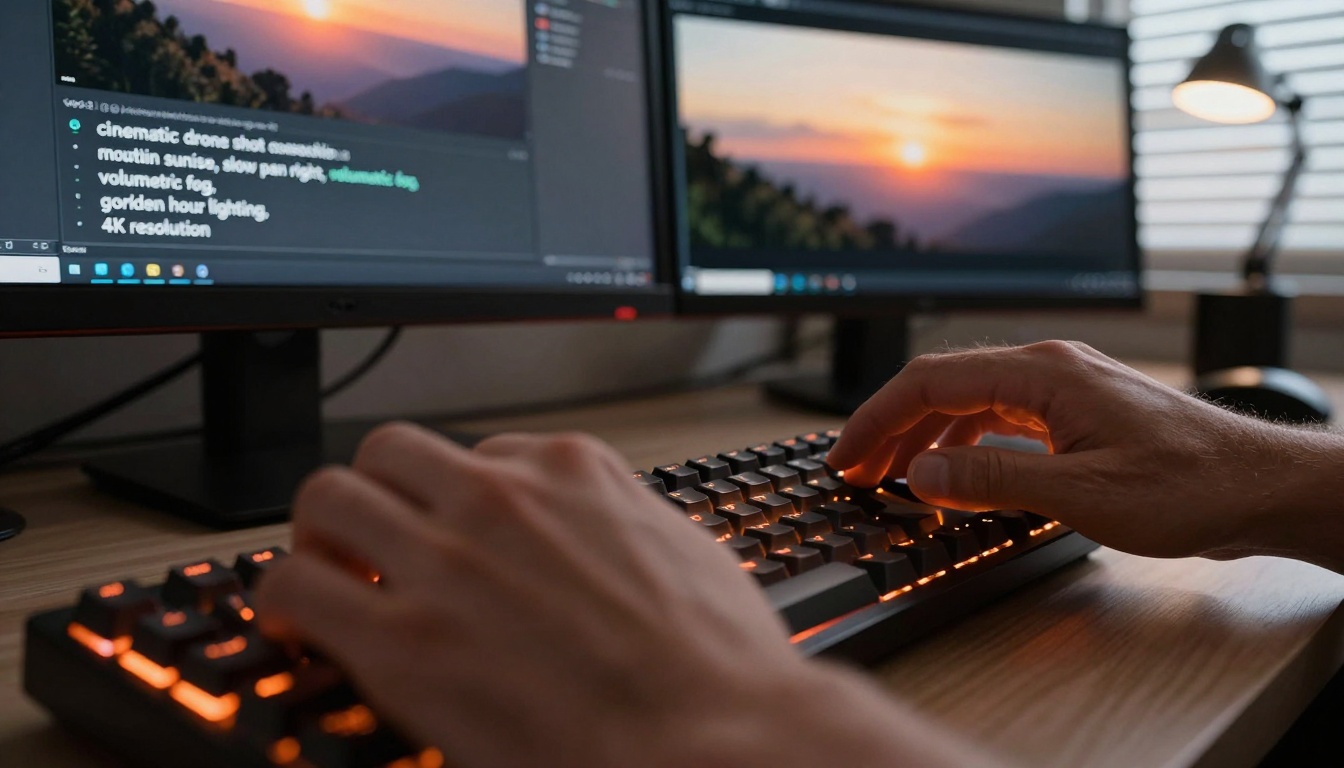
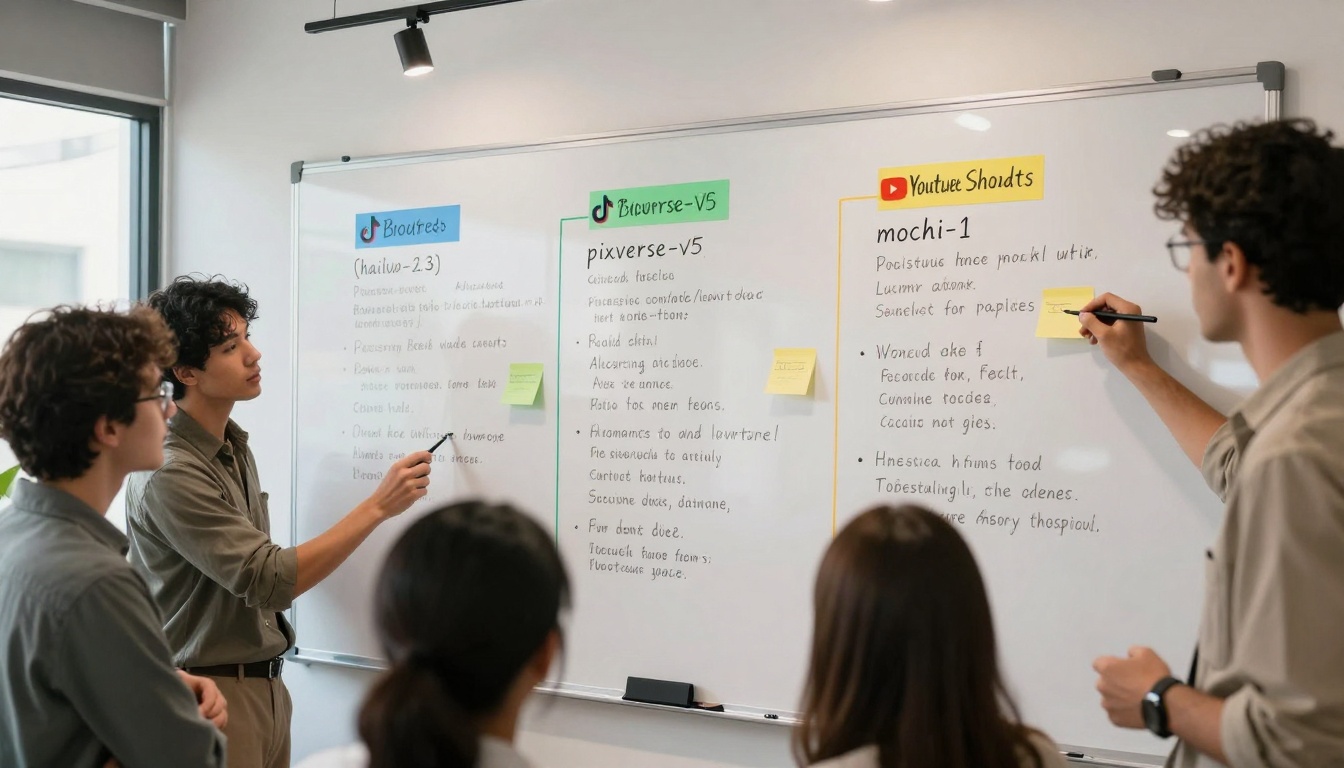
Close-up of prompt writing process with specific technical details
How to Write Prompts That Produce Usable Videos
The biggest mistake creators make is writing prompts like they're ordering from a menu. Good AI video prompts are technical specifications, not wish lists.
Bad Prompt: "A beautiful sunset over mountains"
Good Prompt: "Cinematic drone shot slowly panning right across mountain range at golden hour, 8 seconds, 9:16 aspect ratio, Kodak Portra 400 film stock, volumetric morning fog between peaks"
Specific Elements That Matter:
Element
Why It Matters
Example
Camera movement
AI handles motion better with clear direction
"slow dolly forward" vs "camera moves"
Lighting specificity
Affects mood and platform appropriateness
"dramatic sidelight" for YouTube vs "bright even lighting" for TikTok
Duration
Matches platform constraints
15-30s for Reels, 60s for YouTube Shorts
Aspect ratio
Avoids cropping issues
9:16 for vertical, 16:9 for horizontal
Style reference
Creates visual consistency
"cinematic", "documentary", "social media aesthetic"
Platform-Specific Prompt Tips:
TikTok: Start with action in first 2 seconds, use "fast cut between shots", include "vibrant colors"
Instagram Reels: Emphasize "aesthetic consistency", use "smooth transitions", include "text overlay space"
YouTube Shorts: Build toward "climax moment", use "professional color grading", include "establishing shot"
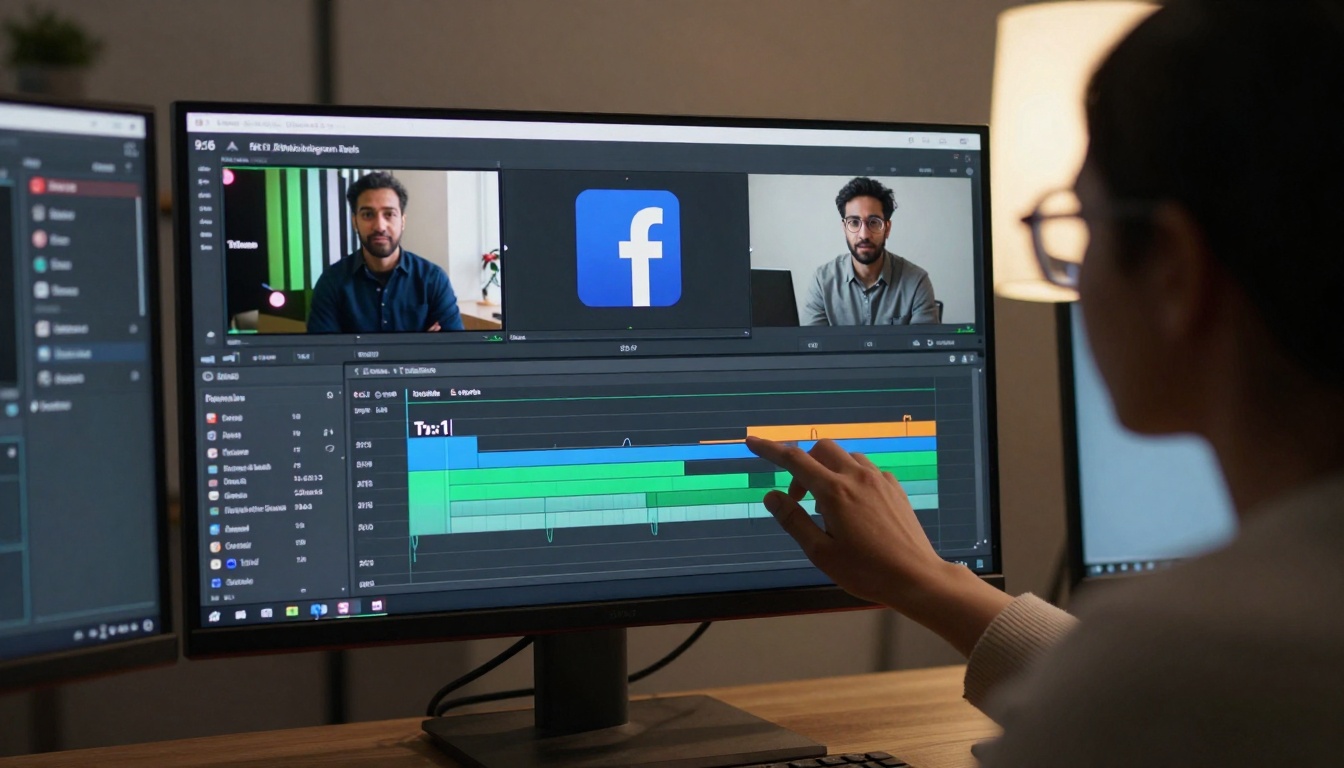
Social media manager working with multiple aspect ratios simultaneously
Technical Specifications You Can't Ignore
Each social platform has unspoken technical requirements that affect whether your AI videos perform or get buried by the algorithm.
Instagram Reels Requirements:
Aspect Ratio: 9:16 (1080x1920)
Duration: 3-90 seconds (optimal: 15-30s)
Frame Rate: 30fps minimum
Audio: Clear voiceover or trending audio
Text Placement: Lower third safe zone (avoid top 20% for username)
TikTok Specifications:
Resolution: 1080x1920 (vertical)
Length: 15-60 seconds (first 3 seconds critical)
Hashtags: 3-5 relevant, not generic
Caption: Under 100 characters for full visibility
Trend Integration: Must match current audio/effect trends
YouTube Shorts Essentials:
Dimensions: 1080x1920 or 1920x1080
Duration: 15-60 seconds
Thumbnail: Custom (not auto-generated)
Hook: Within first 5 seconds
CTA: Clear call-to-action in last 5 seconds
Common Technical Mistakes:
Using wrong aspect ratio (Facebook rejects 9:16)
Exporting at wrong frame rate (causes stuttering)
Ignoring platform-specific audio requirements
Not optimizing file size (affects upload quality)
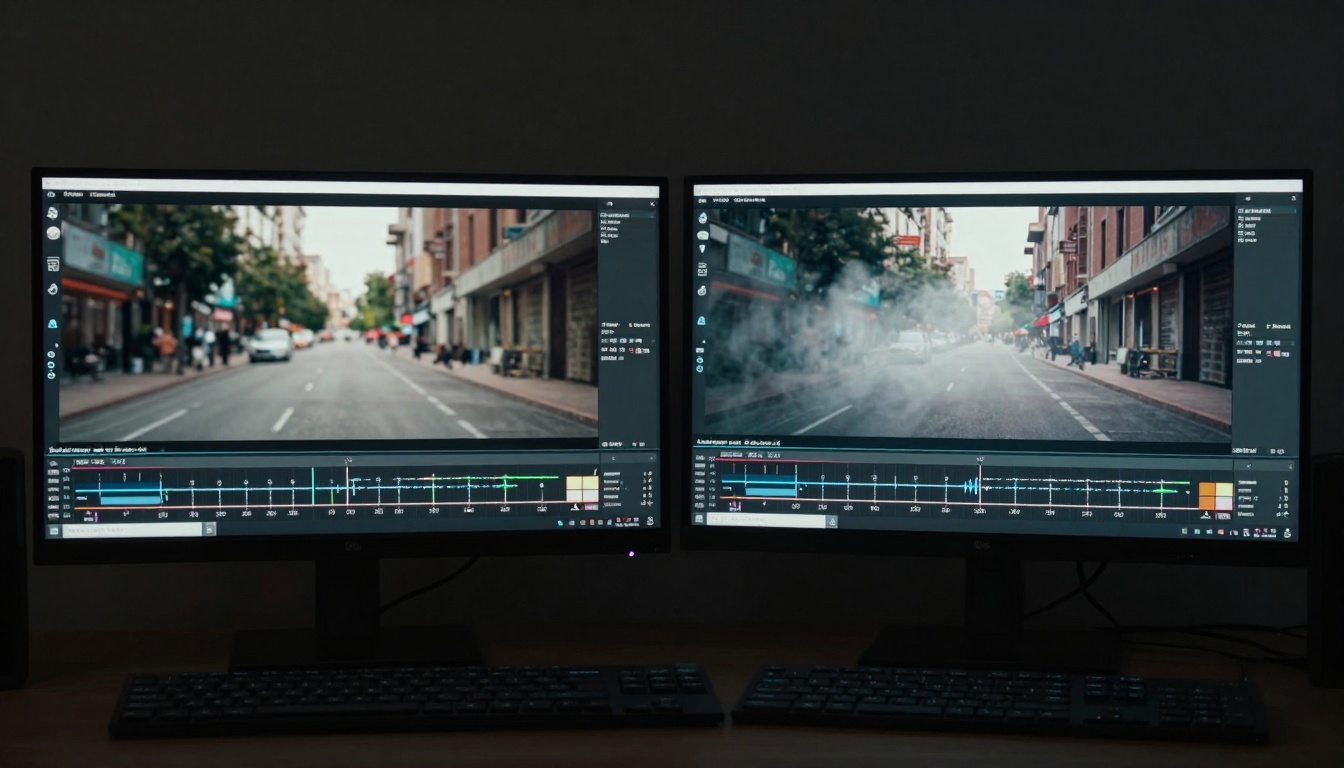
Combining real filming with AI enhancement for better results
The Hybrid Approach: AI + Traditional Filming
The most successful AI videos for social media combine generated content with real footage. This approach solves AI's current limitations while leveraging its strengths.
What AI Does Well:
Establishing shots and B-roll
Complex visual effects
Consistent character animation
Environmental elements (weather, lighting)
Background augmentation
What Real Filming Does Better:
Human expressions and reactions
Product demonstrations
Authentic movement and timing
Specific brand elements
On-camera presence
Hybrid Workflow Example:
Film foundation: Record basic product demo or talking head
AI enhance: Use i2vgen-xl to add professional lighting effects
💡 Hybrid Rule: Use AI for elements that are expensive to produce traditionally but cheap to generate. Use real filming for elements where authenticity matters most.
Creating AI videos without tracking performance is like shooting in the dark. The data tells you which approaches are working and which need adjustment.
Key Metrics to Track:
Watch Time Percentage: How much of your video people actually watch
Engagement Rate: Likes, comments, shares relative to views
Completion Rate: Percentage who watch to the end
Share Rate: How often viewers share your content
Sound Usage: For TikTok/Reels, how many use your audio
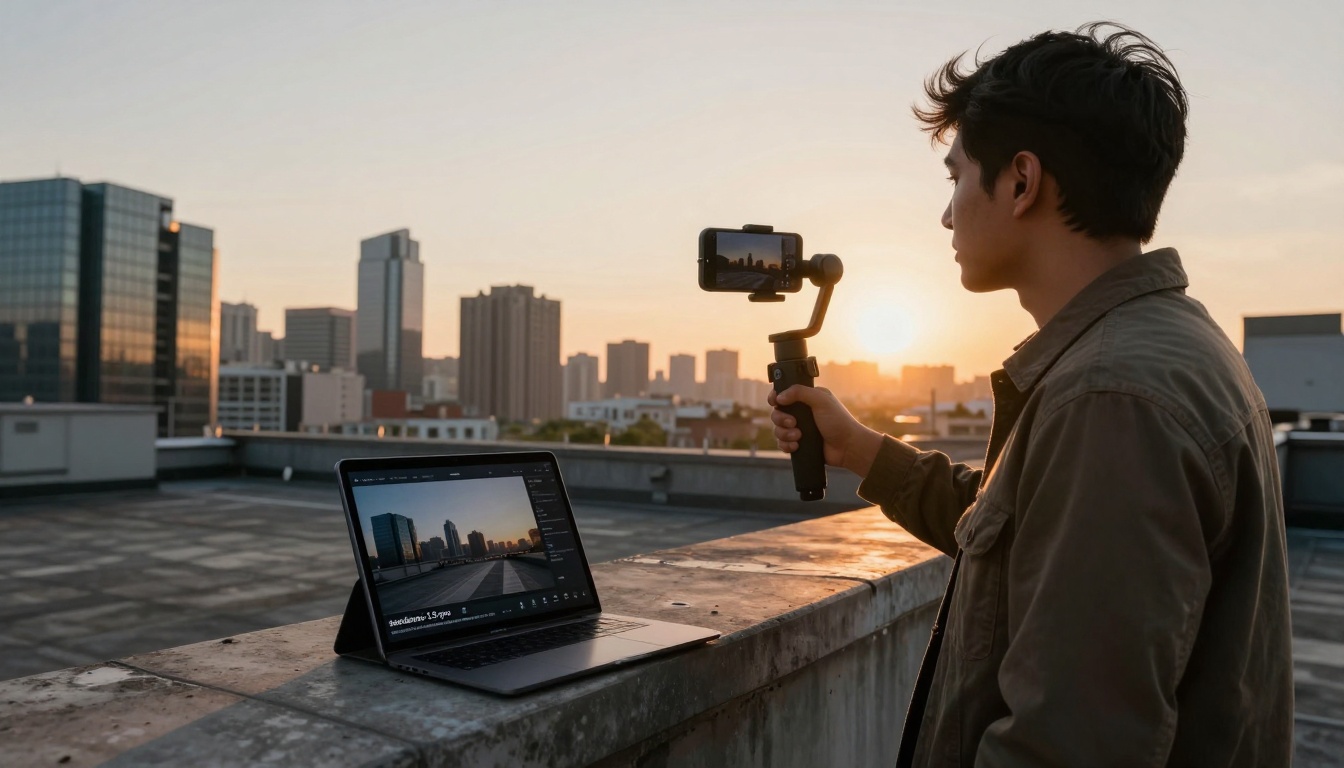
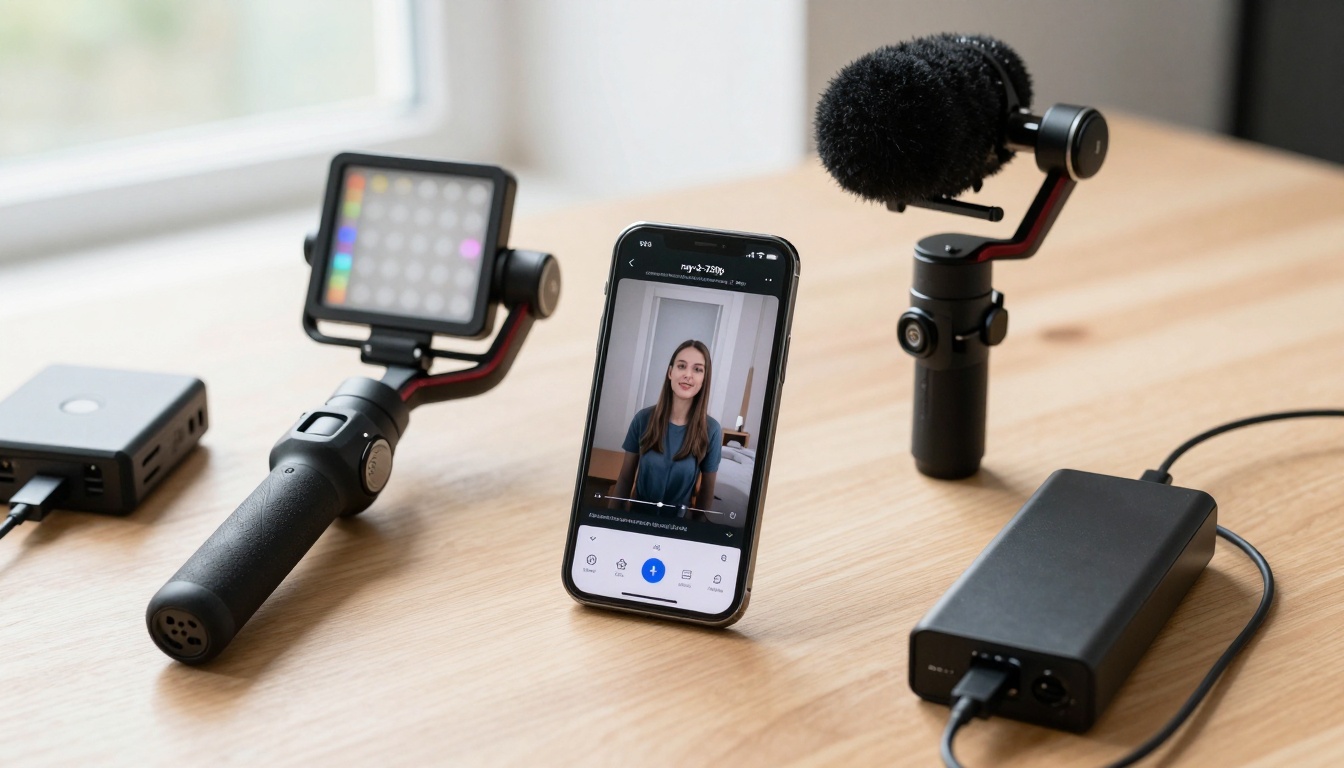
Professional mobile creation kit optimized for on-the-go production
Mobile-First Creation Workflow
Social media consumption happens on phones, so your creation process should too. The most efficient workflows use mobile-optimized tools and processes.
Essential Mobile Setup:
Smartphone: Current generation with good camera
Gimbal: Basic stabilization ($50-100 range)
External Mic: Lavalier or shotgun style
Lighting: Portable LED panel
Editing Apps: CapCut, InShot, or similar
AI Access: Mobile-optimized interfaces for key tools
Mobile AI Video Workflow:
Concept on Phone: Use notes app for prompt ideas
Quick Generation: Test concepts with Ray-flash-2-540p (fastest mobile option)
Film Foundation: Record basic footage with phone camera
Mobile Edit: Combine in CapCut with trending audio
Direct Upload: Post from phone for algorithm preference
Time Savings Compared to Desktop:
Task
Desktop Time
Mobile Time
Difference
Concept to test
15-20 min
5-8 min
60% faster
Iteration cycle
10-15 min
3-5 min
70% faster
Final export
5-10 min
1-3 min
80% faster
Total workflow
45-60 min
15-25 min
67% faster
Mobile-Specific Tips:
Use voice-to-text for prompt writing
Save preset prompts in notes app
Create folder structure for generated assets
Set up quick-access widgets for frequent tools
Use cloud sync for desktop-mobile workflow
Before/after comparison showing dramatic AI enhancement results
Cost Management and Scaling
AI video generation costs can spiral if not managed properly. The most effective creators treat it like any other production cost with budgets and ROI calculations.
Cost Structure Analysis:
Per-Video Costs (Average):
Basic Generation: $0.08-$0.25 per video
Enhanced Generation: $0.50-$2.00 per video
Complex Generation: $3.00-$10.00 per video
Batch Processing: $0.05-$0.15 per video (volume discount)
Scheduled Generation: Off-peak hours sometimes cheaper
ROI Calculation Framework:
(Platform Value per View × Estimated Views) - (Creation Cost + AI Cost) = ROI
Example: TikTok video with 50,000 views at $0.0002 per view = $10 value. Creation cost $5 + AI cost $0.15 = $5.15 total cost. ROI = $4.85 (94% return).
Visual timeline showing rapid improvement in AI video quality
What's Next for AI Video in Social Media
The technology is moving faster than most creators realize. What works today might be obsolete in six months, but the fundamentals remain constant.
Immediate Trends (Next 3-6 Months):
Audio Integration: Tools like Video-01-live adding sound generation
Platform-Specific Optimization: AI tools trained on platform data
Real-Time Generation: Near-instant video creation
Lower Costs: Price drops as competition increases
Longer-Term Developments (6-12 Months):
Personalization: AI generating content for specific audience segments
Interactive Elements: Viewers influencing video outcomes
Cross-Platform Adaptation: Single generation for multiple platforms
Quality Parity: AI matching professional production values
Skills That Will Remain Valuable:
Prompt Engineering: Understanding what makes content perform
Platform Strategy: Knowing each platform's unique requirements
Audience Understanding: What resonates with specific demographics
Analytics Interpretation: Turning data into better content
Creative Direction: Guiding AI toward brand-aligned outputs
The One Unchanging Principle: Tools change, platforms evolve, algorithms shift—but understanding what makes people stop scrolling and engage with content remains the most valuable skill. AI video generation is just another tool in that pursuit.
The real question isn't whether you should use AI for social media videos, but how you use it. The creators who succeed will be those who understand both the technology's capabilities and their audience's preferences, then bridge the gap between them.
Start with one platform, one tool, and one content type. Generate five variations, track the performance, learn what works, and iterate. The barrier to entry has never been lower, but the bar for quality has never been higher. Your audience is waiting—what will you show them first?