Seedance 1.5 Pro is one of those models that feels almost unfair. Type a sentence, wait a few seconds, and what comes back is a 1080p video with synchronized ambient audio, cinematic motion, and visual consistency that used to require a full production team. It's built by ByteDance, the company behind TikTok, and the model reflects exactly how that company thinks about video: every generation is built to stop a scroll.
If you've been looking for a reliable, fast, high-quality text-to-video generator, this is the one people keep coming back to. Here's everything you need to know about how it works, how to write prompts that produce strong results, and how to use it directly on PicassoIA.

What Seedance 1.5 Pro Actually Is
Seedance 1.5 Pro is a text-to-video model developed by ByteDance. It generates videos at 1080p resolution with built-in audio synthesis, meaning the audio is not added separately after generation. The model infers appropriate ambient sound, music, or environmental audio directly from the visual content described in the prompt.
This is a bigger deal than it sounds. Most video generation models produce silent clips. You then have to layer sound in post-production. With Seedance 1.5 Pro, a prompt about a rainy street scene at night will produce rain sounds. A prompt about waves crashing on a shore will produce the sound of the ocean. The synchronization isn't perfect every time, but when it lands, it saves significant time and effort.
ByteDance Built This for Scale
ByteDance didn't build Seedance as a research curiosity. They built it for content at scale, which is exactly why the model is so strong on motion consistency and scene coherence. The company processes billions of short-form video interactions daily, and that distribution-at-scale mentality shows up in how well the model handles pacing and visual rhythm.
The model's lineage matters when you're choosing between it and competitors. Where some models optimize for pure visual fidelity, Seedance 1.5 Pro optimizes for watchability, which is what actually matters for social content, product videos, and storytelling.
1080p as the Baseline
Most AI video generators default to 720p or below. Seedance 1.5 Pro outputs at 1080p natively. That's not just about pixel count. It means more visual information, finer textures, and clips that hold up when played on large screens or exported for professional use.
For content creators posting to YouTube, LinkedIn, or Instagram Reels, 1080p is the minimum acceptable standard. Starting at that resolution means you're not scaling up a lower-quality output and losing sharpness in the process.
Seedance 1 Pro vs 1.5 Pro

If you've used Seedance 1 Pro before, the .5 upgrade isn't a rebrand. The differences are tangible in three areas: motion fidelity, prompt adherence, and audio synchronization.
| Feature | Seedance 1 Pro | Seedance 1.5 Pro |
|---|
| Output Resolution | 1080p | 1080p |
| Built-in Audio | No | Yes |
| Motion Consistency | Good | Improved |
| Prompt Adherence | Moderate | Stronger |
| Generation Speed | Fast | Fast |
| Best For | Basic clips | Full content creation |
The audio addition alone makes 1.5 Pro the default choice for anyone who doesn't want to spend time in post-production syncing sound. The motion consistency improvement means fewer artifacts in scenes with complex movement like people walking, water flowing, or camera panning.
There's also Seedance 1 Lite for faster, lighter generations when you need quick previews, and Seedance 2.0 for the highest-quality output in the ByteDance family. For the balance of quality, speed, and usability, 1.5 Pro sits in the sweet spot.
Writing Prompts That Work

This is where most people get stuck. The model is capable, but the quality of your output scales directly with the quality of your input. Vague prompts produce vague videos. Specific prompts produce specific, often impressive results.
Structure Your Prompt in Layers
Think of an effective prompt as having three layers stacked on top of each other:
- Subject: What is happening, and who or what is in the scene?
- Environment: Where is it? What does the background look like?
- Style: How should it feel? Cinematic, documentary, slow-motion, handheld?
A weak prompt: "a woman walking on a beach"
A strong prompt: "A woman in a white linen dress walking slowly along a deserted white sand beach at golden hour, warm backlight creating a rim-light silhouette, gentle waves visible in the background, slow cinematic camera pan from left to right, soft natural ambient sound"
The second version gives the model a specific visual, a lighting condition, a motion style, and an atmospheric cue for audio. Every added detail narrows the generation toward what you actually want.
Camera Movement Instructions
Seedance 1.5 Pro responds well to explicit camera movement instructions. Including one of these in your prompt reliably improves results:
- Slow pan left/right: Creates a cinematic reveal effect
- Push in: Camera moves toward the subject, building tension
- Pull back: Reveals the wider environment, great for landscapes
- Static shot: No camera movement, ideal for close-up detail scenes
- Handheld: Adds a documentary, naturalistic feel
Specifying the camera style transforms a static-feeling clip into something that feels intentionally shot.
What to Avoid
Some prompt patterns consistently degrade output quality:
- Contradictory instructions: "Fast slow-motion" or "still aerial motion" confuse the model
- Too many subjects: More than two main subjects in a scene often results in visual inconsistency
- Abstract concepts without visual anchors: "Show me success" gives the model nothing concrete to render
- Very long text without structure: Break complex prompts into subject, environment, and style
💡 Tip: Write your prompt as if you're describing the scene to a cinematographer. Be specific about what the camera sees, from what angle, and in what lighting.
How to Use Seedance 1.5 Pro on PicassoIA
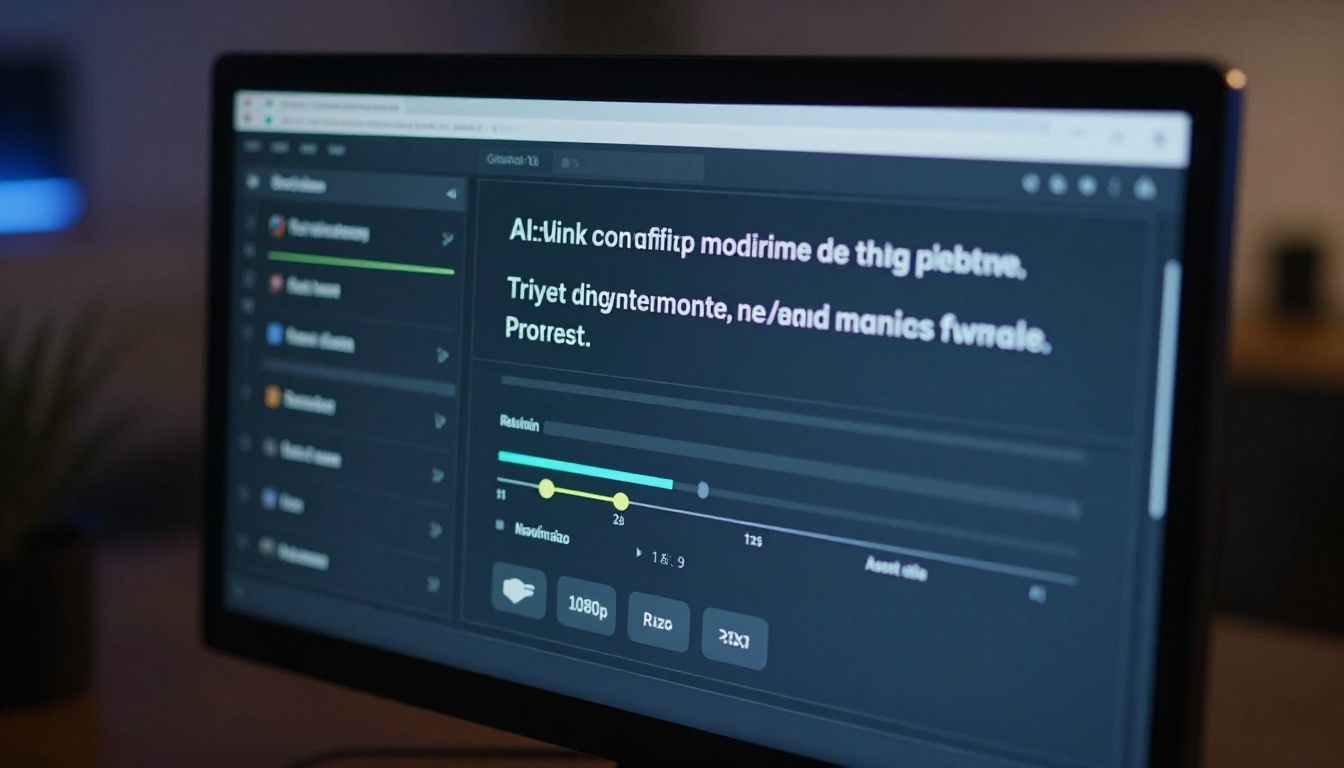
Using Seedance 1.5 Pro on PicassoIA takes less than two minutes from opening the model to downloading your first video.
Step 1: Open the Model
Go directly to the Seedance 1.5 Pro page on PicassoIA. You'll land on the generation interface. No configuration, no credentials, no technical setup required.
Step 2: Write Your Prompt
In the text input field, enter your scene description. Use the layered prompt structure above: subject, environment, style. Don't rush this step. Thirty seconds of careful prompt writing can save multiple regenerations later.
If you want to generate from an image rather than text, PicassoIA also supports image-to-video workflows through other models in the collection, including Wan 2.7 I2V and Kling v2.6 Motion Control.
Step 3: Set Duration and Aspect Ratio
Seedance 1.5 Pro supports multiple duration options, typically from 3 to 8 seconds per clip. For social content, 5-6 second clips tend to hit the sweet spot: long enough for visual payoff, short enough to loop cleanly.
Aspect ratio options:
| Format | Ratio | Best Use Case |
|---|
| Widescreen | 16:9 | YouTube, landscape posts, presentations |
| Vertical | 9:16 | Reels, TikTok, Shorts |
| Square | 1:1 | Instagram grid, LinkedIn |
Choosing the right aspect ratio before generating saves you from cropping in post, which always costs some resolution.
Step 4: Generate
Click generate. The model typically returns results within 30-60 seconds depending on current platform load. You'll see a preview in the interface. Download the clip directly from there in its native 1080p resolution.
Step 5: Iterate
The first generation won't always match your vision exactly. That's normal. Look at what the model gave you and identify the specific gap between the result and what you wanted. Then adjust that specific element in your prompt rather than rewriting everything from scratch.
💡 Tip: Keep a working document of prompts that produced strong results. Building a personal library of effective prompt patterns is faster than starting fresh every session.
What You Can Make With It
The range of content people produce with Seedance 1.5 Pro is broader than most people initially expect. It's not just landscape b-roll or abstract motion clips.
Social Media and Short-Form Content
This is the model's primary strength. Short, visually compelling clips with clean motion work exceptionally well for:
- Brand content: Product reveals, lifestyle imagery, brand aesthetic videos
- Social b-roll: Background footage for talking head videos or voiceovers
- Story hooks: Opening clips designed to stop the scroll in the first frame
- Ads and promos: Direct-response video for product campaigns
The built-in audio means you can publish directly without additional sound design for many use cases.
Visual Storytelling
Writers, filmmakers, and creative directors use text-to-video tools like Seedance 1.5 Pro to pre-visualize scenes before committing to a production shoot. Generating a rough version of a planned shot costs nothing and takes seconds. That's meaningful when you're pitching a concept or checking whether a visual idea holds up on screen.
It's also used for music video concepts, short film mood boards, and visual poetry projects. The model handles stylized, atmospheric scenes particularly well when you give it room to breathe with slower motion and wider compositions.
Educational and Explainer Videos
Visualizing abstract processes is one of the things AI video does better than live footage in many scenarios. Manufacturing processes, natural phenomena, architectural concepts, and scientific processes can be prompted into clear, watchable video without a production budget.
Seedance 1.5 Pro vs the Competition
PicassoIA's video generation collection includes over 100 models. Here's how Seedance 1.5 Pro compares to the most frequently used alternatives:
Each model has its zone of excellence. Veo 3 by Google produces arguably the most cinematic output but requires significantly longer generation times. Kling v2.1 Master is the strongest model for realistic human character video. LTX 2 Pro wins on resolution if you need 4K output.
For the combination of speed, resolution, built-in audio, and prompt consistency, Seedance 1.5 Pro is the most balanced option in the collection for everyday creative work.
Prompt Ideas to Start Right Now
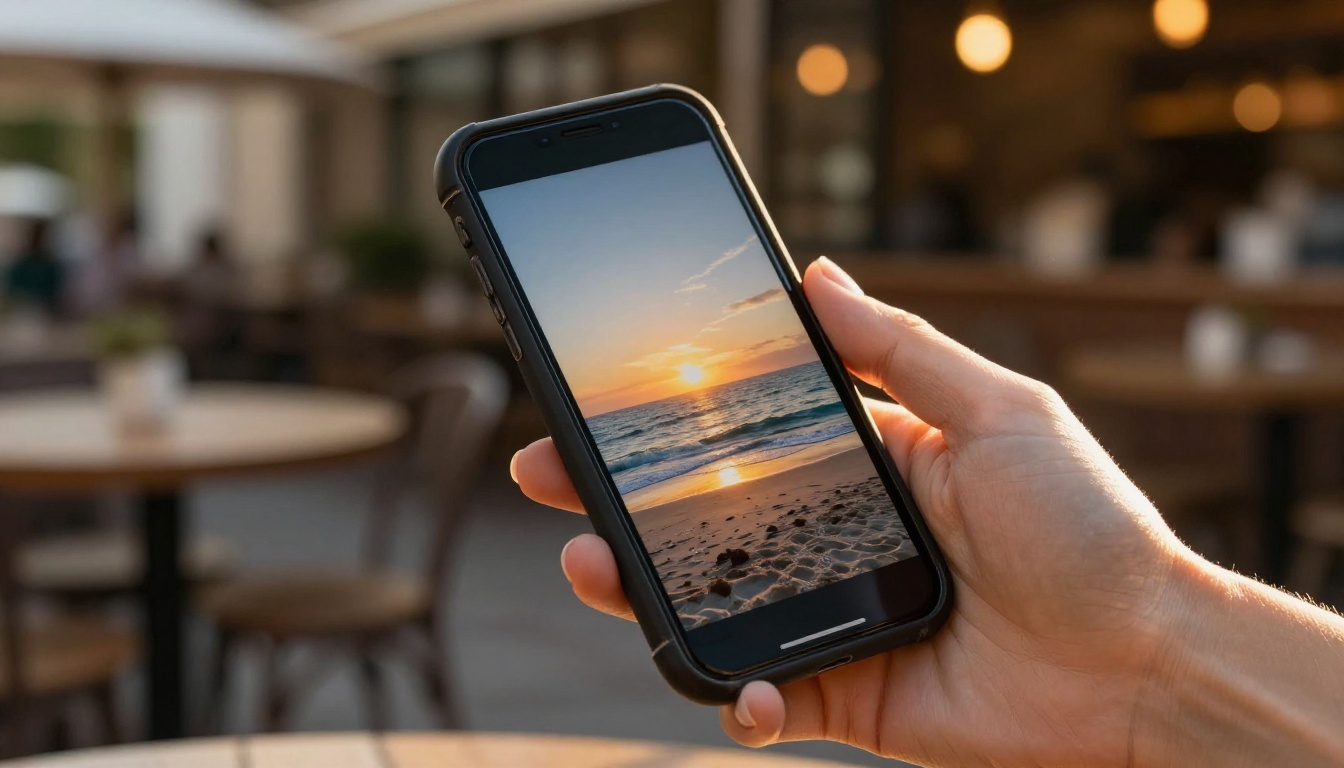
Not sure where to start? These prompt structures consistently produce strong results with Seedance 1.5 Pro:
For travel and lifestyle content:
"Aerial drone shot over a dense tropical rainforest at sunrise, low morning mist drifting between canopy trees, golden light breaking through, ambient birdsong and wind, slow smooth forward camera motion"
For product and brand videos:
"A sleek black perfume bottle on a white marble surface, single spotlight from above creating sharp shadow, close-up slow push-in shot, clean ambient room tone, luxury product photography aesthetic"
For fashion and editorial:
"A woman in a flowing red silk dress standing on a sun-drenched Mediterranean rooftop, wind catching fabric, warm afternoon light from the left, slow cinematic push-in from waist height, natural ambient city sounds"
For nature and atmosphere:
"Waves breaking slowly against dark volcanic rock at dusk, ocean spray catching the last light, steady static wide shot, deep ambient ocean sound, cool blue and orange color palette"
Each follows the subject, environment, and style layer structure. Modify the specifics to match your content direction and the model handles the visual heavy lifting.
Make Your First AI Video Today

Seedance 1.5 Pro sits at the intersection of speed, quality, and built-in audio in a way that genuinely separates it from most of the field. The barrier to producing professional-quality short-form video content has dropped to the time it takes to write a good sentence.
PicassoIA's video generation collection gives you direct access to Seedance 1.5 Pro alongside over 100 other text-to-video models, so you can compare outputs, experiment with different styles, and find the model that fits your specific workflow. Every generation builds your instinct for what prompts work and why.
Open Seedance 1.5 Pro on PicassoIA and run your first prompt. The first video takes less than a minute.


