How to Create Content Faster with AI: Practical Workflows That Save Time
This detailed guide shows you exactly how AI can accelerate every aspect of content creation. From generating blog outlines in seconds to producing photorealistic images in minutes, discover the specific tools and workflows that reduce production time while maintaining quality. Whether you're creating marketing materials, social media posts, or complete articles, these methods will transform your content calendar. Learn which AI models work best for different content types, how to craft effective prompts, and how to integrate AI into your existing workflows without sacrificing quality or authenticity.
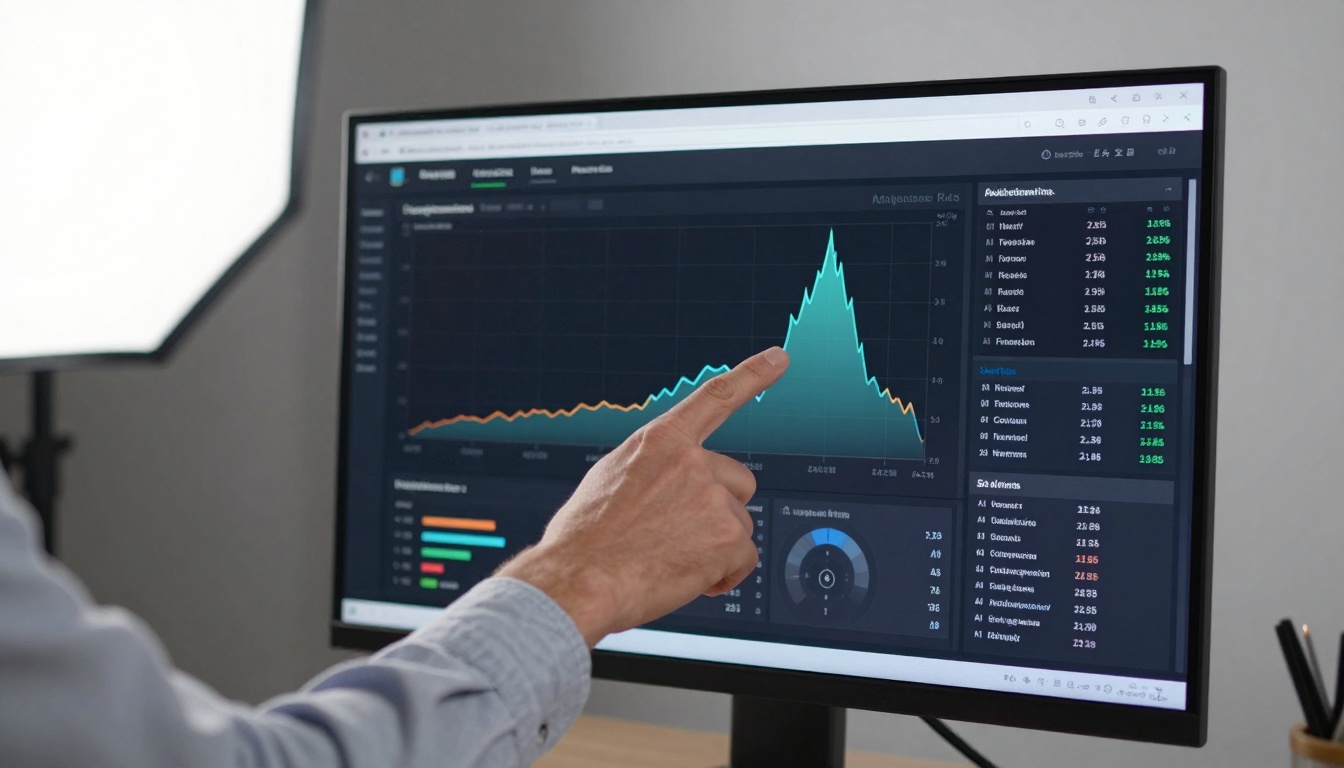
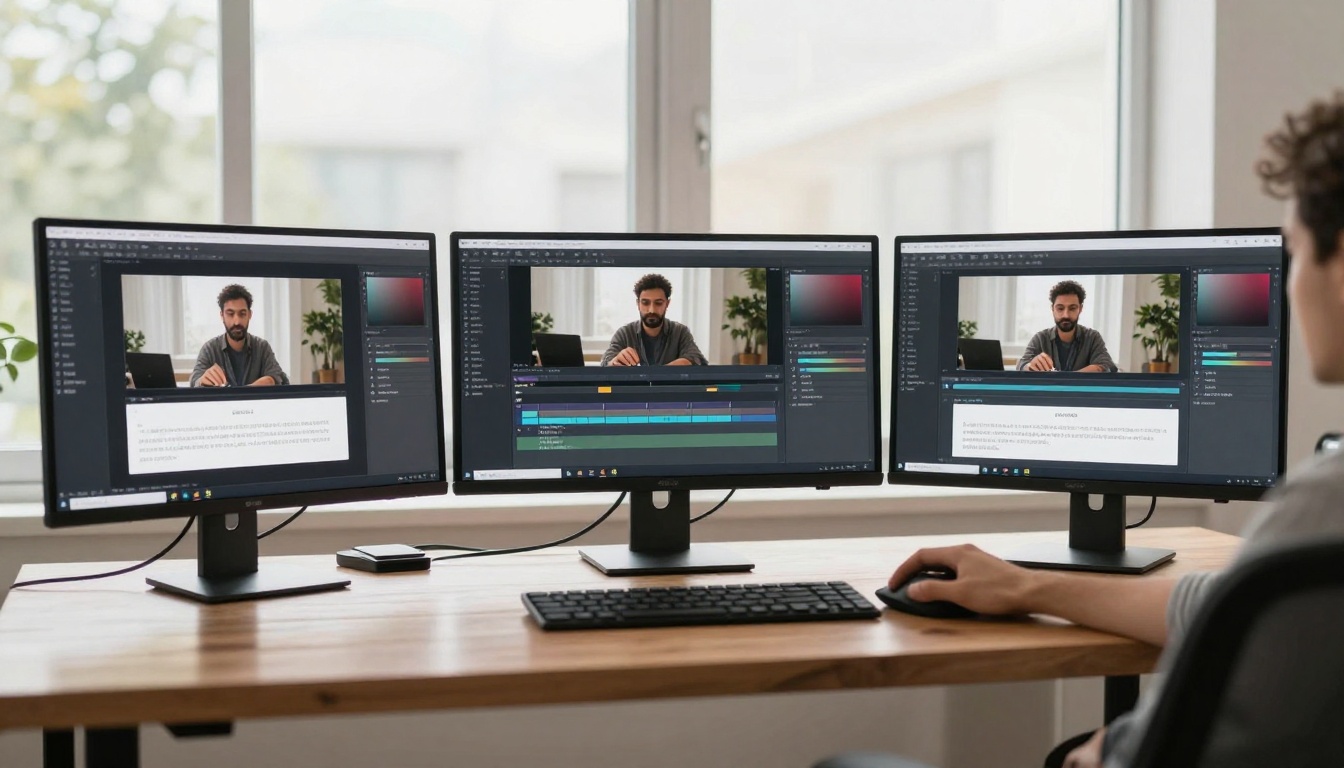
Creating content used to mean hours of research, writing, photography, and editing. Now, AI tools can handle most of that work while you focus on strategy and quality control. The difference isn't just about saving time—it's about producing more content, testing more ideas, and reaching more people without increasing your workload. This shift changes what's possible for solo creators, small teams, and large organizations alike.
The Content Bottleneck Problem
Most content creators hit the same wall: there are more ideas than hours in the day. You might have 50 article concepts, 30 social media post ideas, and 10 video scripts—but only time to execute a fraction of them. Traditional content creation follows a linear path: research → outline → draft → edit → create visuals → publish. Each step depends on the previous one being complete, creating bottlenecks.
💡 The AI advantage: AI tools work in parallel, not sequentially. While you're editing one piece, AI can be researching the next, generating images for a third, and optimizing SEO for a fourth.
Time comparison table:
Task
Traditional Time
AI-Assisted Time
Time Saved
Research & outline
2-3 hours
15-30 minutes
85%
Draft writing
4-6 hours
1-2 hours
70%
Image creation
1-2 days
5-15 minutes
95%
Video production
3-5 days
1-2 hours
90%
SEO optimization
1-2 hours
5-10 minutes
85%
Total per article
7-14 days
2-4 hours
80-90%
The numbers don't lie: what used to take weeks now takes hours. But speed alone isn't the goal—consistency matters more. When you can produce regularly, you build audience trust, improve SEO rankings, and create momentum that compounds over time.
AI Writing Tools That Save Hours
Writing is where most time gets spent, and it's where AI delivers the biggest immediate returns. Tools like GPT-5, Claude 4.5 Sonnet, and Gemini 2.5 Flash handle different writing tasks with specific strengths.
Three writing workflows that work:
The outline expander: Start with bullet points, let AI flesh them into paragraphs
The research summarizer: Feed AI sources, get synthesized drafts
The style adapter: Provide examples of your tone, get consistent output
What to automate first:
Blog post introductions and conclusions
Product descriptions and feature lists
Email newsletters and updates
Social media captions and threads
FAQ sections and support documentation
What still needs human touch:
Personal stories and anecdotes
Controversial opinions and hot takes
Humor and wit (AI still misses timing)
Brand voice nuances and inside jokes
Emotional connections with your audience
💡 Pro tip: Use AI for the first draft, not the final version. Generate 80% of the content automatically, then spend your time on the 20% that needs personality, nuance, and human connection.
Generate Images in Minutes, Not Days
Photography and graphic design used to be the biggest bottlenecks. Hiring photographers, scheduling shoots, editing RAW files—the process took days or weeks. Now, AI image generators create photorealistic images in seconds.
When AI images work best:
Concept illustrations: Visualize ideas that don't exist yet
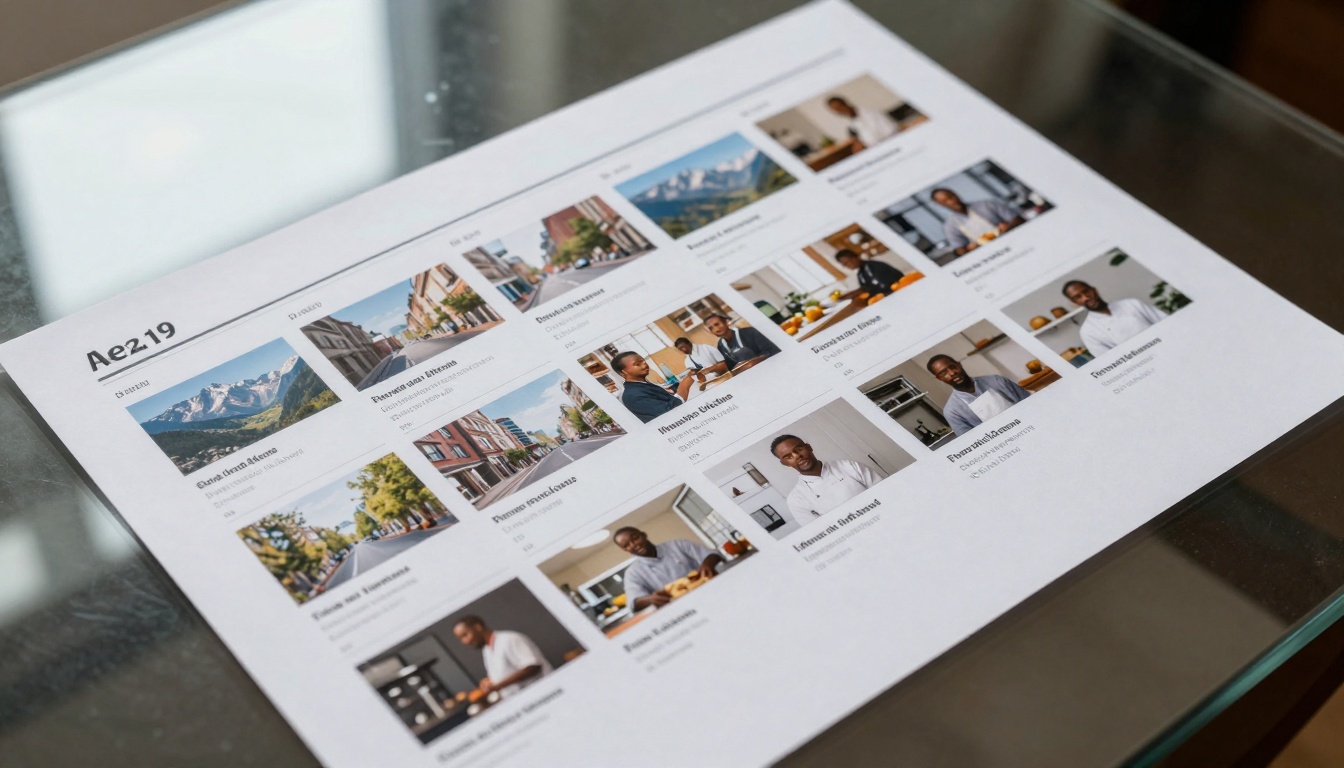
Example: "A chef preparing pasta in a rustic Italian kitchen, golden hour light from window, 85mm f/1.8 lens, cinematic food photography style, natural textures"
Video Content Without Production Teams
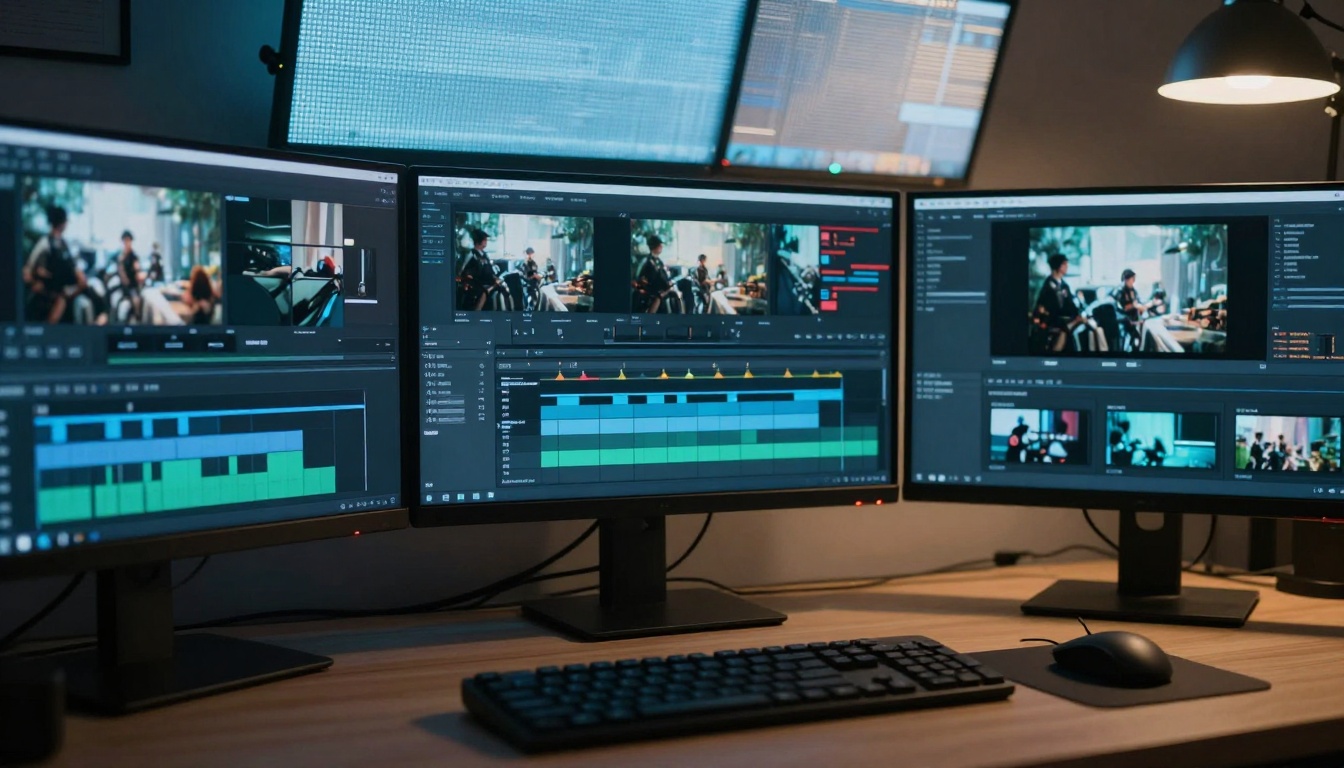
Video production has been the most expensive and time-consuming content format—until now. AI video generators create professional-looking videos from text prompts, eliminating cameras, lighting, actors, and editing suites.
AI video use cases:
Explainer videos: Complex concepts made simple
Social media clips: Short, engaging content for platforms
Product demonstrations: Show features without filming
Example: "Time-lapse of a city waking up at dawn, aerial drone shot moving from skyline to street level, soft morning light, people commuting to work, cinematic documentary style"
Social Media Content at Scale
Social media demands constant fresh content across multiple platforms. AI tools can generate a month's worth of posts in an afternoon, with platform-specific optimizations for each network.
Platform-specific AI strategies:
Instagram:
Carousel posts with AI-generated images
Consistent visual aesthetic using same prompt style
Caption variations for different audience segments
Twitter/X:
Threads breaking down complex topics
Engaging questions and polls
Timely commentary on trends
LinkedIn:
Professional insights and industry analysis
Case studies and data-driven content
Networking and community building posts
TikTok:
Short video concepts and scripts
Trending audio and challenge ideas
Behind-the-scenes and educational clips
Batch creation workflow:
Theme planning: Choose 5-10 content themes for the month
Batch generation: Create all images/text/videos at once
Platform adaptation: Adjust each piece for specific networks
Scheduling: Use tools to auto-post throughout the month
Performance review: Analyze what worked, refine next batch
How to Use p-image on PicassoIA for Fast Image Generation
p-image is one of the fastest image generators available, perfect for content creators who need quality visuals quickly. Here's exactly how to use it for maximum efficiency.
Step 1: Access the model
Navigate to the p-image page on PicassoIA. You'll see the input interface with prompt field and parameters.
Step 2: Craft your prompt
Use the detailed prompt structure mentioned earlier. Be specific about:
Subject details (age, clothing, expression)
Environment (location, time of day, weather)
Lighting (direction, quality, color temperature)
Camera details (lens, aperture, angle)
Style references (photography style, film stock, texture)
Step 3: Set parameters
Aspect ratio: Choose 16:9 for blog images, 1:1 for social media
Seed: Leave blank for variety, or set for consistent character/style
Prompt upsampling: Enable for complex prompts to get better detail
Step 4: Generate and refine
Click generate, review the result, then:
Prompt: "Business meeting in modern office, diverse team collaborating around glass table, natural light from floor-to-ceiling windows, 35mm lens at f/5.6, corporate photography style, professional atmosphere"
Generate 4 variations, choose the best 2 for header and section break images.
10:30-11:00: Produce 3 explainer videos using Veo 3.1
Tools for batch management:
Content calendars: Plan themes and topics in advance
Prompt libraries: Save successful prompts for reuse
Template systems: Create consistent structures
Automation scripts: Chain tools together (output from one becomes input for another)
Batch creation checklist:
Define content themes for the period
Create prompt templates for each content type
Set quality criteria (what makes a piece "good enough")
Establish review process (human touch points)
Plan distribution schedule across platforms
Set up performance tracking metrics
Quality Control: When AI Needs Human Touch
AI generates content quickly, but humans ensure it connects with audiences. The most effective workflows combine AI efficiency with human judgment.
Human review points:
Fact-checking: AI can hallucinate details, statistics, or sources. Always verify:
Data points and statistics
Historical dates and events
Technical specifications
Quotes and attributions
Tone adjustment: AI often sounds generic. Add:
Personal anecdotes and stories
Brand-specific humor and voice
Emotional resonance with your audience
Cultural references and timeliness
Strategic alignment: Ensure content matches:
Business goals and objectives
Audience needs and interests
Competitive positioning
Brand values and messaging
Performance analysis: Use data to improve:
Engagement metrics (clicks, shares, comments)
Conversion rates (signups, purchases, downloads)
SEO performance (rankings, traffic, backlinks)
Audience feedback (comments, surveys, direct messages)
💡 The 80/20 rule: Let AI handle 80% of the creation work (research, drafting, visuals, optimization) and spend your 20% on strategic thinking, personal touches, and quality control. This balance delivers both volume and quality.
Putting It All Together: A Complete Workflow
Weekly content creation schedule:
Monday: Planning & Research
Use AI to analyze trends and suggest topics
Generate content calendar for the week
Research competitors and audience interests
Create prompt templates for the week's themes
Tuesday: Content Generation
Batch create blog posts, articles, long-form content
Implement AI assistance for that specific workflow
Measure time saved and quality maintained
Expand to additional content types
Build integrated systems across your entire content operation
The goal isn't to replace human creativity—it's to amplify it. When AI handles the repetitive, time-consuming tasks, you gain hours each week to focus on strategy, connection, and innovation. The most successful content creators aren't those who avoid AI, but those who integrate it thoughtfully into their workflows.
Ready to accelerate your content creation? Start with p-image on PicassoIA for your next blog post images, or try GPT-5 for your next article draft. Experiment with different models, refine your prompts, and discover how much more you can create with the same amount of time.