That first second on Instagram Reels either stops a scroll or loses it forever. Getting that second right used to mean expensive cameras, editing software, and hours of production work. Today, you type a sentence and a free AI video generator builds the clip for you, at no cost. The shift is real, the tools are ready, and the content niches moving fastest right now are already using free AI video makers to stay consistently ahead of the curve.
Why Reels Demand a New Approach
Instagram's algorithm in 2027 weights original video content higher than static posts, carousels, or repurposed clips from other platforms. Reels with high watch-through rates, strong visual hooks in the opening three seconds, and vertical framing that fills the entire screen are rewarded with wider distribution. That pressure is real for solo creators and small brands alike.
The problem is volume. Posting four to seven Reels per week at the quality level the algorithm rewards is unsustainable with traditional production. AI video tools change that math entirely. A text prompt that takes 30 seconds to write can produce a 5-second clip in under two minutes, with no camera required.
Short-Form Video Now Runs Social Media
Short-form vertical video is the dominant format across every major platform, but Instagram Reels specifically rewards rapid-fire posting with high visual quality. The creators winning on Reels right now are not spending more time on production; they are producing faster by using AI video clip generators as the foundation of their entire content workflow.
The Old Workflow Is Too Slow
Traditional video production for social media involves scripting, filming, lighting setup, editing, color grading, adding music, and exporting in the right spec. That is a two-hour job for a 15-second clip. AI text-to-video for social media compresses that into a single prompt and a download. The time saved compounds massively across a weekly content schedule.
The Best Free AI Video Models Right Now
Not every free AI video maker produces the same results. Some are fast but soft on detail. Others are slower but cinematic in quality. The models below are the top performers for Instagram Reels content specifically, all available to use without paying anything to start.
LTX-2 Distilled: Zero Cost, Real Results
LTX-2 Distilled by Lightricks is one of the most capable free text-to-video models available right now. It produces fluid, coherent motion from a text prompt, handles lighting changes naturally, and outputs at a resolution that holds up cleanly on mobile screens. For creators who need a reliable AI video generator free of charge, this is the starting point.
💡 Tip: LTX-2 Distilled works best for cinematic scenes with steady camera movement rather than fast, chaotic action cuts. Keep your prompt grounded in a single scene for best results.
For faster output with slightly different motion characteristics, LTX-2.3-Fast offers a quicker turnaround. When the clip is the hero of your Reel and detail matters, LTX-2.3-Pro delivers richer, more polished output.
Seedance Lite: Smooth Motion for Lifestyle Content
Seedance 1 Lite by ByteDance is optimized for smooth, natural-looking human motion. It excels at lifestyle and beauty clips where a person in the scene needs to move believably. The model handles hair, fabric, and skin with more physical accuracy than most free alternatives, making it a strong choice for fashion and wellness Reels where the human element is central.
Veo-3 Fast: Google's Power on a Free Tier
Google's Veo-3 Fast brings a level of scene coherence that reflects serious research depth behind it. For outdoor scenes, travel clips, and product-in-environment shots, it produces footage that reads as genuinely real rather than synthetic. The full Veo-3 model takes longer to generate but delivers more detail when the clip itself is the centerpiece of a Reel.
PixVerse v5.6: For Visual Drama
PixVerse v5.6 is built for dynamic, high-energy clips with strong visual contrast. If your content relies on movement, drama, or fast-paced energy, this model handles it better than slower, more cinematic alternatives. It is a strong choice for fitness, sports, and entertainment niches where the camera needs to feel alive and in motion.
The workflow is three steps. It takes under five minutes from idea to downloaded clip the first time, and faster once you build a personal prompt library.
Step 1: Write a Prompt That Actually Works
The prompt is doing all the heavy lifting. Vague prompts produce vague videos. Specific prompts produce specific, usable results. Every effective text-to-video prompt for social media content should include these five elements:
- Subject: Who or what is in the shot
- Action: What is happening, walking, pouring, turning, moving
- Environment: Where is this taking place, with specific details
- Lighting: Time of day, direction, quality of light
- Camera: Angle, distance, lens feel, any motion
Example prompt: "A woman in a white sundress walks slowly through a sun-drenched lavender field, golden hour light from behind, shot from a low angle, wide lens, hair moving gently in a soft breeze."
That prompt gives the model everything it needs. No guessing, no generic output.
Step 2: Pick the Right Model for Your Niche
Each model has a sweet spot. Do not pick randomly. If your Reel is lifestyle or beauty content, start with Seedance 1 Lite. If it is an outdoor travel clip, start with Veo-3 Fast. When you are unsure, WAN 2.5 T2V handles a wide range of prompts reliably without needing much tuning.
💡 Pro move: Generate the same prompt on two different models. Pick the one that matches your Reel's energy. This takes two extra minutes and eliminates the guesswork entirely.
Step 3: Export, Format, and Post
Download your clip and run it through your phone's native editor or any simple app to add captions, music, and a hook overlay text. Then post directly to Reels. There is no complicated pipeline required. The AI handles the creative production; you handle the final framing, caption, and timing. That division of labor is what makes this workflow sustainable at scale.
The fastest way to improve AI Reels output is to use tested prompt structures rather than writing from scratch every time. Below are three formulas broken down by the most active Reels niches.
For Fashion and Beauty
Formula: "[Person description] wearing [outfit details], [action], in [environment], [lighting conditions], shot from [angle] with [lens feel], [mood]."
Example: "A woman with dark curly hair wearing an ivory linen blazer, walking confidently through a sun-lit marble corridor, warm afternoon side light, shot from a slightly low angle, 85mm lens feel, elegant and aspirational."
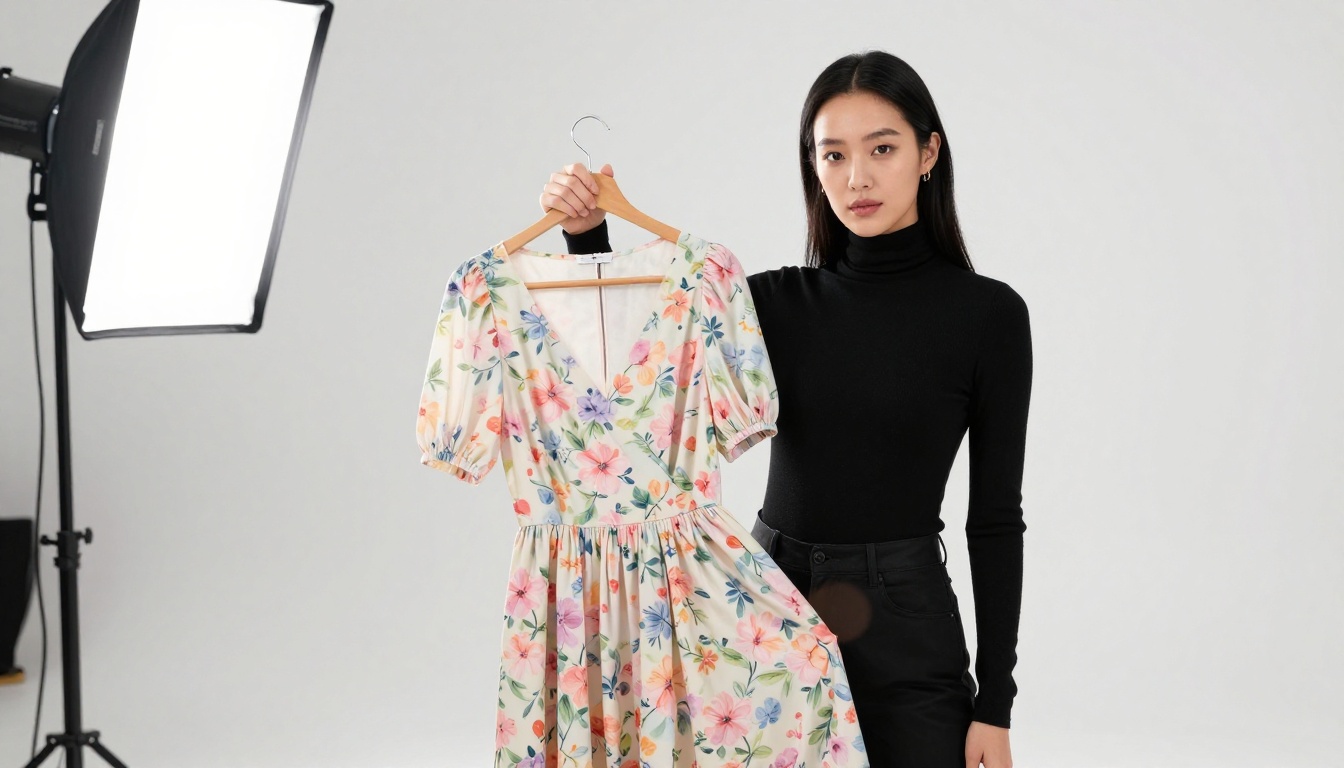
This structure produces fashion content that feels editorial rather than synthetic. Pair it with PixVerse v5 for high visual drama or LTX-2.3-Pro for a more composed, filmic look that suits premium brands.
For Food and Lifestyle
Formula: "[Food or object] being [action], in [kitchen or space description], [lighting], [close-up lens detail], [sensory atmosphere]."
Example: "A bowl of ramen being lifted with chopsticks, steam rising slowly, in a warm minimalist Japanese kitchen, soft natural morning light from the left, macro close-up, cozy and deeply appetizing atmosphere."
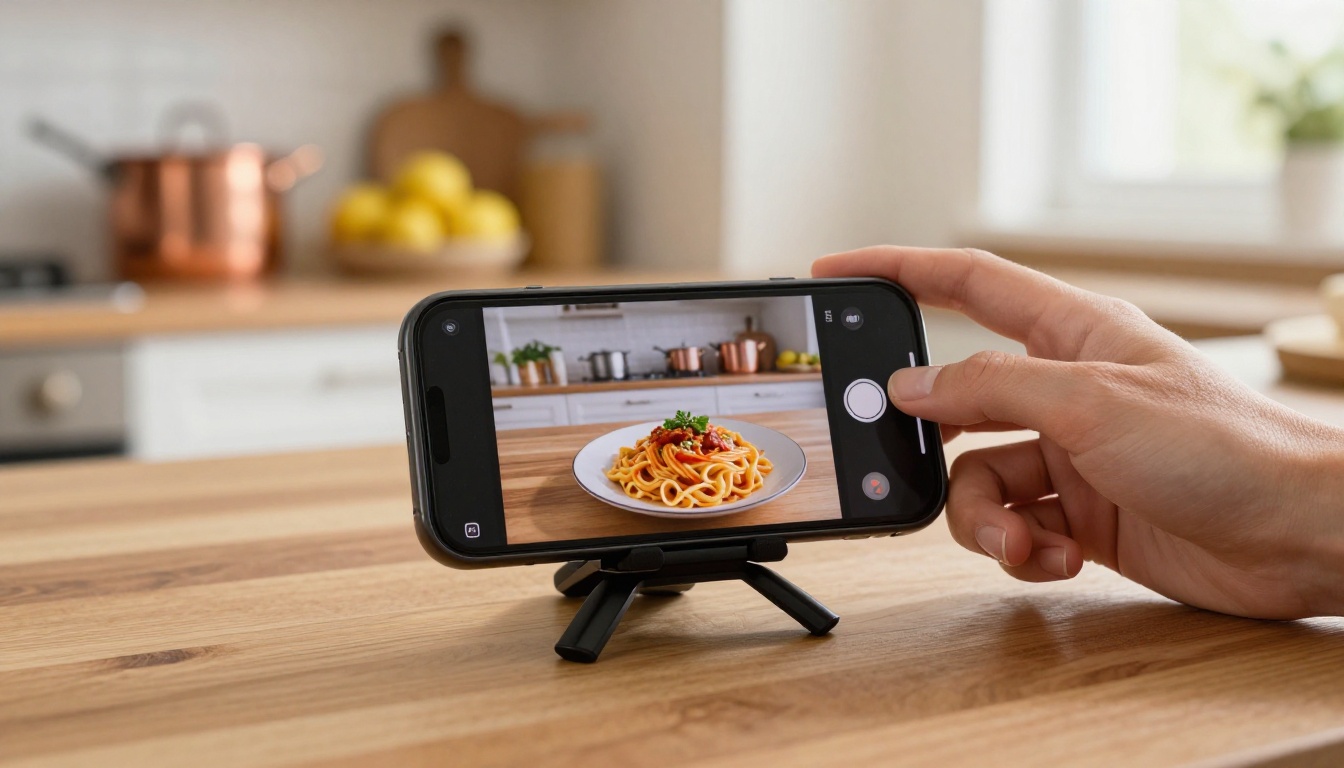
The critical variable for food content is the lighting description. Natural morning or golden-hour light with clear directional shadow produces the most appetizing results consistently. WAN 2.5 T2V handles static-object animation particularly well for this category and rarely produces artifacts on close-up food shots.
For Travel and Adventure
Formula: "[Person or scene], moving through [location with specific details], [time of day and weather], [camera motion], [emotional tone]."
Example: "A woman in a straw hat and light blue sundress walks down a sun-drenched cobblestone street in southern Europe, golden hour backlight, camera follows from behind at knee height, slow cinematic push, warm and freeing atmosphere."
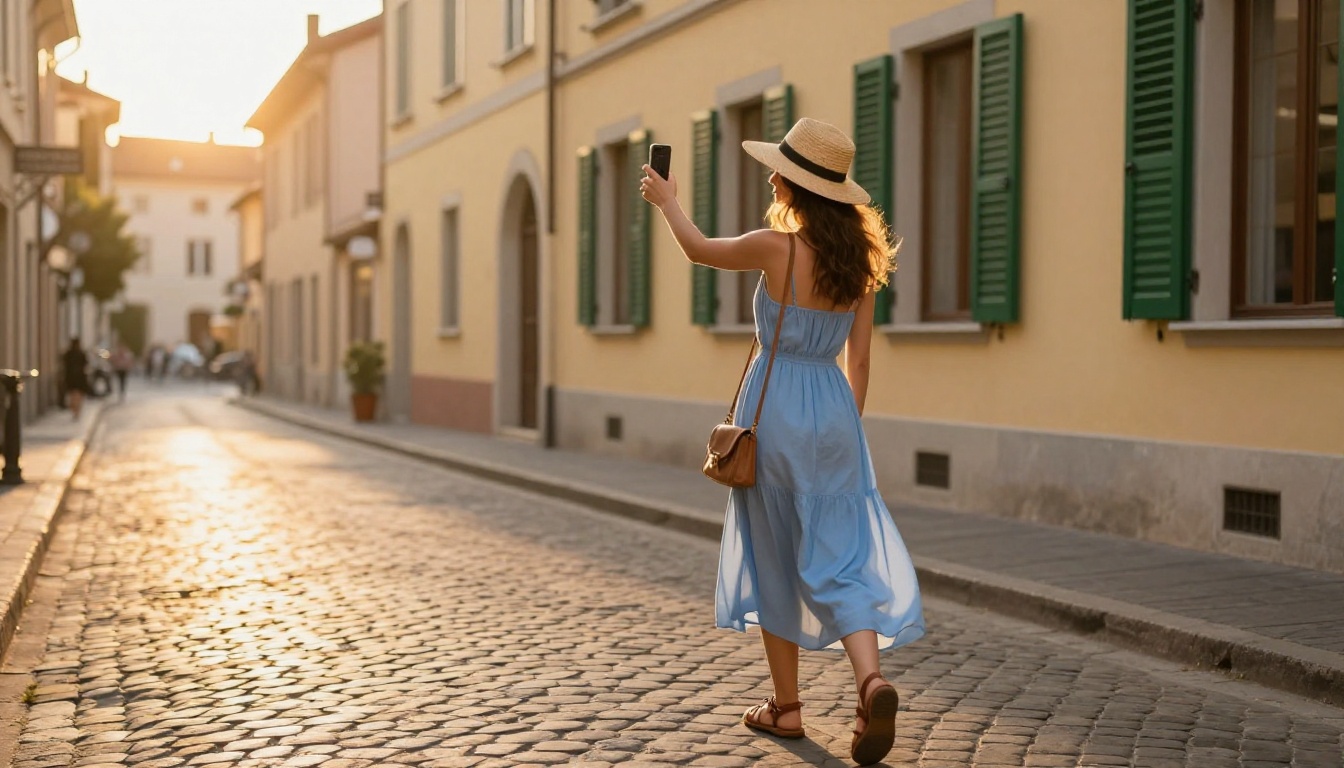
Travel content benefits enormously from camera motion descriptions. Words like "slow push," "panning left," and "tracking shot" signal to the model how the frame should move, producing clips that feel genuinely shot on location rather than generated. Veo-3 Fast is the go-to model for travel clips where environmental realism is non-negotiable.
Reel Specs You Cannot Ignore
Generating a great AI video and posting it in the wrong format is a common, avoidable mistake. Instagram Reels has specific technical requirements that determine whether your clip fills the screen properly or gets letterboxed into an ugly bordered frame that kills watch time.

Vertical Ratio and Resolution
Reels requires a 9:16 aspect ratio for full-screen vertical display. Most AI video tools default to 16:9 horizontal output. You have two options: generate at 9:16 if the model supports custom aspect ratios, or crop in post-production. For cropping without visible quality loss, run the clip through a super-resolution tool first to upscale before cropping. The platform's native Super Resolution models handle this without introducing artifacts.
💡 Important: Always confirm which aspect ratio a model outputs before you generate. Regenerating to fix orientation wastes time and, on paid plans, wastes credits.
The 3-Second Hook Rule
The Instagram algorithm measures viewer drop-off from the very first frame. If viewers swipe past in the first three seconds, the Reel dies in distribution. Structure your prompts so that the most visually compelling element appears in the opening frame, not building toward it. Start in action, not before it. An empty establishing shot as the opening frame is one of the most common mistakes in AI Reels content.
Ideal Video Length by Niche
Different content categories have different attention windows. Matching your clip length to your niche is as important as the visual quality of the clip itself.
| Niche | Ideal Length | Why It Works |
|---|
| Fashion | 7-12 seconds | Long enough to show full outfit movement |
| Food | 5-8 seconds | Attention peaks at the reveal moment |
| Travel | 10-15 seconds | Scene needs time to establish the location |
| Fitness | 5-10 seconds | Energy peaks fast, hold attention at peak |
| Beauty | 8-12 seconds | Texture and transformation reveal takes time |
| Product | 6-10 seconds | Show the product in context, then close-up |
5 Content Niches AI Video Changes Right Now
Not every category on Instagram sees the same return from AI-generated video. These five niches are where free AI video makers are already producing measurable results for creators who have made the switch.

-
E-commerce product showcase: Show a product in a lifestyle environment without organizing a photo shoot. Generate a clip of the product in use, in the right setting, with the right light. The result is indistinguishable from produced content at a fraction of the cost.
-
Fitness and wellness: Animate motivational outdoor scenes or demonstrate exercise environments without filming real sessions. AI video handles movement well enough for motivational B-roll that drives saves and shares.
-
Travel and destination brands: Produce aspirational destination content at zero production cost. Tourism accounts and travel bloggers are already using this to publish daily without being on location.
-
Food and beverage: Create cinematic close-ups of menu items or recipes being prepared, without hiring a videographer. The AI handles steam, pour shots, and texture reveals that are expensive to capture practically.
-
Beauty and skincare: Generate sensory-focused clips that perform well with beauty audiences, including texture-forward close-ups, glow effects, and atmospheric product-in-environment scenes.
For any of these niches, the Kling v3 Video model is worth testing alongside the free options. Its motion control capabilities produce more intentional, directed movement compared to standard text-to-video models, which matters when precision in the clip is non-negotiable.
Free vs. Premium: What You Actually Need
Most creators who are just starting with AI Reels never need to upgrade beyond the free tier. The free models available right now do the job for the majority of use cases. But there are specific points where premium access starts to pay for itself clearly.
What Free Gets You Today
The free models, including LTX-2 Distilled, Seedance 1 Lite, and Veo-3 Fast, produce clips that are competitive with paid tools from two years ago. In practical terms that means:
- Usable resolution for mobile screen viewing without visible softness
- Coherent motion without obvious AI artifacts on simple, single-subject scenes
- No watermark on most model outputs
- Fast turnaround for lifestyle, product, and travel prompts
- Access to 87+ text-to-video models across different motion styles and output qualities
When It Makes Sense to Upgrade
- You need clips longer than 8 seconds with maintained scene coherence across the full duration
- Your niche requires complex motion, crowds, fast action, or multiple interacting subjects in a single frame
- You are posting at a high volume and need faster queue speeds to maintain a daily schedule
- Your content demands the cinematic quality level of Gen-4.5 by Runway or the full Veo-3 model consistently
The honest answer for most creators: start free, post consistently for 30 days, and let your results tell you where the ceiling is. Many creators never hit it. The free models available today are genuinely good enough for a full content strategy.
Start Creating Your First Reel Today
The only thing standing between you and a full week of AI-generated Instagram Reels content is your first prompt. Write it specific. Pick the right model for your niche. Format the output for vertical. Post, check the data, and repeat.
You have access to the same AI video tools that professional content studios pay for, at no cost, right now. The LTX-2 Distilled model alone handles most lifestyle and fashion content at a quality level that holds up on any mobile screen. Stack that with Seedance 1 Lite for human motion scenes and Veo-3 Fast for outdoor and travel clips, and you have a complete AI Reels content system that costs nothing to run.
💡 Start here: Write a scene you would want to see in your own feed. Be specific about the light, the subject, and the camera angle. Paste it into LTX-2 Distilled and see what comes back in two minutes.
Try generating your first clip now. The iteration speed is fast enough that you can test three different versions of the same idea in the time it used to take to set up a camera and frame a shot. That is the real shift. Not just that AI generates video, but that the speed of experimentation changes what is possible for any creator with a good idea and an internet connection. The barrier to producing high-quality Instagram Reels has never been lower, and the tools are only getting better.


