A practical breakdown of how to create NSFW AI art from scratch, covering model selection, prompt writing, lighting, composition, and parameter settings. From picking the right text-to-image model to writing prompts that produce photorealistic, suggestive results without common beginner mistakes. Covers Flux, SDXL, RealVisXL, ControlNet, and more.
Most people who try generating NSFW AI art for the first time get soft, blurry, or stylistically off results. The problem is almost never the platform. It is the combination of model choice, prompt structure, and settings that most tutorials skip over. This article walks through the actual process, from picking a model to writing prompts that produce photorealistic, suggestive images with consistent quality.
Whether you want glamour shots, lingerie photography, boudoir aesthetics, or artistic nudity, the workflow is more systematic than it looks. Once you internalize the structure, the quality of your output improves dramatically within just a few sessions.
Why NSFW AI Art Has Taken Off
The demand for AI-generated NSFW content has exploded over the past two years, and there are a few obvious reasons behind the surge.
Creative freedom is the biggest one. Photographers, artists, and content creators can produce images that would be expensive, logistically complex, or simply impossible to shoot in real life. A photorealistic beauty shot at sunset on a Santorini cliff? Done in 30 seconds. A boudoir series in a luxury suite? No location booking, no crew.
Privacy matters too. Many people want to produce this type of content without involving real people, whether for personal creative projects, paid content platforms, or artistic experimentation. AI removes the logistical and interpersonal complexity entirely.
Speed and volume are equally important. Producing 20 high-quality glamour images used to take a full studio day with a professional photographer, model, lighting crew, and post-production editor. With the right model and a solid prompt library, it now takes an afternoon on a laptop.
Cost is the final factor. Professional photography production runs in the hundreds to thousands per session. NSFW AI art generation costs pennies per image at scale.
What "NSFW" Actually Means in AI Art Terms
This is worth clarifying because different platforms define it differently. NSFW AI art exists on a wide spectrum:
Type
Examples
Suggestive
Bikinis, lingerie, low necklines, implied nudity
Artistic
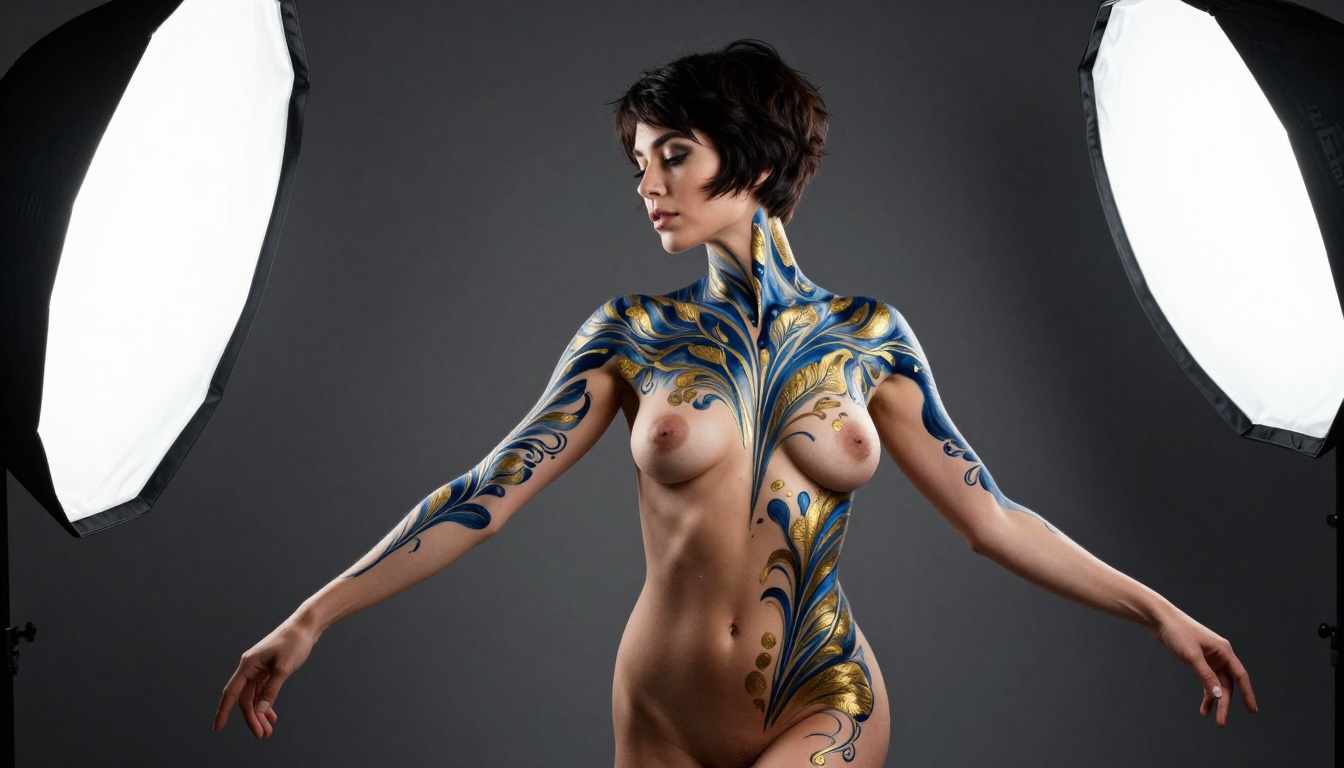
Fine art nude, body paint, tasteful glamour portraiture
Boudoir
Pin-up style, intimate bedroom aesthetics
Explicit
Graphic sexual content (restricted or unavailable on most platforms)
Most quality AI art platforms operate in the suggestive-to-artistic range. That is the focus here: beautiful, high-quality photorealistic imagery that pushes aesthetics without crossing into graphic territory. The results can be genuinely striking.
Picking the Right Model
This is where most beginners go wrong. Not every text-to-image model handles realistic human subjects the same way. Some are optimized for photorealism. Others skew toward illustration or stylized art. Picking the wrong one wastes time and produces unusable results regardless of how good your prompt is.
Flux vs. SDXL vs. Realistic Vision
Here is a direct comparison of the main model families worth knowing for NSFW work:
For NSFW work specifically, Flux 1.1 Pro Ultra and Realistic Vision v5.1 consistently produce the most convincing skin textures, lighting gradients, and anatomical accuracy. Flux Dev is excellent for fast iteration when you want to test a concept before committing to a full-quality render.
Models Built for Realism
A few models deserve specific attention if photorealistic output is your goal:
RealVisXL v3.0 Turbo: Fast, highly photorealistic, especially strong on female portraits and skin detail. One of the most-used models for boudoir-style work. The "turbo" variant sacrifices minimal quality for substantial speed gains.
Flux 2 Max: Maximum resolution and fidelity. Slow but worth it for final production-quality images where every pixel matters.
GPT Image 1.5: Surprisingly strong at following complex prompt instructions, especially for specific lighting setups and compositional control. Very literal prompt interpretation.
Seedream 4: Exceptional at ultra-high resolution with natural color rendering and strong tonal range. Great for images where color accuracy matters.
Ideogram v3 Quality: Excellent for images that blend realistic subjects with stylized backgrounds or architectural elements.
The prompt is the single biggest variable in your output quality. A great model with a weak prompt still produces weak results. A well-crafted prompt on a mid-tier model often beats a vague prompt on a premium model. This is where most NSFW AI art creators either rise or fall.
The Anatomy of a Strong NSFW Prompt
A photorealistic NSFW prompt has several distinct components. Each one does a specific job:
1. Subject Description
Who is the subject, what are they wearing (or not wearing), what is their pose, and what expression do they carry?
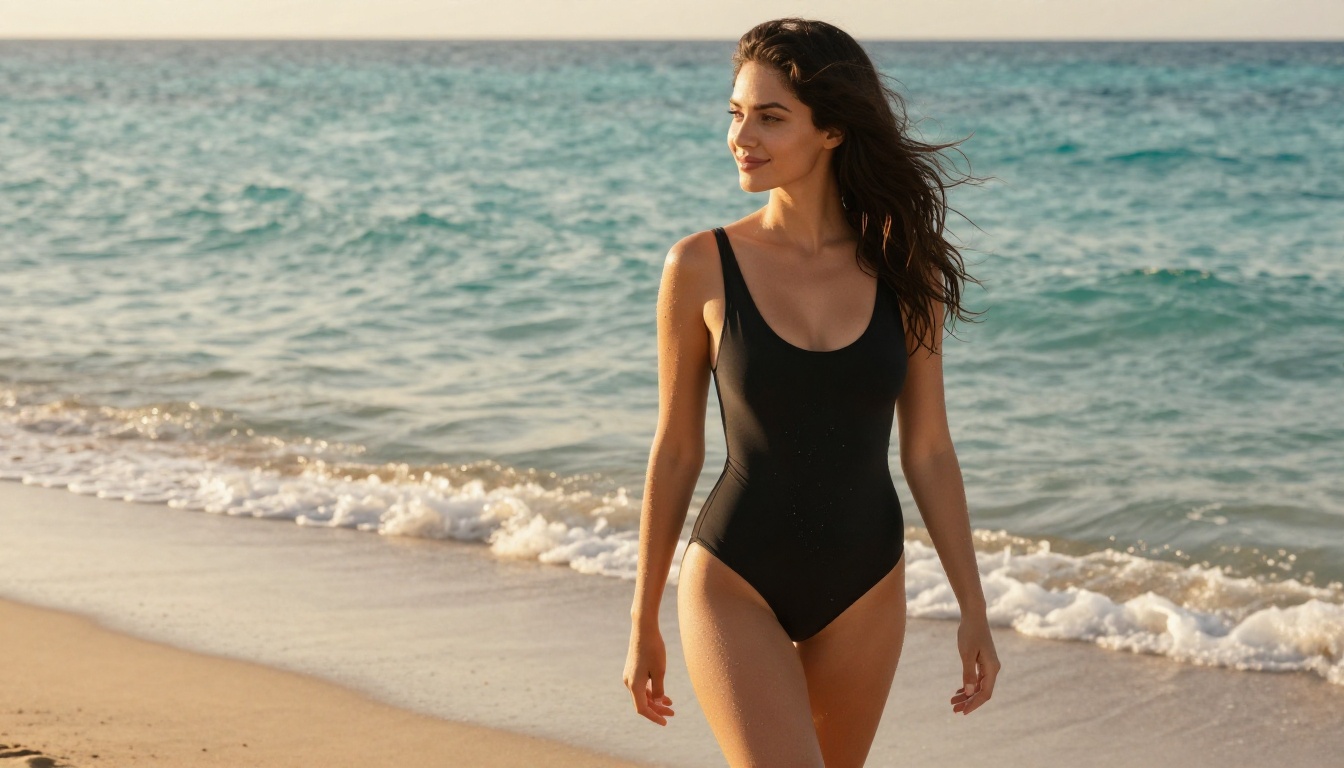
"A beautiful woman with long auburn hair, wearing a high-cut black swimsuit, standing at the edge of a turquoise ocean, looking slightly off-camera with a relaxed smile, one hand gently pushing hair from her face"
2. Environment
Where are they? What does the space look like? Time of day? Weather?
"Golden hour sunset, Mediterranean beach, gentle foam waves at her feet, soft white sand, crystal-clear blue-green water extending to the horizon"
3. Lighting
This is where most prompts fall short. Lighting is everything in photography. Name the source, direction, quality, and color temperature.
"Volumetric golden hour backlight from the left creating a warm rim light on her hair and shoulders, water droplets on skin catching the light individually, warm amber shadows on sand"
4. Camera and Lens
Specifying a real camera and lens changes how the AI renders depth of field, color rendering, and sharpness. It signals "photography" rather than "illustration."
"Sony A7R IV, 50mm f/2 lens, shallow depth of field, subject in sharp focus, background ocean softens to creamy bokeh"
5. Film and Style Modifiers
"Kodak Portra 400 film grain, 8K RAW photography, photorealistic, natural skin texture, no digital artifacts"
6. Negative Prompt
Block the common problems before they appear. Use the negative prompt field to exclude unwanted outcomes.
"cartoon, anime, blur, watermark, 3D render, oversaturated, distorted anatomy, extra limbs, plastic skin"
Prompt Structure for Photorealistic Results
Here is a reusable template you can adapt for any NSFW generation:
[Subject + Clothing + Pose + Expression] in [Environment + Time of Day],
[Lighting Direction + Quality + Color Temperature],
shot with [Camera + Lens + f-stop],
[Film Emulation + Resolution + Style modifiers]
--ar 16:9 --style raw
Weak prompt:
"sexy woman on a beach"
Strong prompt:
"A beautiful woman with sun-kissed olive skin and flowing dark wavy hair, wearing a high-cut black one-piece swimsuit, standing ankle-deep at the edge of a turquoise Mediterranean shoreline, soft relaxed smile, one hand gently pushing hair from her face as a warm sea breeze moves through it. Warm golden hour sunlight from behind and left, creating a natural rim light on her hair and shoulders, water droplets on skin glistening individually. Sony A7R IV, 50mm f/2, shallow depth of field, background ocean softens to creamy blur. Kodak Portra 400 film grain, 8K RAW photography, photorealistic skin texture, natural imperfections."
The difference in output quality between these two prompts is substantial. The second gives the model everything it needs.
Step-by-Step on PicassoIA
PicassoIA gives you access to 91+ text-to-image models from a single interface, including all the Flux variants, SDXL family, and specialized realistic models. No need to juggle accounts across five different platforms.
Set your aspect ratio: 16:9 for landscape, 9:16 for portrait
Paste your structured prompt into the prompt field
Add your negative prompt to block common artifacts
Generate 4 variations to see how the model interprets your description
Pick the best variation and iterate
Run 3-5 variations before changing your model. The same prompt can produce significantly different results across generations.
Parameters to Pay Attention To
Not all models expose the same settings, but these are the ones that move the needle:
Parameter
What It Does
Recommended Setting
Steps
Generation iterations, more = more refined
30-50 for quality
CFG Scale
How closely AI follows your prompt
6-8 for photorealistic
Seed
Reproducibility across generations
Lock seed when you find a winner
Sampler
Noise scheduling algorithm
DPM++ 2M Karras or Euler a
Negative Prompt
What to actively exclude
"cartoon, anime, blur, watermark, 3D render"
💡 A CFG scale above 10 creates oversaturated, overly contrasty images. Stay between 6-8 for naturalistic, photographic results.
Lighting, Composition, and Camera Angles
Professional photographers spend years absorbing these rules. AI can simulate them instantly, but only when you tell it exactly what you want. Vague lighting descriptions produce vague results.
Why Lighting Changes Everything
The same subject in the same pose looks completely different under different lighting setups:
Golden hour backlight: Creates rim lighting that makes subjects appear to glow. Highly effective for beach, outdoor, and window scenes.
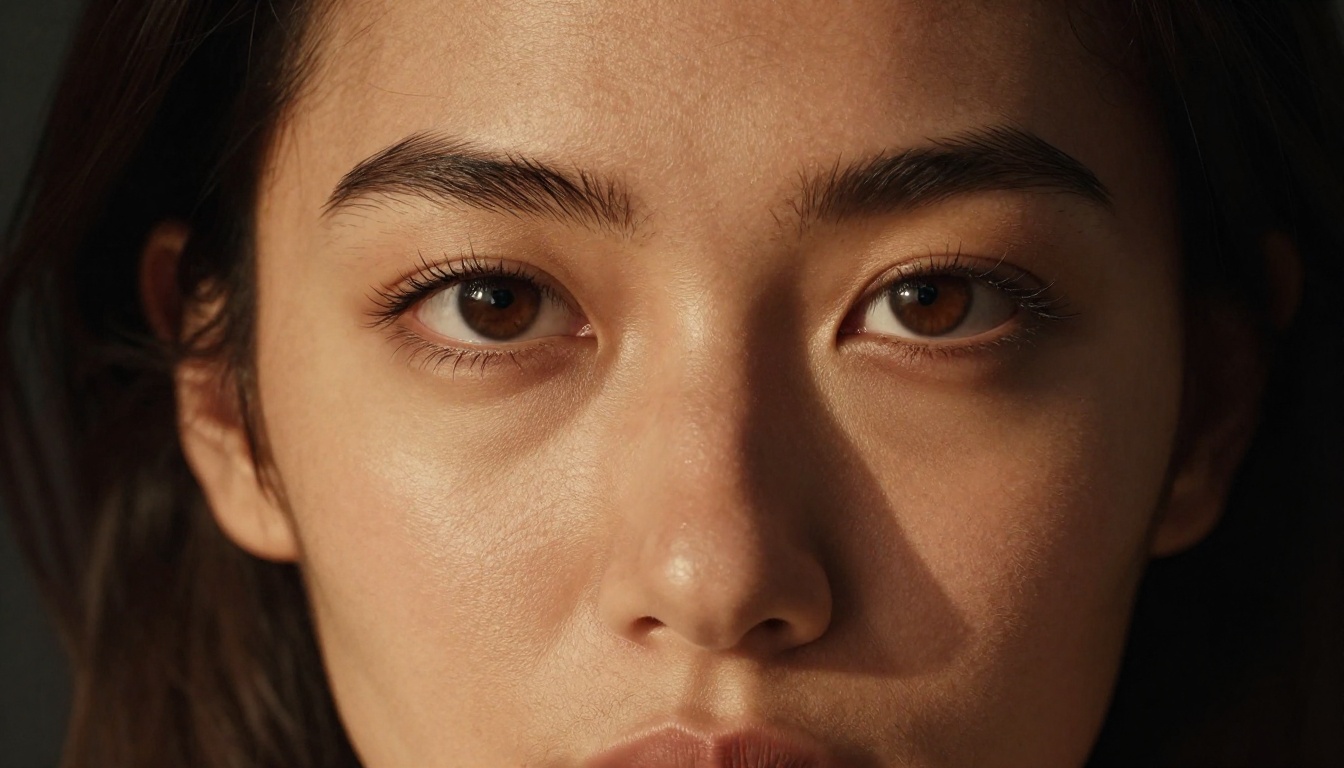
Rembrandt lighting: One light source at 45 degrees above and to the side, creating a triangular highlight on the shadowed cheek. Dramatic, classic, and deeply cinematic.
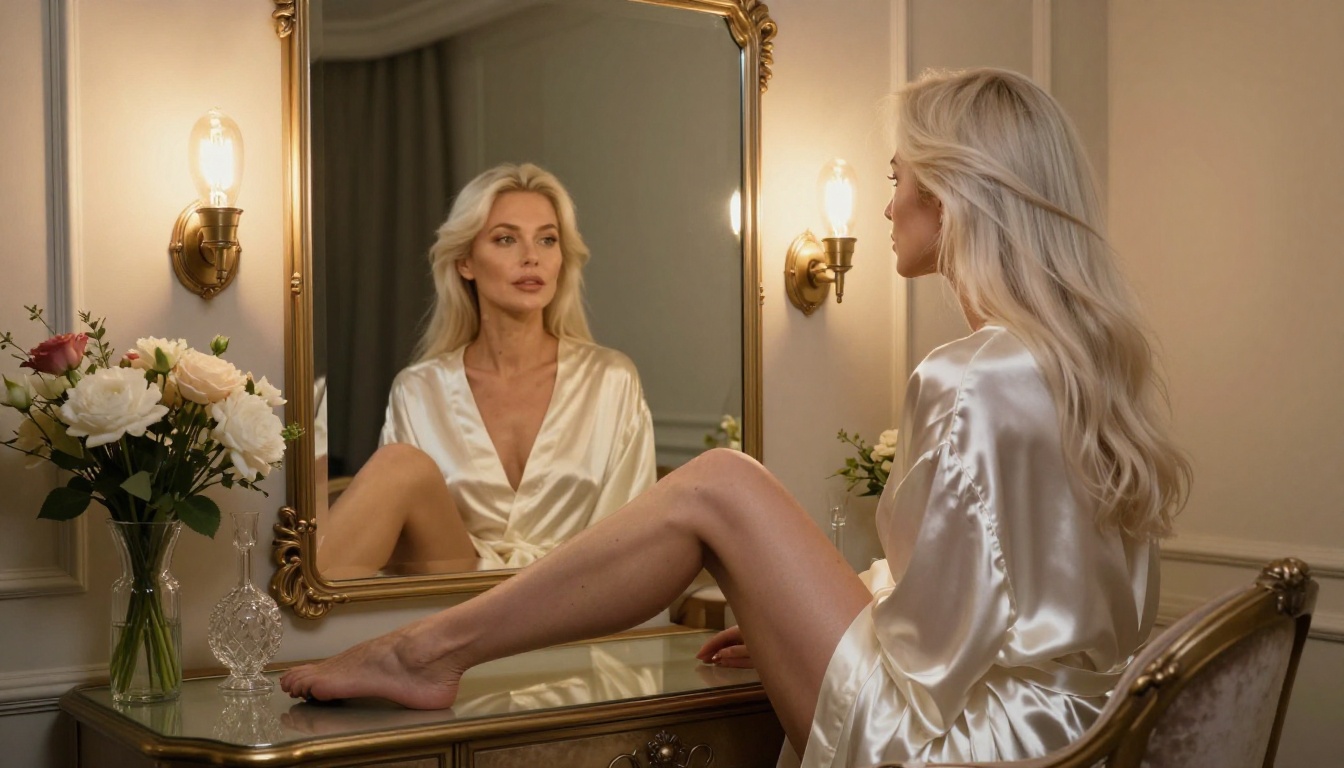
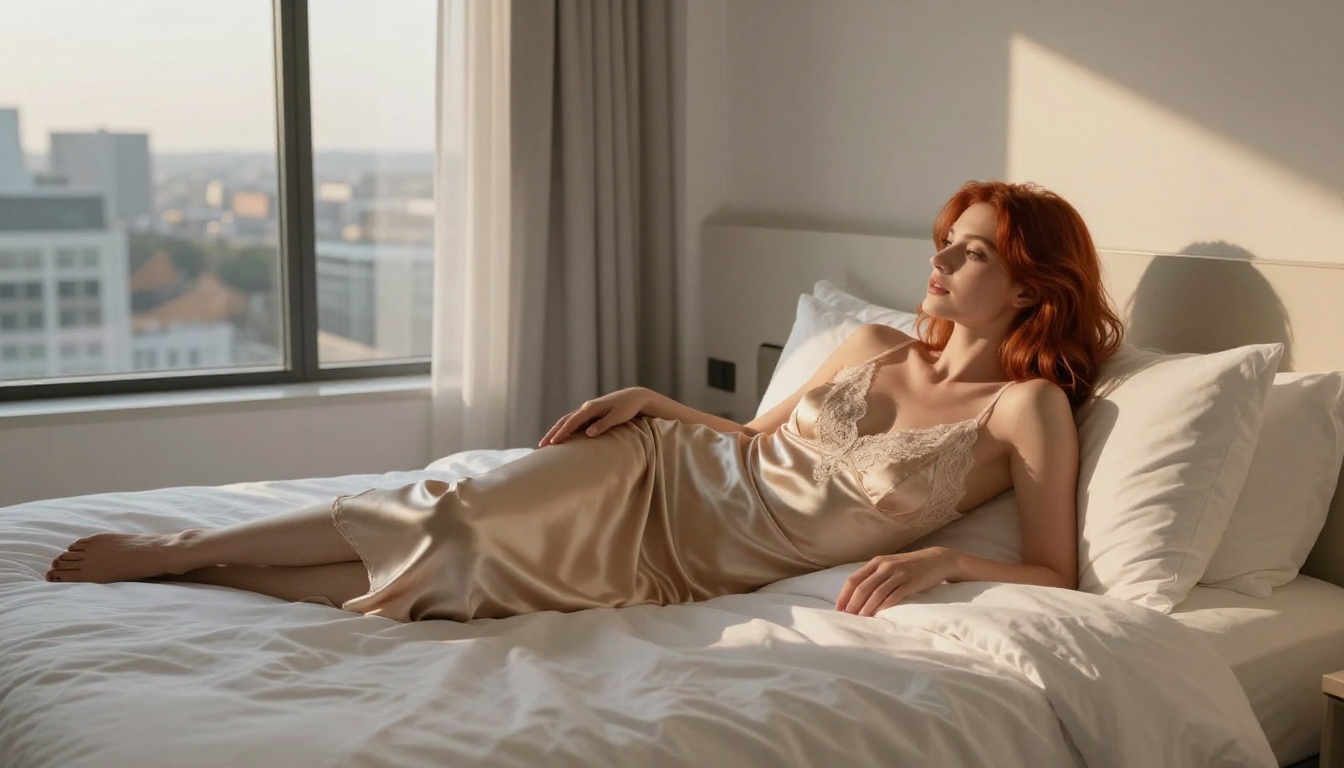
Window light: Natural, diffused, and soft. Perfect for bedroom, boudoir, and intimate indoor settings. Produces long diagonal shadows that add depth.
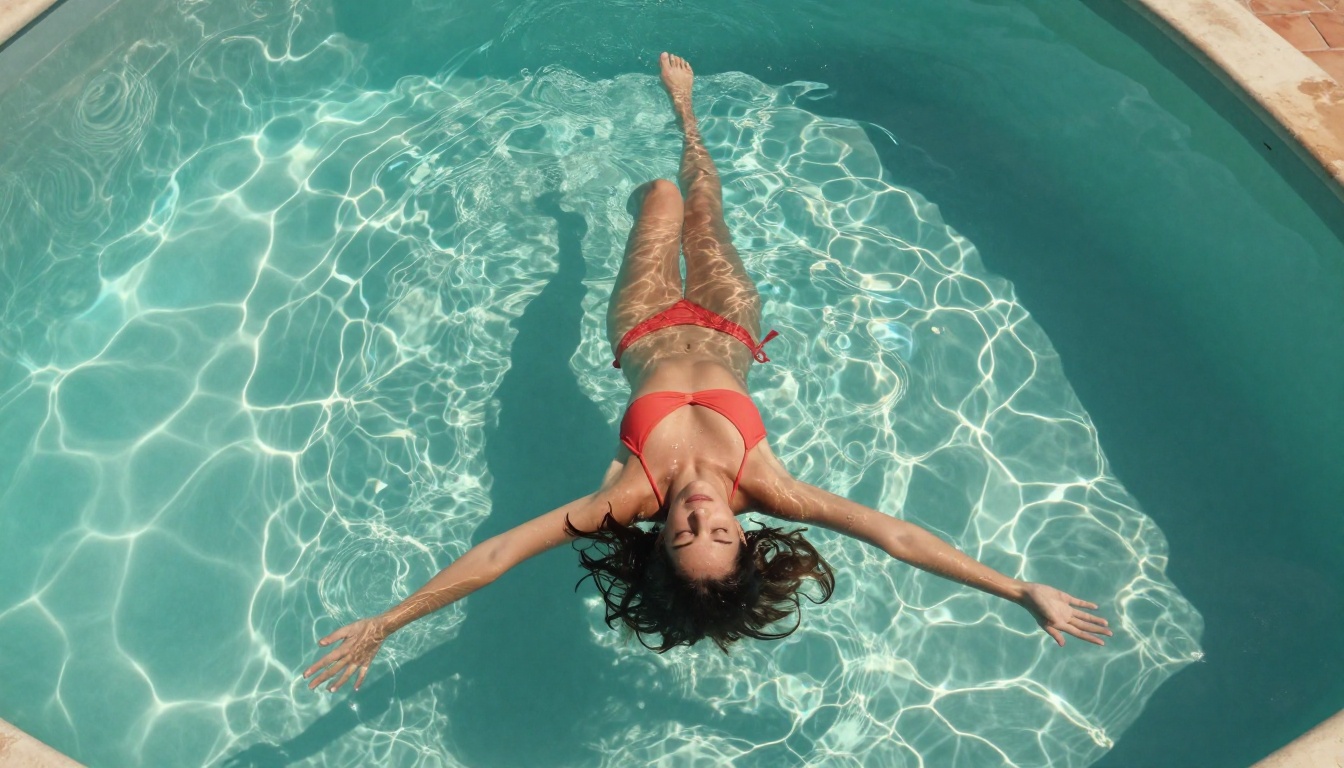
Overhead sunlight: Flat and even. Works well for pool, aerial, and beach shots where strong directional shadows would look unnatural.
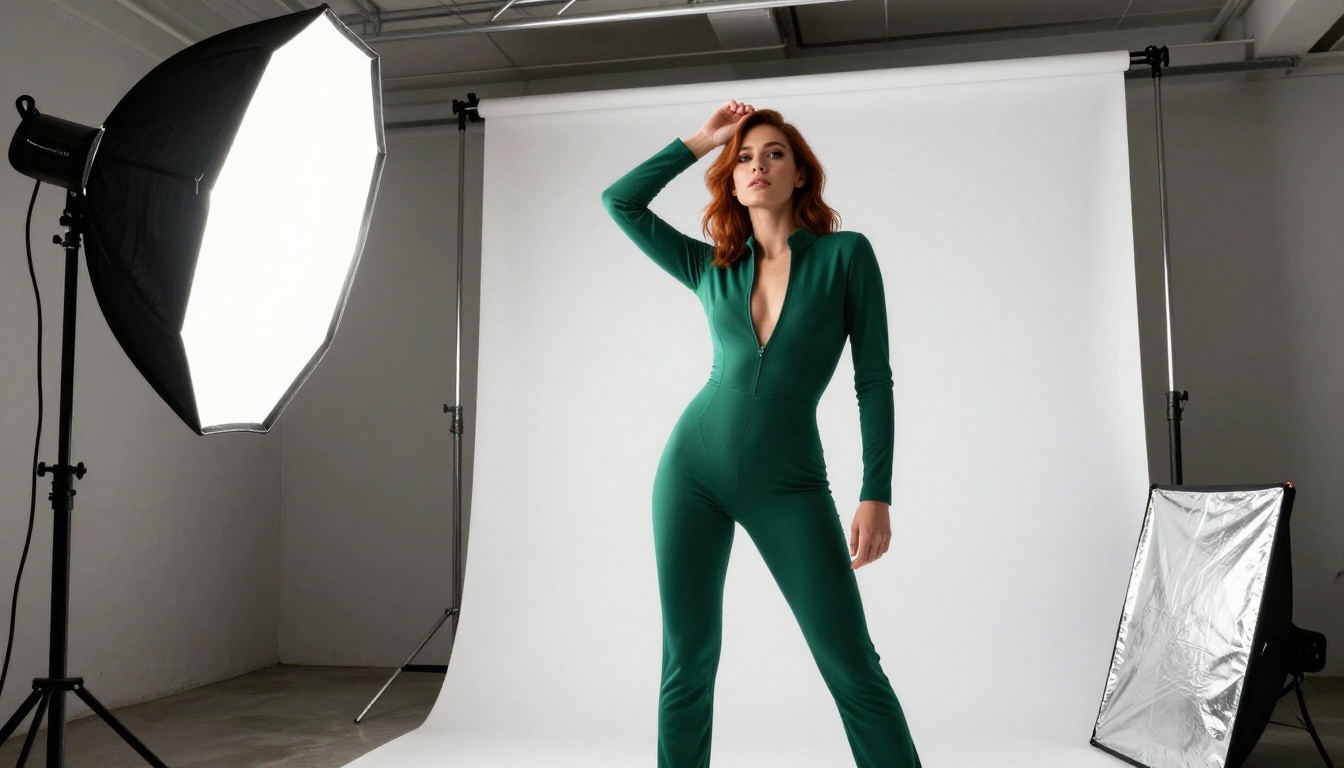
Studio softbox: Controlled and professional. Best for beauty and portrait-focused work where skin detail is the priority.
Name the specific setup in your prompt. "Soft light" tells the model nothing meaningful. "Volumetric morning light from the left at a 30-degree angle, diffused through sheer curtains, casting soft parallel shadows across white hotel bed linens" is what gets photographic results.
Camera Angle Tricks That Work
Angle choices create completely different emotional registers in the same scene:
Angle
Effect
Best Used For
Low angle (below subject)
Empowering, elongates the body
Standing full-body shots
Eye level
Natural, intimate, relatable
Portraits and facial close-ups
Slightly above subject
Soft, flattering, classic
Reclining and lying-down poses
Aerial / Bird's eye
Abstract, pattern-focused, graphic
Pool, bed, and floor compositions
Close-up / Macro
Intense, tactile, detail-focused
Skin texture, expression, fabric
Mixing unusual angles with intentional lighting setups is where genuinely striking images come from. An aerial shot of a figure in a turquoise pool with overhead sunlight creates caustic water patterns and a completely different visual language than a standing portrait ever could.
5 Mistakes That Kill Your Results
These are the errors that appear most consistently in first-time NSFW AI art attempts:
1. Prompts that are too short
A two-sentence prompt gets you two-sentence quality. Photorealistic results require detailed, specific descriptions. Aim for 80-150 words minimum. Count the words in your prompt. If it is under 60, add more.
2. Ignoring lighting entirely
"Beautiful lighting" tells the model almost nothing. Name the source, direction, quality, and color temperature explicitly. Photography is 70% lighting. Your prompts should reflect that.
Negative prompts are not optional. Without them, you will regularly see cartoon artifacts, unnatural skin tones, distorted anatomy, extra fingers, and watermarks bleeding in from training data.
5. Not locking seeds when iterating
When you find a composition you like, lock the seed and change only one variable at a time. This is how you systematically improve results without losing what is already working.
💡 Save your best-performing prompts in a text file. Build a personal prompt library. Over time you will have proven templates for every shot type you want to produce.
Using ControlNet for Precise Poses
One limitation of pure text-to-image generation is that pose control is imprecise. You can describe a pose in words, but the model interprets it loosely. Sometimes you get something close. Often you do not.
ControlNet solves this directly by letting you input a reference image or pose skeleton and using it as a structural constraint on the generation. The model produces new imagery that matches that exact body position, regardless of how difficult the pose would be to describe in text.
SDXL Multi ControlNet LoRA on PicassoIA supports stacking multiple control signals simultaneously, meaning you can combine pose control with depth maps or edge detection for highly precise outputs. This is how professionals produce consistent character poses across multiple images.
When to use ControlNet for NSFW art:
When you have a specific pose in mind that text alone will not reliably produce
When consistency across multiple images matters (same pose, different outfits or environments)
When anatomy problems persist even with carefully written prompts
For LoRA-based customization, Flux Dev LoRA gives you the flexibility to merge custom fine-tuned styles with Flux's strong photorealistic base. This opens up the ability to create consistent characters across sessions.
If you want to fix specific regions of an already-generated image (correct a hand, adjust clothing, swap out the background), PicassoIA's Inpainting tools let you mask and regenerate just that section without redoing the entire composition. This is how professionals produce clean final images without starting from scratch every time an element needs adjustment.
For output that is not quite sharp enough or needs to be scaled up for large-format use, Super Resolution tools on PicassoIA can upscale images 2x-4x while preserving fine detail in skin, hair, and fabric textures.
Your Prompts vs. the Model: Who Does the Work?
A common misconception is that a better model makes better images automatically. In reality, the model is only as good as the instruction it receives.
Here is how to think about the division of labor:
The model handles: rendering style, native resolution, color science, and baseline photorealism
Your prompt handles: subject, composition, lighting, mood, camera angle, and all the specific decisions that make an image yours
Your settings handle: how literally the model follows your prompt, how refined the generation is, and what gets excluded
When images disappoint you, the problem is almost always in the prompt or settings. Not the model. Upgrading your model without fixing your prompt is like buying a better camera without learning to expose correctly.
The workflow is repeatable: pick a model, write a structured prompt using the template above, iterate fast with Flux Dev or Flux Schnell, then commit to a full-quality render with Flux 1.1 Pro Ultra when you have a prompt worth finishing.
If you need post-processing, use Super Resolution to upscale. If anatomy or specific regions need correction, use Inpainting. If you need pose precision, add ControlNet. Every tool in the pipeline is there.
The gap between beginner outputs and professional-quality NSFW AI art comes down to three things: the right model, a detailed structured prompt, and deliberate lighting choices. All three are in your control from the very first generation.
Pick a model. Write a real prompt. See what comes out.