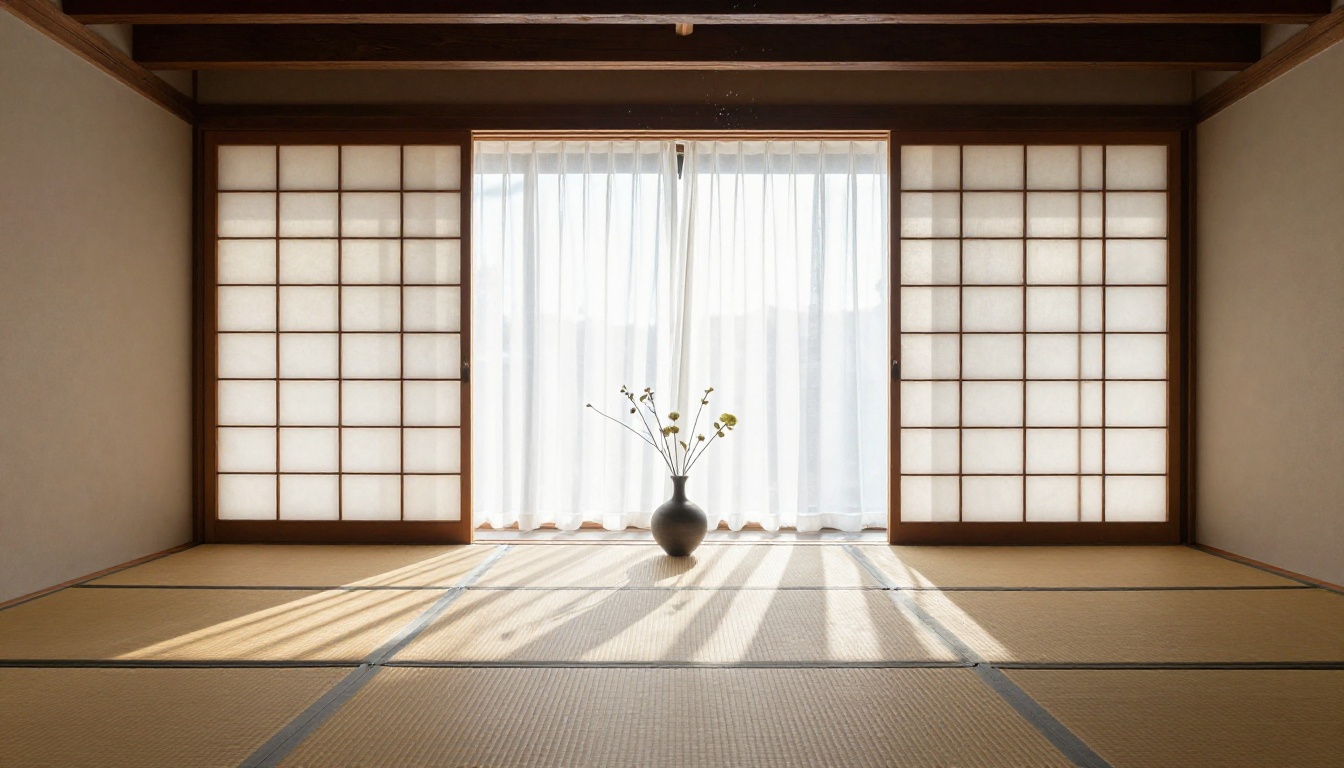
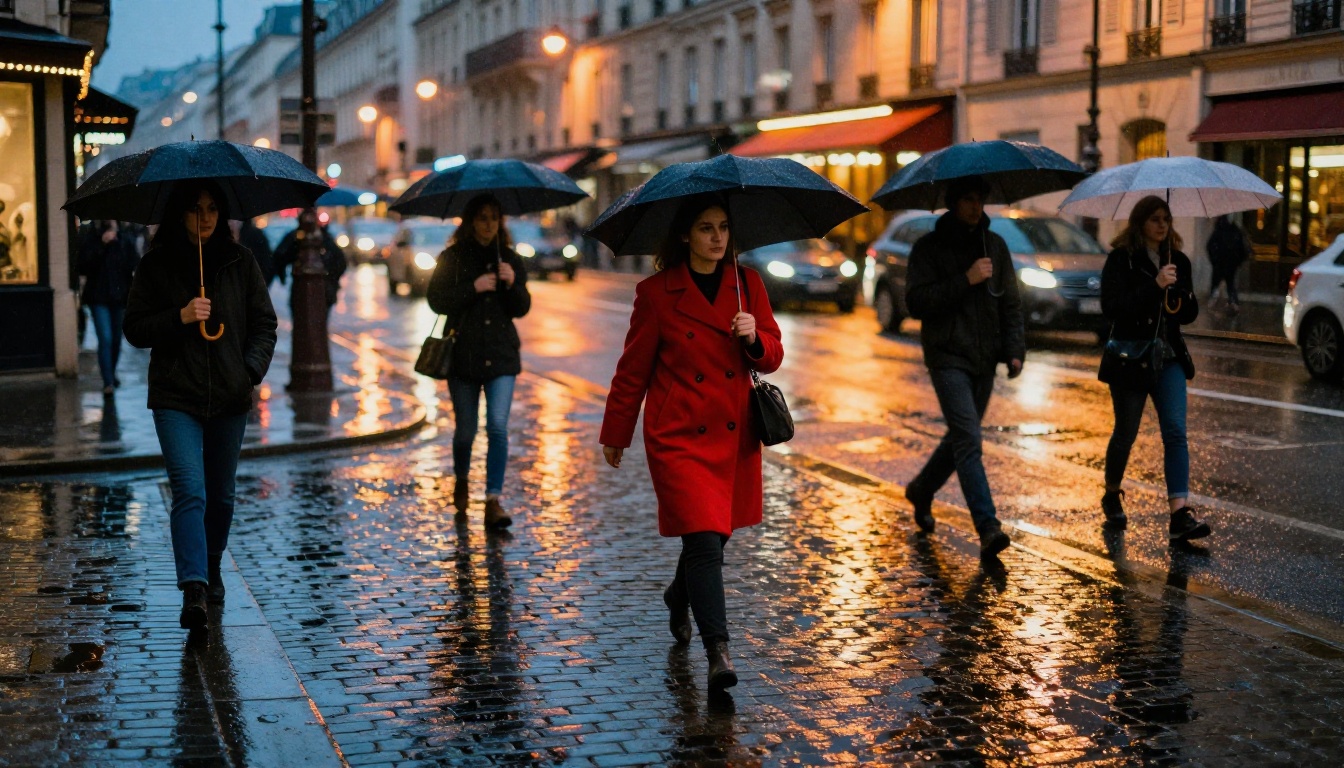
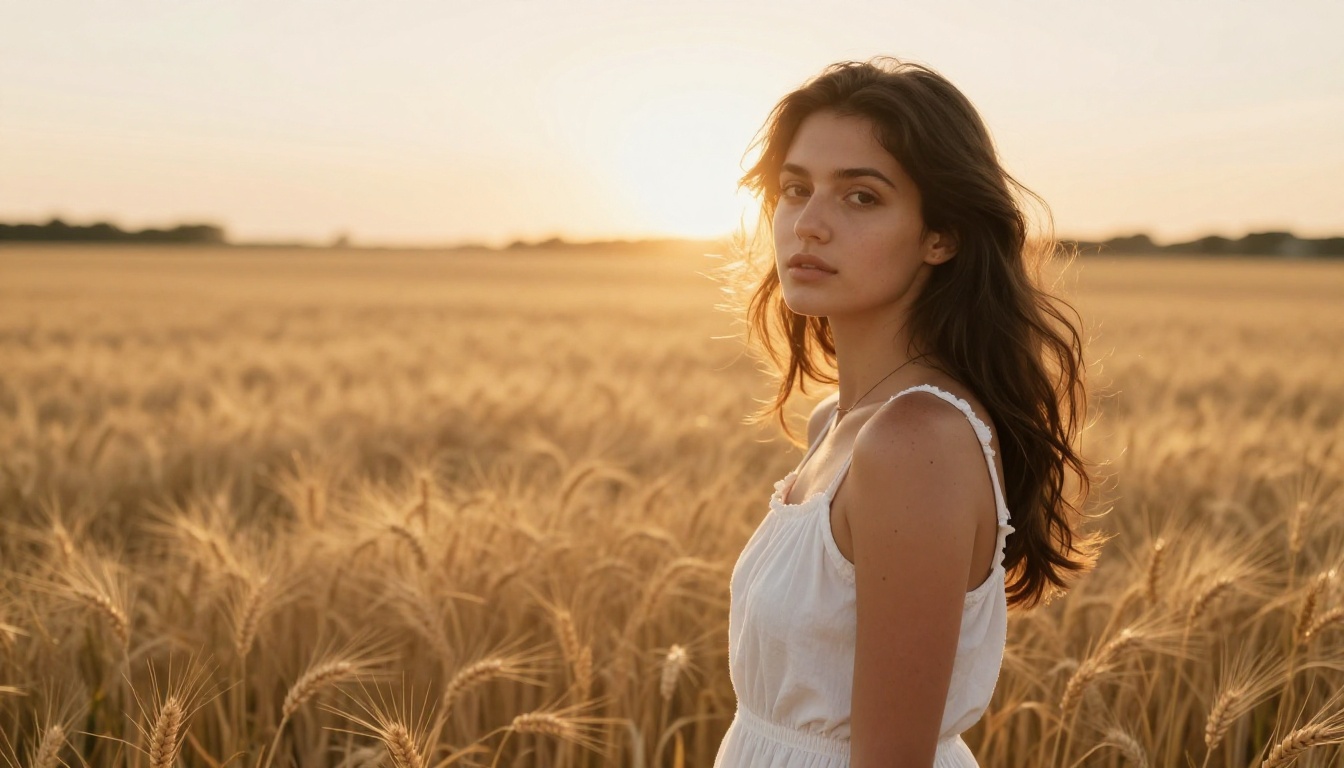
Seedream 5.5 is ByteDance's most capable text-to-image model, built to produce photorealistic portraits, landscapes, and scenes with stunning detail. In this article, you'll see exactly how to write prompts that fool the eye, which parameters matter most, and how to get the best results on PicassoIA without trial and error.
Seedream 5.5 does something most AI image models still struggle with: it makes you pause and question whether the image is a photograph. That's not a claim. It's the result of a training architecture that encodes skin texture, lighting physics, and anatomical accuracy at a level that earlier generation models don't reach. Whether you're generating portraits, wide landscapes, or intimate still life scenes, the difference is immediate when you compare outputs side by side.
This article walks you through exactly how to get the best results from Seedream 5.5, from how to structure your prompts to which settings to adjust on PicassoIA. If you've been frustrated with AI images that look almost real but not quite, the problem is almost always in the prompt, and these patterns fix it.
What Seedream 5.5 Does Differently
Seedream 5.5 is built by ByteDance and sits at the top of the Seedream model family, which includes Seedream 4, Seedream 4.5, and Seedream 5 Lite. The leap from earlier versions is measurable: 5.5 handles faces, fabric texture, environmental light interaction, and scene coherence with noticeably better fidelity than its predecessors.
The Realism Engine Inside
What separates Seedream 5.5 from most text-to-image models is its treatment of light as a physical system rather than a visual filter. Most models apply lighting as a flat tonal effect across the surface of an image. Seedream 5.5 simulates how light behaves in relation to volume and material. Shadows fall correctly based on object geometry. Subsurface scattering in skin looks biological, not plastic. Specular highlights on fabric and glass behave the way they would in a photograph shot under matching conditions.
The result is that even a moderate prompt already carries photographic weight. A detailed, well-structured prompt produces output that sits comfortably next to editorial photography. The model gives you headroom that most alternatives don't.
How It Handles Faces and Skin
The hardest element to get right in AI image generation is faces. Most models generate faces that read as slightly wrong in a way that's difficult to name. Asymmetries that don't quite feel natural. Eyes that don't hold light correctly. Skin that looks smooth in a manufactured way rather than a biological one.
Seedream 5.5 resolves this through higher-fidelity attention to micro-detail. Fine facial hairs, natural pore distribution, realistic iris fiber patterns, subtle asymmetry in lip fullness, and natural moisture sheen on skin all appear without needing explicit prompting. The model infers these details from context clues in your prompt and applies them consistently across the image.
💡 Tip: For portrait images on PicassoIA, Seedream 5 Pro outputs at 2K resolution, which means face detail holds even at full crop without the softening that happens at lower resolutions.
Writing Prompts That Produce Real Results
The single biggest factor in whether your Seedream 5.5 output looks photorealistic is how you write the prompt. A vague prompt produces a vague image. A prompt built like a photographer's brief produces something that looks like a photograph. The model's capability is fixed. Your prompt is the variable.
The 4 Blocks Every Prompt Needs
Every realistic image prompt should contain four blocks of information:
Subject and action: Who or what is in the image, what are they doing, what physical details define them.
Environment and background: Where the subject exists, what surrounds them, what depth and distance the background has.
Lighting conditions: Direction, quality (hard vs. soft), color temperature, and light source.
Camera and lens details: Focal length, aperture, film stock, shooting angle.
Here's how the same scene changes between a minimal and detailed prompt:
Version
Prompt
Output
Minimal
"A woman in a café"
Flat, generic, AI-looking
Detailed
"A 28-year-old woman with olive skin at a marble café table, soft diffused north window light from the left, 85mm f/1.8, Kodak Portra 400 grain"
Photorealistic, believable
The detailed version gives Seedream 5.5 enough information to make confident decisions about every element in the frame. The minimal version forces the model to guess, and its guesses default to statistical averages from training data, which never looks truly real.
Lighting Descriptions That Change Everything
Of the four prompt blocks, lighting has the highest impact on perceived realism. Our brains read light as the primary signal of physical reality. When light behaves correctly relative to the objects in a scene, the image reads as real. When it doesn't, something feels off even if you can't name it.
Be specific about three things in every lighting description: direction, quality, and source.
Direction: "from the upper left" or "backlit from behind the subject" or "hard overhead midday"
Quality: "diffused through sheer curtains" or "direct hard afternoon sun" or "soft reflected bounce from a white wall"
Source: "single tall window" or "open overcast sky" or "one studio strobe with a large softbox"
A prompt that specifies all three consistently outperforms a prompt that says only "natural lighting." The difference in realism is significant even before any other variable changes.
💡 Tip: Rembrandt lighting, a single directional source creating a triangular highlight on the shadow-side cheek, is one of the most reliable configurations for convincing portrait realism across all photorealistic AI models.
Camera and Lens Details That Sell Realism
One of the fastest ways to make a Seedream 5.5 output look more photographic is to include camera lens information in the prompt. This works because lens characteristics produce optical artifacts that the brain associates with real photographs: bokeh, vignetting, film grain, chromatic aberration at the edges of shallow focus. When those artifacts are present and physically consistent, the image feels captured rather than generated.
Focal length sets the perspective compression:
85mm for classic portrait compression with natural face proportions
35mm for environmental portraits with scene context visible
24mm for architectural or wide landscape coverage
100mm for tight macro detail shots
Aperture controls depth of field:
f/1.4 or f/1.8 for creamy background blur in portraits
f/2.8 for moderate separation with some background detail
f/8 for full front-to-back landscape sharpness
Film stock adds tonal and textural character:
"Kodak Portra 400" adds warm skin tones and natural grain
"Kodak Ektar 100" gives rich, saturated color and fine grain
"Ilford HP5 pushed to ISO 3200" adds gritty black-and-white documentary grain
"Fuji Velvia 50" gives punchy, warm slide film saturation
These aren't stylistic decorations. They instruct Seedream 5.5 to apply optical physics that make the image feel photographed. The model has learned what each film stock and lens setup produces, and it applies those characteristics accurately.
How to Use Seedream 5 Pro on PicassoIA
Seedream 5 Pro is available directly on PicassoIA under the text-to-image category. It's the highest-resolution version of the Seedream 5 family available on the platform, and it's where you want to run prompts when photorealism is the priority over generation speed.
Step 1: Open Seedream 5 Pro
Go to Seedream 5 Pro on PicassoIA. You land directly on the model's generation interface. No extra configuration is needed for the first run.
Step 2: Build Your Prompt Block
Write your prompt using the four-block structure above. Subject first, then environment, then lighting, then camera. Keep it in a single flowing paragraph rather than a list. The model processes natural language more coherently in connected sentences.
Here's a working example for a photorealistic portrait:
Young South Asian woman in her late 20s standing near a rain-streaked apartment window, diffused grey morning light from the left casting blue-grey shadows across her face, wet glass reflections adding soft secondary light, wearing a dark olive turtleneck, loose bun with a few strands falling, 85mm f/1.8 portrait lens, ISO 800 Kodak Portra 400 film grain, rule of thirds composition, photorealistic editorial photography, no CGI --style raw
Step 3: Adjust Settings and Run
After entering your prompt, set the aspect ratio to 16:9 for widescreen content or 1:1 for portrait orientation. Leave the seed empty for the first run to see what the model produces by default, then lock a specific seed number if you want to iterate on a composition you like without losing the base structure.
If you want to refine the output after generation, PicassoIA Image Editor Pro gives you inpainting tools to modify specific regions, replace objects, or extend the canvas without regenerating from scratch. It works well with Seedream 5 Pro outputs because the base images hold enough detail that regional edits blend naturally.
Landscapes, Interiors, and Scenes That Work
Seedream 5.5 isn't only a portrait model. Its environmental realism is equally strong across landscape, interior, and still life scene types, and the same prompt logic applies.
Outdoor Environments
For landscapes, time of day and atmospheric conditions are the most important variables. "Golden hour" tells the model to apply low-angle warm light with long shadows and warm color temperature. "Overcast morning" produces flat, even diffused illumination. "Midday direct sun" gives harsh contrast and hard-edged shadows on every surface.
Add physical atmosphere wherever it makes sense: "realistic atmospheric haze softening the mountain distance," "wet pavement reflecting the sky and streetlights," "morning fog sitting in the valley below the treeline." These atmospheric elements are what separate a photorealistic landscape from a generic scenic render.
Lens choice matters as much in landscapes as in portraits. A 24mm at f/8 gives full front-to-back sharpness across the scene. A longer 70-200mm at f/4 compresses distance and makes background elements appear closer and more dominant in the frame.
Interior and Still Life
Interior realism requires you to define the sole light source precisely. A room lit by a single north-facing window reads completely differently from a room with overhead artificial light. Specify what the source is, where it enters the space, what surfaces it strikes first, and what color temperature it carries.
For still life compositions, micro-details are what make the image feel tangible. "Coffee crema showing a micro-bubble honeycomb pattern," "marble counter surface with natural veining and authentic wear marks," "steam vapor backlit against a dark background in soft wisps" are all specific enough to push the model toward the detail level that makes an image feel real.
Seedream 5.5 Compared to Other Models
If you've been generating with other models on PicassoIA, here's where Seedream 5.5 fits in the current landscape of photorealistic text-to-image generation.
Versus Flux 2 Pro
Flux 2 Pro from Black Forest Labs is an excellent general-purpose text-to-image model with strong prompt adherence and exceptional color rendering across a wide range of visual styles. It's faster than Seedream 5.5 and handles conceptual and stylized work with precision.
Where Seedream 5.5 pulls ahead is in photorealistic skin and organic texture. For portraits of real-looking people, or scenes that require biological material detail (hair, skin, fabric with natural wear), Seedream 5.5 produces more convincing output from the same prompt. Flux 2 Pro is the better choice for commercial, graphic, or stylized work. Seedream 5.5 is the better choice when the goal is making something that looks genuinely photographed.
Versus Realistic Vision v5.1
Realistic Vision v5.1 is one of the most established photorealistic models available and performs strongly for portrait-style photography prompts. Seedream 5.5 outperforms it in full-scene realism. When a prompt includes a complete environment, multiple subjects, atmospheric effects, and complex lighting interaction, Seedream 5.5 maintains coherence across all elements more reliably. For isolated portrait shots with simple backgrounds, Realistic Vision v5.1 remains a fast and capable option.
Most failed Seedream 5.5 outputs trace back to three specific prompt errors. Each one is fixable once you know what to look for.
Vague Subject Descriptions
"A beautiful woman" is not a subject description. It gives the model no spatial, tonal, or physical information to work with. The model fills the gap by defaulting to statistical averages from training data, which produces averaged, AI-looking faces.
Instead: "A 32-year-old Spanish woman with naturally wavy dark auburn hair, warm olive complexion, faint crow's feet at the outer corners of her eyes, light freckles across the bridge of her nose, wearing a rust-colored linen jacket with rolled sleeves." That specificity forces the model off the average and into something that reads as a real, individual person.
Skipping Lighting Information
Prompts with no lighting information let the model guess. That guess defaults to flat ambient light, which is the least photographic option available. Even a single sentence about lighting makes a visible difference in output quality.
Without: "A man sitting at a café"
With: "A man sitting at a café, warm late afternoon sun entering from the right window, casting a golden diagonal light bar across the marble table and his forearm, leaving his face in soft half-shadow"
The lighting sentence does more work for realism than any stylistic keyword you could add to the same prompt.
Missing the Camera Angle
Camera angle changes how light falls, how background blurs, what the subject's proportions feel like, and what emotional weight the composition carries. "A portrait" gives the model no viewpoint information. "Close-up portrait from a slight low angle, camera positioned at collarbone height looking slightly upward" gives it a precise shooting position.
Low-angle shots add gravitas. Aerial shots add context. Tight close-ups add intimacy. Three-quarter angles are the most naturally photographic. Each choice produces a different image even with the same subject and lighting.
💡 Tip: If you need to upscale any Seedream 5.5 output to 4x resolution without losing sharpness, P Image Upscale on PicassoIA processes this in under a second, retaining the original's micro-detail.
Run Your First Prompt on PicassoIA
The fastest way to see what Seedream 5.5 actually produces is to build one prompt using the four-block structure and run it on Seedream 5 Pro on PicassoIA. Start with a portrait, specify a concrete lighting setup, add a film stock detail, and compare what comes back to what you've been generating before.
If you want to explore other options in the Seedream family, Seedream 4.5 is a strong choice for 4K output, and Seedream 4 is worth running alongside 5 Pro on the same prompt to see the generational improvement firsthand. The full PicassoIA model collection has over 91 text-to-image models if you want to compare results across different architectures before committing to a workflow.
Photorealistic AI image generation isn't a matter of finding the right magic word. It's about giving the model enough accurate information that it doesn't have to guess. Seedream 5.5 has the capability to produce images that stop people. The prompts above give you the structure to use that capability consistently.