How to Fine-Tune AI Models for NSFW Content That Actually Looks Real
A detailed breakdown of how to fine-tune AI image generation models for NSFW-adjacent content. Covers base model selection, dataset curation with image counts and captions, LoRA training parameters, trigger words, CFG settings, and how to run fine-tuned models on AI platforms for photorealistic glamour and artistic imagery.
Fine-tuning an AI model for NSFW content is one of those topics most platforms refuse to explain properly. You get vague blog posts, broken tutorials, and forums full of contradictions. This article cuts through all of that. Whether you want photorealistic glamour shots, artistic boudoir imagery, or suggestive fashion photography that a generic base model simply refuses to generate at the quality you need, fine-tuning is the answer. And it is more accessible than most people think. The difference between a mediocre result and something genuinely publishable is not better prompts. It is a properly trained model that understands your aesthetic at a fundamental level.
Why Generic Models Fall Short
The problem with using a base model out of the box for adult-adjacent content is simple: it was trained on everything. That means the model's understanding of a human figure is diluted across millions of styles, art forms, and contexts. When you ask it for a specific look, a specific skin tone, a specific mood, it averages out. The results are technically correct but aesthetically generic.
Fine-tuning fixes this by retraining the model's weights on a curated, focused dataset. Instead of averaging across the entire internet, the model learns exactly what you want it to produce. The difference is not incremental. It is categorical.
💡 Think of it this way: a base model is a generalist photographer who has shot weddings, wildlife, sports, and food. A fine-tuned model is a glamour specialist who has shot 500 editorial portraits. The specialist wins every time.
There is also a content moderation angle. Many base models have their outputs steered during training to reduce explicit results. Fine-tuning on your own hardware, with your own dataset, gives you direct control over what the model does and does not produce.
Pre-trained weights vs. custom
Pre-trained model weights are the starting point. They carry billions of learned associations between text tokens and visual patterns. Fine-tuning does not erase those associations. It nudges them in a specific direction while preserving the foundation.
This is why fine-tuning on 20 to 50 images produces surprisingly strong results. You are not starting from scratch. You are steering an already powerful system that already knows what a human looks like, what skin texture looks like, what soft lighting looks like. Your job is to tell it which specific version of those things you want.
The LoRA method
Low-Rank Adaptation (LoRA) is the most practical fine-tuning method for individual creators. Instead of retraining all the model's billions of parameters (which requires industrial-grade hardware and weeks of compute), LoRA trains a small set of adapter weights that sit on top of the base model.
The practical results: training runs in 30 to 90 minutes on a consumer GPU, the resulting file is typically 50 to 200 MB, and the adapter can be swapped in and out without touching the base model. You can even stack multiple LoRAs together in a single generation, blending different styles or concepts with weighted influence. This flexibility is what makes LoRA the standard for NSFW fine-tuning workflows today.
DreamBooth is the alternative, producing full checkpoint files rather than adapters. The outputs are often slightly higher fidelity, but the file sizes (2 to 7 GB each) and training requirements make LoRA the practical choice for most workflows.
Picking the Right Base Model
Your base model choice sets a ceiling on what is possible. Here are the main options and where each excels:
Flux Dev currently produces the most photorealistic human figures of any publicly available model. Its understanding of anatomy, skin texture, and lighting response is noticeably superior to older architectures. For NSFW fine-tuning, this matters enormously: one of the most common failure modes in adult content generation is anatomically incorrect figures, and FLUX handles this better than its predecessors.
SDXL remains relevant because of its massive LoRA ecosystem. Thousands of pre-built SDXL LoRAs exist for specific aesthetics, body types, and styles. If you want to combine multiple LoRAs in a single generation, SDXL's multi-adapter support through SDXL Multi ControlNet LoRA is unmatched.
Stable Diffusion 1.5 is the legacy option. It is fast and has the deepest LoRA library, but its maximum resolution and overall realism ceiling make it unsuitable for modern photorealistic work. If you are starting fresh today, skip SD 1.5.
Why Realistic Vision wins for skin
Realistic Vision v5.1 was specifically fine-tuned by its creators for photographic output. It handles skin texture, pores, natural imperfections, and lighting fall-off on human skin better than vanilla SDXL. For NSFW content where skin quality is paramount, starting your own fine-tuning run on top of Realistic Vision gives you a significant head start.
RealVisXL v3.0 Turbo takes the same philosophy into the XL architecture, producing outputs at higher resolution with comparable realism. For rapid iteration, its speed advantage makes it the preferred base for exploratory training runs.
Building a Proper Dataset
This is where most people fail. A poorly curated dataset produces a model that cannot be steered with prompts. Garbage in, garbage out applies more strictly in fine-tuning than almost anywhere else in machine learning.
Image count and quality rules
The minimum viable dataset for a focused NSFW LoRA is 20 images. The sweet spot is 40 to 80 images. Above 200 images you start hitting diminishing returns without a proportional increase in training time.
Every image in your dataset must meet these standards:
Resolution: Minimum 768x768 pixels. Ideally 1024x1024 or higher.
Consistency: All images should share the subject matter you want to fine-tune. If you are training a style, all images should reflect that style.
Variety within focus: Different lighting conditions, angles, distances. A dataset of 50 near-identical front-lit close-ups produces a model that cannot handle anything else.
Zero watermarks: No collages, no screenshots, no composite images.
Sharp focus: Blurry training images teach the model to produce blurry outputs.
💡 Pro tip: Include 10 to 15% of your dataset as regularization images, photos of the general category that are NOT your specific subject. This prevents overfitting and helps the model generalize properly when given novel prompts.
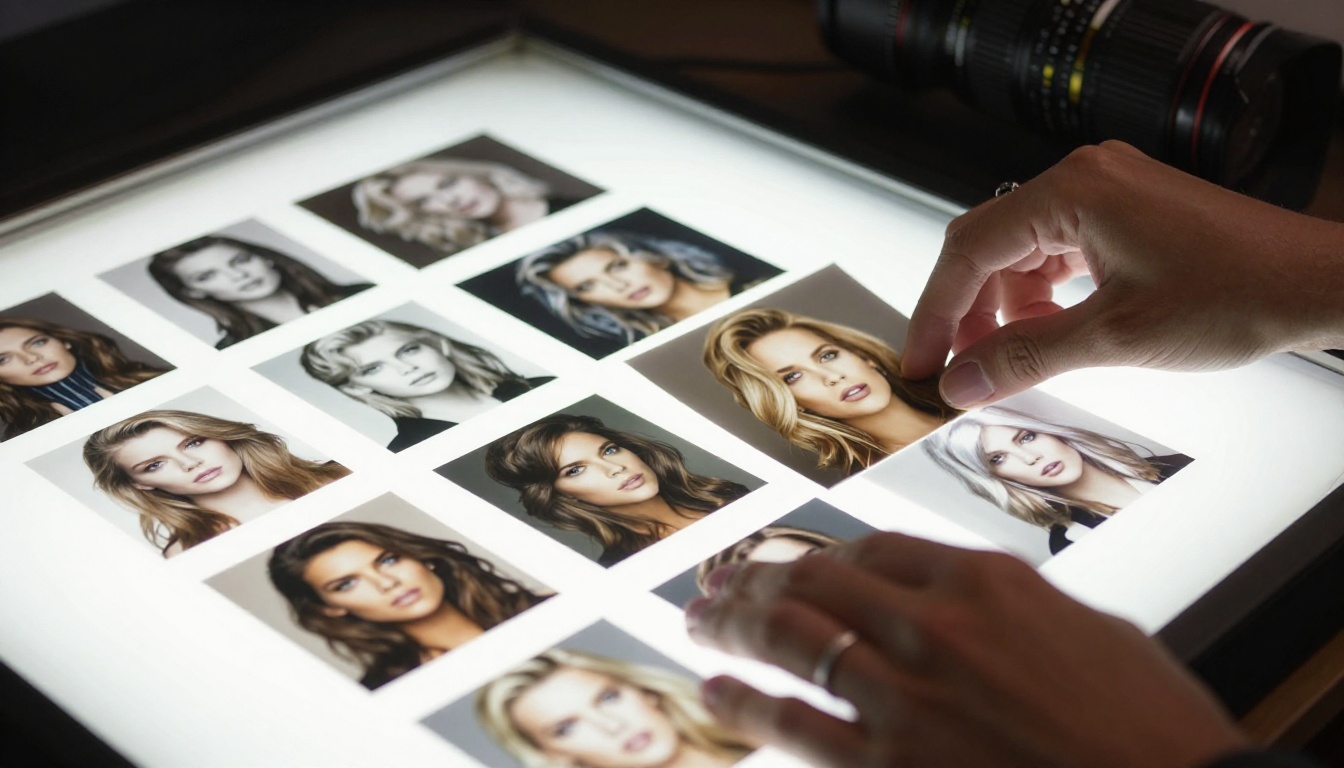
For glamour and boudoir content specifically, your dataset should span at least three distinct lighting setups (natural window, studio softbox, low ambient), two to three distance ranges (close-up portrait, medium shot, full body), and at least four different wardrobe or styling choices. This variety is what makes the trained model responsive rather than rigid.
Captions that actually train
Auto-captioning tools like BLIP2 and WD Tagger give you technically accurate captions. But for NSFW fine-tuning, you want manual captions that describe exactly what you want the model to associate with your trigger word.
A good training caption:
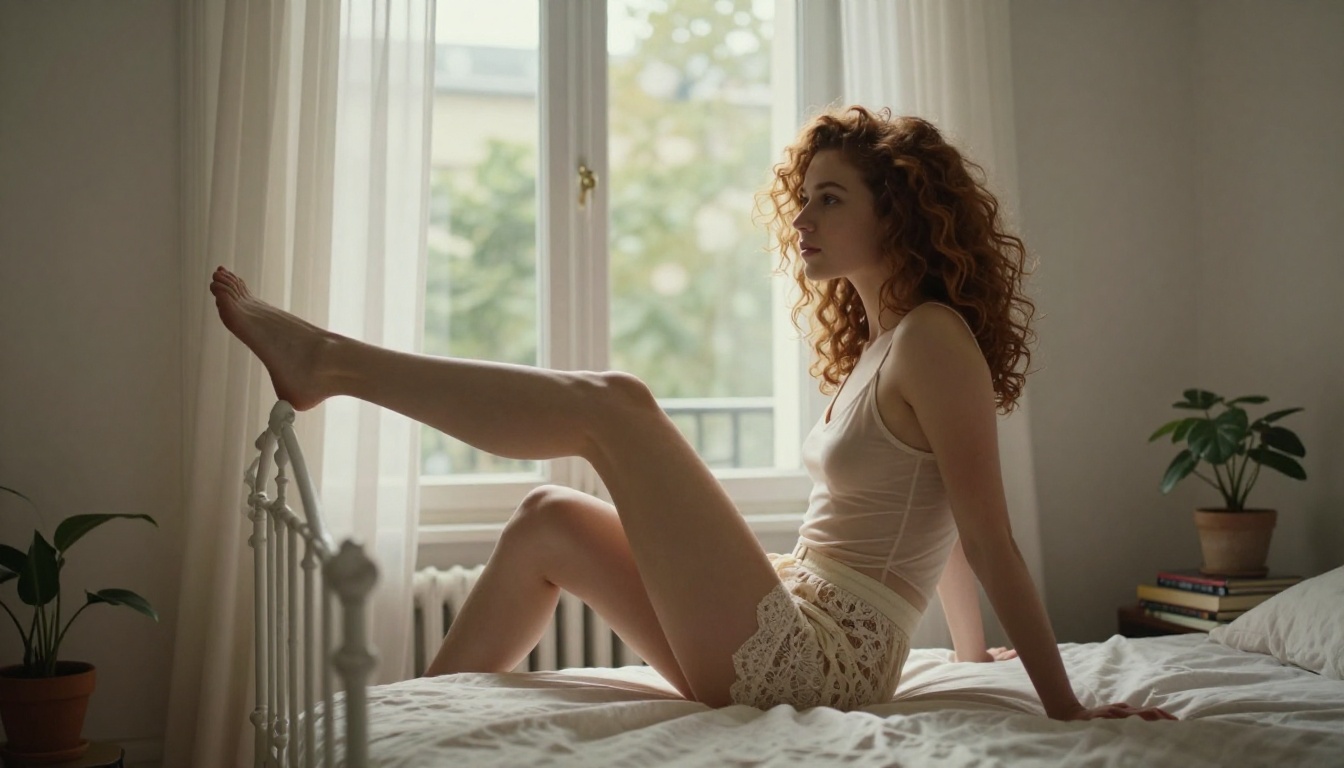
[trigger_word], a woman with auburn hair wearing a sheer camisole,
sitting on a white bed, soft window light, photorealistic,
film grain, 85mm portrait photography
A bad training caption:
woman sitting on bed near window
The difference is not subtle. The detailed caption teaches the model which visual features belong to your concept. The minimal caption teaches it almost nothing. Take 15 to 20 minutes per image on captions. It is the highest return-on-time investment in the entire workflow.
LoRA Training Step by Step
Once your dataset is prepared and captioned, training itself is straightforward if you know which parameters to set. Tools like Kohya_ss, EveryDream 2, and SimpleTuner all provide graphical interfaces that expose the critical parameters without requiring command-line expertise.
Parameters that actually matter
Most LoRA training tools expose dozens of parameters. The ones that actually move the needle:
Learning Rate: Start at 1e-4 for the LoRA network. Too high and the model forgets its base knowledge. Too low and training does not converge in a reasonable number of steps.
Network Rank (r): Controls the size of the LoRA adapter. For fine detail work like skin texture and facial features, use rank 32 or 64. Higher ranks capture more nuance but produce larger files and require more VRAM.
Training Steps: For a dataset of 40 images, aim for 1,500 to 2,500 steps. A simple formula: (number of images) x 30 = target steps.
Batch Size: Use 1 if you are on a single GPU with less than 16 GB VRAM. Larger batches are faster but not strictly necessary for quality.
Parameter
Recommended Value
Effect
Learning rate
1e-4
Controls adaptation speed
Network rank
32 to 64
Adapter capacity
Training steps
1,500 to 2,500
Total training iterations
Clip skip
2
Works with SDXL architecture
Resolution
1024x1024
Match your output resolution
Scheduler
cosine with restarts
Prevents loss spikes
Trigger words and concept isolation
A trigger word is a text token that activates your LoRA when included in a prompt. Without one, the LoRA's influence bleeds into every generation unpredictably.
Choose something that does not already exist in the model's vocabulary. Invented words work well: xk3r_style, aur3lia_portrait, nvs_glamour. If you use a real word like "glamour" or "portrait", the LoRA's effects will partially activate even when you do not want them to.
💡 The isolation test: After training, generate 10 images WITHOUT your trigger word. If the LoRA's style or subject is visible in those images, your trigger word is too generic or your learning rate was too high.
Testing Your Fine-Tuned Model
Training is done. Now comes validation, and this is where most people rush and miss quality issues that would have been easy to fix with one more training run.
Prompt structure for best results
A well-structured prompt for a NSFW fine-tuned model follows this template:
Negative prompt matters as much as your positive prompt:
cartoon, illustration, 3D render, CGI, painting,
watermark, blurry, deformed anatomy, extra limbs,
bad hands, low resolution, oversaturated
CFG scale, steps, and sampling
These three parameters control the generation process directly:
CFG Scale: 6 to 8 for photorealistic output. Lower values give the model more creative freedom. Higher values push it harder toward your prompt, often at the cost of naturalness.
Steps: 25 to 35 is the sweet spot. Below 20 you get visible noise artifacts. Above 50, returns diminish sharply.
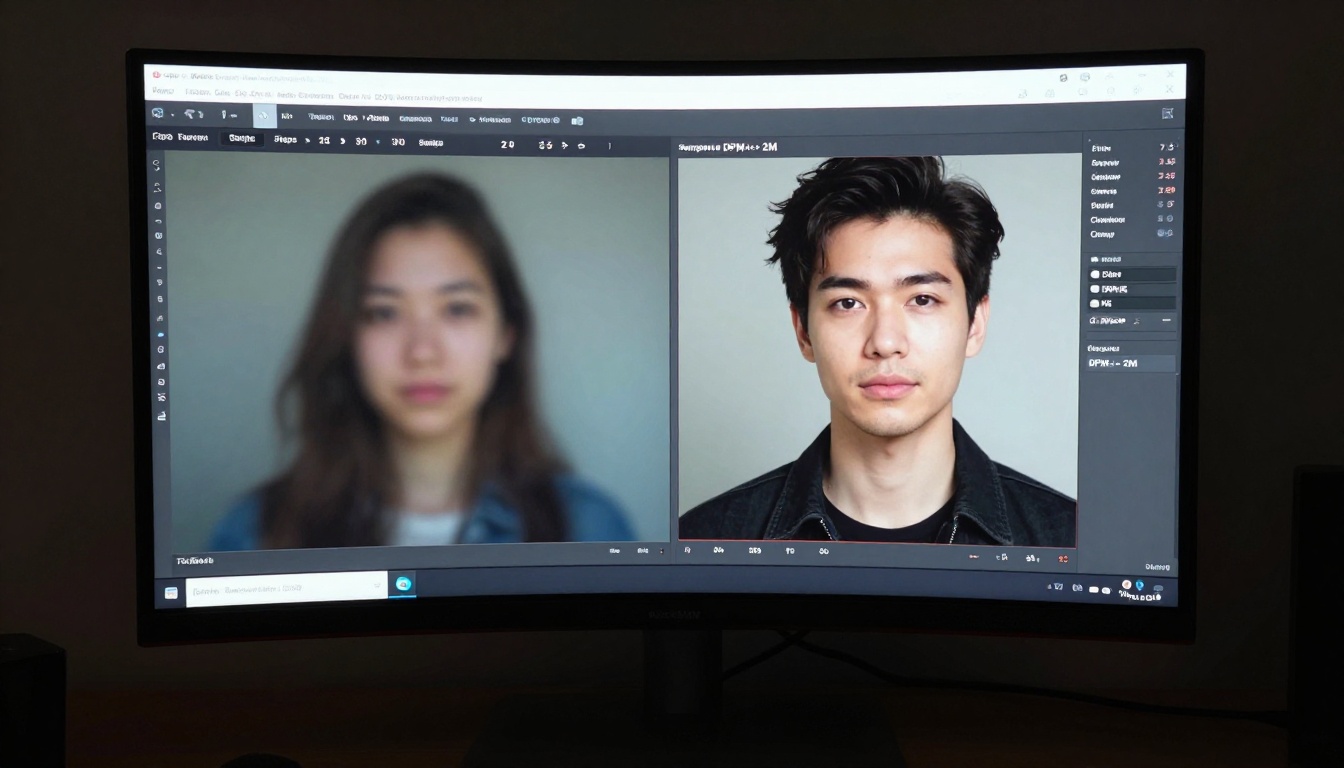
Sampler: DPM++ 2M Karras is the reliable choice for photorealistic work. Euler A produces slightly more variation if you want to explore a concept before committing to a final composition.
Running LoRA Models on PicassoIA
If you do not want to manage local training infrastructure, you can work directly with LoRA-enabled models available on the platform without setting up your own GPU environment.
Using Flux Dev LoRA
Flux Dev LoRA is the flagship option for photorealistic portrait work. It accepts external LoRA weights and applies them at inference time. The workflow:
Upload your trained .safetensors LoRA file
Set the LoRA weight between 0.6 and 0.8 (higher values apply the LoRA more aggressively)
Write your prompt including your trigger word
Set CFG to 7.0, steps to 30, sampler to DPM++ 2M
p-image-lora is the faster alternative when you need rapid iteration. It runs LoRA adapters at roughly 2x the speed of Flux Dev, which matters when testing 20 different prompt variations in a single session.
For image editing after generation, Qwen Image Edit Plus LoRA lets you apply instruction-based edits on top of generated outputs, adjusting lighting, clothing details, or background elements without regenerating the entire image from scratch.
SDXL for pose control
When you need precise control over body position and composition, SDXL Multi ControlNet LoRA adds pose conditioning on top of your fine-tuned weights. You feed it an OpenPose skeleton or a reference image, and the model generates a figure that matches that exact pose while applying your LoRA style.
This is particularly valuable for NSFW content where anatomical accuracy is critical. Instead of hoping the model interprets "reclining pose" correctly, you define the exact pose with a reference and let the LoRA handle style and skin detail.
SDXL ControlNet LoRA is the single-ControlNet version, slightly faster and sufficient for most use cases where you only need one conditioning signal.
Common Mistakes That Kill Quality
These errors account for 90% of bad fine-tuning results.
1. Training on too few images
Fifteen images is not a dataset. It is a starting point. At that count, your model memorizes specific images rather than learning the concept. The outputs will directly echo your training images instead of generalizing from them.
2. Learning rate too high
The most common symptom: your output looks exactly like one of your training images instead of a blend of the concept. Drop the learning rate by a factor of 10 and retrain from the same base checkpoint.
3. Ignoring the negative prompt
A strong negative prompt removes CGI artifacts, anatomical errors, and style bleed from the base model. Skipping it is leaving quality on the table every single generation.
4. Not testing at multiple LoRA weights
A LoRA weight of 1.0 is almost always too strong. Test at 0.5, 0.7, 0.85, and 1.0 to find the sweet spot. Most well-trained LoRAs peak between 0.7 and 0.85.
5. Mixed styles in the dataset
If half your training images are warm golden-hour shots and half are cool studio shots, the model learns nothing coherent about lighting. Pick one aesthetic per LoRA and commit to it entirely.
💡 The 48-hour rule: After training, wait 48 hours before evaluating your LoRA. Looking at it immediately after a long training session creates false impressions. Fresh eyes catch real problems that excitement masks.
What a Fine-Tuned Model Looks Like
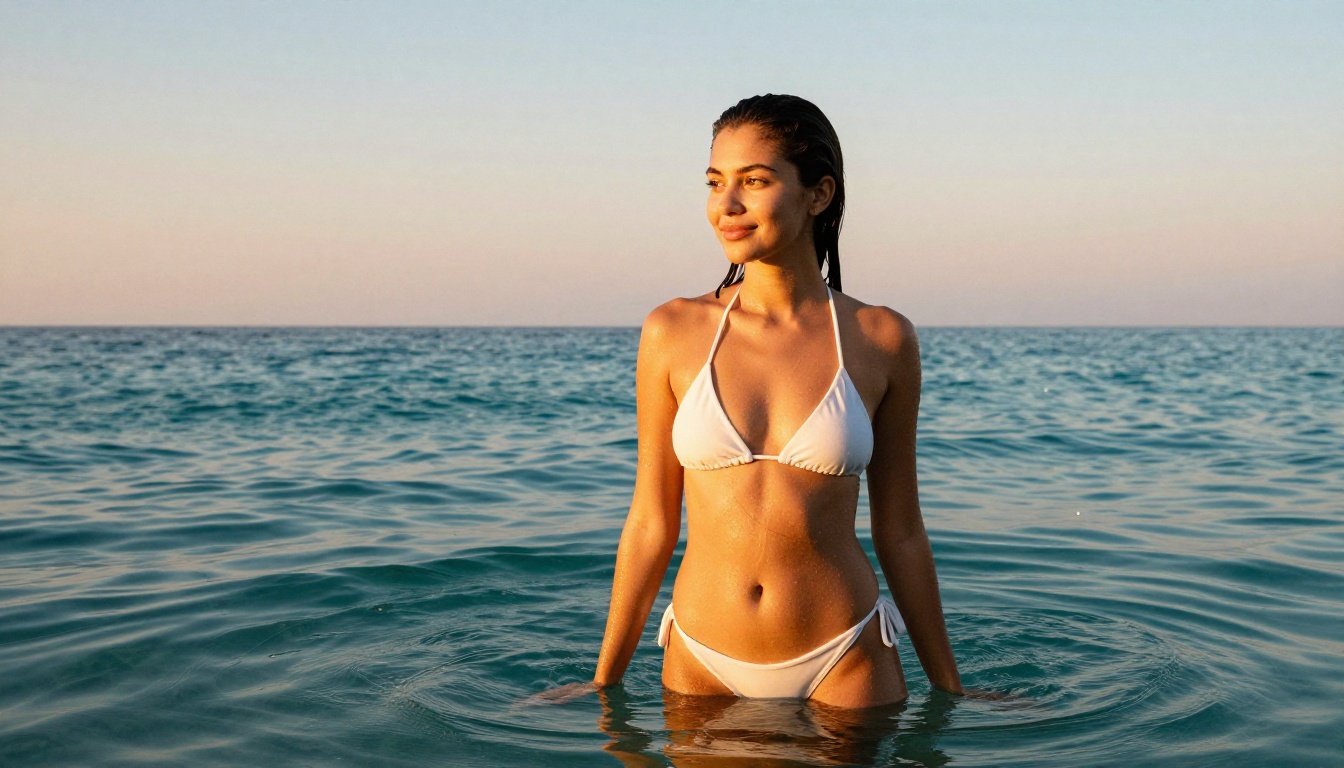
Here is a concrete before-and-after comparison from the same base model:
Base model prompt: beautiful woman in lingerie, soft lighting, photorealistic
The fine-tuned version is not just better. It is a different category of output. One is a stock photo. The other is an editorial. This is what 40 well-curated images and 2,000 training steps actually produce when configured correctly.
What matters most in that comparison is not resolution or sharpness. It is specificity. The fine-tuned model has opinions about what its output should look like. The base model does not. That opinion is the LoRA.
Ready to Create Your Own?
You now have everything needed to start building fine-tuned models that produce imagery no generic base model can match. The gap between a well-trained LoRA and default outputs is not subtle. It is the difference between stock photography and a personal editorial shoot.
The fastest path forward is to run your first prompts through Flux Dev LoRA or p-image-lora on PicassoIA to see what quality LoRA output looks like before investing time in training your own. Once you have a benchmark for what good looks like, you can iterate toward it with focused training runs.
The platform also gives you access to Realistic Vision v5.1, RealVisXL v3.0 Turbo, and SDXL side by side. That kind of rapid A/B testing is how you make informed decisions about which base model to invest your fine-tuning compute in, without committing to a 90-minute training run just to find out a model was the wrong choice.
Start with one focused dataset, one trigger word, and one well-configured training run. The first LoRA teaches you more than any written resource can.