If you've been searching for a reliable way to generate adult AI videos with real motion quality and body coherence, Seedance is the model worth stopping at. Developed by ByteDance and available directly on the platform, it handles human anatomy, subtle movement, and scene consistency better than most text-to-video models currently accessible to the public. This article breaks down exactly how to use it for NSFW content, which version to pick, how to write prompts that produce the results you're after, and what mistakes to avoid from the start.
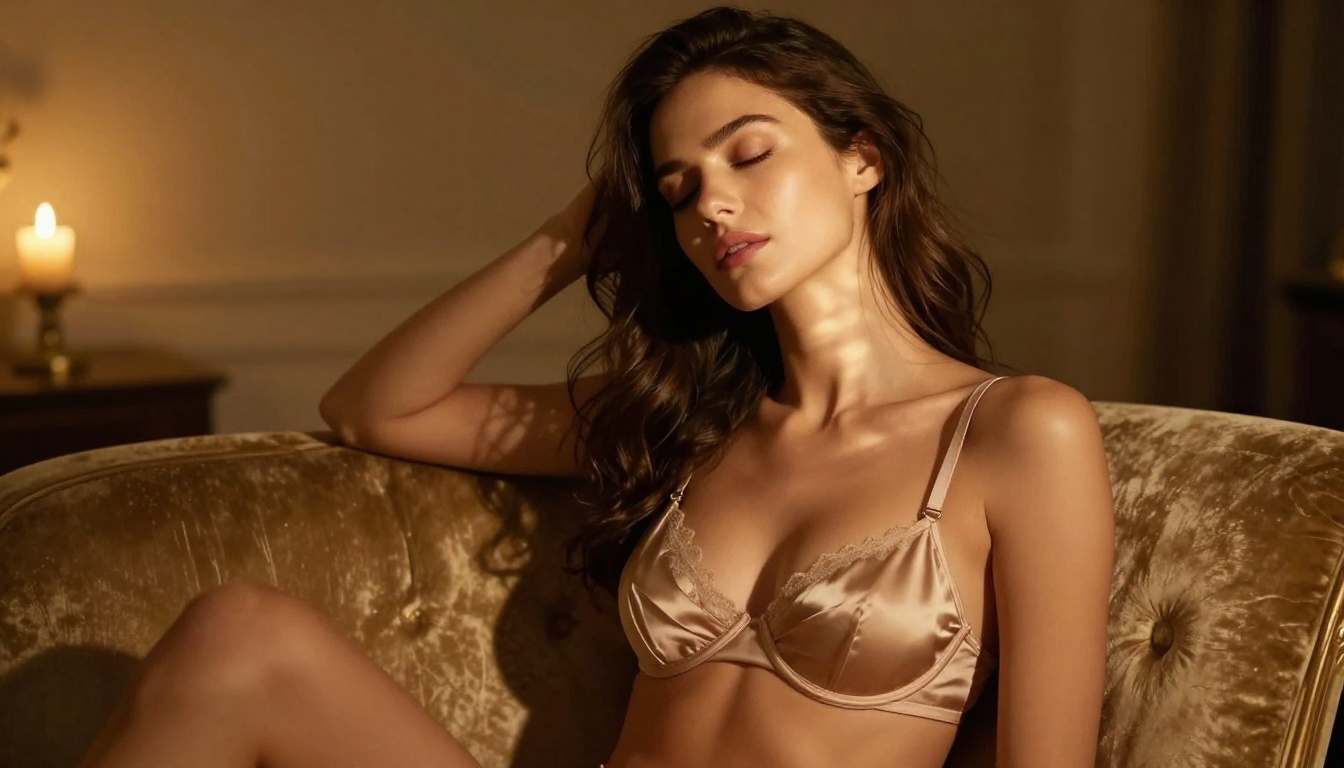
What Seedance Actually Does
Seedance is ByteDance's flagship text-to-video generation model, designed to produce smooth, cinematic clips from written prompts. Unlike earlier AI video generators that would distort faces, duplicate limbs, or lose scene context mid-clip, Seedance was built specifically to maintain temporal consistency, meaning the subject and environment stay coherent across every frame of the generated video.
For NSFW content, this matters enormously. Human bodies in motion are one of the hardest things for AI video models to render convincingly. Skin texture, posture, natural movement, and facial expression all need to hold up across multiple seconds of footage. Seedance does this better than almost anything else available at the moment.
ByteDance's Most Capable Video Model
ByteDance released the Seedance line as a direct competitor to Sora, Kling, and Veo. The architecture focuses on high-fidelity human rendering, cinematic framing, and prompt adherence, exactly the three pillars you need when generating suggestive or adult AI videos. The model understands concepts like "close-up", "slow motion", "lingerie", "bedroom", "sensual", and "intimate" at a semantic level that older models simply didn't have.
The result is that a well-written Seedance prompt produces something that looks like a professionally lit, intentionally composed video clip rather than the distorted, flickering output that plagued early AI video generation.
How It Differs from Other Generators
Most text-to-video models struggle with one or more of these common failure points when generating adult content:
| Failure Point | Common Models | Seedance |
|---|
| Limb distortion | Frequent | Rare |
| Face consistency | Inconsistent | Strong |
| Clothing/undressing | Glitching | Smooth |
| Skin texture realism | Plastic/waxy | Natural |
| Scene continuity | Often breaks | Maintained |
| Motion smoothness | Choppy | Cinematic |
Kling v3 Video and PixVerse v5.6 are strong alternatives, but Seedance consistently outperforms them on body coherence specifically, which is the most critical factor for NSFW video generation.
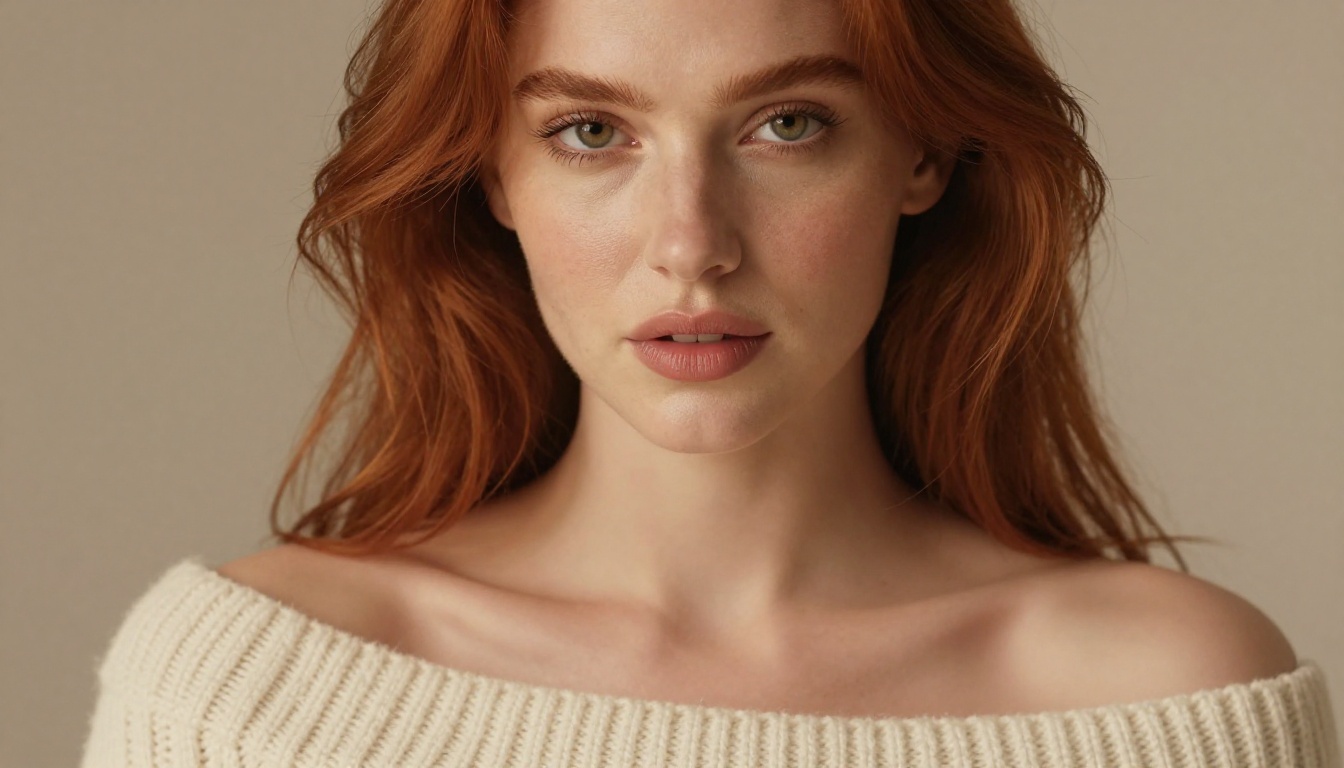
Why Seedance for NSFW
The short answer: it was trained on a massive dataset that includes realistic human motion, and the architecture prioritizes preserving subject identity across frames. For adult AI content, those two properties are non-negotiable.
Better Body Coherence
Every AI video model has what's called a "coherence window," the number of frames over which the model can maintain a consistent understanding of what the subject looks like. Older models had short coherence windows, so a woman in a bikini at frame one might have three arms by frame thirty. Seedance extended this window significantly, and combined with its human-focused training data, you get subjects that stay anatomically correct throughout the clip.
This is why creators who work in the NSFW AI video space have gravitated toward Seedance. The body coherence alone eliminates a huge amount of the post-processing or prompt retry work that other models require.
Motion That Stays Natural
Natural motion is the second major advantage. Seedance understands that human bodies move in specific ways: fabric flows with gravity, hair moves from momentum, breathing creates subtle chest rise. These micro-motions are what separate a convincing AI video from one that looks generated. The model picks up on contextual physics and applies them automatically based on the scene described in your prompt.
Tip: Include motion descriptors in your prompt. Phrases like "hair moving softly in the wind", "slow deliberate movement", or "breathing visible" signal to Seedance that you want realistic micro-animation rather than a nearly static clip.
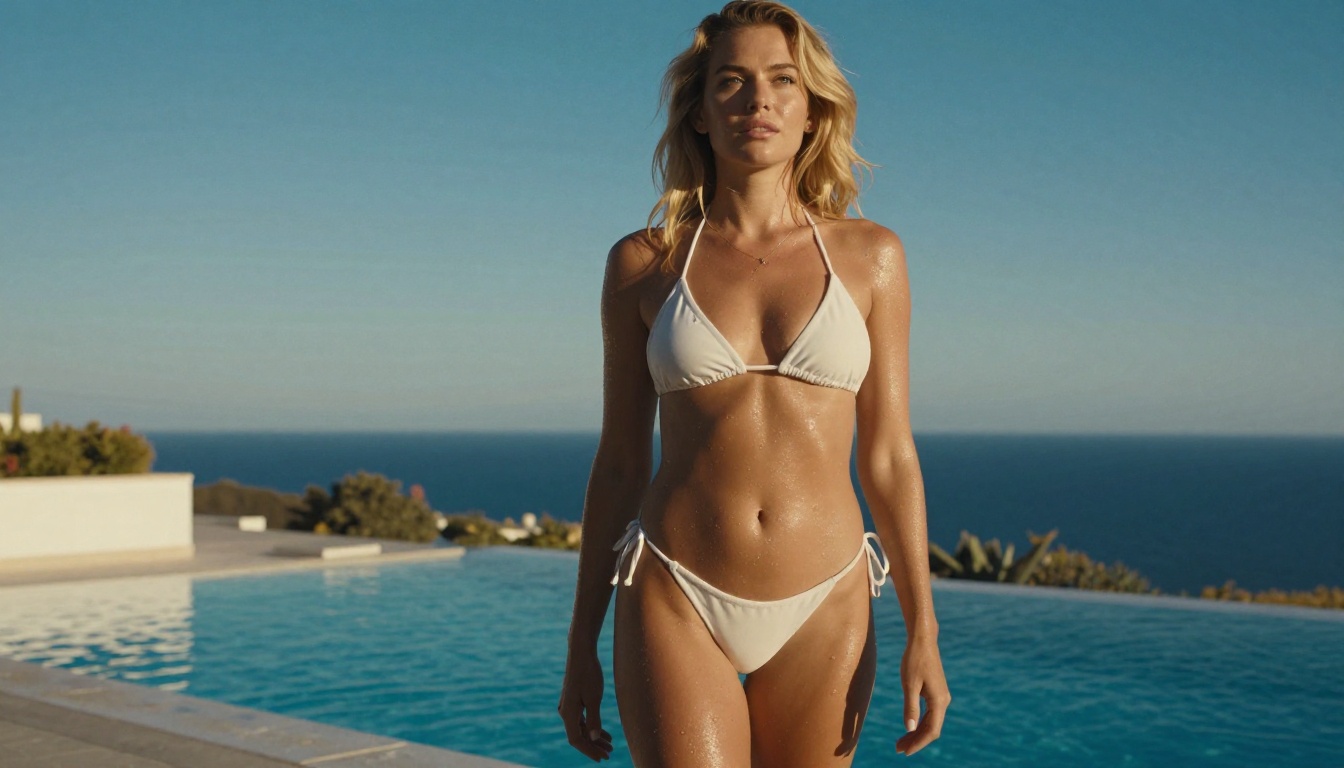
Before You Start
Before generating your first NSFW video with Seedance, there are a few things worth having sorted. The platform handles much of the complexity for you, but a little preparation goes a long way toward getting the output you want on the first or second try.
Platform Access
Seedance 1.5 Pro is available directly through the platform's text-to-video collection. You don't need a separate account, API key, or technical setup. Navigate to the model page, type your prompt, and generate. That's the full workflow.
What You Need Ready
- A clear idea of the scene, subject, setting, and action you want
- An understanding of which Seedance model version suits your use case (covered below)
- A list of negative prompts to exclude distortions or unwanted content
- Roughly 30 seconds per generation attempt on the faster models
That's it. The barrier to entry is intentionally low.
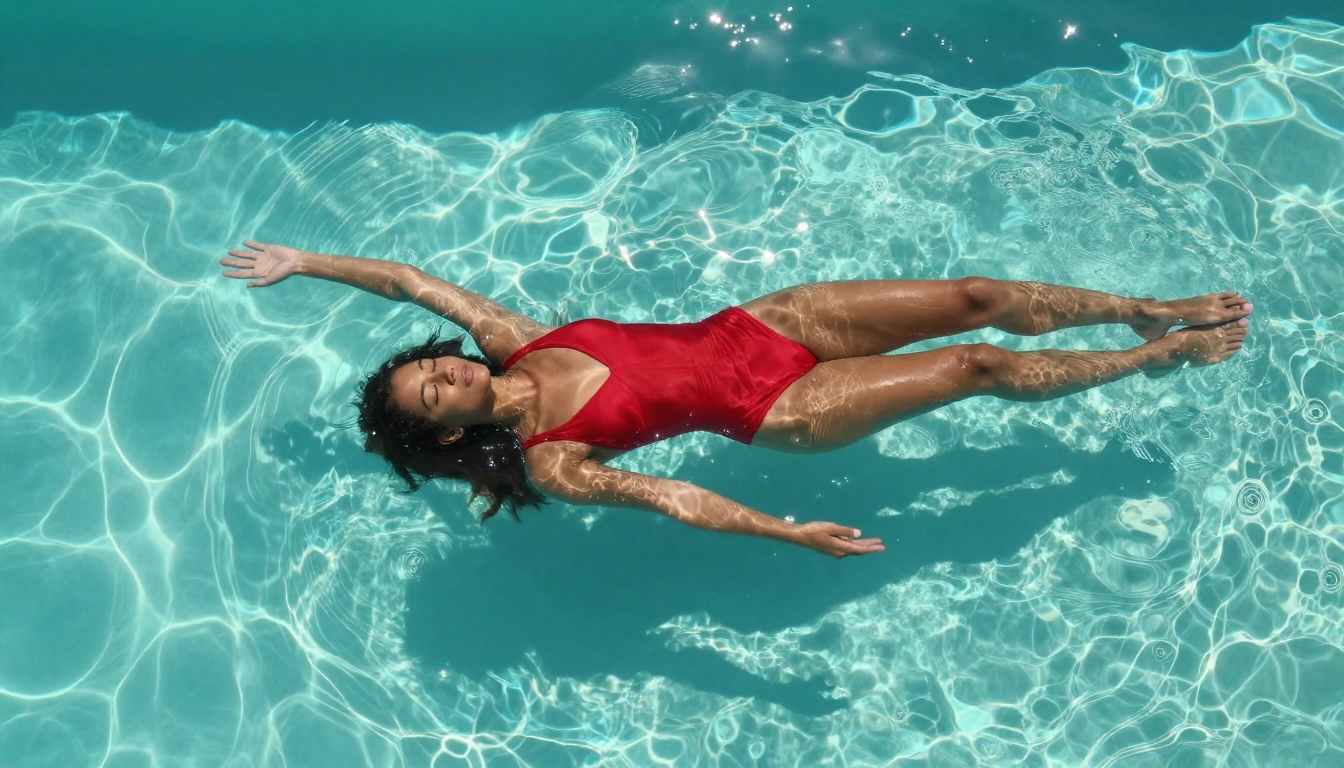
Setting Up Your First Video
The workflow for generating NSFW AI videos with Seedance follows a consistent three-step pattern regardless of which version you choose.
Step 1: Choose Your Seedance Model
Four Seedance models are currently available on the platform:
For final-quality NSFW content, Seedance 1.5 Pro is the clear choice. For testing prompt variations before committing to a full-quality render, Seedance 1 Pro Fast is ideal.
Step 2: Write the Prompt
Navigate to the model page and enter your prompt in the text field. Seedance reads prompts in natural language, so you don't need special syntax or trigger words. A well-constructed prompt for NSFW content includes:
- Subject description — physical characteristics, clothing or lack thereof
- Setting — where the scene takes place and what's in the background
- Action or motion — what is happening or how the subject is moving
- Lighting and camera — how the scene is lit and from what angle it's filmed
- Mood and style — the emotional tone and aesthetic of the clip
Step 3: Adjust Settings
After entering your prompt, you'll see configuration options including duration, resolution, and aspect ratio. For NSFW content:
- Duration: 4-6 seconds is optimal. Longer clips give the model more opportunity to lose coherence.
- Aspect ratio: 16:9 for landscape scenes, 9:16 for portrait-format intimate close-ups.
- Resolution: Always choose the highest available for final renders.
Tip: Use negative prompts aggressively. Add "cartoon, illustration, deformed, extra limbs, blurry, low quality, CGI, plastic skin" to your negative prompt field on every generation.

Prompts That Actually Work
This is where most people get stuck. Writing prompts for NSFW AI videos requires a different approach than writing prompts for images. The model needs to understand not just what the scene looks like at a single moment, but how it should evolve over several seconds of motion.
The Anatomy of a Good NSFW Prompt
A strong Seedance NSFW prompt has five layers working together:
Layer 1: The Subject
Be specific about physical appearance. "A beautiful brunette woman in her late twenties" gives the model more to work with than "a woman." Include hair color, body type, and what she's wearing or not wearing.
Layer 2: The Setting
Scene context anchors the model's understanding of space. "In a dimly lit hotel room with warm amber lighting, white linen sheets visible in the background" tells the model about color temperature, depth, and mood simultaneously.
Layer 3: The Action
Motion descriptors are critical. "Slowly unbuttons her shirt while looking directly at camera" is specific about movement, pace, and direction of gaze. The more specific the action, the less the model has to guess.
Layer 4: Camera Language
Seedance responds well to cinematic terminology. "Close-up shot from below", "slow dolly push in", "shallow depth of field" all translate into visible differences in the output.
Layer 5: Atmosphere
End your prompt with atmosphere and style. "Sensual, intimate, photorealistic, 4K quality, film grain, natural skin texture" signals the overall aesthetic register you're aiming for.
5 Prompt Structures That Deliver
Here are five tested prompt frameworks for NSFW Seedance content:
1. The Boudoir Scene
"[Subject] in [lingerie type] sitting on [surface], [action], in a [setting description], [lighting], close-up shot, 85mm lens, shallow depth of field, photorealistic, film grain, sensual atmosphere"
2. The Pool/Beach Scene
"[Subject] in [swimwear] [action] at [location], golden hour lighting from behind creating rim light silhouette, wide shot, natural skin texture, water/sand detail, cinematic, photorealistic"
3. The Intimate Bedroom
"[Subject] on white linen sheets, [action], morning light from window casting soft shadows, overhead or side angle, slow motion, breathe visible, natural skin, photorealistic 4K"
4. The Changing Scene
"[Subject] slowly [clothing action] in front of mirror, [setting], warm lighting, reflection visible, first-person style camera, intimate, realistic fabric physics, photorealistic"
5. The Artistic Nude
"[Subject] in [artistic pose], [setting with natural elements], [natural lighting source], implied nudity, artistic photography style, 35mm film grain, natural skin, tasteful composition, cinematic"
Words to Avoid in Your Prompts
Some words consistently degrade output quality in Seedance:
- "Anime" or "cartoon" — shifts the model toward non-photorealistic styles
- "Render" — triggers CGI aesthetics instead of photographic
- "Perfect" — the model interprets this as a signal to increase stylization, not realism
- "Explicit" or "pornographic" — may trigger safety filters or degrade quality
- "Fantasy" — often introduces unrealistic elements that break body coherence

Seedance Models Side-by-Side
Understanding the differences between Seedance versions helps you work faster and spend credits more efficiently.
Seedance 1.5 Pro: The Current Best
Seedance 1.5 Pro is ByteDance's most recent and most capable release in the line. The improvements over 1.0 are most visible in three areas:
Skin rendering: 1.5 Pro produces skin that responds to lighting in a physically accurate way. Subsurface scattering, pore visibility at close range, and specular highlights on wet or oiled skin all read as photographic rather than artificial.
Clothing physics: Fabric in 1.5 Pro moves with gravity and momentum. Silk, lace, and sheer materials drape and flow convincingly, which is critical for lingerie-focused content.
Face tracking: The subject's face maintains consistency even when the camera angle changes mid-clip. In NSFW content where close-up shots are common, face consistency is a major quality differentiator.
For any final-quality adult AI video generation, this is the version to use.
Seedance 1 Pro vs. Lite
Seedance 1 Pro is the solid all-rounder of the line. It produces high-quality output on most prompts, handles NSFW content well, and is the best choice if you want a balance between quality and generation speed.
Seedance 1 Lite is the fastest option and works well for prompt testing. The quality is noticeably lower on close-up skin rendering and fabric physics, but it's useful for validating that a prompt structure will produce the general scene you want before upgrading to Pro or 1.5 Pro for the final render.
Seedance 1 Pro Fast sits in the middle, faster than 1 Pro with better quality than Lite. It's the best choice for iterating on prompt variations quickly.
Workflow tip: Build and test your prompts with Seedance 1 Lite or Seedance 1 Pro Fast. Once you have a prompt that produces the right composition, action, and mood, switch to Seedance 1.5 Pro for the final high-quality version.

3 Common Mistakes
Most problems with Seedance NSFW outputs come from a small set of repeatable errors. These are the ones worth avoiding from the start.
Overloading the Prompt
The single most common mistake is trying to describe too much in a single prompt. Seedance processes prompts sequentially, and when too many conflicting instructions compete for attention, the model struggles to prioritize. The result is often a clip that partially satisfies multiple instructions rather than fully delivering on any of them.
The fix: Identify the single most important element of your scene and make sure the prompt builds toward it. If the focus is a specific action, every other prompt element should support that action rather than compete with it. A 40-50 word prompt with clear priority will outperform a 150-word prompt with conflicting directions most of the time.
Wrong Duration Settings
Many creators default to the longest available clip duration, assuming more time means more value. For NSFW content specifically, this is counterproductive. Body coherence degrades over time in all AI video models including Seedance, and a 3-4 second clip of high-quality, coherent motion is significantly more valuable than an 8-second clip that deteriorates after the first few seconds.
The fix: Generate shorter clips. If you need longer content, generate multiple short clips and combine them in post. The quality per-second is much higher with this approach, and you maintain coherence throughout.
Skipping Negative Prompts
The negative prompt field is not optional for NSFW content. Without it, Seedance will occasionally produce artifacts that are particularly visible in skin rendering, including the "plastic skin" look, slight limb duplications, or inconsistent facial features.
The fix: Build a standard negative prompt you use on every generation. A reliable baseline:
"cartoon, illustration, CGI, 3D render, anime, deformed, extra limbs, blurry, low quality, plastic skin, unrealistic, distorted anatomy, watermark, text"
Save this and paste it into every generation. The improvement in output consistency is immediate and significant.

While Seedance 1.5 Pro is the star for NSFW video generation, the platform around it adds significant value to a full adult content creation workflow. A few capabilities worth knowing:
Image-based starting frames: Rather than generating purely from text, you can provide a reference image to drive the video generation. This is useful when you have a specific character or scene aesthetic you've already established through image generation and want to animate into video.
Super Resolution: After generating a video, running it through the super-resolution models available on the platform can upscale and sharpen the output further, particularly useful for close-up skin detail in NSFW content.
AI Video Enhancement: The AI video enhancement tools can stabilize and restore generated clips that have minor temporal inconsistencies, recovering otherwise unusable generations.
WAN 2.6: If Seedance doesn't produce the result you need on a particular prompt, WAN 2.6 T2V is a strong alternative with different strengths in motion rendering, particularly for full-body wide shots.
Tip: Combine image generation and video generation for the best results. Generate a photorealistic reference image first, refine it until you have exactly the character and setting you want, then use that image as the starting frame for your Seedance video generation. This dramatically increases output consistency.
Your Turn to Create
The combination of Seedance's body coherence, cinematic motion rendering, and the platform's full suite of supporting tools makes this one of the most capable environments for NSFW AI video production available today. The gap between "I want to create this" and "I have a high-quality video of this" has never been smaller.
The models are there. The workflow is straightforward. The prompting techniques in this article will get you to quality output significantly faster than experimenting from scratch.
Start with Seedance 1 Pro Fast to get your prompt structure right, then switch to Seedance 1.5 Pro for your final renders. Use the five prompt structures above as templates, build a solid negative prompt baseline, keep your clips short, and iterate quickly.
The platform has over 87 text-to-video models available alongside image generation, enhancement, and audio tools. Once you get comfortable with Seedance for video, the full creative toolkit is there to expand what you're building. Try your first generation today and see exactly what the current state of NSFW AI video production looks like in practice.


