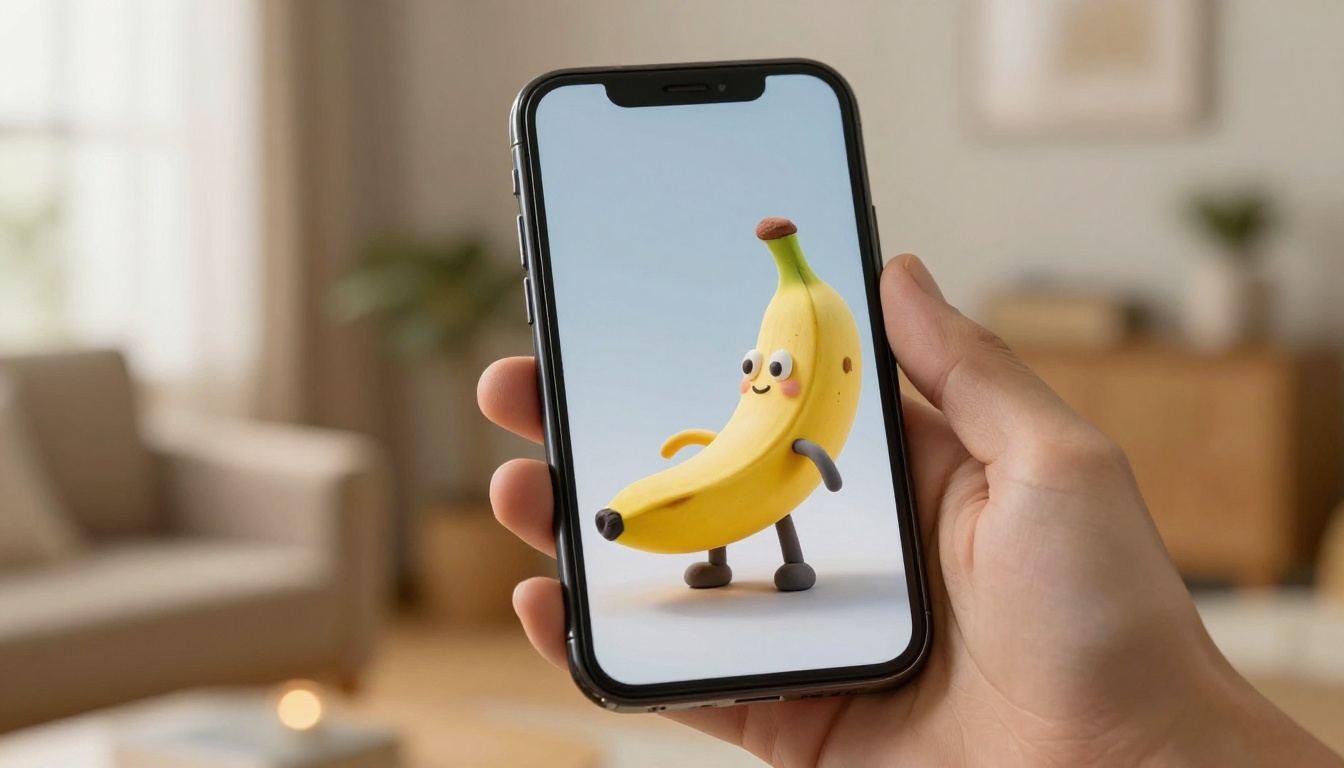
How to Generate 3D Figurines with Nano Banana Style Using AI
Want to create adorable 3D clay figurine characters that look like they belong on a collector's shelf? This article shows you exactly how to use the Nano Banana aesthetic with AI image generators, covering prompt structure, the best models to use, and professional finishing tips.
The Nano Banana style has taken AI art communities by storm, and for good reason. Those round, stubby, impossibly cute clay figurine characters feel like they belong on a collector's shelf in Tokyo or Seoul, and you can generate them in seconds using the right prompt structure and AI model. This article gives you the exact method.
What Is the Nano Banana Style?
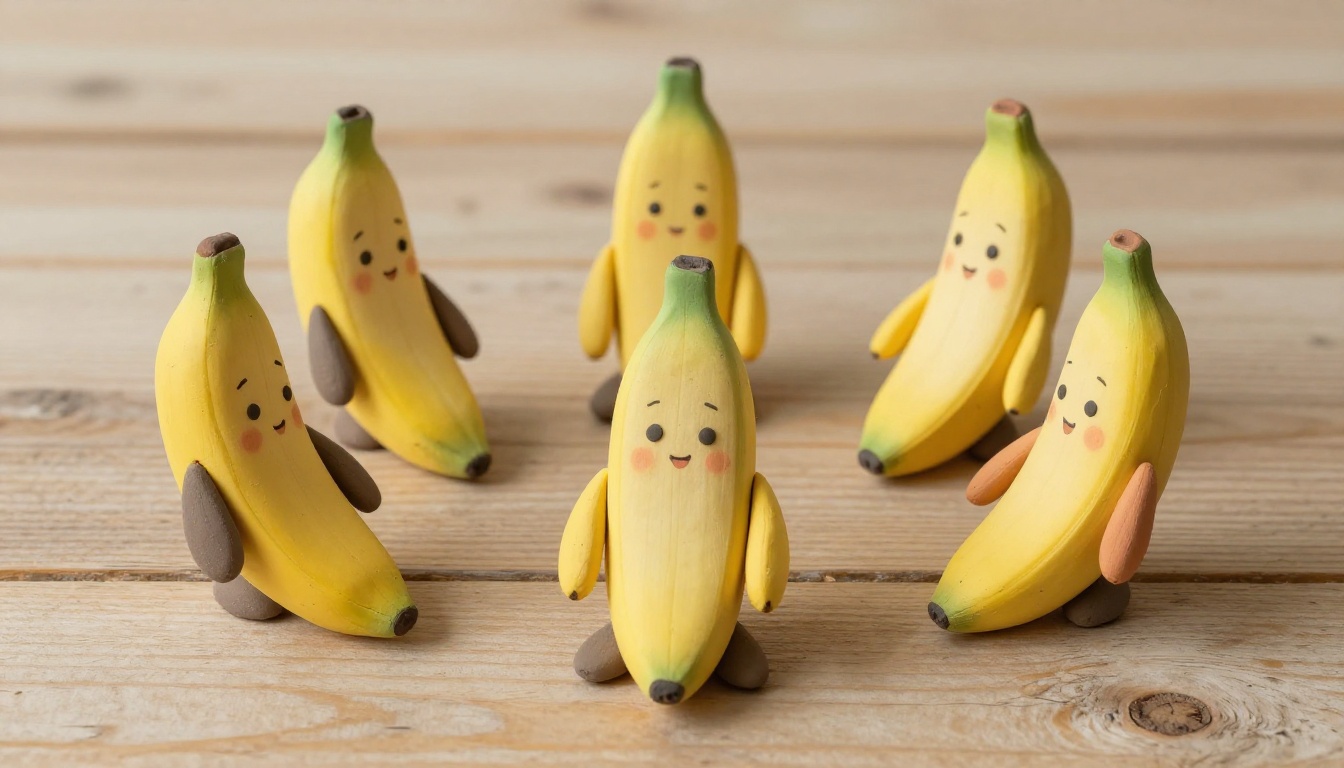
If you've spent time on AI art boards lately, you've seen them: tiny, chibi-proportioned characters with round heads, smooth clay-like skin, squinting happy eyes, and that unmistakable plush toy quality. That's the Nano Banana style in a nutshell.
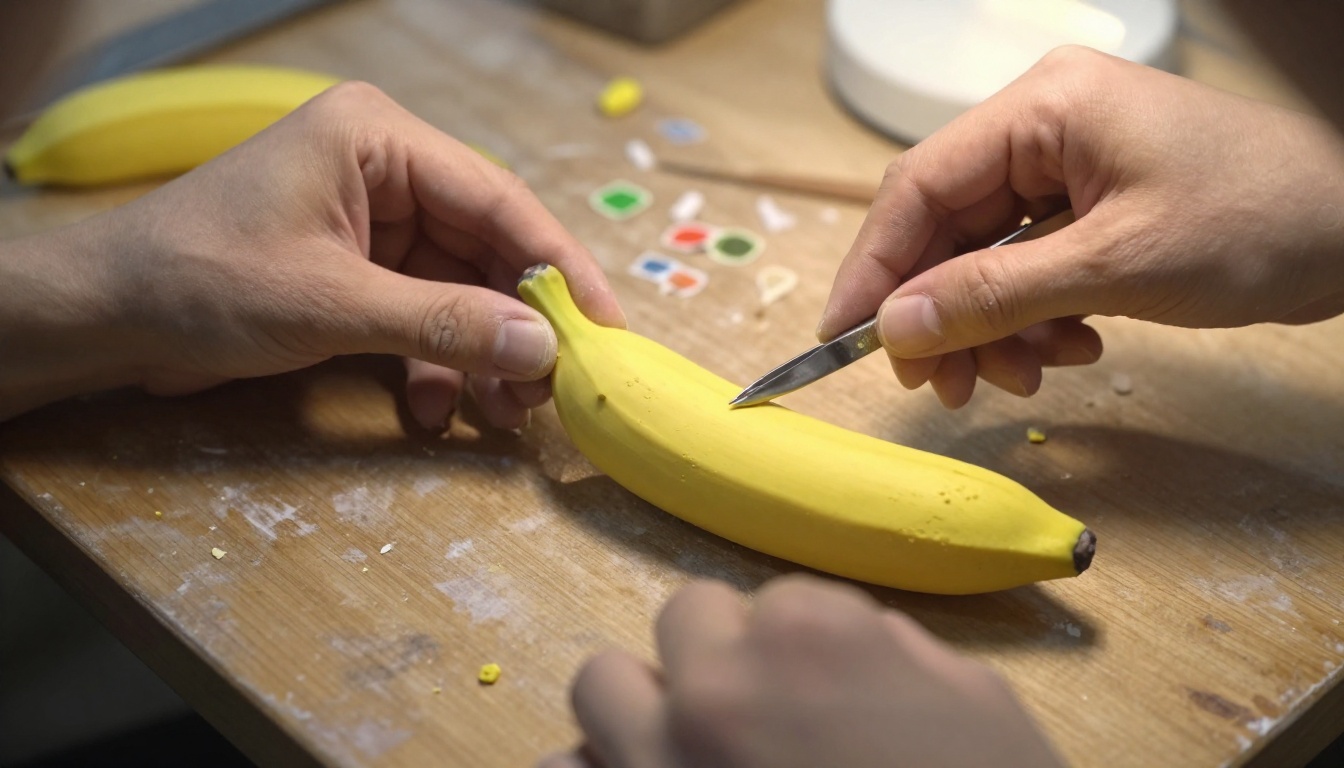
The term comes from a specific visual aesthetic that blends Japanese blind box collectibles, vinyl toy culture, and soft clay sculpture. The characters are compact, almost spherical in body proportion, with exaggerated head-to-body ratios and simplified features that make them immediately appealing.
The Clay Toy Aesthetic
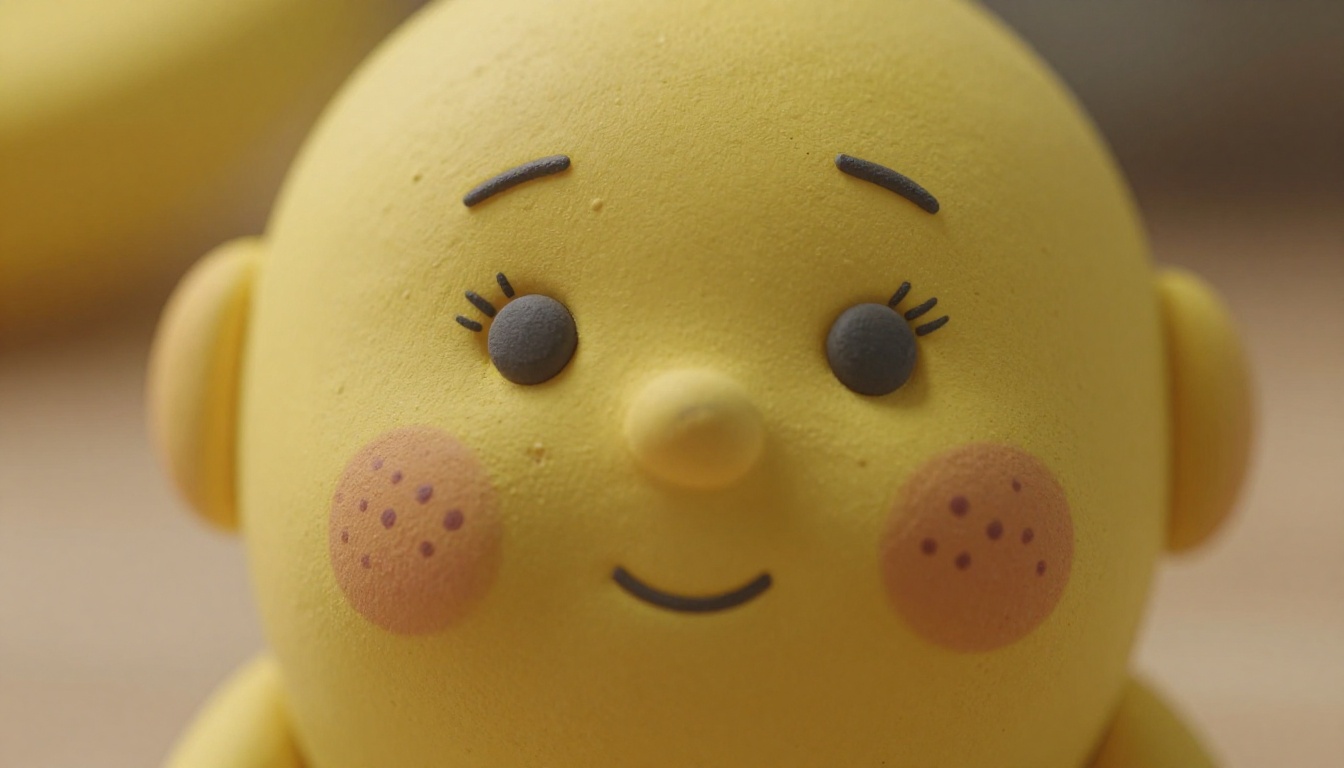
What separates Nano Banana figurines from generic "cute character" AI outputs is texture and material specificity. The style implies a physical object, not a digital drawing. When you nail the prompt, the result should look like someone photographed an actual clay or resin figure sitting on a table.
The surface quality matters enormously. Real clay figurines have:
Subtle matte finish with no reflective sheen
Micro-texture variations in the material surface
Hand-painted facial features with slight imperfection
Warm, natural color palettes over saturated neons
Those details are what you need to communicate in your prompt.
Why This Trend Took Over Social Media
Clay figurine content performs exceptionally well on visual platforms because it occupies a specific emotional territory: nostalgic, playful, and tactile. Viewers instinctively want to pick them up.
The collectible toy market, particularly blind box culture from brands like Pop Mart, has created a massive appetite for this visual language. AI tools have made it possible for anyone to generate original characters in that style without any sculpting experience.
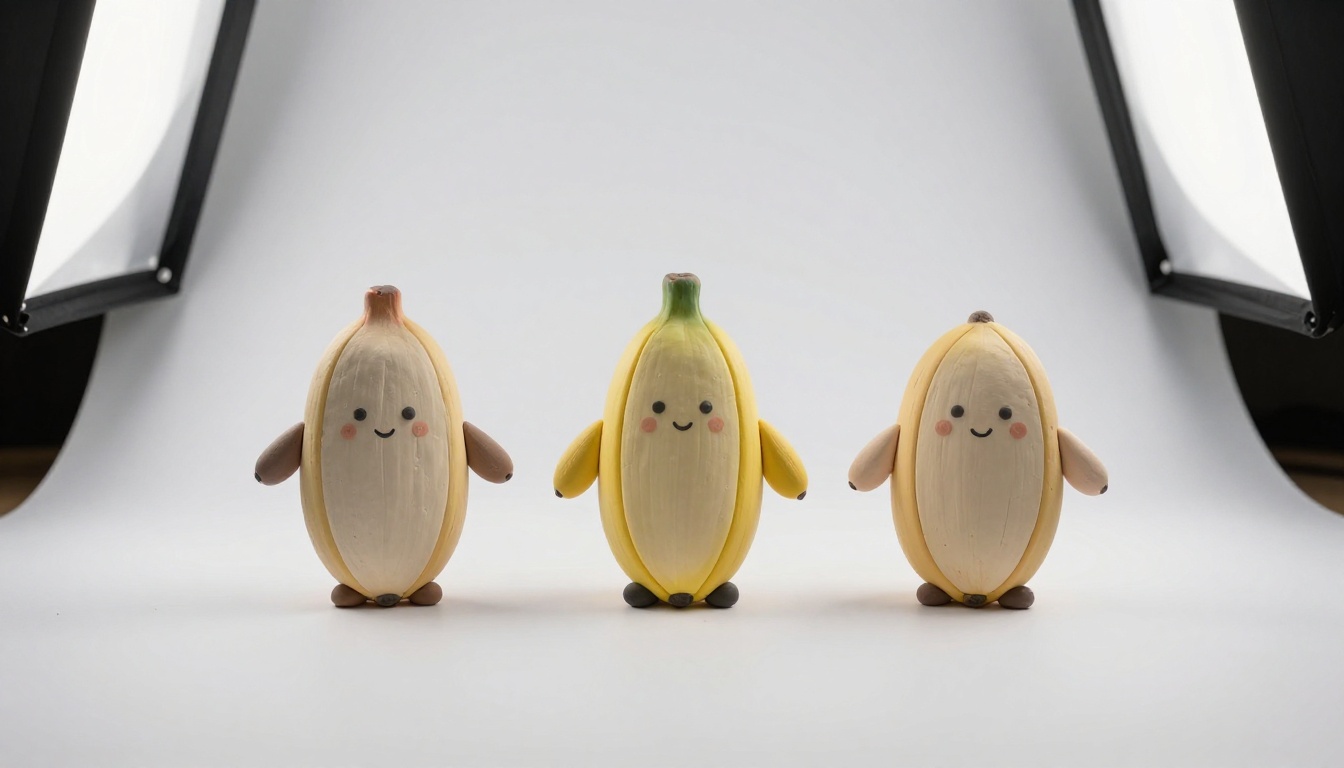
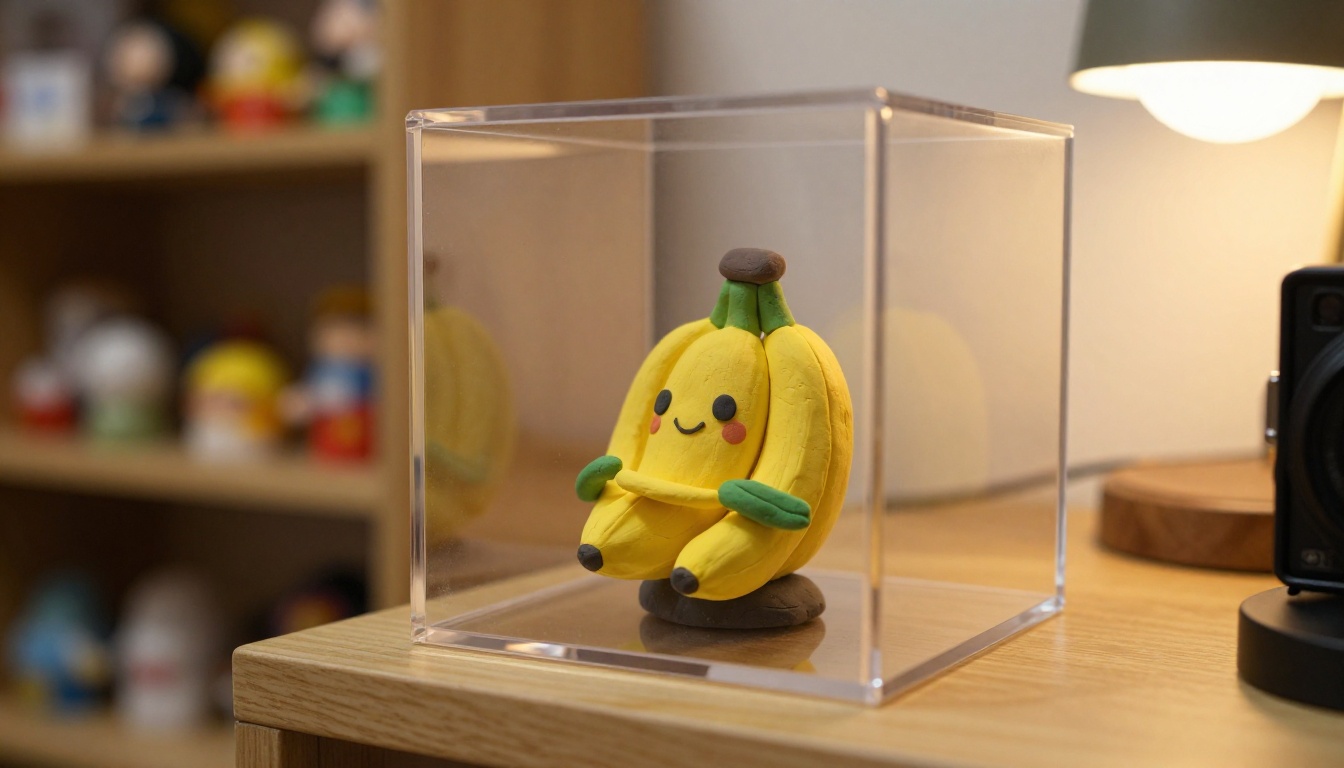
💡 Pro tip: The most viral Nano Banana images include realistic environmental context, such as the figurine sitting on a real wooden shelf or surrounded by natural props. Isolation on a white background feels clinical; context feels collectible.
The Prompt Formula That Works
Prompting for clay figurines is different from standard character art prompts. You're not asking the AI to draw a character. You're asking it to photograph an object.
That shift in framing changes everything.
Core Elements of a Winning Prompt
Every successful Nano Banana figurine prompt contains these building blocks in roughly this order:
1. Object description (not character description)
Start with "a small clay figurine of..." rather than "a cute character who...". You're telling the AI what physical object to render.
2. Material specifics
Call out the material explicitly: polymer clay, air-dry clay, resin, or soft vinyl. Each implies different surface properties the model will replicate.
3. Size and scale reference
Mentioning approximate dimensions (e.g., "approximately 8cm tall") or comparative scale objects anchors the image in physical reality.
4. Photography context
Specify the surface the figurine sits on, the lighting source, and the camera setup. This is where most beginners skip crucial details.
5. Texture and finish
"Smooth matte clay texture," "subtle fingerprint marks visible," "hand-painted watercolor blush dots on cheeks" — these micro-details separate good outputs from great ones.
Here's a template that consistently works:
A small [material] figurine of [character description], approximately [height]cm tall, sitting on [surface], photographed with a [camera/lens], [lighting description], smooth matte [material] texture with [surface detail], [color profile], 8K photorealistic
What to Avoid in Your Prompts
Term to Avoid
Why It Fails
Better Alternative
"3D render"
Triggers CGI-style outputs
"clay figurine photograph"
"cartoon character"
Produces 2D flat illustration
"physical toy sculpture"
"cute anime"
Over-saturated, flat aesthetics
"Japanese blind box collectible"
"digital art"
Loses the physical object quality
"product photography of figurine"
"figurine drawing"
Implies illustration not object
"figurine on [surface] photographed"
Avoid style terms that belong to digital art workflows. Your vocabulary should come from product photography and material science, not illustration.
Best AI Models for This Style
Not every model handles the Nano Banana aesthetic equally well. The style demands fine material texture rendering and consistent character proportions, which separates capable models from generic ones.
Top Picks for Clay Figurine Generation
GPT Image 2 handles physical object rendering with impressive fidelity. Its strength is in following detailed material descriptions precisely, which makes it ideal for specifying clay texture properties, surface finish, and painted facial feature details.
Flux Fast generates results quickly while maintaining solid prompt adherence. For iterating on character designs before committing to a final high-detail render, Flux Fast is the right starting point. The speed lets you test 10 prompt variations in the time other models produce one.
Dreamina 3.1 produces cinematic 4-megapixel images with exceptional sharpness, making it particularly good for close-up macro shots of figurines where every surface detail needs to hold up at high resolution.
Recraft 20B offers strong style control across different visual aesthetics, which is useful when you want to maintain consistent character proportions across multiple images in a series.
Hunyuan Image 3 consistently produces sharp AI images with fine detail rendering, handling complex material textures well, especially when you layer multiple texture descriptions in a single prompt.
Which Model Handles Details Best
For close-up macro photography of figurine faces and surface texture, Phoenix 1.0 generates up to 5-megapixel outputs that reveal extraordinary detail. Painted facial features, matte clay micro-texture, and color variations in the clay material all hold up at maximum zoom.
Once you have a strong base image, P Image Upscale sharpens the result further without introducing AI artifacts, making it the natural final step in a figurine image workflow.
💡 Workflow tip: Generate with Flux Fast for speed during concept iteration, switch to GPT Image 2 for your final high-detail render, then finish with P Image Upscale for print-ready resolution.
From Concept to Character
The difference between a random figurine output and a coherent character series comes down to pre-generation planning. Characters that feel deliberate and original require decisions made before you type a single word into a prompt field.
Picking Your Character Idea
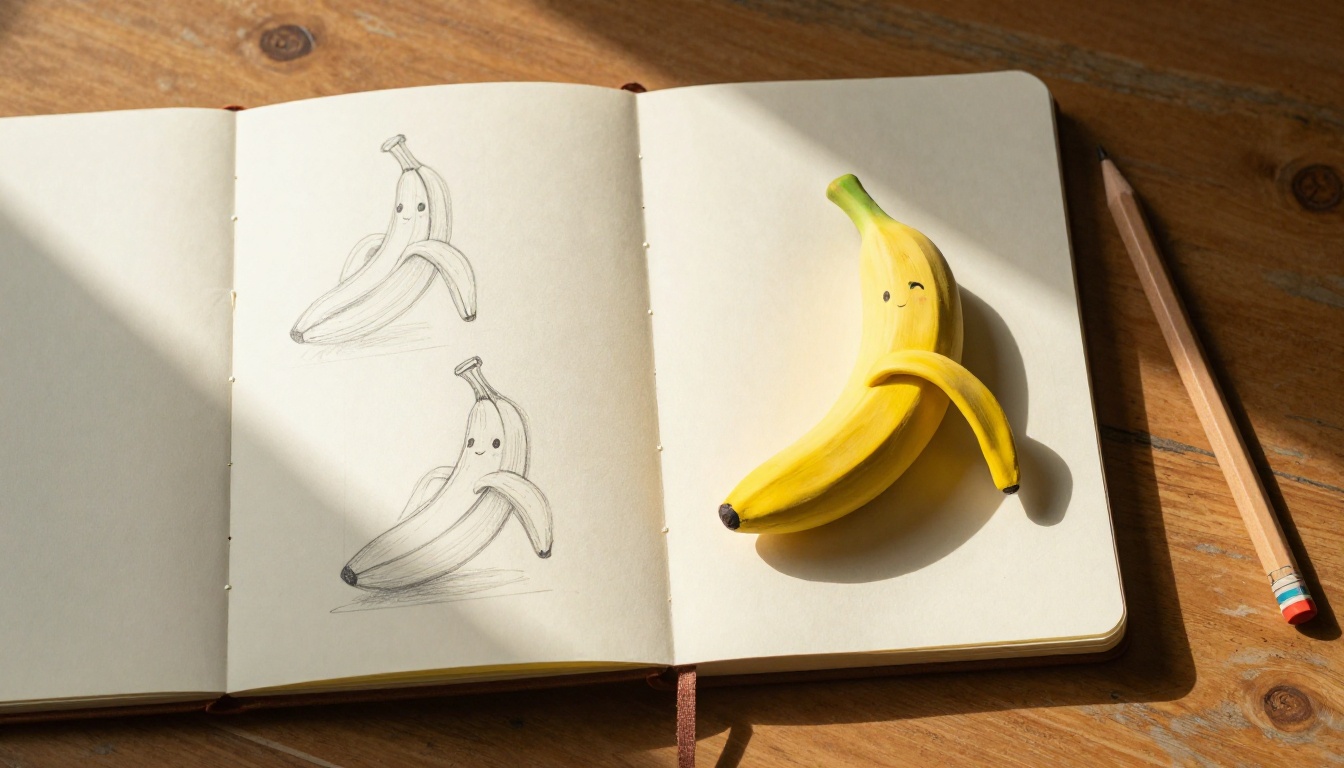
Start with a simple personality or emotion rather than a complex backstory. The best collectible figurine characters are instantly readable in a single expression. A banana character with sleepy eyes and a tiny yawn. A cloud character with a grumpy frown. A strawberry with wide excited eyes.
Ask yourself: if someone saw this figurine across a room, what one feeling would they immediately understand?
That single emotional beat becomes your anchor. Everything else in the prompt, the pose, the accessories, the color details, supports that emotional core.
Building Out the Prompt
Once you have your character concept, build the prompt in layers:
Layer 1: The base object
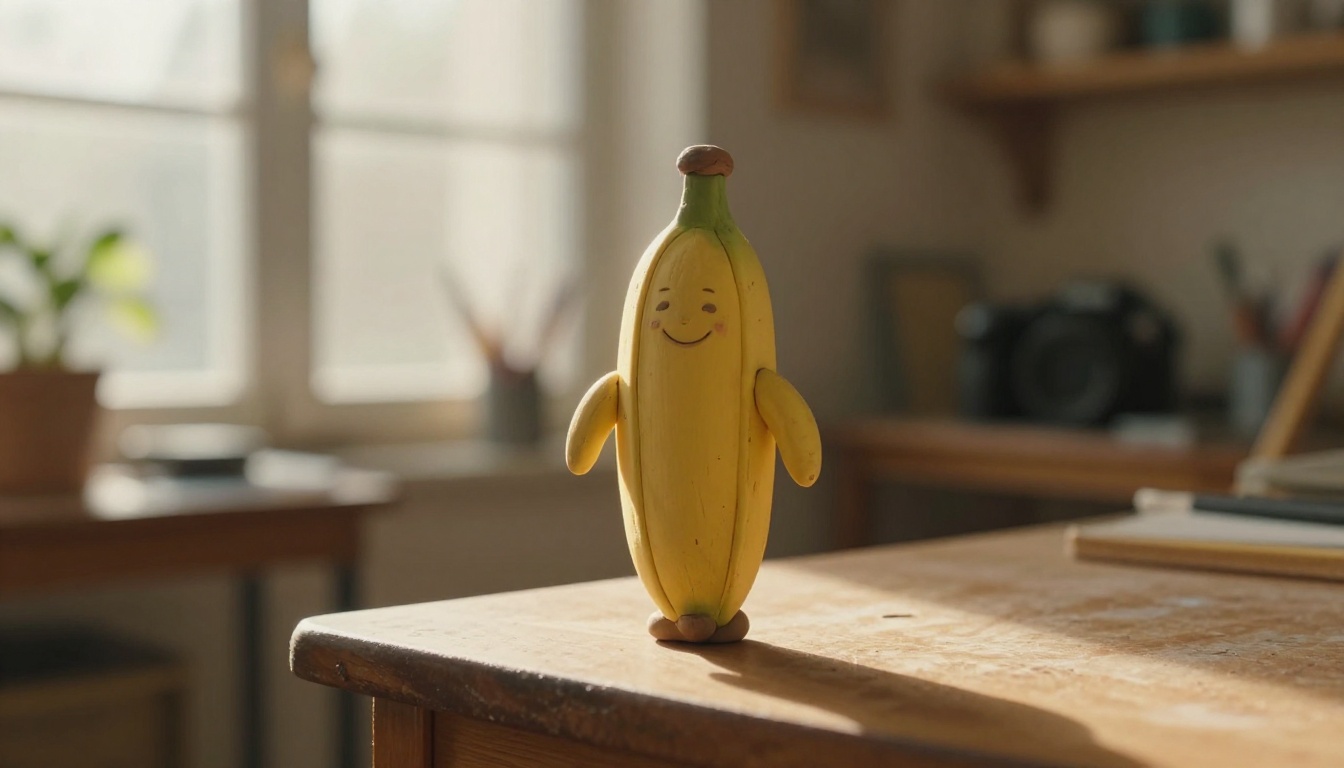
"A small polymer clay figurine of a banana character with a round head, stubby arms, and a happy squinting expression"
Layer 2: Physical details
"smooth matte clay texture, hand-painted blush dots on cheeks, tiny painted eyelashes, approximately 7cm tall"
Layer 3: Scene and surface
"placed on a weathered light oak wooden surface, surrounded by soft morning natural light from a large window to the left"
Layer 4: Camera specs
"photographed with a Sony 90mm macro lens at f/2.8, shallow depth of field blurring background into soft warm bokeh"
Layer 5: Film and finish
"Kodak Portra 400 color profile, natural film grain, 8K photorealistic"
Stack these layers and your prompt becomes a complete visual instruction set rather than a vague request.
Upscaling Your Result
When you have a strong output, don't stop at the base resolution. The Nano Banana style rewards high detail, and a sharp upscale brings out surface texture that wasn't visible at standard output resolution.
P Image Upscale handles figurine photographs particularly well because it preserves the matte surface quality rather than adding artificial sharpening that makes clay look glossy.
For inpainting specific areas, such as fixing a facial feature or adjusting a background element, Flux Fill Pro lets you edit just that region while keeping the rest of the image intact.
Pro Tips for Sharper Results
The gap between a decent figurine image and an outstanding one usually comes down to a handful of specific prompt choices most people overlook.
Lighting Keywords That Change Everything
Lighting direction transforms the three-dimensionality of your figurine renders. These specific phrases reliably improve outputs:
"volumetric morning light from the left" adds soft, realistic directional illumination
"rim light from behind" creates a delicate halo effect that separates the figurine from background
"diffused softbox overhead" flattens shadows for clean product photography style
"golden hour warm light at 15 degrees from the right" adds warmth and depth
Pair any lighting direction with a surface reflection mention: "light catching the matte clay surface and revealing micro-texture." This forces the model to pay attention to how light interacts with the material rather than treating the figurine as a cartoon object.
Pose and Expression Control
The Nano Banana style works best with simple, readable poses. The more complex the pose, the more likely the model will distort proportions or lose the plush toy quality that defines the aesthetic.
Stick to these proven pose descriptions:
"arms outstretched in a welcoming gesture"
"sitting with legs dangling over the edge"
"one tiny hand raised in a wave"
"standing upright with a slight forward lean"
For expressions, use physical detail descriptions rather than emotional labels: "eyes closed in a happy squint" works better than "looking happy." The physical specificity gives the model something concrete to render.
💡 Consistency tip: If you're generating a character series, lock in the exact facial feature description across all prompts. "Hand-painted blush dots on cheeks, closed crescent-moon eyes, small curved smile" repeated verbatim in every prompt keeps your character recognizable across different scenes.
Real Uses Beyond the Feed
The Nano Banana figurine aesthetic has moved well beyond personal art projects. Here's where creators are actually applying it.
Social Media Content Creation
Figurine-style characters work exceptionally well as brand mascots and content series anchors. A character that stays consistent across multiple images creates the kind of recognizable visual identity that audiences follow.
The photographed-object quality also sidesteps the uncanny valley problem that plagues realistic human AI art. Figurines are supposed to be cute and slightly unreal, so the aesthetic is inherently safe and appealing.
Content creators are using Nano Banana-style AI characters for:
Weekly "figurine of the week" series tied to seasonal or trending topics
Product mascots for Etsy shops and small brands
Social media profile aesthetic anchors
Custom character sticker concepts for merchandise
Product Mockups and IP Creation
This is where the style gets commercially interesting. Independent artists and small toy brands are using AI figurine generation to prototype IP characters before investing in actual manufacturing.
A character that performs well on social media, meaning it gets saved, shared, and followed, becomes a validated concept worth investing in physically.
The AI workflow for IP development typically runs like this:
Generate 20-30 character concept variations using Flux Fast for speed
Identify the 3-5 that generate strongest response
Develop those characters into full scene renders using GPT Image 2 for maximum detail
Test packaging mockups and display contexts
Take validated designs to manufacturers
The entire concept validation phase that used to require professional sculptors and physical prototypes now takes hours.
Make Your First Figurine Right Now
You have the prompt formula. You know which models to use. The only thing left is to actually sit down and generate your first character.
Start simple. One character, one clear emotion, one good surface and lighting setup. Don't try to build a 10-character series on your first attempt. Get one image that genuinely looks like a physical object sitting in real space, and the rest will follow naturally.
Take the prompt template from this article, paste it in, swap in your character concept, and hit generate. Your first clay banana figurine is 30 seconds away.
💡 Start here: Copy this prompt and modify the character description: "A small polymer clay figurine of a [your character] with a round head, stubby arms, and a happy squinting expression, approximately 7cm tall, placed on a light oak wooden surface, soft morning window light from the left, Sony 90mm macro at f/2.8, shallow depth of field, Kodak Portra 400, 8K photorealistic"