Getting a single AI character to look right once is satisfying. Getting that same character to look identical across 20 different scenes, poses, and lighting conditions is where most people hit a wall. The face shifts. The hair changes shade. The jawline softens or sharpens from one image to the next. If you have ever spent hours trying to recreate a character only to end up with a dozen different people who vaguely resemble each other, this breakdown is for you.
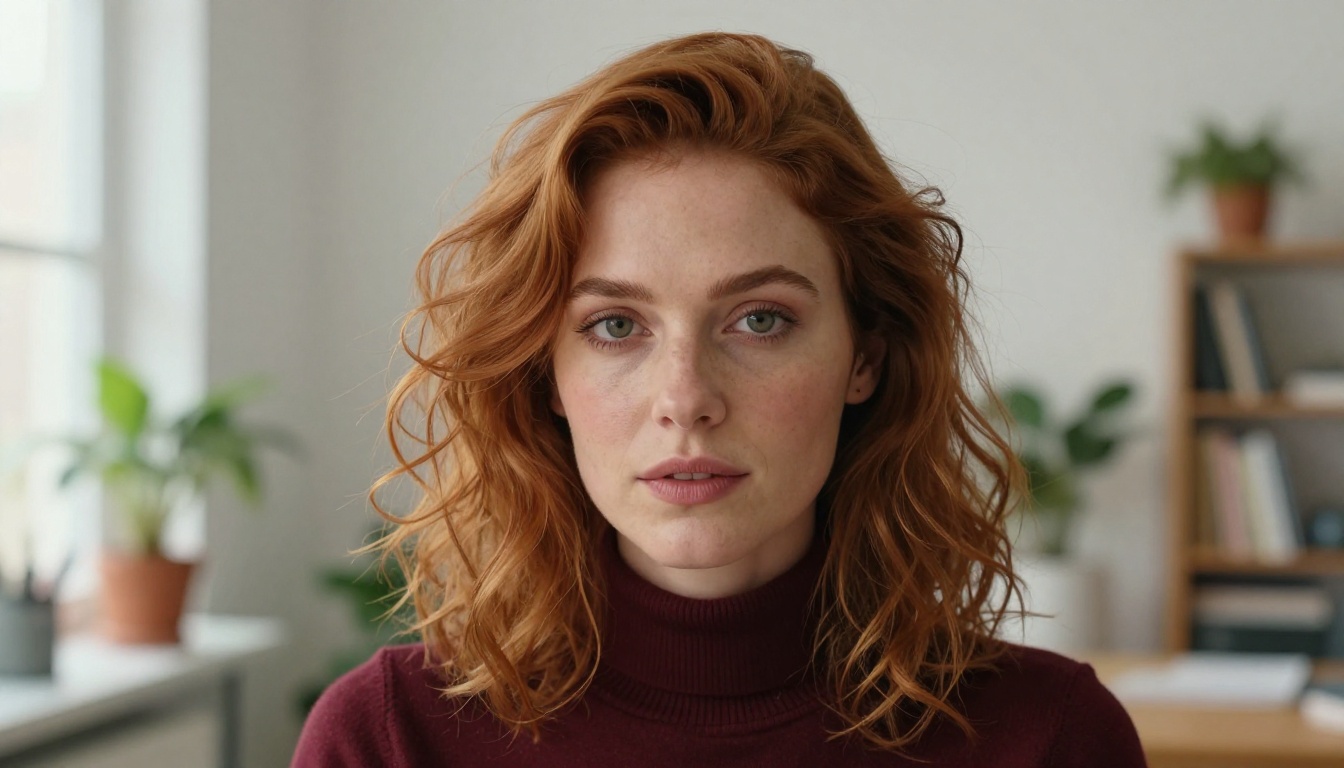
Why AI Characters Keep Changing
The core problem is not the model. It is entropy. AI image generators are probabilistic by nature, meaning every generation involves randomness. Even with the same prompt, you will rarely produce identical outputs twice. That randomness is what gives AI art its variety, but it is also what destroys character consistency.
The randomness problem
Every time you hit generate, the model samples from a probability distribution. Without explicit anchors, it has no memory of what your character looked like before. It does not "remember" that your character has a sharp nose or deep-set eyes. It only knows what your words describe, and natural language is imprecise.
A prompt like "a woman with brown hair and green eyes" describes millions of possible people. Each run, the model picks a different one.
What breaks consistency
Here is a breakdown of the most common consistency killers:
| Issue | Why It Happens | Fix |
|---|
| Face shape changes | Vague facial descriptors | Add specific bone structure details |
| Hair shade varies | Color names are subjective | Use specific terms ("chestnut brown") |
| Body proportions shift | No height or build anchor | Describe build explicitly |
| Skin tone drifts | Lighting changes perceived tone | Lock lighting and describe undertone |
| Eye shape inconsistent | Generic eye descriptors | Specify shape and tilt |
The Character Reference Sheet Method
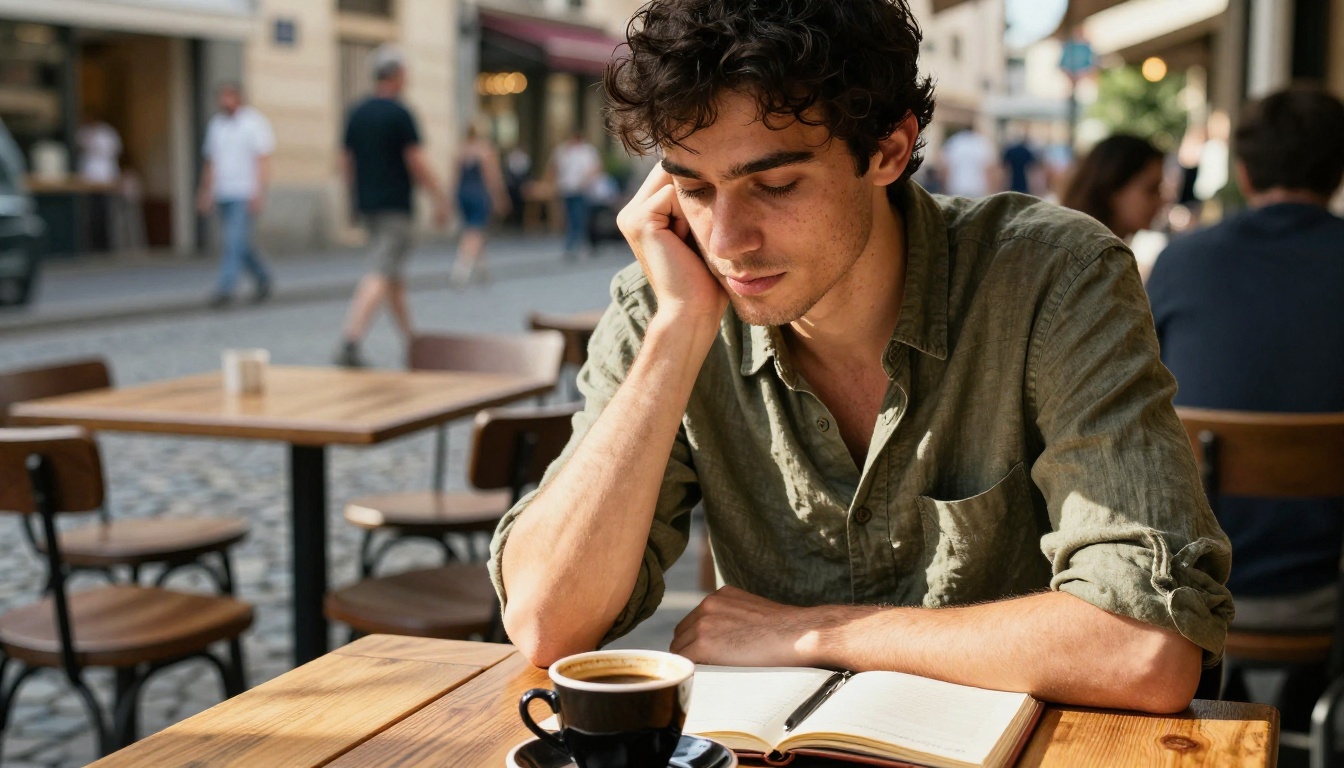
Professional character designers have used reference sheets for decades. In AI generation, the concept translates directly. Before generating a single scene image, you build a character bible: a locked-down description of every physical attribute your character has.
Build your character bible
Think of this as the DNA of your character. Every feature you want to stay the same needs to be written down with enough specificity that the model cannot deviate from it. Vague descriptions give the model creative freedom. Precise descriptions lock it down.
The more detail you include, the less room there is for the model to improvise.
What to include
A solid character bible covers these attributes:
Physical structure:
- Face shape (oval, heart, square, oblong)
- Jawline definition (soft, angular, strong, recessed chin)
- Cheekbone height (high, flat, wide)
- Forehead width and height
- Nose bridge width and tip shape
- Lip fullness and cupid's bow definition
Coloring:
- Exact hair color with descriptor ("dark auburn, not burgundy, not brown, specifically warm red-brown")
- Eye color with detail ("pale grey-green with a dark outer ring")
- Skin undertone ("warm peachy undertone, light tan, no pink")
Distinguishing features:
- Freckles, moles, beauty marks with placement
- Eyebrow shape and density
- Any asymmetry or unique traits
💡 The goal is a prompt so specific that only one person in the world could match it. If your character description could describe 1,000 different people, it is not specific enough yet.
Seed Locking and Prompt Anchoring
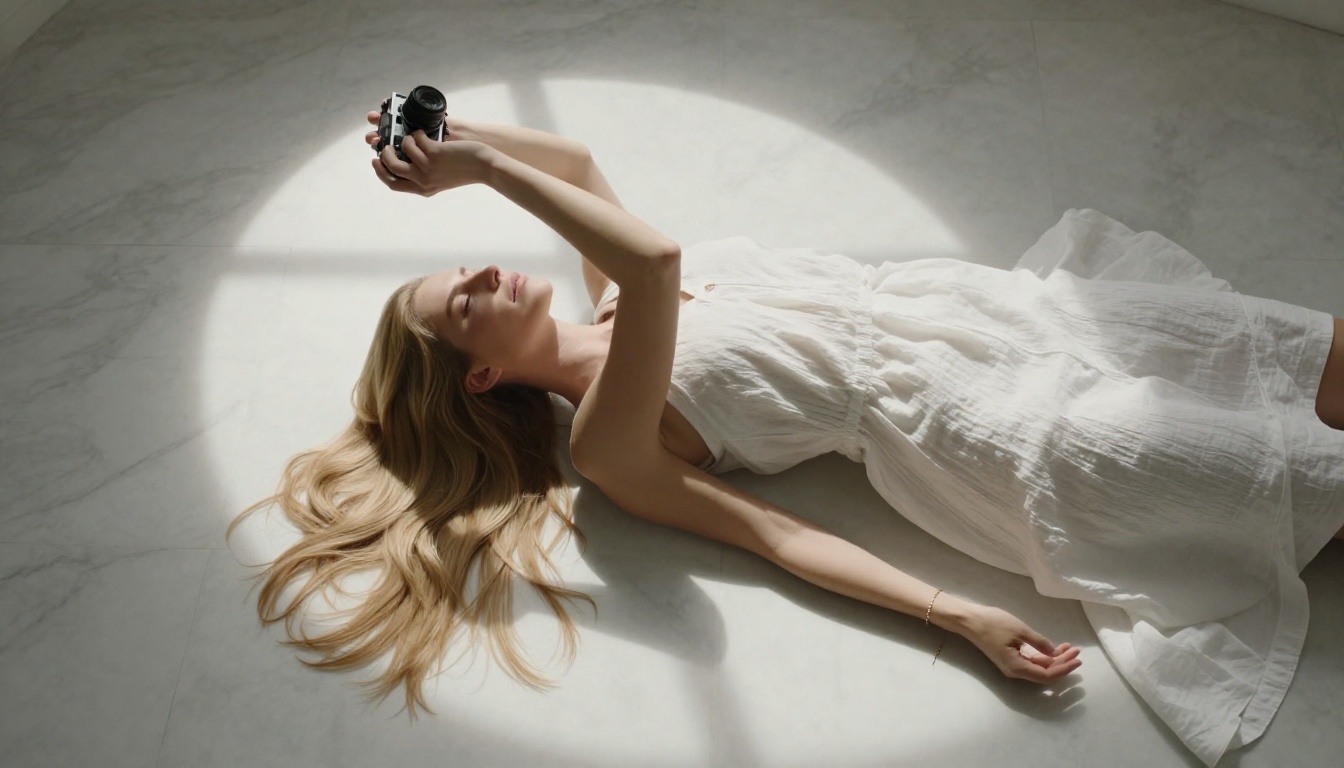
Once you have your character bible, seeds become your second most powerful tool. A seed is a number that controls the starting point of the AI generation process. Using the same seed with the same prompt produces the same output. Change the seed even slightly, and you get a completely different result.
How seeds work
Think of a seed as coordinates on a map. The model's "creative space" is vast, and the seed tells it exactly where to start. The prompt then guides where it goes from that starting point. Same coordinates, same direction equals the same destination every time.
This is why seed locking is the fastest path to visual consistency in a single session. Generate your character once. Find an output you love. Write down the seed number. Now you have a reproducible anchor.
Writing tight character prompts
Seed locking only gets you so far if your prompt is loose. A tight character prompt has these qualities:
- Specificity beats generality - "hooded almond-shaped brown eyes" beats "brown eyes"
- Negative prompts matter - Explicitly exclude what you do not want ("not wide nose, not curly hair")
- Consistent camera framing - Use the same lens and angle every time you want the same face
- Consistent lighting direction - "soft light from the left, slight shadow on right cheek" repeated across shots
💡 When changing scenes, keep the character prompt identical. Only change the environment, background, and clothing. Never rewrite facial descriptions.

Animating Your Character Without Losing Identity
Generating still images of a consistent character is one challenge. Turning that character into video without losing who they are is another level entirely. This is where image-to-video tools become critical.
The image-to-video workflow
The most reliable way to animate a consistent character is to start from a locked still image. You generate your approved character still, then feed that image directly into an image-to-video model. The video generation uses your image as the visual reference, which means your character's face, hair, and proportions are already defined. The model only needs to animate what you gave it.
This is dramatically more reliable than trying to describe a character in a text-to-video prompt from scratch.
Workflow:
- Generate and approve your character still image
- Upload to an image-to-video tool
- Write a motion prompt describing the action only (not the character)
- Review output and repeat if needed
Models like Wan 2.7 I2V and Wan 2.6 I2V are particularly strong for this because they maintain facial consistency from the source image while generating fluid, natural motion.
Best tools for character animation
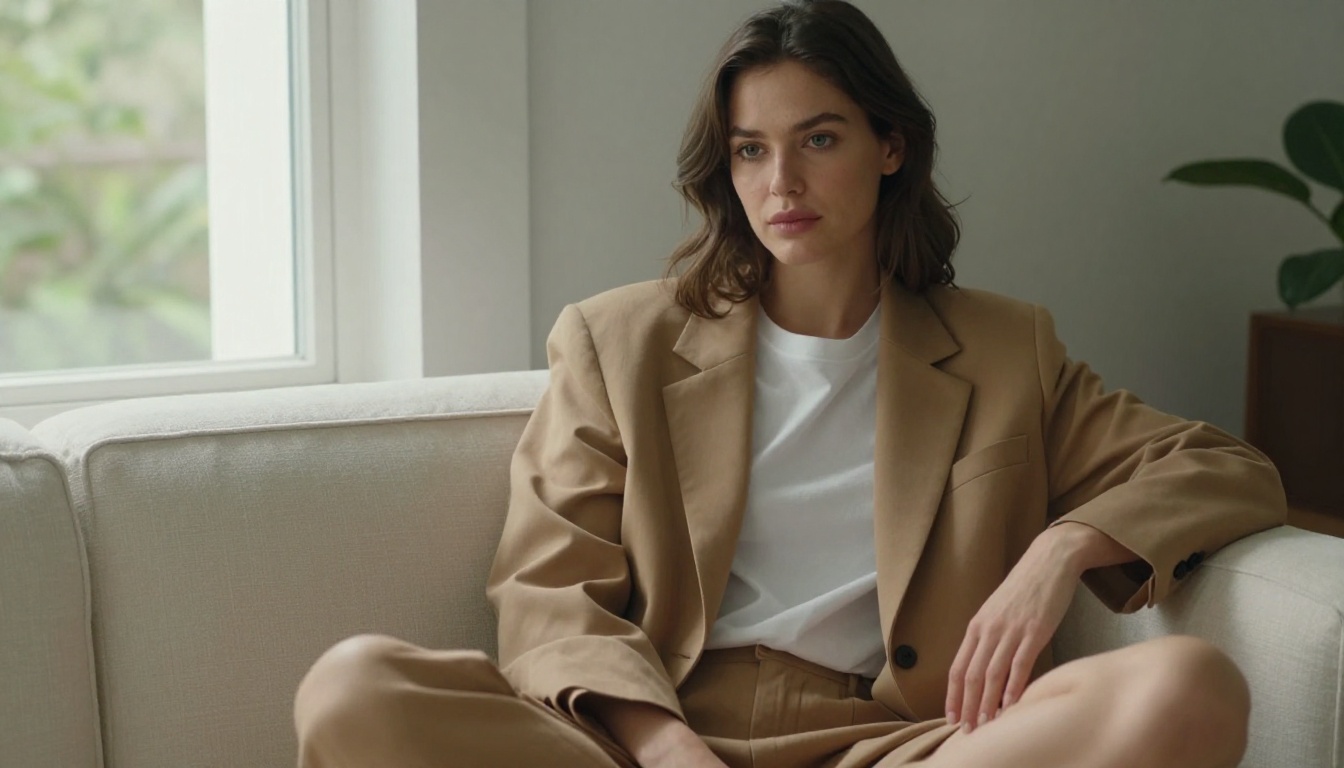
For full character animation with high identity fidelity, Kling Avatar v2 is one of the strongest options available. It specializes in taking a reference face and generating video where that face stays recognizably the same throughout motion.
DreamActor M2.0 by ByteDance lets you animate any character with explicit reference to the source image. The character maintains their look across gestures, head movements, and expression changes.
For longer form video where camera movement and scene transitions matter, Kling v3 Video offers cinematic output while keeping reference characters visually coherent from shot to shot.
| Tool | Best For | Identity Fidelity |
|---|
| Wan 2.7 I2V | Natural movement, image-based | High |
| Kling Avatar v2 | Face-locked character video | Very High |
| DreamActor M2.0 | Full-body character animation | High |
| Kling v3 Video | Cinematic multi-scene output | High |
Upscaling Keeps Your Character Sharp
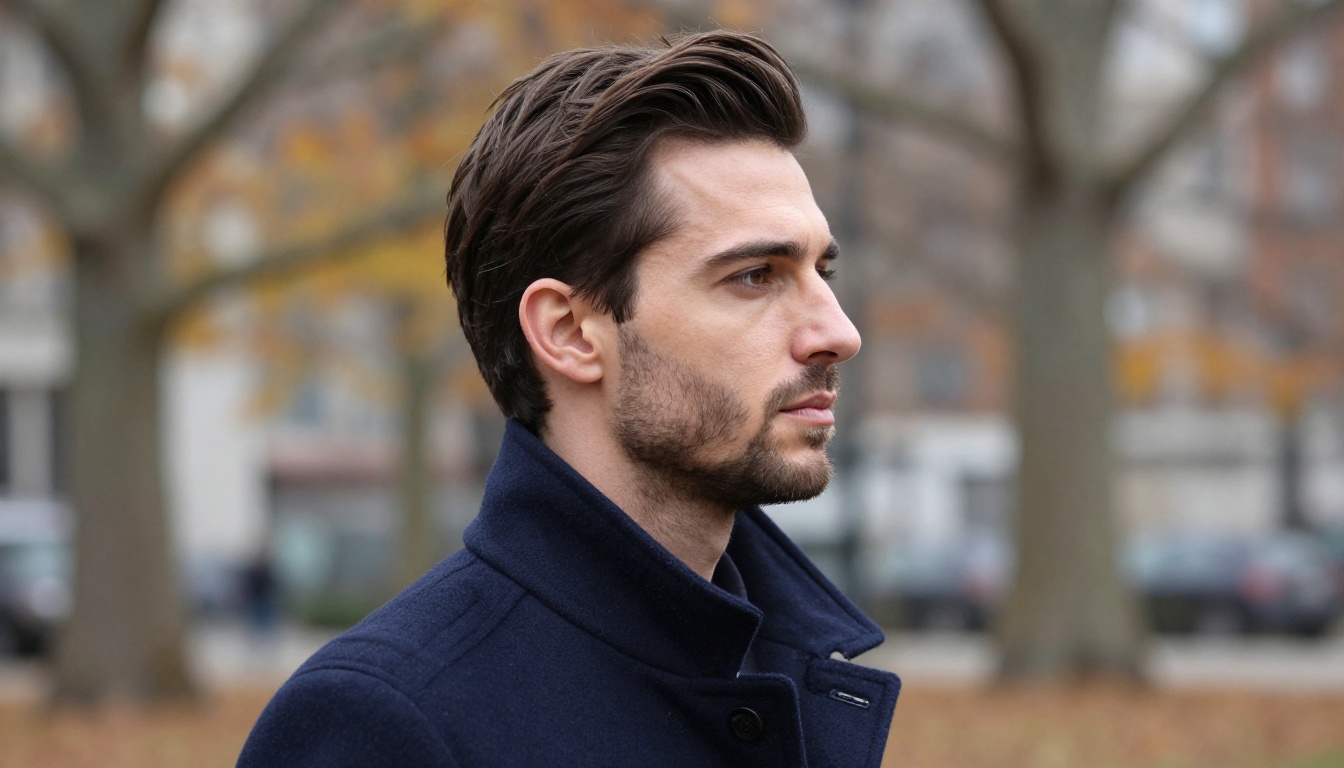
One of the most overlooked parts of character consistency is resolution consistency. When you upscale one image and not another, the level of visible detail changes between shots. That creates a visual inconsistency even when the face itself is identical.
When to upscale
Upscale every character portrait to the same target resolution before using them together. This keeps skin texture, hair detail, and sharpness consistent across your entire character asset library.
Crystal Upscaler is specifically tuned for portrait upscaling. It enhances facial detail without introducing artificial sharpening artifacts that would change how your character looks. For general image upscaling to 4x, Real ESRGAN and Google Upscaler handle both close-ups and full-body shots cleanly.
💡 Batch-upscale all character images to the same resolution before using them in video or composite scenes. Mismatched resolutions are immediately noticeable to viewers.
Talking Characters with Lipsync
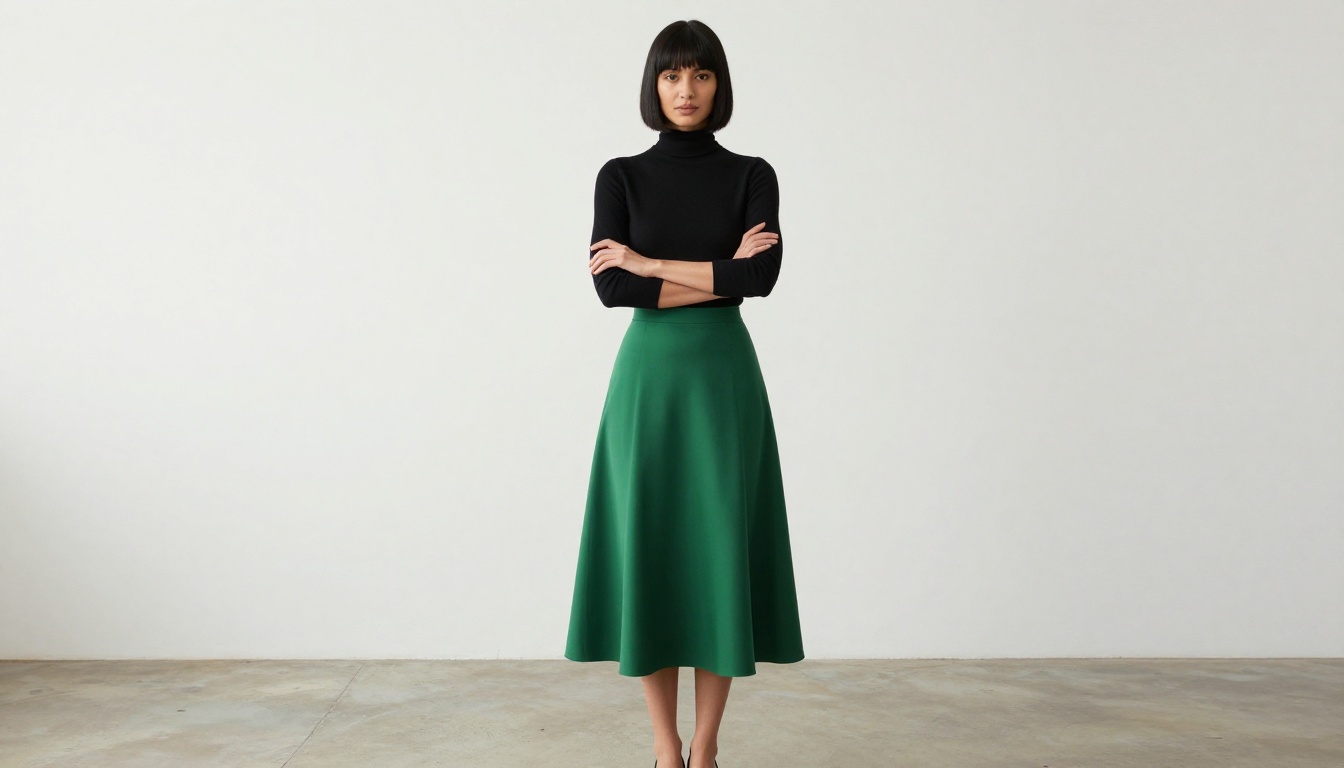
Once you have a consistent character, making them speak is the next natural step. Lipsync tools take your character video and synchronize the mouth movements to an audio track. This is how AI creators produce talking avatar content without recording any footage.
The critical thing here is starting from a high-quality, high-consistency character video. A blurry or inconsistent source will produce blurry, inconsistent lipsync output.
Omni Human 1.5 is designed specifically for animating a still photo into a full talking video. It can take your character image, apply audio-driven animation, and produce a realistic lip-synced output. Combined with Lipsync 2 Pro for precision audio alignment, you can create talking character content that holds up to close scrutiny.
Lipsync workflow for AI characters:
- Generate consistent character still
- Animate with an image-to-video tool (Wan 2.7 I2V or Kling Avatar v2)
- Feed video into Omni Human 1.5 with voice audio
- Apply Lipsync 2 Pro for final sync precision
3 Mistakes That Kill Consistency

Even creators who know the theory still fall into these traps:
Mistake 1: Rewriting the character prompt for every scene
Every time you change your character description, you invite drift. Even replacing "chestnut brown hair" with "dark brown hair" will shift the output. Keep the character block of your prompt frozen. Copy-paste it every time.
Mistake 2: Changing seeds between shots of the same character
If you found a seed that produces your character accurately, treat it as a sacred number. Keep a document with your character name, their reference seed, and their locked prompt. Only change the seed when you explicitly want a different look.
Mistake 3: Generating at different resolutions
A character generated at 512x512 and then upscaled looks different from one generated natively at 1024x1024. The initial generation resolution affects how the model distributes detail. Choose a resolution and stick with it across your entire character library.
💡 Keep a single "master generation file" per character: seed number, exact prompt text, resolution, model version, and approved reference images. Treat it like a creative contract.
Pose Control for Consistent Body Proportions
One of the most powerful consistency methods is pose-controlled generation. Instead of describing a pose in text (which is imprecise), you provide a skeleton or depth map that the model must follow. This keeps your character in exactly the position you need without letting the model interpret your description loosely.
Pose control also prevents the model from subtly reshaping the body to fit the pose, which is one of the hidden ways character proportions drift between images. When combined with a locked character prompt and seed, pose-controlled generation gives you the most consistent results possible with current AI tools.
For creators building a series of images with the same character in different positions, this is the single highest-impact technique to add after mastering prompt locking.
Your First Consistent Character
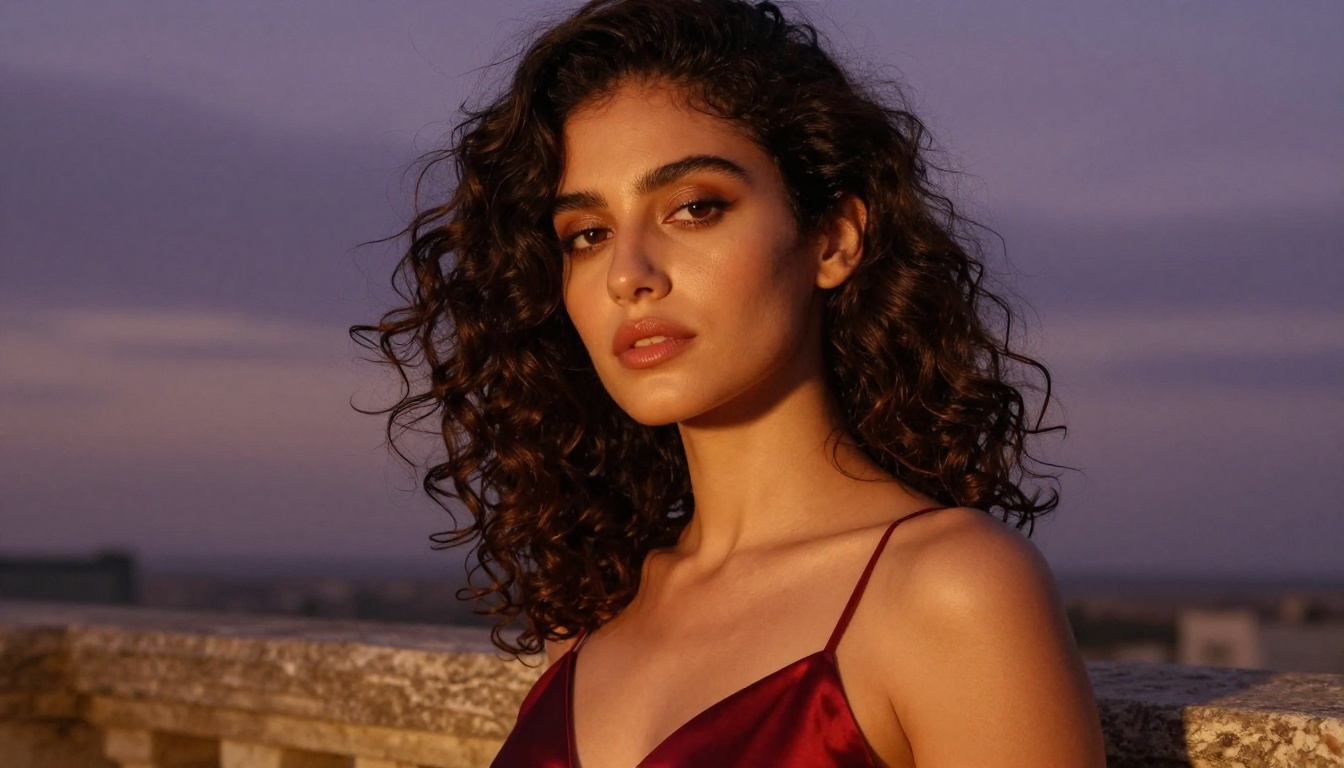
Character consistency is not magic. It is methodology. The creators producing consistent AI characters at scale are not using better models than you have access to. They are being more disciplined about documentation, prompt structure, and workflow.
Here is the full system in one place:
- Write a detailed character bible before generating anything
- Generate a reference still using a seed you document
- Lock the character block of your prompt and never rewrite it
- Use image-to-video tools like Wan 2.7 I2V to animate from your approved still
- Upscale all assets to the same resolution with Crystal Upscaler
- Add voice and lipsync with Omni Human 1.5
The full toolchain for generating, animating, upscaling, and voicing a consistent AI character exists on one platform. Start by generating your character reference image, then work through each step of the workflow. With the right setup, you can produce a full cast of recognizable, consistent AI characters without ever picking up a camera.
Try creating your own character on Picasso IA and see how far a disciplined prompt takes you.


