Fashion shoots used to cost thousands. A studio rental, a photographer, a lighting crew, a stylist, a model, and half a day of scheduling just to get twenty usable frames. That equation changed completely when text-to-image AI hit a quality threshold that made photorealistic results genuinely indistinguishable from camera-captured photographs. Today, a single well-written prompt produces a full editorial spread before your coffee gets cold.
This isn't about replacing fashion photography as an art form. It's about removing the financial and logistical wall that kept most creators, boutiques, and independent brands from producing the visual content their work deserved. You can now generate AI fashion shoots at home that look like they came out of a Vogue studio, using nothing but a browser and the right words.
Why AI Fashion Photography Works Now
The quality gap closed fast. Two years ago, AI-generated people looked like wax figures. Hands had six fingers, skin looked laminated, and clothing draped like it was made of plastic. The models available now produce a completely different result.
The Real Cost of a Traditional Shoot
A modest commercial fashion shoot in a mid-size city runs between $2,000 and $8,000 when you account for the photographer's day rate, studio rental, model fees, hair and makeup, and post-production retouching. For a small clothing brand trying to launch a seasonal lookbook, that number alone can be the difference between shipping a product and shelving it.
AI fashion shoots at home change that calculus entirely. The variable cost drops to near zero, and the only investment is time spent writing good prompts.
💡 The real advantage isn't just cost. It's iteration speed. You can test 40 different lighting setups, outfit combinations, and color palettes in an afternoon without any physical resources.
What AI Gets Right About Fashion Imagery Now
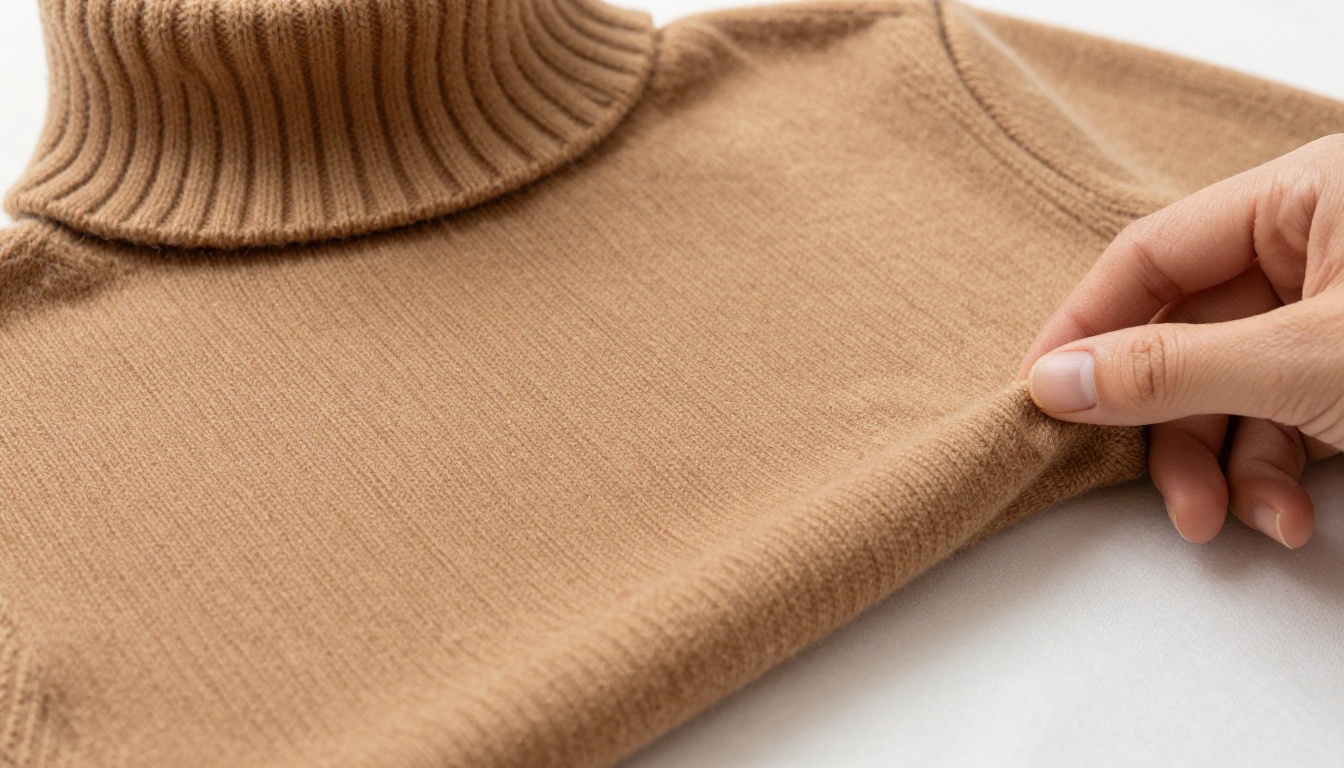
Modern text-to-image models render skin texture, fabric drape, and lighting behavior with a precision that was not possible two years ago. Silk catches and scatters light the way silk actually does. Cashmere shows individual yarn fibers. Human skin displays pores, natural variation in tone, and the subtle warmth that separates a real complexion from a digital approximation.
It comes down to knowing which model to use for which result, and how to write prompts that give the model exactly what it needs.
Choosing the Right Model for Fashion
Not all AI image models handle fashion photography equally well. Some are optimized for speed, others for photorealism, and others for creative control. Here's how the main options on PicassoIA stack up.
Flux Dev for Editorial Portraits
Flux Dev is a 12-billion parameter model that produces sharp, detailed images at 1-megapixel resolution. For fashion portraits that need to hold up at large sizes, Flux Dev is the reference standard. Its img2img mode is particularly useful: upload a reference photo of a garment or a pose, write a prompt describing the changes, and the model generates a modified version rooted in your source image.
Best for: editorial portraits, full-length outfit shots, any image where detail and fidelity matter.
| Feature | Detail |
|---|
| Parameters | 12 billion |
| Img2img | Yes |
| Aspect ratios | 11 options |
| Output formats | WebP, JPG, PNG |
Realistic Vision v5.1 for Skin and Human Detail
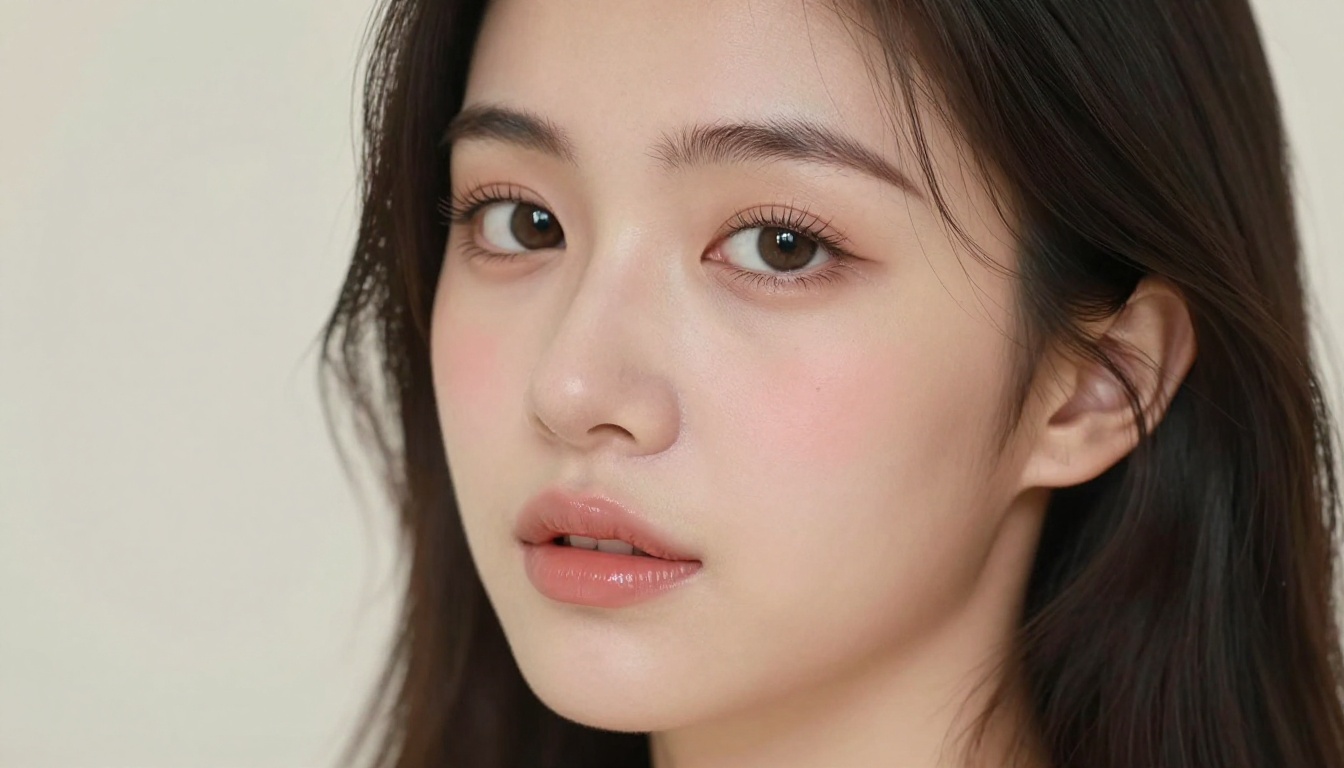
Realistic Vision v5.1 was fine-tuned specifically to solve the problems that generic models fail at: realistic faces, natural skin texture, and believable human anatomy. If your shoot centers on a close-up portrait or a beauty editorial, this is the model you reach for first.
It accepts both a positive and a negative prompt. The negative prompt is where you push out common artifacts like blurry faces, distorted hands, and plastic-looking skin. The model's built-in VAE produces richer color depth than standard base model outputs, which matters for skin tones specifically.
Best for: beauty close-ups, portrait fashion, any shot where the human face is the focal point.
Flux 1.1 Pro for Speed and Volume
Flux 1.1 Pro reads prompts with exceptional accuracy and returns results in seconds. When you're testing ten different prompt variations to find the right composition, waiting two minutes per image breaks your creative momentum. Flux 1.1 Pro keeps that momentum going.
It also supports an image prompt input, letting you supply a reference image alongside your text to steer composition and style. Useful when you have a mood board or a garment photo and want the AI to absorb its visual logic.
Best for: rapid iteration, lookbook batches, testing multiple outfit or background variations quickly.
Stable Diffusion for Creative Control
Stable Diffusion remains the most configurable option. Six scheduler choices, full resolution control up to 1024 pixels, and granular guidance scale settings give you precise control over how the model interprets your prompt. If you want to push into a specific aesthetic or reproduce a very particular visual style consistently, the additional control parameters give you more levers to pull.
Best for: creative experimentation, developing a distinctive house aesthetic, prompts that need careful guidance control.
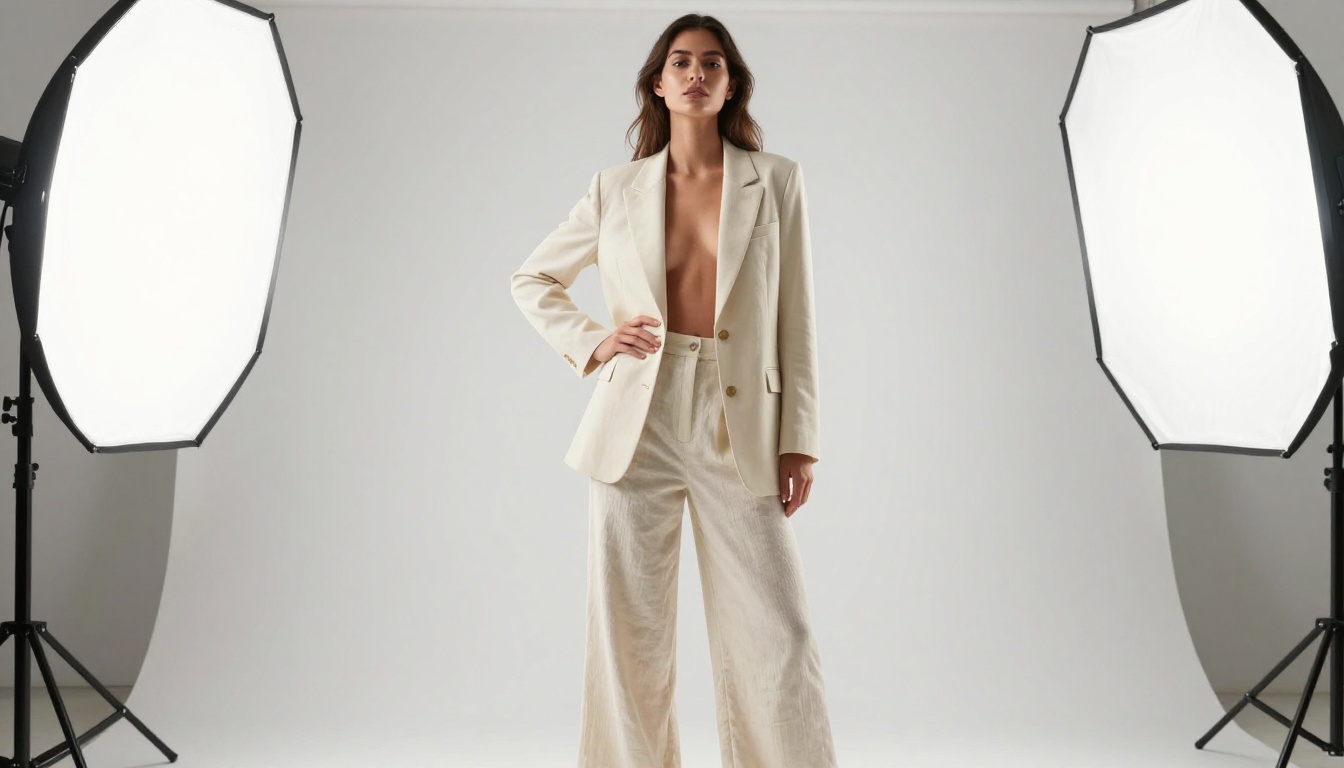
How to Write Fashion Prompts That Work
The prompt is the shoot brief. A bad brief produces unusable frames. A great brief produces something you can publish immediately. This is the skill worth spending real time on.
The Anatomy of a Strong Fashion Prompt
Every high-performing fashion prompt has five components, in this order:
- Photography style qualifier —
RAW 8K photography, Kodak Portra 400 film scan, medium format digital
- Subject and wardrobe — specific garment type, color, fabric, fit
- Environment and background — where is the shot? What is behind the subject?
- Lighting specification — direction, quality, and color temperature
- Camera and lens data — focal length, aperture, distance from subject
A prompt that skips any of these components gives the model room to fill in the gaps with whatever its training weighted highest, which is usually generic and forgettable.
Weak prompt: a woman in a red dress, fashion photo
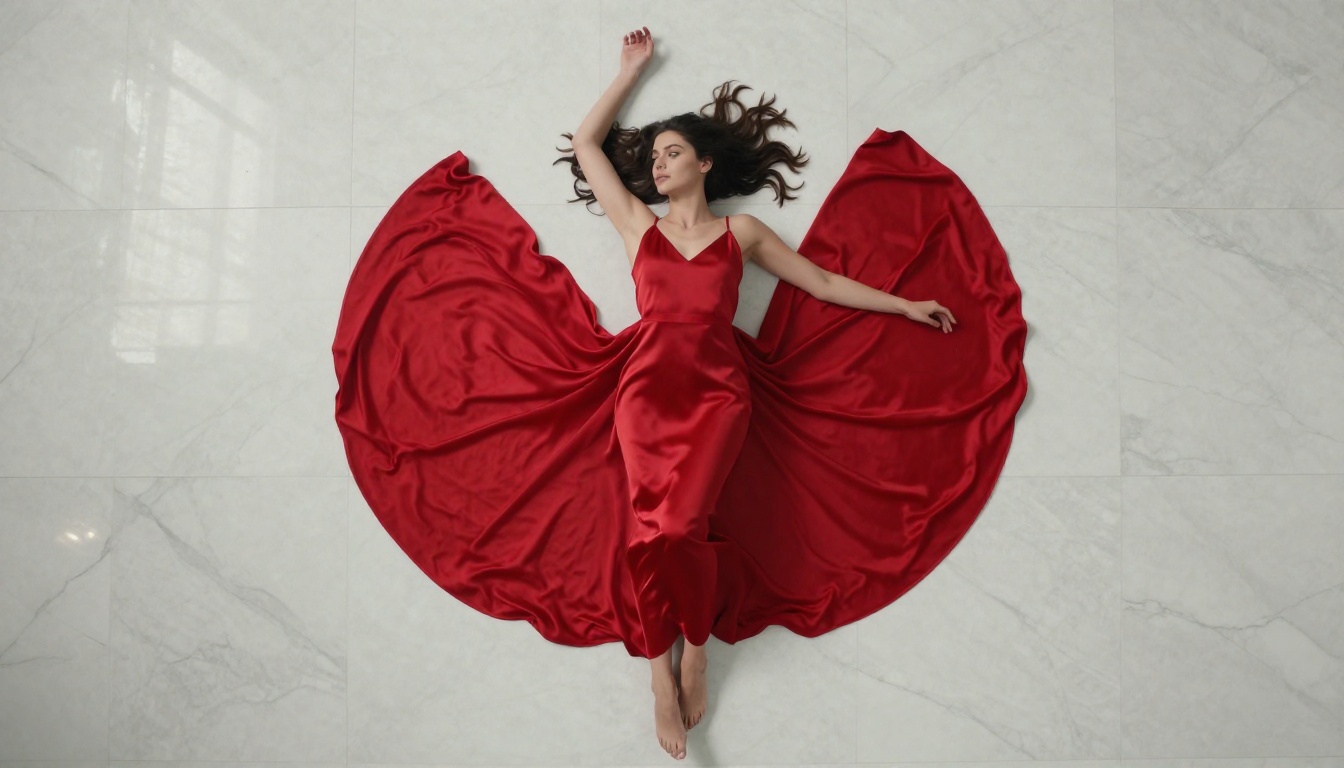
Strong prompt: RAW 8K photography, full-length portrait of a woman wearing a flowing crimson silk bias-cut dress, standing in front of a white plaster wall in a sun-filled studio apartment, volumetric morning light from the upper left window creating warm golden shadows, shot with 85mm f/1.8 lens, skin texture visible on bare shoulders, film grain Kodak Portra 400
The difference in output quality between those two prompts is not subtle.
Lighting Is Everything in Fashion AI
Natural window light is the most forgiving and most photorealistic light source in AI fashion prompts. Specify the direction (left, right, behind), the quality (harsh midday, diffused overcast, golden hour), and the effect you want on the subject.
Common lighting setups that translate well to AI prompts:
- Window fill light:
soft diffused north-facing window light from the right, even wraparound illumination
- Golden hour rim light:
late afternoon sunlight from behind and left, golden rim light separating subject from background
- Beauty dish equivalent:
single large octagonal softbox from 45 degrees above-left, crisp soft shadows
- Silhouette:
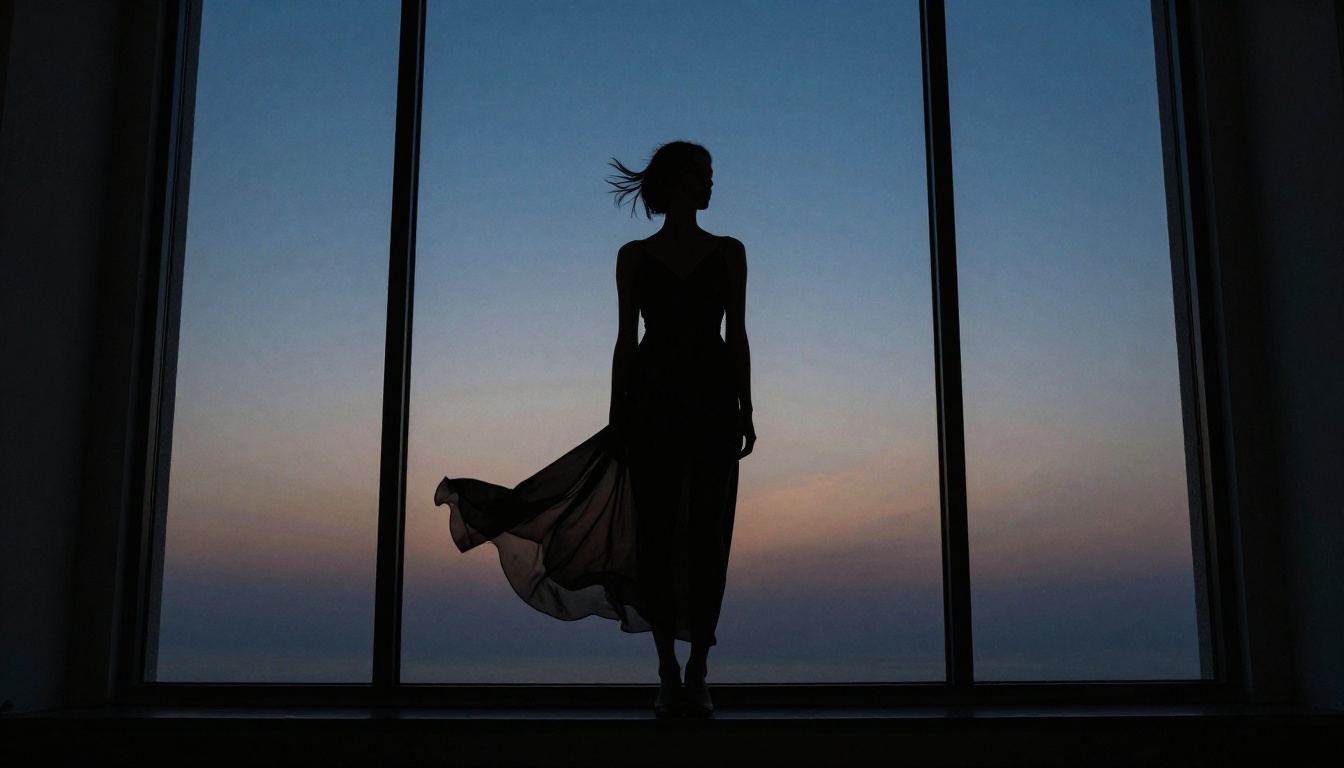
backlit by large window at dusk, subject in deep shadow against bright exterior sky
💡 Tip: Pair your lighting description with a film stock reference (Kodak Portra 400, Fujifilm Pro 400H, Kodak Tri-X) to push the model toward organic, non-digital-looking renders.
Camera and Lens Specs That Matter
The lens focal length changes the entire geometry of the image. AI models trained on photographic data have absorbed the relationship between focal length and perspective compression.
| Focal Length | Effect | Fashion Use Case |
|---|
| 24-35mm | Wide, environmental | Context-heavy lifestyle shots |
| 50mm | Natural perspective | Street-style, full-body walks |
| 85mm | Flattering compression | Portraits, editorial close-ups |
| 100mm macro | Extreme detail | Beauty, fabric texture shots |
Always pair focal length with an aperture: 85mm f/1.4 produces a completely different depth-of-field rendering than 85mm f/8.
3 Prompt Mistakes That Kill Results
1. Style contradictions. Asking for photorealistic RAW photography and then adding cinematic CGI lighting tells the model to do two incompatible things. Pick a lane and stay in it.
2. Vague subjects. a woman in nice clothes is not a prompt. The model has no information about what nice means, what clothes means, or what the woman looks like. Specificity is quality.
3. Forgetting negative prompts. On models that support them (Realistic Vision v5.1, Stable Diffusion), a strong negative prompt eliminates the most common failure modes before they happen. Standard fashion negatives: (deformed iris, deformed pupils, cgi, 3d render, cartoon, anime), extra fingers, plastic skin, overexposed, blown highlights.
How to Use Flux Dev on PicassoIA for Fashion Shoots
Flux Dev is the best starting point for most fashion shoot projects. Here's the exact workflow:
Step 1: Open Flux Dev on PicassoIA
Go to Flux Dev and sign in. No software installation needed.
Step 2: Set your aspect ratio
For fashion editorial work, select 16:9 for horizontal spreads or 4:5 for portrait social formats. Avoid square unless you're targeting Instagram specifically.
Step 3: Write your prompt
Build your prompt using the five-component structure above. Start with RAW 8K photography, then add subject, environment, lighting, and camera details.
Step 4: Set inference steps
The recommended range is 28 to 50 steps. At 28 steps you get faster results with slightly softer detail. At 50 steps, maximum fidelity. For final hero images, run 45 to 50 steps. For rapid iteration, 28 is fine.
Step 5: Enable Go Fast mode for drafts, disable for finals
Go Fast mode runs an fp8 quantized version of the model for speed. Results are excellent for reference frames. For your final publishable images, disable Go Fast for maximum quality.
Step 6: Lock your seed for consistency
Once you generate a composition you like, note the seed number. Re-running with the same seed and a slightly modified prompt lets you iterate from a stable starting point rather than rolling the dice each time.
Step 7: Export and use
Download your image as PNG for maximum quality or WebP for web use. Images are watermark-free and ready to publish immediately.
Setting Up Your Home Studio for Reference Shots
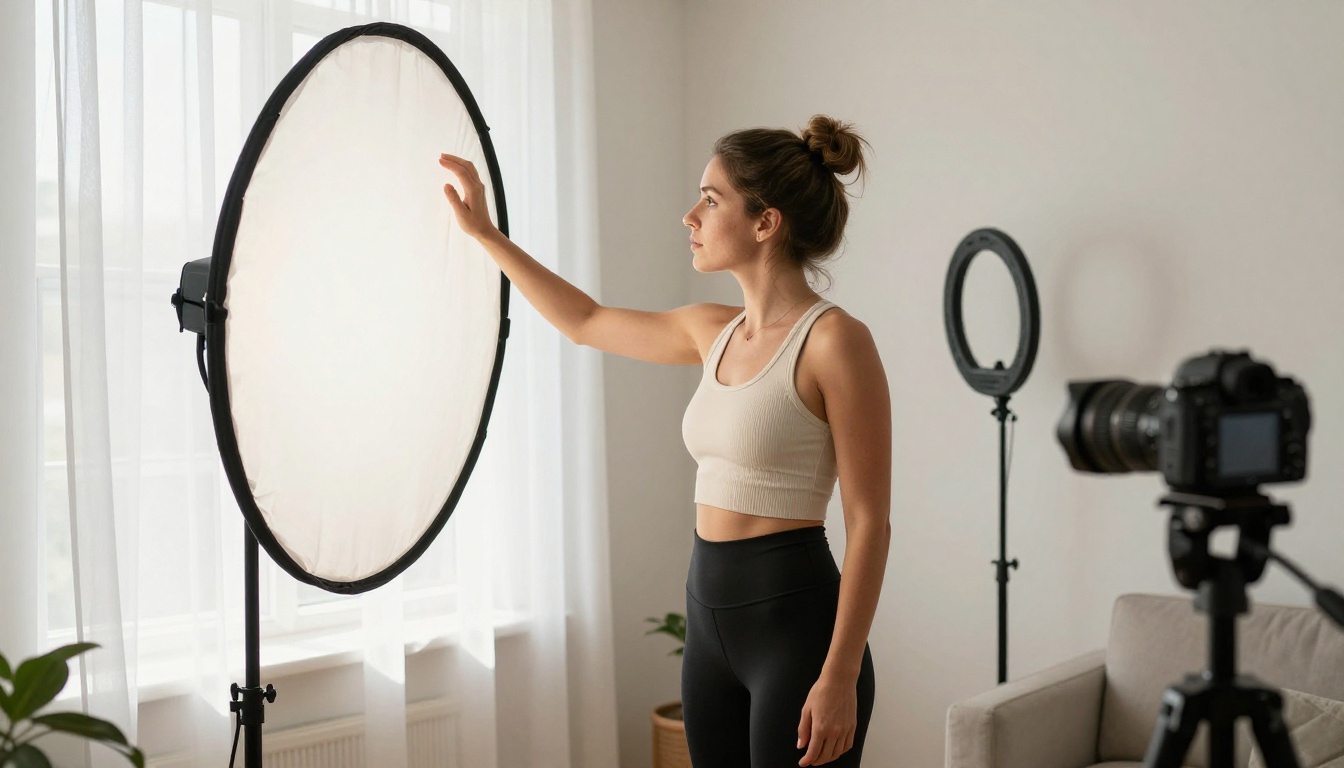
Even when working with AI, having real reference photographs of garments, lighting setups, or poses dramatically improves your results when using img2img features in Flux Dev. A basic home setup takes twenty minutes to arrange.
Your Windows Are the Studio
North-facing windows are the gold standard for portrait photography because they provide indirect, consistent, diffused light throughout the day. Position your subject perpendicular to the window to create soft side-lighting with natural shadow falloff.
If you only have south or east-facing windows, shoot in the early morning (east) or use a sheer white curtain to diffuse the direct sunlight into something softer and more controllable.
Three window setups worth knowing:
- Side lit: Subject at 90 degrees to window, creates dimension and shadow depth
- Front lit: Subject facing the window directly, even and flattering for close-ups
- Back lit: Subject between you and the window, creates rim light silhouette effects
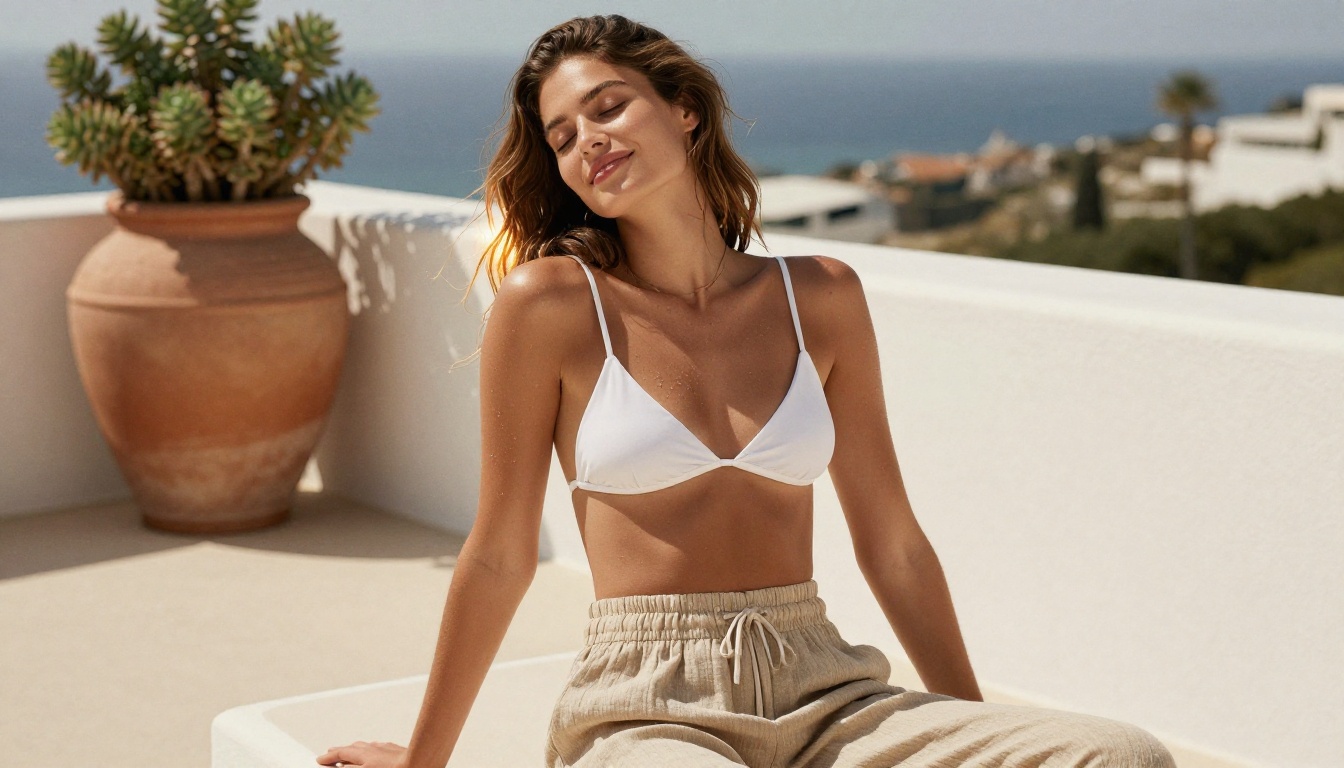
Backgrounds That Read Well in AI
When using reference photos with img2img in Flux Dev, clean backgrounds help the model focus on the subject rather than trying to interpret a cluttered environment.
The best home backdrops:
- A clean white wall or painted door
- A light-colored bed with smoothed bedding
- An uncluttered hallway with even light
- Sheer white curtains as a backdrop
Building a Consistent AI Fashion Character
One of the challenges in AI fashion photography is maintaining visual consistency across a series of images. A lookbook needs the same model across thirty frames, not thirty different faces.
Using Seeds to Stay Consistent
In Flux Dev and Flux 1.1 Pro, the seed parameter is your consistency tool. Once you generate a character whose face, skin tone, and general appearance match what you want, write down the seed number. Keep your subject description identical across prompts and vary only the clothing, background, and lighting.
This won't produce pixel-perfect identical faces across every generation, but it will produce a visually consistent character that reads as the same person across a series.
Outfit Series and AI Lookbooks
For seasonal lookbooks, structure your session in batches:
- Set 1: Three to four looks with consistent background (white studio backdrop)
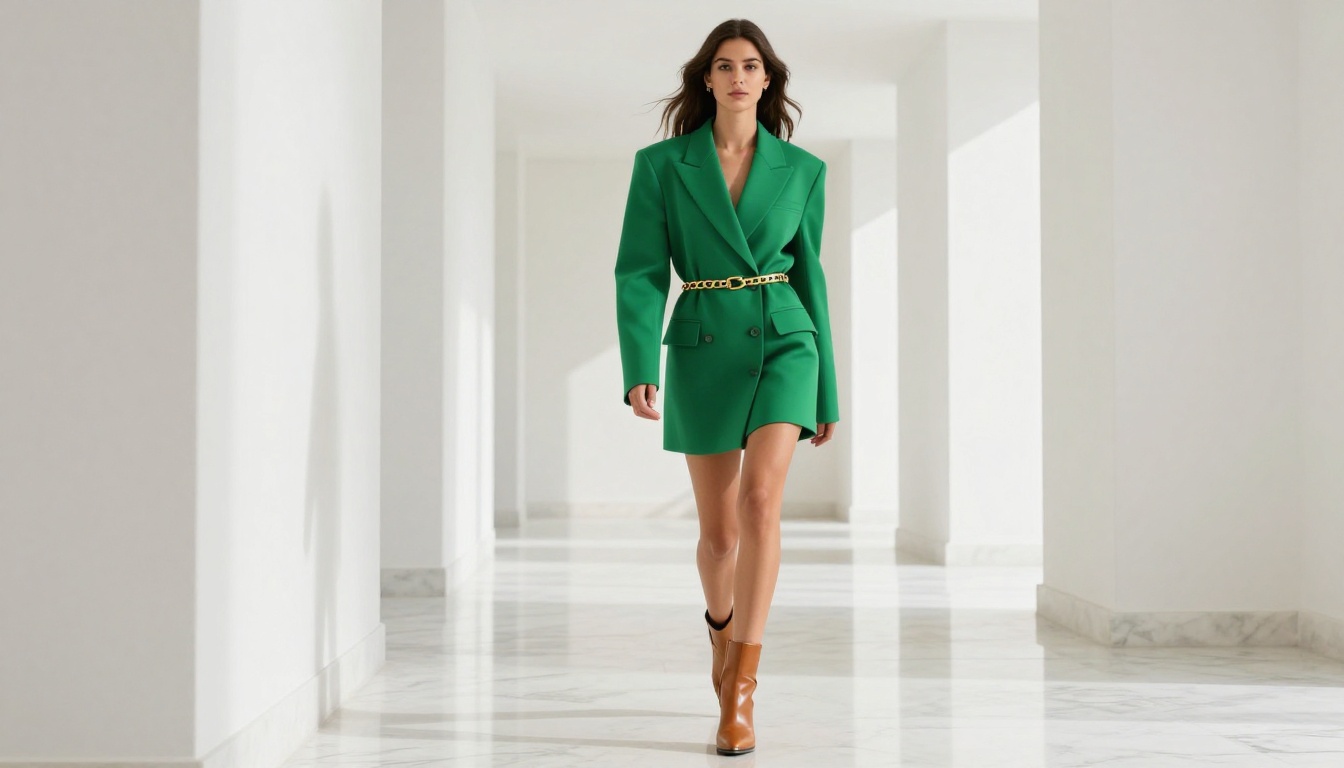
- Set 2: Lifestyle locations (kitchen, terrace, hallway)
- Set 3: Detail shots (fabric close-ups, accessories, texture macros)
Use Realistic Vision v5.1 for any series where the face needs to be the focal point, and switch to Flux Dev for full-length editorial frames.
Upscaling Your AI Fashion Images
AI fashion images generated at standard resolution often benefit from super-resolution processing before they go into print materials or large-format digital displays. The super-resolution models on PicassoIA can upscale your output 2x to 4x while preserving and improving fine detail rather than just stretching pixels.
For web and social use, standard AI output is already more than sufficient. For print catalogues, packaging, or billboard-scale applications, run your hero images through an upscaling pass first.
What a Real AI Fashion Workflow Looks Like
A practical workflow for generating AI fashion shoots at home involves very few moving parts. You need a browser, an account on PicassoIA, and a system for organizing your prompts.
The workflow most creators settle into:
- Write five to ten prompt variations for the same shot concept
- Run all variations at 28 steps to get fast reference images
- Pick the one that hits closest to the target
- Refine the prompt, lock the seed, and run the final version at 45 to 50 steps
- Export and organize by collection or season
On a focused session, this workflow produces thirty to fifty usable, publication-ready fashion images in three to four hours. That would take two days and several thousand dollars to replicate with a traditional photoshoot.
The Models to Bookmark Before Your First Session
To recap the four tools worth having open during any AI fashion shoot session:
💡 Start with Flux Dev and move from there. It handles 80% of fashion shoot use cases on its own, and the approach clicks fast once you run your first session.
Try It Yourself
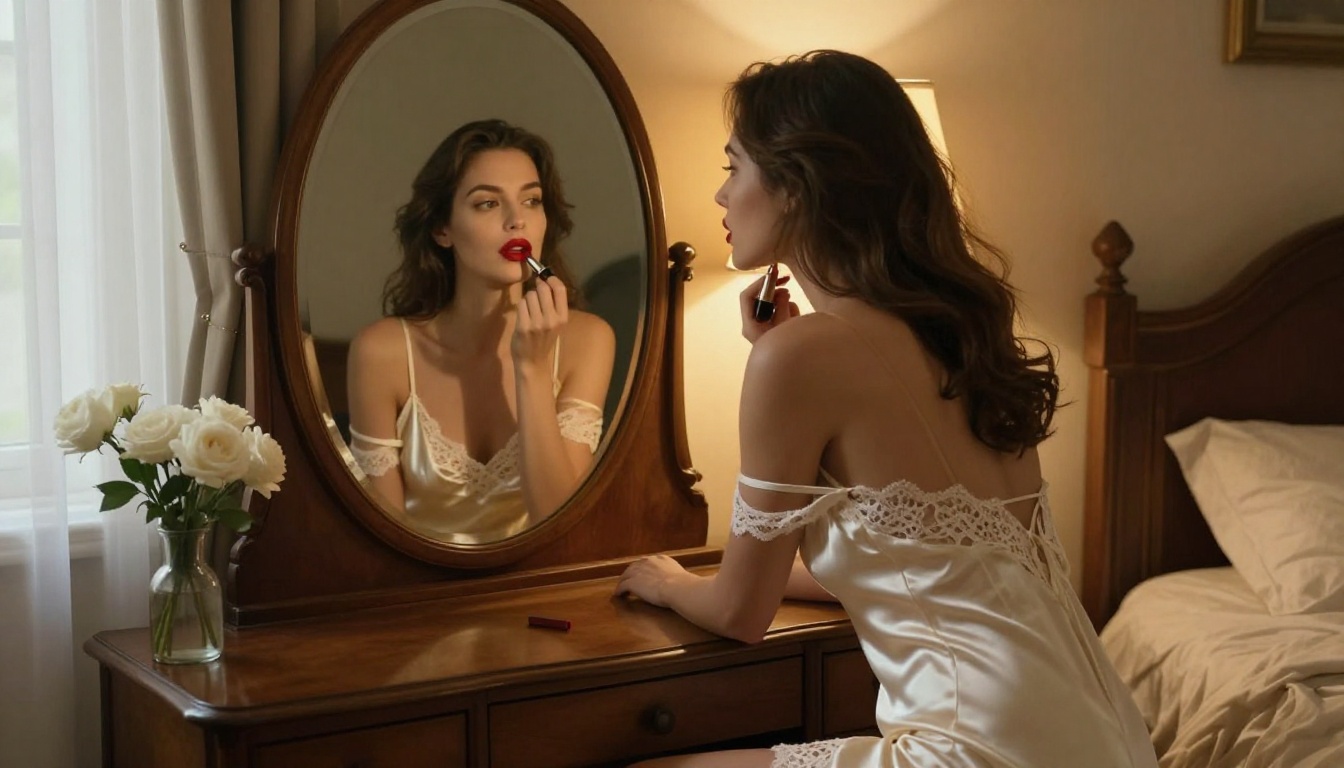
The barrier is lower than it has ever been. Open Flux Dev on PicassoIA, write your first fashion prompt using the five-component structure from this article, and run your first ten images. The first session is where most people realize how different good AI fashion output looks from what they expected.
Start with a simple full-length portrait in a well-lit interior, lock the seed when you find a composition you like, and build from there. A seasonal lookbook, a product line launch, or a personal portfolio of fashion work is now within reach without a studio, a crew, or a budget measured in thousands.
The only thing between you and publication-quality AI fashion images is the prompt.


