Making a professional music video used to cost thousands of dollars and require a full production crew. Not anymore. With the right AI tools available today, you can generate stunning, cinematic music videos from your bedroom using nothing but a laptop and a good idea. The entire workflow, from writing the song to finishing the visuals, now fits inside a single browser window.
This is a practical breakdown of exactly how to do it, step by step, with the specific models that produce the best results.
What You Actually Need (Less Than You Think)
The only two things that matter
Forget expensive cameras, green screens, or video editing software with a steep learning curve. To generate AI music videos at home, you need two things: a clear creative vision and access to the right AI platforms.
Your creative vision does not need to be elaborate. A genre, a mood, a color palette, and a rough concept are enough to get started. The AI fills in the detail. What matters is that you have a direction, because vague inputs produce vague results.
Skip the expensive gear list
No microphone. No camera. No lighting kit. No editing suite. The table below shows the traditional vs. AI-native workflow side by side:
| Traditional Music Video | AI-Generated Music Video |
|---|
| Director, DP, full crew | Just you |
| Camera rental: $500+/day | Browser-based tools |
| Location permits | A text prompt |
| Post-production editor | AI model |
| 2 to 6 week timeline | 30 to 90 minutes |
| $5,000 to $50,000+ budget | Free to ~$50 |
The only hardware investment worth making is a decent monitor so you can judge the visual quality of what the AI produces. Everything else is software.
Step 1 - Build Your Track with AI
Describe your sound, get a full song
The first step is creating the music itself. AI music generators have reached a point where you can describe a genre, tempo, instrumentation, and emotional tone in plain language and receive a fully produced, studio-quality track in seconds.
The prompt does the heavy lifting. Being specific produces dramatically better results than generic requests. Instead of "make me a hip-hop song," try: "dark trap beat, 140 BPM, minor key, heavy 808 bass, sparse piano melody, cinematic tension, two verses and a hook."
Tip: Include the emotional arc of the song. Does it start quiet and build? Does it drop into silence before the chorus? These narrative details help AI music models produce tracks with better structure and pacing.
4 models worth trying right now
The AI music generation space has matured significantly. These are the models producing the most consistent results:
Music 1.5 by Minimax handles full-length track generation with excellent structural coherence. It respects tempo, genre, and mood instructions with high accuracy, making it ideal for creators who need something polished on the first try.
Lyria 2 from Google produces high-fidelity instrumental compositions. It excels at cinematic and orchestral styles, which work particularly well when you want your music video visuals to feel like a film score rather than a pop song.
Stable Audio 2.5 from Stability AI is built for electronic and ambient genres. Its output has strong production quality and handles complex layered sound design with impressive depth.
Music 01 handles the full songwriting-to-production pipeline in one step. Write your lyrics, define the style, and receive a complete song with vocals and instrumentation. It is the fastest path from idea to finished track.
Step 2 - Turn Your Music into Visual Scenes
Writing prompts that actually work
Once you have your track, the next step is building the visual story. Think of this as writing a shot list, but in natural language. Each visual scene you want in the video becomes a prompt for a text-to-video model.
Strong visual prompts follow a consistent structure:
- Subject - who or what is in the frame
- Action - what they are doing or how they appear
- Environment - where the scene takes place
- Lighting - time of day, quality, direction of light
- Camera - angle, lens, movement
- Mood - the feeling you want to evoke
A weak prompt: "a woman dancing in the city."
A strong prompt: "a young woman in a gold sequined dress dancing on a rooftop in Manhattan at sunset, slow motion, shot from a low angle, golden backlight, warm amber tones, cinematic depth of field."
The difference in output quality between these two is significant. The second gives the model enough information to produce something visually intentional rather than generically average.
Text-to-video vs image-to-video
You have two main paths for generating visuals:
Text-to-video creates clips entirely from a written description. This gives you maximum creative control and works well for scenes that require a specific mood you want to define from scratch.
Image-to-video animates a still image you provide or generate first. This is useful when you want consistent characters or environments across multiple clips, because you start with a reference image and animate it rather than generating from scratch each time.
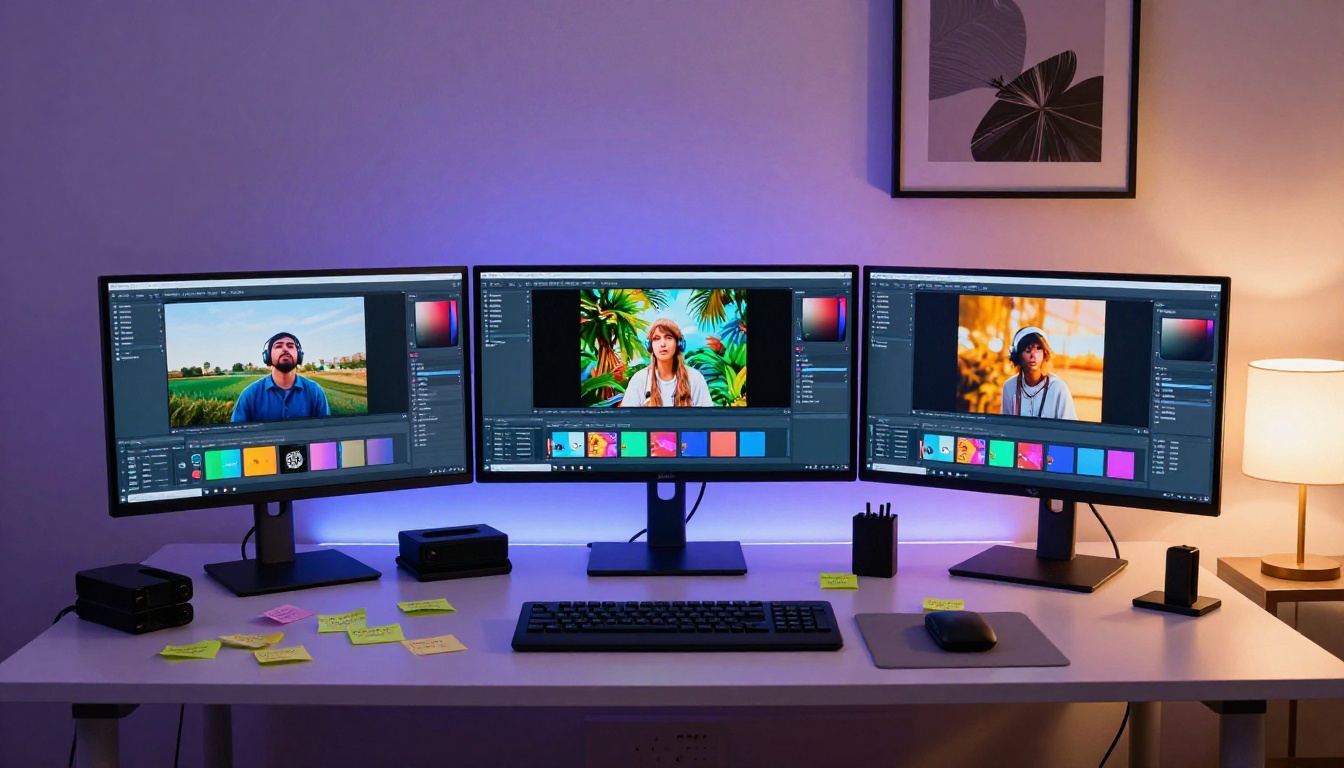
For most home creators, a hybrid approach works best. Use text-to-video for establishing shots and abstract sequences, and image-to-video for shots featuring a specific character or location that needs to look consistent throughout the video.
Step 3 - Sync Audio and Visuals Together
The Audio-to-Video method
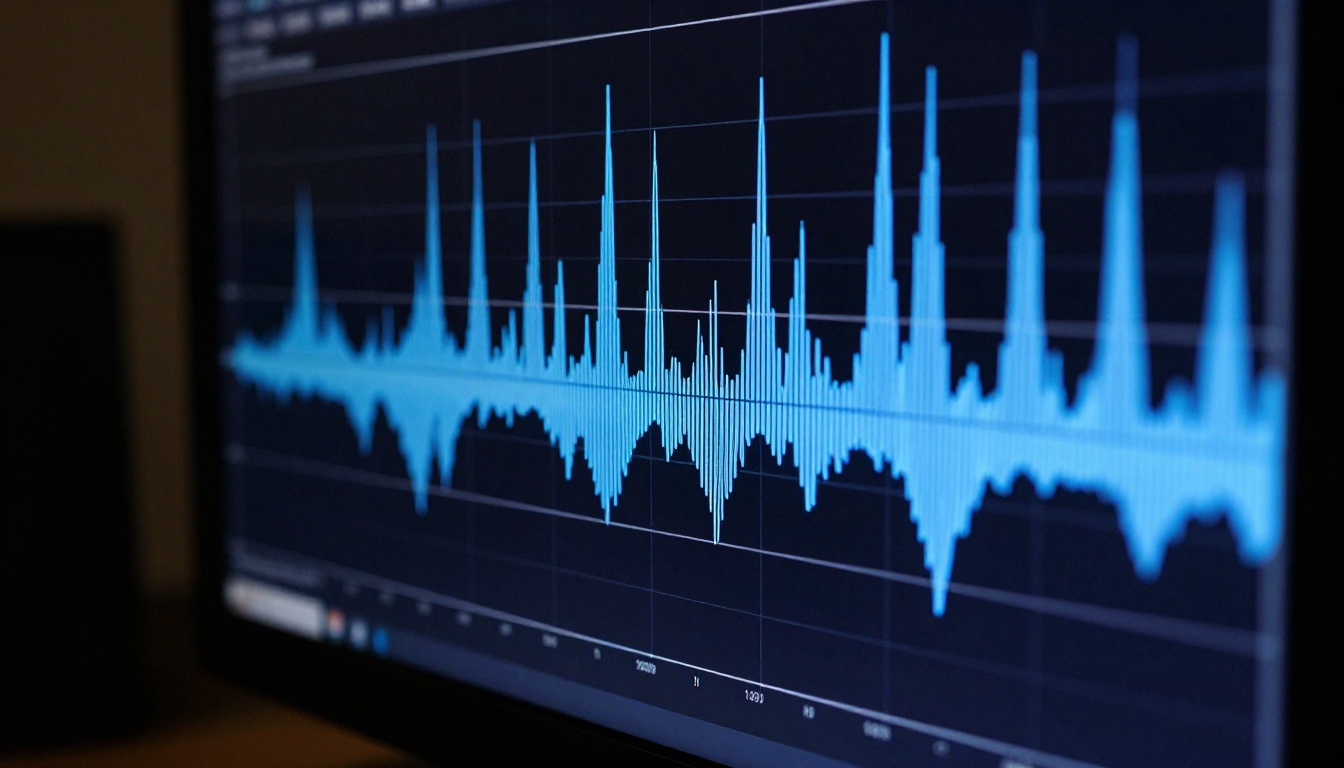
This is the step most beginners skip entirely, and it is the one that separates a finished music video from a pile of unrelated clips. Synchronizing your audio and visuals is what makes the final result feel like an actual music video rather than a slideshow.
Audio to Video by Lightricks is specifically built for this. It takes an audio track and an image, then generates video that animates in direct response to the music. The result is visual motion that feels connected to the rhythm and energy of the song rather than coincidentally placed next to it.
For best results with Audio to Video:
- Use a high-quality audio export of your track (WAV or FLAC rather than compressed MP3)
- Provide a visually interesting reference image as the starting frame
- Keep generated clips short (5 to 10 seconds) and cut frequently to maintain energy
- Match the emotional intensity of your reference image to the corresponding section of the track
Tip: The drop in an electronic track, the chorus in a pop song, the bridge in R&B - these are the moments that deserve your most visually striking frames. Plan your best imagery around your music's peak emotional moments.
Why timing changes everything
Random visual cuts feel random. Cuts that happen on the beat feel intentional. Even if you are not manually editing video, understanding where your music's natural break points occur will inform which prompts you write for which moments.
Listen to your AI-generated track and mark the following sections:
- Intro (first 5 to 15 seconds): establish the world and mood
- Verse: build narrative, show context, introduce the character or concept
- Chorus or hook: maximum visual energy, your strongest imagery
- Bridge or breakdown: contrast, something unexpected that resets the viewer
- Outro: resolution and cool-down
Each section gets its own distinct visual direction. This simple planning step makes the assembled video feel like it was directed with genuine intention.
The Best Models for Each Part of the Process
For generating the music
Beyond the four models listed above, the choice often comes down to genre:
For generating the video clips
The text-to-video category has dozens of models at different price and quality points. These are the ones that deliver the most cinematic results for music video work:
Kling v3 Video produces cinematic output with strong motion coherence. It handles human subjects particularly well and maintains visual consistency across a clip's duration. Good for performance footage, character-driven shots, and emotional close-ups.
Veo 3 from Google generates video with native audio synthesis, meaning the model can produce ambient sound alongside visuals. For music video work, this audio-aware generation creates environments that feel more complete even before your music track is layered in.
Wan 2.6 T2V is a strong all-around model producing HD output with solid prompt adherence. It handles both realistic and stylized scenes well, making it versatile for creators whose visual style spans multiple aesthetics.
Seedance 2.0 by ByteDance integrates audio into the generation process. For music videos with rich environmental texture, this adds a layer of presence that purely visual models cannot match.
Pixverse v5 handles fast-paced and effects-heavy sequences with sharp motion clarity. If your music video concept involves dynamic action, rapid movement, or high-energy choreography, this model handles those scenes with less motion blur and more detail than many alternatives.
LTX 2.3 Pro is Lightricks' 4K video model. When output quality is the priority and you have time to render, this produces the sharpest, most detailed clips in the entire category. It is the right choice for long-form YouTube content where visual fidelity matters most.
3 Mistakes That Kill Beginner Projects
Too vague with prompts
The single most common mistake is writing prompts that are too short and too general. "A beautiful music video scene" tells the AI almost nothing. The model fills in the gaps with whatever it considers default, which is often generic and forgettable.
Specificity costs nothing. A longer, more descriptive prompt takes 30 extra seconds to write and produces dramatically better output. Describe the lighting direction. Name the camera angle. Specify the time of day. Mention the texture of surfaces in the scene. Reference a specific mood or cinematic reference.
This applies equally to music prompts and video prompts. "Make an upbeat song" is a starting point, not a finished instruction.
Ignoring visual consistency
A music video is a sequence of clips. If each clip features a different character, a different color palette, and a different visual tone, the result feels like a random collection rather than a cohesive video with its own visual identity.
To maintain consistency across your generated clips:
- Color grade consistently by including the same color description in every prompt ("warm amber tones, golden hour light" or "cool desaturated blues, overcast sky")
- Keep characters consistent by using image-to-video from a single reference image rather than re-describing the character from scratch in each text prompt
- Match visual energy to musical energy at every point in the timeline, not just at the chorus
Wrong format for the platform
Before generating any video, decide where it will live. Different platforms have fundamentally different format requirements:
| Platform | Format | Resolution |
|---|
| YouTube | 16:9 horizontal | 1080p or 4K |
| Instagram Reels | 9:16 vertical | 1080 x 1920 |
| TikTok | 9:16 vertical | 1080 x 1920 |
| Twitter/X | 16:9 or 1:1 | 1080p |
Generating horizontal clips for a vertical platform means cropping in post-production, which cuts important parts of the frame. Generate for the destination from the very first clip.
What works on social media
Short-form platforms reward the first three seconds above everything else. The opening frame needs to be visually arresting because users decide to scroll or stay almost instantly. A slow fade-in or a talking head with no movement will lose the audience before the hook even hits.
For TikTok, Instagram Reels, and YouTube Shorts, keep AI music videos between 30 and 90 seconds. A focused concept, one or two visual locations, and a single emotional arc work far better than trying to tell a complex story in a short window.
Use Kling v2.6 for fast, high-quality vertical format clips. Its motion handling is well-suited for the quick, energetic pacing that short-form content demands.
What works on YouTube
YouTube rewards longer, higher-production-quality content. A 3 to 5 minute AI music video on YouTube can accumulate watch time, attract organic search traffic, and build an audience around an artist without requiring any traditional video production infrastructure.
For longer-form content, structure matters more than it does in short-form. Use a clear visual narrative with an establish, develop, climax, and resolve arc. Vary your shot types aggressively throughout. Alternate between wide establishing shots, medium shots showing performance or movement, and tight close-ups of meaningful details. Visual variety is what keeps the eye engaged over a longer duration.
For the highest quality YouTube output, pair LTX 2.3 Pro for cinematic wide shots with Kling v3 Video for performance and character shots. The combination gives you both scale and intimacy in the same project.
You Have Everything You Need Right Now
The barrier to creating a professional-looking music video has never been lower. A song generated in minutes by Lyria 2 or Music 1.5, paired with visuals produced by Audio to Video or Kling v3 Video, can produce results that would have required a professional crew just a few years ago.
The only thing standing between you and a finished music video is starting.
Try it now: Open Picasso IA, write a one-sentence description of the song you want to create, and generate. You will have a full track in under a minute. From there, write your first visual prompt and see what comes back. The first attempt does not need to be perfect. It just needs to happen.
Every creator working with AI music video tools today is figuring it out as they go. The people producing the most impressive work are not the ones with the most technical knowledge. They are the ones who started earlier and iterated more.
Your first video will teach you more than any article can. Start there.