Imagine typing a sentence and watching it transform into a full-motion video. This isn't science fiction anymore—it's the reality of text-to-video AI technology. The ability to generate video content from written descriptions represents one of the most significant creative breakthroughs in recent years, changing how marketers, educators, filmmakers, and content creators approach visual storytelling.
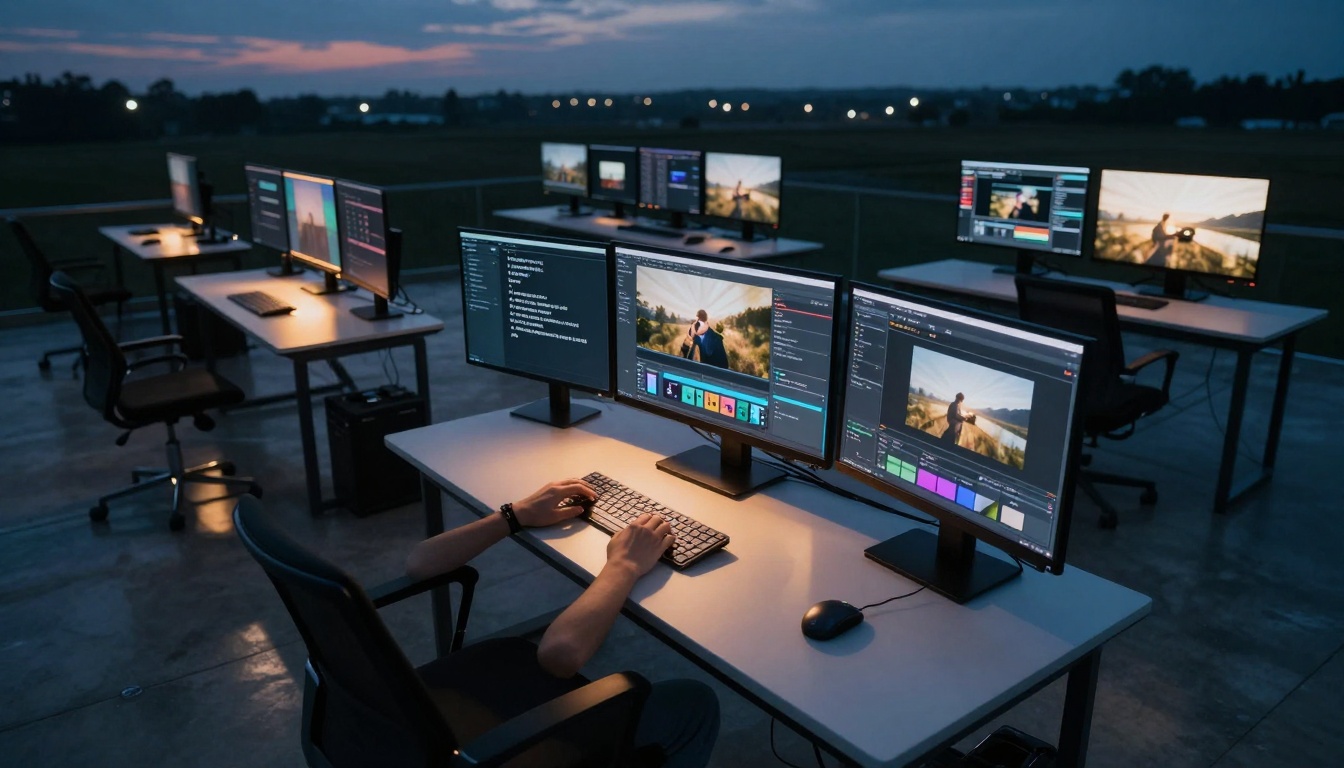
Professional video production studios are increasingly integrating AI tools into their workflows
The process begins with a simple text prompt but involves sophisticated machine learning models that understand language, visual concepts, temporal relationships, and cinematic principles. What started as basic animation generation has evolved into systems capable of producing photorealistic footage with complex camera movements, character animations, and environmental effects.
Why Text-to-Video AI Matters Now
Content creation timelines have compressed dramatically. Where traditional video production required weeks of planning, shooting, and editing, AI video generation delivers results in minutes. The implications span multiple industries:
💡 For marketers: Generate product demonstration videos from descriptions, create social media content on demand, and personalize video messaging at scale.
💡 For educators: Transform lesson plans into engaging visual content, create training materials from technical documentation, and develop interactive learning modules.
💡 For filmmakers: Rapidly prototype scene concepts, generate visual effects elements, and create storyboard animations without extensive production resources.
The accessibility factor cannot be overstated. Small businesses, independent creators, and educational institutions now have access to video production capabilities that were previously exclusive to well-funded organizations. This democratization of visual storytelling tools represents a fundamental shift in creative economics.
How AI Video Generators Actually Work
The Architecture Behind Text-to-Video Models
Modern text-to-video systems typically employ diffusion-based architectures, building upon the success of text-to-image models but adding temporal understanding. The core innovation involves training models to predict not just what comes next in space (like in image generation), but what comes next in time.
Most systems follow this general workflow:
- Text Encoding: Your prompt gets processed by a language model that extracts semantic meaning, identifies key entities, and understands descriptive modifiers.
- Visual Concept Mapping: The system maps textual concepts to visual representations it has learned during training.
- Temporal Sequencing: The model predicts how visual elements should change over time based on action verbs and temporal cues in your prompt.
- Frame Generation: Individual frames get synthesized, with consistency maintained across the temporal sequence.
- Post-Processing: Additional steps may include motion smoothing, resolution enhancement, and stylistic refinement.

Detailed prompt engineering requires understanding how AI models interpret descriptive language
Key Technical Components That Make It Possible
Several critical technologies converge to enable text-to-video generation:
Vision-Language Models (VLMs): These models learn associations between text descriptions and visual concepts during training on massive datasets of images/videos with captions.
Diffusion Models: Starting from random noise, these models gradually "denoise" toward a target distribution, learning to generate coherent visuals conditioned on text prompts.
Temporal Attention Mechanisms: Specialized neural network components that maintain consistency across video frames by attending to both spatial and temporal relationships.
Motion Priors: Statistical representations of how objects typically move in the real world, learned from analyzing millions of video clips.
Style Transfer Networks: Optional components that apply consistent artistic styles or cinematic looks across generated sequences.
Choosing the Right AI Video Model for Your Needs
Comparing Top Text-to-Video Platforms
Different platforms excel in specific areas. Here's a comparative analysis of leading options available through platforms like PicassoIA:
| Model | Best For | Resolution | Duration | Key Features |
|---|
| WAN-2.6-T2V | Marketing & social content | 720p to 1080p | 5-15 seconds | Audio sync, multi-shot segmentation |
| kling-v2.6 | Cinematic quality | 1080p+ | Variable | Motion control, high detail |
| seedance-1.5-pro | Character animation | 720p-1080p | 5-30 seconds | Character consistency |
| sora-2-pro | Complex scenes | 1080p+ | Up to 60s | Scene coherence, physics |
| veo-3.1 | Realistic footage | 720p-4K | 5-30 seconds | Photorealism, natural motion |
| hailuo-2.3 | Fast iteration | 480p-720p | 3-10 seconds | Rapid generation, low cost |

The evolution from text concept to visual output involves multiple translation steps
Resolution, Duration, and Format Considerations
Resolution choices impact both quality and cost:
- 480p-720p: Suitable for social media, rapid prototyping, educational content
- 1080p: Professional marketing materials, presentation videos, product demos
- 4K: High-end production, cinematic projects, broadcast quality
Duration limitations vary by model:
- Most models handle 5-15 second clips effectively
- Some advanced systems support 30-60 second generation
- For longer content, consider generating multiple clips and editing them together
Aspect ratio options:
- 16:9: Standard widescreen for most applications
- 9:16: Vertical format for mobile platforms like TikTok and Instagram Reels
- 1:1: Square format for certain social platforms
- Custom: Some models support specific dimension requirements
Crafting Effective Video Prompts That Get Results
The Anatomy of a Successful Video Prompt
Effective video prompts follow a structured approach that gives the AI model clear direction:
Subject + Action + Environment + Cinematic Elements + Technical Specifications
Let's break this down with examples:
Basic prompt (minimal detail):
"A cat playing in a garden"
Enhanced prompt (structured approach):
"A ginger tabby cat playfully chasing a butterfly through a sun-drenched English cottage garden, with dappled sunlight filtering through oak trees, shot with a shallow depth of field using a 50mm lens, slow-motion capture of the cat's graceful movements, early morning golden hour lighting creating warm highlights on the fur"
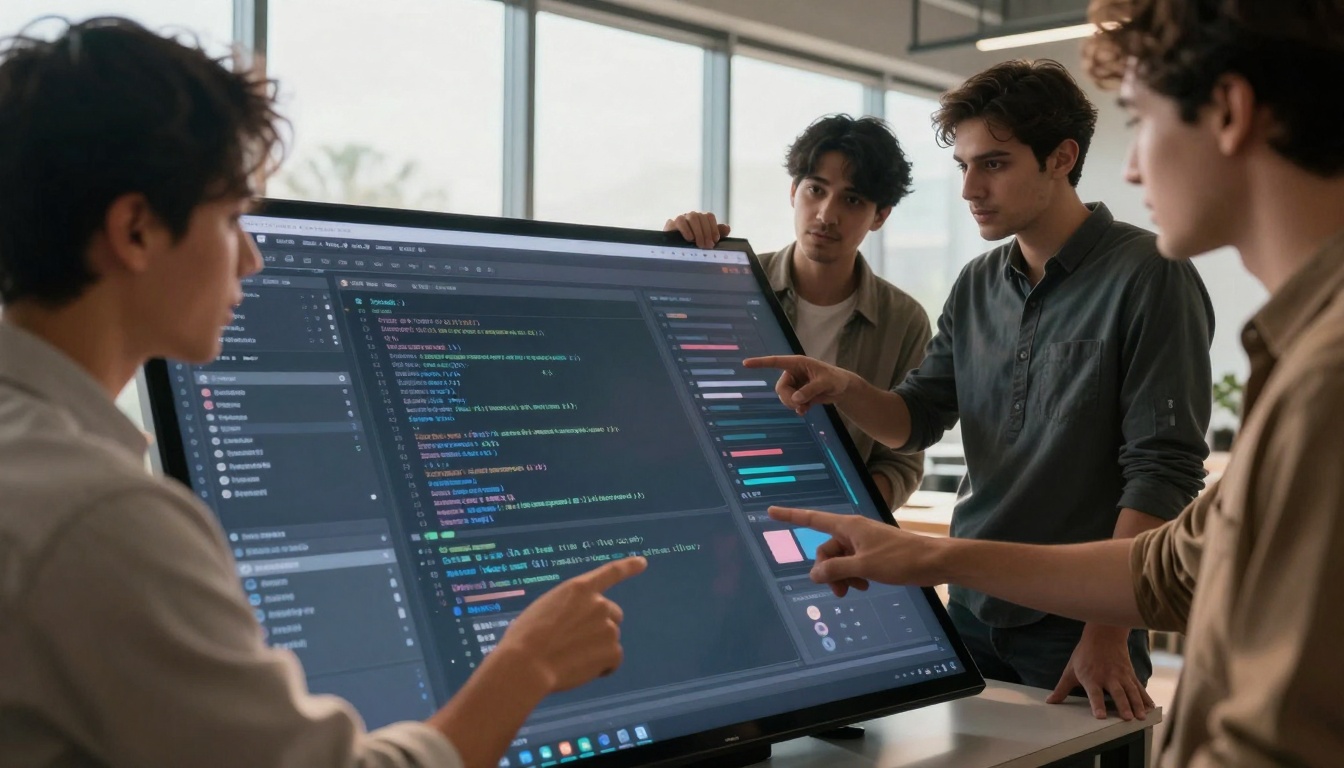
Collaborative prompt engineering often yields better results than individual efforts
Key prompt components explained:
- Subject specificity: "ginger tabby cat" vs "a cat"
- Action clarity: "playfully chasing a butterfly" vs "playing"
- Environmental detail: "sun-drenched English cottage garden" vs "garden"
- Cinematic language: "dappled sunlight filtering through oak trees"
- Technical camera details: "shot with shallow depth of field using a 50mm lens"
- Motion specification: "slow-motion capture"
- Lighting conditions: "early morning golden hour lighting"
- Visual effects: "warm highlights on the fur"
Common Prompt Mistakes and How to Avoid Them
Vagueness: The AI needs concrete details. Instead of "a beautiful landscape," specify "snow-capped mountain peaks at sunrise with mist rising from pine forests."
Contradictory elements: Avoid mixing incompatible concepts like "bright midday sun with stars visible."
Overly complex sequencing: While some models handle multiple actions, starting with single, clear actions yields better results.
Missing temporal cues: Specify time of day, season, and motion speed when relevant to your scene.
Ignoring camera perspective: Mention whether you want a close-up, wide shot, drone perspective, or specific camera movement.
How to Use WAN-2.6-T2V on PicassoIA
Step-by-Step Tutorial for Beginners
WAN-2.6-T2V stands out as an excellent starting point for text-to-video generation due to its balance of quality, features, and accessibility. Here's how to get started:
-
Access the model: Navigate to the WAN-2.6-T2V page on PicassoIA
-
Prepare your prompt: Craft a detailed description following the structured approach outlined earlier.
-
Configure basic parameters:
- Size: Choose from 1280×720 (16:9 landscape), 720×1280 (9:16 vertical), 1920×1080 (HD landscape), or 1080×1920 (HD vertical)
- Duration: Select 5, 10, or 15 seconds based on your content needs
- Audio: Optionally upload a 3-30 second audio file for synchronization
-
Enable advanced features:
- Prompt expansion: Keep this enabled (default) for better results
- Multi-shot segmentation: Enable for cinematic-style scene changes within your video
- Negative prompt: Specify elements you want to avoid (e.g., "blurry, distorted faces, text overlay")
-
Set the seed (optional): Use a specific seed value for reproducible results when iterating on variations
-
Generate and review: The process typically takes 1-5 minutes depending on duration and resolution
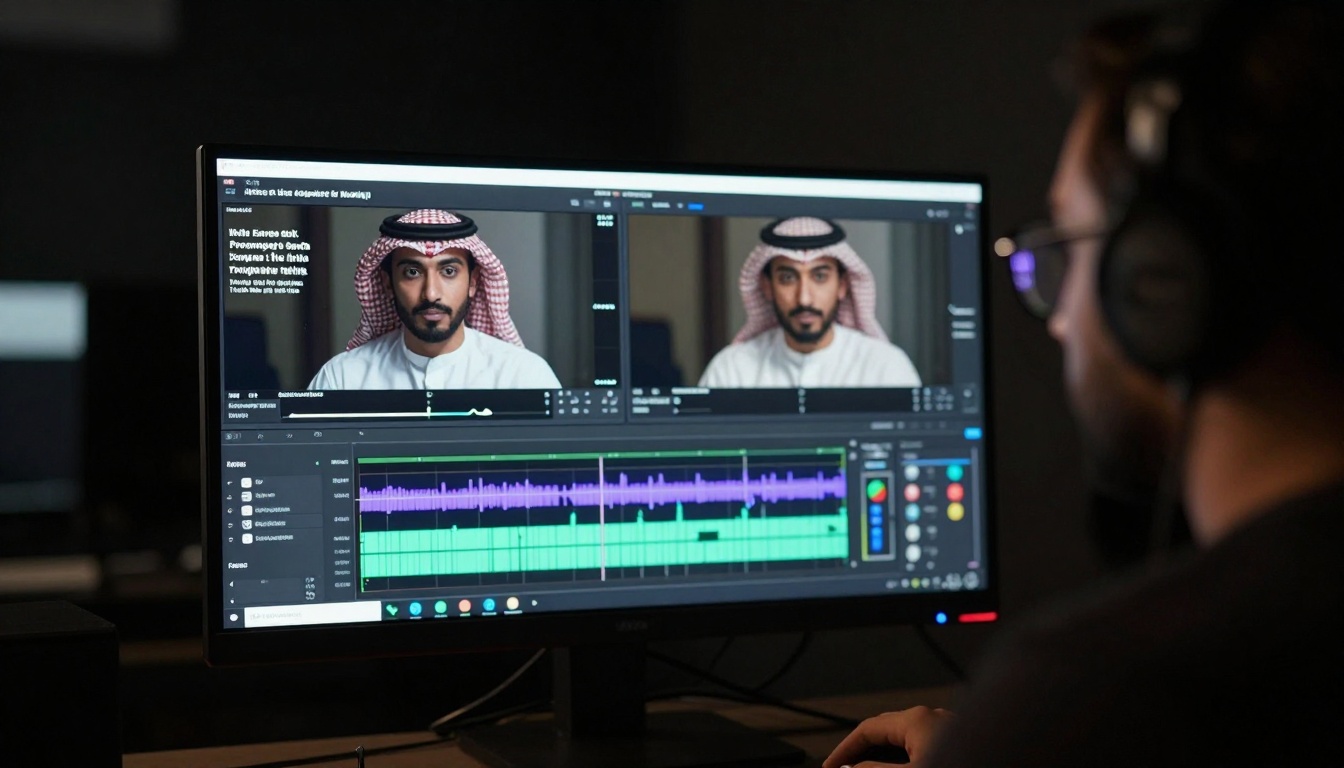
Professional review and quality control ensure AI-generated content meets production standards
Advanced Parameter Optimization Techniques
Multi-shot segmentation strategy: When enabled, WAN-2.6-T2V intelligently divides your prompt into logical scene segments. For best results:
- Structure your prompt with clear scene transitions implied
- Example: "Opening shot of a city skyline at dawn, then cut to a busy coffee shop interior, final shot of a person walking through a park"
Audio synchronization timing: When adding audio:
- Match the duration of your audio clip to your video duration selection
- Consider the emotional tone of your audio when crafting visual prompts
- Action-packed music pairs well with dynamic camera movements
- Softer instrumental tracks suit gentle, slow-paced scenes
Resolution selection guidance:
- 1280×720: Most cost-effective for testing and social media
- 1920×1080: Recommended for professional use cases
- Vertical formats: Essential for mobile-first content strategies
Duration optimization:
- 5 seconds: Perfect for social media snippets, product highlights
- 10 seconds: Ideal for explanatory content, brief demonstrations
- 15 seconds: Suitable for mini-narratives, scene establishment
Integrating AI Videos into Your Production Workflow
Post-Production and Enhancement Strategies
AI-generated videos often benefit from traditional post-production techniques:
Color grading: Apply consistent color profiles across multiple AI-generated clips to maintain visual coherence.
Audio enhancement: Layer additional sound effects, voiceovers, or music tracks to enhance the final product.
Editing and sequencing: Combine multiple AI-generated clips with traditional footage for hybrid productions.
Text and graphics overlay: Add titles, captions, logos, or informational graphics to contextualize the content.
Speed adjustment: Modify playback speed for dramatic effect or to match specific timing requirements.
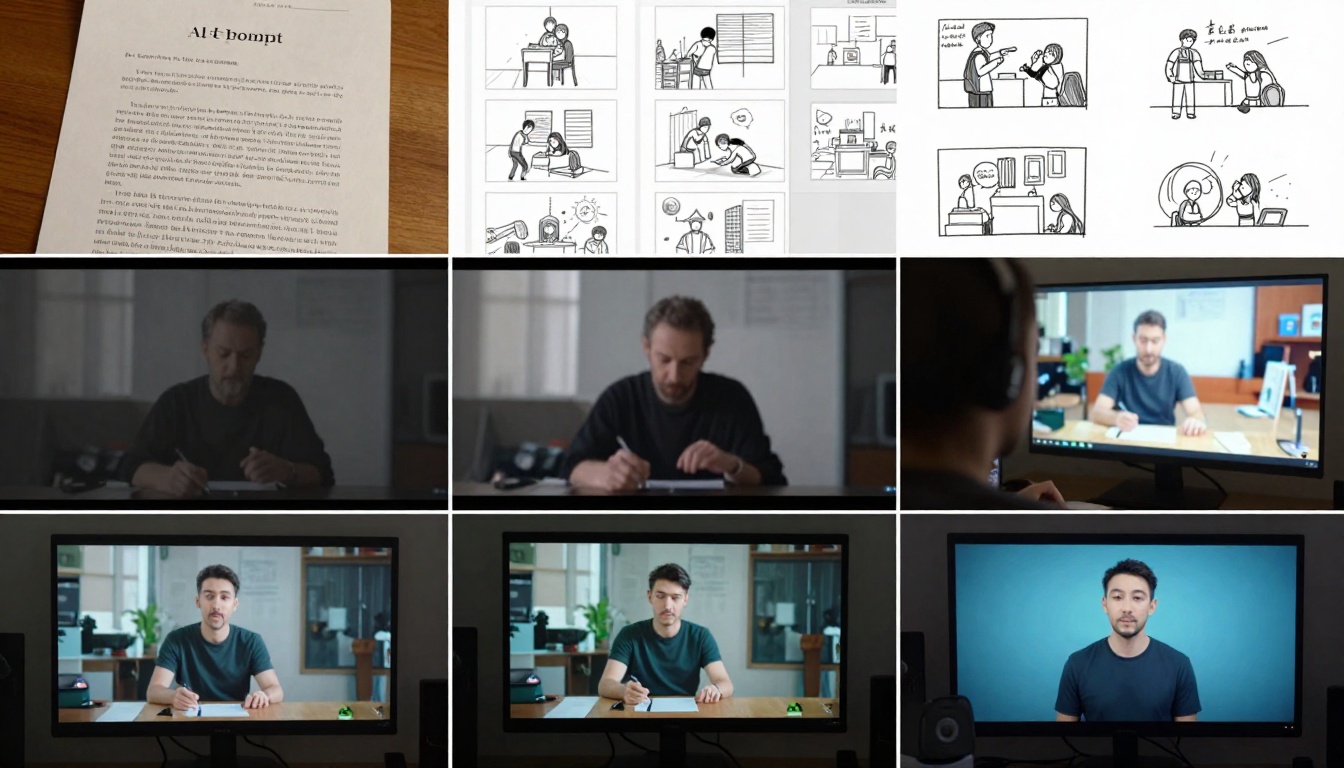
The complete workflow from text concept to final delivery involves multiple refinement stages
Quality Control and Consistency Measures
Batch generation with seed control: Generate multiple variations using the same seed with minor prompt adjustments to maintain visual consistency across a series.
Style guides for brand alignment: Develop specific prompt templates that incorporate your brand's visual language, color palette, and compositional preferences.
Validation checklists: Create quality assurance criteria covering:
- Visual coherence across frames
- Appropriate motion physics
- Color consistency
- Resolution clarity
- Audio-visual synchronization (if applicable)
Iterative refinement process: Treat initial generations as rough drafts, using the results to refine subsequent prompts for improved outcomes.
Real-World Applications and Use Cases
Marketing and Advertising Examples
Product demonstration videos: Transform technical specifications into engaging visual showcases. A furniture company could generate videos showing their products in various room settings based on catalog descriptions.
Social media content creation: Produce platform-specific content at scale. A fashion brand could generate weekly style videos from product descriptions for Instagram Reels and TikTok.
Personalized video messaging: Create customized video content for email campaigns or customer communications based on individual preferences or purchase history.
Explainer videos: Convert complex service descriptions into simple, visual explanations for website landing pages or sales presentations.
Educational and Training Content Creation
Lesson visualization: Teachers can transform curriculum text into engaging visual content that illustrates historical events, scientific concepts, or mathematical principles.
Training module development: Corporate trainers can create visual demonstrations of procedures, safety protocols, or software workflows from written documentation.
Language learning materials: Generate contextual visual scenes that illustrate vocabulary, cultural contexts, or conversational scenarios.
Accessibility enhancement: Create visual content to supplement text-based materials for diverse learning styles and accessibility requirements.

The integration of AI tools with traditional filmmaking equipment represents the future of content production
Limitations and Current Challenges
Technical Constraints to Consider
Temporal consistency: While improving, some models still struggle with maintaining perfect object consistency across longer sequences or complex camera movements.
Physics accuracy: Natural motion physics, particularly for complex interactions between multiple objects, remains challenging for current systems.
Resolution limitations: Most models have maximum resolution constraints, though this is rapidly evolving with each new generation.
Generation time: Depending on model complexity and desired quality, generation can take from seconds to minutes, which impacts rapid iteration workflows.
Cost factors: Higher quality generations typically involve greater computational resources, translating to higher costs per video.
Creative Boundaries and Ethical Considerations
Originality vs. derivation: Questions remain about the training data sources and the degree to which generated content represents truly original creation versus recombination of learned patterns.
Intellectual property considerations: The legal landscape around AI-generated content ownership and copyright continues to evolve across different jurisdictions.
Representation and bias: Like all AI systems trained on existing data, text-to-video models may reflect and potentially amplify biases present in their training datasets.
Transparency requirements: Depending on use case and jurisdiction, disclosure of AI-generated content may be required or recommended.
Creative authenticity: Debates continue about the role of AI in creative processes and what constitutes authentic artistic expression.

The diversity of outputs demonstrates the versatility of modern text-to-video technology
The landscape of text-to-video AI continues to evolve at a remarkable pace. What began as experimental technology has matured into practical tools that creative professionals integrate into daily workflows. The combination of accessible platforms like PicassoIA with increasingly sophisticated models like WAN-2.6-T2V makes this technology available to creators at all skill levels.
The most successful implementations blend AI capabilities with human creativity—using generated content as starting points for refinement, combining multiple clips into cohesive narratives, and applying traditional production techniques to enhance AI outputs. This hybrid approach leverages the speed and scalability of AI while maintaining the artistic direction and quality standards of professional production.
As the technology continues to advance, we can expect improvements in temporal consistency, physics simulation, and creative control. The current generation already delivers impressive results for many applications, and the trajectory suggests even more capable systems in the near future.
For those ready to explore this technology, the path forward involves experimentation, iteration, and integration. Start with clear, well-defined projects, learn through practical application, and gradually expand your use cases as you develop proficiency with prompt engineering and model capabilities. The tools exist—the creative possibilities await exploration.


