Free AI video generation used to mean choppy, low-resolution clips that looked nothing like the prompt. That changed fast. In 2027, several text-to-video models produce genuinely impressive results at zero cost, and you don't need a GPU, a technical background, or a subscription to access them. You type a prompt, click generate, and within seconds you have a real AI video clip ready to use.
This article covers the best free text-to-video tools available right now, how each one performs in practice, and what separates the good from the great when it comes to prompts and output quality.
What "Text to Video" Actually Means

How the Technology Works
Text-to-video models use a process called diffusion to generate video sequences frame by frame from a written description. You type a prompt, the model interprets it, and it synthesizes motion-coherent video that matches what you described. The model doesn't record anything. It generates every pixel from scratch.
The difference between modern models and older ones comes down to two things: temporal consistency (how smoothly frames connect over time) and semantic alignment (how accurately the output matches your words). Early text-to-video tools failed at both. A person's face would change shape between frames, or a "running dog" would produce a dog that barely moved.
Models like LTX-2 Distilled and WAN 2.6 T2V represent a new generation that solves both problems at a fraction of the computational cost of earlier systems. They run fast, look good, and are available to anyone.
What You Can Realistically Expect for Free

Free-tier video generation has real constraints. Understanding them upfront saves frustration:
| Feature | Free Tier | Paid Tier |
|---|
| Clip duration | 3-6 seconds | 8-60 seconds |
| Resolution | 480p to 720p | 720p to 4K |
| Generation speed | 20 seconds to 5 minutes | 10-30 seconds |
| Watermarks | Occasionally | Usually none |
| Commercial rights | Limited | Full rights |
| Daily generations | Restricted | High volume |
For social media clips, short promos, concept testing, or creative experimentation, free tiers work very well. For broadcast production or high-volume commercial output, upgrading makes sense. But the free entry point is genuinely useful, not just a teaser.
The Best Free Models Right Now
The free text-to-video landscape shifted dramatically in 2025. Several powerful open-source models now run on shared cloud infrastructure, meaning anyone with a browser can access them without installing anything locally.

LTX-2 Distilled: The Fastest Free Option
LTX-2 Distilled by Lightricks is the fastest fully-free text-to-video model currently available. It generates 4-second clips at 480p in under 30 seconds, sometimes closer to 15. The "distilled" in the name refers to a training technique that compresses the full model's capability into a leaner, faster version.
What makes it stand out is consistent motion physics. Objects in LTX-2 Distilled clips move the way you'd expect them to in the real world. A person walking looks like a person walking, not a person sliding. Water ripples with real surface tension. Leaves blow in believable arcs.
Its sibling model, LTX-2.3-Fast, pushes quality further with better prompt adherence and more natural lighting transitions across frames. It's moderately slower but produces noticeably sharper output, especially on close-up subject shots. If LTX-2 Distilled is your prototyping tool, LTX-2.3-Fast is the production step up.
WAN 2.5 and WAN 2.6: Open-Source Cinematic Quality
WAN 2.5 T2V Fast delivers 5-second clips at 720p with motion quality that rivals commercial tools costing real money. The WAN series from wan-video is arguably the most capable open-source video generation pipeline available today.
WAN 2.6 T2V improves on its predecessor with better spatial reasoning. When your prompt describes a camera movement, such as "pan left across the skyline" or "slow push-in to the subject's face," WAN 2.6 actually executes it with convincing camera motion. That is a rare capability at no cost, and it changes what you can achieve creatively.
Tip: WAN models respond exceptionally well to cinematic language. Use phrases like "slow dolly shot," "handheld camera," "golden hour backlight," or "rack focus to foreground." You'll get dramatically more atmospheric results than with plain descriptions.
CogVideoX-5B: Best Free Quality Per Clip

CogVideoX-5B sits at the upper end of free video quality. It generates 6-second clips with exceptional detail retention across frames, meaning complex scenes with multiple moving subjects stay visually coherent from start to finish.
It is slower than LTX-2 Distilled, typically taking 2 to 4 minutes per generation depending on server load. But the output quality justifies the wait when you need the best possible result from a free tool. Scenes with multiple people, intricate environments, or fine motion details all benefit from CogVideoX-5B's depth.
PixVerse v5.6 and Hailuo 2.3 Fast: Style and Speed
PixVerse v5.6 excels at stylized, high-impact content. If your prompt involves dramatic lighting, fast-motion action sequences, or character-driven emotional scenes, PixVerse handles it with more visual flair than most alternatives. It punches above its weight class for social-first content.
Hailuo 2.3 Fast by Minimax is the speed champion for quick turnaround. Generate a video in under 45 seconds from a text prompt or an input image. The tradeoff is that very detailed multi-element prompts sometimes get simplified, so keep your descriptions focused and let one or two strong ideas carry the clip.
How to Write Prompts That Actually Work
Most people write bad video prompts for the same reason: they describe what they want to see instead of how the scene should unfold. Text-to-video is fundamentally about motion, not just visuals.
The Anatomy of a Strong Prompt
Every effective video prompt has four components:
- Subject: What or who is in the frame, with specific detail
- Action: Exactly what it is doing, with motion verbs
- Environment: Where the scene takes place and how it looks
- Camera: How the viewer experiences the scene
Weak prompt: "A dog in a park"
Strong prompt: "A golden retriever running through a sun-drenched open park, slow motion, low-angle tracking shot following from behind, green grass blurring in the foreground, cinematic depth of field, warm afternoon sunlight"
The strong version gives the model a motion trajectory (running), a camera angle (low-angle tracking), a speed (slow motion), a lighting condition (warm afternoon), and a depth effect (foreground blur). Every word is doing specific work.
3 Common Prompt Mistakes

1. Overloading with too many elements. Packing in 12 different scene details confuses the model. Pick 2 to 3 strong visual anchors and build motion around them. Complexity hurts coherence.
2. Forgetting motion entirely. Static scene descriptions produce boring, nearly motionless clips. Every prompt needs at least one motion verb: rippling, walking, rotating, falling, dissolving, orbiting.
3. Ignoring camera language. Phrases like "aerial view," "tracking shot," "slow zoom," or "Dutch angle" dramatically shape output quality. Models trained on film data respond to cinematography vocabulary in ways that plain descriptions cannot match.
Tip: Write your prompt as if you're directing a camera operator on set, not describing a photograph. The model is generating film, not still imagery.
How to Use LTX-2 Distilled on PicassoIA
LTX-2 Distilled runs directly in the browser on PicassoIA with no software installation required. Here is a step-by-step process to get the best results from your first generation:
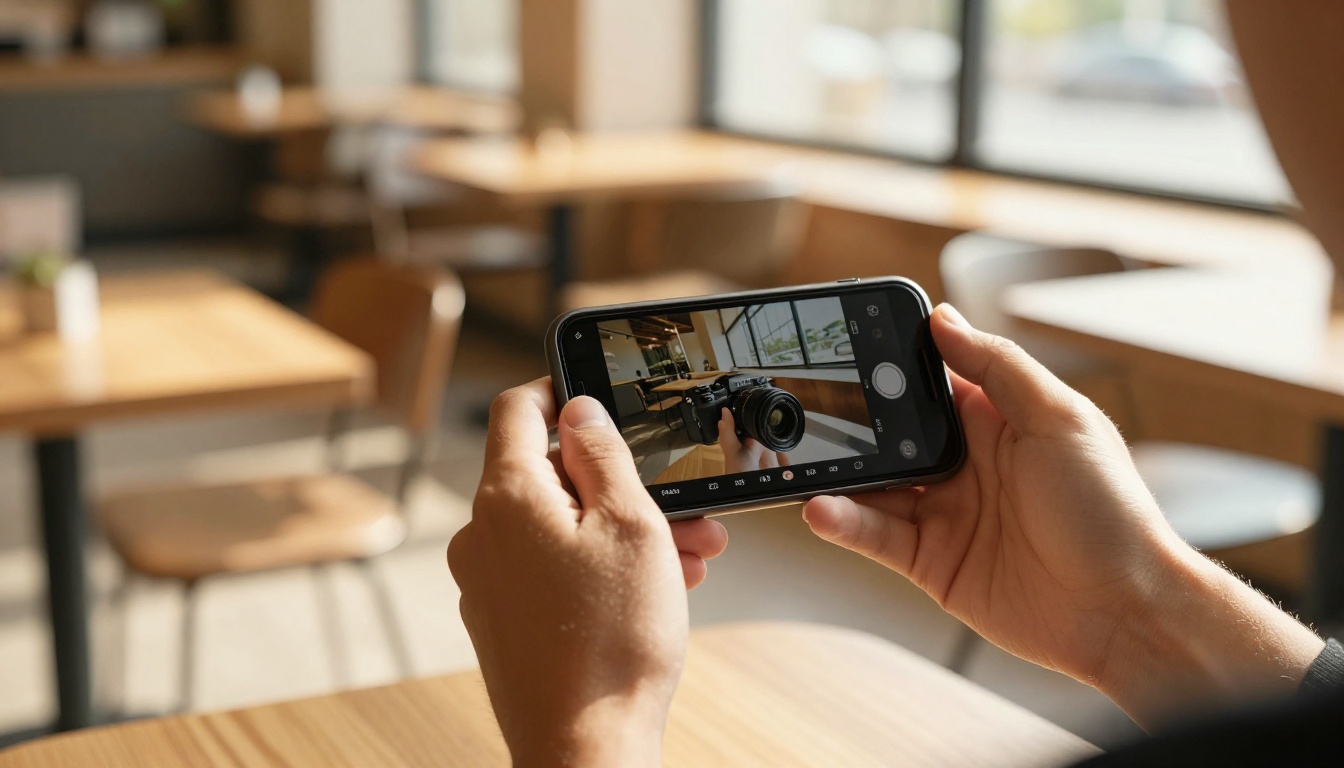
Step 1: Open the model page. Navigate to LTX-2 Distilled on PicassoIA. The interface loads in the browser with a text input field and generation controls.
Step 2: Write your prompt. Apply the four-component structure above. Keep it under 80 words. Specificity matters more than length.
Step 3: Set duration. Start with 4 seconds. Shorter clips generate faster and let you validate your prompt direction before committing to longer, slower generations.
Step 4: Choose resolution. 480p generates in roughly 20 seconds. 720p takes closer to 90 seconds. Use 480p during the prompt-building phase, then switch to 720p for your final version.
Step 5: Generate and evaluate. First generations almost always reveal what needs adjusting. Don't discard a generation because it isn't perfect. Study what the model did with your words and refine from there.
Step 6: Scale up quality. Once your prompt produces the motion and composition you want in LTX-2 Distilled, try the same prompt in LTX-2.3-Fast for noticeably sharper output.
Key parameters to adjust:
- Steps: 20 to 25 gives strong quality without excessive generation time
- CFG Scale: 7 to 8 balances prompt adherence and visual coherence
- Seed: Lock a seed number once you find a good result, so you can iterate cleanly without randomness overwriting progress
Free vs. Paid: A Real Comparison
The gap between free and paid text-to-video has narrowed substantially in 2027. Here is an honest breakdown of the models available on PicassoIA across the free and credit-based tiers:
When Free Is Enough
Free models cover most personal and small-scale commercial needs:
- Social media posts under 10 seconds
- Concept visualization before production
- Background videos for presentations
- Creative storytelling and artistic projects
- Learning how text-to-video prompt writing works
When to Add Credits
The argument for credits becomes clear when:
- You need clips longer than 6 seconds consistently
- Your project requires 1080p or 4K resolution
- You produce content commercially at volume
- You need precise motion control across multiple related clips
- You want access to the most capable models like Kling v3 Video or WAN 2.6 T2V
What You Can Build Right Now
The real question is not what the models can do in theory. It is what you can create in practice, starting today.
Social Media Clips That Stop the Scroll
Short-form video platforms are perfectly matched to 4 to 6 second AI clips. A well-crafted prompt produces scroll-stopping content for Instagram Reels, TikTok, or YouTube Shorts within minutes. Product backgrounds, atmospheric scene-setting, abstract motion, and nature scenes all perform exceptionally well in this format.
Use PixVerse v5.6 when you want visual impact and stylized drama. Use WAN 2.6 T2V when you need naturalistic footage that sits comfortably alongside real-world content without looking artificially generated.
Product Placement and Promo Content
A product shown in a visually compelling AI-generated scene frequently outperforms standard product photography for web use. AI video lets you create multiple environmental contexts in under an hour. Free tier quality at 720p is entirely sufficient for website headers, email campaigns, and social ads.
Short Films and Narrative Sequences
Single 4-second clips are interesting. A sequence of 8 to 10 related clips edited together is a short film. Generate clips from a series of connected prompts that share a visual language. Export them, edit in any video editor, and you have a complete narrative piece at zero cost.
Tip: Establish a consistent visual palette across your prompt sequence: the same lighting language, the same camera distance, the same color temperature. Consistency across clips is what separates a sequence that reads as a film from a random collection of generated moments.
Start Creating Your First Clip
Every model in this article is available on PicassoIA right now. No installation. No waiting list. No required payment to start. The platform hosts over 87 text-to-video models, from free open-source tools to the most capable commercial models currently available anywhere.
Start with LTX-2 Distilled if you want results in 20 seconds. Move to WAN 2.5 T2V Fast or CogVideoX-5B when you're ready to push quality further. When you want to step up to professional-grade output with longer durations and precise motion control, Kling v3 Video and Veo 3 Fast are there waiting.
The barrier to AI video creation has never been lower. Write your first prompt, generate your first clip, and build from there. The only thing standing between you and your first AI video is the words you choose to type.


