If you've ever wanted to reach an audience in Spanish, Hindi, French, or Japanese without hiring a single voice actor, AI text-to-speech has officially made that possible at a fraction of the cost and time. The technology has crossed a threshold where synthetic voices are no longer robotic or obviously artificial. The best models today produce audio that listeners can't reliably distinguish from a real human recording.
This article walks through how AI voiceover generation works, which models produce the best results across different languages, and how to run it yourself without any technical setup.
What AI Voiceover Actually Does
Modern text-to-speech works through neural networks trained on enormous datasets of real human speech. These models don't just map phonemes to sounds; they capture the prosody of natural speech: the rise and fall of intonation, the natural pauses, the subtle emphasis that makes audio feel alive. The result is audio that sounds conversational rather than synthesized.
From text to audio in seconds
You input your script. The model processes the text, applies linguistic rules for the target language, selects a voice profile, and renders an audio file. The whole pipeline runs server-side in seconds. What used to require renting studio time, hiring a native speaker, directing sessions, and editing recordings can now happen in the time it takes to make a cup of coffee.
The language-specific nuance is where modern models really differentiate themselves. A good multilingual TTS model doesn't just transliterate your text into another phonetic system. It applies the right cadence, stress patterns, and natural speech rhythms for that specific language. Spanish has a different rhythm from Mandarin. Arabic reads right-to-left with fundamentally different phoneme structures. The best models handle all of this automatically.
Why multilingual voice matters now
Content distribution is global by default. A video posted to YouTube or a podcast episode published today can reach listeners on six continents within hours. But audio in a single language limits that reach. Dubbing into multiple languages historically required studios, translators, voice actors, and post-production editors, which kept it accessible only to well-funded production companies.
AI voiceover generation removes that barrier entirely. A solo creator can now produce a video in English, generate a Spanish voiceover with one click, and publish both versions the same day.
💡 Tip: Even if your audience primarily speaks your language, offering one or two additional language versions of your main content can significantly increase your reach to non-native speakers who prefer audio in their first language.

The Models Worth Knowing
The text-to-speech landscape has expanded dramatically. There are now 19 dedicated TTS models available on PicassoIA alone, ranging from fast turbo models to studio-quality HD options with voice cloning built in. Here's a breakdown of the ones that matter most.
ElevenLabs: the multilingual standard
ElevenLabs has built a reputation as one of the most natural-sounding TTS providers available. Their v2 Multilingual model supports 30+ languages with a diverse voice library that covers everything from casual conversational tones to formal narration. The naturalness of the output is exceptional, particularly for English, Spanish, Portuguese, French, German, and Italian.
Their v3 model pushes output quality even further, with improved emotional range and more consistent handling of longer scripts. If you're creating content that needs to sound genuinely professional, this is the model to use.
For creators who need speed more than absolute perfection, Flash v2.5 delivers fast synthesis with minimal latency. Turbo v2.5 covers 32 languages and sits in the sweet spot between speed and quality for most production workflows.
Gemini 3.1 Flash TTS: 70+ languages at scale
Google's Gemini 3.1 Flash TTS is the go-to choice when you need the widest possible language coverage. With support for 70+ languages and 30 distinct voices, it handles languages that most other models don't support, including lower-resource languages like Swahili, Bengali, Telugu, and Indonesian. The output quality is consistently natural across all supported languages rather than being optimized for a handful of major ones.
💡 When to use it: If your content needs to reach audiences in non-European languages, Gemini 3.1 Flash TTS is often the only model that handles the specific phonetic nuances correctly.
Minimax Speech 2.8: studio quality on demand
Minimax offers two distinct tiers that serve different needs. Speech 2.8 HD is positioned as a studio-quality output model, delivering audio that holds up under scrutiny even when played through high-quality speakers or headphones. The output is clean, noise-free, and warm in tone.
Speech 2.8 Turbo trades some of that fidelity for significantly faster generation, making it practical for real-time applications or high-volume content production where you're generating dozens of audio files per session.
Qwen3 TTS: clone any voice
Qwen3 TTS takes a different approach. Rather than providing a library of preset voices, it allows you to clone any voice or design your own custom voice profile. This is particularly powerful for creators who want consistent brand audio: once you've defined your voice, every piece of content sounds like it came from the same speaker, regardless of the language.
The cloning capability extends across languages, so a voice cloned from an English recording can be applied to generate audio in Spanish or French with matching vocal characteristics.
Speed vs Quality: Picking the Right Model
The TTS model ecosystem has sorted itself into a clear quality/speed spectrum. Knowing where your use case sits on that spectrum saves time and money.
When to choose turbo
Turbo variants are optimized for low latency. They're the right choice when:
- You're previewing scripts before committing to a final render
- You need to generate audio for social media content where ultra-high fidelity isn't the priority
- You're working with high volumes of short clips
- Real-time or near-real-time output is a requirement
Inworld TTS 1.5 Mini and Chatterbox Turbo from Resemble AI are both excellent for rapid iteration workflows.
When HD is worth it
HD models generate audio at a higher fidelity that becomes noticeable in specific contexts:
- Long-form content like podcast episodes or audiobooks
- Corporate training videos and e-learning modules where production quality reflects on the brand
- Any content that will be played through speakers rather than earbuds
- Videos where voiceover is the primary audio element rather than background narration
Minimax Speech 2.6 HD and Chatterbox Pro from Resemble AI are both strong choices in this category.
The latency factor
For most browser-based generation workflows, latency is less critical because you're rendering and downloading rather than streaming. The real consideration matters for:
- Batch processing: If you're generating 50+ audio clips, a 2x speed difference becomes significant over the full run
- Interactive applications: If you're building an app that generates voice responses dynamically
- Tight production deadlines: When you need to iterate on a script multiple times in a single session
💡 Rule of thumb: Use turbo for drafts, HD for final renders.
How to Use ElevenLabs v2 Multilingual on PicassoIA
The PicassoIA platform gives you direct browser-based access to all the models discussed above without requiring any API credentials or technical setup. Here's how to go from script to audio in under two minutes using ElevenLabs v2 Multilingual.
Step 1: Open the model page
Navigate to the ElevenLabs v2 Multilingual model page on PicassoIA. You'll see the text input interface along with voice selection and language settings.
Step 2: Paste your script
Paste the text you want to convert into the text field. The model handles scripts of varying lengths well, from a single sentence to several paragraphs. For best results:
- Write in the target language rather than relying on translation after the fact
- Use punctuation deliberately, since commas and periods directly affect pacing and natural pauses
- Break very long scripts (1000+ words) into logical sections for better output control
Step 3: Select language and voice
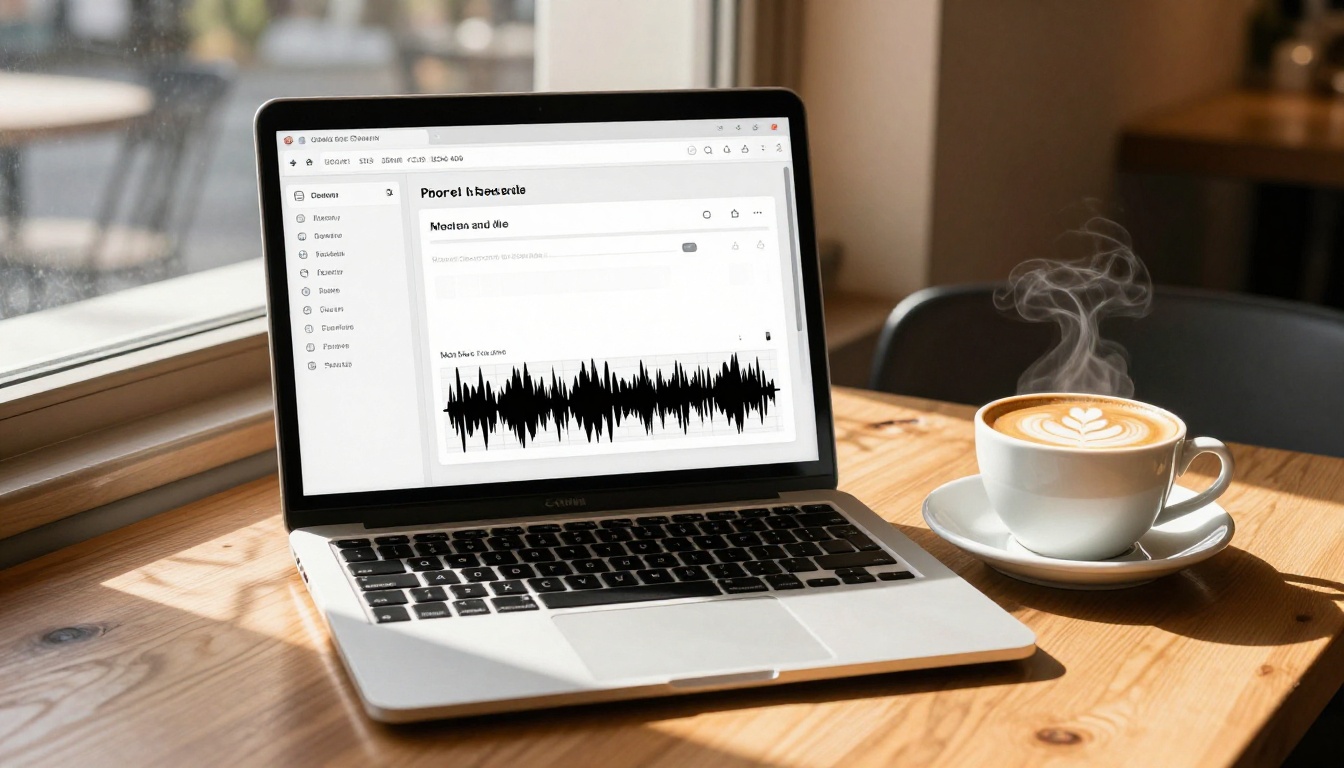
From the voice selector, choose the language you're targeting. The v2 Multilingual model lists available voices with previews. Pick a voice that matches the tone of your content: professional narration, conversational, warm, or authoritative.
Practical voice selection tips:
- For educational content, neutral and measured voices work better than expressive ones
- For marketing or promotional audio, a warmer and slightly more animated voice holds attention better
- For podcast-style content, conversational voices with natural breathing cadence feel more authentic
Step 4: Generate and download
Hit generate. The model typically returns audio within 5-15 seconds depending on script length. You can preview directly in the browser, then download the file in standard audio format, ready for use in your video editing software, podcast platform, or e-learning system.
💡 Pro tip: Generate a short 20-word test clip before committing to a full script render. This lets you confirm the voice tone and pacing match your expectations before running a long script.
Voice Cloning Across Languages
Voice cloning adds a layer of brand consistency that preset voice libraries can't match. Instead of picking from available voices and hoping one fits your brand's audio identity, you define exactly what your voice sounds like, then apply it everywhere.
What cloning actually requires
Good voice cloning doesn't need a full recording session. Most models require between 15 seconds and 3 minutes of clean source audio. The quality of the clone depends heavily on:
- Audio clarity: Clean recordings without background noise, reverb, or compression artifacts produce much better clones
- Vocal variety: Source audio that includes natural pitch variation, different sentence types (questions, statements), and a range of pacing gives the model more to work with
- Language match: Some models clone better when the source audio is in the same language as the target output
Minimax Voice Cloning is particularly strong for creating custom voice profiles from a short reference clip. Chatterbox from Resemble AI adds emotion control on top of voice cloning, letting you adjust the affective tone of the output even after the base voice is defined.
Best models for voice cloning

Who Uses This and How
AI voiceover isn't theoretical. These are the real workflows where it's being used right now.
YouTube creators and localization
Creators with established audiences in one language are using AI TTS to release dubbed versions of their videos in Spanish, Portuguese, French, and German without the cost of professional dubbing studios. The workflow is straightforward: translate the script, generate a voiceover with a matching voice, sync the audio to existing video cuts.
ElevenLabs Turbo v2.5 is particularly popular here because of its 32-language support and fast generation, which allows creators to produce multiple language versions of a video without making it a multi-day production effort.
E-learning and corporate training
Training departments at companies are replacing expensive studio-recorded narration with AI-generated voiceovers for internal courses, onboarding materials, and compliance training. The economic case is straightforward: a single script revision used to require rebooking a voice actor, scheduling studio time, and waiting days for the new file. With AI TTS, a script change takes minutes.
Minimax Speech 2.8 HD and Inworld TTS 1.5 Max are both well-suited for e-learning because of their clarity and consistent output quality across long narration scripts.
Social media and short video content
For short-form content where 30-60 second clips need audio, the speed of turbo models makes them ideal. Creators can test multiple voice options quickly, pick what works for the specific clip tone, and have publishable audio in minutes.
Play Dialog from PlayHT is worth noting here. It's built specifically for natural dialogue audio, making it a strong choice for content that features conversation-style narration rather than straight monologue delivery.

Comparing the Top Models

Try It Now on PicassoIA
PicassoIA gives you direct access to all the models in this article through a single interface, without API credentials, without software installation, and without a monthly studio budget. You can test ElevenLabs v2 Multilingual for 30+ language coverage, switch to Gemini 3.1 Flash TTS when you need breadth across 70+ languages, or experiment with voice cloning through Qwen3 TTS or Minimax Voice Cloning.
The barrier to multilingual audio content is no longer equipment, budget, or access to professional voice talent. It's simply the decision to start. Paste your first script and hear what AI voiceover sounds like in your target language. The difference between what you expect and what you actually hear is usually the moment people realize this technology is production-ready.
Whether you're a solo creator wanting to double your audience reach, a training team cutting production timelines, or a marketer localizing content for new markets, the tools are already there. The only thing left is to use them.


