How to Generate Animated Logos with AI Without Design Software
Animated logos are the new standard for modern branding. This piece walks you through the exact process of creating a stunning motion logo using AI tools, from generating your initial design concept to animating it with precision, all without any software installation or design experience.
Animated logos are everywhere now. Social media feeds, app splash screens, video intros, email signatures, brand presentations. What used to cost thousands of dollars at a motion design agency can now be produced in minutes using AI tools. The question isn't whether you should have an animated logo. It's how fast you can make one.
If your brand still relies on a static image while competitors loop fluid motion graphics in their profile pictures, story covers, and video overlays, you're already behind. This isn't about having a flashy logo for the sake of it. Motion signals investment, professionalism, and attention to craft. Audiences notice.
The good news: you don't need a background in design or video production. You don't need After-Effects, Cinema 4D, or a freelance motion designer on retainer. AI has changed the workflow completely, and the results rival what agencies charged a premium for just a few years ago.
Why Animated Logos Win Attention
Static logos blend into the background. Motion captures the eye. Studies on digital media consumption consistently show that motion graphics retain viewer attention significantly longer than static imagery in the same screen space. For brands competing in scroll-heavy environments like Instagram, TikTok, and LinkedIn, an animated logo isn't decoration. It's a competitive edge.
There's also the trust signal. When a small brand shows up with a polished motion logo in their video intro, it doesn't read as a small brand anymore. The production quality signals investment and care, even when that investment was measured in minutes rather than months.
The traditional barrier was skill and cost. Professional motion designers charge $500 to $3,000 for a single animated logo package. After-Effects tutorials alone require weeks of study before producing anything presentable. Client revision cycles add days or weeks to the timeline. AI collapses that entire barrier. What was a four-week project becomes a 30-minute experiment.
The Two-Step AI Workflow
Creating an animated logo with AI follows a clear, repeatable process regardless of your industry, brand style, or technical background:
Generate the logo image using a text-to-image AI model
Animate the logo using an image-to-video AI model
That's it. No Illustrator. No After-Effects. No motion design degree. Each step takes minutes, not days. The output is a professional animation file ready to drop into any platform or video project.
The magic is in how these two AI systems interact. Text-to-image models are extraordinary at producing clean, scalable graphic designs from plain language descriptions. Image-to-video models are built to take any still image and breathe motion into it, following a text prompt that describes how that motion should behave.
Together, they form a full creative pipeline that requires nothing but a clear idea of what your brand looks like and how you want it to move.
Step 1: Generate Your Logo with Text-to-Image AI
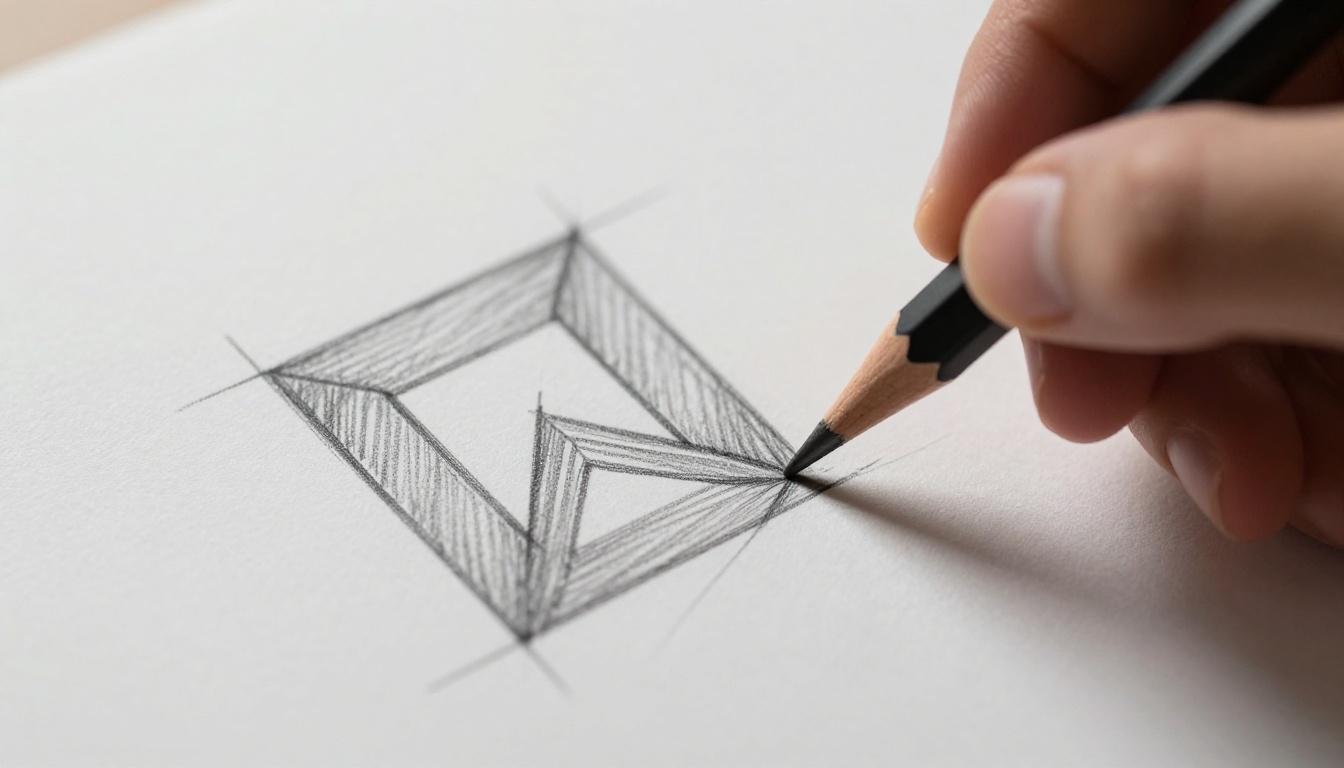
The starting point is a strong logo image. The better your prompt, the better your logo. Text-to-image models accept plain English descriptions and return high-quality visuals in seconds. You're not writing code. You're writing intention.
What makes a strong logo prompt for AI:
Design style: Use specific terms like "flat design," "minimalist," "geometric," "lettermark," "icon mark," or "wordmark"
Color palette: Name exact colors. "Navy blue and warm gold," "monochrome black and white," "forest green and cream"
Background: Always specify. "Clean white background," "transparent background," or "solid dark background"
Simplicity: Avoid excessive detail. Logos need to be clean, scalable, and legible at small sizes
Mood: "Corporate and trustworthy," "playful and bold," "elegant and minimal"
Example prompts for different logo styles:
Logo Type
Prompt Structure
Abstract mark
"Minimalist geometric abstract logo mark, overlapping hexagonal shapes, navy and gold, white background, flat design, vector style"
Lettermark
"Letter A logo, bold geometric sans-serif, clean sharp lines, black and white, minimalist, white background"
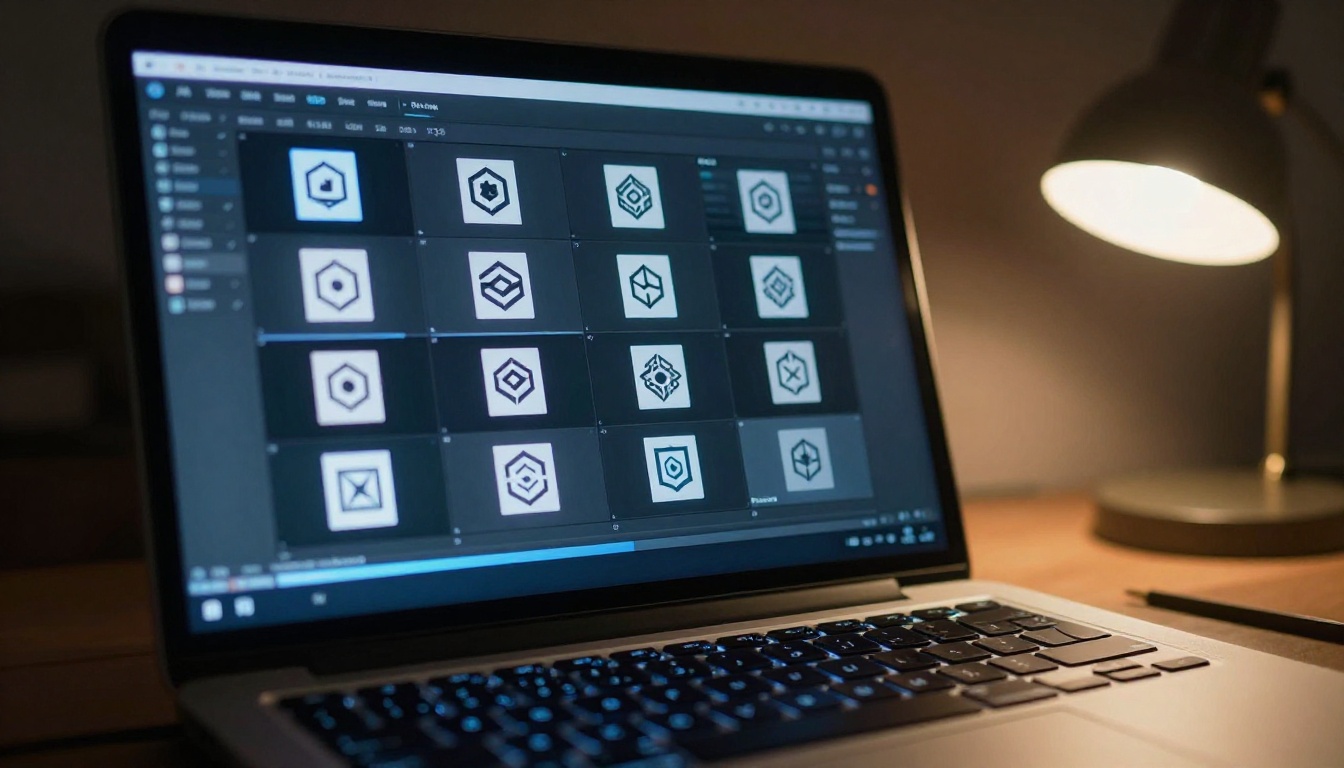
💡 Tip: Generate 5 to 10 variations using different prompts and seeds. AI outputs are probabilistic, so each generation produces something slightly different. Treat it like rapid prototyping: run many iterations quickly, then select the strongest output to carry forward.
Step 2: Pick the Right Animation Model
Once you have your logo image, you need an image-to-video model to animate it. Not all models produce the same quality of motion for logo animation. Some are better at organic human movement. Others excel at geometric precision and clean mechanical motion, which is exactly what logos need.
Here's how the leading models compare for logo animation specifically:
For most logo animations, Wan 2.7 I2V is the strongest starting point. It handles geometric shapes with clean, precise motion and produces smooth output without the jittery artifacts common in less specialized models. If you need 4K output for large-format advertising or high-end presentations, LTX 2 Pro is worth the extra generation time.
Writing Animation Prompts That Work
The animation prompt is where most people go wrong. A vague prompt produces generic motion. A specific, well-structured prompt produces exactly the animation behavior your logo needs. This is the single most impactful skill you can build in this workflow.
A repeatable prompt structure:
[Primary motion action] + [Direction or path] + [Speed and timing] + [Camera behavior] + [Quality descriptor]
Prompts by logo type that consistently perform:
Geometric mark: "Logo elements rotate slowly clockwise, each geometric piece assembling from the center point outward, smooth ease-in-out timing, no camera movement, clean motion"
Lettermark: "Letters appear sequentially from left to right, each with a subtle scale-up from 90% to 100%, soft ease-in timing, static camera, white background remains stable"
Icon mark: "Icon silhouette draws itself from a single anchor point outward, clean line reveal, slow deliberate pace, static camera, white background, professional quality"
Wordmark: "Text appears character by character with a short horizontal slide-in, each letter settling with minimal movement, smooth timing, no camera drift"
💡 Tip: Always include "no camera movement" or "static camera" in your animation prompt when working with logos. Camera shake and drift destroy the professional appearance of a logo animation and make it feel uncontrolled.
How to Use Wan 2.7 I2V on PicassoIA
Wan 2.7 I2V is the top-performing image-to-video model for logo animation on the platform. Here's the exact process:
Step 1: Open the model page
Navigate to Wan 2.7 I2V on PicassoIA. No software installation required. The model runs entirely in your browser.
Step 2: Upload your logo image
Upload the logo you generated in the text-to-image step. The model accepts JPG, PNG, and WebP. For best results, use a high-contrast logo on a clean white or solid-color background. The cleaner the input, the cleaner the animation.
Step 3: Write your animation prompt
Use the prompt framework from the previous section. Be specific. Keep it under 100 words. Name the motion behavior, the camera behavior, and the timing characteristics you want.
Step 4: Configure the output parameters
Parameter
Recommended Setting
Duration
3 to 5 seconds
Resolution
1080p
Frames per second
24 fps
Motion intensity
0.5 to 0.7 (medium)
Step 5: Generate multiple variations
Run 2 to 3 generations with the same prompt and different seeds. The random seed controls which specific motion pattern is generated. Small seed differences produce meaningfully distinct animations from the same prompt. Select the version that best represents your brand's character.
Matching Animation Style to Brand Personality
Not every logo should animate the same way. The motion style is part of your brand communication. A luxury watch brand and a gaming app should not have the same animation aesthetic. The motion tells the audience something about who you are before they read a single word.
Fast vs. Slow Motion
Fast animations (the primary motion completes in under 1 second) signal energy, speed, and forward momentum. Strong fit for: technology startups, sports brands, gaming companies, fitness apps, energy drinks.
Slow animations (full reveal takes 2 to 4 seconds with deliberate pacing) signal reliability, premium quality, and considered craftsmanship. Strong fit for: luxury brands, financial services, law firms, architecture studios, premium food and beverage.
Motion Type by Brand Personality
Motion Type
Brand Signal
Ideal Industries
Rotation
Dynamic, energetic, forward momentum
Tech, gaming, automotive
Draw or reveal
Creative, crafted, intentional
Design agencies, studios, consulting
Scale pulse
Confident, alive, breathing
Fitness, sports, wellness
Fade sequence
Elegant, refined, understated
Luxury, fashion, hospitality
Particle assembly
Innovative, complex, playful
SaaS, apps, creative tech
Morph or reshape
Fluid, adaptable, modern
Agencies, media, startups
💡 Tip: If you're unsure which motion fits your brand, generate one example of each type and evaluate them on both a black and a white background. The motion that reads clearly and confidently in both contexts is almost always the right choice.
Common Mistakes and How to Avoid Them
Overloading the Motion
The most frequent mistake with animated logos. Beginners pack in too much: spinning plus bouncing plus color-shifting plus scaling plus fading, all at once. The result is visually chaotic and undermines confidence in the brand.
The fix: Choose one primary motion. Maximum two. Let the motion breathe. Restraint reads as confidence.
Low-Contrast Background Problems
Logos with white elements animated on white backgrounds disappear. Logos with dark elements on dark backgrounds do the same. Neither outcome is usable.
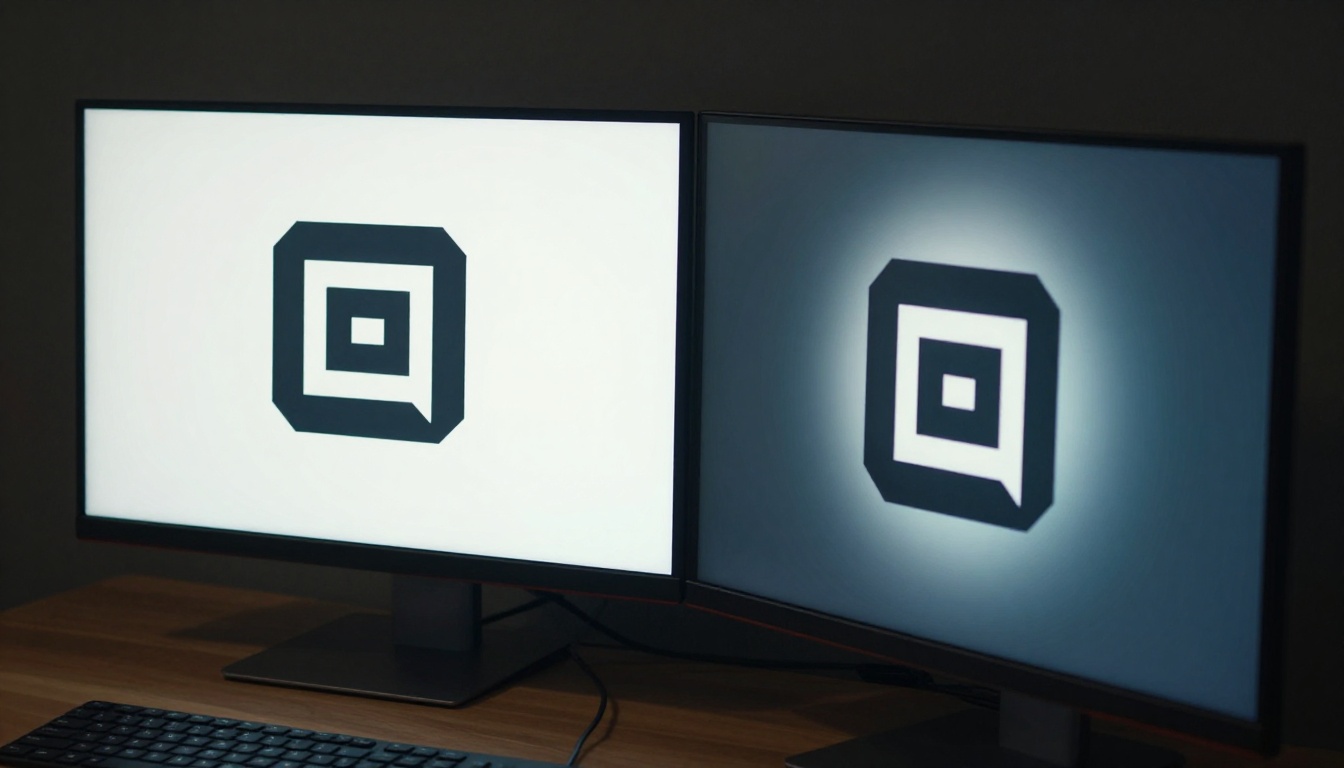
The fix: Always test your animated logo on pure white (#FFFFFF) and pure black (#000000) before finalizing. If it reads clearly on both, it's ready.
Animations That Run Too Long
An animated logo used in a social media profile badge or website header should loop in 1 to 2 seconds. A video intro can go to 5 seconds. Anything longer without intentional pacing feels self-indulgent and unprofessional.
The fix: Match duration to the deployment context. Create separate exports for different use cases rather than trying to make one animation work for everything.
Wrong File Format for the Platform
Animated logos need the right container format for each environment. MP4 for video embeds and presentations. WebM for websites and web apps where transparency matters. GIF only when the target platform specifically requires it, since GIF's 256-color limitation significantly degrades quality.
The fix: Export in MP4 and WebM as the primary deliverables. Generate GIF versions only for platforms that don't support video formats.
Going Further: 4 Pro Animation Moves
Looping Animations
For social media avatars, website elements, and loading indicators, you need a perfectly seamless loop. The animation completes and restarts without any visible jump or cut. This requires the end frame to match the start frame precisely.
When prompting for seamless loops, add phrases like "seamless loop," "continuous rotation," or "infinite cycle" to your animation prompt. Kling v3 Video and Pixverse v4.5 handle looping motion with particular reliability.
Color Shift Animations
Instead of physical motion, your logo can animate through a color sequence. The shape stays completely still while the palette transitions. This works especially well for brands that use color as a primary identity marker and want motion without the structural complexity of geometric animation.
Prompt approach: "Logo shape remains perfectly static, colors shift gradually from [Color A] to [Color B] with smooth gradient transition, 3 second duration, no positional movement at all, static camera"
Depth Parallax
Even without true 3D modeling, AI can simulate depth convincingly. Logo layers appear to shift at slightly different speeds, creating a parallax illusion that gives the impression of dimensional depth without any 3D software.
Try this with Seedance 1 Pro: "Subtle parallax depth effect, foreground logo elements shift minimally relative to background layer, very slow horizontal drift of 1 to 2%, cinematic feel, no distortion of logo shapes"
Audio-Synced Logo Reveals
Animated logos hit harder when paired with a sound. While most image-to-video models generate silent animations, you can layer branded audio in any video editor. For a faster path, Veo 3 and Seedance 1.5 Pro generate video with native synchronized audio, which can provide an ambient sound layer that matches the visual energy of your logo reveal.
Where to Use Your Animated Logo
An animated logo is not a single asset. It's a system of exports that serves different contexts. Here's the full breakdown of where to deploy and what each platform needs:
Platform or Context
Format
Duration
Resolution
YouTube intro
MP4
3 to 5 seconds
1920x1080
Instagram profile
MP4 or GIF
1 to 2 second loop
500x500
Website header
WebM
2 to 3 second loop
Variable
Email signature
GIF
1 to 2 second loop
300x150
Presentation slides
MP4 or GIF
2 to 3 seconds
1920x1080
App splash screen
MP4
2 to 4 seconds
Native device
Digital advertising
MP4
3 to 6 seconds
1200x628
TikTok or Reels overlay
MP4
2 to 3 seconds
1080x1920
💡 Tip: Always create a master high-resolution export first, then resize and recompress for each specific platform. Starting from a low-resolution source and upscaling always produces inferior results.
Evaluating Output: A Quality Checklist
Before placing your animated logo anywhere, run every output through this validation list:
Motion feels intentional, not random or jittery
If looping, animation restarts cleanly without a visible jump
Logo shape and proportions are preserved throughout the animation
Colors remain accurate and consistent across all frames
Background is correct for the intended context (transparent, white, or black)
Animation duration is appropriate for the deployment platform
File exported in the correct format for the target environment
Logo is legible at the smallest size it will be displayed
If any item fails the check, return to the generation step. Adjust the prompt, change the motion intensity parameter, or try a different model.
The Cost Comparison
Before AI tools, creating a professional animated logo required assembling a production pipeline with real budget:
Traditional Approach
AI-Powered Approach
Graphic designer for logo: $500 to $2,000
Text-to-image generation: seconds
Motion designer for animation: $1,000 to $3,000
Image-to-video animation: minutes
Client revision rounds: days to weeks
Iteration cycles: minutes
Final delivery: 2 to 4 weeks
Final delivery: under 1 hour
Total: $1,500 to $5,000+
Total: fraction of the traditional cost
This isn't about replacing skilled designers for complex brand systems. It's about giving founders, marketers, content creators, and small businesses access to capabilities that were previously locked behind significant budgets and long timelines.
Your First Animated Logo Starts Here
Every brand deserves a logo that moves. The tools to build one exist right now, at your fingertips, without a design background or a five-figure budget.
The workflow is straightforward. Describe your logo concept with precision in a text-to-image model. Refine the output until it captures your brand's identity. Feed that image into Wan 2.7 I2V or Kling v2.1 with a clear animation prompt that names the motion, the camera behavior, and the timing. Within minutes, you have a professional motion logo ready for every platform.
PicassoIA puts over 90 text-to-image models and more than 100 animation models in one place, with no technical setup, no downloads, and no design experience required. Whether you're building a brand from scratch, refreshing an existing identity, or creating motion assets for a specific campaign, the tools are ready when you are.
Start with one logo concept. Run three text-to-image generations. Pick the strongest. Feed it to Wan 2.7 I2V. See what your brand looks like in motion. The first time you watch your logo come alive, you'll understand why animated logos have become non-negotiable for brands that take their presence seriously.