How to Generate Anime Characters with AI (and Actually Love the Results)
Anime character generation with AI has never been more accessible or visually impressive. This article breaks down the best models, prompting strategies, and a step-by-step workflow for creating stunning anime characters, from choosing the right model to iterating toward the exact look you have in your head.
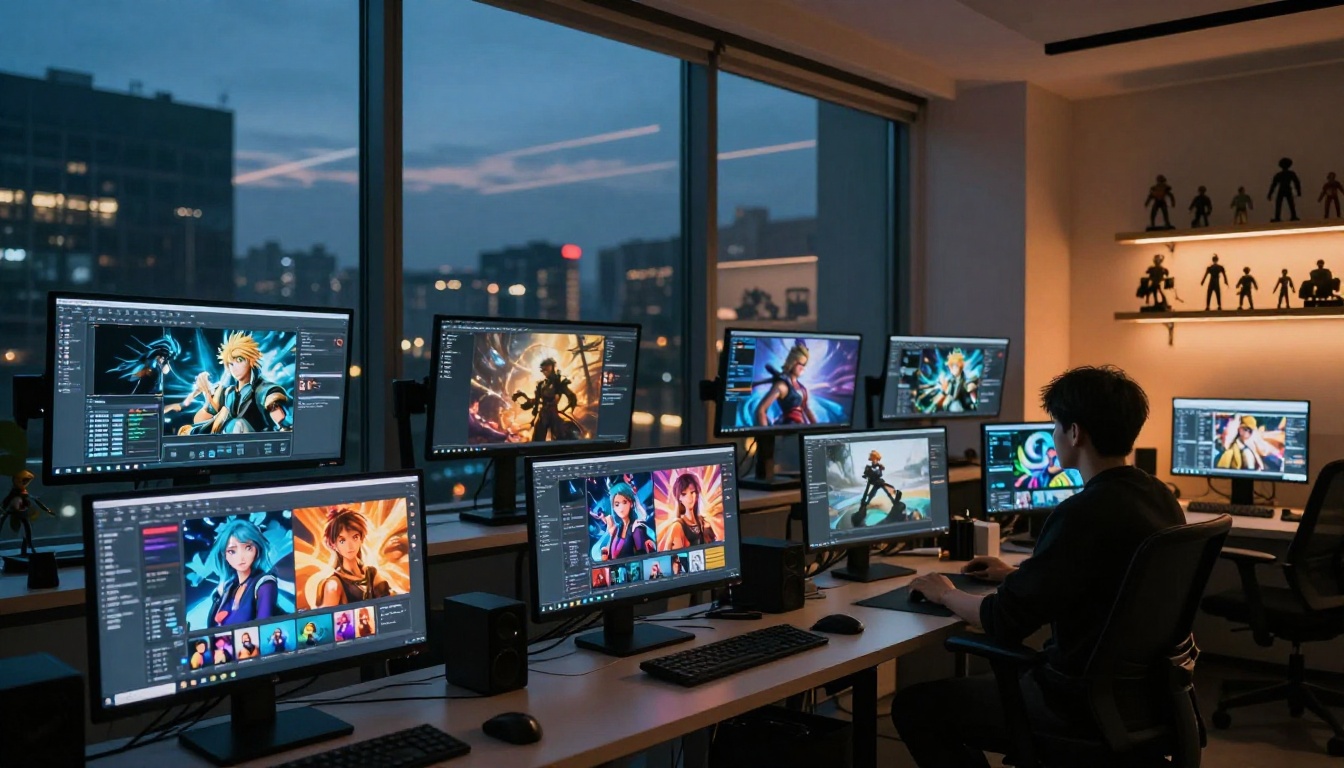
Anime character generation with AI has crossed a threshold nobody predicted this fast. Two years ago, creating a convincing anime character from scratch required months of art training, a Wacom tablet, and serious software skills. Today, you type a description and get something that would take a skilled artist hours, in seconds. But there is a real gap between "AI-generated anime" and actually good AI anime. Most people open a tool, type "anime girl with blue hair," get a mediocre result, and move on. This article closes that gap.
Why AI Anime Art Has Changed Everything
The quality jump in text-to-image models over the last 18 months is staggering. Models trained specifically on anime datasets can now produce characters with correct anatomy, expressive faces, consistent clothing details, and rich environmental backgrounds. The reason this matters: anime is one of the most detail-dependent art forms in existence.
Hair physics. Eye catchlights. The exact curve of a collar. The weight of fabric against a body in motion. Getting any of those wrong makes the whole image feel instantly off. Modern AI models have absorbed those visual rules at a deep structural level, trained on enough high-quality anime art that they replicate the aesthetic logic, not just the surface look.
What you get now:
Consistent character proportions that look intentional, not accidental
Style accuracy across dozens of sub-genres: shonen, shoujo, isekai, mecha, slice-of-life, dark fantasy
Controllable outputs via specific prompting rather than random luck
Speed that lets you iterate through 10 concepts in the time it once took to sketch one
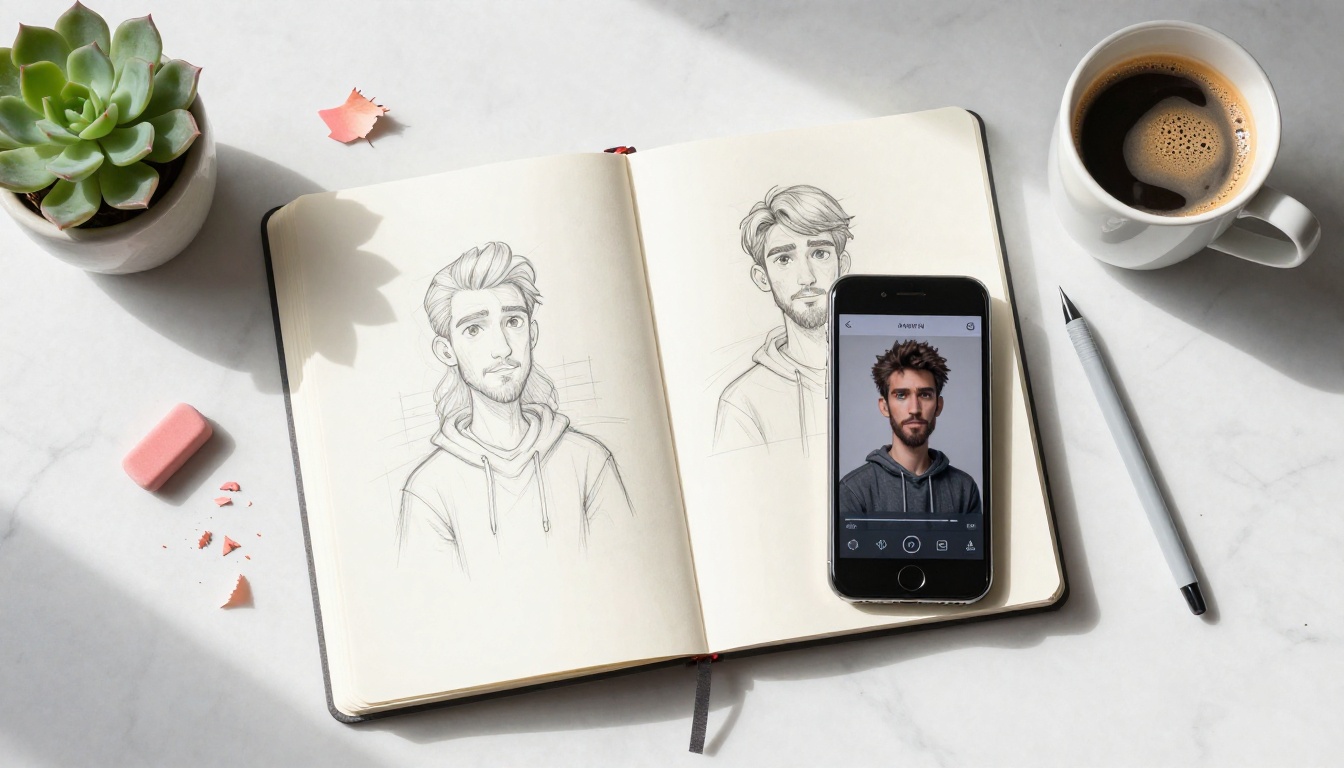
The creative workflow has changed too. Artists use AI to generate rough character concepts, then refine with their own hand. Writers use it to visualize characters for their stories. Content creators build entire visual identities around AI-generated anime personas. Independent game developers build full character rosters without a dedicated artist on the team. The barrier to professional-looking character art is essentially gone.
The Right Models for Anime Characters
Not all text-to-image models perform equally on anime. Some excel at photorealism but struggle with stylized art. Others nail anime aesthetics but produce mediocre results with anything else. Picking the right tool matters more than most people realize.
Proteus v0.3 (Built for This)
Proteus v0.3 is the standout choice for anime character creation. It is the model that most directly targets the aesthetic: clean linework, vibrant color palettes, accurate anime facial proportions, and strong handling of hair and fabric detail. Where generic models produce something that looks vaguely anime-ish, Proteus produces results that feel like they belong in an actual production.
Its predecessor, Proteus v0.2, remains solid and worth using if you want slightly different stylistic tendencies. But v0.3 has noticeably better handling of complex braided hair, layered clothing, and multi-character compositions.
💡 Tip: When using Proteus v0.3, lead your prompt with art style descriptors before the character description. "1girl, anime art style, solo, detailed eyes" gets sharper results than jumping straight into character details.
Flux and SDXL for Hybrid Results
Flux Dev and Flux Pro sit in an interesting middle ground. They are not pure anime models, but they respond beautifully to anime-specific prompting, especially when you want characters that feel cinematic rather than flat-illustration. The results lean more toward the high-budget anime film aesthetic than TV anime serialization.
SDXL has been a workhorse of the AI anime community for years. Its strength is sheer flexibility. With the right prompt structure, you can shift between different anime eras (80s OVA look versus modern isekai aesthetic) with real precision.
For speed during ideation, Flux Schnell lets you iterate through character concepts fast. Run 10 variations in the time a slower model generates two. When you are still figuring out your character's visual identity, speed is a feature.
When to Try Image-01
Image-01 by MiniMax specializes in consistent character generation across multiple images. If you need to create the same character in different poses, expressions, or scenes, this model handles that consistency challenge better than most. For reference sheet workflows and character design portfolios, Image-01 is worth learning.
This is where most people go wrong. The quality of your output depends almost entirely on the quality of your input. Vague prompts produce vague results. Specific prompts produce specific, controllable results.
Nailing the Art Style
Specify the sub-genre. "Anime" alone is too broad. The model needs context for which visual tradition to draw from:
Being specific about the visual tradition tells the model which training data to draw from. You will see an immediate quality jump.
Character Features That Matter
Anime character design has a precise visual vocabulary. Use it deliberately:
Eyes: Specify size, style, and detail. "Large expressive eyes with detailed iris pattern, circular catchlights, long layered eyelashes, slight gradient iris from purple to blue" beats just "big eyes."
Hair: Anime hair is iconic and highly specific. "Flowing silver hair reaching the waist with a slight inward curl at the tips, individual strands catching light from camera-right, a single strand falling across the left eye" gives the model real working information.
Outfit: Describe fabric behavior and fit. "Fitted white sailor uniform with navy blue collar trim, pleated skirt with visible fabric creases at waist, matching ribbon bow tied at chest" produces dramatically better results than "school uniform."
Expression: Do not just say "happy." Try "slight asymmetric smile with one eye gently closed in a wink, soft pink blush on upper cheeks, warmth in the eyes."
💡 Pro move: After your character description, add a camera note. "Eye-level angle, soft backlighting creating hair rim light, shallow depth of field with background softly blurred" shapes the composition significantly, even in anime-style generation.
Lighting, Mood, and Atmosphere
Lighting in anime is not just technical, it is emotional. The quality of light defines the entire feeling of the image:
Morning: "Soft golden morning sunlight filtering through shoji screens, warm rim lighting on hair, delicate lens flare"
Night scene: "City lights bokeh background, cool blue moonlight from above, subtle neon color spill on skin and hair"
Drama: "Dramatic low-angle volumetric lighting, strong shadow play on face, storm clouds gathering in background"
Soft and peaceful: "Diffused overcast natural light, pastel sky gradient, gentle ambient fill from all sides"
How to Use Proteus v0.3 on PicassoIA
Proteus v0.3 is available directly on PicassoIA with no software installation required. Here is exactly how to get great results with it from the first session.
Step 1: Open the Model
Navigate to Proteus v0.3 on PicassoIA. The interface has a text prompt field, a negative prompt field, and generation settings. No account is required to start generating.
Step 2: Write Your Character Prompt
Structure your prompt in three layers: quality and style tags first, then character description, then scene and lighting:
1girl, anime art style, solo, upper body portrait,
long silver hair flowing with slight curl at tips,
large violet eyes with detailed iris gradient, individual eyelashes,
white miko shrine maiden outfit with red hakama,
soft warm golden backlighting, cherry blossom petals falling,
shallow depth of field background blur, detailed face,
high quality, vibrant colors
Negative prompt (equally important):
blurry, bad anatomy, deformed, ugly, poorly drawn hands,
extra limbs, low quality, watermark, text overlay,
distorted face, asymmetric eyes
The negative prompt tells the model what to avoid. Specifying "bad anatomy" and "deformed" as negatives is particularly important for anime models, which can produce impressive results but occasionally drift into proportion errors when left unconstrained.
Step 3: Adjust the Settings
CFG Scale: 7 to 9 works well for Proteus. Higher values stick closer to your prompt but can produce overcrowded or stiff results. Lower values give the model more creative interpretation.
Steps: 25 to 35 gives the best quality-to-speed ratio. Fewer steps produce faster but rougher outputs. More than 40 steps rarely adds meaningful quality.
Aspect ratio: For character portraits, try 2:3 (portrait orientation). For full-body characters, 9:16 works particularly well.
Step 4: Generate, Review, Iterate
Run your first generation. Do not expect perfection. Look at what worked and what did not, then adjust:
Outfit details missing? Be more specific: name the exact garment, fabric material, and color of every visible piece
Background too busy? Add "simple background" or describe a specific solid-color or gradient environment
Face proportions off? Add to negatives: "distorted proportions, unrealistic face, off-model"
Iteration is the real workflow. Your fourth or fifth generation will be dramatically better than your first, and the changes between them teach you how the model responds to your specific prompting choices.
💡 Seed tip: When you get a result you mostly like, save the seed number. Modifying the prompt slightly while keeping the same seed produces variations on the same character without losing what worked. This is how consistent character design actually happens in practice.
5 Mistakes That Ruin Anime AI Art
Even experienced users fall into these patterns. Avoiding them speeds up your results significantly.
1. Prompts that are too short. "Anime girl with red hair" gives the model almost no information. You are asking it to guess everything: pose, clothing, lighting, expression, background, style sub-genre, camera angle. More detail equals more control over the output.
2. Conflicting style signals. "Realistic anime portrait" sends contradictory information. Anime and photorealism operate on opposite ends of a visual spectrum. Pick one direction clearly and commit to it throughout the prompt.
3. Skipping the negative prompt. Every model benefits from negatives. This is especially true for anime, where common failure modes (bad hands, asymmetric eyes, distorted proportions) are predictable and preventable.
4. Expecting perfection on generation one. Professional AI artists run dozens of iterations before landing on a result they use. The first output is information about what to adjust next, not a finished product.
5. Using the wrong model. Using a photorealism-optimized model for anime work, or a generic model when a specialized anime model exists, produces mediocre results regardless of prompt quality. For anime character work, start with Proteus v0.3 before reaching for anything else.
What You Can Do With Your Characters
Once you have characters you are happy with, the applications are genuinely wide open.
Content Creation and Social Media
AI anime characters have become a serious content format. Character-based accounts on Instagram, X, and TikTok pull large, engaged audiences. The workflow: establish a clear visual identity for your character, generate consistent reference images using Image-01 for cross-image consistency, then build narrative or aesthetic content around them.
For faster variation generation while maintaining your character's core look, Flux Schnell lets you produce expressions, seasonal outfits, and scenario variations quickly. For final renders that need the highest quality output, Flux 1.1 Pro delivers production-grade results.
Games, Stories, and Worldbuilding
Character design is often the bottleneck in independent game development. With AI tools, a solo developer can now build a full cast of visually coherent characters without a dedicated artist on the team. The same logic applies to illustrated novels, visual novels, and manga-style storytelling.
Establish the character's visual constants: hair color and style, eye shape and color, signature outfit elements, and overall silhouette. Then generate scene-specific variations as the story demands.
Flux Kontext Pro lets you edit existing generated images with text prompts, so you can make targeted adjustments (change outfit color, adjust expression, add an accessory) without starting the entire generation over. This is a significant time saver when you are deep into character development.
Super Resolution: After settling on a character design, PicassoIA's Super Resolution models upscale your images 2x to 4x without quality loss. Your character art becomes print-ready and usable as high-resolution assets across any format.
Pose Control via ControlNet: If your character needs to appear in a specific pose, Controlnet Scribble lets you sketch or specify a pose structure that the model then fills with your character's look and style. This is how consistent character poses across multiple scenes become achievable without extensive prompt engineering.
Background Removal: PicassoIA's background removal tools let you isolate any character from their generated background, making them usable as standalone assets, placeable into different environments, or compositable into existing scenes.
Start Creating Your Own Anime Characters
Every great anime character started as an idea. The tools now exist to take that idea from your imagination to a polished visual in minutes, not months.
The process: open Proteus v0.3 on PicassoIA, describe your character with as much specificity as you can bring to it, run a generation, and iterate. You will be surprised how quickly a clear vision emerges from the process. The third or fourth result often stops you mid-scroll.
Whether you are building a story world, creating content, designing a game, making a visual novel, or simply seeing what your imagination looks like when given a visual form, the barrier is gone. The only thing left is to start.
PicassoIA has 91+ text-to-image models available, including every model referenced in this article. You can switch between them freely, compare results side by side, and find the exact aesthetic that fits your vision. Start with Proteus v0.3 for pure anime output, use Flux Dev or Flux Pro when you want more cinematic weight, and reach for Image-01 when consistency across multiple images matters. The results will speak for themselves.