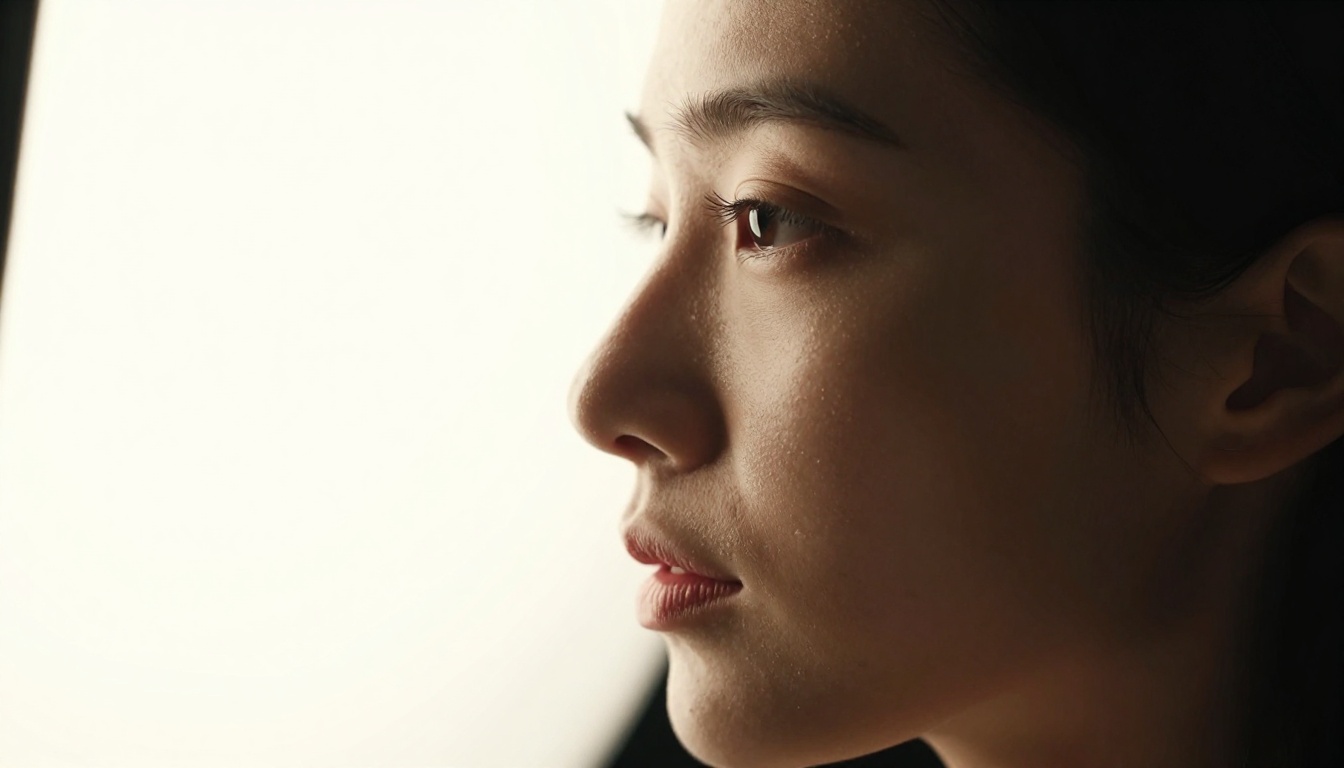
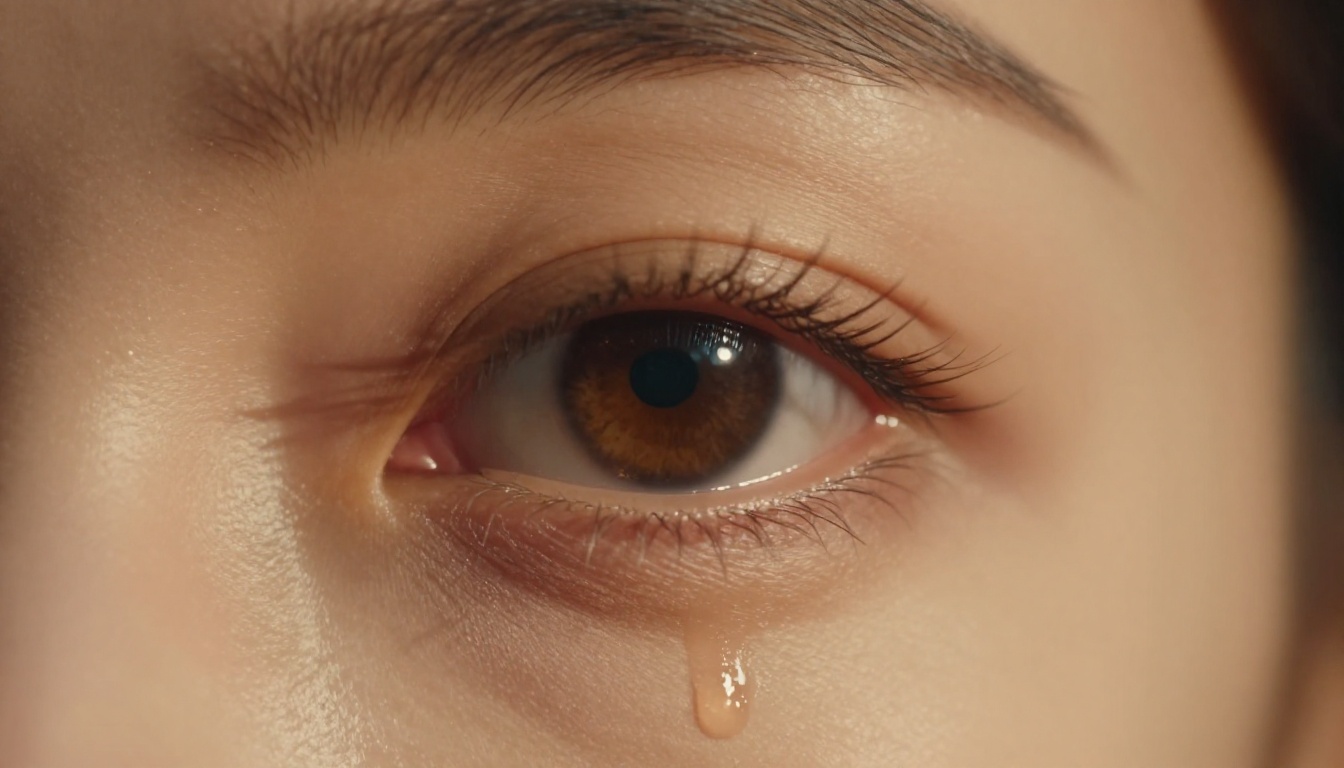
There is a specific kind of image that stops people mid-scroll. It is not the wide establishing shot. It is not the group photo. It is the close-up: a single eye catching candlelight, the grain of stubble under a raking afternoon sun, the slight tension in a jaw just before someone speaks. These shots communicate emotion in a way that wide frames simply cannot. And for the first time in history, you can generate them on demand with AI, without a camera, a studio, or a photographer. This article walks through exactly how to do it.

Why Close-Ups Hit Differently
The psychology behind tight framing
The human brain is wired to read faces. In evolutionary terms, scanning a face for emotion, intent, and safety was a survival skill. That hardwiring does not switch off when we look at images. A close-up portrait triggers the same neural circuits as real face-to-face contact, which is why a well-framed eye or a set of lips in perfect focus can feel more emotionally immediate than a full-body scene with ten characters.
Film directors have known this for a century. Sergio Leone built entire careers on the close-up. Kubrick used extreme close-ups to create psychological unease. In fashion photography, the close-up is the format that moves product. The closer the camera, the more the viewer projects their own emotions onto the subject.
When you generate AI images for content, social media, editorial work, or creative projects, close-ups consistently outperform wider compositions on engagement. They are more personal, more direct, and far harder to scroll past.
What separates "cinematic" from "snapshot"
The word "cinematic" gets used so loosely that it has almost lost meaning. But technically, it refers to a specific cluster of visual qualities borrowed from film production.
Shallow depth of field: Only the subject is in focus. The background dissolves into soft, creamy blur (bokeh). This separation is what tells the viewer's eye exactly where to look.
Intentional lighting: Natural or studio light with a clear direction, quality, and motivation. There are no flat, sourceless shadows. Light comes from somewhere specific.
Film grain: A light organic texture overlaid on the image that mimics the look of photographic film stock. This removes the clinical "AI sheen" that many generated images have.
Color grading: Shadows and highlights are shifted slightly toward complementary tones. The most classic grade pushes shadows toward teal and highlights toward warm amber.
Lens character: Real lenses have imperfections, chromatic aberration, compression, and field curvature. Specifying a focal length and aperture in your prompt pushes the AI model to reproduce these optical qualities.
All five of these elements need to be present for an image to read as cinematic. Miss any one of them and you get a good photo instead of a great one.
The Anatomy of a Perfect Close-Up Prompt
Subject + Light + Lens = Everything
If you strip a great close-up prompt down to its core, you always find three components: what the subject is doing or expressing, where the light is coming from, and what camera and lens captured it. Everything else is refinement.
A prompt built on those three pillars is almost guaranteed to produce something usable. A prompt that skips any of them will produce something generic, even if it is technically correct.
Here is the base formula:
[Subject action or expression] + [Light source, direction, and quality] + [Camera body + lens + aperture + focal length] + [Background + depth of field description] + [Film stock or grain texture] + [Color palette]
Every word you add beyond the basics gives the model more to work with, and the outputs scale directly with the specificity of your prompt.
The 4 elements you cannot skip
Tip: Every high-quality close-up prompt needs all four of these. Missing even one collapses the result.
1. Skin texture language: AI models need explicit instruction to render pores, fine hairs, moisture, and micro-detail. Words like "pore-level detail," "individual hairs visible," "moisture on lips," and "fine skin texture under raking light" pull the model toward photorealism.
2. Light direction: "Good lighting" tells the model nothing. "Volumetric morning light from upper left, casting a 45-degree shadow across the cheekbone" tells it everything. Be specific: left, right, above, behind, rim, key.
3. Lens specification: Mention a specific focal length and aperture. "85mm f/1.4" is a portrait staple. "100mm f/2.8 macro" signals extreme close-up. "135mm f/1.8" gives a slightly compressed, flattering perspective.
4. Film stock reference: Kodak Portra 400 reads as warm, slightly desaturated, organic. Fujifilm Pro 400H reads as cooler, softer. Kodak T-Max 400 reads as high-contrast monochrome. These references activate trained associations in the model and dramatically change the tonal output.
Negative prompts that actually help
Negative prompts are often underused when generating close-ups. The most common issues in AI portrait generation are exactly what a targeted negative prompt can suppress.
| What to exclude | Negative prompt phrase |
|---|
| Plastic skin | "smooth skin, airbrushed, porcelain" |
| Artificial lighting | "studio strobe, ring light, flat light" |
| Digital look | "CGI, 3D render, digital art, illustration" |
| Extra limbs or faces | "deformed, extra fingers, multiple faces" |
| Text artifacts | "watermark, signature, logo, text" |
| Neon or sci-fi | "neon lights, cyberpunk, glowing effects" |
Pairing a strong positive prompt with a precise negative prompt is the single fastest way to go from "decent" to "publication-ready."
Lighting Setups That Sell the Shot
Golden hour vs. studio: which wins?
Neither setup is objectively better for cinematic close-ups. They produce fundamentally different emotional tones, and choosing between them is a creative decision, not a technical one.
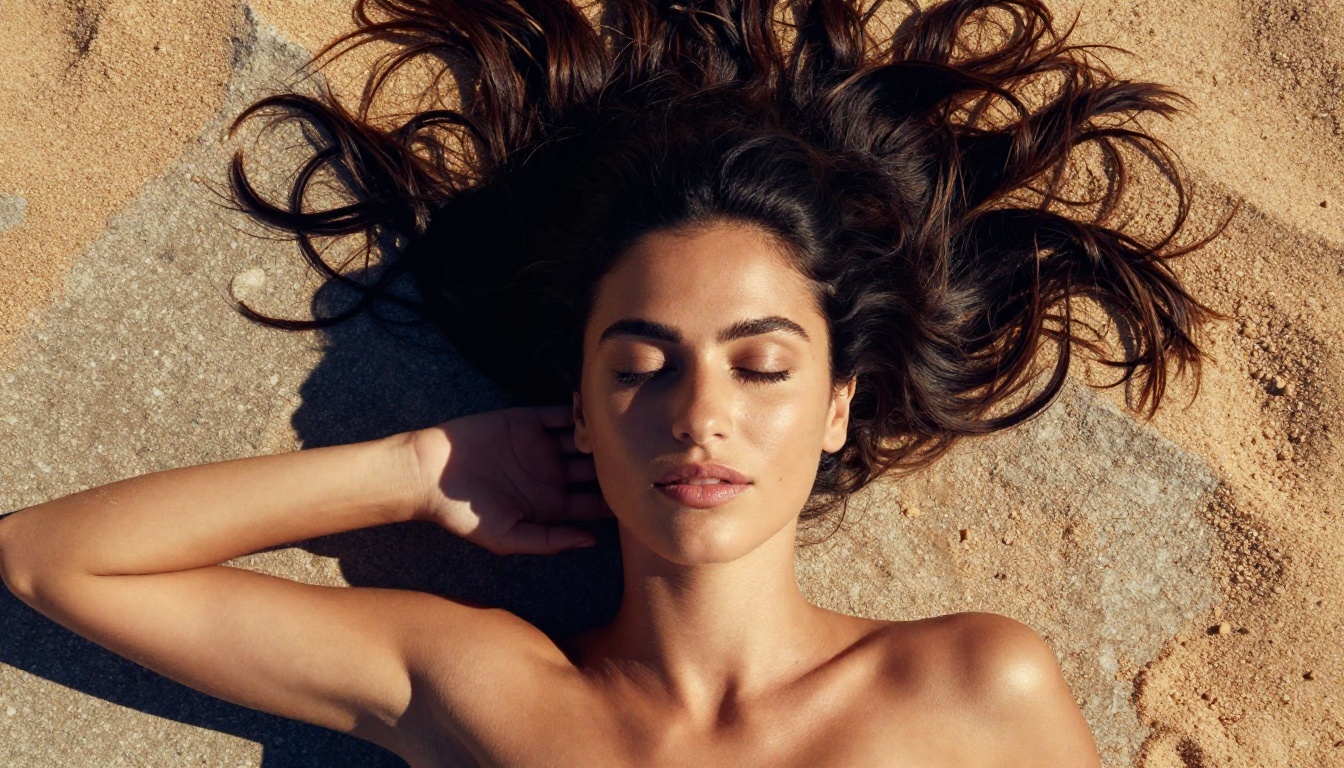
Golden hour light (the hour after sunrise or before sunset) is warm, directional, soft, and deeply flattering. Shadows are long and orange-tinged. Highlights are honey-gold. The skin reads as warm, alive, and sun-kissed. This lighting evokes intimacy, nostalgia, and natural beauty. It is the lighting of romance films and editorial fashion.
Studio light gives you control. Rembrandt setups create dramatic triangular shadow patterns on the face. Split lighting cuts the face exactly in half between shadow and highlight, creating tension and psychological weight. Rim lighting traces the subject against a dark background, separating them from the void with a precise line of light.
For cinematic AI close-ups, golden hour prompts tend to require fewer iterations to get right because the model has seen enormous amounts of golden hour photography in its training data. Studio setups require more specific language to nail the exact setup you want.
Rembrandt, split, and rim
These are the three classic studio setups worth memorizing because they appear constantly in film, advertising, and editorial photography.
Rembrandt lighting: Named after the Dutch painter. The key light is placed at roughly 45 degrees to the subject and slightly above eye level. This creates a small, triangular patch of light on the shadowed cheek. In prompts: "Rembrandt lighting from upper left, triangle of light on shadowed cheek."
Split lighting: One half of the face is fully lit, the other in deep shadow. Creates drama and tension. Common in thriller and noir. In prompts: "Split lighting, exactly half the face in deep shadow, hard light from direct left."
Rim lighting: A light placed behind and to the side of the subject traces the outline of their face with a bright halo. Often used to separate the subject from a dark background. In prompts: "Strong rim light from behind-right, bright halo tracing the profile, dark background."
Camera Angle and Composition
Low angle vs. aerial: when to use each
Angle is often the first compositional choice and the one with the biggest impact on how the subject reads emotionally.
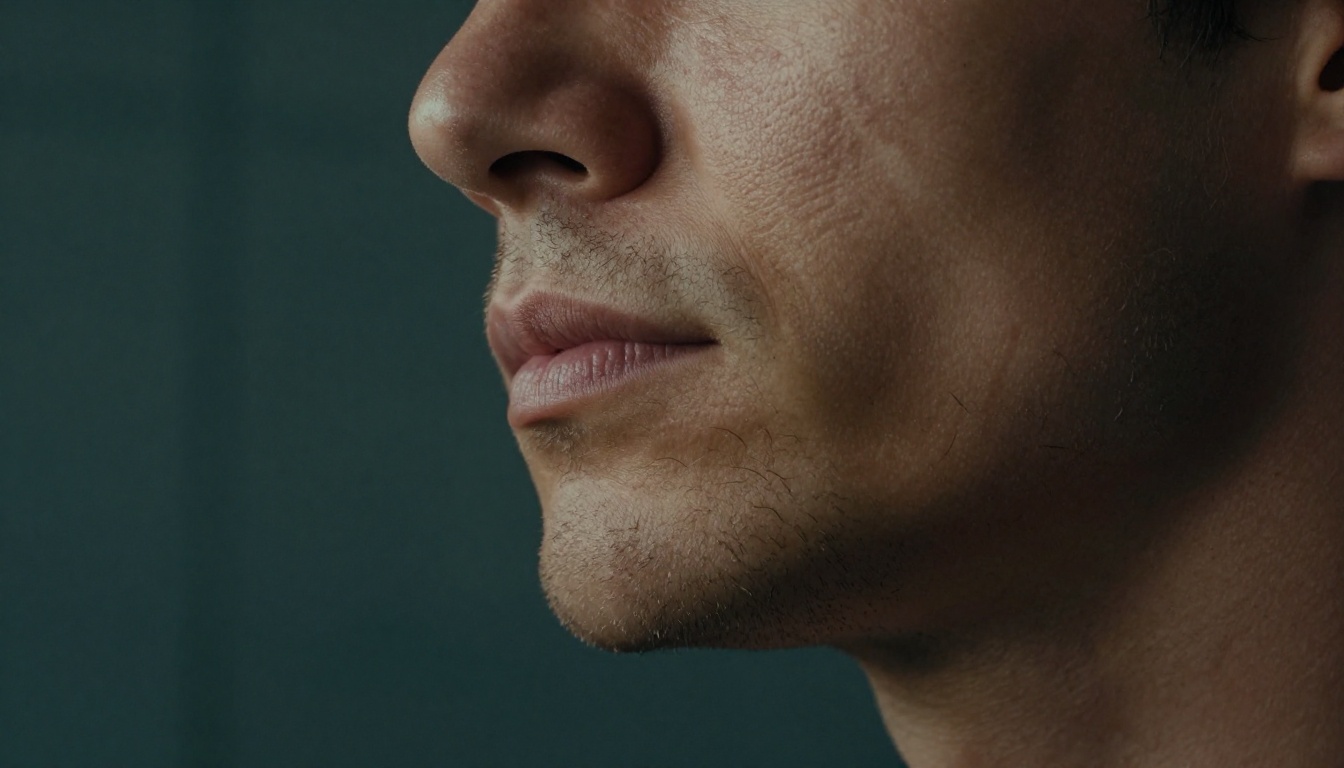
Low-angle close-ups (camera below the subject, tilted upward) give the subject power, size, and presence. A jaw or chin shot from below reads as confident, strong, and slightly imposing. This angle works best for portraits that need authority.
Aerial or top-down close-ups (camera directly above the subject looking down) create vulnerability and openness. A face shot from above looks smaller, more exposed, more intimate. This angle works for shots that need to feel unguarded or dreamlike.
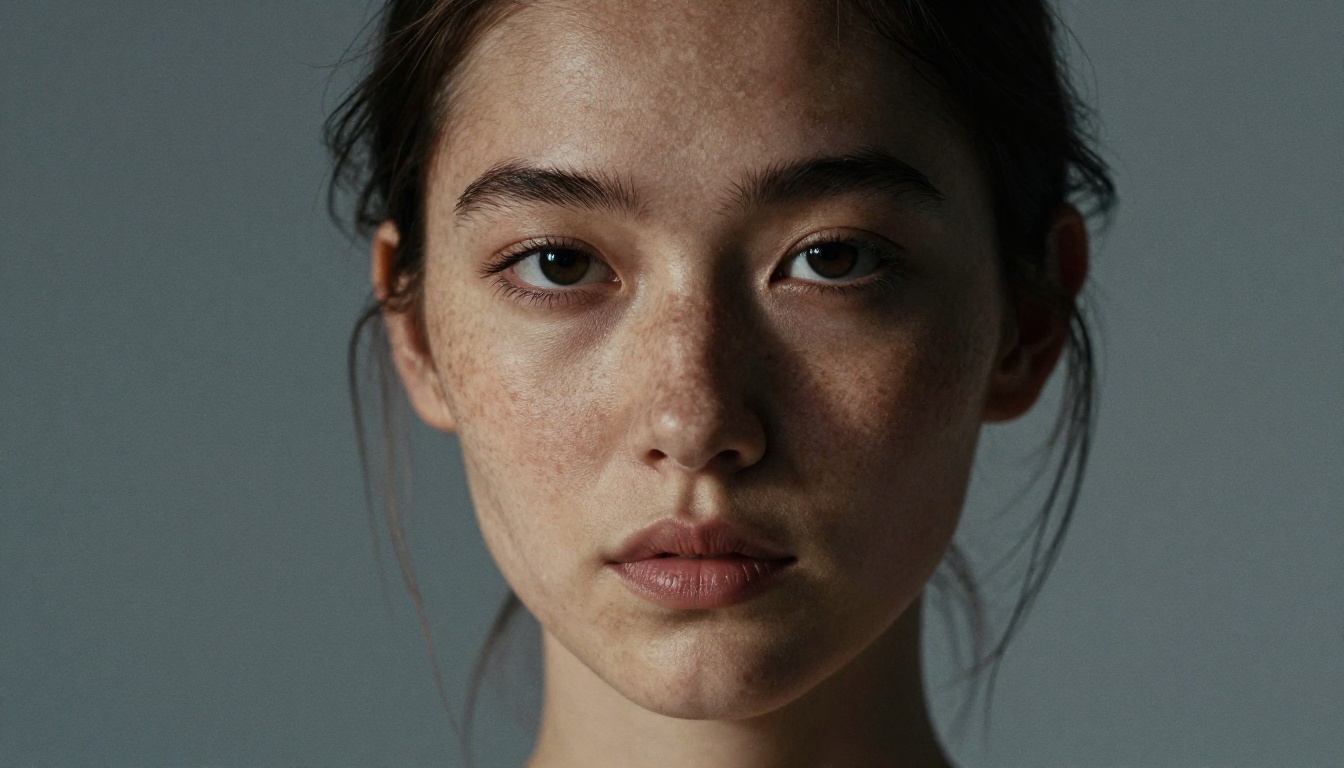
Eye-level close-ups feel direct and confrontational. The viewer meets the subject as an equal. This is the angle for connection, for honest emotion, for editorial work that wants to feel immediate.
Three-quarter angles (approximately 45 degrees to the subject's face) are the most versatile and forgiving. They give dimensionality to the face without the distortion that comes from extreme angles.
Negative space is your secret weapon
One of the most common mistakes in AI close-up generation is overloading the frame. Every element competes for attention, and the result feels cluttered even when the subject is technically sharp.
The most powerful close-ups often have large areas of nothing: a dark background, a blurred field, an out-of-focus wall. That negative space is not emptiness. It is breathing room. It directs the viewer's eye to exactly one thing.
Tip: Add "large area of out-of-focus background" or "subject isolated against deep shadow" to your prompt when you want the close-up to have maximum visual weight.
When you specify a shallow depth of field (f/1.4 or f/1.8 at portrait distances), the physics of optics handle most of the background blur automatically. The background simply cannot be in focus at the same time as a subject that close to the lens.
How to Use Flux Dev for Cinematic Close-Ups on PicassoIA
Flux Dev is the model to reach for when quality is the priority and generation speed is secondary. Its 12-billion parameter architecture produces sharper skin detail, more accurate lighting physics, and better lens simulation than most models available online. It supports img2img mode, which means you can upload a reference photo and use it as a compositional starting point.
Here is a step-by-step workflow for generating a cinematic close-up with Flux Dev on PicassoIA:
Step 1: Open Flux Dev on PicassoIA
Go to Flux Dev and open the generation interface. No account or software installation is required.
Step 2: Set the aspect ratio to 16:9
Close-ups in a 16:9 format work naturally for digital publishing, social headers, and video thumbnails. Select 16:9 from the aspect ratio menu before you write your prompt.
Step 3: Build your prompt using the formula
Use this structure: Subject + Skin detail language + Light direction and quality + Lens and camera specification + Background and bokeh + Film stock + Color palette. A 60 to 90 word prompt is the sweet spot for Flux Dev.
Step 4: Set inference steps to 40 or higher
More denoising steps produce more detail in skin texture and lighting transitions. For close-ups where fine detail matters, push inference steps to 40 or 50. Leave "Go Fast" enabled only if you are drafting.
Step 5: Use a negative prompt
At minimum, add: "smooth skin, airbrushed, CGI, 3D render, digital art, illustration, neon lights, watermark." This removes the most common AI portrait artifacts.
Step 6: Lock a seed once you find a good base
When a generation produces a strong composition but could use prompt refinement, copy the seed and keep it fixed. This lets you iterate on the prompt while maintaining the same underlying structure.
Step 7: Download and use
Flux Dev outputs are clean, watermark-free, and ready for any publishing platform. Export as JPG or PNG at maximum quality.
If you want to iterate fast without worrying about generation time, Flux Schnell produces usable results in under five seconds per image. Run twenty variations in the time it takes Flux Dev to finish three, then switch to Flux Dev to polish the direction you choose.
For the highest fidelity available on the platform, Flux 1.1 Pro adds stronger prompt adherence and a prompt expansion setting that adds compositional variety when you toggle it on. It is the best option when a single output needs to be as close to perfect as possible.
Prompt Examples That Actually Work
These are real prompt structures that consistently produce cinematic close-up results across multiple generations. Use them as starting points and modify the subject, light source, and color palette to fit your needs.
| Scene | Prompt Structure |
|---|
| Golden hour portrait | Close-up of [subject], warm volumetric golden hour light from the left, 85mm f/1.4, Tuscan hillside bokeh background, Kodak Portra 400 grain, honey and amber palette, RAW 8K |
| Dramatic Rembrandt | Close-up portrait of [subject], Rembrandt lighting from upper left, triangle of light on shadowed cheek, dark studio background, Nikon Z9 135mm f/1.8, Kodak Vision3 film grain, ochre and slate grade |
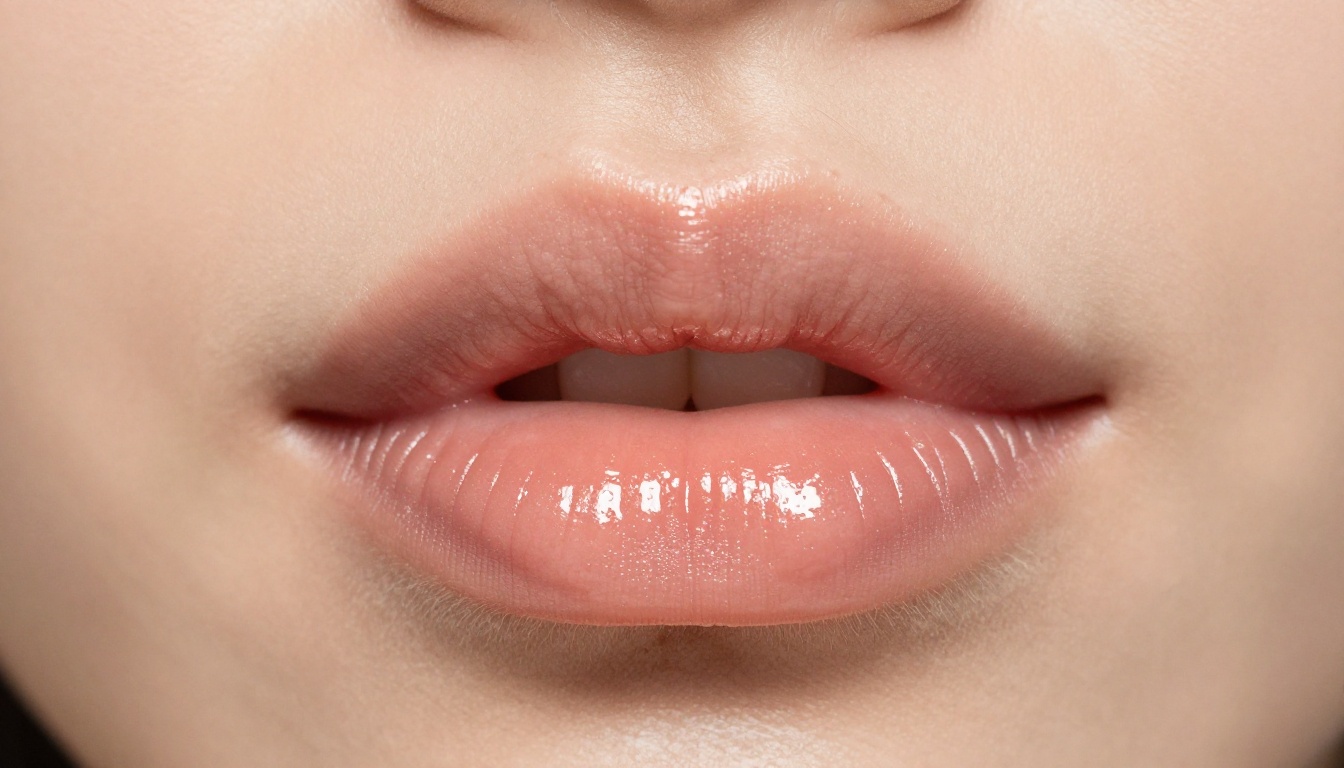
| Macro beauty | Extreme close-up of lips, slightly parted, sheer nude gloss, studio rim lighting from both sides, Phase One 120mm macro, pore-level skin detail, champagne and blush palette, RAW 8K |
| Low-angle jaw shot | Low-angle close-up of a man's jaw and stubble, side-raking morning light from frosted window right, Sony A7R V 100mm f/2.8 macro, dark concrete background, Kodak T-Max grain, teal and amber split-tone |
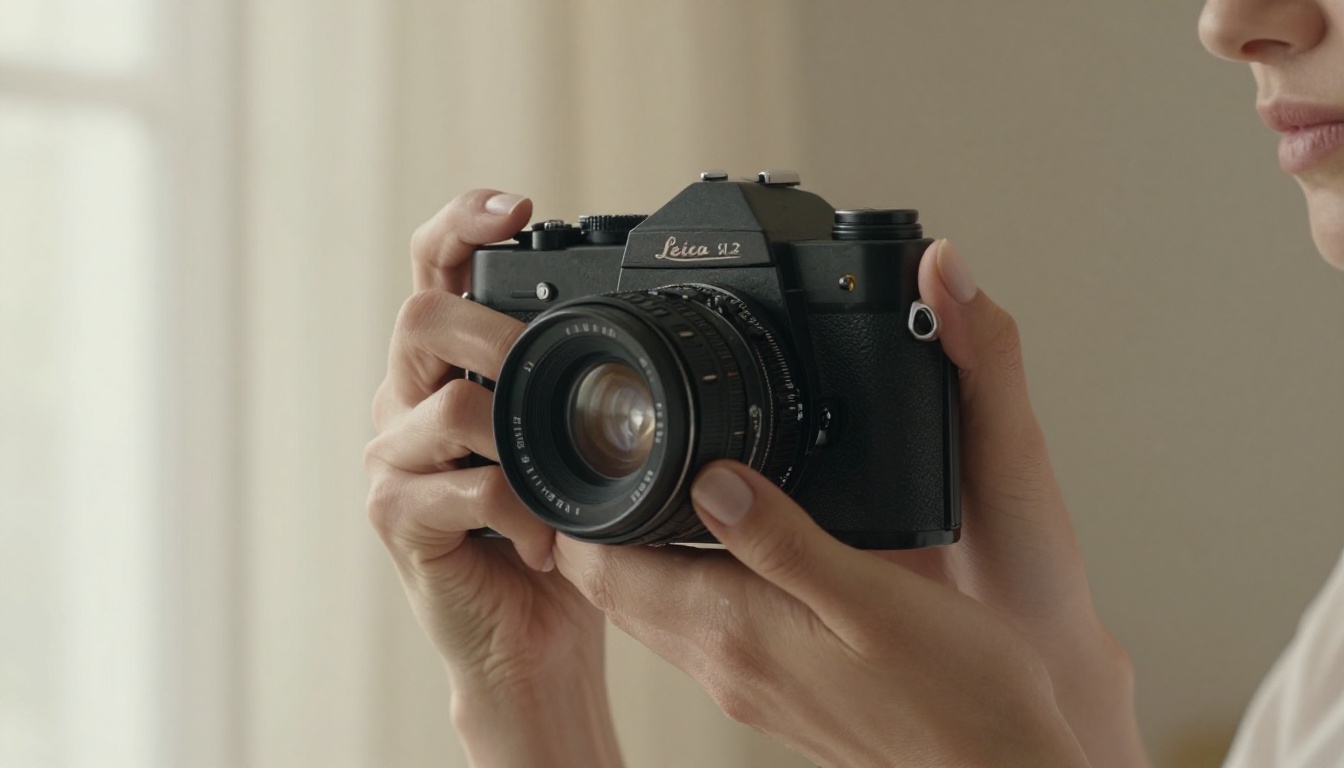
| Side profile | Side-profile close-up of [subject], backlit from large softbox behind, bright rim light tracing the profile, completely black background, Leica M11 75mm f/1.25, fine art portrait, Kodak Portra 160 grain |
3 Mistakes That Kill Your Close-Up
Vague subject description
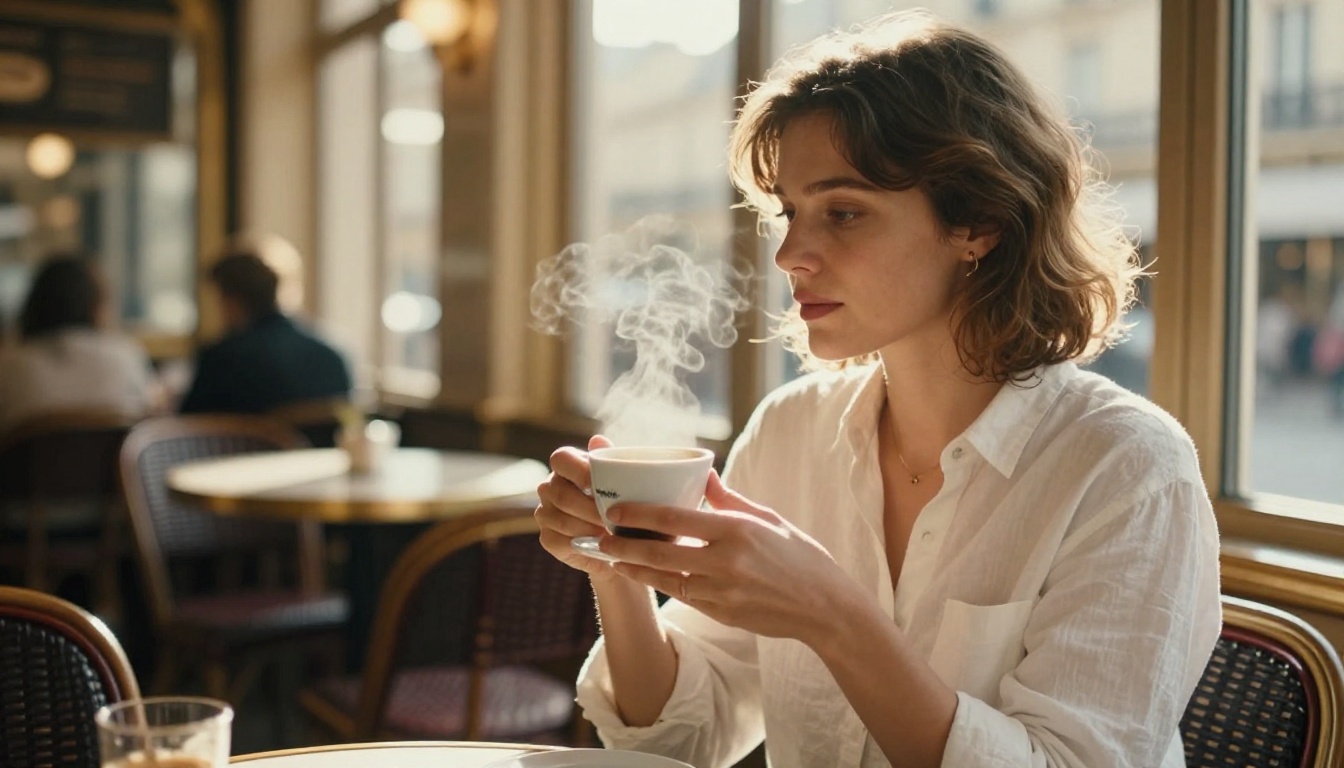
The most damaging mistake is writing a subject description that could apply to anyone. "A beautiful woman" gives the model nothing to differentiate. "A woman in her late twenties with olive skin, dark chestnut hair catching the breeze, quiet introspective expression, moisture on her lips" gives the model a specific person to build.
Specificity is not just aesthetic preference. Vague descriptions produce averaged-out results because the model defaults to the statistical mean of everything it has seen. Specific descriptions push it toward the edges of its training distribution, where the interesting images live.
Wrong aspect ratio
Close-ups that live in a square (1:1) format often crop the composition in ways that cut off essential context. A 4:5 ratio works well for portrait-mode social publishing. For editorial and web headers, 16:9 gives the image room to breathe horizontally while keeping the subject large in frame.
The bigger error is generating in 1:1 and then cropping to 16:9 after the fact. The model did not compose for that ratio, and important elements will be lost. Always set the aspect ratio before you write the prompt, not after.
Ignoring skin texture
This is the single most consistent problem in AI portrait close-ups: the skin looks plastic, smooth, and artificial. It does not read as human. The fix is explicit instruction in the prompt.
Add these phrases to any close-up portrait prompt and you will immediately see the difference: "visible pores," "natural skin texture," "individual hairs," "fine grain of stubble," "moisture on skin catching the light," "micro-detail at pore level." These words trigger the model's photorealistic portrait training rather than its beauty-retouching tendencies.
The Models Worth Knowing
Before you commit to a generation workflow, it helps to know what each model does best. For cinematic close-ups specifically, the choice of model affects the ceiling on skin detail, lighting accuracy, and compositional fidelity.
Flux Dev is the workhorse for high-fidelity portrait work. Its 12B parameter architecture handles lighting physics, skin texture, and lens simulation with more accuracy than lighter models. The tradeoff is speed.
Flux 1.1 Pro raises the ceiling further, with stronger prompt adherence and a prompt expansion mode. When you need a single output to be as accurate as possible, this is the tool.
Flux Schnell is the iteration engine. Its four-step generation produces a usable image in under five seconds. You are not going to get the same skin detail as Flux Dev, but you will get composition, lighting direction, and overall tonal feeling in a fraction of the time. Use it to narrow down creative direction before switching to a heavier model for final output.
Stable Diffusion remains a capable option when you need precise resolution control or want to use its full suite of schedulers to tune generation behavior. Its negative prompt system is robust, and the guidance scale gives you explicit control over how closely the output follows your text.
| Model | Best For | Speed |
|---|
| Flux Dev | Maximum skin and lighting detail | Medium |
| Flux 1.1 Pro | Highest prompt accuracy, final output | Medium |
| Flux Schnell | Fast iteration, direction finding | Very fast |
| Stable Diffusion | Resolution control, scheduler tuning | Fast |
Now Try It Yourself
The gap between a generic AI image and a genuinely cinematic close-up is almost entirely in the prompt. The models capable of producing publication-quality portrait photography already exist, and they are available right now without any setup or subscription.
Pick a subject. Decide on a light source and direction. Choose a focal length. Specify the film stock. Add your negative prompt. Then run it in Flux Dev at 40+ inference steps with a 16:9 aspect ratio.
The first result will not be perfect. It almost never is. But the second, third, and fourth will get closer each time, and by the fifth iteration you will have something that looks like it came out of a professional shoot. That is what these tools are capable of when you give them enough information to work with.
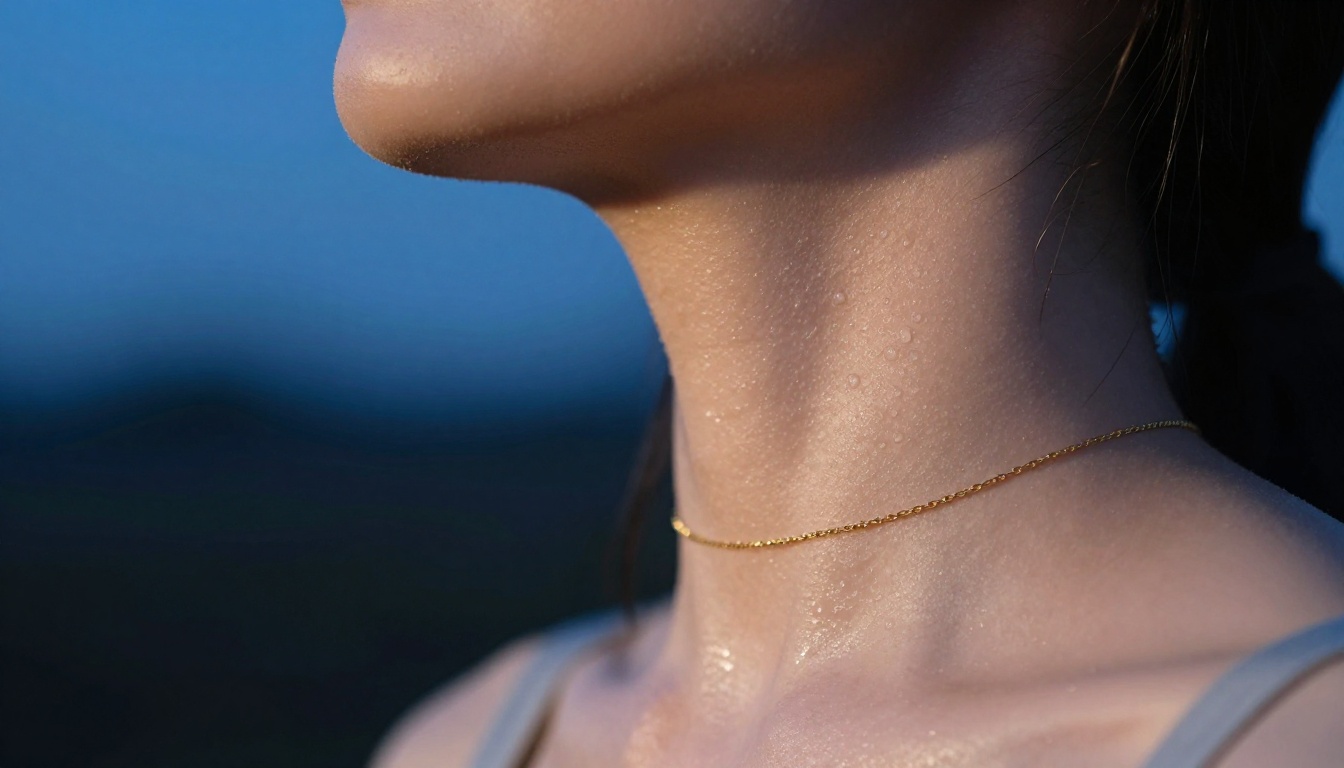
The images in this article were all generated using the techniques described above. No cameras. No studios. No editing software. Just precise prompts and the right model.
Start with the prompt table in this article, swap in your own subject and setting, and see what comes back. The ceiling is high enough that the only limiting factor is how specific you are willing to be.