Creating a comic strip from scratch used to mean years of drawing practice, expensive software, and dozens of hours spent on character consistency alone. Today, the process looks radically different. AI image models can generate panel-ready artwork from a text description in seconds, and anyone with a story idea can produce a professional-looking comic strip without picking up a pencil.
This article breaks down exactly how to do it, from writing your script to generating each panel, maintaining character consistency, and assembling the final strip ready for publication.
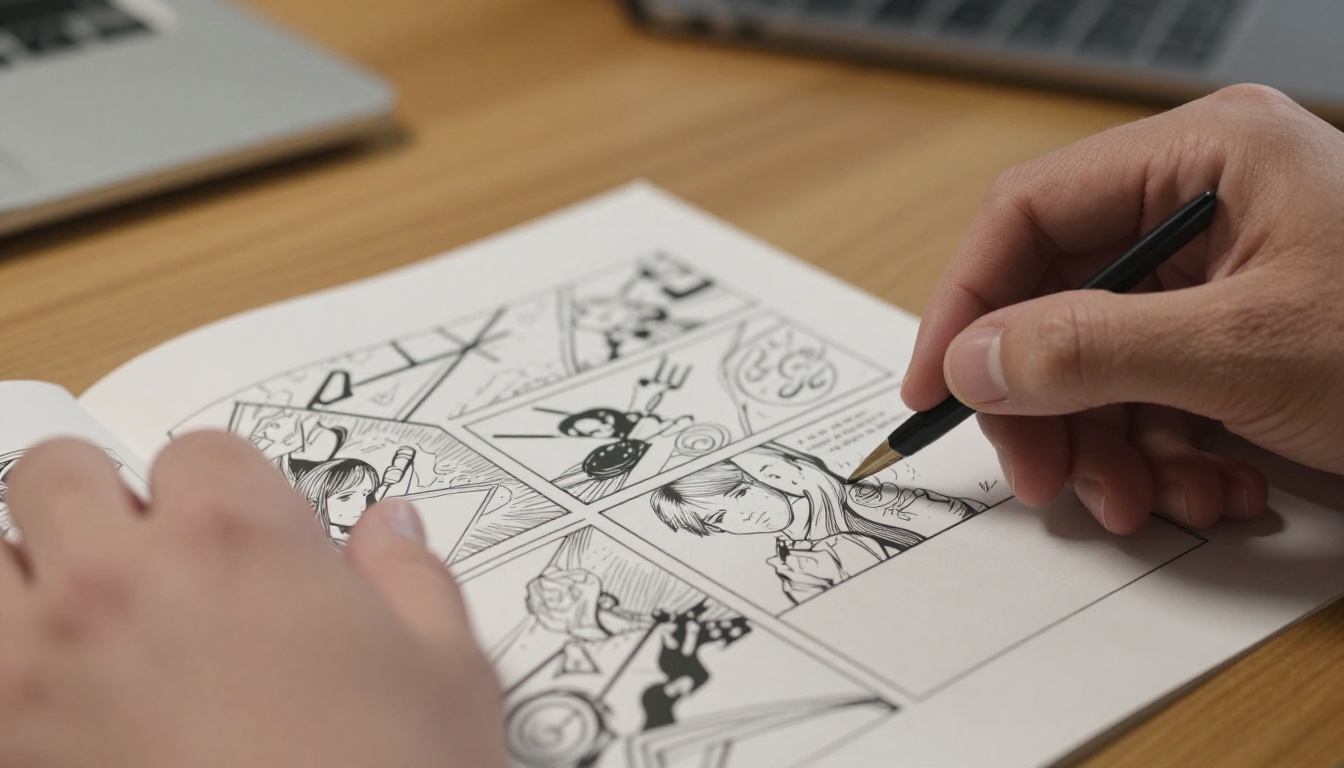
Why Sequential Art and AI Are a Natural Fit
Comic strips work within a strict set of rules: limited panels, clear characters, fast storytelling. These constraints actually make them ideal for AI generation. Unlike a full illustration or a painted scene, a comic panel is defined by its function, and a well-written prompt can communicate that function precisely.
The challenge has never been generating a single great image. AI has been doing that for years. The real problem is consistency across multiple panels, which is where technique and model choice make all the difference.
The Sequential Art Problem
In traditional comics, a character looks the same in panel 1 and panel 12 because the same artist drew both. With AI generation, every image starts from scratch. Without careful prompt engineering, your protagonist can change hair color, face shape, and body type between panels, breaking the narrative entirely.
The solution is not magic. It is a disciplined system of prompt components that lock in character attributes across every generation.
What AI Actually Solves
- Time: A 4-panel strip that would take an amateur artist 8 hours can be generated in under 30 minutes
- Cost: No software licenses, no outsourcing, no stock image fees
- Iteration: Do not like a panel? Regenerate it in seconds with a modified prompt
- Accessibility: Zero drawing ability required
- Scale: Once you have a working prompt template, producing new strips becomes fast and repeatable
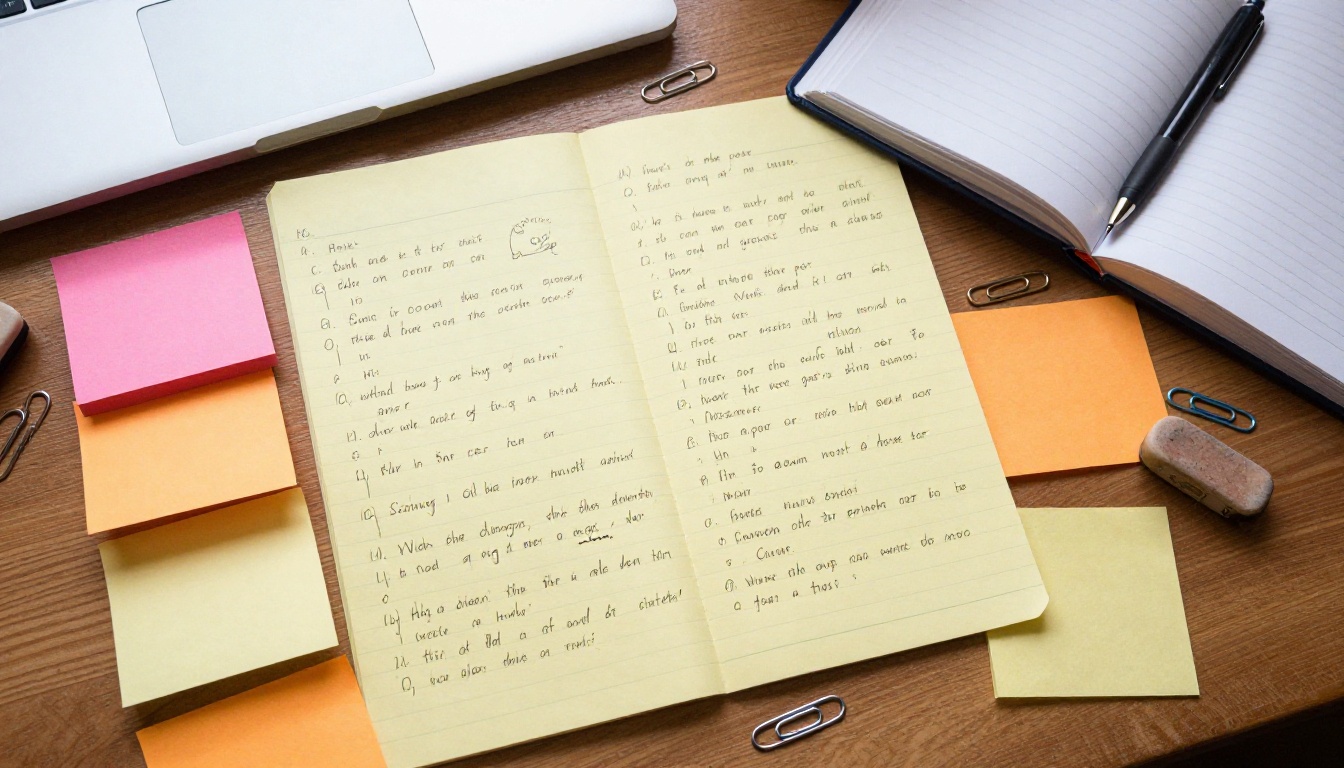
Your Script Comes First
The biggest mistake beginners make is jumping straight into image generation without a script. This almost always results in disjointed panels that feel like separate images rather than a story. A script forces you to think about pacing, character motivation, and visual flow before you spend any time generating.
A comic strip script is simpler than it sounds. For a 4-panel strip, you need four things: what happens in each panel, who is in it, what they are doing, and the setting.
Writing a Simple 4-Panel Script
Here is a working template:
| Panel | Action | Characters | Setting | Dialogue |
|---|
| 1 | Character arrives | Protagonist | City street, daytime | "I'm finally here." |
| 2 | Realizes something is wrong | Protagonist, passers-by | Same street | "Wait..." |
| 3 | Confronts the problem | Protagonist, antagonist | Alley entrance | "You again." |
| 4 | Resolution or cliffhanger | Both | Alley | (silent beat) |
Each row in that table becomes a generation prompt. The more specific your action and setting descriptions, the better your panels will look and the more coherently they read as a sequence.
Character Descriptions That Work
Before generating anything, write a locked character sheet. This is a block of text you will paste into every single panel prompt without changing a single word:
Character Sheet Example: "Elena, 28 years old, short black pixie cut with a streak of silver at the front, olive skin, sharp green eyes, wearing a worn brown leather jacket with a yellow patch on the left shoulder, slim build"
This block does not change between panels. The camera angle, action, and background change. The character description stays identical.
Tip: The more specific the physical details, the more consistent your character will be across generations. Vague descriptions like "a young woman with dark hair" produce drifting results. Specific descriptions produce stable ones.
Choosing the Right AI Image Model
Not every AI model handles comic-style prompts equally. The key factors are scene complexity handling, color accuracy, and the ability to hold compositional structure across different panel crops.
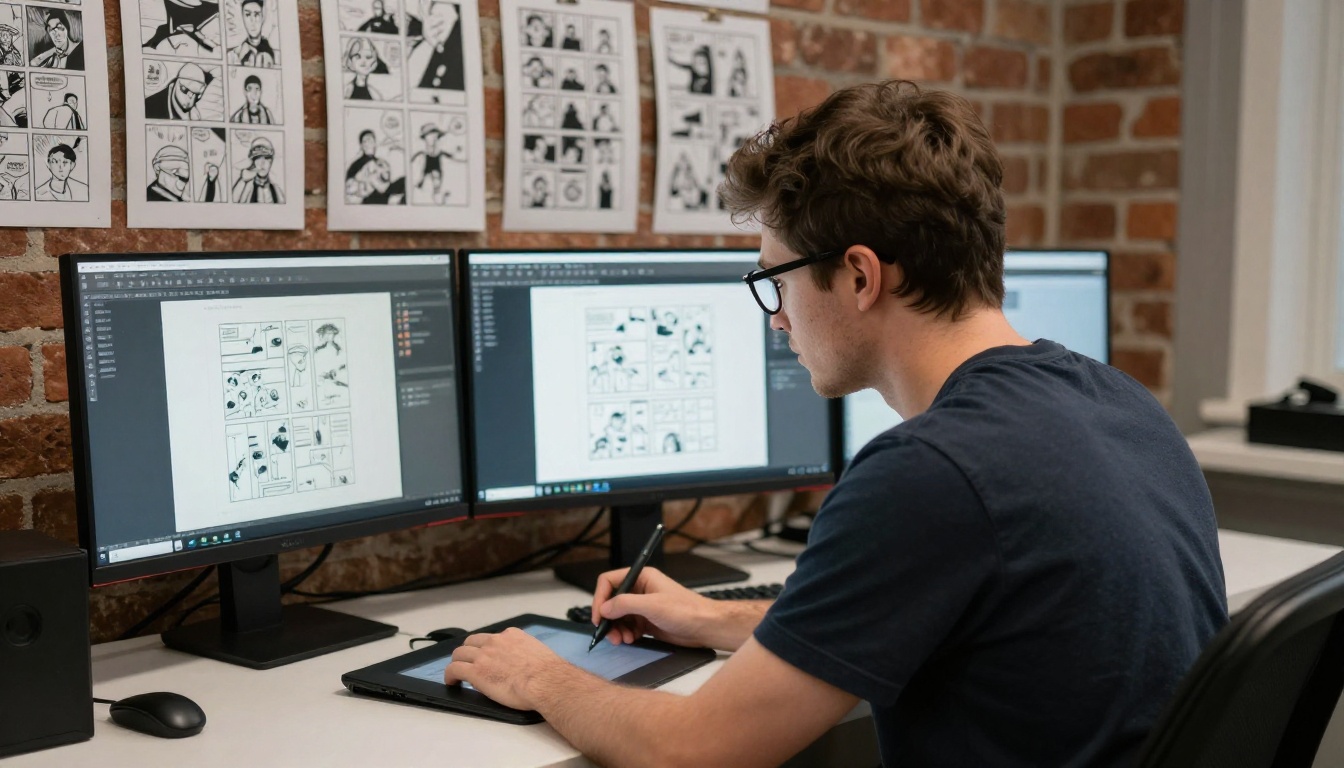
GPT Image 2 for Complex Scenes
GPT Image 2 handles complex scene descriptions exceptionally well. When your prompt includes multiple characters, specific props, and precise lighting conditions, this model interprets and executes compositional intent better than most alternatives. It is particularly effective for establishing shots, the wide panel that sets the scene at the start of a strip, and for panels with more than one character interacting.
Best for: Multi-character panels, establishing shots, scenes with significant environmental detail.
Seedream 4.5 for Rich Color Output
Seedream 4.5 produces images with exceptionally vibrant, well-saturated color at 4K resolution. For comic strips that rely on bold color blocking as a visual language, this model delivers output that feels print-ready without additional post-processing. The color rendering is particularly strong in outdoor daylight scenes where natural light plays a central role.
Best for: Color-forward strips, outdoor daytime scenes, panels with strong visual contrast between warm and cool tones.
Wan 2.7 Image Pro for Maximum Resolution
Wan 2.7 Image Pro is the choice when you need panels that will be cropped, resized, or printed at large format. Its 4K output retains sharpness even at extreme zoom, which matters when you are fitting multiple panels into a single printed page at high DPI. The model handles intricate detail in clothing, facial features, and architectural backgrounds with notable precision.
Best for: Print-intended strips, panels that will be cropped for specific aspect ratios, high-detail close-up shots.
For most web-published comic strips, Wan 2.7 Image offers a fast, 2K resolution alternative that generates quickly and holds consistent quality across multiple sequential generations.
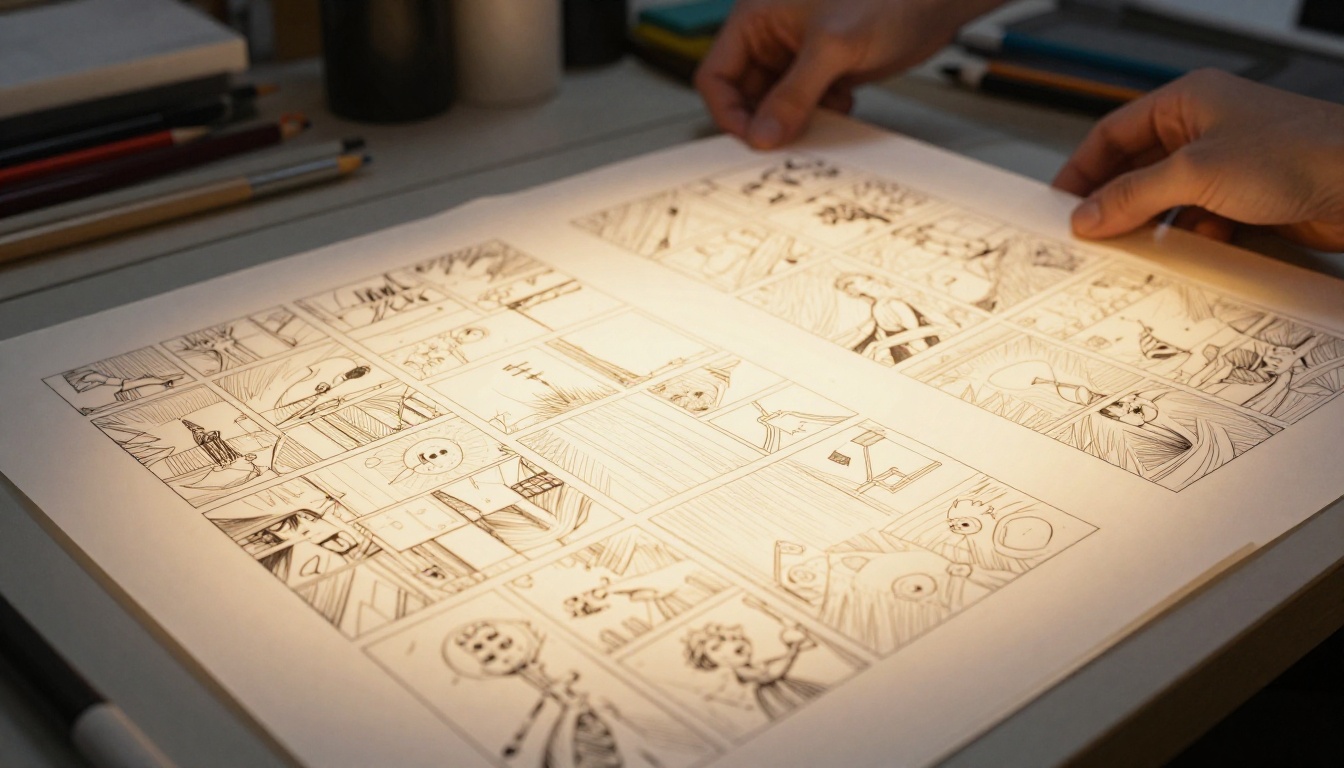
Crafting Prompts for Comic Panels
The prompt is where most of the real work happens. A weak prompt produces a generic image. A precise prompt produces a panel that looks like it belongs in a published strip.
The Anatomy of a Panel Prompt
Every panel prompt should have five components, in this order:
- Character block (locked, copy-pasted from your character sheet)
- Action ("is reaching for a door handle", "is falling backward in surprise", "stares at the horizon with narrowed eyes")
- Setting ("narrow alleyway at dusk, brick walls, single overhead lamp casting amber light on wet cobblestones")
- Camera angle ("low angle looking up at her face", "over-the-shoulder medium shot", "aerial view from directly above")
- Rendering style ("photorealistic, cinematic lighting, 8K, film grain, Kodak Portra 400, 35mm f/1.8 lens")
A complete prompt looks like this:
"Elena, 28 years old, short black pixie cut with silver streak, olive skin, sharp green eyes, worn brown leather jacket with yellow patch, reaching for a heavy wooden door handle with her right hand, narrow alleyway at dusk, wet cobblestones reflecting amber lamplight, single overhead lamp casting warm pool of light, low angle looking up at her face, photorealistic, cinematic lighting, 8K, film grain, 35mm f/1.8 lens"
Every word earns its place.
Keeping Characters Consistent
Character consistency across panels requires three habits:
Lock the character block completely. Never rephrase it between panels. Copy-paste it verbatim into every prompt, before anything else.
Vary only what changes between panels. The action, camera angle, and background should differ panel to panel. Nothing in the character description should.
Use seed values when available. Some models let you set a random seed. Generating with the same seed and a slightly modified prompt often produces a character with very similar features to the previous generation.
Tip: If your character drifts significantly between panels, add more specific physical detail to the locked block. "Brown hair" drifts. "Dark chestnut brown hair cut at jaw length with a natural wave and a single strand falling across the right eye" holds much better.
Background and Mood Control
The background of a comic panel carries enormous storytelling weight. A panel set "in a room" reads very differently from one set "in a cluttered detective's office with filing cabinets overflowing, a single green banker's lamp on a scarred wooden desk, rain streaking the window behind."
Mood is controlled through lighting description. "Cold blue overcast light filtering through frosted glass" reads as tense or melancholy. "Warm golden late-afternoon light from a southwest window casting long diagonal shadows" reads as hopeful or introspective. Build lighting intent into your panel prompts deliberately, not as an afterthought.

How to Use PicassoIA to Create Your Strip
PicassoIA gives you direct access to every model discussed in this article through a single, clean interface. Here is the exact workflow for producing a 4-panel comic strip from prompt to finished panels.
Step 1: Write Your Panel Descriptions Before Opening the Tool
Before opening PicassoIA, prepare four complete panel prompts using the anatomy structure above. Write them in a separate text document. This preparation phase takes 20 to 30 minutes for a first strip and gets faster with practice. Arriving with prepared prompts means your generation session becomes execution, not improvisation.
Step 2: Choose Your Model and Generate Each Panel
- Open PicassoIA and navigate to the Text to Image section
- Select your model based on the panel's needs: GPT Image 2 for complex scenes with multiple elements, Seedream 4.5 for color-dominant panels, Wan 2.7 Image Pro for print-resolution output
- Paste your Panel 1 prompt into the input field
- Set the aspect ratio to 16:9 for widescreen panels or 4:3 for classic comic proportions
- Generate and evaluate the result: does the character match your sheet? Does the setting read clearly? Does the camera angle serve the narrative beat?
- If the result works, save it. If the character has drifted, add more specificity to your character block and regenerate immediately
- Repeat for Panels 2, 3, and 4
Tip: Generate 2 to 3 variations of each panel before committing. The first result is rarely the best one, and having options lets you pick the panel that reads most clearly as part of a sequence.
Step 3: Arrange and Export
Once all four panels are generated and saved, use any layout tool to arrange them in sequence. Add speech bubbles and dialogue text using a clean, readable sans-serif font. Export at the highest available resolution. For web publication, 72 DPI is standard. For print, work at 300 DPI minimum.
Panel Layout and Composition
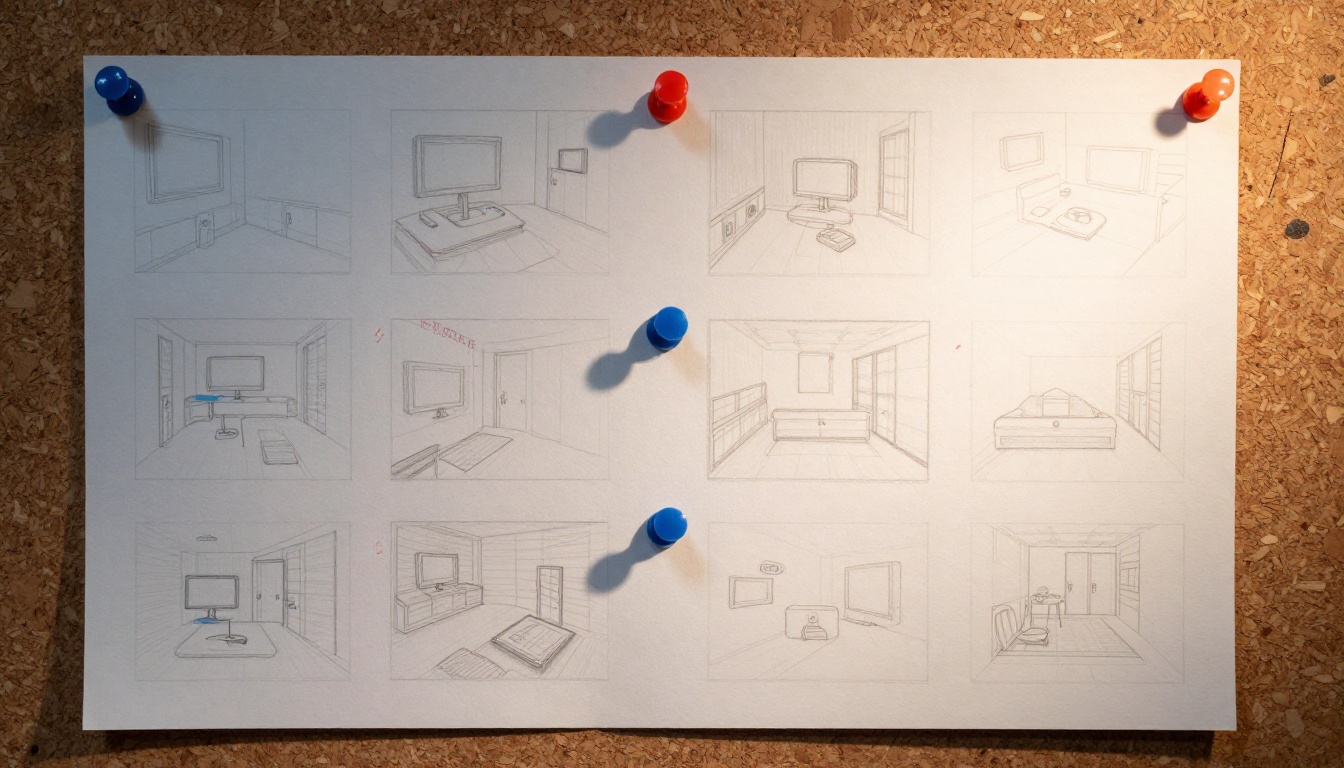
How you arrange panels on the page controls how readers experience the story. Layout is not decoration. It determines pacing, emphasis, and rhythm.
3 Layouts That Actually Work
The Classic 4-Panel Row: Four panels in a single horizontal strip. Fast to read, familiar newspaper comic format. Works best for joke-based strips or punchy narrative beats where speed of reading matches the comedic or dramatic timing.
The 2x2 Grid: Four panels in two rows of two. Allows for larger panels with more visual breathing room. Better for action sequences or emotional beats that need space to register before the reader moves on.
The Asymmetric Mix: One wide establishing shot across the full top row, two or three smaller panels below. Uses the wide panel for setting the scene and the smaller panels for dialogue, reaction, and action. Excellent for cinematic-feeling strips that want a filmic quality.
Speech Bubbles and Text
Generated images rarely include usable text. Plan for speech bubbles to be added in post-production using a separate tool. Keep bubble placement in mind when generating panels: leave open sky or wall space where characters are not positioned, so the bubble can sit without covering faces or key action.
For internal monologue, use rectangular caption boxes placed at the top or bottom of the panel. For sound effects, large bold type placed directly over the action works regardless of the underlying image content.
3 Common Mistakes to Avoid
Character Drift Between Panels
The mistake: Describing the character slightly differently in each prompt, even with minor rewording.
The fix: Copy-paste the exact same character description block into every prompt. Do not paraphrase. Do not summarize. Do not reorder the details. Same words, same order, every single time.
Inconsistent Lighting Across the Strip
The mistake: Panel 1 is set at noon in bright sunlight. Panel 3 is described with moody evening light. The strip feels incoherent even if the story makes sense.
The fix: Decide on your lighting scheme before generating anything. If the story takes place during a single continuous scene, keep the light source and color temperature consistent. If time passes between panels, signal it deliberately with a darker background, a different sky color, or a changed lamp warmth described explicitly in the setting text.
Overstuffing a Single Panel
The mistake: Trying to fit two characters in dialogue, three background figures, specific props, and a detailed interior, all into one panel description.
The fix: One primary action, one main character focus, one setting detail per panel. Complexity comes from the sequence of panels working together, not from overloading any single one.
| Situation | Recommended Model | Why |
|---|
| Opening establishing shot | GPT Image 2 | Best scene complexity handling |
| Outdoor color-heavy panel | Seedream 4.5 | Superior color saturation at 4K |
| Print-destined strip | Wan 2.7 Image Pro | Maximum resolution output |
| Fast web-format iteration | Wan 2.7 Image | Speed with solid 2K quality |
Who Is Actually Creating AI Comic Strips
The range of people building comic strips with AI is wider than you might expect. Independent writers with story ideas but no illustration background. Small brands producing weekly social media strips. Teachers creating illustrated educational content for students who respond better to visual formats. Game developers building visual lore documents and worldbuilding materials. Journalists producing visual explainers on complex topics.
The common thread is that they all had stories they wanted to tell visually, and the traditional barrier of drawing skill no longer stopped them. The barrier now is prompt skill, and prompt skill is something anyone can build in a single afternoon of practice.
Start Creating on PicassoIA
The best way to get comfortable with AI comic strip creation is to produce a single 4-panel strip from start to finish. Pick a simple premise, write the character sheet, write the four panel prompts, and generate. Do not aim for perfection on the first attempt. Aim for completion.
PicassoIA puts every tool you need in one place. GPT Image 2, Seedream 4.5, Wan 2.7 Image Pro, and Wan 2.7 Image are all available without switching between tools or managing multiple accounts.
Start with a premise you already know well. A moment from your day, a funny situation, a simple conflict with a clear resolution. Four panels. One character. One location. The constraints will sharpen your prompts, and the result will show you exactly what is possible.
From there, the only direction is more ambitious.


