Dreamy anime backgrounds have a way of making you stop scrolling. There is something specific about that feeling: a soft glow over a bamboo path, cherry petals drifting through golden air, a moonlit ocean stretching to the horizon. It triggers something quiet and nostalgic. The good news is you do not need to be a Studio Ghibli animator to create scenes like that. With the right AI models and the right prompts, you can generate them in under a minute.
This article walks you through the exact process, from picking the best models on PicassoIA to building prompts that feel less like search queries and more like short films.
What Makes a Background Feel "Anime"
Not every soft or painterly image qualifies as anime-aesthetic. There is a specific visual language at work, and once you understand it, your prompts get dramatically more precise.
The Color Palette Does the Work
Anime backgrounds lean on desaturated pastels punctuated by small areas of vivid color. Think muted lavender skies with one bright torii gate, or pale green rice fields contrasted against a deep indigo storm cloud rolling in from the left.
The most used palettes in dreamy anime visuals:
| Mood | Primary Colors | Accent |
|---|
| Golden Hour | Warm amber, dusty rose | Deep coral |
| Moonlit Night | Pale blue, silver, charcoal | Bioluminescent teal |
| Overcast Afternoon | Ash grey, sage green | Muted yellow |
| Dawn Fog | Ivory, light lavender | Soft pink |
| Autumn Forest | Burnt sienna, terracotta | Crimson |
When you feed these palettes into your prompts directly, the model has a much tighter target to hit.
Lighting as a Mood Setter
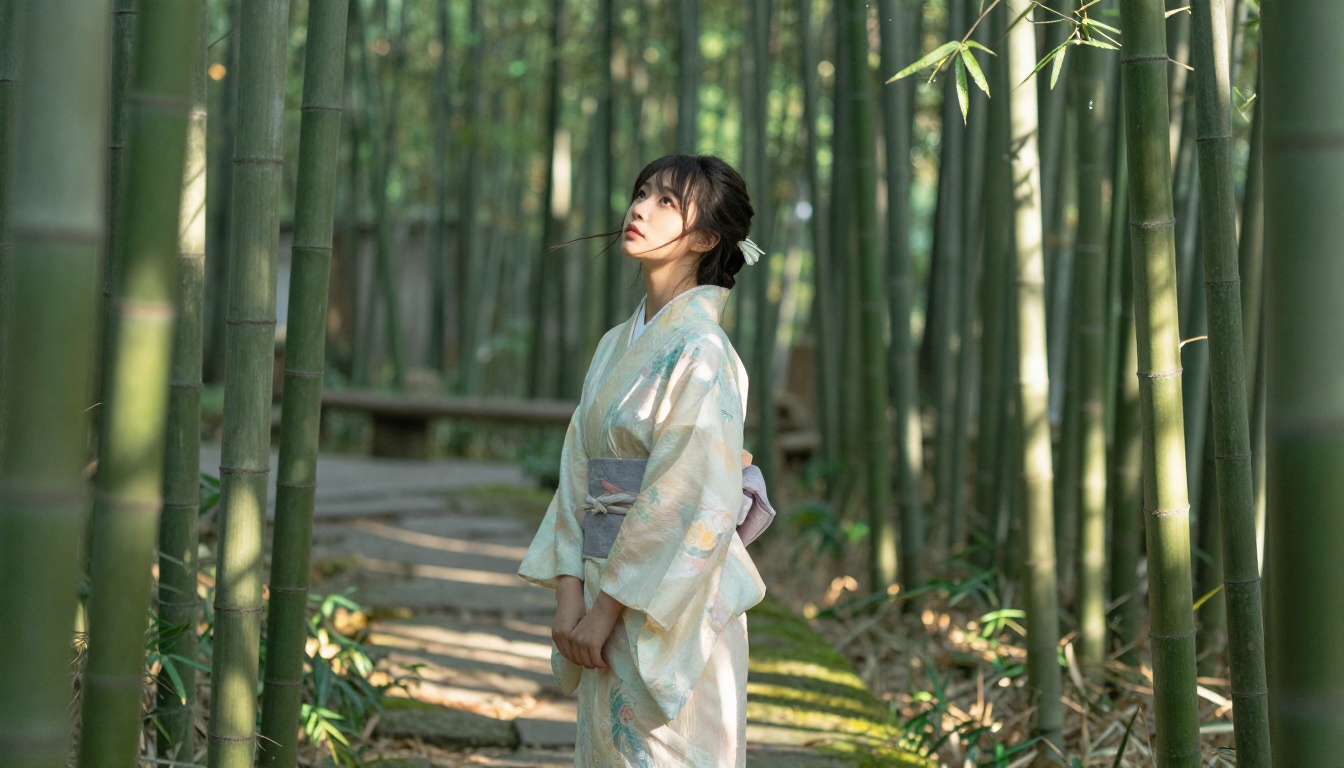
Light direction is the single biggest factor separating a flat AI background from one that feels cinematic. In anime, light almost always has a strong directional source: the sun just below the horizon, a lamp through shoji paper, moonlight cutting through cloud gaps.
When writing prompts, always specify:
- Direction: "volumetric light from the left", "backlit by a low sun"
- Quality: "soft diffused light", "hard rim light from window"
- Color temperature: "warm amber", "cool blue-grey", "neutral morning white"
Tip: "Soft diffused light" is the cheat code for dreamy scenes. It removes harsh shadows and makes skin and surfaces glow naturally without looking like a studio product shot.
The Right Model Changes Everything
The same prompt can produce wildly different results depending on the model you choose. For anime-adjacent backgrounds, three models on PicassoIA consistently outperform the rest.
Flux Schnell for Speed
Flux Schnell is built for iteration. It generates images in seconds, which means you can test five different lighting conditions before settling on the one that feels right. The output is not always perfect on the first pass, but the speed lets you treat prompting like a conversation rather than a single high-stakes submission.
Use Flux Schnell when:
- You are exploring a scene idea and want quick variations
- You need to test compositional concepts (aerial vs. ground level)
- You are iterating on prompt wording before committing to a final render
Stable Diffusion 3.5 for Rich Detail
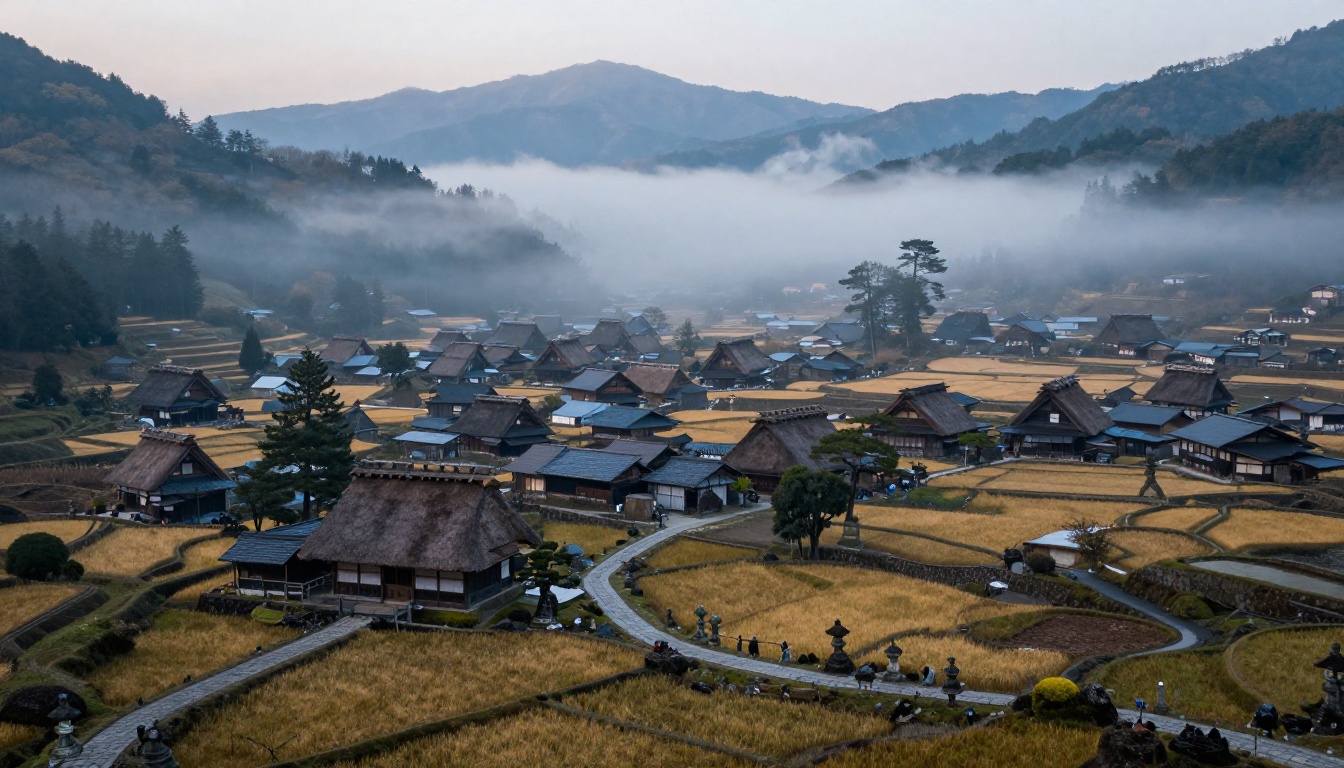
Stable Diffusion 3.5 Large produces more detailed, nuanced outputs. Textures read better at high resolution, and complex scenes with multiple depth layers (foreground foliage, midground path, background mountains) hold together more coherently.
Use Stable Diffusion 3.5 Large when:
- You want high-resolution outputs for print or digital art
- Your scene has multiple distinct visual layers
- Detail in architecture or natural elements matters (moss on stone, wood grain, petal veins)
Flux Krea Dev for That "Not AI" Look
One of the biggest challenges with AI backgrounds is the slightly sterile quality that many models produce. Flux Krea Dev was specifically designed to address this. It produces images that look like they were captured rather than rendered, with natural imperfections that make the scene feel inhabited and warm.
For anime backgrounds that need to feel hand-crafted rather than processed, this model is worth the extra render time.
Writing Prompts That Actually Work
Prompt quality is where most beginners struggle. Not because prompting is complicated, but because the instinct is to describe what you want to feel rather than what the camera would actually see. Prompts that describe camera angles, lens specs, and lighting direction outperform vague emotional descriptions every time.
Lead with Location
The first thing your prompt should establish is the physical space. Not "a peaceful scene" but "a wooden dock overlooking a mountain lake at dusk". Specificity tells the model where to put the camera and what to fill the frame with.
Weak: "peaceful Japanese countryside scene"
Strong: "narrow stone path winding through a cedar forest toward a red torii gate, mist at ankle height, early morning"
Time of Day Is Non-Negotiable
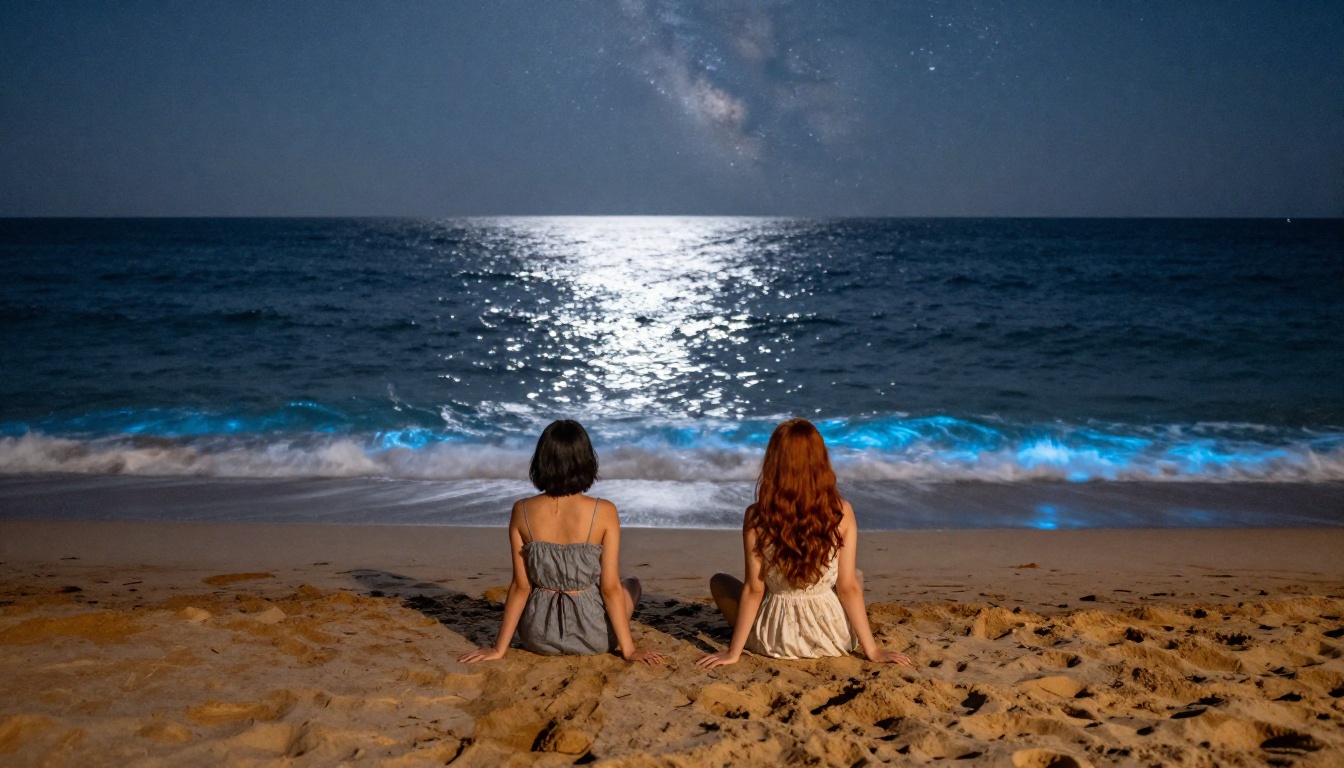
Time of day determines everything about color, shadow length, and mood. Be explicit. "Golden hour" and "magic hour" are understood by most models, but "late afternoon, about 90 minutes before sunset" gives even more precise results.
| Time of Day | Visual Character | Best For |
|---|
| Pre-dawn | Deep blue, silhouettes | Mysterious, quiet scenes |
| Sunrise | Pink-coral horizon, long shadows | Hopeful, fresh starts |
| Midday | High contrast, bleached sky | Energetic, summer scenes |
| Golden hour | Amber, warm bokeh | Romantic, nostalgic |
| Twilight | Purple-blue, first stars | Transitional, melancholy |
| Midnight | Silver-blue, hard moonlight | Dramatic, ethereal |
Add a Human Element
Backgrounds with a single figure feel more alive and emotionally resonant than empty landscapes. The figure does not need to be the focus. A woman in the distance walking toward a shrine, someone sitting at the edge of the frame with her back to the camera, a pair of bare legs dangling over a balcony railing. These small human anchors give the viewer a point of entry into the scene.
Tip: Describe your figure's action and position relative to the environment, not their appearance. "A figure sitting cross-legged on the dock, back to camera, facing the water" reads better than "a beautiful girl with long hair."
How to Use Flux Schnell on PicassoIA
Flux Schnell is the fastest way to start generating dreamy anime-style backgrounds on PicassoIA. Here is the exact workflow.
Step 1: Frame Your Scene
Before opening the generator, write out the core scene in one sentence. Answer: Where, When, and Who (optional). This sentence becomes the backbone of your prompt.
Example: "A young woman in a yukata walks along a misty forest path toward a shrine at dawn."
Step 2: Build the Full Prompt
Expand your scene sentence using this structure:
[Subject + Action] + [Detailed Environment] + [Time + Light Direction] + [Camera Angle + Lens] + [Texture Notes] --ar 16:9 --style raw
Full example: "A young woman in a white yukata walks slowly along a moss-covered stone path winding through a cedar forest, a red torii gate visible in the misty distance, pre-dawn light filtering through trees as pale grey-blue, shot from behind at ground level with a 28mm wide-angle lens, dew on leaves and stone visible, atmospheric fog at knee height, photorealistic RAW 8K photography, Kodak Portra 400 film grain --ar 16:9 --style raw"
Step 3: Set Aspect Ratio
For anime backgrounds, always use 16:9. This ratio matches how anime environments are framed cinematically and also works perfectly for digital wallpapers and scene backgrounds. Set the style to raw for maximum photorealism.
Step 4: Iterate Fast
Run the prompt three times without changing anything. AI image generation has inherent randomness, so the same prompt can produce notably different compositions. Pick the best output, then make one targeted change (adjust the light direction, change the season, add fog) and run again.
The biggest mistake is changing too many variables at once. One change per iteration keeps you oriented toward a clear result.
7 Scene Types Worth Trying
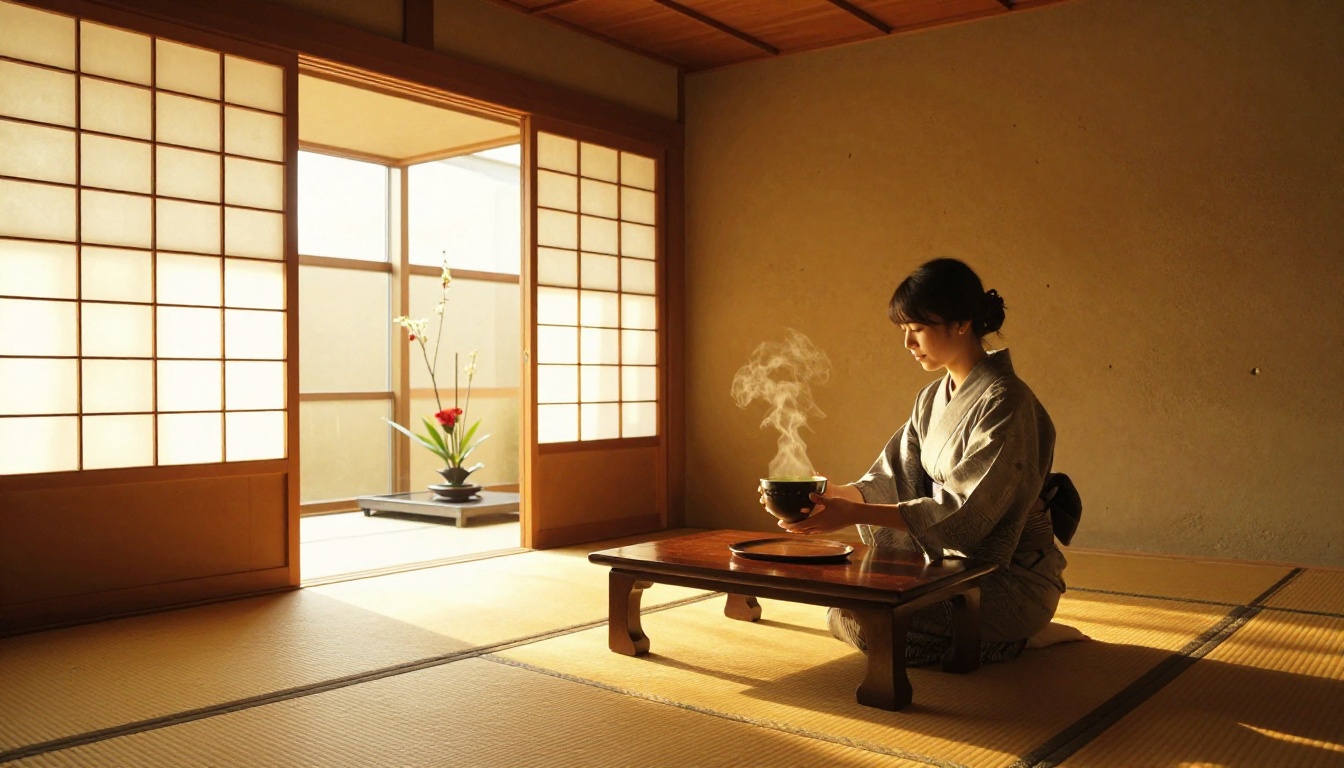
These scene types consistently produce strong dreamy-anime results across different models:
-
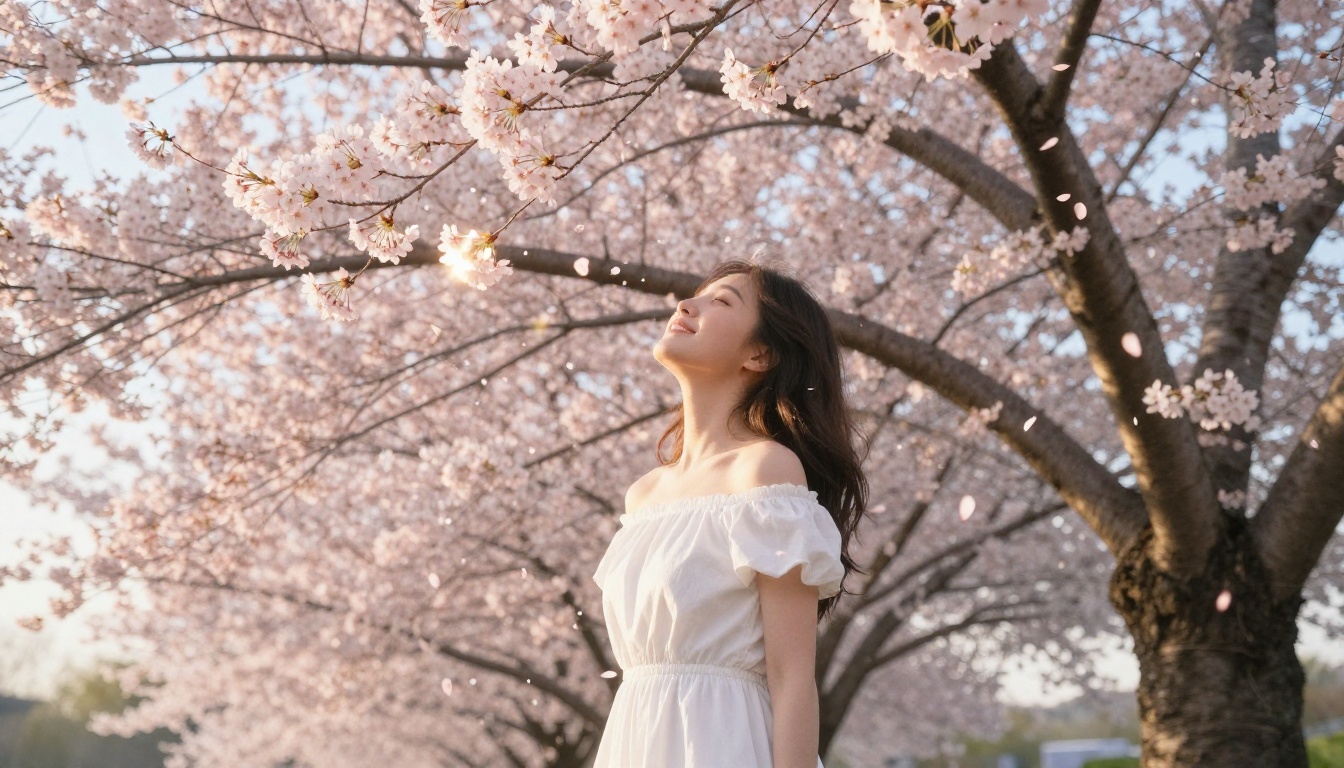
Cherry blossom overpass: A pedestrian bridge flanked by sakura trees at peak bloom, petals in the air, golden late-afternoon light.
-
Moonlit shoreline: A calm ocean or lake at midnight with a full moon reflected on the water surface, bioluminescent waves optional.
-
Bamboo forest path: Tall green stalks forming a natural tunnel, dappled morning light, a lone figure in the distance.
-
Onsen town alley: Narrow lantern-lit cobblestone street after rain, steam rising from wooden baths, puddle reflections.
-
Hillside shrine: A traditional shrine on a forested hillside at dusk, stone lanterns lit, fireflies visible in the shadows.
-
Countryside train view: Looking through a rain-streaked window at passing rice fields and mountains, reflected face in glass.
-
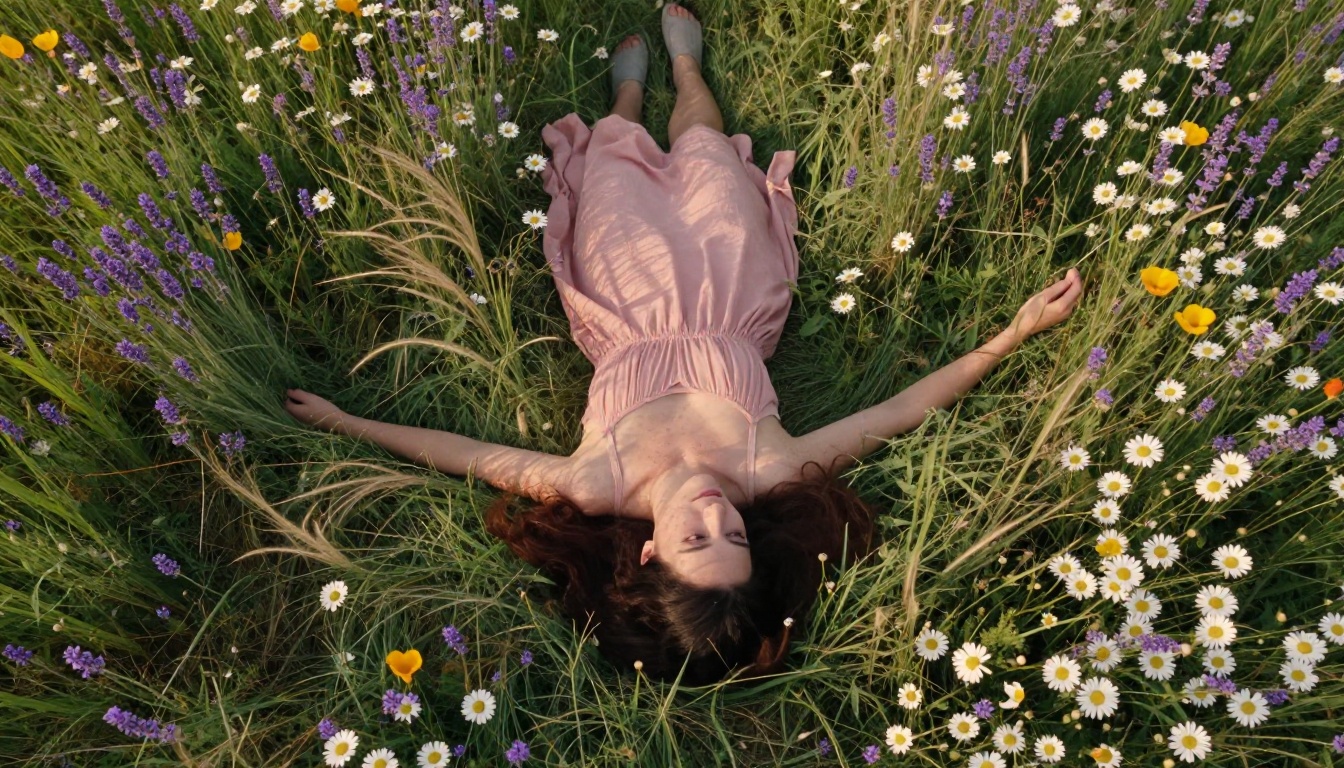
Wildflower meadow at midday: Vast open fields of lavender, daisies, and poppies with a single figure lying in the grass under a diffused white sky.
Tip: Start every scene description with a specific architectural or natural anchor ("wooden dock", "stone torii gate", "bamboo grove") before adding any atmospheric detail. Anchors prevent the model from generating generic-looking outputs.
Expanding and Editing Your Backgrounds
Once you have a base image you like, PicassoIA's other tools let you push further without starting from scratch.
Outpainting lets you extend the edges of a generated scene. If your bamboo forest looks great but you want to see what is beyond the left edge, outpainting generates new content that blends seamlessly with the original. This is particularly useful for creating wide panoramic backgrounds for animation or game environments.
Inpainting lets you replace specific areas within an existing image. Generated a perfect moonlit lake but the sky color is wrong? Mask it and reprompt just that region.
Flux Kontext Pro takes this further by letting you edit images using plain text instructions. Point it at your generated background and describe what you want changed: "replace the overcast sky with a starfield" or "add cherry blossom trees along the path." It reads the existing image context and applies changes that feel intentional rather than pasted-on.
Common Mistakes to Avoid
Prompts That Over-Describe Emotion
Words like "peaceful", "dreamy", "magical", and "beautiful" do not translate well into visual instructions. The model cannot render "peaceful" but it can render "still water surface, no wind, mist at ankle height, absence of people." Convert every emotional descriptor into a physical, visible detail.
Ignoring the Sky
In anime backgrounds, the sky is often as important as the ground. A great scene with a flat, underspecified sky will look unfinished. Always describe the sky explicitly: cloud formations, color gradients, whether stars or the moon are visible, how light behaves near the horizon.
Mixing Too Many Styles
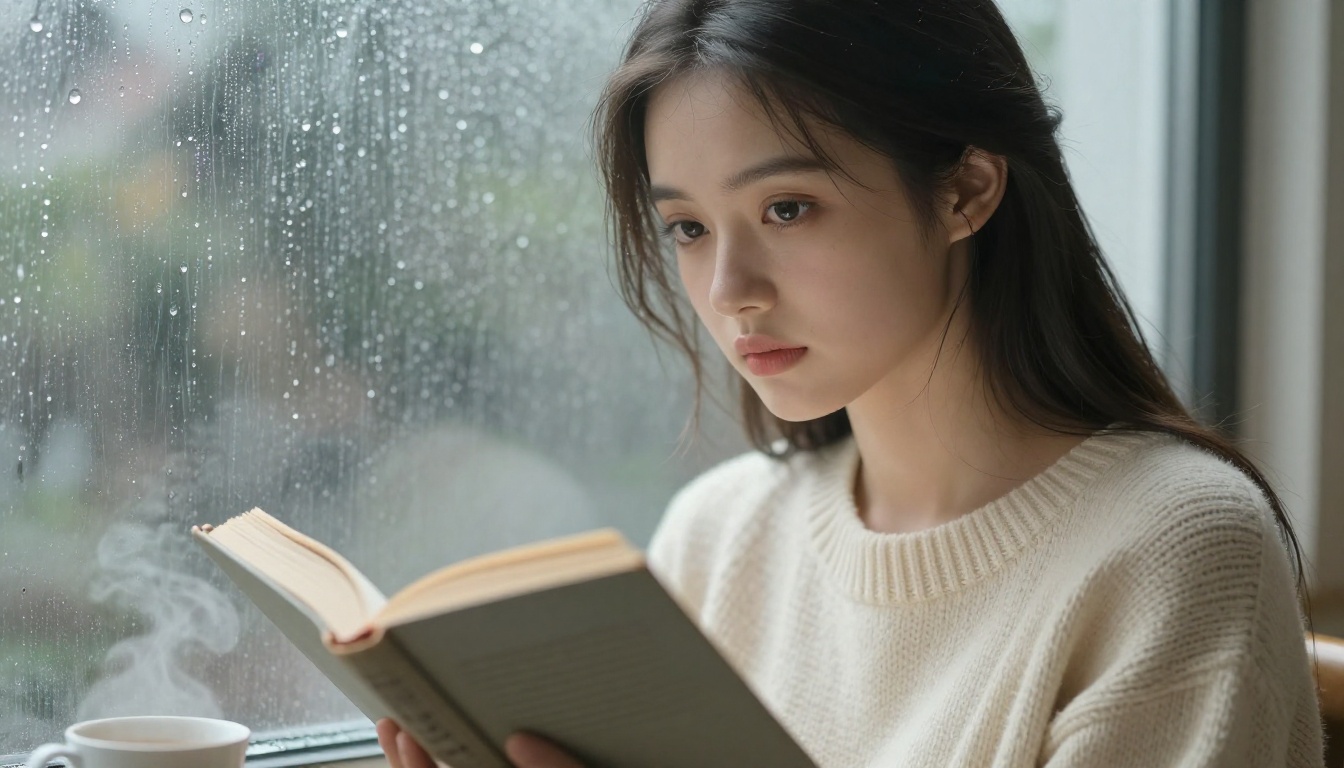
Prompts that request "anime style with realistic textures and Studio Ghibli vibes and photorealistic lighting" often produce incoherent results. Pick one visual register and commit to it. For dreamy anime backgrounds, "photorealistic RAW 8K photography, soft diffused lighting, Kodak Portra 400 film grain" is a reliable base that keeps the output coherent.
Choosing the Wrong Model for the Scene
SDXL is excellent for many things but tends to struggle with specific lighting scenarios like pre-dawn fog or deep midnight blue skies. For those edge cases, Flux Schnell or Flux Krea Dev typically produce more nuanced results. Know your models before committing to a long iteration session.
Prompt Templates to Copy Right Now
Here are five ready-to-use templates. Copy them into PicassoIA, adjust the details, and run.
1. Bamboo Forest Dawn
"A moss-covered stone path winding through a dense bamboo grove at pre-dawn, pale blue-grey light filtering horizontally through stalks, morning dew on every leaf surface, a faint red torii gate visible through atmospheric mist at the end of the path, low-angle 28mm wide lens, film grain, photorealistic RAW 8K --ar 16:9 --style raw"
2. Cherry Blossom Golden Hour
"A young woman in a white sundress standing under a massive sakura tree at peak bloom, shot from below looking up into the canopy, petals falling mid-air, late afternoon sun backlighting everything in amber with soft lens flare, shallow depth of field 35mm f/1.4, natural skin texture, photorealistic RAW 8K --ar 16:9 --style raw"
3. Moonlit Lake
"A woman sitting on a weathered wooden dock facing a still mountain lake at midnight, full moon directly overhead reflected perfectly on the glassy water surface, bioluminescent blue waves at shore edges, stars and Milky Way visible above, cool silver-blue light on skin, 35mm f/2 from ground level, photorealistic RAW 8K --ar 16:9 --style raw"
4. Onsen Town Alley
"A narrow cobblestone alley in a traditional onsen town at twilight after rain, red paper lanterns casting orange pools of light on wet stone, steam rising from a wooden bath through an open doorway, a figure in pale blue yukata walking away from camera, puddle reflections of lanterns, 28mm deep perspective, photorealistic RAW 8K --ar 16:9 --style raw"
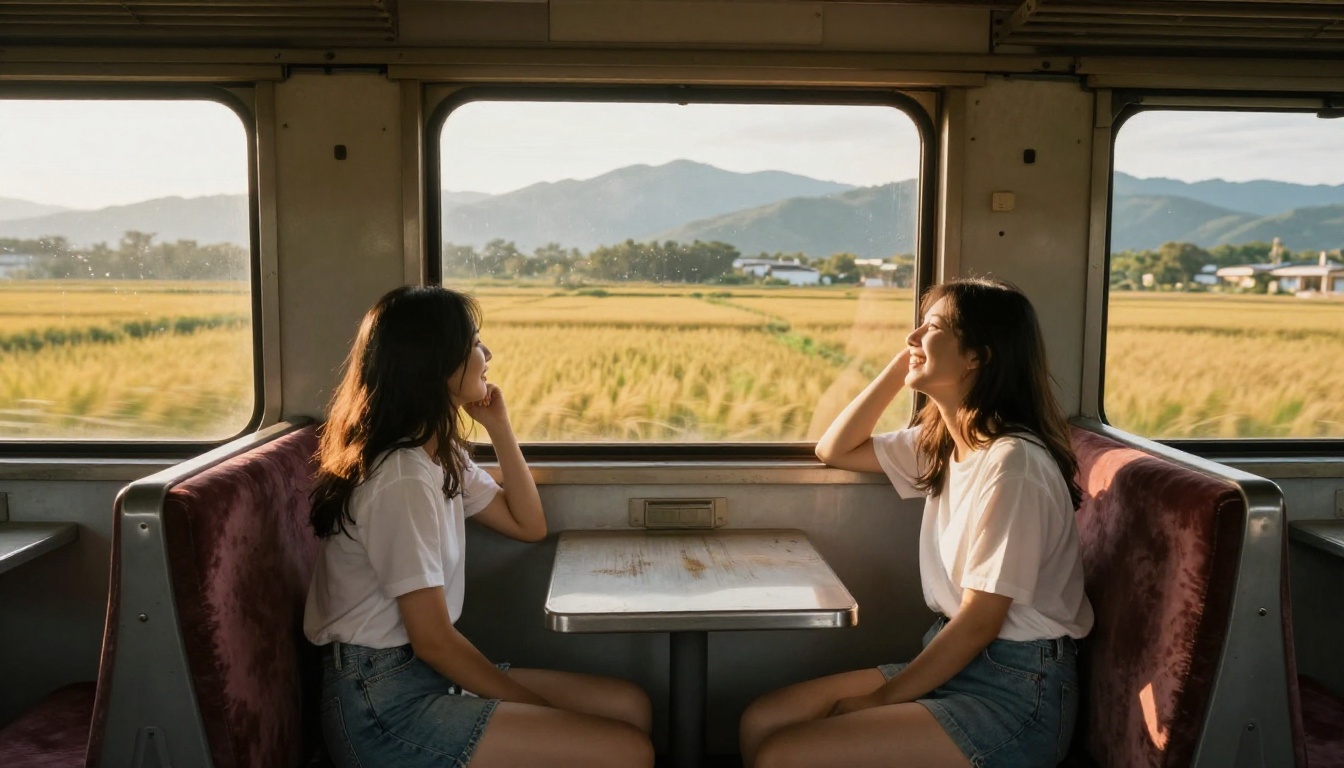
5. Train Window Countryside
"Two young women on a vintage train, one leaning against the window watching rice fields blur past at speed, reflections ghosted in the glass over the rushing golden landscape, warm directional light from windows illuminating dust particles, 50mm lens from elevated angle, worn velvet seat textures, photorealistic RAW 8K --ar 16:9 --style raw"
Now It Is Your Turn
The templates above are starting points, not endpoints. The real skill is learning to read a generated image, identify exactly what is off (the sky is too bright, the mist is not thick enough, the foreground needs more texture), and adjust the prompt by one variable at a time.
That iterative process is where great backgrounds come from. Not the first generation, but the third or fourth after a few precise tweaks.
PicassoIA gives you Flux Schnell for fast iteration, Stable Diffusion 3.5 Large for final high-detail renders, and Flux Kontext Pro for targeted edits after the fact. All three working together give you a complete workflow from rough concept to finished scene.
Pick one of the templates, open PicassoIA, and see where the first output takes you.


