Something shifted the moment filmmakers realized they could describe a scene in plain text and watch it materialize as footage. Sora 2 by OpenAI pushed that threshold further than anyone expected. It does not just generate moving images. It builds scenes with temporal consistency, synchronized audio, and cinematic motion that holds together across seconds of footage. This article breaks down exactly how to generate movie scenes with Sora 2, from the way you structure your prompts to the moment you download your first clip ready for editing.
What Sora 2 Actually Does
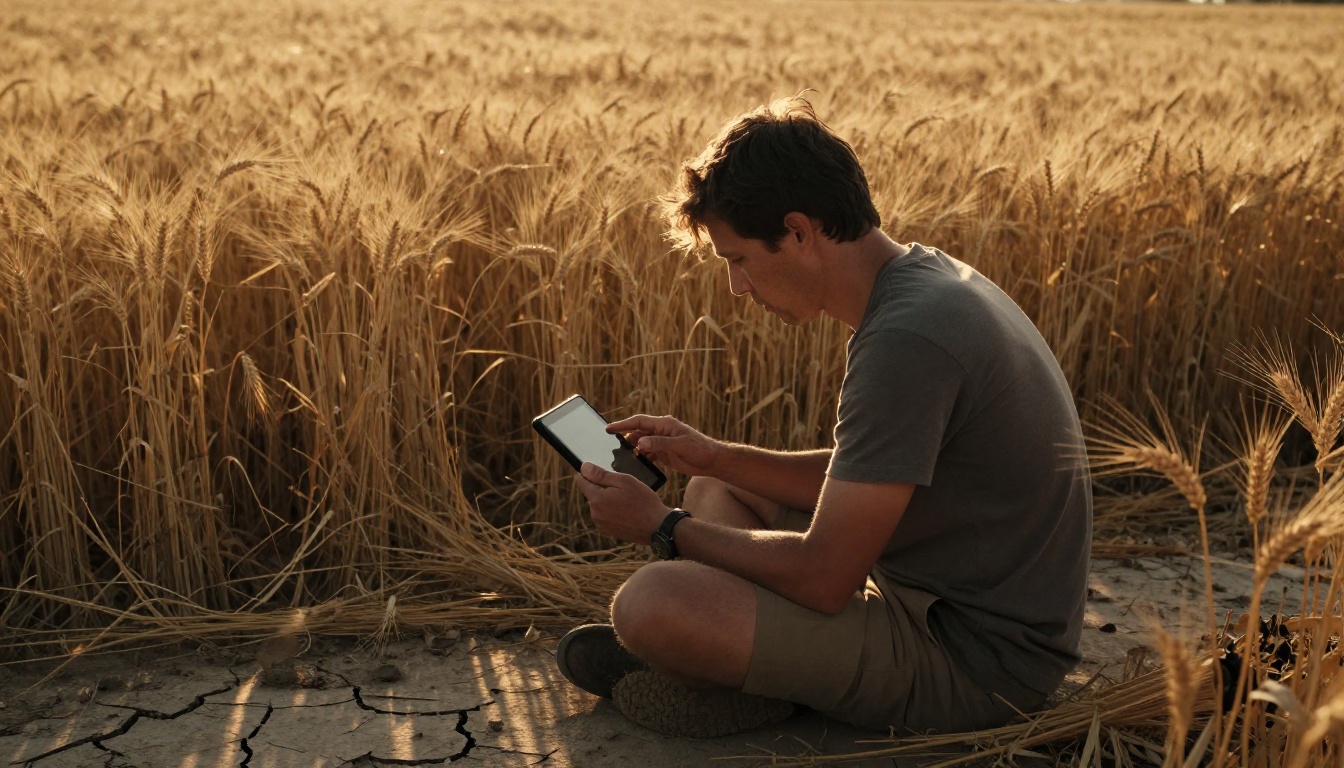
Most text-to-video tools generate a video. Sora 2 generates a scene. That distinction matters. A video is footage. A scene has compositional logic, lighting motivation, character movement that reads as intentional, and a beginning-to-end arc even within five seconds of content.
The Leap from Text to Cinematic Footage
Sora 2 uses a diffusion transformer architecture trained on massive amounts of video data annotated with cinematic metadata. When you write a prompt like "a detective walks through a rain-soaked alley at midnight, camera following from behind at knee level," the model does not just find a plausible motion pattern. It infers:
- Shot type: over-the-shoulder tracking at low angle
- Lighting motivation: practical rain reflections spreading across wet pavement
- Temporal logic: footsteps that produce realistic puddle splashes with each stride
- Depth: foreground rain blur vs. midground subject vs. background ambient glow
The result is footage that looks like something a cinematographer planned, not something an algorithm assembled. That is the gap Sora 2 closes relative to earlier text-to-video models.
Audio Sync and Motion Coherence
Sora 2 includes native audio generation. When your prompt describes a crowd scene at a football stadium, the ambient audio, crowd reaction, and environmental sounds are generated alongside the video, not added in post. Character footsteps sync to actual foot placement in frame. Rain sounds match the rain density visible in the shot. This is generative audio modeled simultaneously with the footage, not a separate layer.
The other major capability is temporal coherence across the full clip. Earlier text-to-video models would frequently produce footage where a character's hand disappeared between frames, a building changed shape mid-shot, or a light source shifted position without motivation. Sora 2 holds object permanence and spatial logic throughout. A character walking through a doorway, a car completing a turn, or a camera panning across a wide crowd scene all hold together from start to finish.
Writing Prompts That Work
The single biggest factor in your output quality is prompt construction. Sora 2 is a powerful model, but it responds to what you give it. A weak prompt produces generic footage. A cinematically structured prompt produces footage with intention.
Anatomy of a Strong Movie Scene Prompt
Think of your prompt in four sections that build on each other:
| Section | What It Covers | Example |
|---|
| Subject | Who or what is in the frame | "A woman in her 40s, wearing a white linen suit" |
| Environment | Where the scene takes place | "in a sun-drenched Moroccan market at midday" |
| Camera | How the shot is framed and how it moves | "handheld medium close-up, slight forward push" |
| Mood and Light | Atmosphere, lighting direction, texture | "warm overcast diffused light, dusty air particles in shafts" |
Connecting all four sections into a single fluid, descriptive passage produces far better results than a disconnected list of adjectives. Write your prompt the way a cinematographer reads a shot description, because that is exactly how Sora 2 processes it.
💡 Tip: Describe what the camera is doing, not just what you want to see. "The camera slowly pushes in on her face as she speaks" gives Sora 2 motion information. "A close-up of her face" gives it composition information but no movement instruction. Both matter.
Camera Angles That Change Everything
Camera angle is one of the most underused tools in AI filmmaking prompts. The same scene reads completely differently depending on where you position the lens. Here is what each angle typically communicates in cinematic language:
- Low angle (camera below subject): authority, power, physical dominance
- High angle (camera above subject): vulnerability, smallness, being observed
- Dutch angle (lens tilted on its axis): psychological tension, instability, wrongness
- Over-the-shoulder: intimacy, the relationship between two characters, POV proximity
- Aerial or crane: scale, geography, establishing narrative context
- Handheld tracking: urgency, following action, immersion
Including a specific angle in your prompt does not guarantee Sora 2 executes it precisely every generation, but it dramatically increases the probability of getting the composition you intend rather than the model choosing a default neutral framing.
Lighting and Atmosphere in Your Prompt
Lighting description is where most creators leave quality on the table. "Daytime" and "nighttime" carry almost no cinematic information. Specific language makes a measurable difference in output quality.
Weak: a scene outside during the day
Strong: overcast midday light creating flat even illumination with slight blue tint to shadows, no harsh shadow edges, diffuse sky acting as a giant soft box
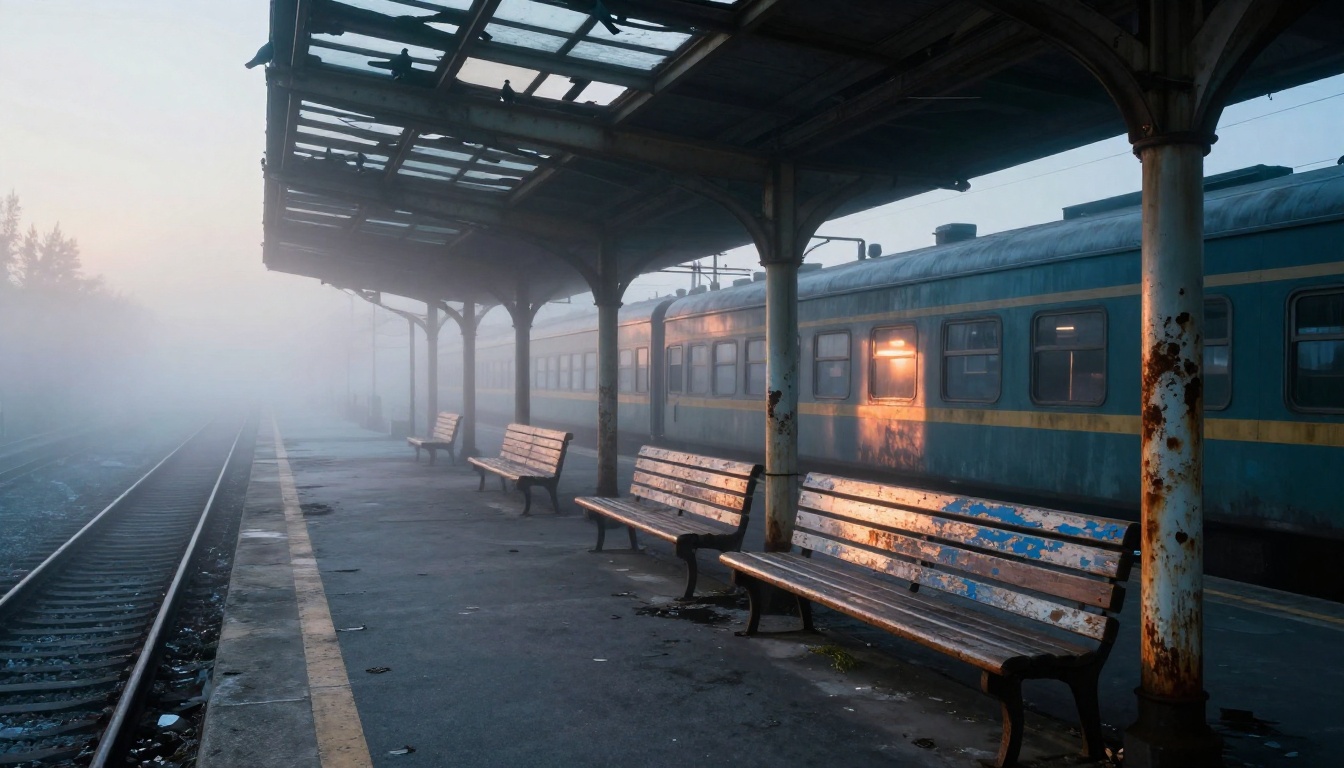
Atmospheric elements like fog, dust, rain, smoke, heat shimmer, and falling snow also belong in your prompt. These are not just aesthetic choices. They affect how light scatters and behaves in frame, and Sora 2 models them accurately when you specify them. A foggy scene softens background contrast and creates depth separation. Rain creates surface reflections that multiply light sources. Dust in sunlight creates visible volumetric beams.
How to Use Sora 2 on PicassoIA
Sora 2 is available directly on PicassoIA without requiring an OpenAI account or API access. Here is how to run your first movie scene generation from start to download.
Step 1. Open the Sora 2 Model
Navigate to Sora 2 on PicassoIA. The model page gives you an input field for your scene prompt, duration settings, and resolution options. If you need extended duration or higher resolution output, Sora 2 Pro is also available on the platform and takes the same prompt format.
Step 2. Write Your Scene Prompt
Use the four-section prompt structure from above. For your first generation, prioritize something concrete and visually specific. Abstract concepts like "loneliness" or "tension" do not give the model enough to work with. Write the physical scene that would represent that concept for a real camera.
Example prompt for a dramatic dialogue scene:
Two older men sit across from each other at a heavy wooden table in a dim Mediterranean cafe, late afternoon light filtering through closed wooden shutters casting thin horizontal bars of amber across their faces, handheld medium two-shot drifting slightly from left to right, dust particles visible in the light shafts, low ambient cafe chatter in background, one man leans forward with his hands on the table
That prompt gives Sora 2 subject detail, environment, specific lighting behavior, camera motion, audio environment, and character action. Each element is something the model can act on.
Step 3. Set Duration and Resolution
Sora 2 supports multiple clip duration options. For narrative movie scenes, five to ten seconds is the most useful range. Long enough to capture meaningful motion and character action, short enough that the model maintains coherence throughout the clip.
Resolution settings affect render time and output quality. For scenes intended for actual editing use, higher resolution is worth the longer generation time. For rapid prompt iteration where you are testing ideas, lower resolution gives fast feedback without committing to full render time.
💡 Tip: Generate at lower resolution first to validate your prompt. Once the composition, motion, and lighting feel right, re-run at full resolution for your final output. This saves significant time across multiple iterations.
Step 4. Generate and Review Your Scene
After generation completes, watch the full clip before downloading. Check for these specific things:
- Object permanence: Does the subject maintain consistent form from start to finish?
- Motion logic: Does camera movement match your prompt instructions?
- Audio sync: Do in-scene sounds correspond to their visual source?
- Lighting consistency: Does light direction remain stable across the clip duration?
If any of these break down, identify the specific part of your prompt that maps to the problem and refine it. Sora 2 responds well to iterative prompt adjustment, and two or three rounds of refinement usually produce a clip worth using.
5 Scene Types Sora 2 Handles Best
Not all scene types perform equally across any text-to-video model. Sora 2 has particular strengths worth knowing before you build your production pipeline around it.
Chase Sequences
Sora 2 handles motion-heavy scenes reliably. Chase sequences benefit from its temporal consistency, since the camera needs to track fast-moving subjects across several seconds without losing them in frame or letting physics break down. Use explicit tracking shot language and specify the emotional pace of the chase, not just the speed. "Frantic pursuit" and "slow predatory stalk" read very differently and produce very different footage.
Dialogue Scenes
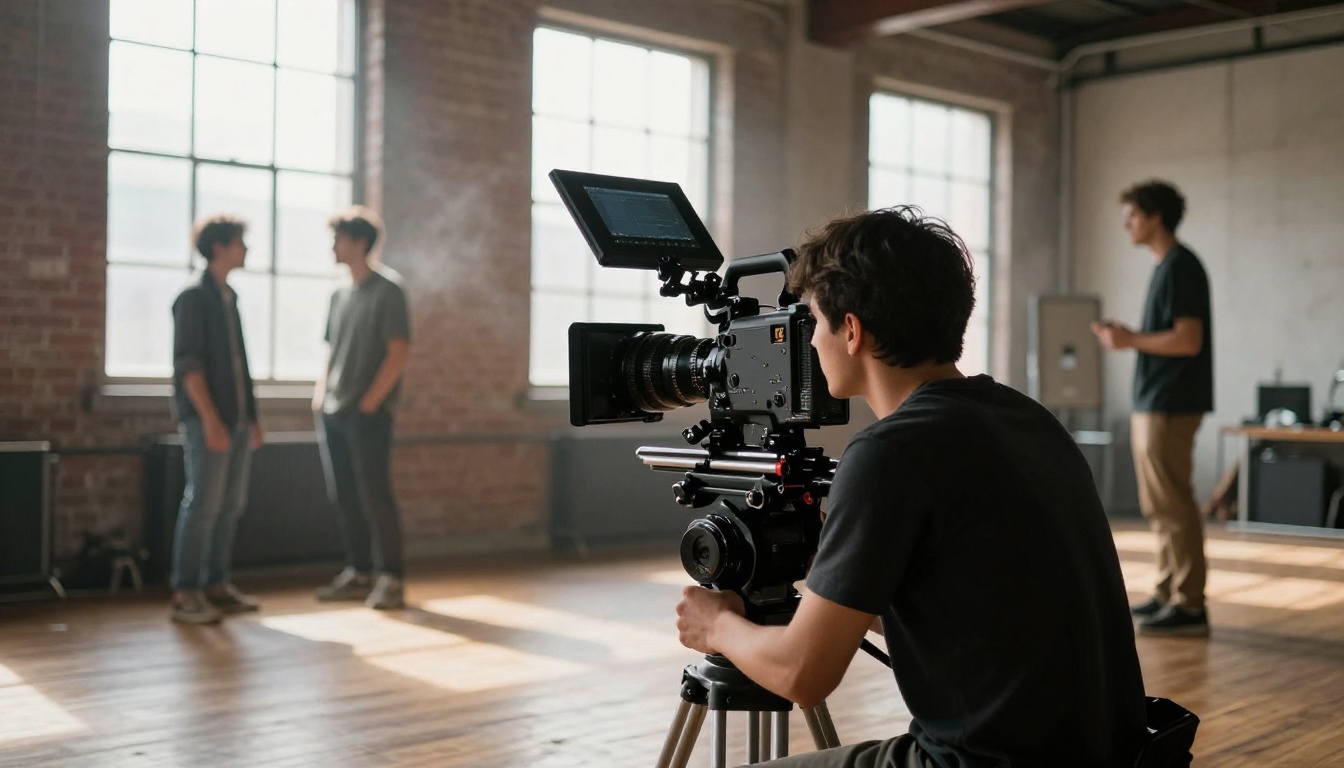
Two-person dialogue scenes are where Sora 2 shows its cinematic training most clearly. It understands shot-reverse-shot compositional logic, maintains character placement relative to each other across the clip, and models realistic conversational body language when you describe the emotional stakes of the exchange. Describe what each character is physically doing during the conversation, not just that they are talking.
Aerial Establishing Shots
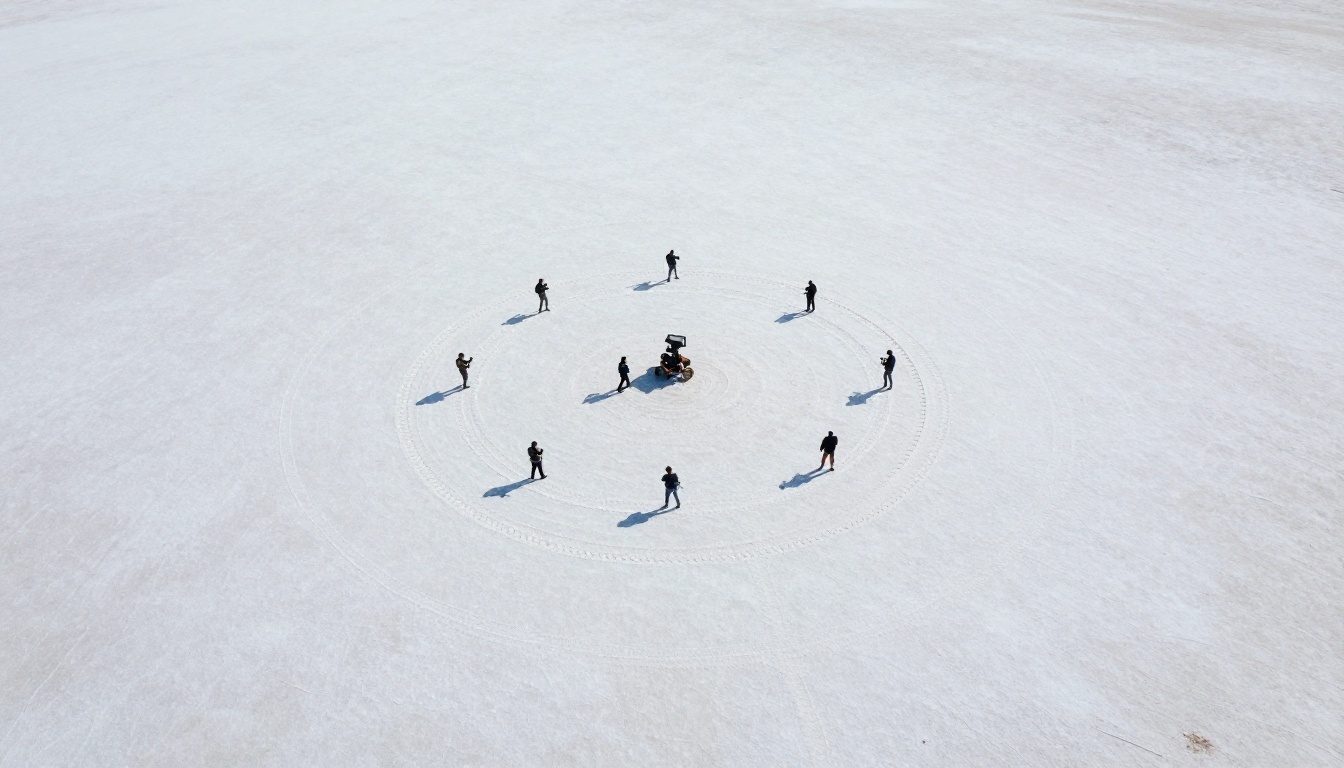
Aerial shots are a consistent strength. Wide landscape compositions with geographic detail, atmospheric haze, and natural lighting produce cinematic establishing shot footage that would be expensive to capture with a physical drone. These are especially useful for scene transitions, opening sequences, and act breaks in longer productions.
Night Scenes with Practical Lighting
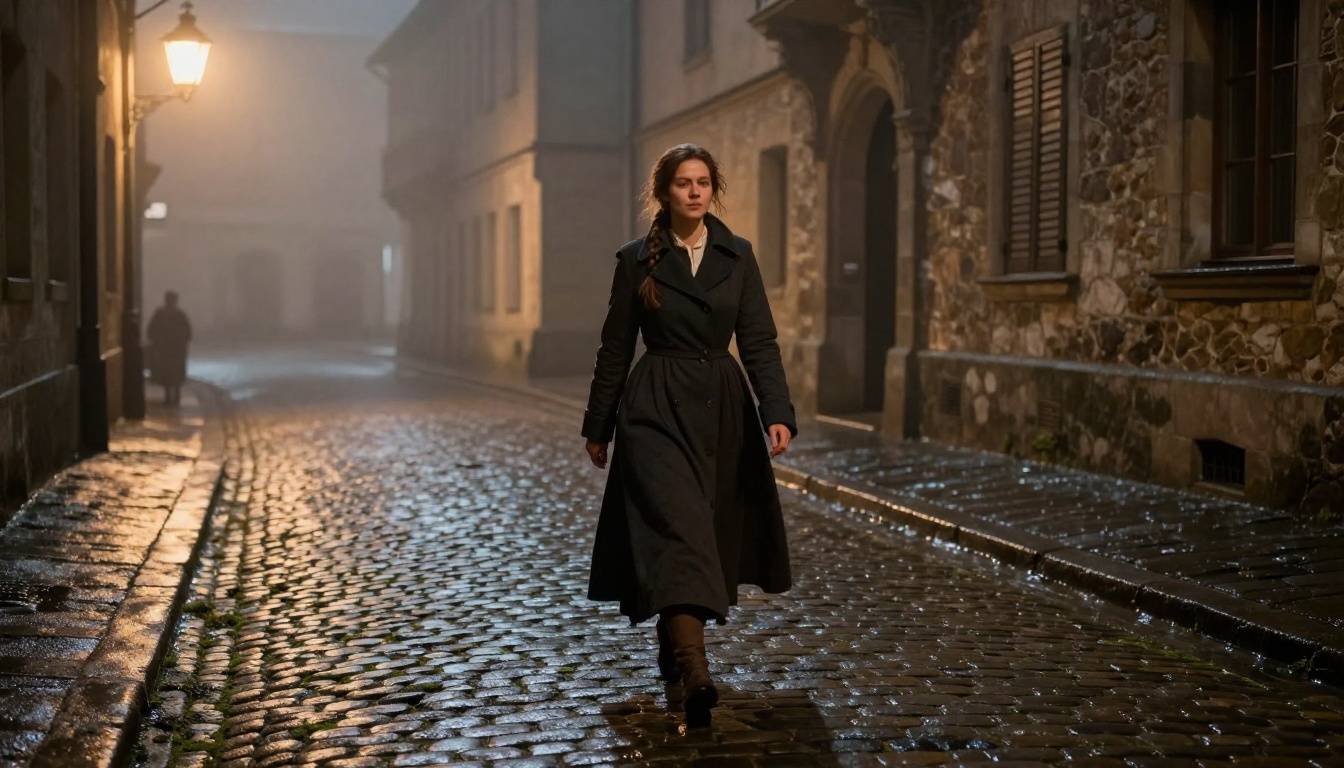
Sora 2 excels at night scenes that use practical light sources, including street lamps, neon signs, vehicle headlights, candles, and open fire. The model accurately simulates how these point light sources spread, fall off, and create shadows in relation to nearby surfaces. Night scenes with wet streets reflecting multiple light sources are a particular strength. Describe the specific practical sources in your prompt rather than just saying "nighttime."
Period Settings
Historical period settings work well because Sora 2 can draw on a deep library of cinematic reference for specific eras. A 1940s detective office, a medieval market square at dusk, a 1970s American diner, these settings have well-defined visual languages the model can apply accurately. Be specific about the decade and describe the design elements rather than using vague terms like "old" or "historical."
Common Prompt Mistakes
Even experienced creators hit the same walls when they start working with Sora 2. Two mistakes account for most bad outputs.
Too Vague, Too Short
"A man walking in the rain" is a caption, not a movie scene prompt. Sora 2 will produce something from it, but the result will be generic because there is nothing specific to work from. Every detail you leave out is a decision the model makes without your input, and those default decisions rarely match what you were imagining.
The fix is deliberate density. Add subject detail: age, appearance, clothing, physical state. Add environment specificity: what kind of street, what time of night, what other elements are in frame. Add camera instruction: what size shot, is the camera moving, from what angle. Add lighting description: what sources are present, what direction they come from, what surfaces they hit. Aim for at least three to four substantial sentences per scene prompt.
Ignoring Character Consistency
Sora 2 generates characters from your text description within each individual generation. It does not carry character appearance from one generation to the next unless you provide the exact same character description in each prompt. If you are building a sequence of scenes featuring the same character, copy the physical description precisely from prompt to prompt and place it first in each one.
💡 Tip: Write a "character card" for each major figure in your project, a two to three sentence physical description you paste at the start of every prompt featuring that character. This dramatically improves cross-scene consistency for multi-clip productions.
Sora 2 vs. Other AI Video Models
PicassoIA offers over 100 text-to-video models. Here is how Sora 2 compares to the strongest alternatives for cinematic movie scene work:
| Model | Primary Strength | Resolution | Native Audio | Best Use Case |
|---|
| Sora 2 | Temporal coherence, narrative scenes | HD | Yes | Dialogue, cinematic sequences |
| Sora 2 Pro | Extended duration, HD+ output | HD+ | Yes | Long-form sequences |
| Kling v3 Video | Cinematic character motion | 1080p | No | Character-driven scenes |
| Veo 3 | Photorealistic outdoor footage | HD | Yes | Documentary, nature scenes |
| Wan 2.7 T2V | Speed and 1080p output | 1080p | No | Fast iteration and prototyping |
| Pixverse v5 | Dynamic action and VFX | 1080p | No | Action, stylized effects |
| Ray | Generation speed | HD | No | Quick scene tests |
| Seedance 1.5 Pro | Audio-synced video | HD | Yes | Music video, social content |
For pure cinematic movie scene generation where narrative integrity and temporal coherence are the priority, Sora 2 is the strongest choice on the platform. For fast prompt iteration cycles before committing to final generation, Wan 2.7 T2V or Ray offer faster turnaround at competitive quality. For character-focused scenes with strong physical motion, Kling v3 Video is worth testing alongside Sora 2.
Start Filming Right Now
The barrier between having a story idea and seeing it rendered as footage has collapsed. What used to require a production crew, lighting package, location permits, and weeks of post-production can now be generated in minutes from a well-constructed text prompt.
The skill set involved is real, though. Prompt engineering for cinematic video is its own discipline, and the creators producing the most impressive Sora 2 footage are not just typing descriptions. They are thinking like cinematographers: shot size, camera movement, light direction, environmental audio, scene pacing, character body language. The prompt is the pre-production document.
PicassoIA gives you direct access to Sora 2 and Sora 2 Pro, along with a full production ecosystem of complementary tools:
- Kling v3 Video for character-driven cinematic motion scenes
- LTX 2 Pro for 4K resolution long-form sequences
- Ray for fast scene prototyping before committing to full resolution
- Veo 3 for photorealistic outdoor and nature cinematography
Write your first scene prompt today. Start with something concrete: a specific place, a specific time of day, a specific camera position, a character doing something physical. Add motion. Add light direction. Add atmosphere. Run it on Sora 2 and see what comes back. The gap between what you can imagine and what you can produce has never been smaller.


