A practical breakdown of the best free AI tools and uncensored models for generating NSFW art. From writing effective prompts to upscaling your results, everything creators need to produce high-quality, unrestricted adult AI imagery without spending a dime.
Most AI platforms treat adult content like a liability to be eliminated. You write something even slightly suggestive, and the response is a vague policy warning, a blank output, or an account flag. That friction has pushed a large number of creators toward platforms that actually respect their creative intent. The good news is that genuinely capable NSFW AI art generation tools exist today, several of them with free access tiers, and the output quality from the best uncensored models rivals professional retouched photography. This article breaks down which tools work, how to access them without paying, what separates an effective prompt from a wasted generation, and how to upscale finished images into crisp high-resolution output worth sharing.
Why Most Free AI Tools Restrict Adult Content
Free AI image platforms operate under one of two business models: broad consumer appeal or enterprise software contracts. Both depend on maintaining a clean public reputation. The moment a platform appears in news coverage about AI-generated explicit content, enterprise clients walk and advertisers pull spend. That calculus drives aggressive content filtering regardless of what individual users actually want to create.
The Filter Wall You Keep Running Into
Every major free image generator runs NSFW classifiers both before and after generation. These classifiers are intentionally set to a low threshold. They block prompts containing anatomical vocabulary, refuse suggestive poses, and sometimes flag innocent words like "bare" or "sheer" because they appear in training datasets alongside explicit content. Even tasteful glamour photography, artistic implied nudity, or a bikini shoot gets rejected on platforms like DALL-E 3 via ChatGPT, Adobe Firefly, and most hosted Stable Diffusion interfaces.
The result is a frustrating loop: you write a reasonable prompt, get a refusal, try to rephrase, get another refusal, and eventually give up. That experience has driven millions of creators to search for alternatives that actually work.
What "Free NSFW" Means in Practice
When people search for free NSFW art generation, they typically fall into one of three groups:
Artistic nudity: Figure photography, classical body study, tasteful implied nude
Explicit adult content: Fully explicit material with no restrictions
This article covers the first two categories in detail. The models listed here handle both well. For explicit content, some of the platforms listed here support it within their terms of service, but the detailed mechanics are outside the scope of this article.
The "free" component comes from how platforms structure their pricing. Most of the best uncensored models run on expensive GPU infrastructure, so truly free unlimited access is rare. However, platforms like PicassoIA offer free trial periods, subscription tiers that include unlimited generations, and per-generation pricing low enough that casual use is effectively zero-cost. The workflow explained here can be started for free within minutes.
The Best Free Models for NSFW Art
All models listed below are available on PicassoIA's platform, ranked by performance, NSFW capability, and real cost-to-use.
Seedream 4.5: The Top Pick
Seedream 4.5 is the clearest top choice for NSFW image generation right now. Built by ByteDance, it accepts adult content without a safety classifier blocking the output, generates results in under 3 seconds, and supports both text-to-image and image editing workflows from a single interface.
The output quality is exceptional. Skin texture, lighting response, facial anatomy, and fabric detail render at a level that matches professionally retouched photography. For NSFW content specifically, the model handles body proportions naturally and responds well to detailed prompt descriptions of lighting and environment.
💡 Important: The newer Seedream 5 Lite does not support NSFW content. Always use Seedream 4.5 for adult content workflows, not its successor.
PicassoIA Image Editor Pro: Unlimited at No Extra Cost
PicassoIA Image Editor Pro operates differently from text-to-image generators. It is an image-to-image tool where you supply a source image and describe what to change. Its primary advantage for NSFW workflows is unlimited generations on Elite and Infinite subscription plans.
For creators iterating heavily through multiple variations of the same composition, this matters enormously. Compare it to models like Nano Banana 2, where generating 1,000 images costs approximately $100. With Image Editor Pro on an Infinite plan, that same volume costs nothing extra. You generate as many variations as needed without per-generation charges stacking up.
The model also offers a 3-generation free trial requiring no credit card, making it a genuine zero-cost entry point. Output generates in under one second, which makes rapid iteration practical.
Qwen Image 2 and Grok Imagine Image
Qwen Image 2 is an open-source model that handles both text-to-image creation and image editing with very detailed realism. Its open-source nature means it runs without commercial content restrictions, making it consistently reliable for NSFW workflows.
Grok Imagine Image shines in a specific use case: converting any existing photo to a bikini-format image in a photorealistic way. The model takes your source photo and applies the transformation with natural accuracy that most other models miss.
The process is faster to start than most people expect. Go to picassoia.com, create a free account, and you immediately access the full model catalog. The Image Editor Pro free trial gives you three generations without entering a credit card, which is enough to verify the quality before committing to any plan.
The interface is clean and direct. Select a model from the catalog, enter your prompt, adjust parameters if you need them, and click Generate. Your output saves to a personal gallery automatically. Downloading is instant.
Choosing the Right Model for Your Workflow
The correct model depends on what you are starting with:
Maximum speed: P-Image generates in under one second, useful when you are iterating fast through many variations
Best photorealism from text: Recraft V4 produces outstanding realistic output from text descriptions alone
Generating Your First Image Step by Step
After selecting Seedream 4.5:
Enter your prompt in the text field (the next section covers prompt writing in detail)
Set the aspect ratio to 16:9 for widescreen output or 1:1 for portrait orientation
Leave remaining settings at default for your first run
Click Generate and wait 2-3 seconds for the result
Download directly or save to your gallery for later use
The quality on the first attempt with a well-constructed prompt is typically very high. Most creators need only 2-3 iterations to arrive at exactly what they had in mind.
Prompts That Actually Produce Results
Prompt writing is where most people fail. A vague prompt produces a generic, muddy image. A specific, well-structured prompt gives the model exactly the information it needs to render what you are imagining.
The Structure of an Effective NSFW Prompt
Every strong NSFW prompt follows a clear layered structure:
Each layer reduces ambiguity. The more precisely you describe the setup, the less the model has to guess, and the fewer iterations you need to reach the right result.
💡 Think of your prompt like a brief to a professional photographer. Every detail you omit is a decision you are handing to the model, and it may not choose what you want.
Common Prompt Mistakes
Generic adjectives: "beautiful," "sexy," and "attractive" tell the model almost nothing specific. Describe the actual quality instead, such as "natural skin sheen," "confident posture," or "warm sidelight catching hair strands."
Style conflicts: Do not combine "photorealistic" with "illustrated" or "digital art" in the same prompt. Pick one direction and commit.
Excessive length without specifics: Writing 200 words of vague description is worse than writing 60 words of precise instruction.
Contradictions: "Bright natural lighting" and "deep dramatic shadows" cannot coexist. Resolve conflicts before generating.
5 Ready-to-Use Prompts
These prompts work well with Seedream 4.5 and produce strong results on the first or second generation:
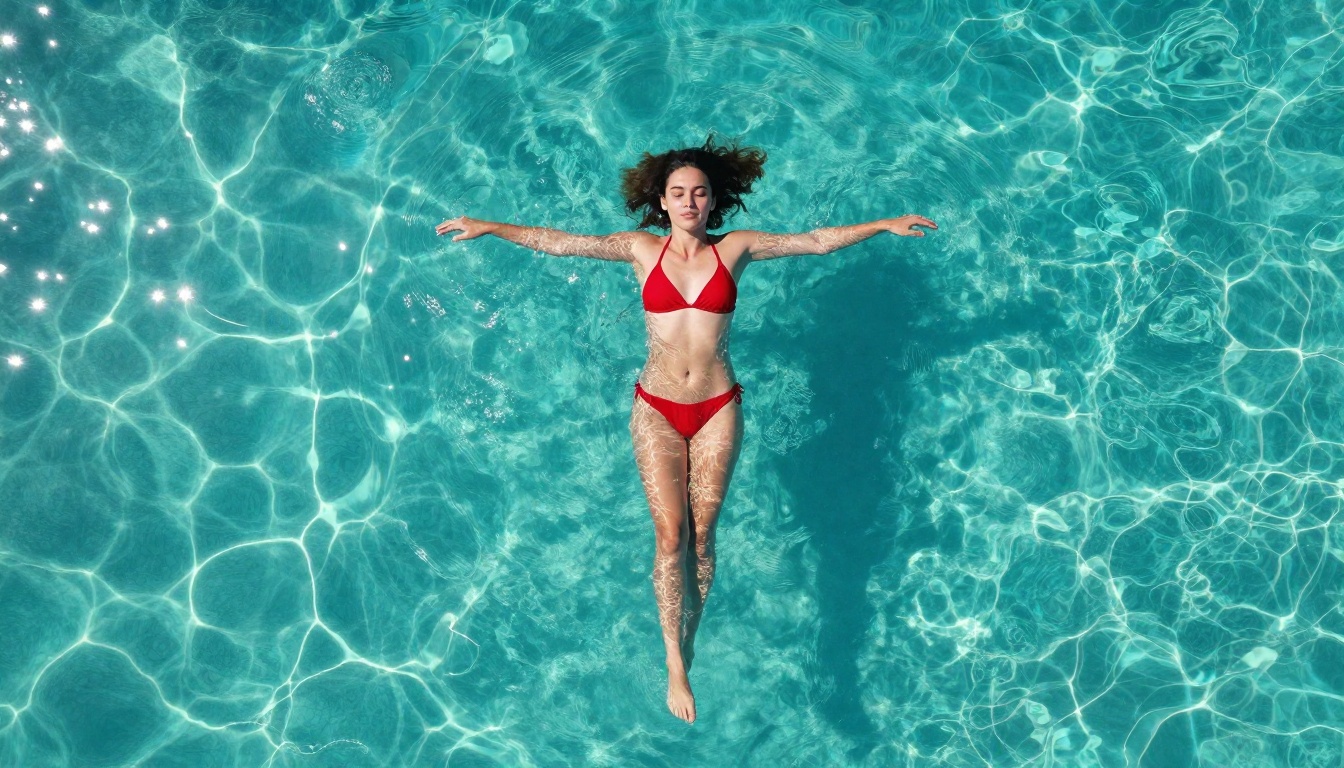
1. Tropical beach glamour
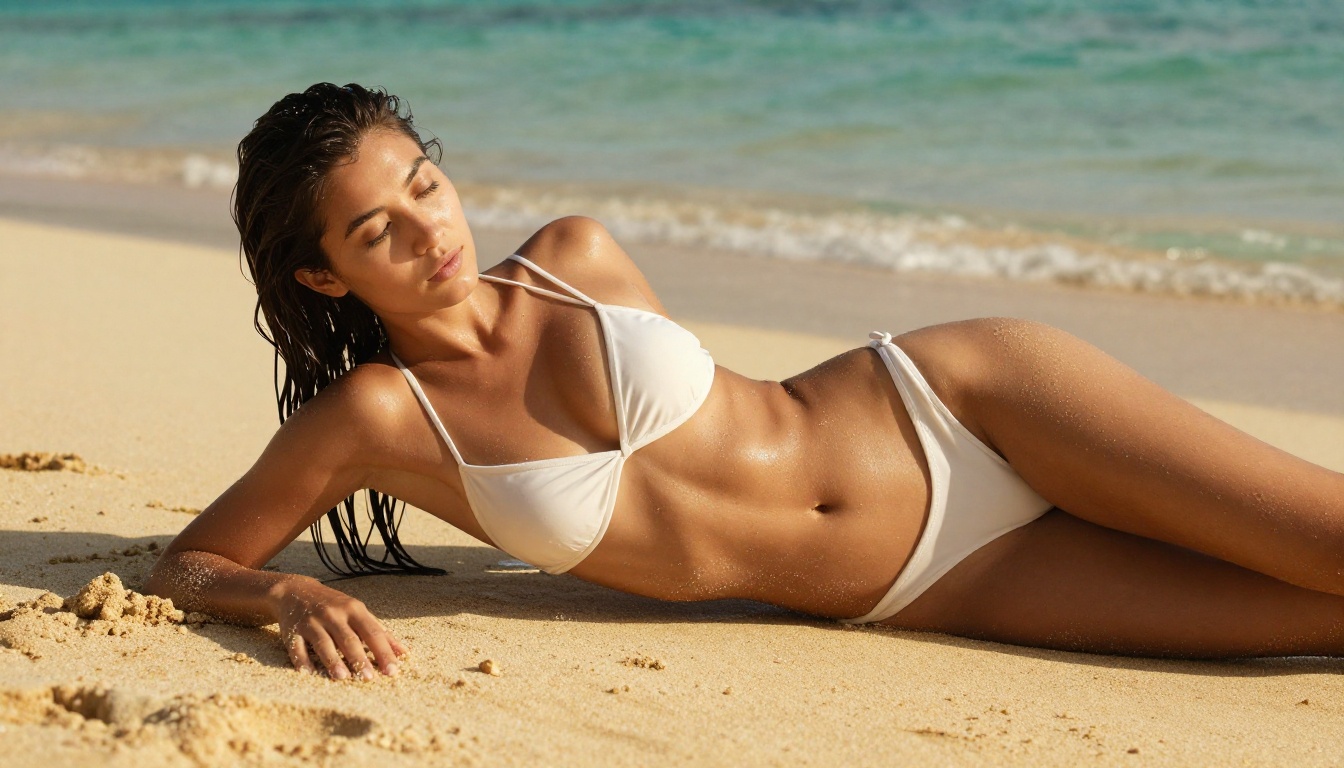
Slender woman in white bikini reclining on golden sand, late afternoon sidelight from low sun at horizon, salt-damp hair spread naturally behind her head, Canon 85mm f/1.4, Kodak Portra 400 grain, turquoise ocean in shallow bokeh background, photorealistic RAW 8K --ar 16:9 --style raw
2. Professional studio portrait
Woman in ivory lace lingerie standing against white seamless backdrop, direct eye contact, Hasselblad 90mm portrait lens f/2.2, large octabox main light from camera left, fill panel camera right, rim light behind subject, extraordinary skin micro-detail, 8K photorealistic --ar 16:9 --style raw
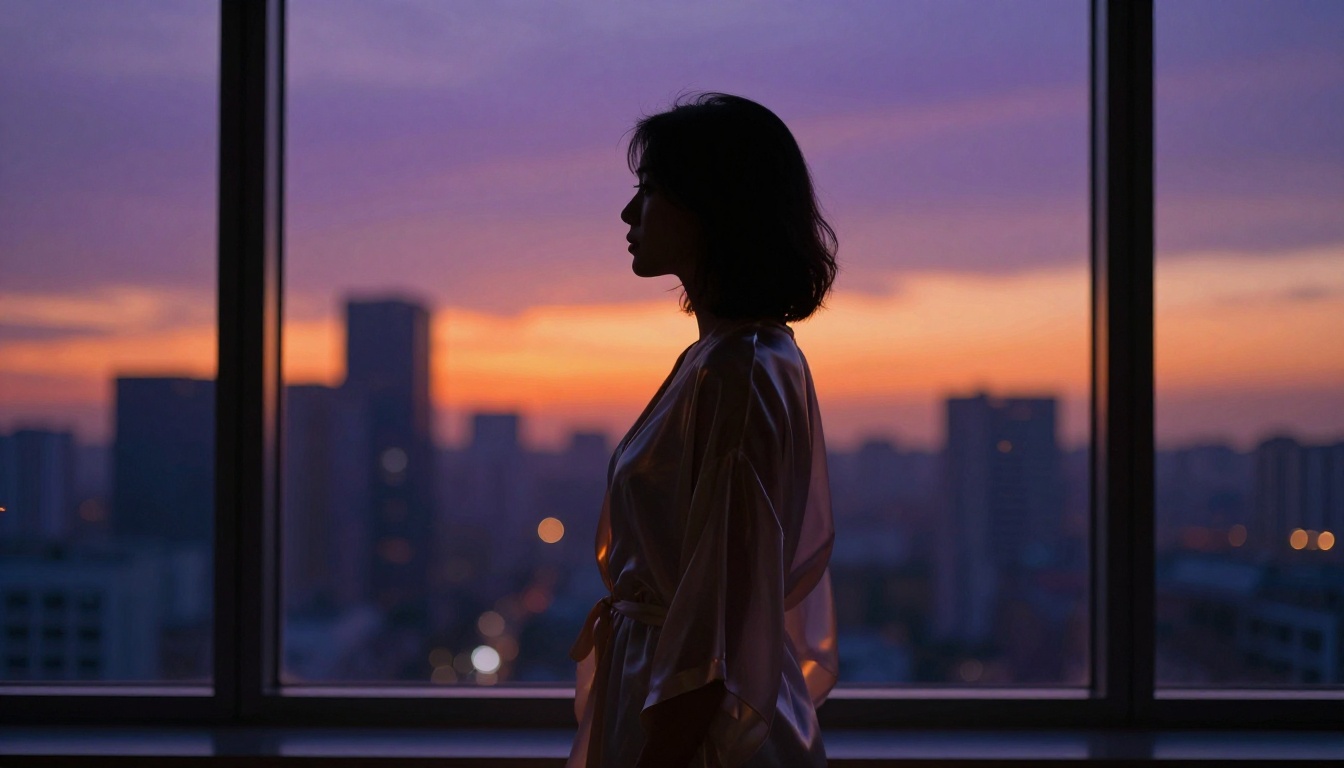
3. Artistic silhouette at dusk
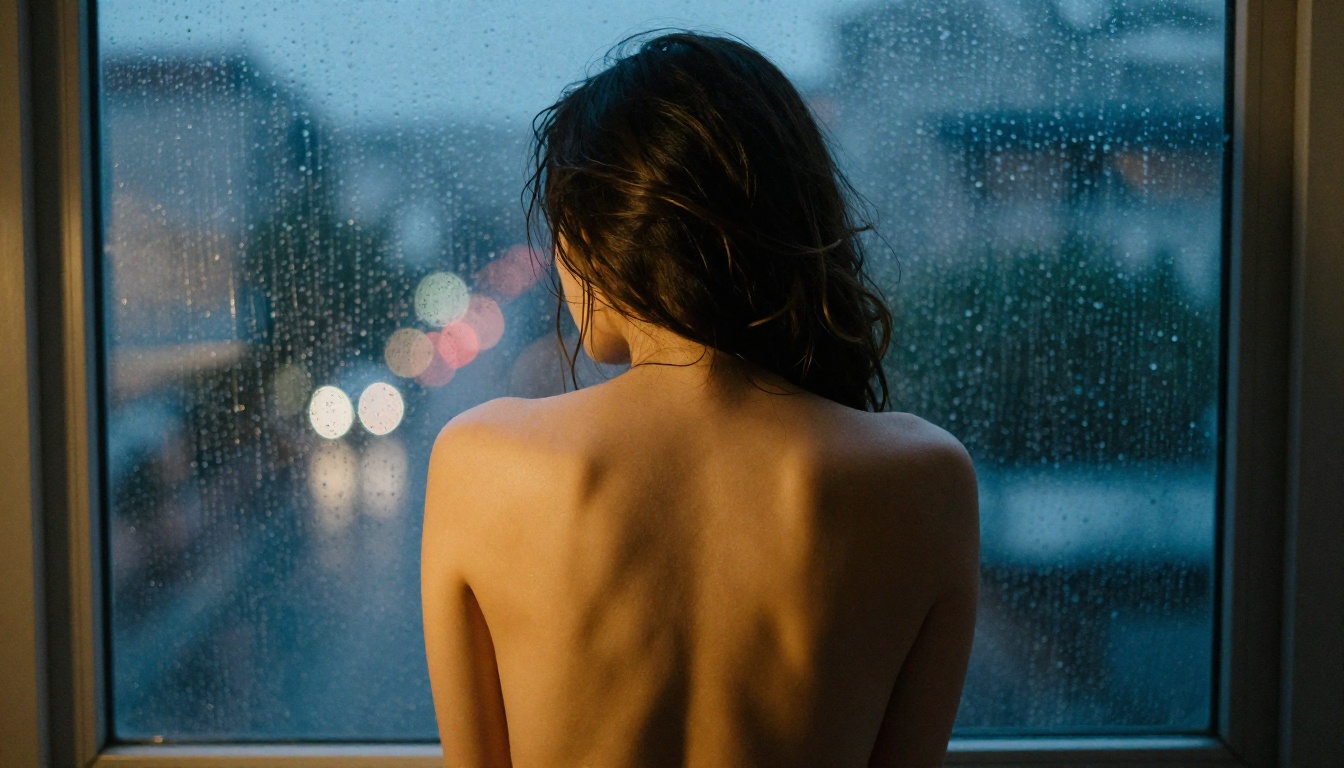
Woman's form backlit against floor-to-ceiling window at dusk, sheer silk robe catching backlight, city skyline bokeh in orange and deep purple, Sony A7R V 135mm f/1.8 GM, Kodak Portra 400 film grain, atmospheric depth, photorealistic --ar 16:9 --style raw
4. Minimalist editorial
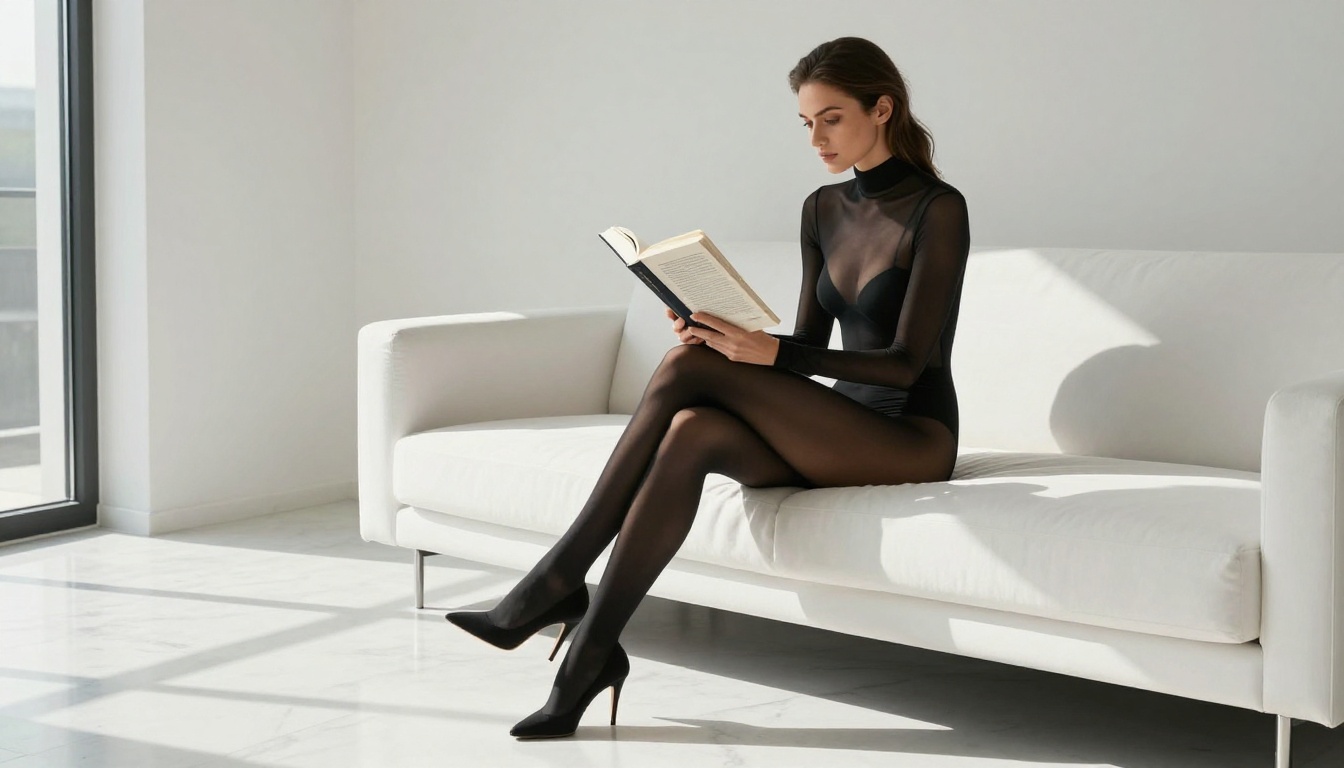
Woman in sheer black bodysuit on white modernist sofa, minimalist luxury apartment, afternoon window light casting long shadows on marble floor, Leica S3 100mm f/2.5, Kodak grain, editorial photography style --ar 16:9 --style raw
5. High-key glamour portrait
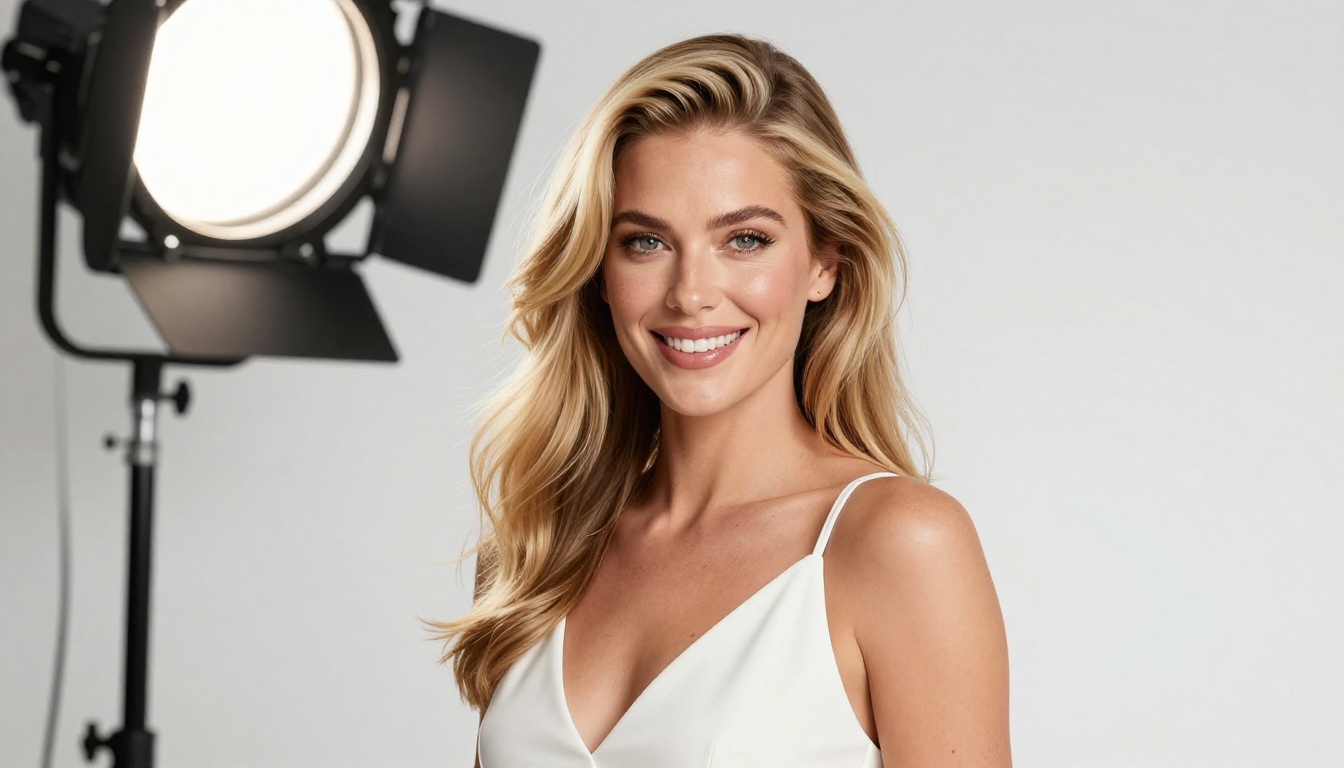
Woman with long blonde hair in white strappy dress, high-key white studio, beauty dish lighting, warm confident expression, Nikon D850 85mm f/1.8, catchlights in eyes, 8K skin texture detail, glamour photography --ar 16:9 --style raw
Upscaling NSFW Images to High Resolution
Generating a great composition is step one. Getting it to a resolution suitable for printing, detailed cropping, or high-fidelity display is step two.
Why Resolution Matters
Most AI image generators output in the 1024-1536px range. That is acceptable for screen display but falls short for anything requiring sharp detail at scale. NSFW images in particular benefit from upscaling because skin texture, fabric detail, and fine hair are precisely where low-resolution output looks obviously machine-made. At native resolution, a face can appear smooth and slightly plastic. At 4x upscaled resolution with a strong super-resolution model, the same face shows visible pore detail, individual hair strands, and the natural surface variation that makes an image feel real.
💡 Always upscale after you have the composition and content exactly right. Upscaling a poor image only produces a larger poor image.
Super Resolution on PicassoIA
PicassoIA's super-resolution models in the all-models catalog process NSFW content without content filtering. The workflow is straightforward:
Generate your image with Seedream 4.5 or another text-to-image model
Download the output
Upload it to a super-resolution model and select your upscale factor (2x or 4x)
Download the high-resolution result
The visual difference at 4x is significant. A soft 1024px result can become a print-quality 4096px output with sharp, realistic detail throughout. It is worth doing for any image you plan to use seriously.
Editing and Finishing Your Output
Once you have a high-resolution base image, PicassoIA's editing tools let you refine specific elements without regenerating from scratch.
Inpainting and Outpainting
Inpainting lets you replace or correct specific regions of an image while leaving everything else untouched. This is particularly useful in NSFW images where a body part, background element, or facial feature landed slightly wrong. You paint over the region you want to fix, describe what you want there instead, and the model fills it in seamlessly.
Outpainting extends the image canvas in any direction. If your subject is too tightly framed or you want more environment around them, outpainting adds new content that matches the existing style, lighting, and color grading of the original image.
Image Restoration
PicassoIA's AI image restoration models fix noise, blur, and compression artifacts in images that were saved at lower quality or exported multiple times. These models operate without content filters, making them reliable for NSFW output without triggering refusals mid-workflow.
The Grok Imagine Image Conversion Workflow
One highly popular use case is using Grok Imagine Image to convert an existing photo to a bikini-format image in a photorealistic way. The workflow:
The output typically requires no additional editing and is ready to use directly.
Face Swap AI
PicassoIA's face swap tool applies a reference face to any generated body with realistic accuracy. This is used widely in glamour and adult content workflows where creators need consistent subject identity across a series of images. Generate the body composition you want, then apply your reference face in a single step.
💡 For the cleanest face swap results, supply a high-resolution reference face photo with clear frontal lighting. Side-lit or angled reference photos introduce distortion in the final output.
Start Creating Your Own NSFW Art Right Now
The tools to generate professional-quality NSFW art, free or near-free, are available today. The workflow is simpler than most people expect once you stop fighting filtered platforms and start using tools built for creative freedom.
Seedream 4.5 handles the heaviest lifting: uncensored, fast at under 3 seconds per image, and producing output that looks like professional photography. Image Editor Pro takes that output further with unlimited iterations for Elite and Infinite subscribers. Grok Imagine Image, Qwen Image 2, Recraft V4, and P-Image each bring a specific advantage, so testing across them quickly shows which fits your particular style.
The full catalog of NSFW-capable models, including video generation for taking static images into motion, is at picassoia.com/en/all-models.
Start with the free trial. Generate your first three images using Image Editor Pro without entering any payment information. See how the output compares to what you have been getting on filtered platforms. The gap between what a well-configured uncensored model produces and what mainstream tools permit is significant, and once you have seen the actual output quality, going back to blocked platforms stops making sense.