Most AI video platforms will reject your prompt the moment it hints at adult content. The filter trips, the generation fails, and you're left with nothing. Kling v3 Omni Video changes that equation significantly, particularly when accessed through platforms that don't layer their own censorship on top of the model itself.
This article walks through exactly how to generate NSFW video clips using Kling v3 Omni Video, which platform gives you the actual freedom to do it, and which companion models produce the best results. No vague theory, just a real workflow with real output.
What Kling v3 Omni Video Actually Does
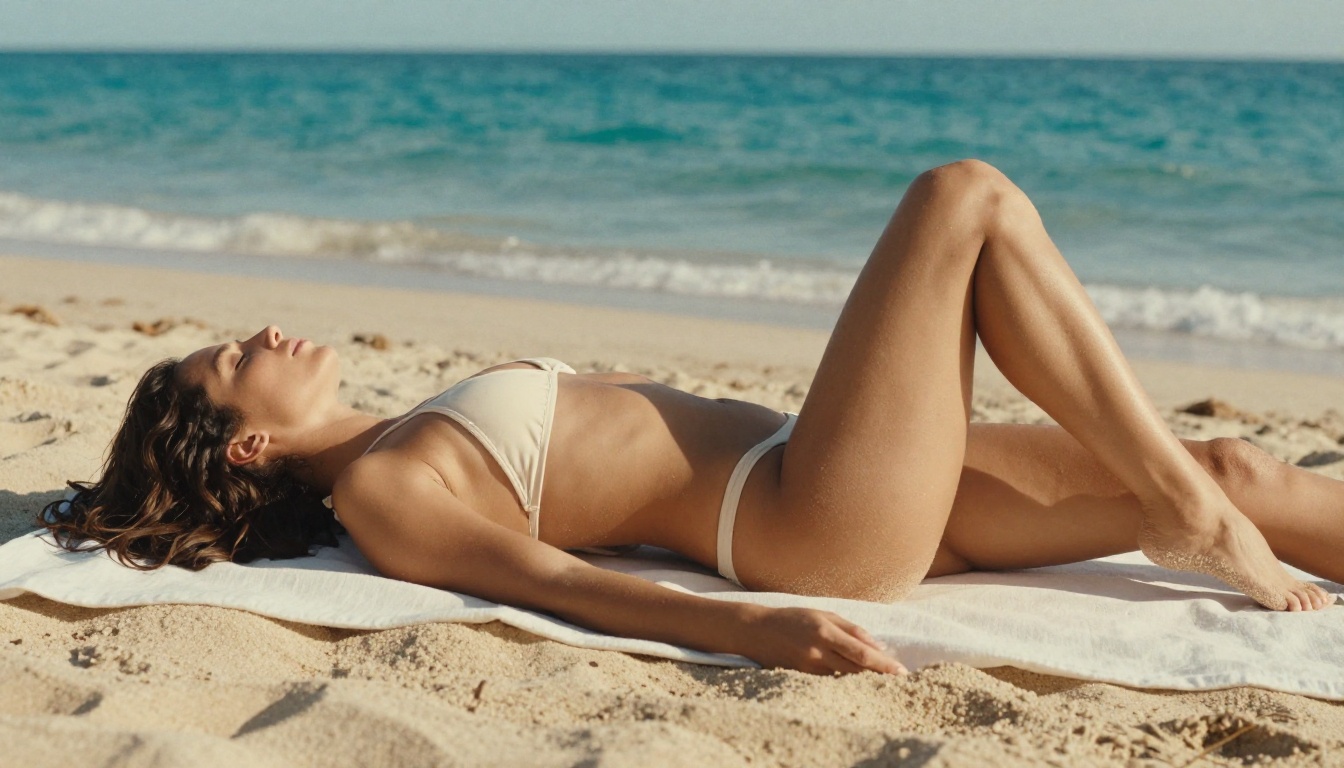
Kling v3 Omni Video is KwaiVGI's latest release in the Kling series, and it marks a significant jump from previous versions. Where earlier Kling models were solid but limited to shorter clips with noticeable motion artifacts, v3 Omni handles human movement with far greater fidelity. Fabric moves realistically against skin, water behaves like water, and the model holds subject consistency across frames without the blurring that plagued earlier iterations.
Why v3 Omni Stands Apart
The "Omni" designation means the model handles multiple input types from one interface: text-to-video, image-to-video, and audio-guided animation. For adult content creation, image-to-video is the most powerful mode. You generate a high-quality source image first, then animate it into a clip with precise control over motion and camera behavior.
Compared to its siblings on PicassoIA:
v3 Omni is the most capable version for this use case because its multimodal input support means you can feed it a photorealistic NSFW image and describe exactly how you want it to move. The output quality far exceeds what text-only prompting achieves.
Resolution and Duration Specs
At a glance:
- Max resolution: 1080p
- Duration: Up to 10 seconds per clip
- Frame rate: 24fps (standard cinematic)
- Input: Text prompt, reference image, or both
- Native audio: Yes, ambient and synchronized
For suggestive and adult content, higher resolution matters visibly. 1080p keeps details sharp at full screen, and 10-second clips give enough time for realistic motion arcs rather than abrupt, jerky cuts.
If you've tried generating adult content with AI video tools before, you already know the frustration. The model itself often has the capability, but the platform adds its own filter layer on top. Midjourney, Runway, Pika, and most mainstream tools apply aggressive content policies that flag prompts instantly, even for borderline-suggestive content that isn't remotely explicit.
The Censorship Problem
Most platforms apply filtering at three distinct levels:
- Prompt filtering: Your text is scanned before generation even starts
- Output filtering: The generated content is analyzed and rejected post-render
- Account-level restrictions: Repeated flagging can result in bans
This means even well-crafted, non-pornographic adult prompts fail. A woman in a bikini at a beach, a sensual portrait with artistic lighting, scenes that would be perfectly normal in any mainstream fashion magazine get blocked because the filter algorithm reads "bikini" or "sensual" and trips immediately.
PicassoIA's Different Approach
PicassoIA specifically offers access to models without layering additional platform-level censorship on top of the underlying model. The models that support adult content on their base infrastructure actually deliver adult content results on PicassoIA. This is the practical difference between a platform that claims to support NSFW and one that actually does.
💡 The core workflow: Generate your source image using one of PicassoIA's uncensored image models, then pass that image into Kling v3 Omni Video for animation. The result is cinematic, high-resolution NSFW video clips from a clean and reliable pipeline.
Top NSFW Models on PicassoIA
Before you touch the video model, you need a strong source image. The quality of your image-to-video output is directly tied to the quality of your source frame. Here are the models ranked for this specific use case:
Image Models for Source Frames
-
Seedream 4.5 ⭐ The top recommendation for NSFW image generation. Accepts adult content, supports image editing, and generates ultra-realistic results in under 3 seconds. Its human anatomy accuracy is exceptional, which translates directly to better video output when you animate the result. (Note: the newer Seedream 5 Lite does not support NSFW; do not confuse the two.)
-
PicassoIA Image Editor Pro The best choice for unlimited generation volume. If you need to iterate 50 or 100 source images before finding the perfect one to animate, Elite or Infinite plan subscribers generate for free. That same volume would cost around $100 on credit-based models like Nano Banana 2. Fast, NSFW-capable, and results land in under a second.
-
Qwen Image 2 Open-source with no content filters. Edits or creates any image in seconds with very detailed realism, especially for human figures.
-
Grok Imagine Image Converts any image to a bikini format in a very realistic way, ideal for starting from a clothed reference and generating a more suggestive variant to then animate.
-
Recraft V4 Text-to-image only, very realistic results. Strong for establishing scene and lighting before animation.
-
P-Image NSFW text-to-image generation in under 1 second. Best when you need volume fast.
Video Models for Animation
Once your source image is ready, these are your video options:
💡 Quick pick: For most users, Kling v3 Omni Video paired with Seedream 4.5 delivers the best quality-to-effort ratio.
How to Write Prompts That Work
The single biggest factor separating good NSFW AI video output from bad output is prompt quality. Vague prompts produce generic, awkward results. Specific prompts produce cinematic clips.
Structure That Gets Results
For image-to-video prompts in Kling v3 Omni, use this structure:
[Subject + starting state] + [motion description] + [camera movement] + [lighting and atmosphere]
Example:
"Woman in black bikini standing at pool edge, slowly turns toward camera, runs hand through wet hair, water drips from fingertips, camera does a slow dolly-in from medium to close-up, warm golden afternoon light, shallow depth of field, realistic skin texture"
This structure tells the model three distinct things: what the subject is doing, how the camera moves, and what the environment looks like. All three are necessary for a clean output.
What to Avoid in Your Prompts
Several prompt patterns consistently produce poor results:
- Body part enumeration: Listing anatomical details explicitly often trips filters even on permissive platforms. Focus on actions and atmosphere instead.
- Explicit language: The model doesn't need explicit words to generate suggestive content. Describe the scene, not the anatomy.
- Conflicting lighting: Combining "sunset lighting with studio lighting" confuses the model. Pick one light source.
- Multiple subjects: One person per clip for motion consistency. Multiple subjects in short clips produce blurring and artifacts.
Prompt Examples That Work
Bikini or beach clip:
"Woman in coral bikini walks slowly along shallow shoreline, waves wash over her feet, she pauses and looks toward camera with a slight smile, camera pans left while slowly tilting down from face to torso, morning golden light, Kodak Portra color tone, realistic water motion"
Indoor intimate clip:
"Woman in silk camisole sits on edge of white hotel bed, she reaches up to brush hair from face, leans slightly forward, camera holds at medium shot with no movement, soft window light from left, shallow depth of field, realistic fabric texture"
Pool or water clip:
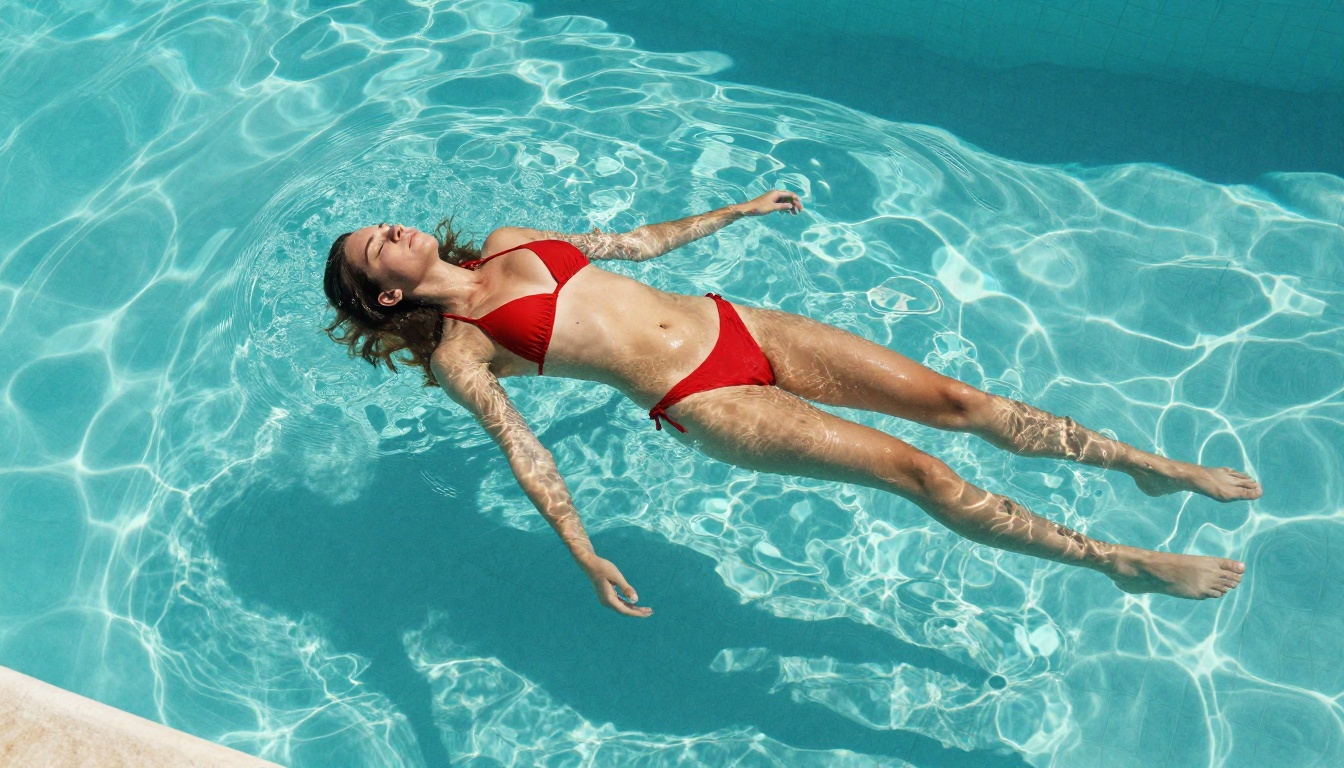
"Woman in red bikini floats on back in turquoise pool, slowly turns onto her side toward camera, camera tilts slightly downward from aerial position, midday overhead light, pool water caustics rippling realistically"
Generating Your First NSFW Clip
Here is the exact workflow, from zero to finished clip:
Start With the Right Image
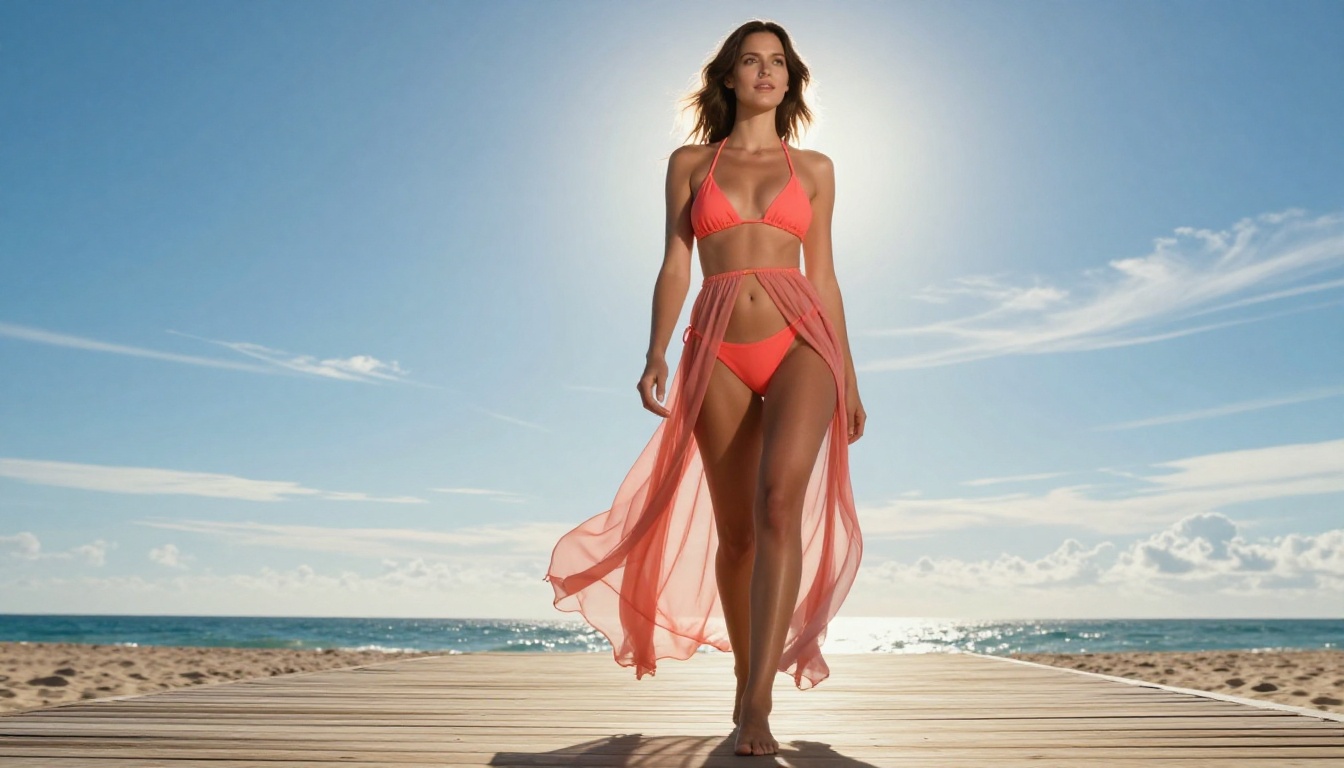
Go to Seedream 4.5 on PicassoIA. Write a detailed image prompt describing:
- Subject appearance and clothing
- Exact pose and body position
- Environment and background
- Lighting direction and quality
- Camera angle and lens feel
Why this matters: The video model animates from the starting frame. If the source image has an awkward pose, unclear lighting, or inconsistent anatomy, the video output inherits those problems. Generate multiple variants; Seedream 4.5 is fast enough that 10 to 15 generations takes under a minute. Select the image with the cleanest anatomy, most natural pose, and strongest lighting.
Setting Up in Kling v3 Omni
Open Kling v3 Omni Video on PicassoIA and upload your chosen source image. Switch to image-to-video mode.
Write your video prompt using the structure above: starting state, motion description, camera movement, atmosphere.
Set resolution to 1080p. The difference between 720p and 1080p is clearly visible at full screen, and Kling v3 Omni produces its best results at its native maximum resolution.
For duration: 5 to 8 seconds tends to produce the most coherent NSFW clips. 10-second clips can introduce drift in longer motion arcs unless the motion description is very precise.
Fine-Tuning the Output
The first generation is rarely the final one. Watch the output with attention to:
- Motion coherence: Does the movement look physically realistic?
- Anatomy stability: Does the subject maintain consistent proportions across frames?
- Lighting consistency: Does the light source stay fixed, or does it shift unnaturally?
- Background stability: Does the environment hold still while only the subject moves?
If any of these fail, adjust the video prompt to be more specific. For anatomy stability issues, try simpler motion: a head turn rather than a full body turn, a hand movement rather than walking.
Getting More From Each Generation
Combining Image and Video Models
The most powerful workflow combines multiple models across three stages:
-
Grok Imagine Image: Start with a clothed reference or any portrait photo and convert it to a bikini variant using Grok's image transformation mode. This gives you a photorealistic base with consistent identity.
-
PicassoIA Image Editor Pro: Refine the image, adjust lighting, fix any anatomy issues, or change outfit details. Unlimited generations mean you can iterate freely with no extra cost.
-
Kling v3 Omni Video: Animate the polished final image into a 1080p clip.
This three-stage pipeline gives you full control at every step rather than hoping a single text-to-video prompt produces exactly what you need.
Using P-Video for Drafts
Before committing to Kling v3 Omni for your final render, use P-Video to test your prompt and motion description. P-Video has its safety filter disabled by default and generates fast drafts, so you can verify the motion description works before spending time on a full 1080p render.
Once the motion looks right in the draft output, switch to Kling v3 Omni Video for the final quality version.
💡 P-Video also supports audio-to-video, so you can synchronize your clip to a specific audio track or sound design, adding another dimension to the final output.
3 Common Mistakes People Make
Most failed NSFW video generations come down to a few repeated errors. Avoiding these will significantly increase your success rate.
Mistake 1: Vague Prompts
What it looks like: "Beautiful woman in bikini at beach, sexy movement"
Why it fails: The model has nothing specific to animate. Without knowing what body part moves, in what direction, at what speed, and with what camera behavior, the output defaults to generic, often awkward motion.
Fix: Describe exactly one motion, one camera behavior, and one light source. More words in the right places means better output.
Mistake 2: Wrong Resolution Setting
Many users leave resolution at the default (480p or 720p) and wonder why the output looks soft at full screen. For NSFW content that will be viewed at anything larger than a phone screen, 1080p is non-negotiable.
Kling v3 Omni Video at 1080p produces clearly sharper skin texture, fabric detail, and water behavior than lower resolution outputs. Always set the maximum.
Mistake 3: Skipping the Source Image Step
Text-to-video is the most common starting point, but it's rarely the best approach for NSFW content. When you start from a strong source image, you control:
- Exact pose and composition from frame one
- Identity consistency throughout the entire clip
- Lighting setup chosen deliberately
- Clothing and styling details exactly as you want them
Going straight to text-to-video means the model decides all of those things, and for NSFW content, the decisions a model makes without visual guidance rarely match what you actually want.
Wan 2.7 and Other Alternatives
If Kling v3 Omni produces motion artifacts on a particular type of content, Wan 2.7 I2V is a strong alternative. It handles image-to-video animation with excellent subject consistency and supports adult content. For faster draft output at 720p, Wan 2.2 I2V Fast gives you quick iterations before committing to a final render.
For the absolute highest fidelity, LTX 2.3 Pro exports at up to 4K at 50fps with retake and extend editing for precise control over individual segments. This is the professional-tier option when quality is the only constraint that matters.
Another solid option is PicassoIA Video, which offers unlimited video generation at up to 720p for 5 seconds per clip. If you need to produce a high volume of NSFW clips without worrying about credit costs, this is the most economical choice on the platform.
Start Generating Today
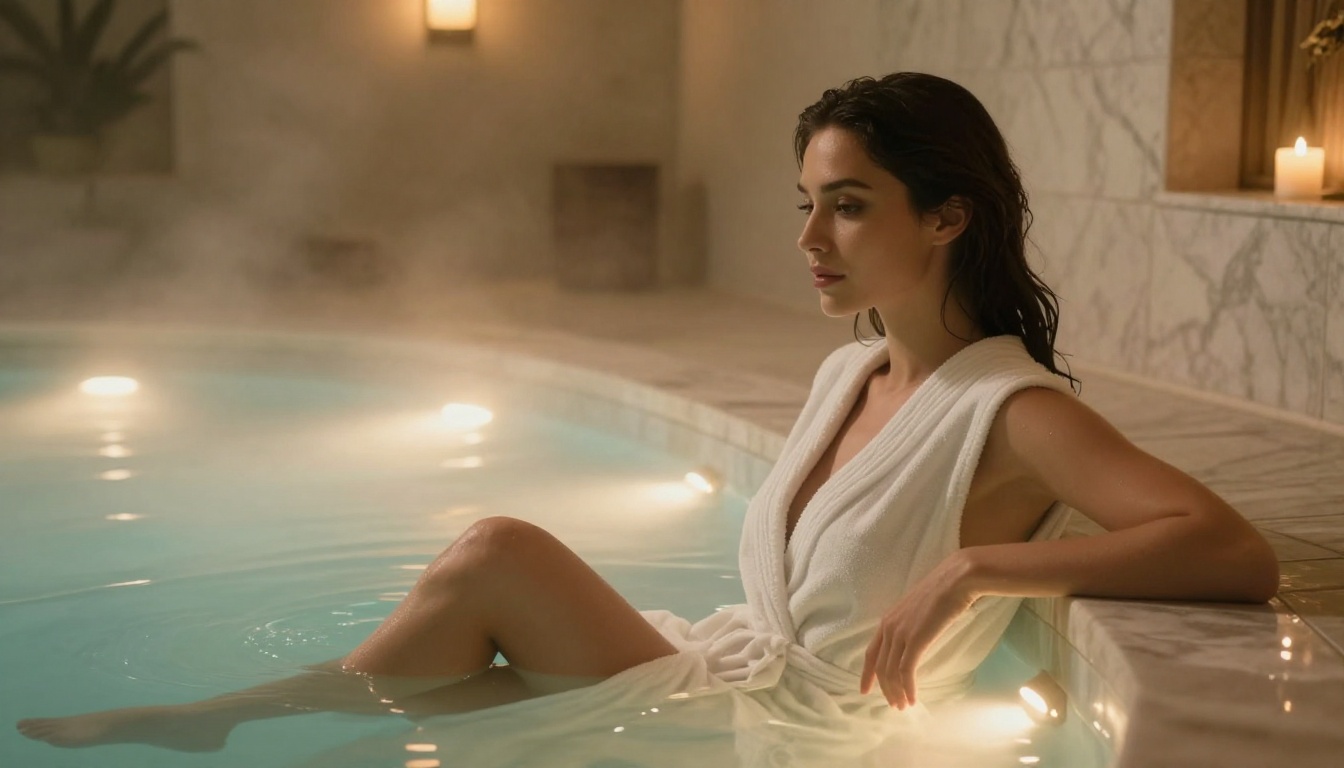
The combination of Seedream 4.5 for source images and Kling v3 Omni Video for animation is currently the best available pipeline for high-quality NSFW AI video clips. Both models are accessible on PicassoIA without the censorship layers that block results on most mainstream platforms.
Full lineup of NSFW-capable models on PicassoIA:
- Seedream 4.5 ⭐ Best image model for NSFW, ultra-realistic, under 3 seconds per generation
- PicassoIA Image Editor Pro Unlimited generations for iteration-heavy workflows
- Qwen Image 2 Open source, no filters, detailed realism
- Grok Imagine Image Realistic bikini and outfit transformation from any photo
- Recraft V4 High-realism text-to-image
- P-Image NSFW generation in under 1 second
- PicassoIA Video Unlimited free video generation at 720p
- P-Video 1080p video, safety filter off by default, fast drafts
- Grok Imagine Video Up to 15 seconds, no watermarks
- LTX 2.3 Pro 4K at 50fps, professional quality ceiling
- Wan 2.7 I2V Excellent subject consistency for image-to-video
- Kling v3 Omni Video 1080p multimodal input, the best clip quality available
Pick a model, write a specific prompt, iterate on your source image, and animate with Kling v3 Omni. The tools are there; the only limit is the prompt.
👉 Browse the full catalog of NSFW AI models and start creating at picassoia.com/en/all-models.


