If you've been searching for a way to generate NSFW AI images without paying a subscription, Grok 4.20 from xAI is one of the most talked-about free options right now. Its image generation capabilities have quietly become a go-to for users who want photorealistic results, suggestive content, and creative freedom without hitting a paywall every five minutes. This article breaks down exactly how to use it, what to expect from the free tier, and where platforms like PicassoIA give you even more control over your outputs.
What Grok 4.20 Actually Is
Grok is xAI's AI model, developed by Elon Musk's company as a direct competitor to GPT-4, Claude, and Gemini. Version 4.20 refers to a specific iteration that refined the model's image generation capabilities significantly, improving prompt adherence, photorealism, and handling of mature themes compared to earlier versions.
It runs on xAI's infrastructure and is accessible through the Grok web app and the X (formerly Twitter) platform. The image generation side of Grok is powered by what xAI calls its "Aurora" model, a diffusion-based system trained on a broad dataset with fewer content restrictions than most mainstream tools.
Built by xAI, Not a Typical Lab
xAI's positioning from day one was "maximally curious" AI, which in practice means fewer content guardrails than OpenAI or Google. Grok was designed to engage with topics that other models refuse, including mature, suggestive, and adult-adjacent content. That philosophy carries directly into its image generation. The result is a model that produces high-quality photorealistic imagery in territory that ChatGPT or Gemini would reject outright.
The Free Tier Reality
The free version of Grok gives you access to image generation with a daily limit on the number of outputs. As of early 2026, free users can generate between 10 and 20 images per day depending on platform load. That's enough to experiment, build prompt skills, and produce real results without spending anything.
Premium users on X Premium get higher limits and faster generation, but the free tier is genuinely functional for casual and creative use. If you run out of daily credits, the most effective workaround is using the same model through platforms like PicassoIA, which we'll cover in detail below.
How Grok 4.20 Handles NSFW Requests
Grok does not have the same blanket refusals as ChatGPT or Gemini when it comes to suggestive content. Its content policy allows for mature themes, artistic nudity implied by clothing or composition, and suggestive poses that would be rejected outright by other tools.
Two Modes, Two Experiences
Grok operates with a standard mode and, for verified adult accounts on certain platforms, an unlocked mode. In standard mode you can generate:
- Glamour and lingerie imagery
- Implied nudity (sheer fabrics, implied disrobing)
- Suggestive poses and compositions
- Artistic, editorial, and swimwear content
Explicit pornographic content remains outside what the standard free tier produces. The unlocked mode, where available, removes more restrictions but requires account verification and platform access.
What "Suggestive" Actually Looks Like
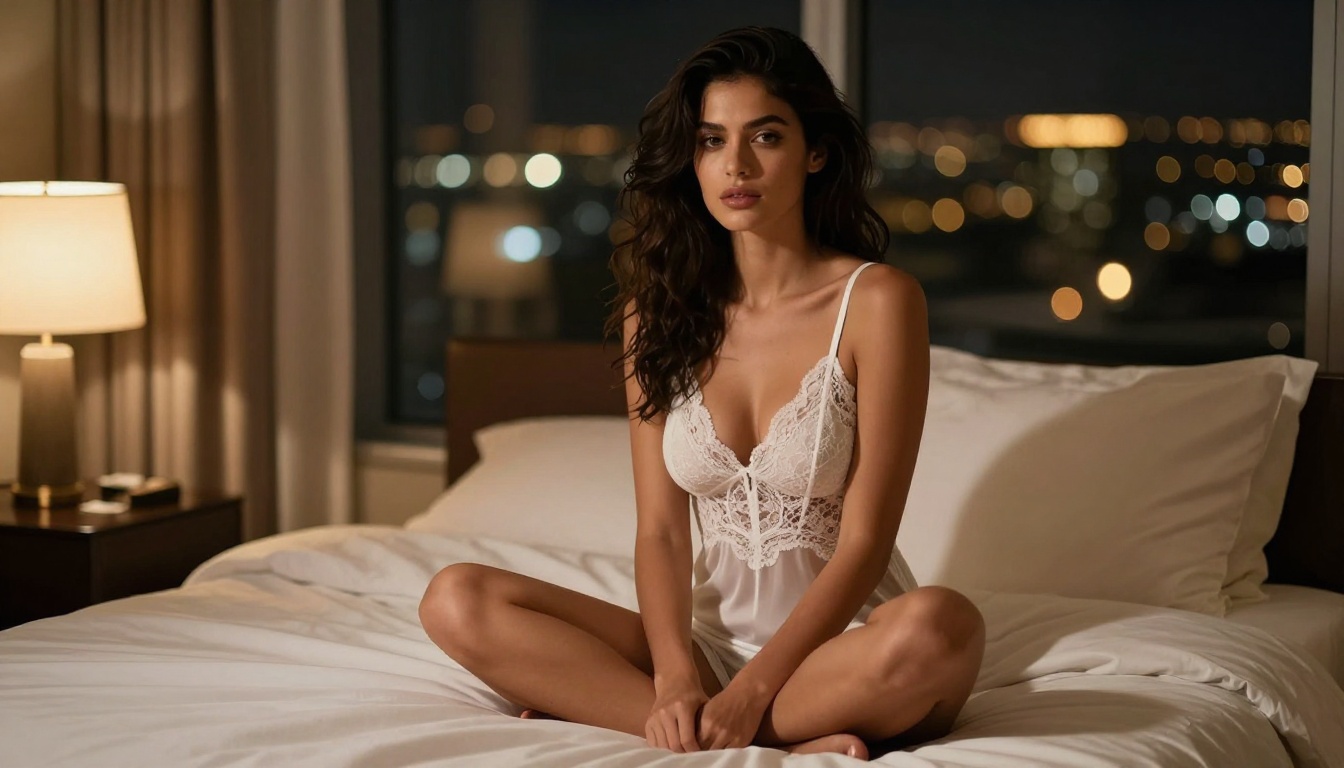
The practical result of Grok's looser policy is that you can describe a beautiful woman in elegant lingerie, a glamorous beachwear scene, or an intimate bedroom setting and receive a high-quality photorealistic output. The images are not explicit, but they are confidently in the territory that most users searching for NSFW AI images are actually looking for: attractive, sensual, and visually compelling without crossing into hardcore territory.
💡 Pro tip: The gap between "suggestive" and "explicit" is exactly where Grok 4.20 lives, and it produces genuinely impressive results in that space. Most users searching for free NSFW AI art actually want content in this tier.
Generating NSFW Images Step by Step
The actual process of using Grok 4.20 for NSFW image generation is straightforward. Here is the complete workflow from zero to output.
Step 1 - Access Grok's Image Feature
Go to grok.com or open the image generation tab within the Grok interface on X. You do not need a premium account for basic image generation. Sign in with your X account or create a free xAI account.
Once in the interface, switch from "Chat" mode to image generation by clicking the image icon in the prompt bar. The interface is minimal and fast. You type, you generate.
Step 2 - Write Your Prompt the Right Way
This is where most users fail. Grok responds well to prompts that are specific, compositionally rich, and use photography language rather than generic descriptions. Avoid vague requests like "hot woman in lingerie." Instead, write something like:
"Beautiful woman with olive skin and dark hair sitting on the edge of a luxury hotel pool at golden hour, wearing an elegant white bikini, shot with 85mm f/1.4 lens, warm directional light from the left, photorealistic, 8K"
The more you describe the scene, the lighting, the camera, and the atmosphere, the better your output. Think like a photographer directing a shoot, not like someone typing a search term.
Step 3 - Iterate and Refine
Your first output will rarely be your best. Grok allows you to regenerate with the same prompt or modify it. Small changes in wording create dramatically different results. If the model generates something too conservative, add specificity to the clothing description, the pose, or the environment.
Use the seed feature when available to lock in a composition you like while tweaking other elements. Write down seeds that produce good structural results so you can revisit them with refined prompts later.
NSFW Prompt Writing That Works
Writing prompts for suggestive AI images is a skill. The difference between a generic output and something that looks like a professional editorial shoot comes down entirely to how you construct your prompt.
Anatomy of a Strong NSFW Prompt
Every strong prompt has these five layers:
- Subject: Who is in the image, with physical descriptors (skin tone, hair, age range)
- Clothing/State: What they are wearing, fabric type, fit, specific details
- Environment: Where the scene takes place, with specific location details
- Lighting: Direction, temperature, and quality of light in the scene
- Camera: Lens focal length, aperture, distance, angle from subject
| Layer | Weak Version | Strong Version |
|---|
| Subject | "sexy woman" | "woman in her late 20s with olive skin and dark wavy hair" |
| Clothing | "in lingerie" | "wearing a sheer ivory silk chemise with spaghetti straps" |
| Environment | "on a bed" | "on a king bed with Egyptian cotton sheets in a Parisian apartment" |
| Lighting | "good lighting" | "warm bedside lamp from the left, amber light on her cheek" |
| Camera | none | "85mm f/1.4, shallow depth of field, Kodak Portra 400 film grain" |
What Kills Your Outputs
- Stacking adjectives without context: "beautiful sexy stunning gorgeous" tells the model nothing useful. Each descriptor needs a referent.
- Ignoring lighting: Flat, lifeless images almost always come from prompts that never mention light direction or quality.
- Skipping the environment: A person floating in a void is a common failure mode, especially with newer models.
- Using explicit terminology: Paradoxically, overly explicit words often trigger filters even on permissive platforms. Fashion-industry and clinical language produces better results consistently.
- Short prompts: For NSFW content especially, shorter prompts produce more conservative outputs. The model fills gaps with safe defaults.
5 Ready-to-Use Prompt Templates
Copy and adapt these for your own NSFW image generation with Grok:
-
"[Ethnicity/skin tone] woman in her [age range], [hair description], wearing [specific garment] in [location] at [time of day], [lighting description], [camera specs], photorealistic 8K"
-
"Editorial fashion photography, [woman description] in [swimwear/lingerie type], [location] background, [lighting], shot with [lens], Kodak Portra 400 film grain, RAW photography"
-
"Intimate portrait, [woman description], [clothing], [interior setting], [lamp or window light], [focal length], shallow depth of field"
-
"Lifestyle photography, [woman description], [casual clothing], [outdoor setting] at golden hour, [camera angle], bokeh background, natural colors"
-
"Beauty editorial, [woman description] with [hair], [minimal clothing] in [exotic location], [directional light], [lens], photorealistic 8K RAW"
Grok is not the only free option, but it is one of the best for NSFW-adjacent content. Here is how it stacks up against the main alternatives available in 2027.
| Platform | Free Tier | NSFW Allowance | Image Quality | Speed |
|---|
| Grok 4.20 | 10-20/day | Suggestive, implied nudity | High | Fast |
| Stable Diffusion (local) | Unlimited | Full (self-hosted) | Very High | Hardware dependent |
| Adobe Firefly | Limited credits | None | High | Fast |
| DALL-E 3 | Limited | Minimal | High | Fast |
| Civitai | Some free | High (with account) | Very High | Medium |
| PicassoIA | Free credits | Model dependent | Very High | Fast |
💡 The takeaway: For zero-install, browser-based NSFW image generation at no cost, Grok 4.20 is one of the strongest options available right now. Local Stable Diffusion beats it on creative freedom but requires setup, hardware, and technical configuration.
For zero-friction free AI adult content generation, the combination of Grok 4.20 and PicassoIA covers most use cases without requiring any local setup. When you need more explicit content or fully uncensored outputs, self-hosted Stable Diffusion remains the gold standard.
How to Use Grok Imagine Image on PicassoIA
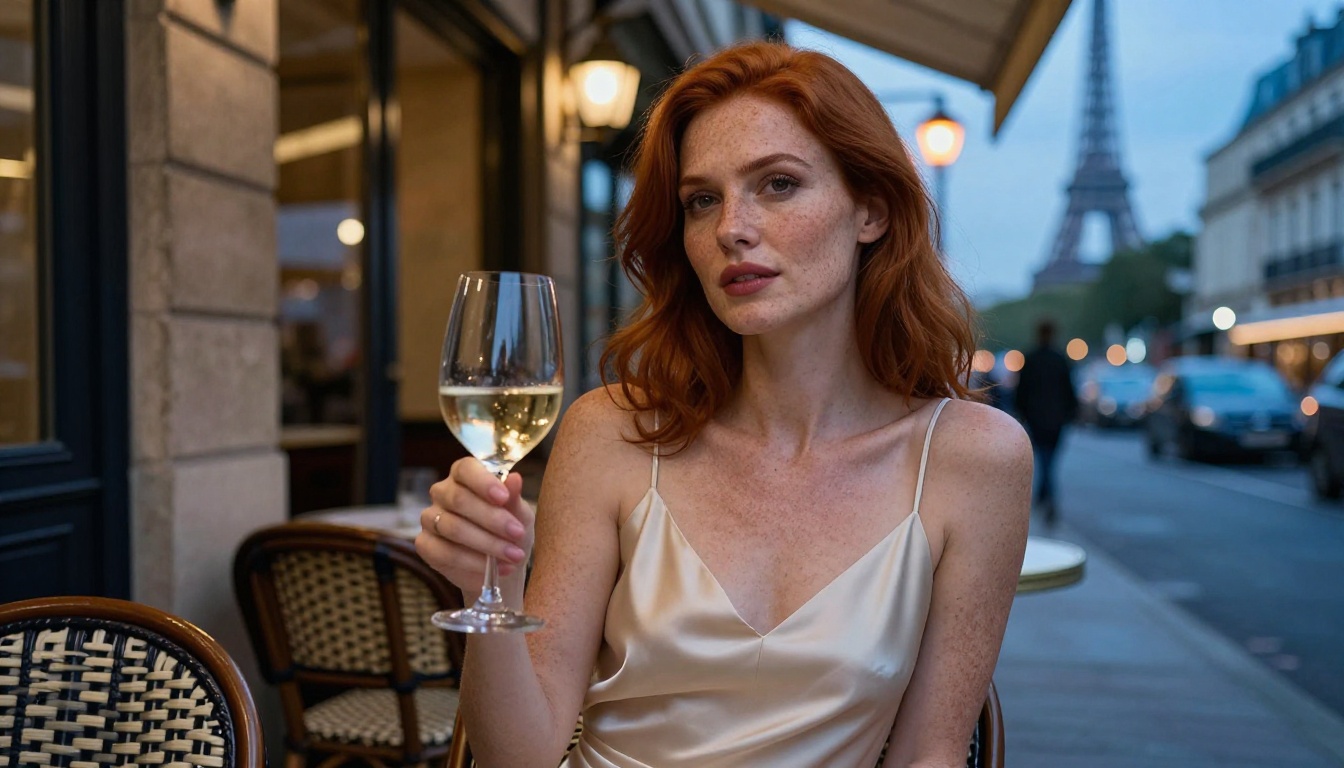
The good news for users who want a polished, browser-based experience with even more control: PicassoIA offers the Grok Imagine Image model directly in its interface. This means you get xAI's image generation capabilities through a clean platform with additional tools, no X account required.
Accessing the Model
- Go to the PicassoIA text-to-image collection
- Search for "Grok" or navigate to the Grok Imagine Image model directly
- Click the model to open the generation interface
- No special account setup required beyond a standard PicassoIA login
The interface loads immediately with a clean prompt box and parameter controls on the right side of the screen.
Setting Your Parameters
The PicassoIA interface for Grok Imagine Image gives you control over:
- Prompt input: Full text box for your detailed NSFW prompt
- Aspect ratio: Select 16:9 for landscape, 1:1 for portraits, 9:16 for vertical shots
- Number of outputs: Generate 1 to 4 images per run to compare variations
- Prompt strength: Adjusts how strictly the model follows your text description
For NSFW content, set your aspect ratio based on the composition. Portrait shots (9:16 or 1:1) work best for character-focused imagery. Landscape (16:9) works better for environmental or scene-based shots where the setting is part of the story.
Getting Consistent Outputs
One advantage of using Grok Imagine Image on PicassoIA versus directly through X is the ability to compare multiple outputs side by side and save your prompt history. This makes iteration significantly faster.
Workflow for consistent results:
- Start with 4 outputs per run to see the model's full range on your prompt
- Identify which output has the best composition and character
- Note that image's seed number from the generation details
- Use the same seed on your next run with a refined prompt
- Repeat until you reach your target output quality
Other Top Models for NSFW Content
If Grok Imagine Image does not give you exactly what you need for a specific scene, PicassoIA hosts dozens of other models that perform well for suggestive and mature content.
Flux for Maximum Photorealism
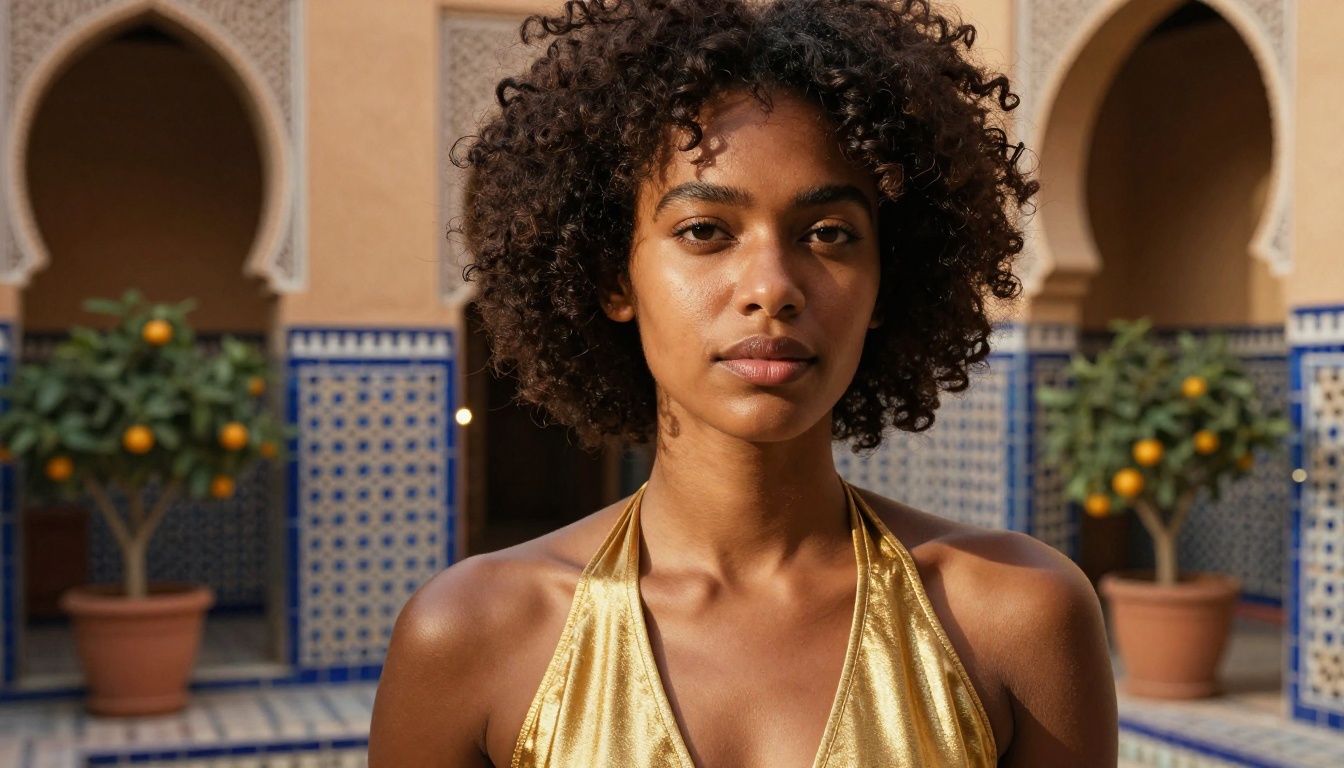
Flux 1.1 Pro Ultra by Black Forest Labs is currently one of the best photorealistic text-to-image models available anywhere. Its handling of human skin, fabric texture, and natural lighting is exceptional. For glamour and editorial-style NSFW content, Flux 2 Pro pushes that realism even further with improved anatomical accuracy and better prompt adherence.
If you want images that genuinely look like professional photography rather than AI art, Flux Dev is your starting point for rapid iteration before moving to the Pro variants for final outputs.
Qwen Image 2 and Seedream 4 for Versatility
Qwen Image 2 brings strong prompt adherence and a flexible style range. It handles both photorealistic and more stylized outputs well, making it a good option when you want to vary between editorial and artistic aesthetics in the same session.
Seedream 4 from ByteDance specializes in ultra-high-resolution outputs with exceptional texture detail. For images where fine fabric textures, skin detail, or environmental realism matter most, Seedream 4 produces some of the richest results of any model on the platform. When you need an output that holds up at full resolution without artifacts, this is the model to reach for.
Stable Diffusion for Fine Control
Stable Diffusion 3.5 Large remains a powerful option when you want maximum control over style, composition, and output character. Paired with SDXL for faster iterations, you get a strong combination of quality and speed that suits both rapid experimentation and final production outputs.
3 Common Mistakes to Avoid
Most people struggling with NSFW AI image generation are making one of these three mistakes. Fix them and your results will improve immediately.
Over-Relying on One Platform
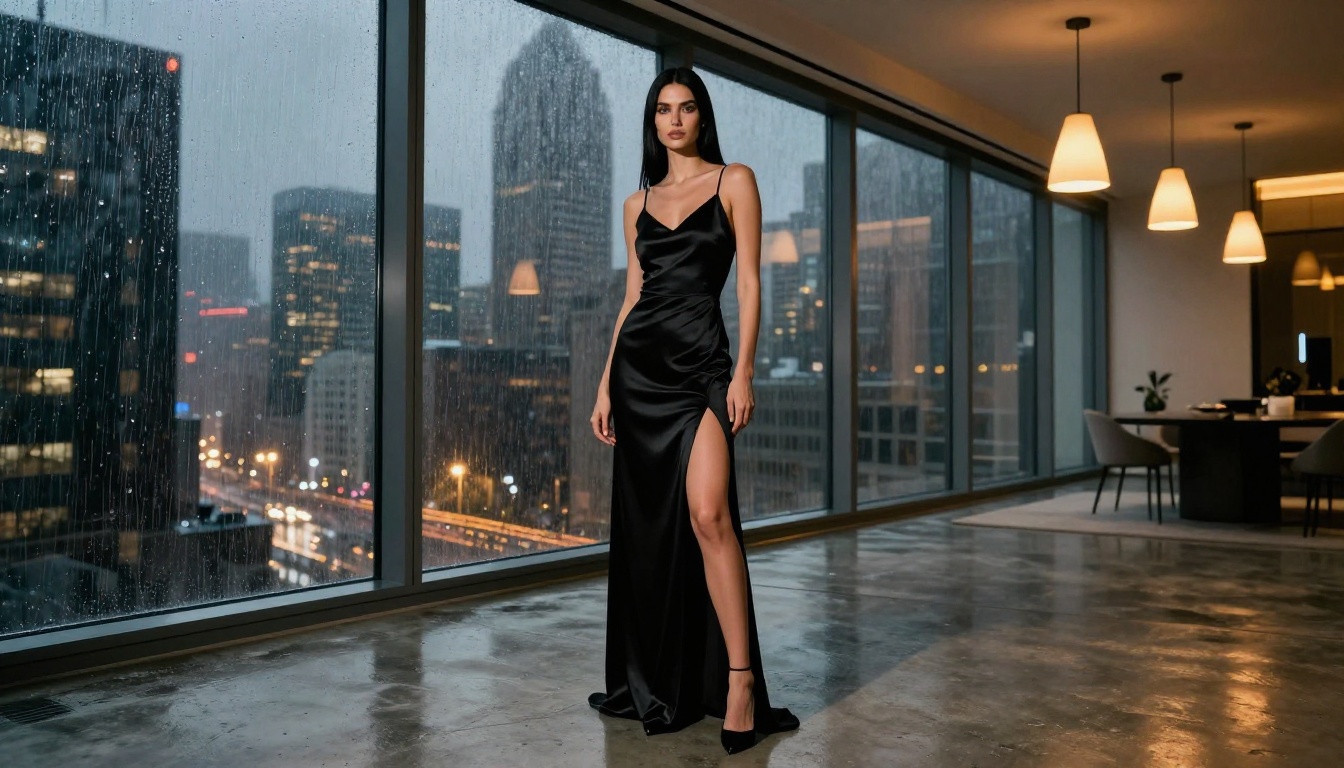
Every model has blind spots. Grok 4.20 produces excellent results in some scenarios and disappoints in others. If your prompt is not working on Grok, switch to Flux 2 Dev or Qwen Image 2 on PicassoIA rather than burning 10 retries on the same model with the same prompt.
Different models have different strengths. Grok is fast and permissive. Flux is detail-oriented and photorealistic. Seedream is resolution-first. Match the model to the job.
Writing Prompts Like Search Queries
"Sexy woman beach bikini 4K" is a search query, not an image prompt. AI image models respond to scene descriptions, not keyword lists. Rewrite every prompt as a sentence describing what a photographer would see through the viewfinder, including the physical environment, the quality of light, and the exact clothing and pose of the subject.
Skipping Negative Prompts
When available, negative prompts are powerful. Use them to exclude: "blurry, low quality, watermark, text, deformed hands, cartoon, CGI, artificial lighting, plastic skin, overexposed, noise". This single addition dramatically improves output quality across every model and is particularly important for human figure generation where anatomical distortion is common.
Create Your Own Right Now
The combination of Grok 4.20 and platforms like PicassoIA has made photorealistic NSFW image generation accessible to anyone with a browser and a well-written prompt. You do not need a GPU, a subscription, or technical skills to produce images that look like professional editorial shoots.
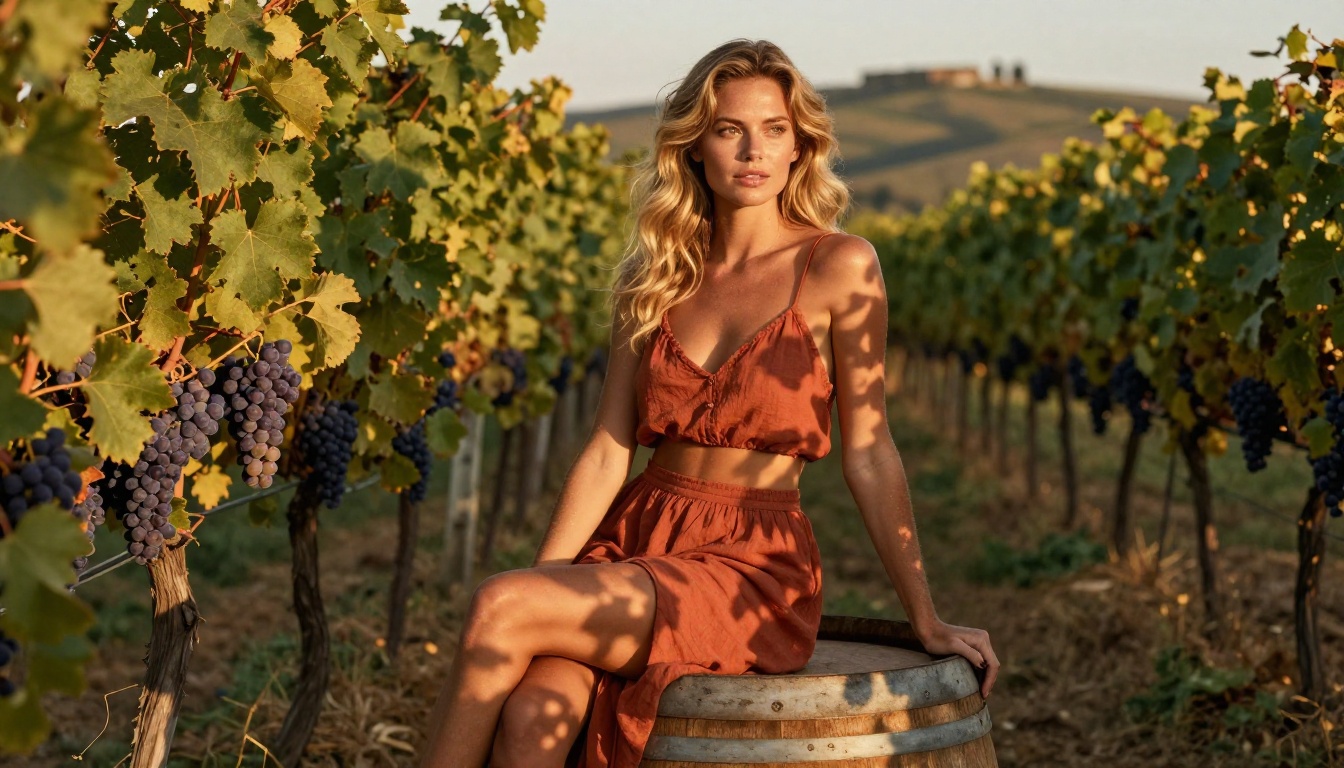
Start with the Grok Imagine Image model on PicassoIA for the cleanest browser-based experience with xAI's generation capabilities. When you want more photorealism, switch to Flux 1.1 Pro Ultra. For high-resolution detail that holds up at any size, Seedream 4 is worth testing directly.
The prompt templates in this article are your starting points. Take them, adapt them to your specific vision, and iterate. The difference between a mediocre AI image and a stunning one is almost always in the quality of the prompt, not the model.
PicassoIA's library of 91+ text-to-image models means you always have a next option when one result disappoints. Pick a model, write a detailed prompt that describes your scene the way a photographer would, and see what you produce. The best free AI adult content generation available right now is one well-written prompt away.


