If you've been experimenting with AI image generation and want photorealistic, glamorous, and suggestive NSFW results, Flux 1.1 Pro is the model that separates serious creators from casual users. Developed by Black Forest Labs, it delivers images with a degree of skin texture fidelity, dynamic lighting, and compositional depth that previous generations of diffusion models could never produce. This article breaks down exactly how to use it for non-explicit NSFW content, from prompt frameworks to parameter settings, with platform-specific tips that produce results worth saving.
What Sets Flux 1.1 Pro Apart
The AI image generation space moves fast. Models rise and fall within months. But Flux 1.1 Pro has held its position as one of the top photorealistic generators since its release for one simple reason: it was built with a fundamentally different architecture that handles fine details with far more precision.
Where older models like SDXL or Stable Diffusion 3.5 Large occasionally produce plasticky skin, distorted fingers, and unnatural eyes, Flux 1.1 Pro renders these elements with near-photographic accuracy. That accuracy is what makes it particularly effective for NSFW and glamour photography-style AI art, where realism is everything.
Speed Without Losing Quality
One practical advantage worth noting: Flux 1.1 Pro generates high-resolution images significantly faster than its predecessor Flux Pro. The "1.1" version improved inference speed by roughly 2x while maintaining, and in some cases improving, output quality. For creators who iterate quickly through prompt variations, that speed matters.
The Realism Factor
The model uses a rectified flow transformer architecture, which allows it to model light, shadow, and texture in a way that feels physically grounded. When you write a prompt that specifies "volumetric morning light from the left" or "Kodak Portra 400 film grain," Flux 1.1 Pro actually responds to those instructions with precision. This level of prompt responsiveness is what makes it so powerful for photorealistic NSFW content.
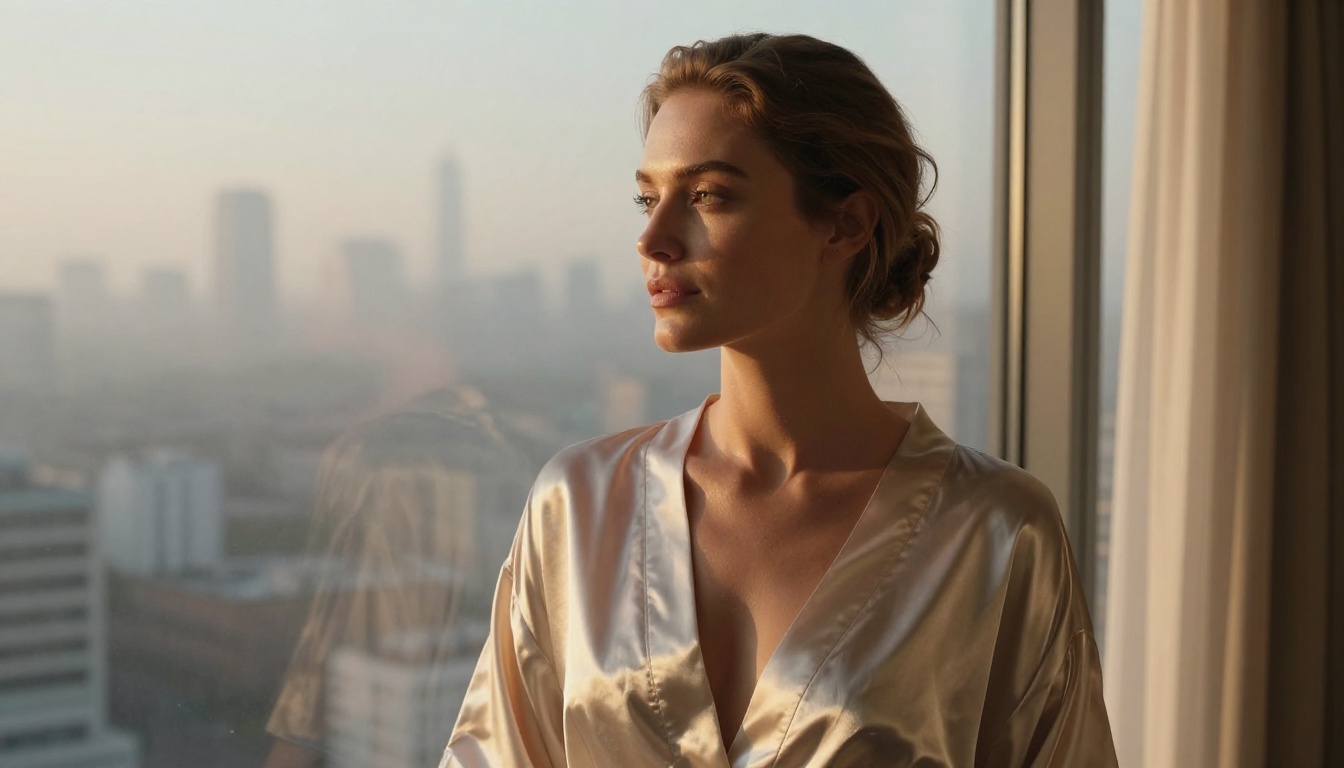
Accessing Flux 1.1 Pro on PicassoIA
PicassoIA provides direct access to Flux 1.1 Pro without requiring any API setup, account configuration on Replicate, or local installation. It runs fully in the browser.
Step 1: Go to the Model Page
Head directly to the Flux 1.1 Pro page on PicassoIA. You'll land on a clean interface with a prompt input field and parameter controls on the right side of the screen.
Step 2: Set Your Aspect Ratio
For glamour and NSFW content, 16:9 works best for full-body or environmental shots. For portrait-style close-ups, try 3:4 or 2:3 to get a tighter frame around the subject. Avoid square crops unless you specifically want a centered, isolated composition.
Step 3: Write Your Prompt
This is where most users stumble. The prompt structure for Flux 1.1 Pro rewards specificity. A vague prompt like "sexy woman on a beach" will give you mediocre results. A structured prompt with subject, environment, lighting, and camera details will give you something that looks like it came out of a professional photo shoot.
Step 4: Set Safety Parameters
Flux 1.1 Pro on PicassoIA allows NSFW content to be enabled through the platform settings. Make sure you have this toggled appropriately for your content type. The platform supports artistic nudity and suggestive content within its guidelines.
Step 5: Generate and Iterate
Submit your prompt and review the result. Flux 1.1 Pro is highly deterministic, meaning small prompt changes produce noticeable differences. Iterate on one variable at a time: swap the lighting, change the angle, adjust the clothing description.
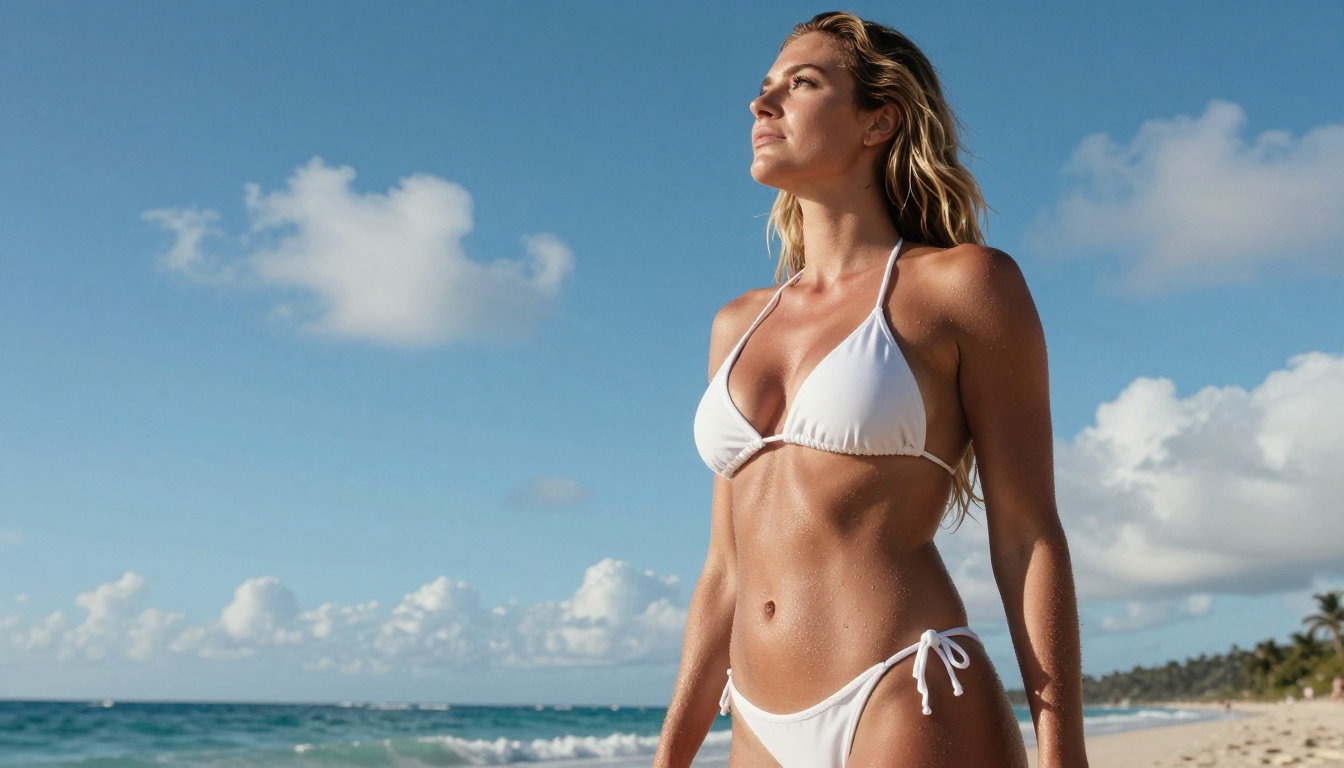
How to Write Prompts That Work
The single biggest factor in output quality is prompt quality. Flux 1.1 Pro reads prompts differently than older diffusion models. It handles natural language better, but it still rewards a deliberate structure.
The 5-Part Prompt Formula
Every strong NSFW prompt for Flux 1.1 Pro contains these five components:
- Subject - Who is in the image, physical description, expression, pose
- Clothing or State - What they're wearing, how it fits, fabric texture
- Environment - Where they are, background details, props
- Lighting - Direction, quality, color temperature, shadows
- Camera - Lens focal length, aperture, angle, film stock
💡 Pro Tip: The camera and lighting sections are what separate forgettable AI images from images that look real. Always specify both.
Subject Description
Be specific about physical attributes: skin tone, hair color and texture, body type, eye color, expression. The more precise your description, the more coherent the result will be.
Strong: "A woman with deep olive skin, shoulder-length dark wavy hair, relaxed confident expression, full lips, natural eyebrows"
Weak: "A beautiful woman"
Clothing and State
For NSFW content, describe fabric type, fit, and coverage precisely.
Strong: "Wearing a sheer ivory silk slip dress with thin shoulder straps, the fabric draping loosely and catching the breeze"
Weak: "Wearing a dress"
Environment and Lighting
This is where most users leave quality on the table. Flux 1.1 Pro is exceptionally good at environmental realism, but you need to tell it what you want.
Strong: "Standing on a stone terrace overlooking the Mediterranean sea at golden hour, warm volumetric light from the upper left, long soft shadows, golden rim light on bare shoulders"
Weak: "Outdoor setting, nice lighting"
Style Modifiers
Always end your prompt with technical photography modifiers:
photorealistic RAW 8K photographyKodak Portra 400 film grainCanon EOS R5 85mm f/1.4 shallow depth of fieldno digital art, no CGI, no illustration--ar 16:9 --style raw
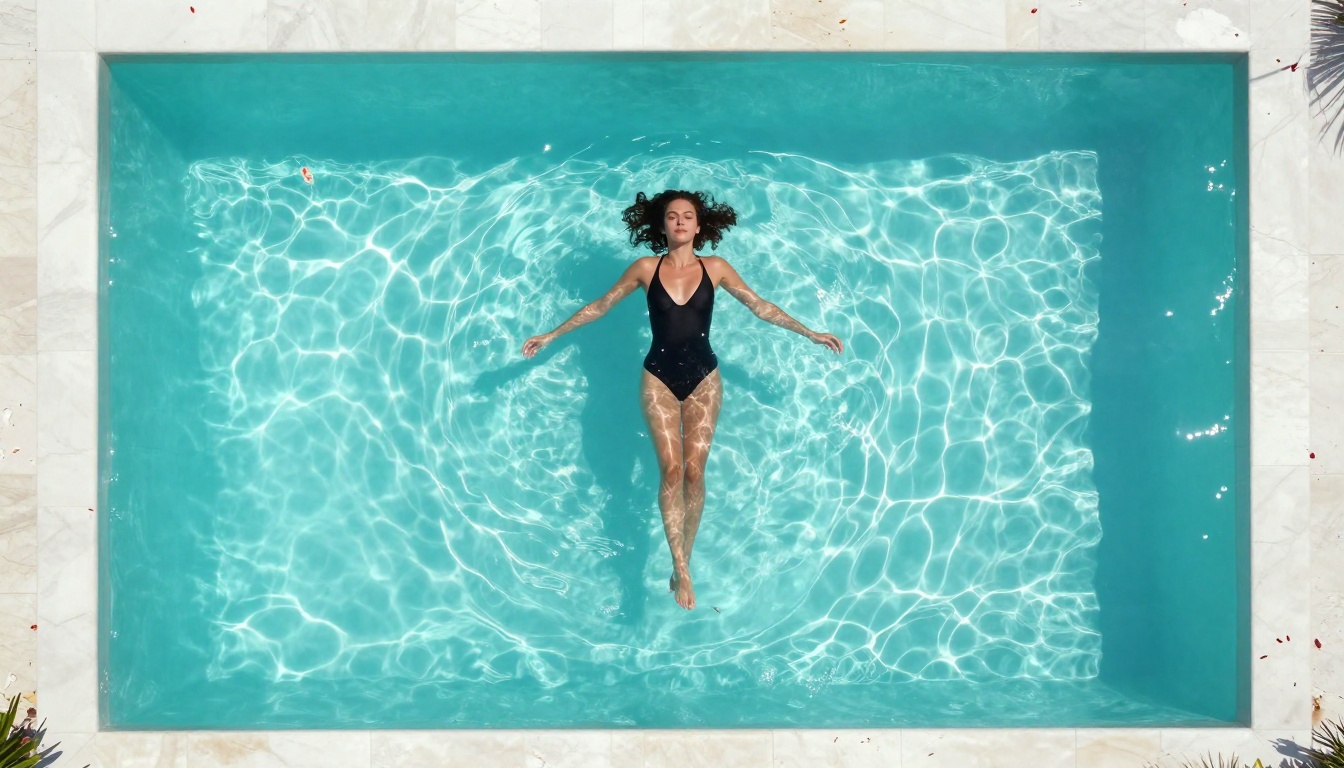
5 Prompt Templates to Start With
These templates work directly with Flux 1.1 Pro. Swap the bracketed variables for your own inputs.
| Scene | Template Prompt |
|---|
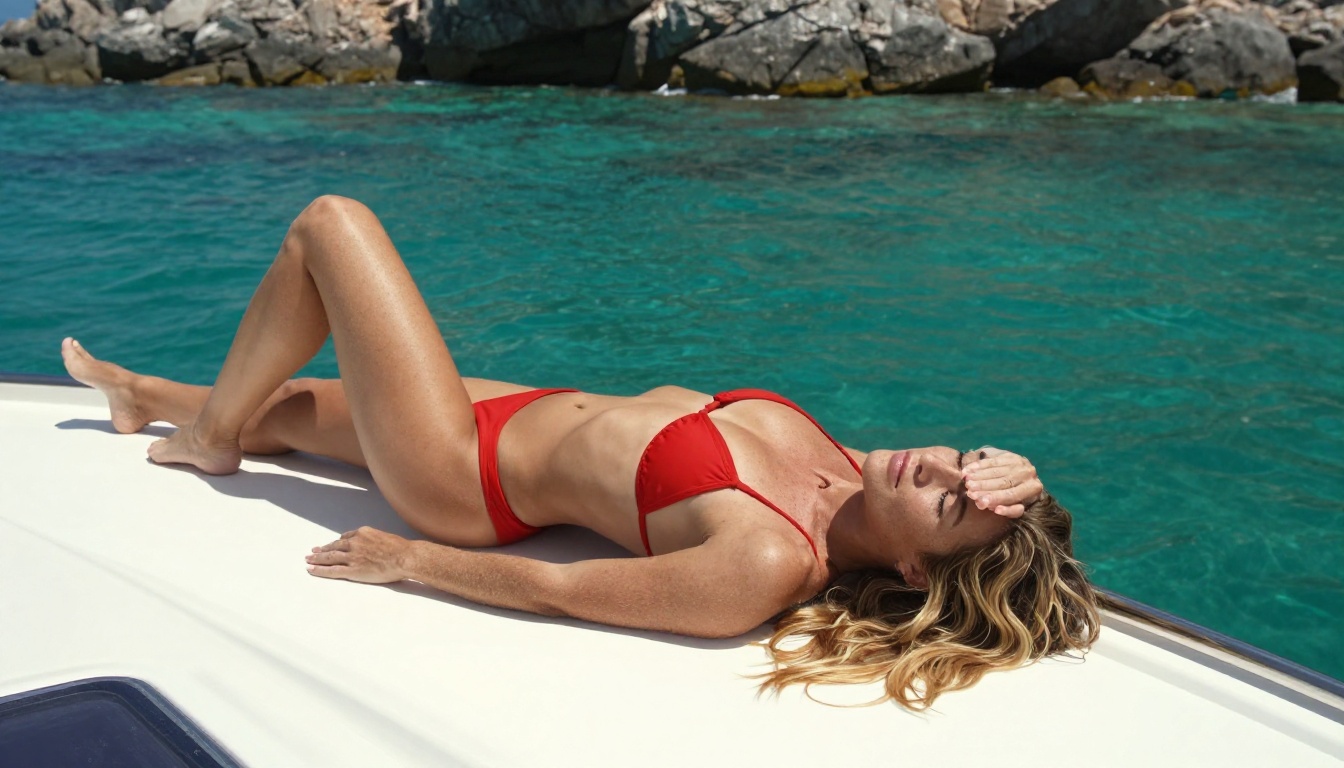
| Beach | [Hair/skin] woman in a [color] bikini at [beach type], [angle] shot, [lighting], Canon 35mm f/2.8, photorealistic RAW 8K, Fujifilm Velvia |
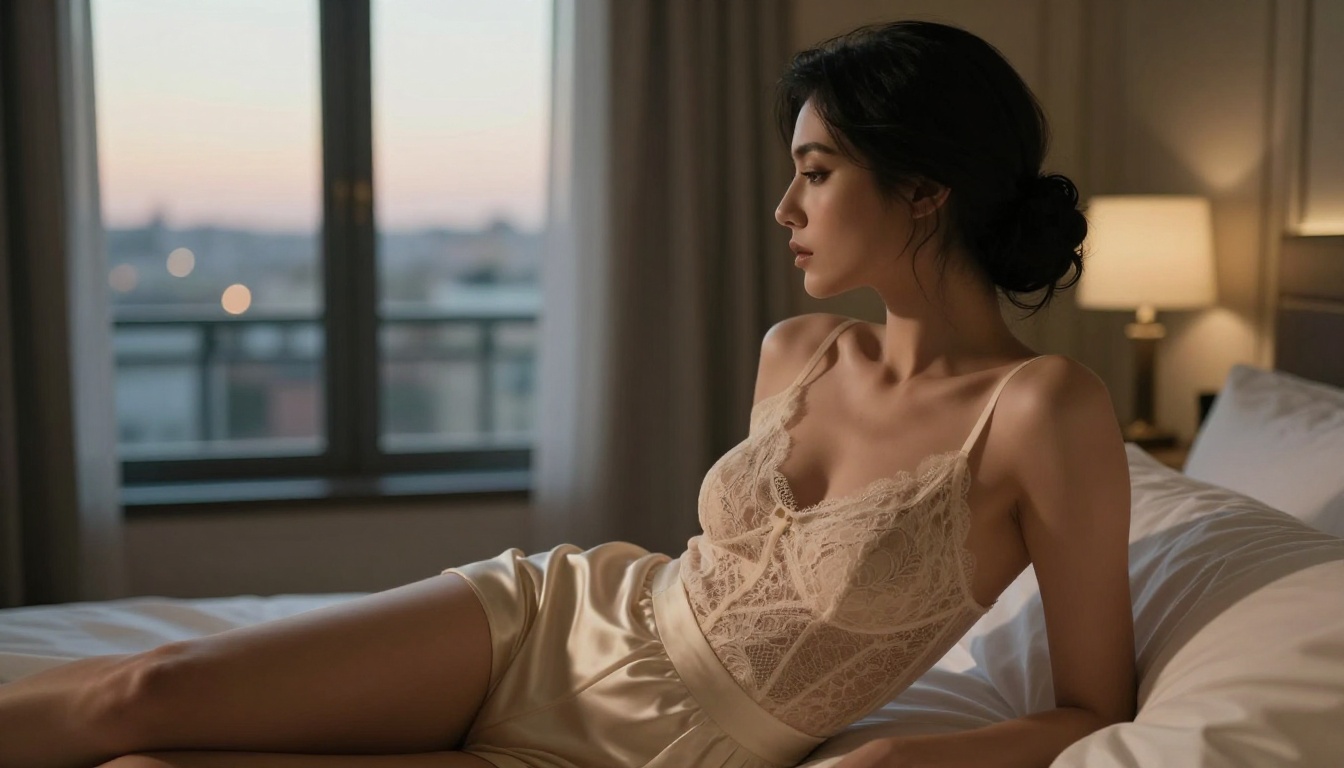
| Hotel Room | [Hair/skin] woman in a [fabric] [garment] in a [city] luxury hotel, side profile, warm lamplight, Leica 90mm f/2, Kodak Gold 200 |
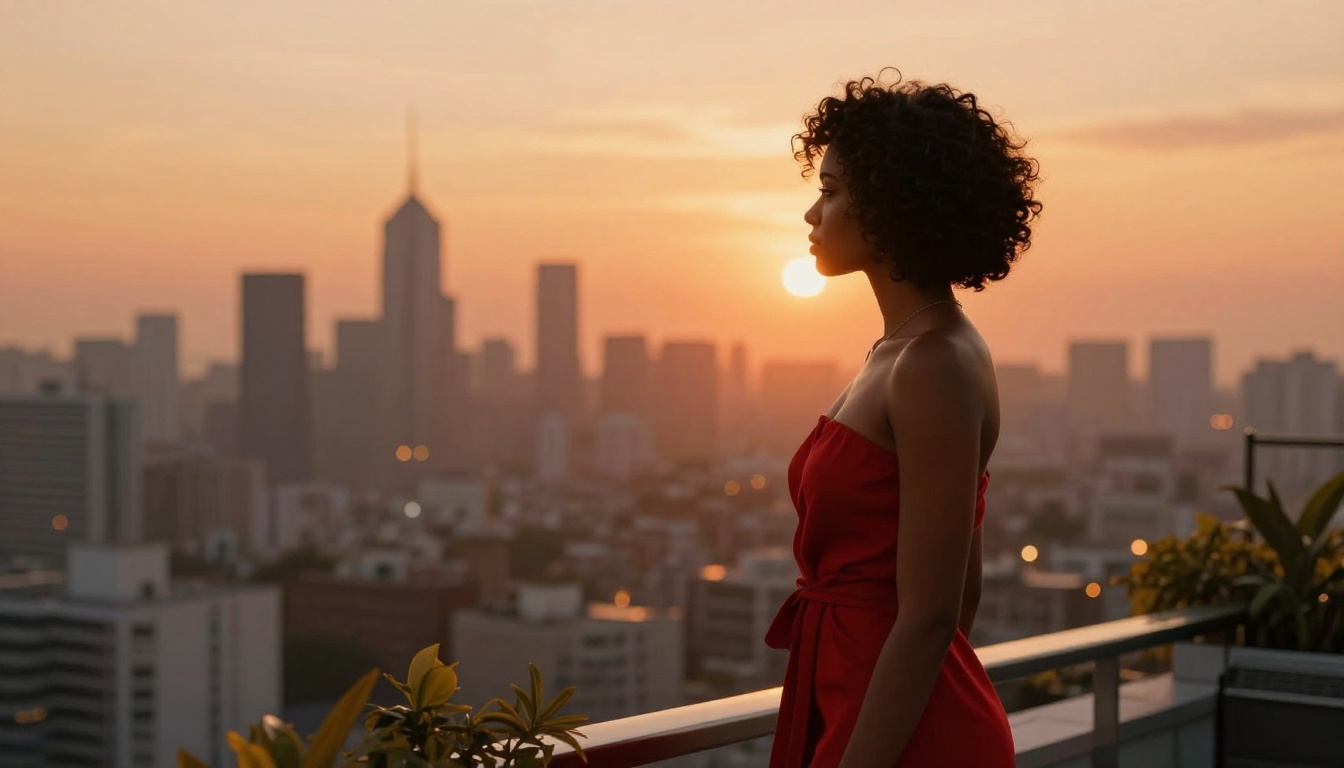
| Rooftop | [Hair/skin] woman in a [garment] on a rooftop at [time], backlit by city glow, low angle, Nikon 58mm f/1.4, Kodak Portra 800 |
| Pool | Aerial view of [description] woman in [swimwear] floating in [pool type], midday light, DJI drone 24mm, photorealistic RAW 8K |
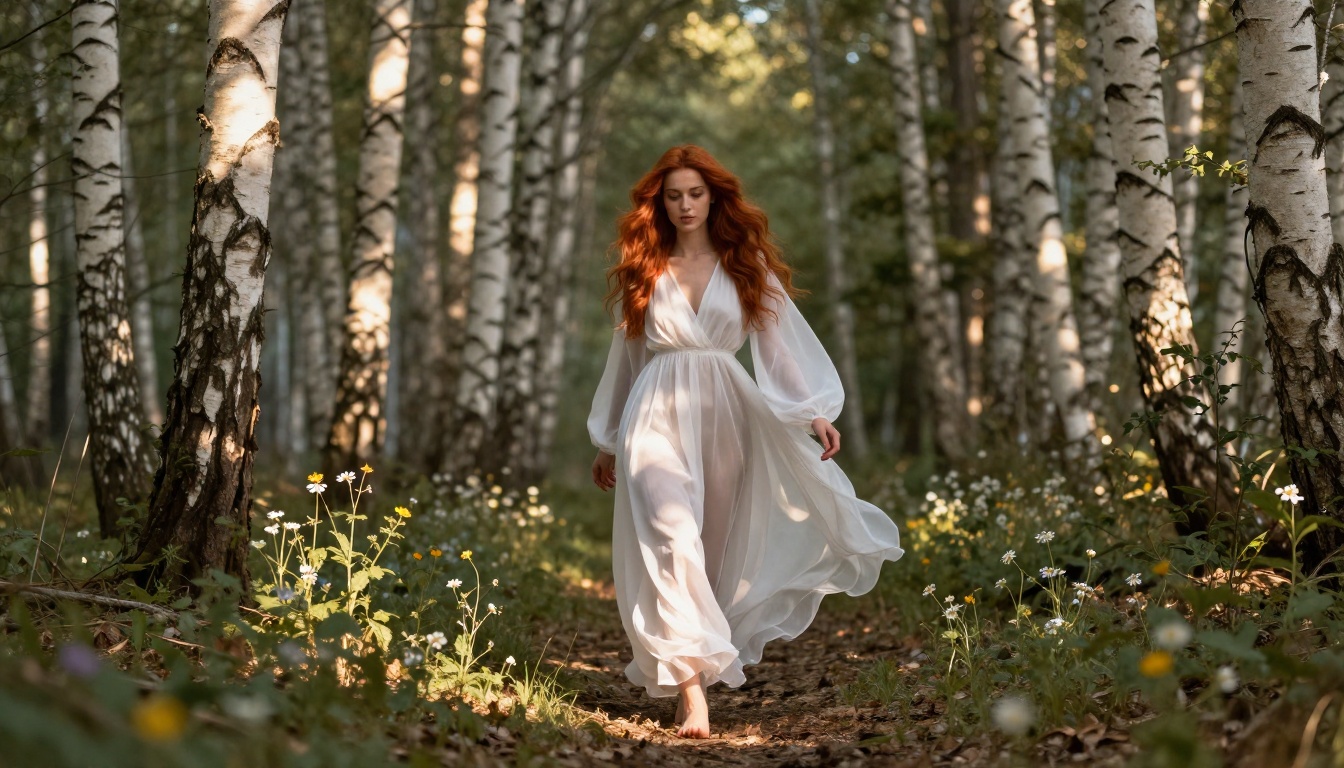
| Forest | [Hair] woman in a sheer [color] maxi dress walking through [forest type], dappled morning light, Canon 85mm f/1.4 bokeh, Fujifilm Pro 400H |
💡 Pro Tip: Save your best-performing prompts. Flux 1.1 Pro is highly consistent. A prompt that works once will work again with minor modifications.
Mistakes That Kill Your Results
Even with a great model, certain habits will consistently produce bad outputs. Here are the most common mistakes creators make when using Flux 1.1 Pro for NSFW content.
Too Many Competing Ideas
Cramming multiple scenes, styles, or conflicting instructions into one prompt confuses the model. If you want a beach shot, describe only the beach. Don't also mention "cinematic fantasy atmosphere" or "studio lighting" in the same breath as "natural outdoor sunlight."
No Lighting Direction
Generic phrases like "good lighting" or "beautiful light" are noise. The model doesn't know what that means in physical terms. Always specify direction (from the left, overhead, backlit), quality (soft, harsh, diffused), and color temperature (warm golden, cool blue morning, amber lamplight).
Wrong Lens for the Scene
The focal length you specify changes the entire composition and depth rendering:
- 85mm to 135mm: Best for portraits and close-ups. Creates natural compression and flattering perspective.
- 35mm to 50mm: Best for environmental and lifestyle shots. Mimics natural human field of view.
- 24mm and wider: Best for aerial, architectural, or dramatic low-angle shots.
Skipping Negative Style Tags
Always tell the model what you don't want. Including no CGI, no digital art, no illustration, no 3D render at the end of your prompt significantly reduces the chance of the model defaulting to an artificial aesthetic.
Flux 1.1 Pro vs. Other Models
Not all image generators are equal when it comes to photorealistic NSFW content. Here's how Flux 1.1 Pro stacks up against the alternatives available on PicassoIA.
| Model | Realism | Speed | NSFW Control | Best For |
|---|
| Flux 1.1 Pro | ★★★★★ | ★★★★☆ | Excellent | Glamour, portraits, environments |
| Flux 1.1 Pro Ultra | ★★★★★ | ★★★☆☆ | Excellent | Maximum resolution outputs |
| Flux Dev | ★★★★☆ | ★★★☆☆ | Good | Experimental and fine-tuned prompts |
| Realistic Vision v5.1 | ★★★★☆ | ★★★★☆ | Good | Photorealistic portraits |
| SDXL | ★★★☆☆ | ★★★★☆ | Moderate | General image generation |
| Flux Schnell | ★★★☆☆ | ★★★★★ | Moderate | Quick drafts and iterations |
For NSFW content specifically, Flux 1.1 Pro and Flux 1.1 Pro Ultra are in a class above the others when it comes to rendering skin, fabric, hair, and environmental lighting together coherently.
When to Use Flux 1.1 Pro Ultra Instead
Flux 1.1 Pro Ultra is the high-resolution sibling of Flux 1.1 Pro. It uses a similar architecture but outputs at significantly higher pixel counts. If you plan to print your images, use them in commercial projects, or need maximum detail in large prints or high-DPI displays, Ultra is the right choice.
The trade-off is generation time. Ultra takes longer per image, which makes it less ideal for rapid iteration. The recommended workflow is to prototype with Flux 1.1 Pro until you have a prompt you're satisfied with, then run the final version through Flux 1.1 Pro Ultra for the highest quality output.
Super Resolution for Extra Detail
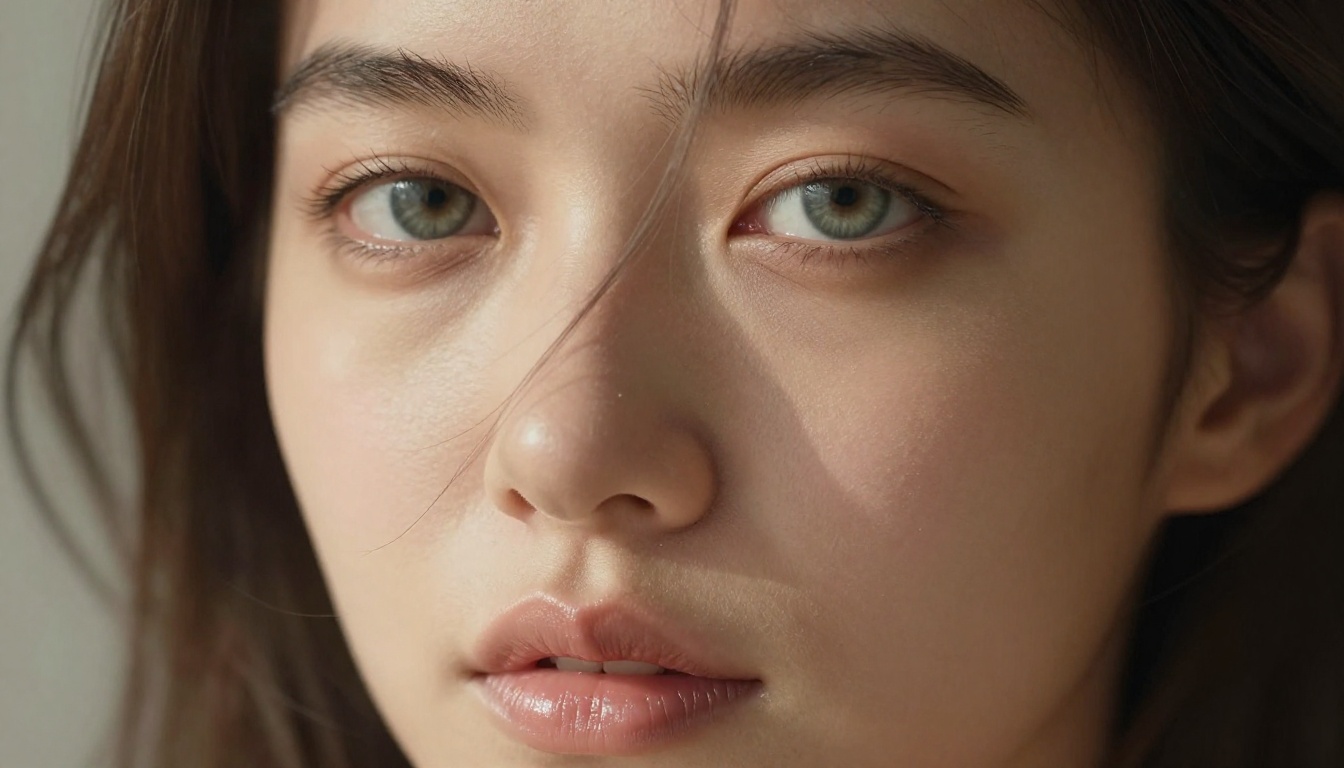
If you want to push an already-generated image to a higher resolution without regenerating it, PicassoIA offers Super Resolution models that can upscale 2x to 4x while preserving detail. This is particularly useful for portrait close-ups where fine skin and hair texture matters.
Taking Your Prompts Further
Once you have the basics down, these methods will take your Flux 1.1 Pro results to another level.
Layered Lighting Descriptions
Instead of describing one light source, describe the full lighting environment as a photographer would.
Example: "Primary light: soft overcast daylight through a north-facing window from the left. Fill light: warm amber floor lamp behind and to the right. Rim light: faint evening sun through the door creating a thin golden highlight on the shoulder."
This level of lighting detail consistently produces images that feel real rather than generated.
Reference Specific Film Stocks
Each film stock modifier creates a distinct color palette and grain character:
- Kodak Portra 400: Warm skin tones, natural colors, medium grain. Best for glamour and lifestyle shots.
- Fujifilm Velvia 50: High saturation, vivid colors, fine grain. Best for outdoor and nature settings.
- Kodak Ektar 100: Rich reds and blues, fine grain, very sharp. Best for beach and outdoor NSFW.
- Fujifilm Pro 400H: Slightly cool, low contrast, very natural skin. Best for editorial and artistic shots.
- Kodak Portra 800: High grain, moody, warm. Best for night and low-light atmospheric shots.
Control the Depth of Field
Aperture in your prompt directly affects how the background is rendered:
- f/1.2 to f/1.8: Very shallow depth of field, maximum background blur. Best for portraits.
- f/2.8 to f/4: Moderate blur, subject sharp. Best for lifestyle and environmental shots.
- f/8 to f/11: Deep focus, background remains visible and detailed. Best for wide scenes.
Flux 1.1 Pro generates exceptional base images, but PicassoIA offers a full ecosystem of tools to refine and extend your results.
Face Swap: If you've created a character you want to maintain across multiple images, the Face Swap AI tool allows you to transfer a reference face onto new generations while keeping the body, environment, and lighting intact. This is particularly useful for building consistent NSFW character series.
Inpainting: If a generated image is nearly perfect but one detail is off (a hand, a background element, a piece of clothing), PicassoIA's inpainting tools let you fix that specific region without regenerating the whole image. You paint over the problem area and the model fills it in based on your updated prompt.
Object Replacement: Swap out clothing, props, or background elements in an existing generation without touching the rest of the composition.
Super Resolution: Upscale your Flux 1.1 Pro outputs 2x to 4x for print-ready quality.
💡 Pro Tip: The most efficient workflow is: Generate base image with Flux 1.1 Pro, fix any issues with inpainting, then upscale with Super Resolution for the final deliverable.
Content That Works Best
Based on the model's architecture strengths, certain content types consistently produce the best results when working with Flux 1.1 Pro.
Strongest categories for NSFW:
- Glamour portraits: Close-up and mid-shot portraits with detailed lighting work exceptionally well.
- Swimwear and beach scenes: The model handles skin, water, and sunlight interaction with remarkable accuracy.
- Lingerie and boudoir: Fabric rendering (silk, lace, satin) is extremely realistic.
- Artistic nudity: Implied nudity with thoughtful composition, shadows, and framing.
- Lifestyle scenes: Rooftops, hotels, pools, forests. Context enriches the image significantly.
Categories that need more prompting effort:
- Complex multi-person scenes (two or more subjects interacting)
- Extreme camera angles on hands and feet
- Highly detailed text in the image
Now It's Your Turn
Everything detailed in this article works right now, in the browser, with no setup required. Flux 1.1 Pro on PicassoIA gives you direct access to one of the most capable photorealistic generators available anywhere. Start with one of the prompt templates from the table above, run five variations, and pay attention to what each change produces. Within a few sessions, you'll have a personal library of prompt frameworks that reliably generate the style you're targeting.
If you want higher resolution finals, try Flux 1.1 Pro Ultra for your best outputs. For faster drafts and iteration, Flux Schnell and Flux Dev are great companions. The full suite of Flux models, plus editing tools, upscalers, and face swap, is all available on PicassoIA. Go create something worth saving.


