GPT Image 2 is genuinely impressive. It handles complex compositions, follows prompts with precision, and produces photorealistic results that outpace most competitors on technical quality. But if you came here wanting to use it for NSFW content, you've already hit the wall. GPT Image 2's content policy blocks most adult prompts by default, and the workarounds people share online mostly don't hold up in 2027.
This article tells you exactly where GPT Image 2's filters sit, what you can actually produce, and which platforms give you real creative freedom for adult AI image generation without restrictions.

What GPT Image 2 Actually Does
GPT Image 2 is OpenAI's flagship image generation model, released in early 2025 and integrated into ChatGPT Plus and the developer API. It represents a significant leap from DALL-E 3: better text rendering, substantially improved photorealism, stronger instruction-following, and more coherent multi-subject compositions.
The model uses a transformer-based architecture trained on a curated dataset spanning photography, illustration, design, and professional imagery. That curation is exactly what makes it perform at a high level on technical prompts, and also exactly why it applies conservative filtering on adult content.
In practical terms, GPT Image 2 produces results that rival professional photography for product shots, fashion editorials, landscapes, and architectural renders. It understands lighting, perspective, and composition at a level that previous OpenAI models couldn't match. For everything except adult content, it's one of the strongest image models available.
How the content filters work
GPT Image 2 operates under OpenAI's usage policies, which prohibit:
- Explicit nudity or sexual content (default off, not available to most accounts)
- Suggestive content implying sexual acts or positioning
- Content involving minors in any adult context whatsoever
- Realistic depictions of violence or physical harm
For developers working with the API, there are optional adult content permissions available through a separate application and review process. Even with those permissions unlocked, the model applies filtering that softens results compared to what most users expect when they search for NSFW AI image generation. The approved permissions primarily exist for medical and educational contexts, not general adult content creation.
💡 In practice: GPT Image 2 can produce bikini images, tasteful glamour shots, and some forms of artistic portraiture with careful prompting. Anything more direct gets rejected, and the rejections are often inconsistent enough to make iterative work genuinely frustrating.
Why the inconsistency exists
The content moderation layer in GPT Image 2 operates at both input and output stages. Your prompt passes through an intent classifier, and then the generated image passes through a separate visual safety classifier. Either layer can trigger a rejection independently. This dual-layer system is why prompts that seem equivalent sometimes produce different outcomes across sessions. OpenAI updates both classifiers regularly, meaning a prompt that worked last week may not work this week.
The Content Wall GPT Image 2 Hits
Here's exactly what happens when you push into adult territory with GPT Image 2, based on systematic prompt testing:
| Prompt Type | GPT Image 2 Result |
|---|
| Swimwear and bikini | Usually allowed |
| Lingerie with tasteful framing | Sometimes allowed, often softened |
| Artistic implied nudity | Usually rejected |
| Explicit nudity | Always rejected |
| Suggestive poses or framing | Frequently rejected |
| Adult content for fiction or creative work | Rejected or heavily sanitized |
The inconsistency is what makes working with GPT Image 2 for adult content so frustrating in practice. Generating bikini content framed as fashion photography may pass, while the identical content described differently gets blocked.

Why prompt tricks don't work
Various communities share methods for reducing GPT Image 2's filters. These include framing content as "artistic reference," "figure drawing," or "medical illustration," using euphemistic language, and building context across multiple conversation turns before the image request. These approaches yield marginal improvements at best. The model's safety layer is applied at the output stage rather than just input classification, meaning even technically compliant prompts can produce sanitized results. Working with GPT Image 2 for explicit adult content means fighting its architecture rather than working with it.
What You CAN Get from GPT Image 2
It's worth being direct about what GPT Image 2 does well in adjacent territory. If your needs sit closer to fashion, glamour, and artistic portraiture rather than explicit adult content, GPT Image 2 is capable:
- Fashion editorial: Clothing, runway styling, and professional fashion photography
- Swimwear and beach lifestyle: Tasteful, often beautiful results for lifestyle brands and personal projects
- Glamour portraiture: Studio-quality shots with genuinely excellent skin rendering and lighting
- Body-positive lifestyle imagery: Diverse, realistic human figures in everyday contexts
- Artistic boudoir: Implied, clothed, tastefully lit scenes that sit at the edge of what the filters allow
For professional projects that need high-quality photorealistic images of people without explicit content, GPT Image 2 is genuinely competitive. Its 4K native resolution and instruction-following are real strengths.

💡 The honest assessment: GPT Image 2 is excellent for what it's designed to do. Adult content generation simply isn't part of that design, and no amount of prompting changes that at a fundamental level.
Why PicassoIA Beats GPT Image 2 for NSFW
PicassoIA hosts over 90 text-to-image models from a wide range of providers, including models specifically tuned for adult content generation. The platform does not apply blanket content restrictions across all models. Instead, individual models carry their own content parameters, and many of those models are uncensored by design.

This makes PicassoIA different from GPT Image 2 at the architecture level. You're not fighting a single model's safety layer. You're choosing from a curated selection of models where adult content is a first-class capability, not an edge case to be filtered out.
| Feature | GPT Image 2 | PicassoIA |
|---|
| Explicit NSFW support | No (limited API opt-in) | Yes (select models) |
| Number of text-to-image models | 1 | 90+ |
| Uncensored options | None | Multiple |
| Cost per generation | High (GPT-4o tier pricing) | Flexible, significantly lower |
| Average generation speed | 15-30 seconds | 5-15 seconds |
| Inpainting and editing tools | Limited | Full suite |
| Upscaling (super resolution) | Not native | Up to 4x |
Beyond NSFW support, PicassoIA's model variety is a creative tool in itself. Different models render skin, hair, lighting, and composition in distinct ways. Being able to choose between Seedream 5 Pro, Reve 2.1, and Riverflow v2.5 Pro for a specific visual style gives you creative control that a single-model platform simply cannot match.
Seedream 4.5: The Top NSFW AI Model
If you want the best results for adult AI image generation right now, Seedream 4.5 is where most experienced users consistently land. Built by ByteDance, it's the model that combines photorealistic output quality with the fewest restrictions on adult content and unlimited generation capacity.

Here's what makes Seedream 4.5 stand out from the field:
- Skin texture: Among the best of any current model. Fine pores, natural color variation, and believable subsurface scattering under different lighting conditions
- Anatomy accuracy: Significantly fewer distortions on hands, fingers, and body proportions compared to older diffusion models
- Lighting response: Understands complex setups like backlight through fabric, window light, and studio rim lighting with realistic results
- Prompt adherence: Follows detailed, multi-clause prompts reliably, which matters when specifying precise composition for adult content
- Generation speed: Fast enough for rapid iteration at 8-12 seconds per image
- Unlimited generations: No generation caps or queue restrictions on PicassoIA
Seedream 4.5 works particularly well for glamour and swimwear photography, boudoir-style editorial content, artistic implied nudity with careful lighting direction, and full NSFW content with appropriate model settings activated.
💡 Critical model note: Do NOT use Seedream 5 Lite for NSFW content. That variant applies stricter content filtering and will block adult prompts consistently. Use Seedream 4.5 or Seedream 5 Pro instead.
How to use Seedream 4.5 on PicassoIA
- Go to picassoia.com/en/all-models and select Seedream 4.5 from the text-to-image section
- Write a detailed, photography-style prompt using the Subject + Environment + Light + Camera structure (see below)
- Set your aspect ratio: 16:9 for landscape, 9:16 for portrait orientation
- Add a negative prompt targeting common artifacts:
deformed hands, extra fingers, blurry face, watermark, illustration, cartoon, CGI, airbrushed skin
- Click Generate. Results typically arrive in 8-15 seconds
- Use the inpainting tool to refine any specific areas
- Run super-resolution on your final image for a 2-4x quality boost before saving
Other Strong Models for Adult AI Art
Seedream 4.5 is the primary recommendation, but PicassoIA gives you a full roster worth understanding for different scenarios.
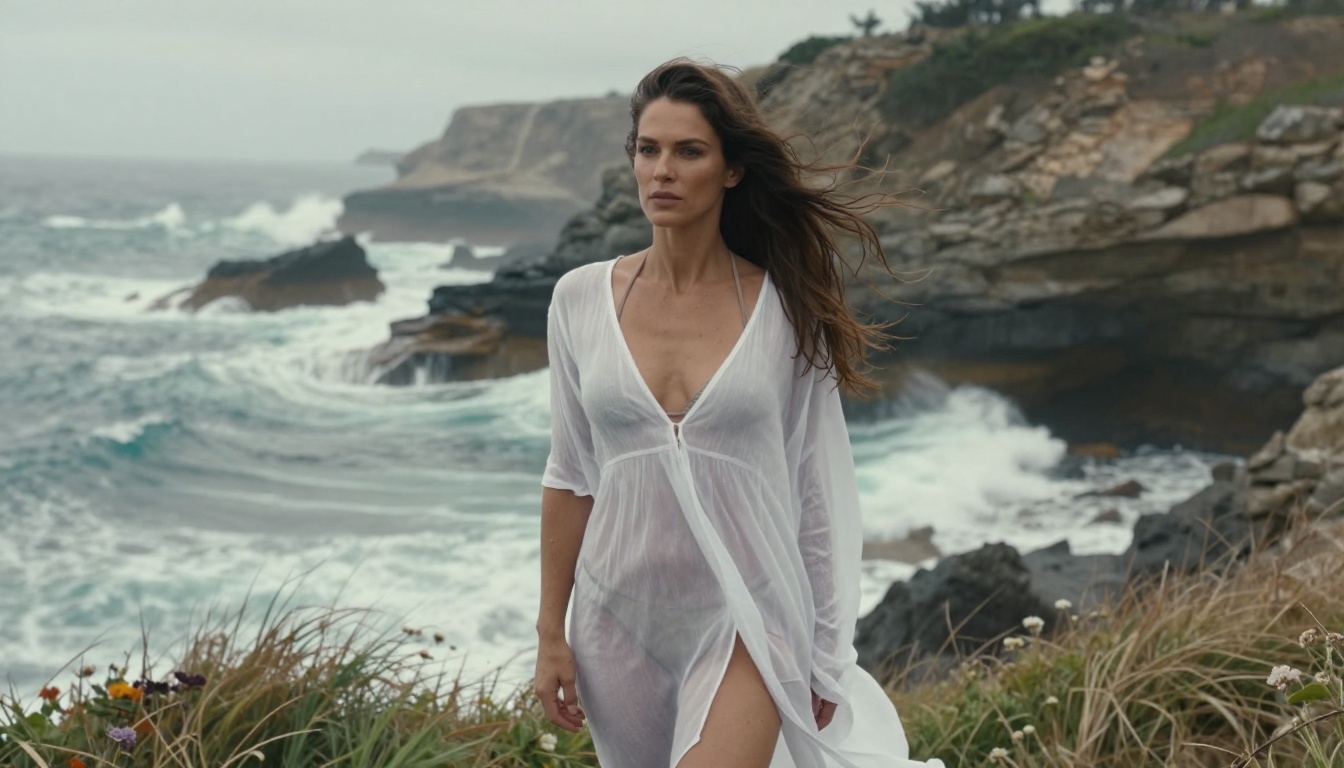
Seedream 5 Pro is ByteDance's next-generation model, producing 2K-resolution outputs with improved fine detail retention. It's excellent for fashion and glamour content where you want maximum resolution. It supports partial adult content but applies more filtering than Seedream 4.5 on explicit prompts.
Reve 2.1 excels at editorial and artistic content, with a distinctive rendering style that sits between hyperrealism and high-fashion photography. It handles glamour and artistic implied nudity well, with notably clean and natural-looking skin rendering across different lighting conditions.
Riverflow v2.5 Pro is the iteration model. When you're testing compositions and lighting before committing to a Seedream 4.5 generation, Riverflow lets you run through angles and framings quickly without waiting. It's also a strong standalone option for swimwear and lifestyle content.
P Image Ideogram handles precise compositional control better than most alternatives. Less commonly used for adult content specifically, but valuable if your project needs specific graphic layouts, text overlays, or controlled compositional structures alongside the imagery.
| Model | Best For | Speed | NSFW Level |
|---|
| Seedream 4.5 | Full NSFW + glamour | Fast | Full |
| Seedream 5 Pro | Fashion + high resolution | Moderate | Partial |
| Reve 2.1 | Editorial + artistic | Fast | Partial |
| Riverflow v2.5 Pro | Fast iteration | Very fast | Partial |
| P Image Ideogram | Compositional control | Moderate | Limited |
How to Prompt for Better NSFW Results
Getting high-quality adult AI images is less about magic words and more about prompt architecture. Here's what actually moves quality forward:
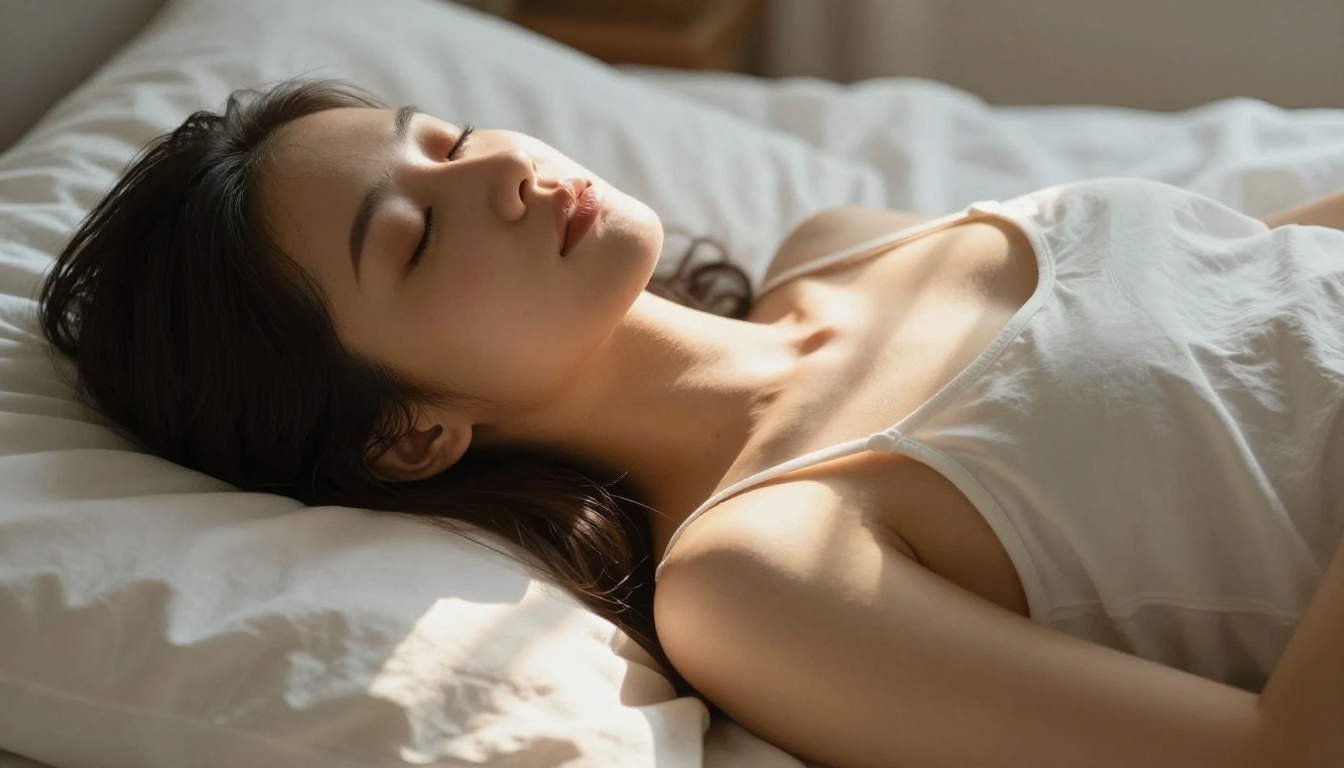
Describe the photograph, not just the subject
Weak prompt: "Beautiful woman in bikini on beach"
Strong prompt: "Woman in white string bikini standing in shallow surf at sunrise, wet sand reflecting the pink-orange gradient sky above, gentle white foam from receding waves swirling at her feet, her long shadow stretching diagonally across the textured sand, 85mm f/1.8 telephoto lens, aerial view from 45-degree drone angle capturing the curve of the coastline, Kodak Portra 400 film grain, skin texture with water droplets catching golden light --ar 16:9 --style raw"
The strong prompt tells the model what kind of photograph you want, not just what should be in it. Camera specs, lighting direction, film stock, and rendering style carry as much weight as the subject description.
Specificity over intensity
More explicit language does not produce better results. More specific photographic language does. Instead of escalating the content description, escalate the technical detail:
- Lighting: "volumetric morning light from the left window" rather than "good lighting"
- Camera: "85mm f/1.4 medium close-up, subject fills 70% of frame" rather than "portrait"
- Background: "shallow DOF with warm bokeh blurred to f/1.4" rather than "blurry background"
- Texture: "natural skin with visible pores, no digital smoothing, subsurface warmth" rather than "realistic skin"
Use negative prompts consistently
On PicassoIA, most models support negative prompts. Use them to block the most common failure modes before they appear:
deformed hands, extra fingers, blurry face, asymmetrical eyes, watermark, text overlay, illustration, cartoon, CGI, airbrushed plastic skin, neon lighting
A strong negative prompt eliminates common quality failures without limiting what the positive prompt can produce.
Structure: Subject + Environment + Light + Camera
Every strong NSFW prompt follows this four-part structure:
- Subject: What they're doing, wearing, and how they're positioned
- Environment: The setting, background, and any relevant elements
- Lighting: Source direction, quality (hard/soft), and color temperature
- Camera: Lens length, aperture, angle, and film emulation
Working through all four parts before generating produces results that are immediately more cinematic and less generically AI-looking.
💡 The practical test: Read your prompt back and ask: "Could a photographer set this up in a studio or on location?" If yes, the model can generate it convincingly. If the prompt is physically impossible or vague, the output will be too.
Editing and Upscaling NSFW Images
Once you've generated a base image you're satisfied with, PicassoIA's editing tools let you refine it without starting over.
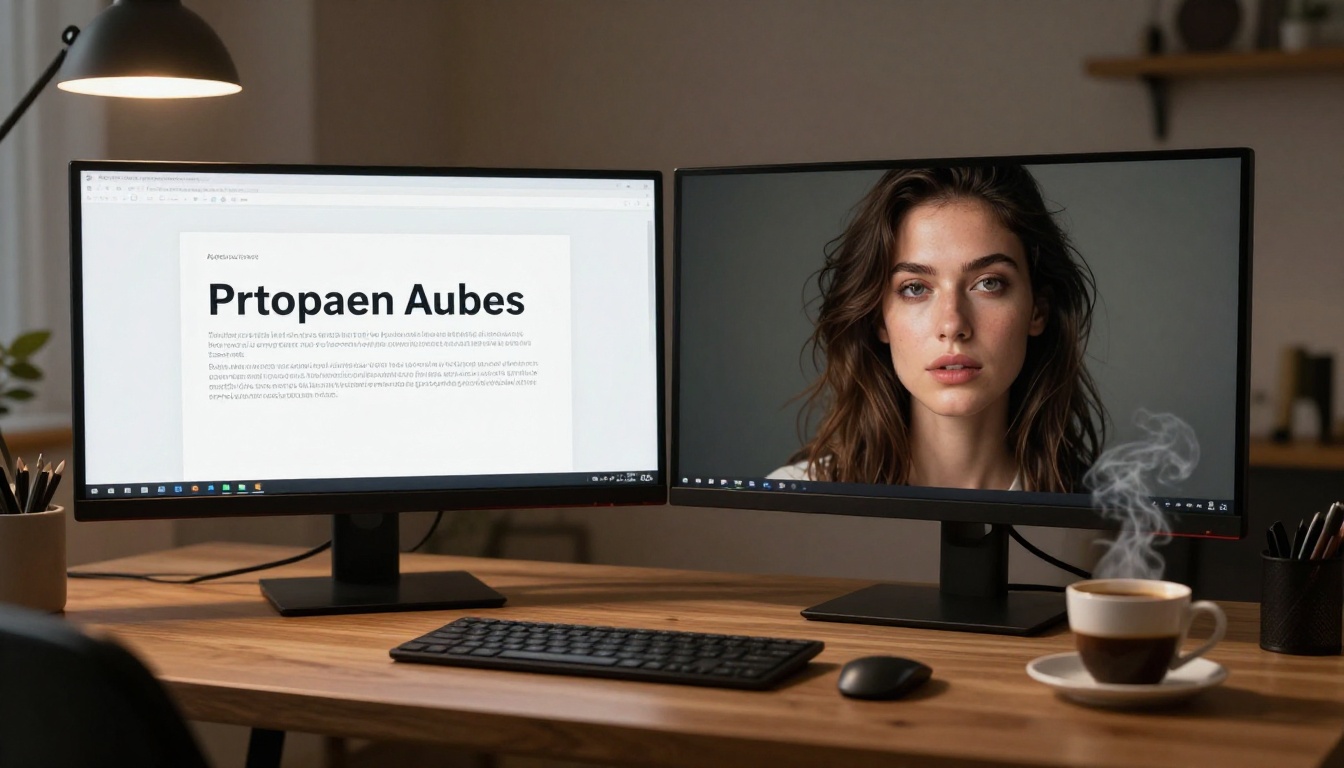
Inpainting lets you select a specific region of the generated image and regenerate just that area while keeping everything else intact. For adult content, this is most useful for:
- Fixing anatomy issues (hands, fingers, body proportions)
- Adjusting clothing elements while keeping composition intact
- Refining facial expressions or eye details
- Correcting lighting inconsistencies in a localized area
Outpainting extends the image canvas in any direction. If you generated a tight close-up and want to reveal more of the scene or environment, outpainting adds it while maintaining lighting consistency and visual style with the original image.
Super Resolution upscales your image up to 4x without introducing artificial sharpening or halation artifacts. For adult content where skin texture, fabric detail, and lighting nuance matter, this is often the single highest-impact step in the workflow. A good 512px base generation upscaled to 2048px looks dramatically better than a mediocre native 2048px output. Access these tools directly through the PicassoIA model library.
These editing features create a complete production workflow rather than a one-shot generation process. GPT Image 2 offers limited editing capability and applies the same content filters to edits as it does to initial generation, making iterative adult content refinement impractical regardless of your prompting approach.
Start Creating
If you've been running into walls with GPT Image 2, the path forward is direct. PicassoIA gives you access to the models that actually deliver on adult image generation, starting with Seedream 4.5 as your baseline.
Getting started takes under two minutes:
- Go to picassoia.com/en/all-models
- Select Seedream 4.5 from the text-to-image section
- Write a detailed, photography-style prompt following the four-part structure above
- Add a negative prompt targeting artifacts and poor rendering
- Generate, then iterate with inpainting and super-resolution until you have exactly what you want
No waiting lists. No API permission applications. No content policy battles every few prompts. The models that deliver uncensored, unlimited adult AI art are live and available right now at picassoia.com/en/all-models.
The gap between GPT Image 2 and a platform like PicassoIA isn't only about content policy. It's about the entire creation workflow: model variety, generation speed, iterative editing tools, and the ability to work without hitting invisible restrictions. Once you work on a platform built for this use case, the experience of fighting a content filter feels limiting in ways you won't want to return to.


