If you've been searching for a reliable way to generate NSFW AI images without running into constant content filters or blurred results, Nano Banana 2 is one of the most talked-about models right now. Developed by Google and available on PicassoIA, it sits in a category of its own: photorealistic output, fast generation, and a much more permissive approach to adult content than what you'd find from mainstream tools. This article covers exactly how to use it, what prompts get the best results, where most people go wrong, and which models offer even more speed and freedom when volume matters.
What Makes Nano Banana 2 Different
Most AI image generators for the general public are built with restrictions baked in at every layer. Nano Banana 2 takes a different position. It was designed for photorealism first, and its outputs reflect that priority. The level of detail in skin texture, lighting behavior, and anatomical accuracy is noticeably higher than older NSFW-capable models. On PicassoIA, you can use it via browser without setting anything up locally.
Speed and Realism in Seconds
Nano Banana 2 typically returns a full-resolution result in under 5 seconds. That's fast enough for iterative prompting without losing momentum between attempts. The default resolution handles 16:9 compositions well, which suits the kinds of glamour and editorial-style images most creators are after.
The model's biggest strength is how it handles skin. Most competing models produce plastic-looking or overly smooth results. Nano Banana 2 maintains visible pore texture, realistic subsurface scattering in lit areas, and correct shadow behavior when light comes from an angle. These details are what separate a convincing photorealistic output from something that reads as obviously AI.

The NSFW Capabilities You Can Actually Use
The model accepts adult content prompts at varying levels of explicitness. For the purposes of this article, we're focused on the non-explicit range: bikinis, lingerie, implied nudity, and glamour photography styles. These generate cleanly without requiring special workarounds in your prompt. More explicit content is possible but requires careful wording to avoid degraded output quality.
There's also a Lite version (Nano Banana 2 Lite) and a Pro version (Nano Banana Pro) available on PicassoIA. The Lite variant is faster but reduces detail at the high end. Pro adds more resolution capacity and prompt adherence for complex scenes. For most users starting out, the standard Nano Banana 2 hits the best balance between speed and quality.
Writing Prompts That Produce Real Results
Bad prompts are the reason most people get mediocre results from any NSFW AI model. Nano Banana 2 is no exception. The model responds well to structured, specific prompts: vague requests like "beautiful woman" produce generic output, while detailed scene descriptions produce images that look intentionally composed.
The Formula for NSFW Prompts
A prompt that consistently works follows this structure:
[Subject + specific physical description] + [clothing or state of dress] + [environment] + [lighting type and direction] + [camera and lens specs] + [mood or atmosphere] + [quality modifiers]
This formula tells the model exactly what you want at every level of the image. Skipping any of these layers forces the model to make its own choices, and those defaults are rarely what you had in mind.
💡 Tip: Add Kodak Portra 400 or Cinestill 800T to your quality modifiers. Nano Banana 2 responds well to film grain references and produces warmer, more natural-looking skin tones as a result.

5 Prompt Examples That Work
Here are five prompts that produce reliable results across different scenarios. Each follows the formula above:
1. Beach glamour:
Athletic brunette woman in a white string bikini standing in shallow ocean waves, wet hair pushed back, water droplets on tanned skin, low-angle shot from water level, Canon EOS R5, 35mm lens, midday tropical sunlight, Fujifilm Velvia, photorealistic RAW 8K --ar 16:9
2. Hotel suite:
Confident woman with long auburn hair reclining on white satin hotel sheets, wearing lace bralette, soft morning light from floor-to-ceiling windows, slightly elevated angle, Sony A7R IV, 85mm f/1.4, Kodak Portra 400, photorealistic RAW 8K --ar 16:9
3. Lingerie editorial:
Statuesque model in black lace lingerie standing in minimalist white studio, one hand on hip, multiple softbox lighting, low-angle full-body shot from knee height, Sony A1, 50mm f/1.2, Agfa film grain, editorial magazine style, RAW 8K --ar 16:9
4. Rooftop fashion:
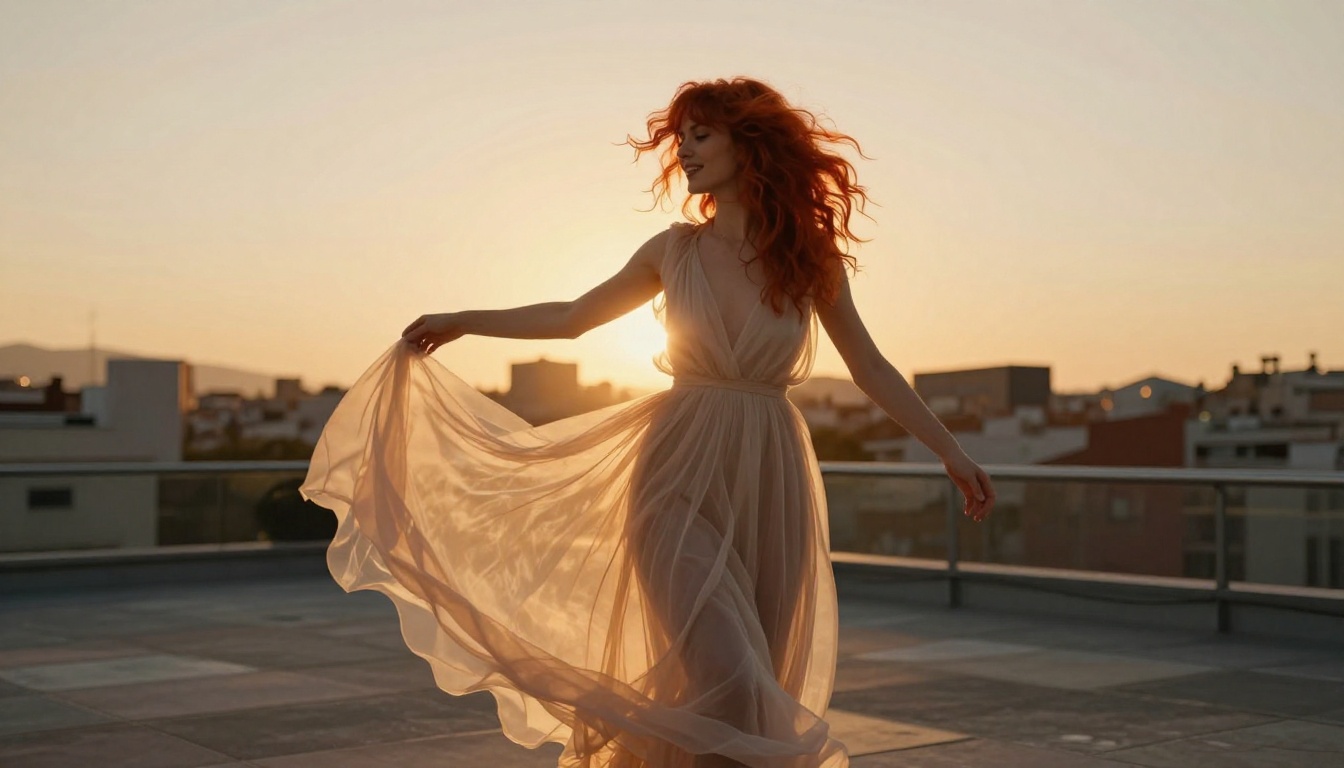
Redheaded woman in sheer chiffon maxi dress on rooftop terrace at golden hour, setting sun backlighting the fabric to reveal silhouette, arms raised, Sony FE 135mm f/1.8 GM, bokeh background, Kodak Gold 200 film grain, photorealistic RAW 8K --ar 16:9
5. Aerial poolside:
Woman in white bikini floating on her back in infinity pool, Santorini villa, aerial drone shot directly above, DJI camera, 24mm lens, midday sunlight creating water surface reflections, photorealistic RAW 8K --ar 16:9
Each of these adapts easily for different body types, skin tones, settings, and clothing styles by swapping out the relevant description blocks. Start with one that's close to your target and refine from there.
Step-by-Step on PicassoIA
PicassoIA is where Nano Banana 2 becomes accessible without API keys or technical setup. The entire workflow runs in your browser.
Your First Generation
- Go to PicassoIA's Nano Banana 2 model page
- Type or paste your prompt into the input field
- Select your aspect ratio (16:9 for most NSFW glamour work)
- Click Generate and wait 3 to 5 seconds
The output appears directly below the prompt field. You can generate multiple variations from the same prompt by clicking again. Each run produces a different result, so iterating quickly is part of the workflow.

Parameters Worth Tweaking
The model exposes a few settings that significantly affect output quality:
| Parameter | What It Does | Recommended Setting |
|---|
| Aspect Ratio | Controls image proportions | 16:9 for most scenes |
| Seed | Locks the random starting point for reproducibility | Set a fixed seed to iterate |
| Prompt Upsampling | Model internally rewrites your prompt for detail | Off by default, experiment |
| Steps | More steps produce more detail but run slower | Default works for most cases |
Fixing your seed is underused by beginners. Once you find a composition you like, set the seed to the same number and change only one part of the prompt at a time. This lets you isolate exactly what each change does to the output, which dramatically speeds up the process of dialing in a result.
Why Most Outputs Miss the Mark
Nano Banana 2 is capable of excellent results, but getting there requires avoiding systematic mistakes that account for most bad outputs.
4 Common Mistakes
1. Prompts that describe emotions instead of physical details.
"Sexy woman looking confident" gives the model nothing useful to work with. "Woman with direct gaze, chin slightly raised, standing tall with shoulders back" gives it something specific to render.
2. Forgetting lighting.
Lighting is half the image. No lighting specification means the model picks something neutral and flat. Always specify where the light is coming from and what kind it is: "morning light from the left", "rim light from above", "candlelight at eye level".
3. Skipping camera specs.
Camera and lens details are not just aesthetic choices. They tell the model the field of view, depth of field, and level of compression in the image. "85mm f/1.4" produces a very different result than "35mm f/8" even if everything else in the prompt is identical.
4. Trying to override anatomy with words.
If you describe impossible proportions or physically incorrect scenes, the model's understanding of real human anatomy will fight your prompt and produce distorted results. Work with realistic descriptions and let the model's training do the heavy lifting.

Quick Fixes for Bad Results
Most quality issues fall into a few categories and have straightforward solutions:
- Plastic or waxy skin: Add "visible pores, subsurface scattering, natural skin texture, Kodak Portra 400 film grain"
- Anatomy problems in hands: Include "hands at sides" or describe what the hands are doing specifically rather than leaving it open
- Flat or harsh lighting: Add "soft diffused light" or specify a light source with direction
- Generic face: Add specific physical descriptors for eye color, facial structure, or hairstyle
💡 Tip: If a result is 90% of what you want but has one problem area, use PicassoIA Image Editor Pro to inpaint just that region rather than regenerating the whole image from scratch. Inpainting saves credits and preserves everything that's already working.
Best NSFW Models on PicassoIA Right Now
Nano Banana 2 is a strong choice, but it is not the only option. PicassoIA hosts a full lineup of NSFW-capable models, each with distinct strengths.
Seedream 4.5 Sets the Standard
Seedream 4.5 is the top recommendation for NSFW AI image generation. Developed by ByteDance, it accepts adult content, supports image editing directly from the same interface, and generates ultra-realistic results in under 3 seconds. The realism level is exceptional, especially for skin detail and natural lighting behavior.
One important note: the newer Seedream 5 Lite does not support NSFW content. Stick with Seedream 4.5 for adult content work.

PicassoIA Image Editor Pro for Unlimited Runs
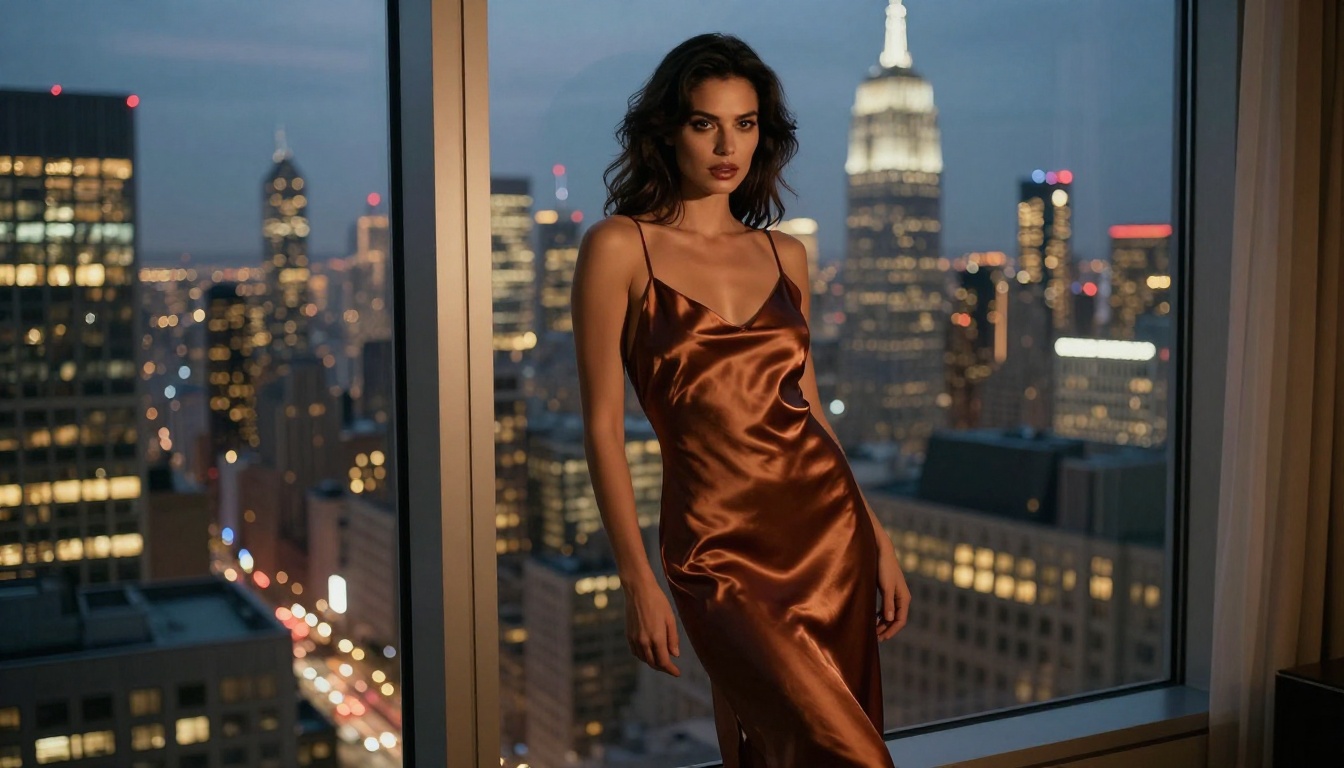
For anyone generating at volume, PicassoIA Image Editor Pro changes the economics entirely. It's an img2img model that accepts NSFW content and delivers results in under one second. The key advantage: unlimited generations on Elite or Infinite plans.
To put that in perspective: generating 1,000 images on a per-credit model like Nano Banana 2 costs approximately $100. On PicassoIA Image Editor Pro with an Elite or Infinite plan, those same 1,000 images cost nothing extra beyond your subscription. For creators who test prompts frequently, build character sheets, or produce content at scale, the unlimited model changes how you work fundamentally.
It also offers a 3-generation free trial with no credit card required, so you can test it without any commitment.
Full Model Comparison
Here's how the top NSFW-capable models on PicassoIA stack up against each other:
| Model | Speed | NSFW | Strength | Best For |
|---|
| Seedream 4.5 | Under 3s | Yes | All-around realism + editing | Best overall NSFW results |
| Image Editor Pro | Under 1s | Yes | Unlimited generations | High-volume creators |
| Nano Banana 2 | Under 5s | Yes | Photorealism, skin texture detail | Quality-first single images |
| Qwen Image 2 | Fast | Yes | Open source, detailed realism | Edit and create freely |
| Grok Imagine Image | Fast | Yes | Bikini conversion from any photo | Image-to-image NSFW |
| Recraft V4 | Fast | Yes | Very realistic text-to-image | Polished single outputs |
| P-Image | Under 1s | Yes | Speed plus NSFW support | Quick iteration at low cost |
Each model has a specific lane. Seedream 4.5 leads for quality. Image Editor Pro leads for volume. Nano Banana 2 and Recraft V4 sit in the middle: great results, but per-credit pricing applies.
The Real Cost of NSFW Generation
Pricing is a factor most tutorials skip, but it shapes your workflow significantly once you move past the first few test images.
What 1,000 Images Actually Costs
Per-credit models charge per generation. At typical pricing, 1,000 images on Nano Banana 2 runs close to $100. That's workable if you're creating a small set of final images, but it becomes expensive fast if your workflow involves a lot of iteration, prompt testing, or character consistency work where you might regenerate the same scene dozens of times.
For casual use, per-credit makes sense. You pay for what you use and nothing more. For anyone generating hundreds or thousands of images per month, the math shifts decisively toward subscription models.
How Unlimited Plans Change the Math
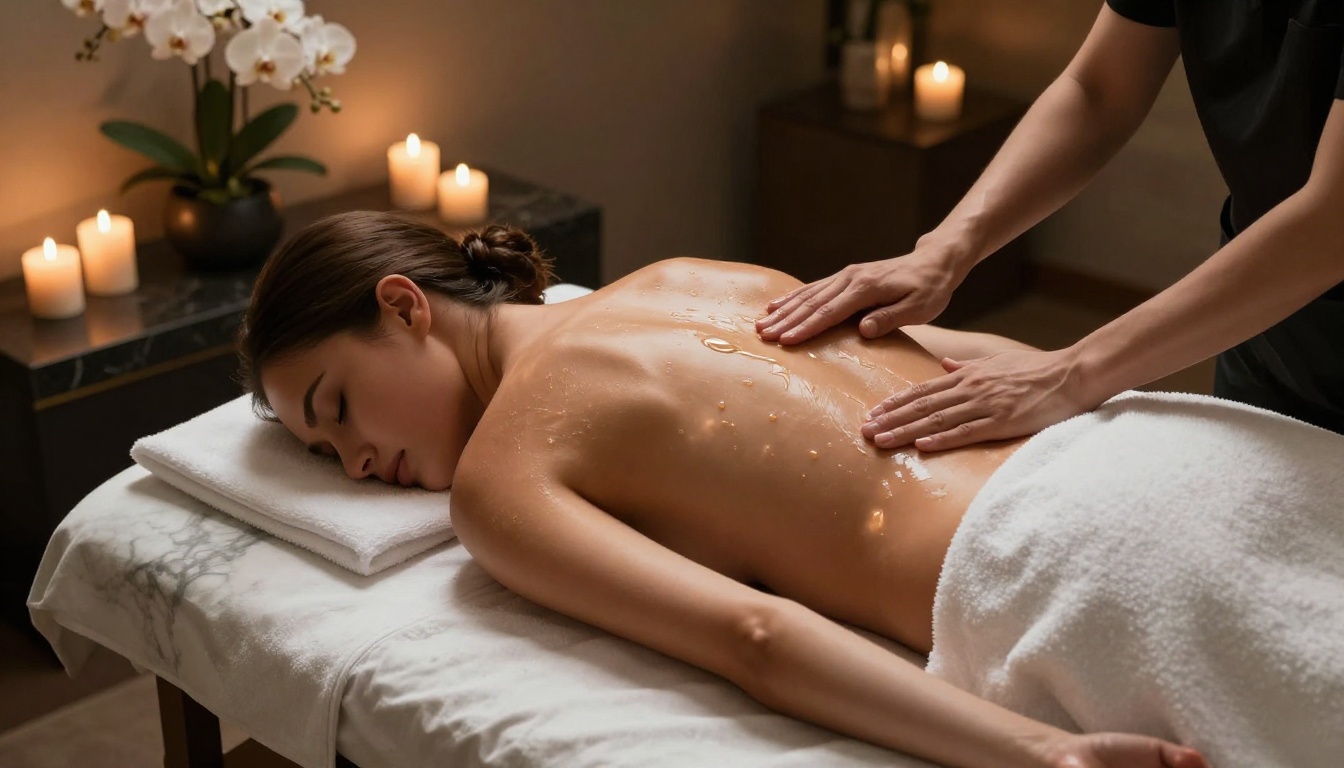
PicassoIA's Elite and Infinite subscription tiers include access to PicassoIA Image Editor Pro with unlimited generations. At that level, the cost per image trends toward zero regardless of volume. A creator generating 500 images per month on per-credit pricing might spend $50 on credits alone. That same creator on an Elite plan generates all 500 images within the subscription cost, plus retains access to every other model on the platform.
The tradeoff is that Image Editor Pro is img2img, meaning it works best from a reference image. For pure text-to-image work at volume, pairing it with a fast text-to-image model for initial drafts and then refining with Image Editor Pro is the workflow that gets the best results most efficiently.
💡 Workflow tip: Use Seedream 4.5 for your initial text-to-image generation, then pass the result into PicassoIA Image Editor Pro for unlimited iteration and refinement. You get the quality ceiling of Seedream with the economics of unlimited.
Start Creating Without Limits
If you've made it this far, you have everything you need to start generating NSFW images with Nano Banana 2 right now. The model is live on PicassoIA, requires no local install, and starts returning results within seconds of hitting generate.
Use the prompting formula from above as your starting point. Fix your seed once you find a composition that works. Build on results rather than regenerating from scratch when small areas need improvement, and consider pairing Nano Banana 2 with Seedream 4.5 or Image Editor Pro for higher-volume workflows where per-credit costs would add up quickly.
The full catalog of NSFW-capable models, including all the ones mentioned in this article, is available at picassoia.com/en/all-models. Most offer free trial generations to test before committing to any plan.
👉 Create your first NSFW image with Nano Banana 2 on PicassoIA, or try Seedream 4.5 if you want the fastest, most realistic uncensored AI image generation available today.


