How to Generate NSFW Images with Nano Banana Pro on PicassoIA
A detailed breakdown of how to use Nano Banana Pro on PicassoIA to generate photorealistic, uncensored NSFW images. Includes prompt engineering, parameter settings, model comparisons, and the best alternatives including Seedream 4.5 and PicassoIA Image Editor Pro for unlimited generation.
If you want to generate uncensored, photorealistic NSFW images without hitting content walls, Nano Banana Pro on PicassoIA is one of the few models that lets you do exactly that. Developed by Google and available directly on PicassoIA's platform, Nano Banana Pro sits at the intersection of speed, image quality, and creative freedom. This article walks you through the exact process of generating stunning adult AI content with this model, from writing effective prompts to understanding its parameters, and then shows you the best alternatives when you need even more power or unlimited output at no extra cost.
What Is Nano Banana Pro
Nano Banana Pro is Google's high-fidelity text-to-image model, positioned above the standard Nano Banana and Nano Banana 2 in terms of image quality and prompt comprehension. It handles complex, layered descriptions with impressive accuracy, producing results with fine skin texture, natural lighting, and cinematic composition that rivals professional photography output.
Unlike many mainstream text-to-image models that apply aggressive content filters by default, Nano Banana Pro on PicassoIA supports adult and NSFW content within the platform's artistic guidelines. The outputs are highly photorealistic, with results that hold up at full resolution.
Nano Banana Pro is the most capable entry in the family for generating detailed, high-fidelity imagery. If you have been using Nano Banana 2 for NSFW work, the Pro variant is a meaningful upgrade in realism and prompt responsiveness.
Why PicassoIA for NSFW Work
Most mainstream AI image platforms restrict adult content aggressively. PicassoIA takes a different position, hosting a curated collection of models that support NSFW generation within clearly defined artistic boundaries. The platform does not censor suggestive, glamour, or adult content, and it offers models across a spectrum of output styles from bikini photography to implied artistic nudity.
💡 What sets PicassoIA apart: The platform gives creators direct access to uncensored models without requiring API keys, technical setup, or workarounds. Everything runs in the browser with credits or subscription plans.
Beyond content freedom, the platform's speed is a real advantage. Several models generate in under 3 seconds, and one model (PicassoIA Image Editor Pro) includes unlimited generations on Elite and Infinite plans, making large-scale NSFW content production cost-effective.
💡 Free plan users: You receive a limited number of credits. For extended access to Nano Banana Pro without credit restrictions, an Elite or Infinite subscription removes per-generation limits on included models.
Step 2: Write a Detailed Prompt
This is the most important step. Nano Banana Pro performs best when given structured, specific prompts. Vague inputs produce generic results. Specific inputs produce photorealistic, cinematic images that look like they came from a professional shoot.
Strong NSFW prompt structure:
[Subject + body description] + [clothing or implied state] + [pose and expression] + [environment/setting] + [lighting type and direction] + [camera angle and lens] + [film stock or texture]
Example prompt:
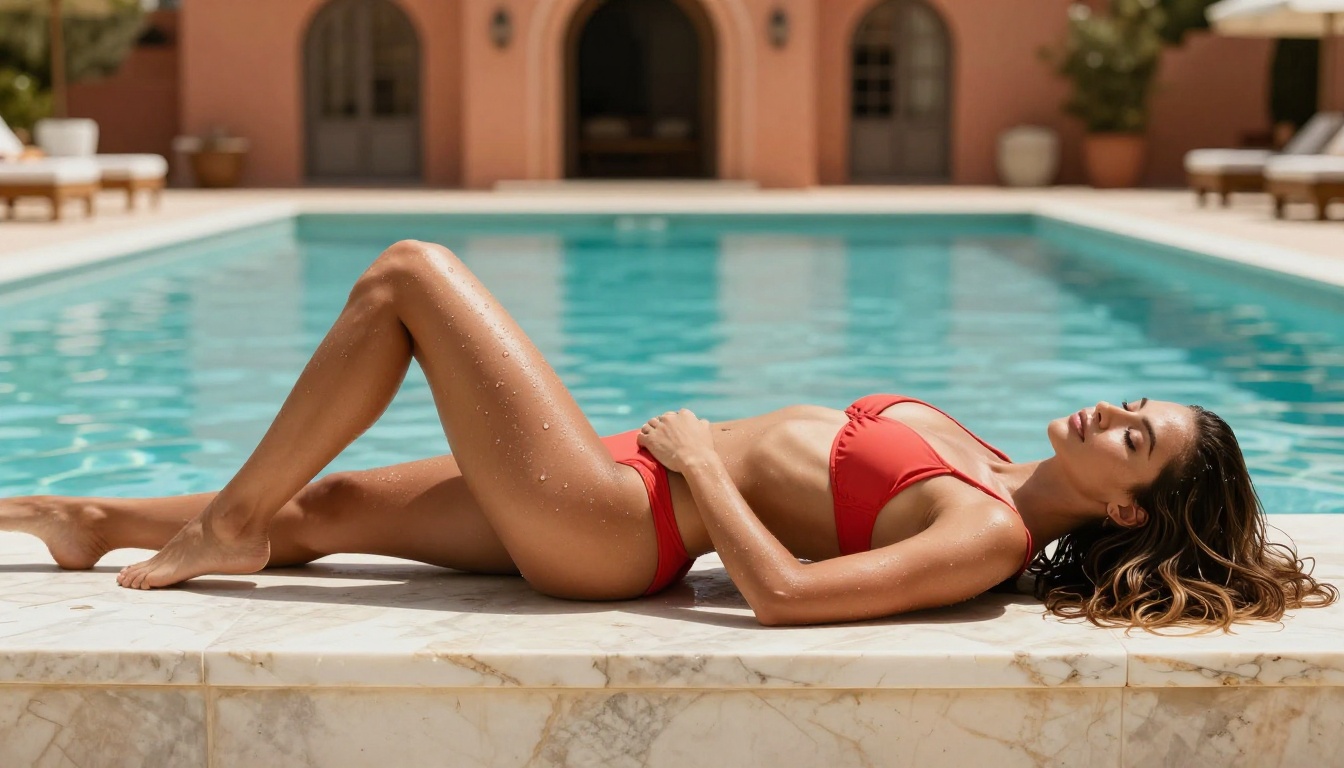
A beautiful woman with sun-kissed olive skin lying on warm white marble by a Mediterranean pool, wearing a minimal coral bikini, individual water droplets glistening on her skin, confident relaxed expression, low-angle shot with an 85mm f/1.8 lens, midday golden sunlight casting crisp shadows, Kodak Portra 400 grain, photorealistic 8K RAW
The difference between a 10-word prompt and a 50-word prompt in terms of output quality is dramatic.
Step 3: Configure Parameters
Nano Banana Pro on PicassoIA gives you control over several generation parameters:
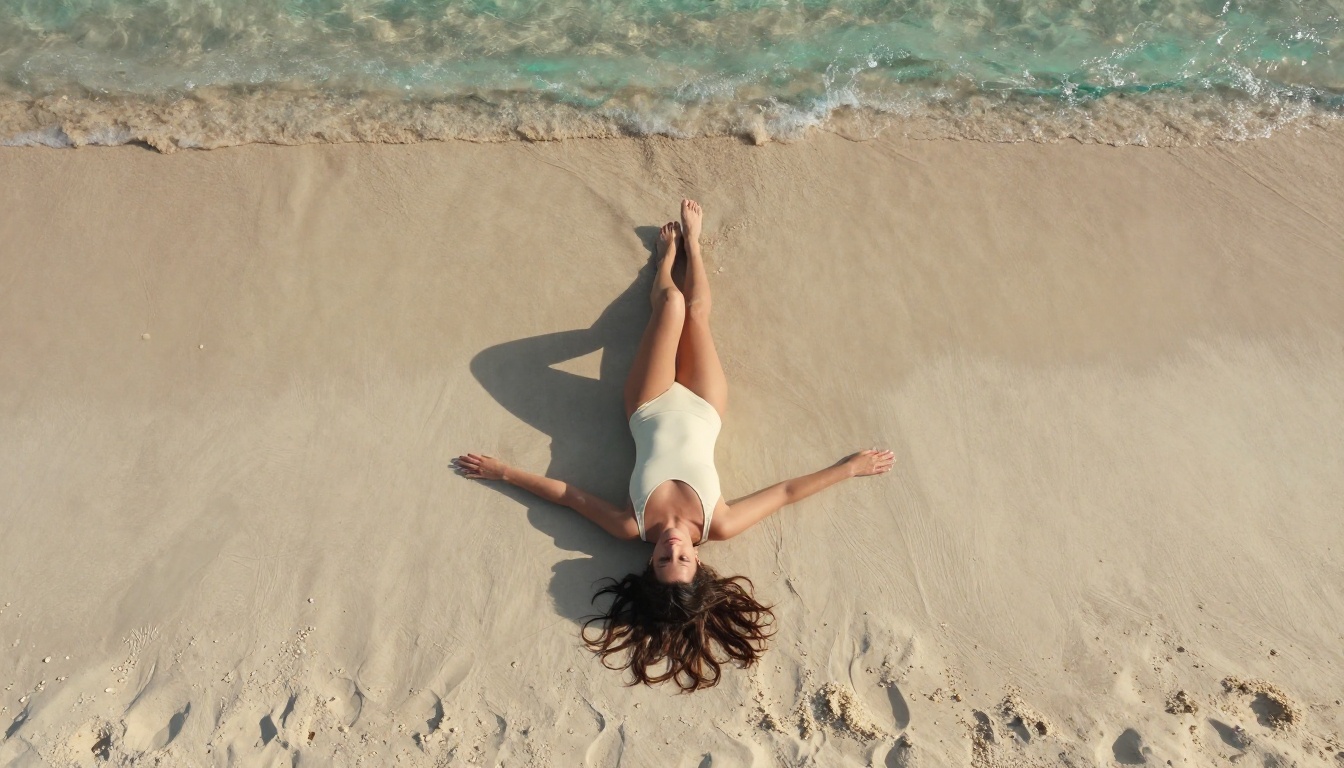
Aspect Ratio: For NSFW portraits, 9:16 (portrait) or 1:1 works best. For lifestyle and environmental shots, 16:9 gives a cinematic look.
Seed: Set a fixed seed to reproduce a result or iterate from a strong baseline without losing the core character and composition.
Prompt Upsampling: Enable this when your prompt is under 30 words. The model automatically enriches the description before generating, which noticeably improves output quality for shorter prompts.
Step 4: Generate, Review, Iterate
The first output is rarely the final one. Effective NSFW generation is an iterative process:
Review the lighting first. Does it feel natural or artificial?
Check body proportions and skin texture at full resolution.
If the pose is off, adjust the pose language in the prompt (e.g., "seated with one knee raised" vs. "standing with hand on hip").
If the result is close but not quite right, keep the seed fixed and refine one element at a time.
Best NSFW Models on PicassoIA
Nano Banana Pro is a solid choice, but PicassoIA's catalog includes models that outperform it in specific scenarios. Here is the full NSFW lineup in order of recommendation, following the platform's own performance rankings.
1. Seedream 4.5 (Best Overall)
Seedream 4.5 by ByteDance is the top recommendation for NSFW image generation on PicassoIA. It generates in under 3 seconds, accepts uncensored adult content, and supports both text-to-image creation and image editing. The photorealism is exceptional, with skin texture, hair detail, and lighting that consistently outperform most alternatives.
💡 Critical note: The newer Seedream 5 Lite does not support NSFW content. Use Seedream 4.5 for adult content work.
2. PicassoIA Image Editor Pro (Unlimited Volume)
PicassoIA Image Editor Pro is the platform's image-to-image powerhouse and the only NSFW model with unlimited generations included in Elite and Infinite plans. Need 1,000 images? That is 1,000 images at no extra cost. Compare that to Nano Banana 2, where the same volume would cost roughly $100 in credits. It generates in under one second and includes a 3-image free trial with no credit card required.
For anyone producing NSFW content at volume, Image Editor Pro is the financially rational choice.
3. Qwen Image 2
Qwen Image 2 is an open-source model that handles both text-to-image and image editing. It produces highly detailed realistic results and accepts adult content prompts without restriction. Strong choice when you want to edit an existing image toward a more suggestive direction.
4. Grok Imagine Image
Grok Imagine Image is particularly effective for image-to-image transformation. It realistically converts any source photo into a more suggestive or bikini-format version. The conversion quality is noticeably more realistic than most alternatives.
5. Recraft V4
Recraft V4 delivers top-tier photorealism for text-to-image generation. It is a text-only model with no image editing capability, but the pure generation quality is excellent for NSFW portrait and lifestyle work.
6. P-Image
P-Image by PrunaAI generates NSFW images in under 1 second. For speed-first workflows where throughput matters more than maximum fidelity, nothing on the platform is faster.
The difference between mediocre AI images and stunning, photorealistic output comes down almost entirely to prompt quality. Here are the patterns that work consistently on Nano Banana Pro and similar models.
Anatomy of a Strong NSFW Prompt
Effective NSFW prompts share four elements:
Subject clarity: Body type, skin tone, hair color, and pose should be described in specific terms. "A fit woman with warm olive skin and long dark wavy hair" is far more useful than "a woman."
Environment specificity: The setting shapes the lighting, color palette, and mood. "Mediterranean villa at noon" produces different light and texture than "candlelit hotel suite at midnight."
Lighting language: Phrases like "volumetric morning light from the left," "Rembrandt sidelight," or "golden-hour backlight through sheer curtains" dramatically improve photorealism. Lighting is the single highest-impact element.
Camera language: Specifying lens (50mm, 85mm, 135mm), aperture (f/1.4, f/1.8, f/2.8), and angle (low, eye-level, aerial) tells the model how to frame and render depth.
Ready-to-Use Prompt Templates
Swimwear outdoor:
[Body description] woman wearing a [color] bikini on a [beach/pool deck/yacht deck], [time of day] light at [angle], [camera angle] with [lens] lens, skin pore texture visible, water droplets, Kodak Portra 400, photorealistic RAW 8K
Lingerie portrait:
Beautiful [ethnicity] woman with [hair description] wearing sheer [color] lingerie, seated on a white linen bed, soft morning window light from the left, 85mm f/1.8 prime lens, individual eyelashes and skin texture in sharp focus, Kodak Portra 400 grain, photorealistic 8K
Artistic implied nudity:
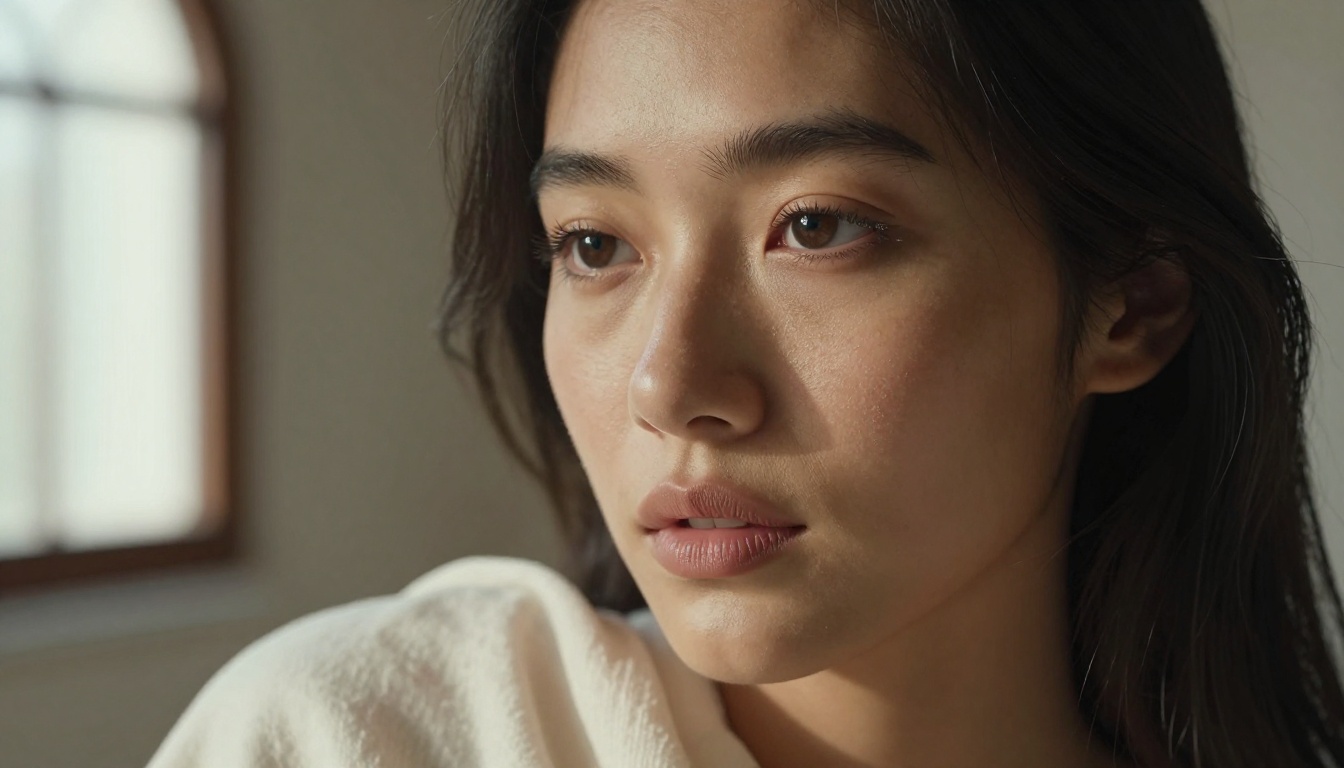
Fine art portrait of a woman in a [setting], ivory fabric draped over one shoulder, warm directional sidelight from a tall arched window, 135mm f/2.0 telephoto lens with foreground bokeh, natural freckles visible, medium format film aesthetic, tasteful and artistic, Kodak Portra 400, photorealistic 8K
Modifiers That Boost Photorealism
Add any of these to an existing NSFW prompt for immediately better results:
photorealistic RAW 8K
Kodak Portra 400 film grain
skin pore detail
individual hair strands
natural directional lighting
85mm f/1.4 depth of field
cinematic composition
volumetric light from [direction]
shot on Hasselblad medium format
What to Avoid
Vague subject descriptions: "sexy woman" generates flat, generic output. Be specific about every visual element.
Conflicting style signals: Do not mix "photorealistic" with "illustration" or "digital art." The model will split the difference and produce neither.
Keyword stacking without structure: A 10-adjective dump performs worse than a well-structured 40-word sentence. Coherence beats length.
Nano Banana Pro vs. Better Alternatives
Nano Banana Pro is a capable model, but knowing when to switch is part of producing great content consistently.
The most significant practical difference is cost at scale. Nano Banana Pro charges credits per generation. At low volume (10 to 50 images per session), that cost is negligible. At high volume (hundreds to thousands of images), PicassoIA Image Editor Pro's unlimited plan becomes the only cost-effective option.
💡 Cost example: Generating 1,000 images with Nano Banana 2 costs roughly $100 in credits. That same 1,000 images on PicassoIA Image Editor Pro under an Elite plan costs nothing beyond your subscription.
Nano Banana Pro is the right choice when you want solid quality without committing to a subscription, and when your session volume stays moderate.
3 Common Mistakes on Nano Banana Pro
Most people getting poor results are making one of three errors:
Mistake 1: Prompts That Are Too Short
"Sexy woman on beach" gives the model almost no useful information. Nano Banana Pro responds to rich scene descriptions that include environment, lighting, and camera language. Write at least 40 words per prompt. The more precisely you describe the image, the closer the output matches your vision.
Mistake 2: Ignoring Lighting Specification
Lighting is what separates AI images that look real from AI images that look generated. Always name the light source, its direction, and its quality. "Soft morning window light from the left" is useful. "Good lighting" is not.
Mistake 3: Not Saving Seeds
When a generation produces exactly the right character or composition, save the seed immediately. Seeds allow you to reproduce that same baseline while changing individual prompt elements (pose, setting, clothing, lighting). Without a seed, every generation is a fresh roll of the dice. With a seed, you can iterate systematically.
Start Generating Right Now
PicassoIA gives you direct access to Nano Banana Pro and every model in this article. No software to install, no API keys to manage, no technical setup. The platform runs entirely in the browser and your first images generate within seconds of writing your first prompt.
Take the prompt templates from this article, open PicassoIA, and paste one in. Customize the subject description, the setting, and the lighting to match your vision. See what Nano Banana Pro produces. If you want higher realism, switch to Seedream 4.5. If you want to produce hundreds of variations without watching your credit balance, PicassoIA Image Editor Pro is one click away. The models are there, the platform is ready, and the only thing left is to start generating.