Recraft V4.1 Pro generates photorealistic images from text prompts and does accept some NSFW content, but it has limits. This article breaks down how it works, what settings to use, the prompts that get results, and which platforms give you truly uncensored adult image creation with unlimited output and no filters.
Recraft V4.1 Pro sits at the top of many AI image benchmarks right now, and for good reason. It produces photorealistic results with exceptional detail, handles complex scenes without breaking, and responds to nuanced prompts better than most models released in the past two years. If you want to push it into NSFW territory, the question is not whether it can do it. The question is how far it goes, where the walls are, and what you do when you hit them.
What Recraft V4.1 Pro Actually Does
Recraft V4.1 Pro is a text-to-image model developed by Recraft AI and available on PicassoIA at Recraft V4, focused on photorealistic and vector-style image generation. The V4.1 Pro version improves significantly over V3 in terms of prompt adherence, fine detail rendering, and consistency across multiple generations.
The Architecture Behind the Model
The model uses a diffusion-based pipeline with a proprietary latent space optimized for professional design outputs. What sets it apart from competitors:
Exceptional text rendering inside images (logos, signs, captions)
Coherent anatomy with natural proportions in human subjects
Style control through style presets including "Realistic," "Digital Art," and "Illustration"
High-resolution output across 1:1, 16:9, and portrait ratios
For NSFW generation, the "Realistic" style preset is the one that produces the most skin-accurate, detail-rich results.
Style Presets That Actually Matter
Not all Recraft presets behave the same way when you add adult content to your prompts. Here is what to know:
Preset
NSFW Output
Detail Quality
Speed
Realistic Image
✅ Best results
Very High
Fast
Digital Illustration
⚠️ Filtered more
Medium
Fast
Vector Art
❌ Not suitable
Low
Fast
Photo (RAW)
✅ Good results
Very High
Medium
💡 Always use Realistic Image or Photo (RAW) when working with adult content. The illustration presets apply stronger filtering logic.
Writing Prompts That Work for NSFW
Prompting Recraft V4.1 Pro for suggestive or adult content requires the same precision you would use for any photorealistic scene. Vague prompts produce vague results. Specific, structured prompts produce specific, detailed results.
Anatomy of a Strong NSFW Prompt
A well-built prompt for photorealistic adult content follows this pattern:
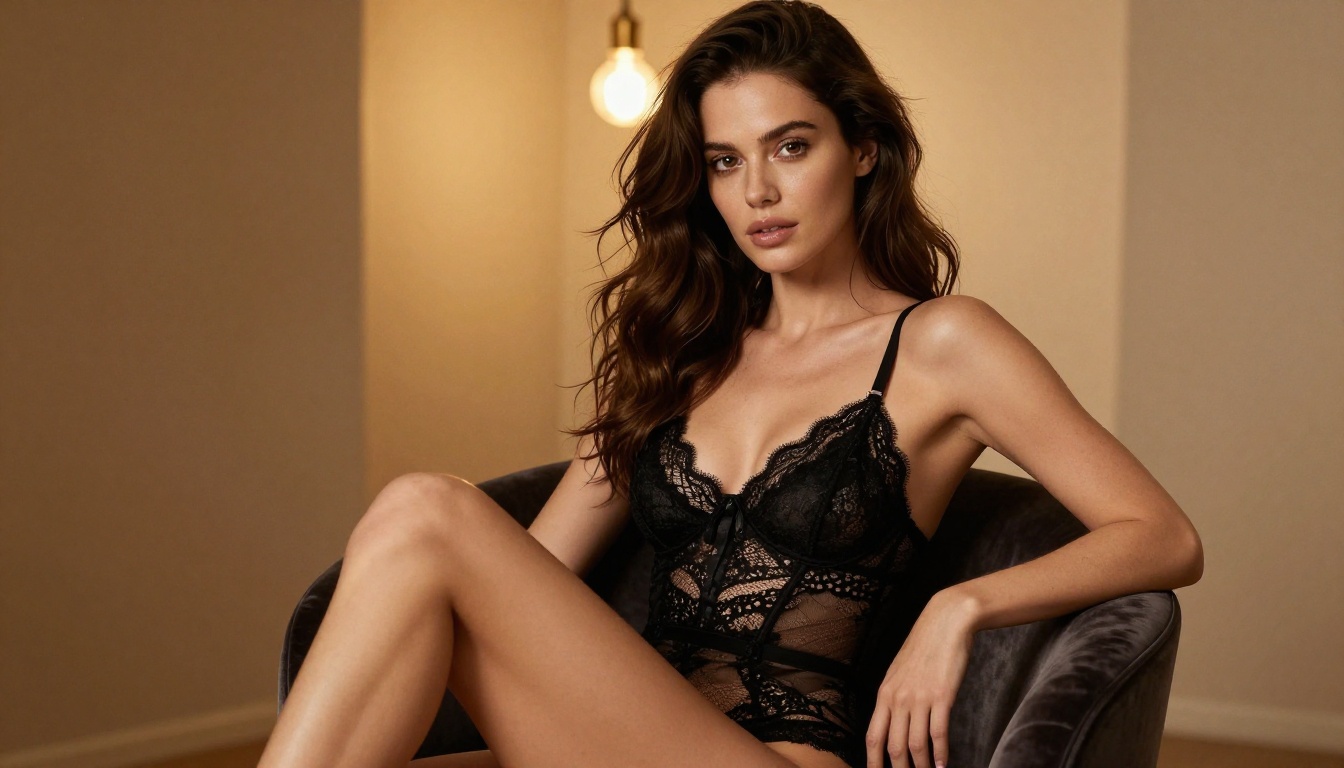
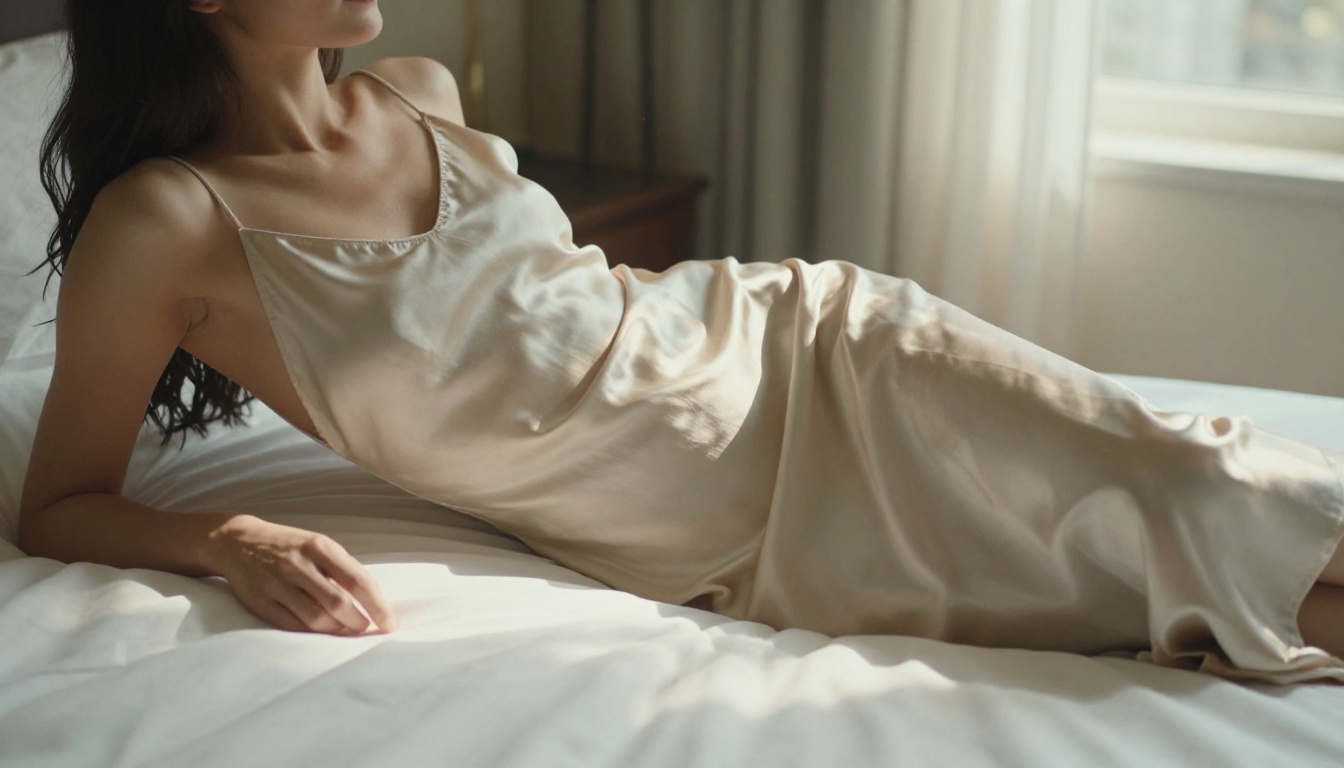
A confident woman with auburn hair, wearing a sheer silk slip, standing near a hotel window, warm afternoon light from the right, 85mm f/1.4 lens, shallow depth of field, photorealistic, 8K --style realistic
Break it down:
Subject first: Hair color, build, expression, skin tone
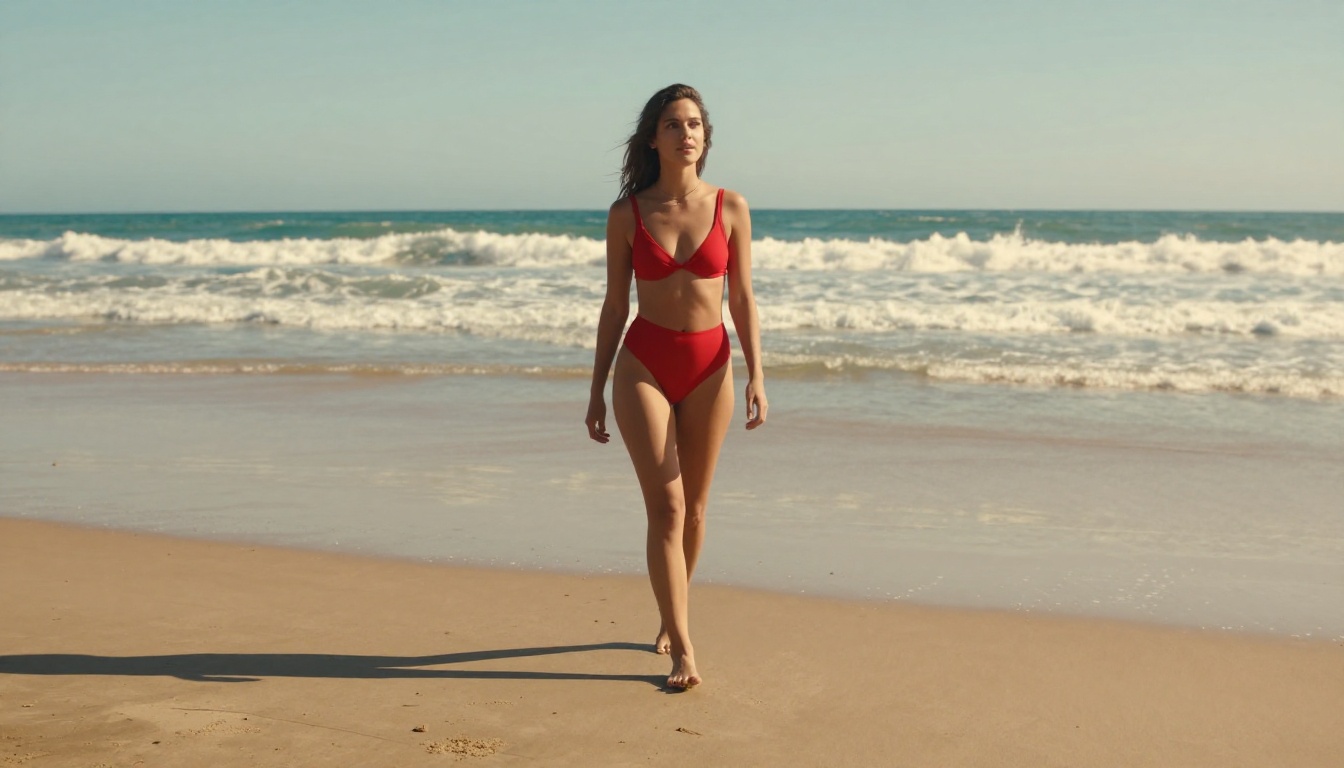
Clothing or state: Be specific. "Bikini" is generic; "black mesh bikini with gold clasp" is not
Environment: Hotel, beach, studio, rooftop. Include small details (window light, sea view)
Lighting: Direction matters. "Warm light from left" changes the result completely
Camera: 85mm for portraits, 35mm for environment shots, 50mm for balanced
Style modifier at the end: Always close with --style realistic for skin and texture accuracy
Negative Prompts That Help
Recraft V4.1 Pro accepts negative prompts. These are essential for avoiding common generation artifacts:
💡 Add explicit, pornographic to your negative prompts if you want suggestive but not explicit output. This lets the model lean toward glamour and artistic sensuality rather than raw adult content.
Where Recraft V4.1 Pro Falls Short
Being honest about the limitations saves time. Recraft V4.1 Pro accepts NSFW content at a moderate level, but it is not a fully uncensored model. The further you push beyond suggestive into explicit, the more often you run into refusals or sanitized outputs.
Content Filters You Will Hit
The model applies safety filtering at the output stage. This means:
Prompts that mention explicit actions will either be refused or produce safe alternatives
Frontal nudity that is anatomically explicit often triggers filtering
Artistic nudity (implied, partially obscured, back-facing) typically passes
Swimwear, lingerie, and implied states pass reliably
This is not a criticism. It is just the reality of where the model sits. For glamour photography, artistic sensuality, or suggestive content, Recraft V4.1 Pro performs well. For fully uncensored adult content, you need a different tool.
Output Quality vs. Alternatives
Even within what it allows, Recraft V4.1 Pro is not always the fastest or most flexible option. Here is how it stacks up against NSFW-capable alternatives:
If Recraft V4.1 Pro does not give you the results you need for adult content, these are the models that will. All of them are available on PicassoIA and accept NSFW prompts without filtering.
Seedream 4.5: Speed and Realism
Seedream 4.5 is the best all-around model for NSFW image generation available right now. It accepts adult content, supports image editing (not just text-to-image), and generates ultra-realistic results in under 3 seconds.
What makes it the top recommendation:
Accepts explicit and suggestive content without filtering
Skin texture, lighting, and anatomy are at a level comparable to professional photography
Works as both a text-to-image and image-editing model
Speed: most outputs arrive in 2 to 3 seconds
💡 Use Seedream 4.5 when you want the highest realism and fastest output. It is the clear first choice for adult AI image generation.
One important note: the newer Seedream 5 Lite does not support NSFW content. If you are looking at newer ByteDance models, stick with Seedream 4.5.
PicassoIA Image Editor Pro: Unlimited Output
PicassoIA Image Editor Pro solves a different problem: cost at scale. This is an image-to-image model with unlimited generations included in Elite and Infinite plans. Need 1,000 images? All 1,000 are included. That same volume on models like Nano Banana 2 would cost around $100.
Why it stands out:
Unlimited generations on Elite/Infinite plans at no extra cost
Results in under 1 second
Full NSFW support without filtering
Free trial of 3 generations with no credit card required
This model suits high-volume workflows, iterative prompt testing, and anyone who does not want per-generation costs eating into creative output.
Four More Worth Using
Beyond the top two, PicassoIA offers several other NSFW-capable models:
Qwen Image 2 — Open-source architecture. Edit or create any image in seconds with detailed realism and no content filters.
Grok Imagine Image — Particularly effective at converting reference images to swimwear or bikini formats in a photorealistic way.
P-Image — Text-to-image in under 1 second. Ideal for quick iterations and high-volume workflows.
Wan 2.2 Image (PrunaAI) — Generates highly realistic images from text descriptions without content restrictions.
💡 Want video content too? PicassoIA Video offers unlimited video generation from text prompts at up to 720p. P-Video goes to 1080p with the safety filter off by default.
How to Use Seedream 4.5 on PicassoIA
Since Seedream 4.5 is the top model for this content type, here is a step-by-step workflow that produces the best results.
Aspect ratio: 3:4 for portrait compositions (most figure work), 16:9 for wide scenes
Quality: Maximum
Seed: Random unless you need reproducible results
Step 3: Write a Detailed Prompt
Use the same structural approach as Recraft, but without restricting yourself based on content:
A confident woman with dark wavy hair, wearing a sheer black bodysuit, standing near a floor-to-ceiling hotel window overlooking city lights at night, soft ambient light from the right, 85mm f/1.4 lens, shallow depth of field, photorealistic, Kodak Portra 400 grain, 8K
Seedream 4.5 responds strongly to:
Specific clothing descriptions (material, color, cut, details)
Lighting direction (warm, from left/right/above, diffused or direct)
Camera specifics (lens type, aperture, film stock)
Scene context (room features, time of day, background elements)
Step 4: Iterate at Speed
With 2 to 3 second generation times, you can run 15 to 20 variations in under a minute. Change one variable per run:
Adjust the lighting angle
Change the clothing detail or material
Add or remove environmental elements
Shift the camera perspective (portrait, low-angle, aerial)
Step 5: Refine with Image Editing
Seedream 4.5 also supports image editing mode. Upload a generated image and use a text instruction to modify specific elements:
"Add more natural window light on the left side"
"Change the top to a white lace bralette"
"Shift the background to a sunlit terrace"
This turns single generations into polished finals without starting from scratch.
Speed, Cost and Access Compared
When choosing a model for NSFW content creation, three variables matter most: generation speed, cost at volume, and how much access you actually get before hitting a wall.
The biggest cost benefit sits with PicassoIA Image Editor Pro. For high-volume workflows (100+ images per session), the unlimited generation model is more economical by a substantial margin. For quality-first single-session work, Seedream 4.5 is the right call.
3 Prompt Mistakes That Hurt Quality
Even with powerful models, three common mistakes produce weak results consistently.
1. Generic Subject Descriptions
Too vague: "a beautiful woman in lingerie"
Better: "a woman with straight black hair and olive skin, wearing a black lace bodysuit with thin shoulder straps, standing in a white-walled studio with visible window light from the left"
The more specific you are with your subject, the less the model has to guess. Every guess introduces inconsistency.
2. Missing Lighting Information
Lighting is not optional. It determines whether your image reads as a professional photograph or a random output. Always include:
Light source (window, lamp, natural, golden hour)
Direction (from left, from above, backlit)
Quality (soft and diffused, hard and direct, warm or cool)
Too vague: "good lighting"
Better: "soft volumetric window light entering from the upper left, casting gentle shadows across her collarbone and bare shoulder"
3. Skipping the Camera Specification
Lens and aperture details change the output significantly.
85mm f/1.4: Portrait compression, beautiful background bokeh, flattering for faces and figures
35mm f/2: Environmental portraits with subject in context
50mm f/1.8: Closest to natural human eye perspective
💡 Close every serious prompt with: photorealistic, 8K, RAW photography, Kodak Portra 400 film grain
Start Creating Right Now
Recraft V4.1 Pro handles glamour and suggestive content well within its limits. For anything beyond that, or when you want speed, unlimited output, and zero content filtering, Seedream 4.5 and PicassoIA Image Editor Pro are the right tools for the job.
The setup is simple. The prompts above work without modification. Results arrive in seconds. There is no lengthy configuration, no waiting period, and no hidden access barriers blocking basic use.