Kling 3.5 is the most technically capable video generation model available right now. When other models produce stiff, unnatural movement, Kling delivers fluid motion, realistic skin dynamics, and cinematic framing that makes the difference between AI-obvious and genuinely convincing. But getting NSFW results out of it requires knowing exactly where to run it and how to prompt it correctly. This article breaks down the exact workflow, from source image preparation to motion prompt construction, so you stop wasting credits on mediocre output.

What Kling 3.5 Actually Does
The "3.5" designation refers to the third major generation of the Kling architecture with significant mid-cycle refinements. This version introduced a fundamentally different approach to temporal coherence — the ability of the model to maintain consistency in lighting, skin tone, and physics across the full duration of a clip.
Where earlier models treated each frame somewhat independently, producing drift and artifact accumulation over time, Kling 3.5 maintains a global understanding of the clip as a temporal sequence. A five-second clip where hair moves realistically, fabric drapes correctly under motion, and facial expressions remain coherent from first frame to last. That consistency is what makes this model the right choice for NSFW content generation specifically.
The Video Quality Difference
Every AI video model produces different output artifacts. Here is how Kling 3.5 compares to the field on the characteristics that matter most for adult content:
| Characteristic | Kling 3.5 | Typical Competitor |
|---|
| Temporal consistency | Excellent | Moderate |
| Skin texture fidelity | Photorealistic | Soft / plastic |
| Fabric physics | Natural drape | Rigid / unrealistic |
| Motion blur handling | Film-accurate | Smear artifacts |
| NSFW content fidelity | High | Low (censored) |
| Character identity retention | Strong | Degrades over time |
The temporal consistency row is the most important for NSFW content specifically. Adult content generation requires sustained character fidelity across the duration of the clip. A model that loses face consistency after frame 12 is not usable for this type of content, regardless of its visual quality in individual frames.

How Motion Control Changes Everything
Kling v3 Motion Control is the version you want for precise, directed movement. It allows you to specify not just what happens in the scene, but how the camera moves independently of the subject. A slow dolly-in while the subject turns. A tracking shot following lateral movement. A static wide while a figure walks toward the lens.
This separation of camera motion from subject motion is what makes Kling 3.5 results look produced rather than generated. Without motion control, the camera and subject movement tend to compound in unpredictable ways. With it, you are directing a scene rather than hoping for a lucky output.
💡 Practical rule: For boudoir and intimate content, always choose a static camera and let the subject carry the motion. Compound movement is the most common cause of broken character consistency in NSFW clips.
Mainstream platforms running Kling models — including RunwayML, Pika, and the official Kling interface — have implemented aggressive NSFW filters. These filters operate at the prompt level, the image input level, and the output review level. Even suggestive content, a swimsuit on a beach or a woman in a robe, can trigger refusals depending on phrasing.

The Restriction Problem
Restrictions on these platforms are not primarily about legality. They are about brand risk. A mainstream platform cannot afford to be publicly associated with adult content regardless of whether that content is legal, tasteful, or artistic. The business calculus has nothing to do with your use case or your intent.
The result is a frustrating loop: you refine your prompt to avoid flagged words, the platform still refuses based on the input image, and you end up with sanitized output that serves no purpose. Or worse, you get a successful generation at the cost of hours of prompt engineering, only to find the result has been auto-watermarked or downscaled.
💡 The difference between a censored platform and an uncensored one is not technical. It is policy. The underlying Kling model has no opinion about content.
Where to Run It Without Limits
PicassoIA is the platform built specifically to give you access to the most capable AI models without content policy friction. It hosts Kling v3 Video, Kling v3 Omni Video, Kling v3 Motion Control, and the complete Kling v2 family, all accessible without keyword bans or image-level scrutiny.
The platform runs the same model weights used by the official Kling API. You are not getting a degraded version. You are getting the full model capability with the content restrictions removed. For creators who work in adult content, this is the functional difference between a tool that works and one that doesn't.
How to Use Kling 3.5 for NSFW Videos on PicassoIA
The workflow has three phases: image preparation, prompt construction, and output review. Skipping any phase produces mediocre results regardless of how good the model is.

Setting Up Your First Prompt
Kling 3.5 performs best as an image-to-video model, not a text-to-video model. Your starting image determines roughly 60% of your final output quality. A high-quality source image with correct lighting, realistic skin tones, and a posed figure that implies natural motion produces dramatically better video than any text prompt alone can achieve.
The source image should:
- Have consistent lighting direction (not mixed studio and outdoor simultaneously)
- Show the subject at the scale you want them to occupy in the video
- Contain no compression artifacts or AI-tell artifacts from sloppy generation
- Place the subject clearly in frame with room to move in the intended direction
Once your source image is ready, your motion prompt describes what happens next. Think of it as a screenplay note, not a painting description.
Bad prompt: "beautiful woman, lingerie, bedroom, sensual, realistic"
Good prompt: "She slowly turns her head to look over her shoulder, hair sliding across her back, the silk robe shifting with the motion, camera holding static on a medium shot, warm lamp light from the right."
The bad prompt describes appearance. The good prompt describes action unfolding in time. Kling 3.5 needs to know what moves, in what direction, at what speed, in what sequence.
The Right Parameters
When using Kling v3 Omni Video on PicassoIA, these settings consistently produce the best NSFW results:
- Duration: 5 seconds. Do not push to 10 seconds for NSFW content — coherence degrades significantly in the second half of longer clips.
- Resolution: 720p minimum, 1080p if your source image supports it at that level of detail.
- Aspect ratio: Match your input image. Do not force crop or stretch — it causes body proportion artifacts.
- CFG scale: Moderate guidance. Over-guiding produces stiff, robotic motion that breaks the realism immediately.
- Seed: Record your seed whenever you get a good result. Reproducibility matters when you find a prompt formula that works.
Refining Your Output
The first generation is rarely the final output. Here is the refinement loop that produces consistent results without burning excessive credits:
- Generate the clip at 5 seconds.
- Check frame 1 against your source image. If the face is inconsistent from the very first frame, the prompt is confusing the model about the starting state.
- Check frames 15 through 30 for the motion peak. This is where most coherence breaks occur in practice.
- If the motion appears too fast, add "slow, deliberate movement" to your prompt explicitly.
- If lighting shifts mid-clip, your source image had mixed lighting. Fix the source, not the prompt.
💡 Tip: Adding "no camera movement" to your prompt when you want static shots dramatically improves character consistency on Kling v3 Video. The model defaults to subtle camera drift, which accumulates over five seconds.
These are tested prompt structures that produce reliable NSFW results on the Kling v3 models without triggering refusals on PicassoIA.

Glamour and Swimwear Scenes
Swimwear and glamour content is the most reproducible category on Kling 3.5. The model handles fabric physics on swimsuits, cover-ups, and lightweight garments better than any other content type. The formula:
Structure: [Subject and starting pose] → [motion description: what moves and how] + [camera: static/dolly/pan] + [lighting: direction and quality]
Example:
"A woman in a red one-piece swimsuit standing at the edge of a pool, one hand resting on the railing → she slowly turns her head toward the camera, her gaze lifting, the swimsuit fabric shifting slightly across her hip as she shifts weight. Camera holds static on a medium shot from pool level. Soft overcast light, no harsh shadows, warm afternoon color temperature."
Boudoir and Artistic Content
Boudoir content requires more careful prompt construction because the model needs clear spatial context to maintain coherent clothing and body positioning across frames.
Critical rule: Always establish the environment before describing motion. If the model does not understand the space, it invents inconsistent geometry that breaks realism mid-clip.
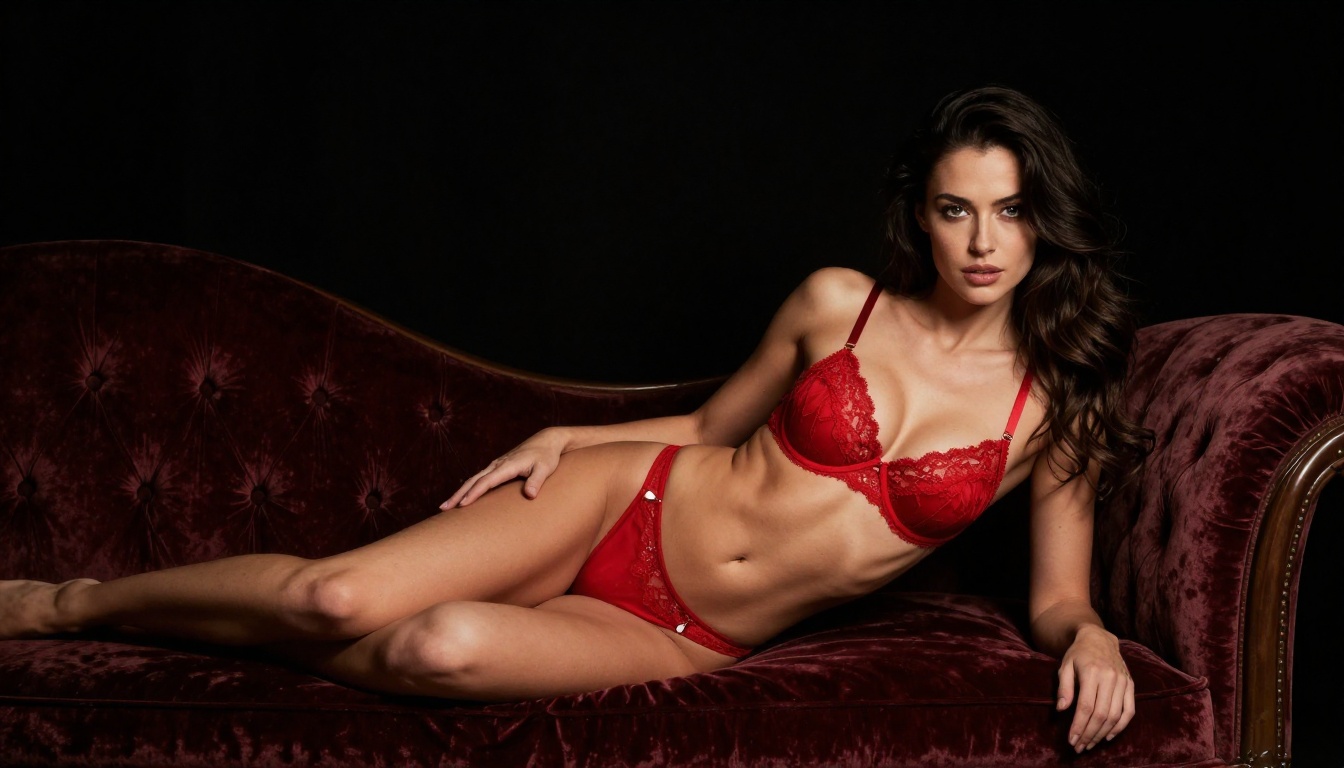
Example:
"A woman in dark lingerie seated on the edge of a bed in a warmly lit bedroom, looking toward the window → she slowly shifts her weight and begins to stand, turning her back to the camera, the fabric settling across her form as she rises. Slow tracking shot moving slightly upward as she stands. Morning light from the left window, warm and diffused, casting soft shadows across the white bedding."
Motion Sequences with Kling v3 Motion Control
Kling v3 Motion Control gives you directional motion primitives. Use these when you want specific camera behavior independent of subject motion:
- Dolly in: Camera moves toward subject while subject stays still — implies intimacy without requiring character movement
- Pan left or right: Camera swivels while maintaining the horizon — useful for revealing the environment
- Tilt up: Camera tilts upward, revealing height — works well for standing subjects
- Orbit: Camera circles the subject at a fixed radius — dramatic but high coherence risk for NSFW content
For adult content specifically, dolly-in is the most effective motion primitive. It implies intimacy without requiring the subject to move, which significantly reduces the coherence risk that comes with complex character motion.
Kling 3.5 vs Other Video Models
Before committing your workflow to Kling 3.5, it is worth knowing exactly how it compares to other available models on PicassoIA for adult content generation specifically.
For NSFW content at high quality, the Kling v3 family is unambiguously the top tier. Kling v2.6 is the strongest budget option when you need faster turnaround and can accept 720p. Kling v2.5 Turbo Pro is the right choice when you are running high-volume generation and speed matters more than absolute quality.
Start with the Right Image First
The most common mistake in AI NSFW video generation is treating the process as purely text-driven. Every professional workflow starts with a carefully prepared source image. Your video can only be as good as the frame it starts from.
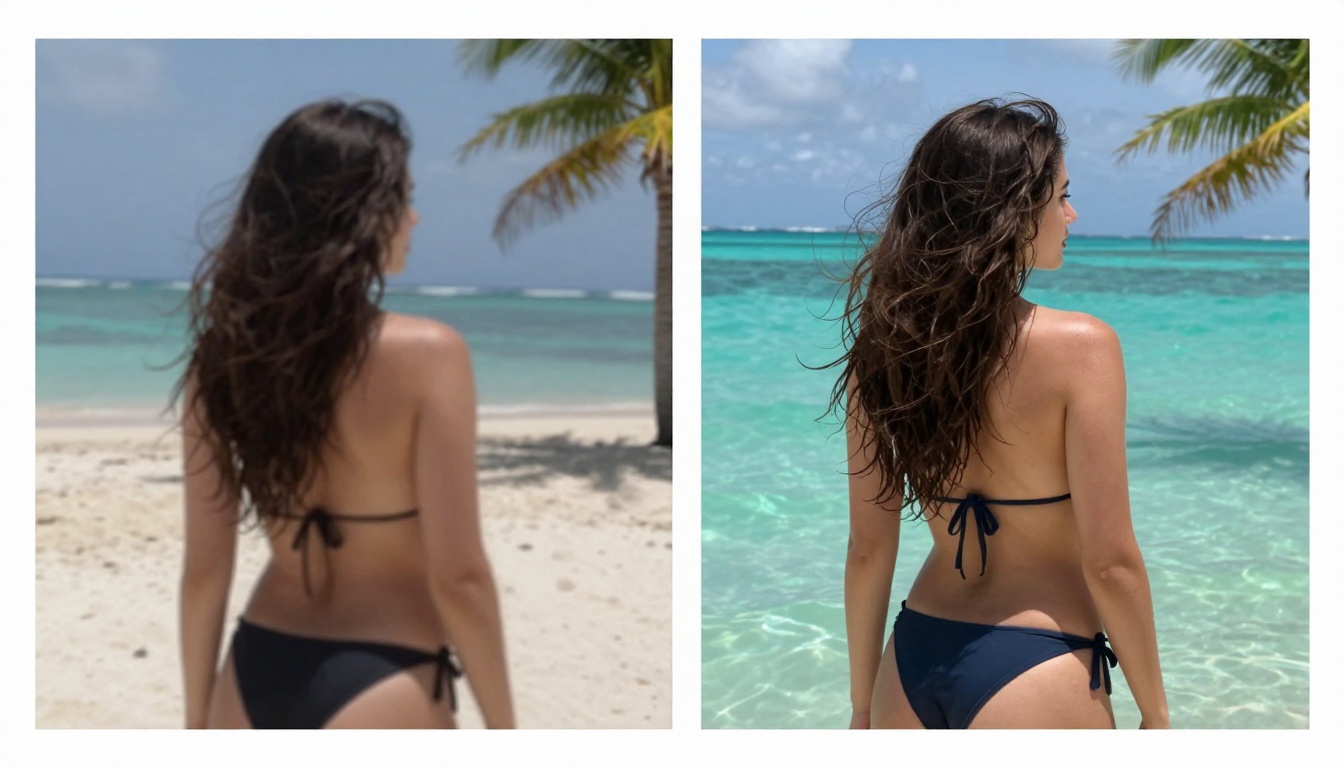
Why Your Source Image Matters
The source image establishes three things that Kling 3.5 cannot invent from a text prompt alone:
- Character identity — face, hair color, body proportions, and skin tone remain consistent with the source across all generated frames
- Lighting contract — the lighting in frame 1 becomes the baseline for all subsequent frames. Mixed lighting in the source creates flickering and inconsistency
- Environmental context — walls, floors, furniture, and props anchor the spatial model so it does not drift into impossible geometry
A generated image with realistic skin texture, correct directional lighting, and a posed figure that physically implies the intended motion gives Kling 3.5 everything it needs to produce coherent video output.
Using Seedream 5 Pro for Source Frames
Seedream 5 Pro generates 2K source images with the level of photorealism that Kling 3.5 needs for high-quality output. The model handles human anatomy, fabric drape, and complex lighting setups in a way that translates directly into better video generation results.
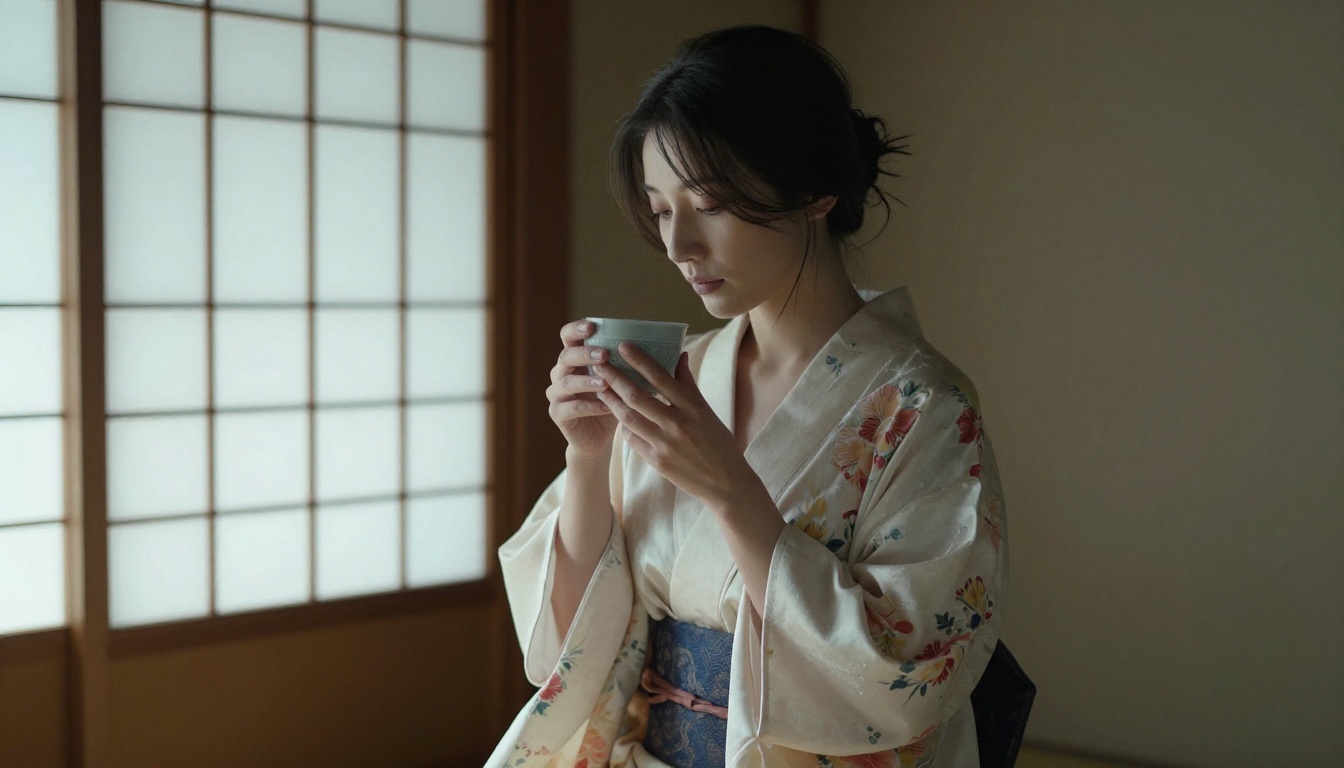
For NSFW source image generation, the workflow on PicassoIA runs as follows:
- Generate your source image with Seedream 5 Pro at 16:9 aspect ratio
- Review the image for lighting consistency, anatomical accuracy, and clean composition
- Pass the image URL directly to Kling v3 Omni Video as the starting frame
- Write your motion prompt describing what happens next, following the chronological structure covered above
This two-step process consistently outperforms text-to-video alone because the image generation step lets you perfect the character, lighting, and environment before committing video generation credits.
Getting Better Motion Results
Motion quality on Kling 3.5 is governed by two things: how clearly you describe the motion in your prompt, and how compatible your source image is with the motion you have described.
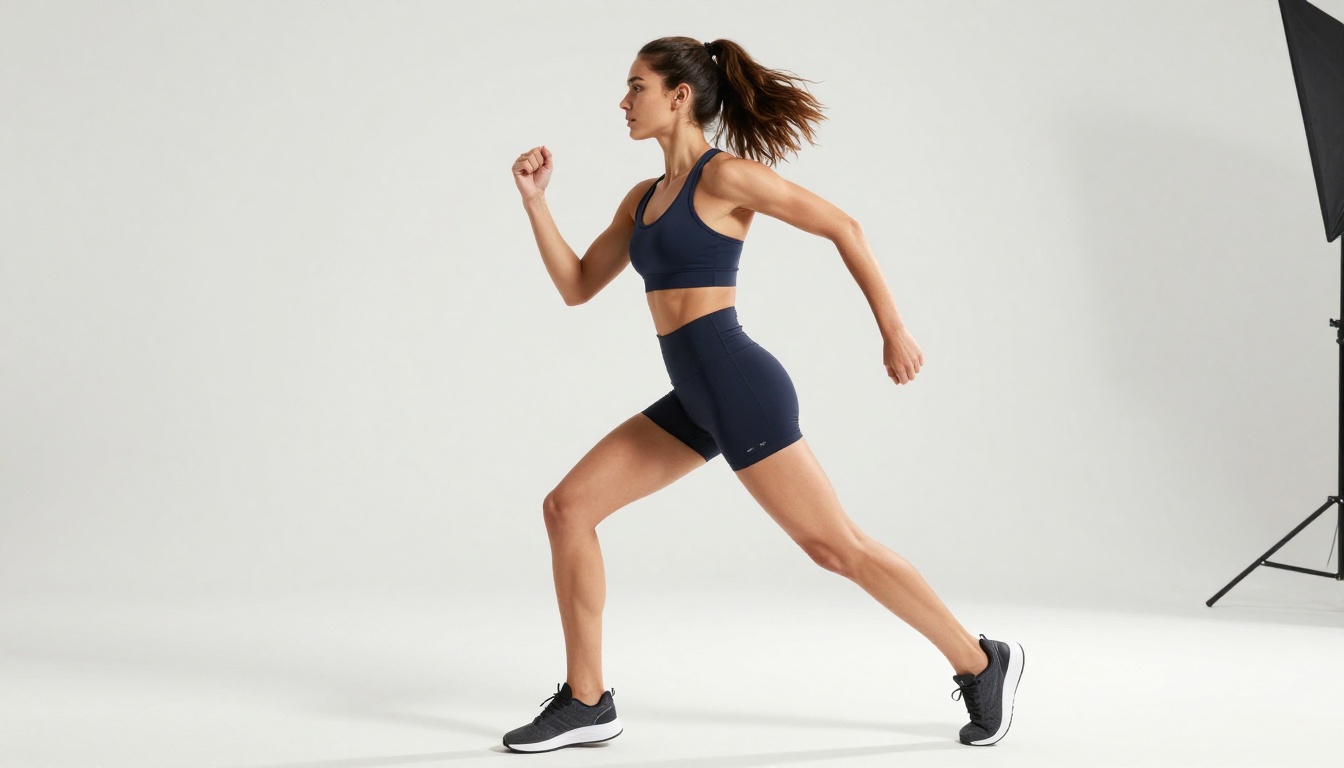
Camera Movement Prompts
Camera movement prompts are additive to your character action prompts. Write them as separate clauses at the end of your motion description:
- "camera holds static on a wide shot" — no camera movement, maximum character consistency
- "slow dolly-in from wide to medium" — camera moves toward subject while subject is still
- "gentle pan to the right following her movement" — camera tracks lateral subject motion
- "low-angle shot, camera tilting slightly upward" — establishes angle and reveals vertical space
Avoid combining multiple camera moves in one prompt (dolly-in combined with pan combined with tilt simultaneously). The model handles one camera motion instruction reliably. Two or more causes conflicts that produce unstable framing.
Character Action Prompts
Character motion prompts should be chronological. Describe the action as it unfolds in time, not as a static description of a state or result:
State description (produces poor results): "hair blowing in wind, body turning, fabric in motion"
Chronological motion description (produces good results): "she begins to turn slowly, her hair following the rotation of her head a half-second behind, the robe shifting across her shoulder as she completes the turn, her hand releasing the railing as she faces away from the camera"
The chronological format gives the model a sequence to render rather than a state to target. This single change in how you write prompts produces the largest quality improvement you can make to your Kling 3.5 output.
💡 Three-part prompt structure: Describe what happens in the first second, the second and third seconds, and the final two seconds as three separate clauses. This structure maps onto how the temporal model segments the clip during generation. Results improve measurably.
Common Mistakes That Kill Your Output
These are the five most common failure points in Kling 3.5 NSFW workflows, and what to do instead:
1. Using low-resolution source images. Any source image below 1024px wide will produce soft, artifact-heavy video output. Use Seedream 5 Pro at 2K resolution as your minimum standard.
2. Asking for too much motion. Kling 3.5 handles subtle to moderate motion better than dramatic, high-speed movement for NSFW content. Large motion arcs introduce coherence errors. Keep the action contained.
3. Ignoring the lighting direction. If your source image has window light from the left and your prompt describes studio light from above, the model will blend both, producing flickering. Match your prompt lighting to your source image lighting exactly.
4. Writing prompts that describe appearance instead of action. This is the most common mistake, covered earlier. Your prompt must describe motion, not visual attributes.
5. Running too many iterations without analyzing failures. If three consecutive generations have the same artifact (face drift in the middle of the clip, fabric behaving unrealistically, lighting shift at the halfway point), that is a signal about your source image or prompt structure, not bad luck. Diagnose before re-running.
Ready to Run Your First Clip
Every model referenced in this article is accessible through PicassoIA. The platform hosts over 87 video generation models alongside the full text-to-image library, image editing tools, voice generation, and super-resolution upscaling. For NSFW content workflows specifically, you are not patching together multiple disconnected services. Everything runs in one place, with no content restrictions and no watermarks on your output.
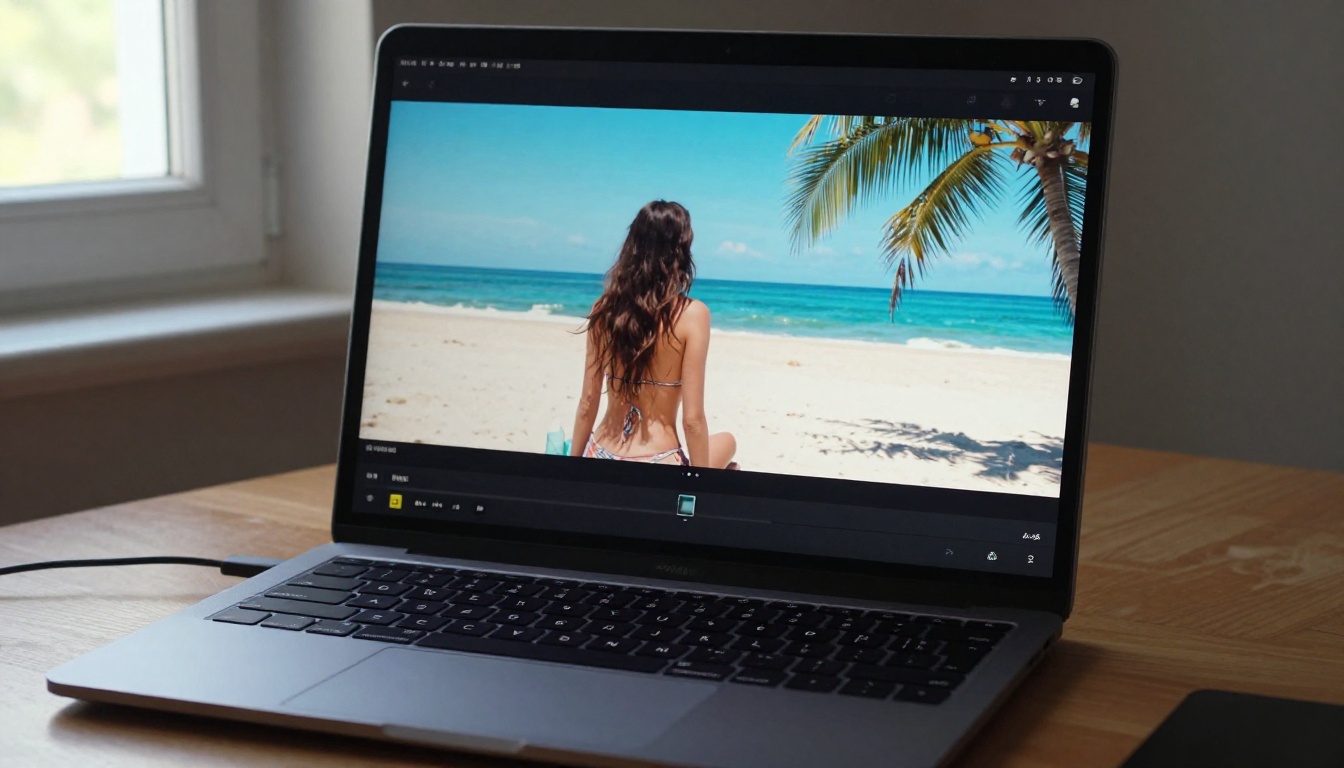
If you are ready to produce your first clip, the practical starting path is:
- Open Seedream 5 Pro and generate your source frame at 16:9
- Take the image URL into Kling v3 Omni Video
- Write your chronological motion prompt using the three-part structure
- Run at 720p first to validate the motion, then upscale your best result
The model is capable. The platform has no restrictions. The gap between you and the result you want is only the quality of your prompt construction. Use the formulas in this article, apply the refinement loop, and you will produce NSFW video output that actually looks the way you intended.
Browse the full catalog of video generation models at picassoia.com/en/all-models to see what else is available alongside the Kling 3.5 family.


