LTX 2.3 Pro from Lightricks has changed what's possible for creators who want high-resolution, uncensored AI video generation. With output up to 4K at 50fps, five distinct operating modes, and no built-in content filter, it sits at the top of the stack for anyone producing artistic, glamour, or adult-adjacent video content through AI. The mainstream generators have gotten stricter. LTX 2.3 Pro went the other direction.
This is not a surface-level rundown. By the end of this, you'll know exactly how the model works, which platform to use it on, how to structure prompts that actually produce beautiful, cinematic results, and which other tools slot in alongside it to build a proper NSFW content workflow.
What LTX 2.3 Pro Actually Does
LTX 2.3 Pro is Lightricks' most powerful video generation model to date. It was built for professionals and serious creators who need both quality and flexibility, and it delivers both without the content restrictions that make other models frustrating for suggestive or adult-themed work.
Resolution and Speed That Matter
The headline spec is 4K at 50fps. That's a significant jump from the 1080p/24fps ceiling that most competitive models operate within. The practical result is footage that holds up at full screen, in client presentations, or in uploads without any quality falloff.
But resolution isn't the only number that matters. LTX 2.3 Pro generates in seconds rather than minutes, which changes the creative workflow substantially. When you're iterating on a scene, trying different camera angles or lighting variations, wait time is friction. Eliminate the wait and you iterate faster.
Five Modes in One Interface
Most video models do one thing: text to video. LTX 2.3 Pro runs five distinct modes from the same model page:
- Text to Video: Generate from a written description alone.
- Image to Video: Use any still image as the first frame and animate forward.
- Audio to Video: Let an audio track drive the visual generation.
- Retake: Replace a specific segment of an existing video without re-rendering the whole clip.
- Extend: Append footage to the start or end of an existing clip.
For NSFW and glamour content specifically, the Retake and Extend modes are enormously useful. If a 5-second clip is almost perfect but one moment doesn't land, Retake fixes it without starting from scratch. If you want a longer sequence, Extend lets you build it incrementally rather than prompting for a long clip that may lose coherence.
Why Creators Choose LTX 2.3 Pro for NSFW
The AI video space has gotten more restrictive over the past two years. Models that once allowed suggestive content quietly added filters. Others added watermarks that make professional output impossible. LTX 2.3 Pro has moved in a different direction.
No Content Filter by Default
LTX 2.3 Pro, when used through PicassoIA, does not impose the content restrictions common on consumer-facing tools. That means prompts describing bikinis, glamour photography aesthetics, implied nudity, or artistic boudoir content are processed without being blocked or watered down. The output reflects what you actually asked for.
This matters because the workarounds required on censored platforms destroy creative momentum. Writing around filters, getting unexpected outputs, running the same prompt eight times hoping one slips through: none of that is necessary here.
Retake and Extend for Precise Creative Control
When producing suggestive or artistic content, small details determine whether a clip works. The angle of a shot. The movement of fabric. The way light falls across a subject as the camera slowly pushes in. These are not things you can fully specify in a single prompt and expect perfection on the first run.
Retake and Extend change that. You get a solid base clip, then surgically fix what isn't working. This is production thinking, not just generation. It means LTX 2.3 Pro isn't just a content creator's tool, it's a production tool.
Camera Motion Presets
The model includes built-in camera motion presets: dolly, jib, and focus-shift. For glamour and boudoir content, these three moves cover most of what you'd actually want. A slow dolly-in on a subject creates intimacy. A jib sweep creates scale and drama. A rack focus shift draws the eye. Add these to your prompt or select them through the interface and the motion itself becomes part of the creative.
Best Models for NSFW Video Generation on PicassoIA
LTX 2.3 Pro is the video centerpiece, but a full NSFW creative workflow involves more than one model. Here's the complete stack worth knowing, in order of recommendation:
- Seedream 4.5 ⭐ — The starting point for any NSFW workflow. Generates highly realistic text-to-image output and supports image editing, with results arriving in under 3 seconds. It accepts adult and suggestive content without filtering. Note that its successor, Seedream 5 Lite, does not support NSFW, so stick with 4.5 for this type of work.
- PicassoIA Image Editor Pro — The unlimited-generations option. Included in Elite and Infinite plans, it delivers img2img results in under a second with no generation cap. Generating 1,000 images costs nothing extra. A comparable volume on models like Nano Banana 2 would run around $100. Includes a free 3-generation trial with no credit card required.
- Qwen Image 2 — Open-source and highly detailed. Edit or create realistic imagery in seconds without content restrictions.
- Grok Imagine Image — Converts any photo into a suggestive format very realistically, making it a go-to for style transfer workflows.
- Recraft V4 — Text-to-image with very realistic results for artistic content.
- P-Image — NSFW-enabled, sub-1-second generation from text.
- prunaai-wan-2.2-image — Highly realistic image generation from text with no content filters.
- Wan 2.2 I2v Fast — Turns your static source images into smooth animated clips. Pairs perfectly with Seedream 4.5 stills as source material.
- PicassoIA Video — Unlimited text-to-video generation at up to 720p, 5 seconds per clip. No generation cap.
- P-Video — Text, image, or audio to video at up to 1080p. Safety filter is disabled by default. Draft mode delivers instant low-res previews.
- Grok Imagine Video — Up to 15-second clips from text, image, or existing video. No watermarks. 720p or 480p output.
- LTX 2.3 Pro — The highest-fidelity output: up to 4K at 50fps, with Retake and Extend for precise post-generation control.
💡 PicassoIA advantage: Unlike mainstream AI platforms, PicassoIA's models don't restrict adult and suggestive content. The full lineup of uncensored models is at picassoia.com/en/all-models.

How to Use LTX 2.3 Pro on PicassoIA
PicassoIA hosts LTX 2.3 Pro directly. No API setup, no local GPU required. Here's how to get from zero to output in a single session.
Step 1: Open the Model Page
Go to the LTX 2.3 Pro page on PicassoIA. You'll see the mode selector at the top. Choose Text to Video if you're working from a written prompt, or Image to Video if you already have a still from Seedream 4.5 or another image generator.
Step 2: Choose Your Mode
For NSFW video generation, the two most useful starting modes are:
- Image to Video: Start with a carefully generated still from Seedream 4.5. You already control the first frame, so the video generation only needs to animate forward from a composition you've already approved.
- Text to Video: Works well for establishing shots, wide-angle scenes, or when you want to experiment before committing to a specific first frame.
Step 3: Write Your Prompt
The prompt structure that consistently produces high-quality results follows this pattern:
[Subject + starting position or pose] + [motion description over time] + [camera movement] + [lighting and atmosphere]
Keep the motion description chronological. Describe what happens in the clip's first second, then what happens in seconds 2-5. The model responds well to directional, sequential motion language.
Step 4: Set Resolution and Output Parameters
Select 4K for final output or 1080p for fast iteration. If you're still testing prompt variations, 1080p generates faster and you can use the Retake mode to fix issues before upgrading to 4K for the final render.
Use the dolly-in camera preset for intimate close-up content. Use jib for establishing shots with more cinematic scale.
Prompts That Actually Produce Results
The biggest difference between mediocre and excellent AI video output comes down to prompt quality. Most people write too vaguely. The model is capable of far more than what a five-word prompt will get you.
The Structure That Works
Break your prompt into four layers:
- Subject: Who is in the frame, what they look like, what they're wearing.
- Action and motion: What happens over the 5 seconds, described chronologically.
- Camera: What the camera does (slow dolly-in, gentle pan left, static hold, rack focus).
- Atmosphere: Lighting type and direction, time of day, ambient mood.
A well-structured prompt looks like this:
"A woman with long dark hair in a satin burgundy bikini top, seated on velvet furniture, slowly turning to face the camera with a composed expression as a soft dolly pushes in, warm volumetric light from the left casting gentle shadows across her collarbone, Kodak Portra 400 aesthetic, cinematic, photorealistic"
That's specific, layered, and chronological. The model knows the subject, the motion arc, the camera's behavior, and the visual tone.
What Not to Include
Avoid these in your prompts:
- Abstract emotional language: Words like "sensual" or "passionate" don't give the model anything spatial or temporal to work with. Describe the visual, not the feeling.
- Multiple unrelated subjects: One subject, one scene. Complexity in the subject description reduces coherence in the motion.
- Contradictory style instructions: Mixing "photorealistic" with "painterly" or "cinematic" with "animated" will produce incoherent output. Pick one visual language and commit to it.
💡 Tip: Start from a Seedream 4.5 still image and use Image to Video mode. The first frame is already perfectly composed, so you only need to describe the motion.
5 Ready-to-Use Prompt Templates
These templates produce reliable, high-quality output in LTX 2.3 Pro. Copy, adapt the subject description, and run.
Template 1: Close-Up Glamour
"Beautiful woman with [hair color and style] wearing [minimal description of clothing], slowly turning her gaze toward the camera, soft smile forming, static camera with very slight push-in, volumetric morning light from left, 85mm cinematic, photorealistic, Kodak Portra 400"
Template 2: Poolside Summer
"A woman in a [color] bikini lying on white lounger beside a turquoise infinity pool at golden hour, the camera slowly rises in a gentle jib move revealing the sea horizon, light breeze lifting her hair slightly, photorealistic, natural sunlight from the right, 24fps cinematic"
Template 3: Boudoir Interior
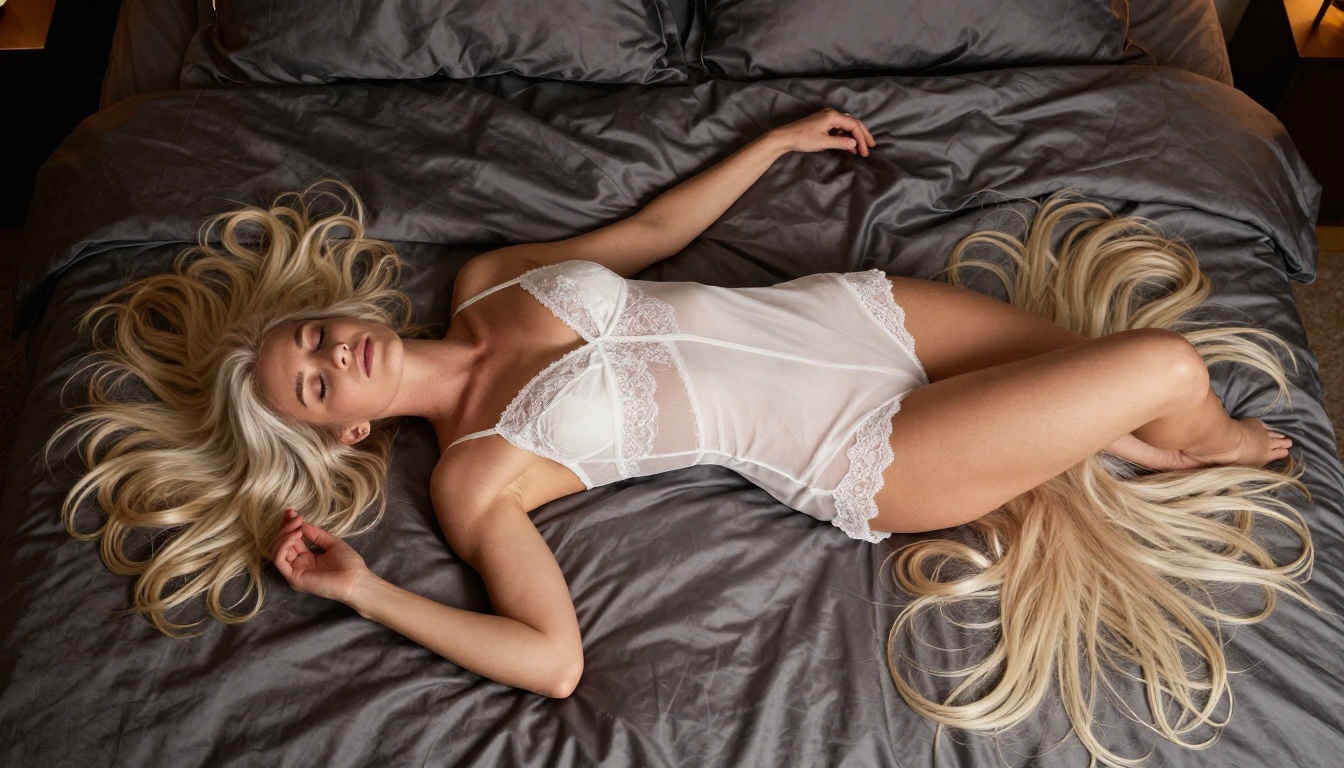
"Woman in sheer white [garment] reclining on dark silk sheets in a dimly lit luxury bedroom, the camera performs a slow dolly-in from medium shot to close-up on her face, soft ambient lamp light from below-frame, peaceful expression, photorealistic, Kodak Portra 400 grain"
Template 4: Outdoor Cliffside
"Beautiful woman in translucent white linen dress standing on Mediterranean terrace overlooking deep blue sea, late afternoon golden backlight creating a soft rim halo around her figure, the camera holds static then slowly pans right to reveal the sea view, photorealistic, 4K, 50fps"
Template 5: Studio Fashion
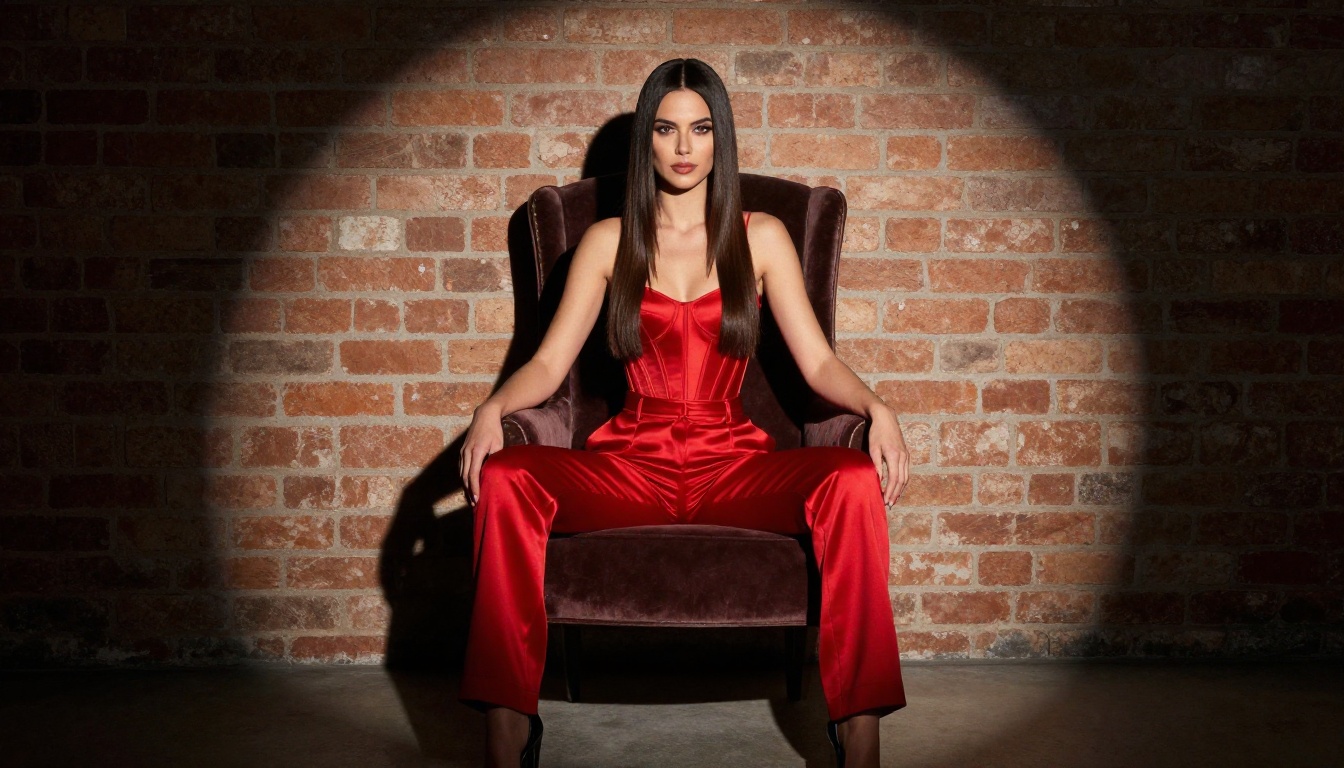
"Confident woman wearing [description] seated in minimalist studio, single overhead spotlight creating dramatic shadow pool, the camera starts wide and slowly pushes into a medium close-up as she tilts her chin slightly, photorealistic, editorial, cinematic grain"
Models Worth Pairing With LTX 2.3 Pro
LTX 2.3 Pro does video. The workflow gets more powerful when you integrate image generation models before the video step.
For Still Image Creation First
Generate your source images in Seedream 4.5 before running Image to Video in LTX 2.3 Pro. Seedream 4.5 produces the exact first frame you want, with full control over pose, lighting, clothing, and composition. Then feed that image directly into the Image to Video mode. The first frame is locked in, and the video generation handles the motion.
For volume work, PicassoIA Image Editor Pro removes the cost concern entirely. Generate hundreds of source images at no extra cost on an Elite or Infinite plan, then batch those into video sequences using LTX 2.3 Pro.
Grok Imagine Image is worth using when you want to transform an existing photo into a more suggestive format before animating it. The style transfer is very realistic.
For Speed and High Volume
When you need fast turnaround on multiple clips, here's how the options compare:
Use P-Video or PicassoIA Video for rapid drafts and iteration. Use LTX 2.3 Pro for the final, high-resolution renders.

Real Results Across Different Styles
LTX 2.3 Pro performs well across a range of NSFW-adjacent content types. Here's what to expect from each.
Glamour and Boudoir
This is where LTX 2.3 Pro is strongest. The model handles fine fabric textures, skin highlights, and slow camera movements with consistent quality. Close-up boudoir content, silk sheets, ambient bedroom lighting: these prompt elements translate directly into detailed, photorealistic video output. Use the dolly-in camera preset and keep the motion slow. Fast motion in boudoir scenes almost always reduces quality.
Lifestyle and Fashion
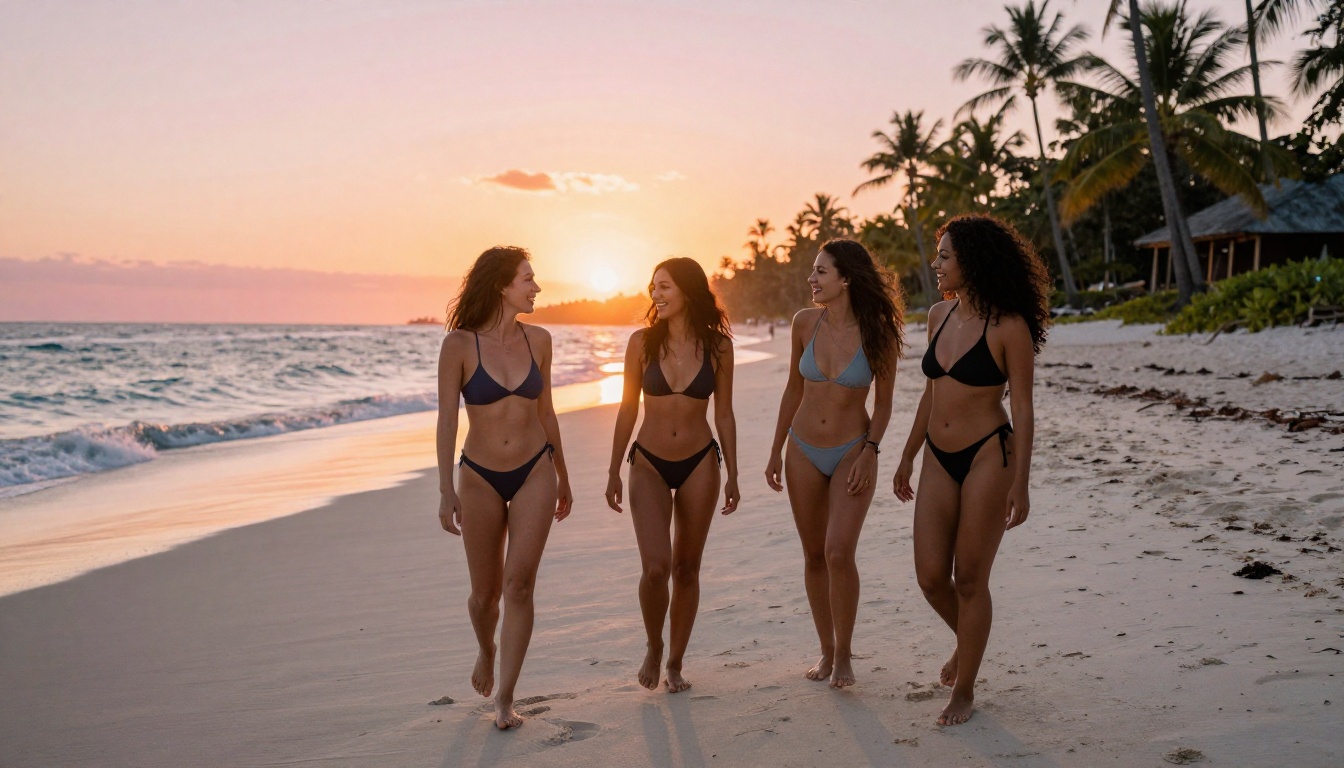
For outdoor lifestyle content, beachside scenes, poolside glamour, or Mediterranean terrace shoots, LTX 2.3 Pro handles natural light beautifully. Describe the light source, direction, and quality in the prompt, and the model places it accurately. The jib camera preset works very well here: it creates a sense of scale and openness that suits outdoor settings.
For multi-subject scenes, Seedance 2.5 and Kling v3 Video are worth exploring as alternatives, though neither matches LTX 2.3 Pro's resolution ceiling.
Artistic and Implied Nudity
Artistic content, implied nudity, or figure study material is where the absence of content filtering makes the biggest practical difference. Without a filter, prompts don't need to be written around restrictions. Be direct in describing what you want visually. The model interprets photorealistic descriptors accurately.
Use Qwen Image 2 for source image generation when working in this space. Its open-source architecture makes it one of the most flexible options for detailed, uncensored still images, which then become your LTX 2.3 Pro first frames.
For video generation that doesn't need 4K, P-Video is an excellent choice. Its safety filter is disabled by default, outputs reach 1080p, and the draft mode lets you preview a low-res version instantly before committing to the final render.
Start Creating on PicassoIA
LTX 2.3 Pro is available now, and the real workflow starts by combining it with Seedream 4.5 for source images, PicassoIA Image Editor Pro for unlimited volume, and faster video models like P-Video for rapid iteration.
The entire stack is available in one place, with no API keys, no local hardware, and no content filters blocking what you actually want to create.
Start with a free trial of PicassoIA Image Editor Pro (3 generations, no credit card required), generate your first source images in Seedream 4.5, and run your first clip through LTX 2.3 Pro. The full catalog of uncensored models is at picassoia.com/en/all-models.


