Adult AI video generation has entered a new era. Seedance 2.0 by ByteDance is one of the few models that handles suggestive, sensual, and adult-adjacent content with cinematic quality, built-in native audio, and no heavy-handed filters blocking your output. If you want realistic NSFW video from a text prompt or an existing photo, this is the model to know.
The workflow inside PicassoIA is direct: generate a high-quality source image, animate it with a motion prompt, and download a 1080p video with native audio already baked in. This article breaks down every step.

What Seedance 2.0 Actually Is
The technology behind it
Seedance 2.0 is ByteDance's second-generation text-to-video and image-to-video model. It runs at up to 1080p resolution, generates clips up to 10 seconds long, and was specifically designed around realistic human motion, fabric physics, and facial expression fidelity.
Compared to its predecessor Seedance 1 Pro, the 2.0 generation introduces three critical improvements for NSFW work:
- Native synchronized audio generated automatically alongside the video
- Higher temporal consistency, meaning faces, body proportions, and clothing stay stable across all frames
- Better skin and surface texture rendering even at high motion speeds
The model family also includes Seedance 2.0 Mini for fast draft iterations and Seedance 2.0 Fast when you need quick output before committing to a full render.
NSFW vs explicit content
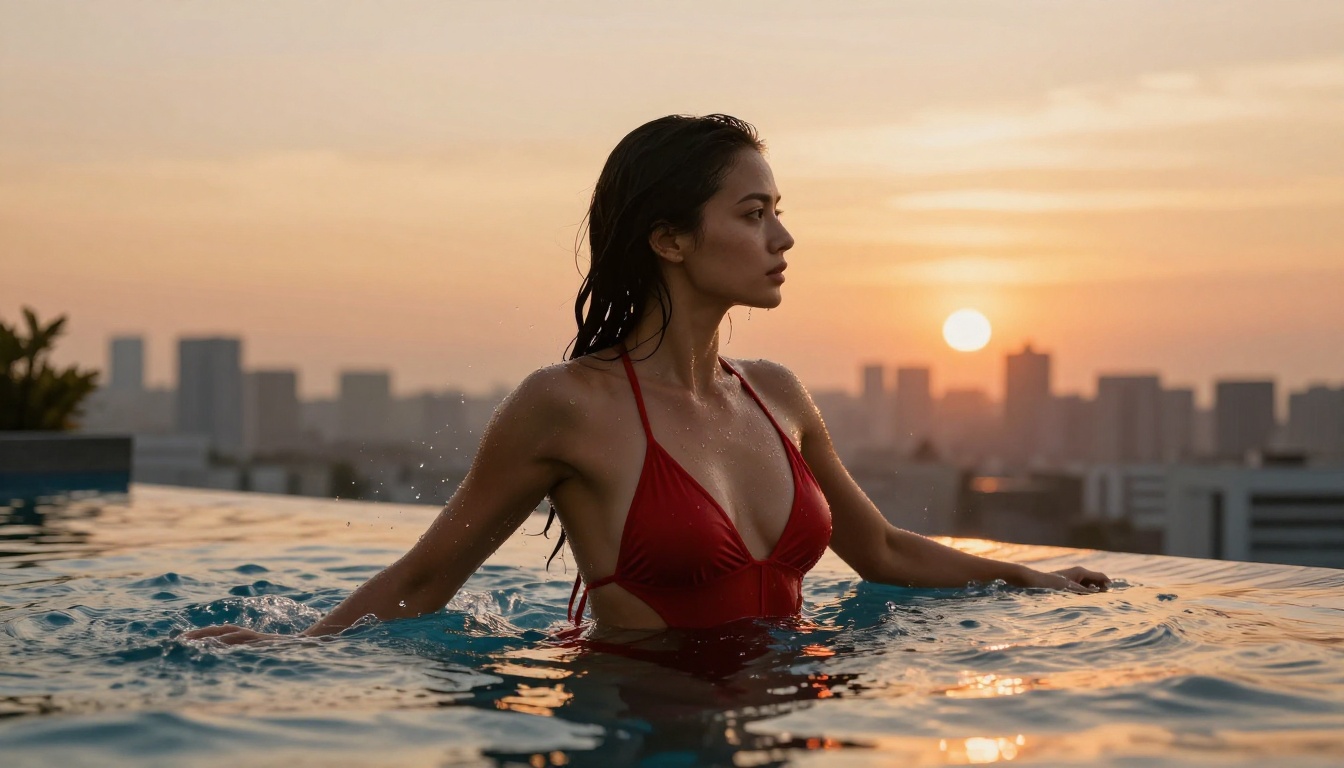
There is an important distinction in AI video: NSFW and explicit are not the same thing. Seedance 2.0 operates in the NSFW space, producing suggestive, glamour-level, and artistic adult content. This includes lingerie, bikinis, implied artistic nudity through sheer fabric or shadow, sensual movement, and close-up beauty shots.
It is not a fully uncensored model in the explicitly pornographic sense. But for high-quality adult content production requiring aesthetic quality, realistic skin rendering, and professional motion, it produces results that most other mainstream video AI tools will refuse to generate at all.

Why Seedance 2.0 Works for Adult Content
No hard filter walls
Most mainstream AI video platforms apply aggressive content filtering that blocks anything remotely suggestive. Writing a prompt with "lingerie" or "bikini" can trigger an automatic rejection. Seedance 2.0 on PicassoIA does not operate that way. You write your prompt, you get your output. The production workflow is actually usable.
This matters more than it sounds. When you are producing adult content at volume, having to fight the moderation system on every generation destroys productivity. Seedance 2.0 removes that friction entirely.
Native audio sync
The built-in audio generation is a practical advantage that separates Seedance 2.0 from older NSFW-capable models. The model generates contextually appropriate ambient sound alongside each video: fabric rustling, ambient room tone, water sounds, or environmental noise. For content creators building assets for subscription platforms or social distribution, this saves a separate audio production step.
💡 Pro tip: Get better audio results by describing sound-producing actions explicitly in your prompt. "Silk robe sliding off shoulder with fabric rustle" produces much better audio sync than a generic movement description.
Temporal consistency for body content
Adult content generation has historically suffered from frame-to-frame degradation: faces that morph between cuts, limbs that distort at high motion speeds, clothing that clips through skin. Seedance 2.0 addresses this directly. Body proportions, facial features, and clothing behavior stay consistent across the full clip duration, making it viable for longer motion sequences involving the human form.

Start with the Right Source Image
For image-to-video NSFW production, your source image determines roughly 80% of your final output quality. The model animates what you give it.
Use Seedream 5 Pro first
The highest-quality pipeline for NSFW video on PicassoIA starts with image generation, not text-to-video. Generate your source frame using Seedream 5 Pro, ByteDance's top-tier text-to-image model. It outputs 2K photorealistic images with excellent skin detail, realistic fabric rendering, and consistent facial features across generations.
Recommended workflow:
- Generate your source image in Seedream 5 Pro using a detailed prompt
- Copy the image URL
- Open Seedance 2.0 in image-to-video mode
- Paste the image URL as your starting frame
- Write a motion prompt describing the movement in the clip
This approach gives you precise control over the subject's appearance, a level of consistency that pure text-to-video cannot replicate.
What makes a good source image
The best source images for NSFW video share these characteristics:
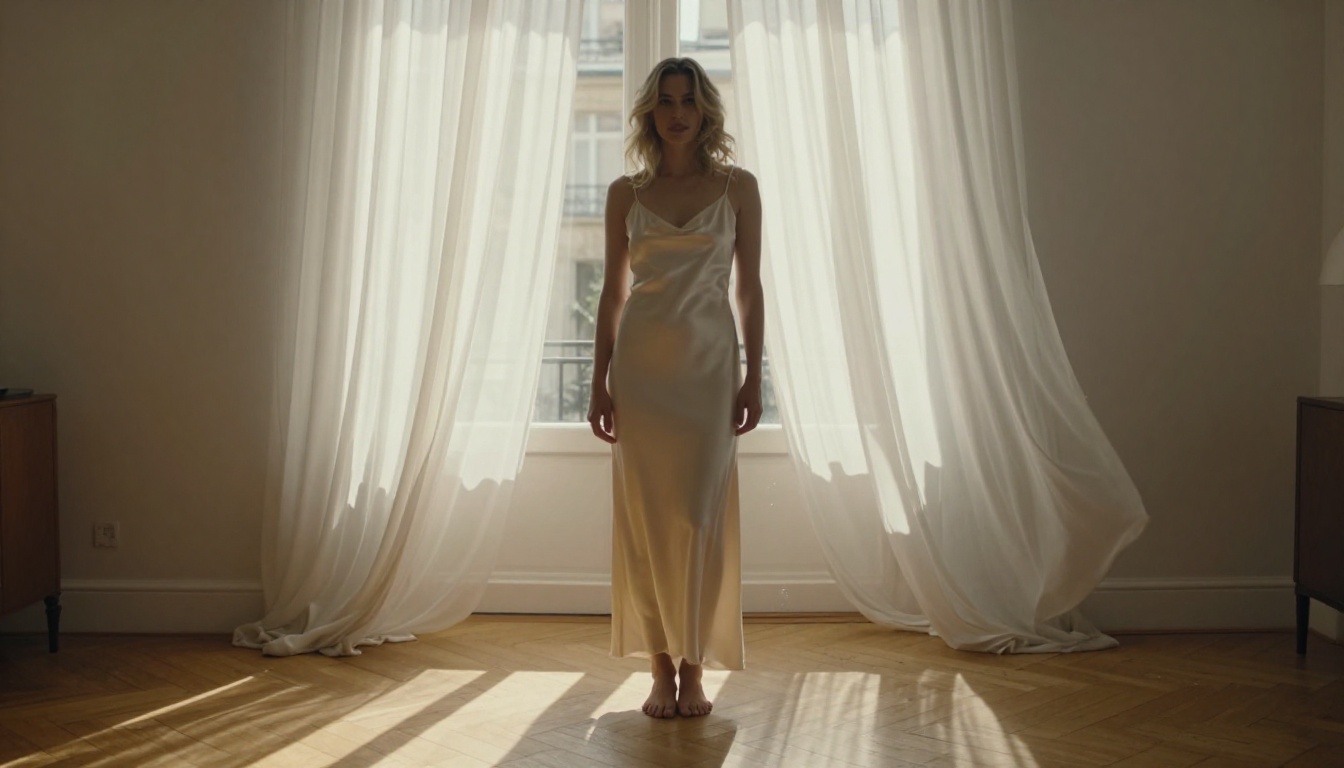
- Clear, uncluttered subject with a simple background that won't compete with the motion
- Stable, even lighting that will read naturally once the scene is animated
- Neutral or relaxed starting pose that can transition smoothly into movement
- No text or overlaid graphics since these distort unpredictably during video generation
- 16:9 aspect ratio matching the target video format
Avoid images where the subject is already mid-action or has motion blur. The model needs a stable starting frame to anchor the animation.

How to Use Seedance 2.0 on PicassoIA
Open and configure the model
Navigate to Seedance 2.0 on PicassoIA. The input panel offers both text-to-video and image-to-video modes. For NSFW content, always select image-to-video and provide your Seedream 5 Pro image URL as the reference frame.
Set resolution to 1080p. The skin texture, fabric detail, and lighting nuances that make adult content look premium only register at higher resolution. Use 720p for drafts only.
Write your motion prompt
The motion prompt tells Seedance 2.0 what happens during the clip. For glamour and NSFW content, structure your prompt as:
[Subject starting position] + [primary motion] + [camera movement] + [lighting and atmosphere]
Working example for a bedroom shot:
"Woman in black silk lingerie seated on velvet bed slowly turns toward camera, fabric draping naturally over her leg, hair shifting with the turn, slow dolly-in from mid-shot, warm amber lamplight from the right, intimate quiet atmosphere"
The prompt must be explicit about which element moves first, at what speed, and how the camera behaves. Vague prompts produce vague motion.
Iterate before the final render
Before submitting a full 1080p generation, draft your motion prompt on Seedance 2.0 Mini first. The Mini variant produces output in seconds, letting you test whether your prompt logic works before spending time on a full render.
Once the motion reads correctly in the draft, move to the full Seedance 2.0 for the final 1080p output.

Writing NSFW Prompts That Produce Results
Structure that works
NSFW video prompts require deliberate thinking about what the camera sees at each moment in the 5-10 second clip, not just what the subject does abstractly.
| Prompt Element | Purpose | Example |
|---|
| Starting frame | Defines the opening visual state | "Woman lying on white silk sheets..." |
| Primary motion | The one main action in the clip | "...slowly sits upright, turning..." |
| Body detail | Which specific element moves | "...hair cascading over bare shoulder..." |
| Camera movement | How the viewer's perspective shifts | "...medium shot slowly pulls back..." |
| Lighting | Atmosphere and visual mood | "...morning light from the left..." |
| Audio cue | What ambient sounds are present | "...quiet room, soft fabric movement" |
Writing all six elements into a single coherent prompt produces the most consistent results. The model reads prompts linearly and responds directly to specificity.
Common prompt mistakes
These patterns reliably produce poor NSFW video quality in Seedance 2.0:
- Using generic adjectives ("beautiful," "sexy") without physical context
- Describing multiple simultaneous actions, as the model cannot process them cleanly
- Contradictory lighting setups in the same prompt
- Asking for transitions between two completely different settings in a single clip
- Over-specifying technical camera terms without context
💡 Rule of thumb: One action per prompt. One camera move per prompt. One lighting setup per prompt. Build complex sequences by generating multiple focused clips and editing them together.
Seedance 2.0 vs Other Video Models
Not every NSFW-capable video model produces the same results. Here is a comparison of the main alternatives available on PicassoIA:
For NSFW-specific production, the Seedance 2.0 family is the pragmatic choice. The combination of high content tolerance, native audio, 1080p output, and consistent body rendering is not replicated by any other single model in this comparison.
Additional Models Worth Pairing With Your Workflow
For longer-form content
Seedance 2.5 is the newer generation model supporting up to 30-second clips. If you need longer motion sequences beyond what Seedance 2.0 offers, it is the natural next step within the same model family and maintains the same high NSFW tolerance.
For alternative motion styles
Kling v2.6 and Wan 2.7 I2V both produce cinematic motion with different stylistic characteristics. Some adult content creators use these as complements to Seedance 2.0, generating stylistically varied clips from the same source image to increase output variety.
For face-focused content
If facial consistency is the priority, Seedance 1 Pro sometimes produces more natural subtle expressions than its successor. Worth testing both on the same source image when face accuracy matters above all else.
💡 Browse all 87+ video generation models at picassoia.com/en/all-models. New NSFW-capable models are added regularly as ByteDance and other providers release updates.
3 Mistakes That Ruin NSFW AI Video
Skipping the source image step
Using pure text-to-video for NSFW content produces inconsistent results. The model has no visual reference for your subject, so body appearance, clothing, and facial features drift between generations. Always start with an image from Seedream 5 Pro. The extra 30 seconds this step takes produces measurably better, more consistent output every time.
Muting the audio output by default
Seedance 2.0 generates native audio, and most users ignore it entirely. For adult content with ambient sounds, clothing movement, or environmental audio, this is a meaningful quality differentiator. Include audio cues in your prompt and check the output audio before deciding to remove it.
Over-prompting a single generation
Complex multi-action prompts do not produce complex multi-action videos. They produce confused, jerky, inconsistent motion. Keep each prompt focused on one clear primary movement. Build more complex sequences by generating multiple focused clips and editing them together in post.
Create Your First NSFW Video Now
The full pipeline runs directly in your browser on PicassoIA. No GPU required, no software to install, no model downloads. You get immediate access to Seedance 2.0 alongside Seedream 5 Pro for source image generation, and the complete library of 87+ video models for ongoing experimentation.
Start with one source image, one focused motion prompt, and one draft on Seedance 2.0 Mini. See how the model interprets your instructions. Adjust the prompt, refine the motion description, and then move to the full Seedance 2.0 for your final 1080p output.
The complete model library is at picassoia.com/en/all-models, updated regularly with new NSFW-capable tools. That is where serious adult AI video production starts.