Seedance 2.5 is one of the most capable text-to-video models available right now, and for creators working with adult content, the question is always the same: which platform actually lets you use it without censorship walls stopping you mid-generation? This article covers exactly how Seedance 2.5 handles NSFW prompts, which platforms support unrestricted output, and what separates a mediocre result from something genuinely worth keeping.

What Seedance 2.5 Actually Offers
ByteDance's Seedance 2.5 is not a minor update. It ships with native synchronized audio, supports clips up to 30 seconds, and operates at resolutions that hold up on large screens. The model takes both text prompts and reference images as input, which means you can anchor a specific face, body type, or environment and animate it forward.
30-Second Clips with Native Audio
Most video generation models cap output at 5 to 10 seconds. Seedance 2.5 pushes that ceiling to 30 seconds, which is long enough to tell a short story or establish a scene properly. The native audio layer is baked in rather than added as a post-processing step, so ambient sound, music, or environmental effects arrive synchronized to the visual content without the misalignment problems that plague models treating audio as an afterthought.
Resolution and Quality at Scale
The model outputs at resolutions reaching 1080p, and the motion quality holds together even in fast-movement sequences. Cloth simulation, hair physics, and skin texture all behave with a realism that earlier Seedance versions struggled to maintain. Temporal consistency, meaning how well the subject looks the same from frame to frame, is substantially better than competing models at similar price points.
How the Model Processes Adult Prompts
The critical thing to know is that Seedance 2.5 itself does not block adult content at the model level. Whether you get uncensored output depends entirely on the platform you access it through. A platform with a safety filter sitting between your prompt and the model will intercept the request. A platform without that filter passes your prompt directly. Choosing the right access point is, therefore, the most important decision you make before you start generating.

If you try to access Seedance 2.5 through a platform that enforces content policies, you will hit a wall. The prompt gets flagged, the generation fails, and you lose your credit. This is a workflow problem that wastes time and money. The solution is straightforward: use a platform that was built without those restrictions from the start.
Why Platform Choice Matters
Mainstream platforms often apply safety layers built for general consumer audiences. These filters use keyword detection, semantic analysis, and post-generation content review to block material they classify as inappropriate. For creators working in the adult content space, this is not a technical limitation of the model itself. It is a business decision made by the platform, and you can bypass it entirely by switching to a provider that made a different decision.
PicassoIA's Advantage
PicassoIA gives direct access to Seedance 2.5 without the content filtering that blocks adult prompts on other platforms. Both the standard version and the free tier, Seedance 2.5 Lite, are available. The platform was built for creators who need full control over what they generate, which means the safety filter is not running between your input and the model.
💡 Worth knowing: Seedance 2.5 on PicassoIA supports clips up to 30 seconds with native synchronized audio. The Lite version offers the same model at no cost, making it practical to test prompts before committing to a full-length generation.

Best NSFW Models on PicassoIA
Video generation is only part of the picture. Most creators working with adult AI content need images too, whether for reference frames, scene planning, or standalone visual content. PicassoIA maintains a catalog of models specifically selected for their lack of content restrictions. Here is the full recommended lineup, ordered by performance and value.
Top Pick: Seedream 4.5
Seedream 4.5 is the best all-around model for NSFW image generation right now. It accepts adult content without filtering, produces photorealistic results that hold up at full screen size, and generates in under 3 seconds per image. It also supports image editing, so you can take an existing photo and modify specific elements rather than starting from scratch every time. The successor model, Seedream 5 Lite, does not support NSFW content, so do not use it for this purpose.
High-Volume Work: PicassoIA Image Editor Pro
PicassoIA Image Editor Pro is the right tool when you need volume. It is an image-to-image model included in the Elite and Infinite subscription plans with unlimited generation. That means 1,000 images costs the same as 10. For context, generating that same volume on a pay-per-image model like Nano Banana 2 would run around $100. Here, it is included. Results arrive in under one second, it accepts NSFW content, and there is a free trial of 3 generations with no credit card required.
The Full NSFW Model Catalog
| # | Model | Type | Speed | Main Strength |
|---|
| 1 | Seedream 4.5 | Text-to-Image + Edit | Under 3s | Best realism, also edits images |
| 2 | PicassoIA Image Editor Pro | Image-to-Image | Under 1s | Unlimited on Elite/Infinite plans |
| 3 | Qwen Image 2 | Text-to-Image + Edit | Fast | Open source, very detailed realism |
| 4 | Grok Imagine Image | Image-to-Image | Fast | Realistic bikini conversions |
| 5 | Recraft V4 | Text-to-Image | Fast | Very realistic output (text only) |
| 6 | P-Image | Text-to-Image | Under 1s | NSFW support, instant output |
| 7 | PicassoIA Video | Text/Image-to-Video | Standard | Unlimited video, up to 720p/5s |
| 8 | P-Video | Text/Image/Audio-to-Video | Fast | Up to 1080p, safety filter off by default |
| 9 | Grok Imagine Video | Text/Image-to-Video | Standard | Up to 15 seconds, no watermarks |
| 10 | LTX 2.3 Pro | Text/Image/Audio-to-Video | Standard | Up to 4K/50fps, retake and extend |
💡 Note on Seedream 5 Lite: Do not use it for NSFW content. ByteDance added content filtering to that version. Seedream 4.5 is the correct choice for adult image generation.

How to Use Seedance 2.5 on PicassoIA
The workflow is shorter than most creators expect. There are three steps that matter, and skipping any one of them is the primary reason people end up with mediocre outputs.
Step 1: Write a Prompt That Specifies Motion
The biggest mistake creators make with video generation is writing prompts the same way they write image prompts. A static description of a woman standing in a room will produce a nearly static video. You need to describe what moves, how it moves, and over what timeframe.
Effective motion descriptions include:
- Camera movement: slow dolly-in, gentle pan left, handheld tracking shot
- Subject movement: hair lifting in a breeze, slow turn toward camera, fabric shifting with breath
- Environmental motion: waves moving behind the subject, curtains swaying, light shifting across the room
- Temporal arc: what changes between the first second and the last second
A prompt that combines all four layers will produce a video that feels intentional rather than accidentally animated.
Step 2: Anchor With a Reference Image
Seedance 2.5 accepts an image as a first frame. This is where the image generation models become most valuable. Generate your ideal starting frame with Seedream 4.5 or P-Image, get the subject looking exactly right, then pass that image to Seedance 2.5 as the anchor. The model will animate forward from that frame, preserving the face, body, clothing, and environment you established in the image.
This approach gives you far more control than pure text-to-video, where the model decides what the subject looks like.
Step 3: Iterate on Duration and Resolution
Start with shorter clips at 720p. If the motion quality and subject consistency are where you need them, push to 1080p and extend the duration. This saves credits because the most common failure mode is a longer clip where the subject drifts or the background breaks down in the second half. Catch those problems at 5 seconds before generating a 30-second version.

Prompt writing for NSFW video is its own skill set. The rules differ from mainstream content because you are working with subjects and scenarios that require more precision to avoid generic outputs.
The 5-Part Prompt Structure
Build every prompt with these five layers in order:
- Subject description: physical appearance, age presentation, clothing or lack of it, expression, body position
- Environment: location, time of day, props, background details
- Lighting: direction, quality (hard versus soft), color temperature, shadows
- Camera: angle, distance, lens character (wide, telephoto, macro)
- Motion: what moves, camera behavior, pacing, what changes over the clip duration
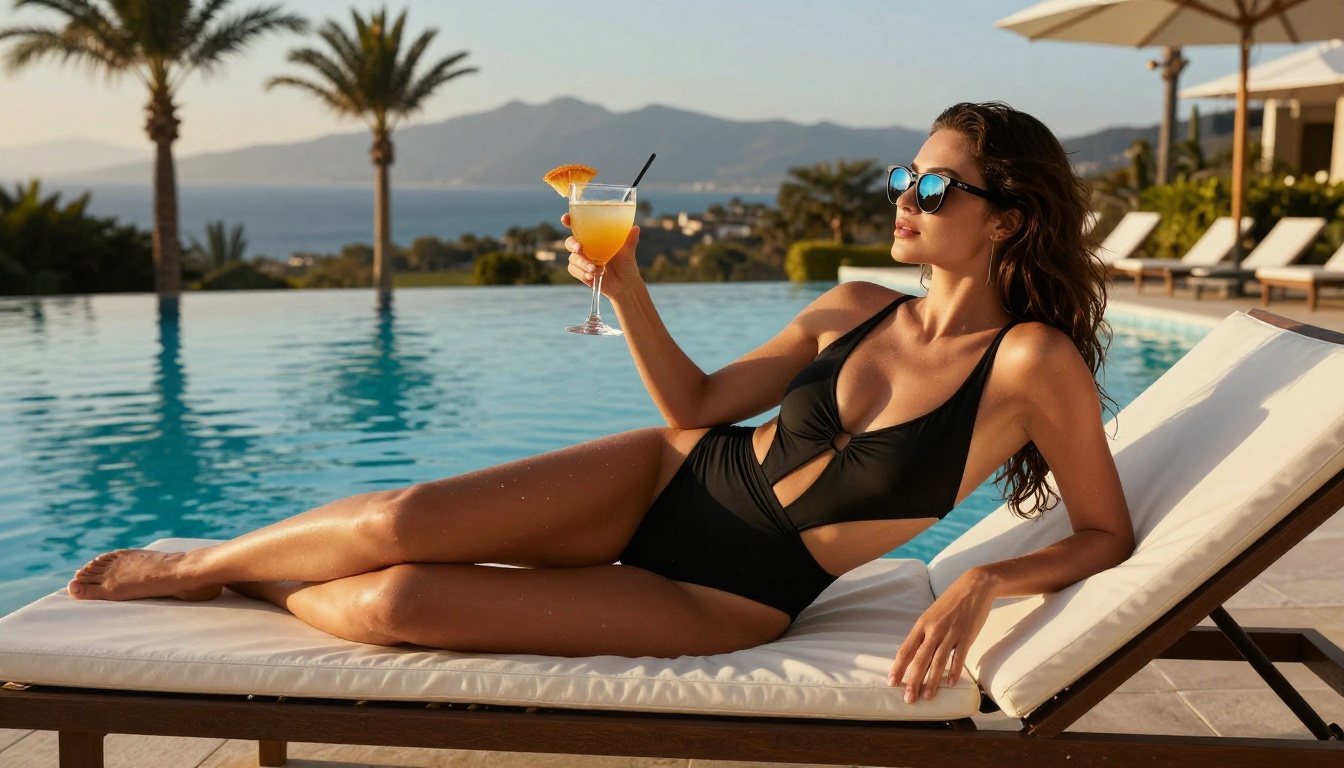
A complete prompt using this structure for a beach scene might look like: "A tall woman with long dark hair and a deep tan, wearing a white string bikini, standing at the waterline of a white sand beach at golden hour. Warm backlight creates a rim highlight around her figure. Loose hair lifts gently in the sea breeze. Camera pulls slowly back, revealing the full beach scene. The expression shifts from looking down at the water to glancing directly at the camera with a slight smile. Waves advance and retreat behind her as the clip progresses."
That prompt gives the model six distinct instructions. Compare it to "beautiful woman on a beach" and the quality difference in output is not subtle.
What Kills Your Generation
Avoid these common errors:
- Vague motion cues: "dancing" or "moving" tells the model nothing. Describe the specific movement.
- Conflicting environment details: indoor lighting described with an outdoor background confuses the motion model.
- Too many subjects: Seedance 2.5 handles single subjects better than group scenes, especially for NSFW content.
- Abstract descriptions: "sensual atmosphere" is not a motion instruction. Describe what creates that atmosphere physically.
- Overloading the prompt: more than 150 words and the model starts dropping elements. Prioritize and cut.
Prompt Templates Worth Keeping
Intimate close-up template:
"[Subject description], reclining against [surface/background], [lighting setup]. Camera holds close on [face/upper body/detail]. Subject breathes visibly, gaze moves slowly toward camera. Hair shifts slightly with each breath. Soft [color] light shifts gradually during the clip."
Outdoor glamour template:
"[Subject description], standing at [outdoor location] during [time of day]. [Lighting direction] light creates [specific effect] on skin. Slow pan right reveals [background element]. [Fabric/hair] moves with [breeze/motion source]. Camera holds medium shot, slight downward tilt at the end."
Studio/indoor template:
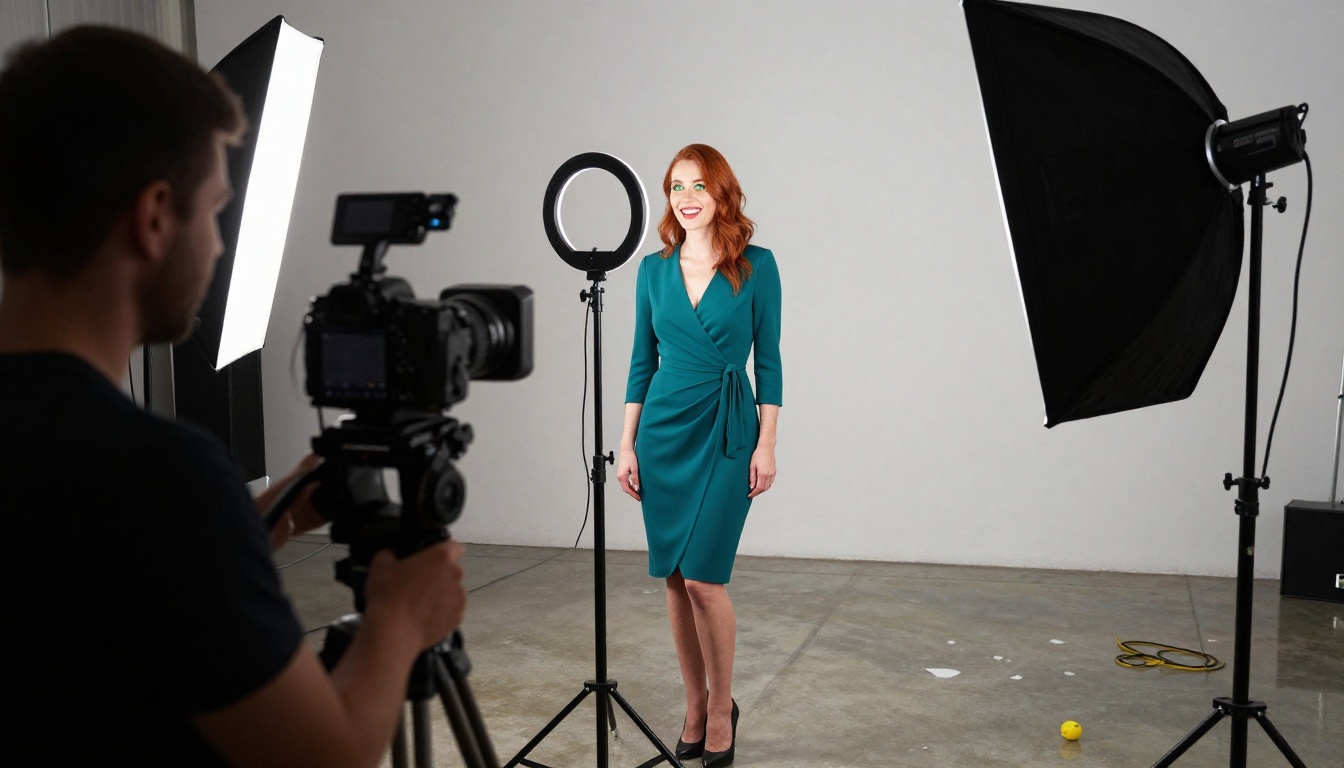
"[Subject description] in [indoor environment]. [Light source] from [direction] creates [shadow type] across [body area]. Camera starts wide and slowly dollies in over 5 seconds. Subject adjusts position slightly with [specific action]. Background visible and softly blurred."
Seedance 2.5 vs Other NSFW Video Models
Knowing where Seedance 2.5 sits relative to other available options helps you pick the right tool for each project.
| Model | Max Duration | Max Resolution | NSFW Support | Audio | Best Use Case |
|---|
| Seedance 2.5 | 30 seconds | 1080p | Platform-dependent | Native | Long-form clips, realistic motion |
| Seedance 2.5 Lite | 10 seconds | 720p | Platform-dependent | Native | Free prompt testing |
| PicassoIA Video | 5 seconds | 720p | Yes, unlimited | No | High volume, testing prompts |
| P-Video | 10 seconds | 1080p | Yes (filter off) | Yes | Medium clips with audio |
| Grok Imagine Video | 15 seconds | 720p | Yes | No | Longer clips, no watermarks |
| LTX 2.3 Pro | Variable | 4K/50fps | Yes | Yes | Premium client-ready output |
For most creators, the practical recommendation is to use Seedance 2.5 Lite for free prompt testing, the full Seedance 2.5 for final renders, and PicassoIA Video for high-volume iteration where you need unlimited generations without tracking credit usage.
3 Common Problems and Fixes
The Subject Drifts Mid-Clip
If the face or body changes noticeably between the first and last frame, the anchor image was either too stylized or the motion prompt introduced too much camera movement. Fix this by using a more photorealistic anchor image from Seedream 4.5, reducing camera motion in your prompt to "subtle," and shortening the clip length until you find the stable range for that prompt.
The Motion Is Too Static
A common disappointment is generating a 30-second clip that looks more like a very slow photograph than actual video. This happens when the motion layer of the prompt is underdeveloped. Add explicit environmental motion (waves, wind, curtains), add breathing and subtle body movement to the subject description, and specify camera behavior. Even "camera holds steady with very slight natural sway" is better than no motion instruction.
The Output Quality Doesn't Match the Preview
The draft preview and the final render use different quality settings. If the preview looks promising but the final output looks different, the underlying prompt is sound but you may be hitting a resolution mismatch. Generate at 720p first to confirm quality, then step up to 1080p for the final version. The motion characteristics can shift slightly at higher resolutions because the model allocates more detail budget to the static elements.
Start Generating on PicassoIA
The combination of Seedance 2.5 for video and Seedream 4.5 for image reference frames covers nearly every use case in this space. If you need high volume at no extra cost, PicassoIA Image Editor Pro handles the image workload with unlimited generations on Elite and Infinite plans. For video variety, P-Video (safety filter off by default, up to 1080p) and Grok Imagine Video (clips up to 15 seconds, no watermarks) round out a capable production workflow.
None of these require special approval or applications. You create an account, pick the model, write your prompt, and generate. The free trial on PicassoIA Image Editor Pro requires no credit card, so there is no reason not to test before committing to a plan.
💡 The full catalog of NSFW-capable models is at picassoia.com/en/all-models. If Seedance 2.5 does not fit your current project, there are models in every category from image editing to 4K video that operate without content restrictions.


