There is something about old photographs that pulls you in. The grain, the faded colors, the slight imperfections, all of it adds up to an image that feels like it has weight and history. That quality is almost impossible to replicate with modern digital cameras, but with the right AI prompting, you can generate it from scratch. This article walks you through exactly how to use Nano Banana to produce authentic old film looks, from 35mm grain and Kodak Portra color science to Polaroid fades, Super 8 warmth, and darkroom aesthetics.
What Old Film Actually Looks Like
If you have only shot digital, you may have a vague sense of "vintage" without knowing the specific elements that create it. Film photography is not just one aesthetic. It is a collection of very specific characteristics tied to the type of film, the camera, the era, and the conditions when the shot was taken.
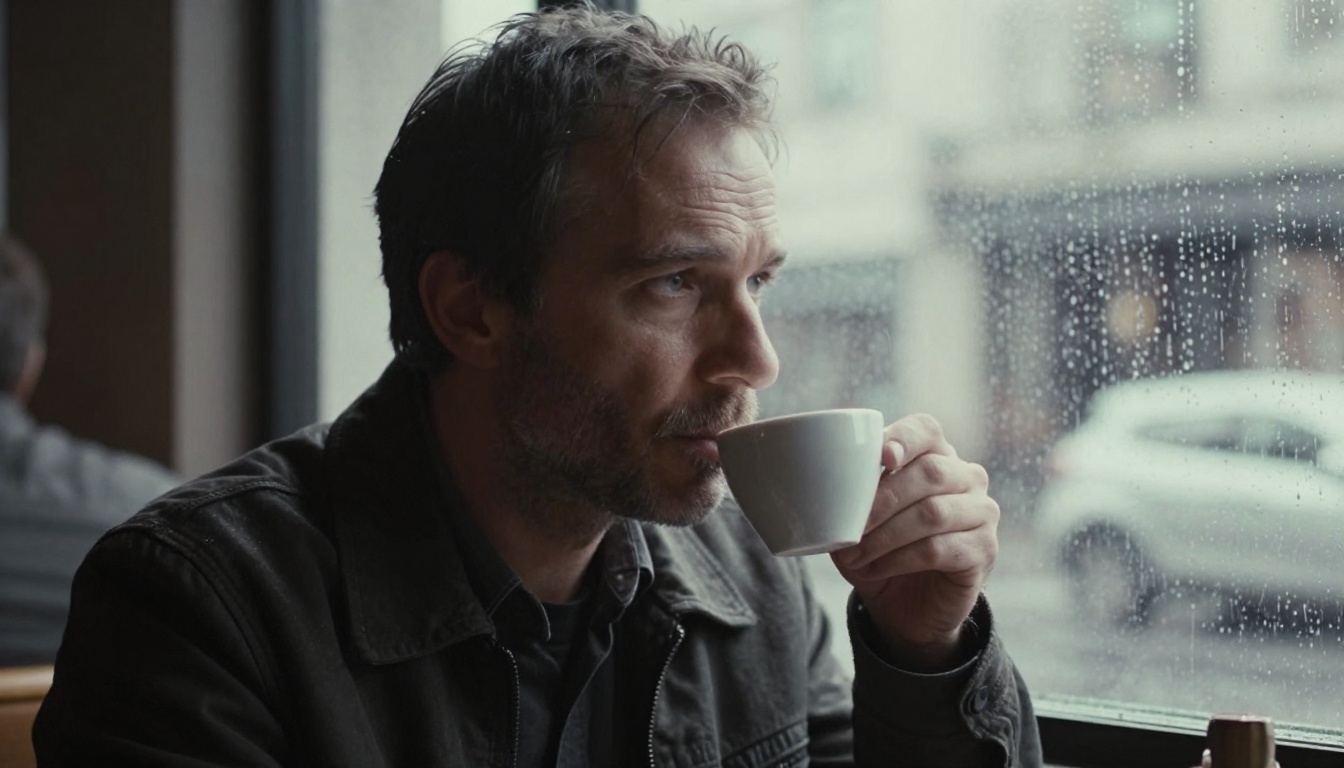
Grain Is the Soul of the Image
Film grain comes from silver halide crystals in the film emulsion. Faster film stocks like Kodak Tri-X at ISO 400 have much larger, more visible grain clusters than slower stocks. The grain is not uniform noise like digital ISO noise. It clusters, it shifts, it is heavier in the shadows and lighter in bright highlights. When you are writing a prompt for old film looks, you need to describe this behavior specifically: "heavy film grain clustering in shadow areas, finer grain in highlights, coarse silver halide texture."
Color Shifts That Tell a Story
Every film stock has its own color signature. Kodak Portra 400 is famous for its warm skin tones, slightly lifted shadows, and gentle orange-brown cast. Kodak Ultramax 400 runs punchier, with stronger greens and reds. Fuji Velvia 50 pops with saturated cool tones and deep greens. Kodak Ektachrome has that distinct slide film look with high contrast, rich blues, and faded magentas. These are not arbitrary filters. They are chemical realities baked into the emulsion, and describing them specifically in your prompt is what separates a generic "vintage" image from something that actually reads as a specific film stock.
The Imperfections That Make It Believable
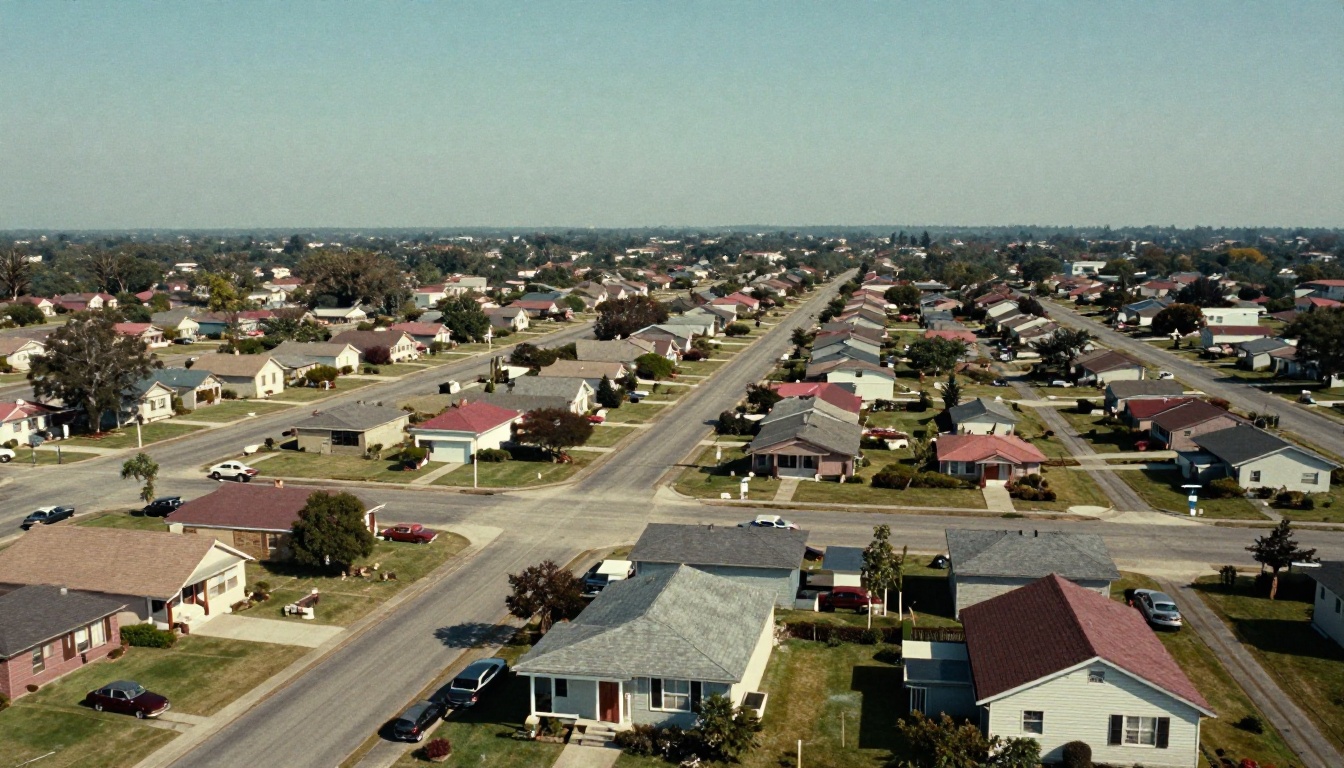
Old film has physical damage. Light leaks happen when the camera body lets in unintended light, burning an amber or red streak diagonally across the frame. Dust and scratches appear from handling and storage. Vignetting darkens the corners from the lens. Halation creates a soft glow around bright light sources. These details are what sell the illusion. A perfectly clean image with grain bolted on top still reads as a digital filter. But add a light leak, a scratch, and a corner vignette, and suddenly it feels real.
Why Prompting Beats Filtering
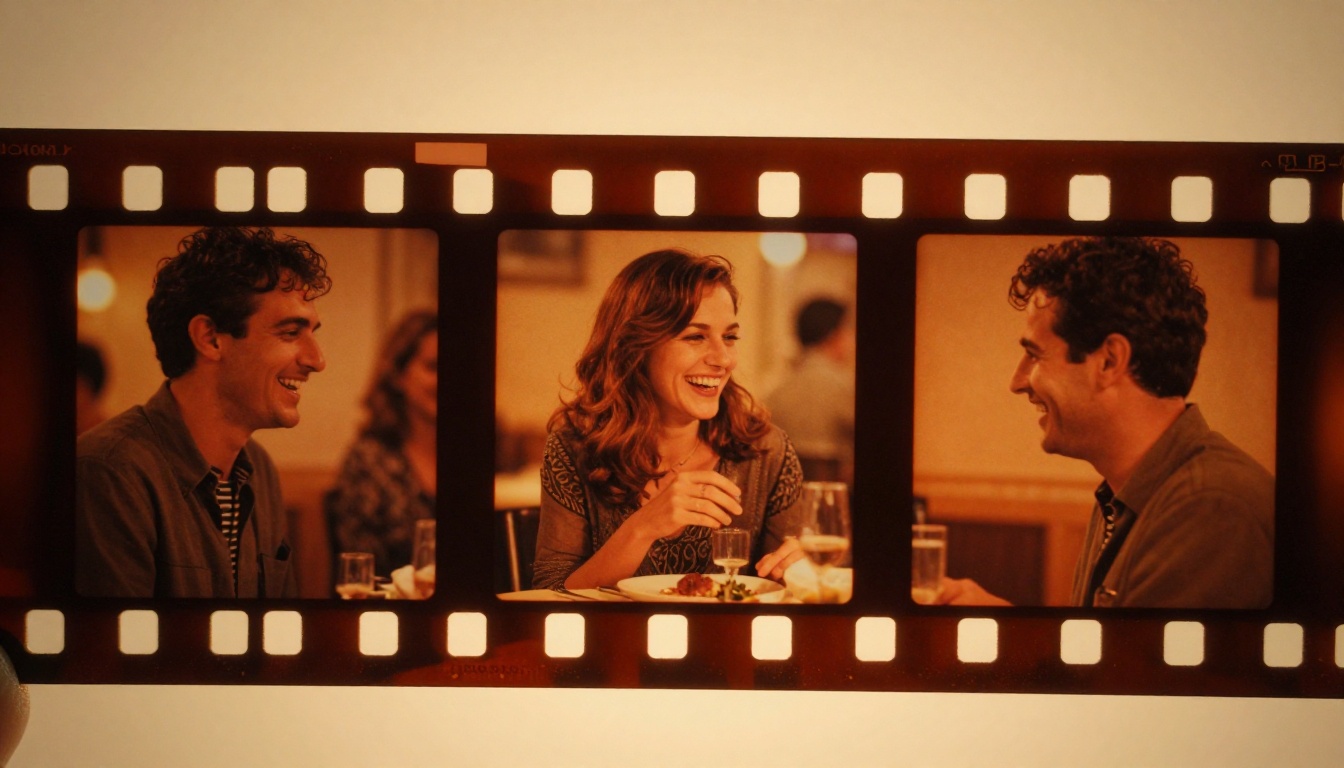
The instinct for most people is to take a digital photo and apply a filter in post. Apps do this by adding a grain layer, shifting the curves, and calling it vintage. The problem is that filters apply effects uniformly. The grain is the same density everywhere. The color shift is the same in every corner. It looks fake because real film never worked that way.
When you prompt an AI image model to generate an image with old film characteristics, those characteristics are baked into the image at the pixel level. The grain falls naturally according to luminosity. The color cast integrates with the subject's skin tone and environment. The light leak interacts with the existing bright areas of the frame. The result looks like it was actually shot on film, not like a photo with a filter applied on top.
💡 The key insight: Describe the photographic process, not the outcome. Instead of "vintage look," write "35mm Kodak Portra 400 film with visible grain, warm shadow tones, and slight orange-yellow color shift." One is a style request, the other is a technical specification.
Film Stock Reference Table
Before you start writing prompts, it helps to know your film stocks and what they actually produce. Here is a quick reference:
| Film Stock | ISO | Color Character | Grain Level | Best For |
|---|
| Kodak Portra 400 | 400 | Warm skin tones, lifted shadows, orange-brown cast | Medium | Portraits, weddings |
| Kodak Tri-X | 400 | Black and white, deep shadows, strong contrast | Heavy | Street, documentary |
| Kodak Ultramax 400 | 400 | Punchy greens and reds, saturated | Medium | Travel, everyday |
| Kodak Ektachrome | 100 | High contrast, rich blues, slight magenta fade | Fine | Landscapes, slides |
| Fuji Velvia 50 | 50 | Saturated, cool tones, vivid greens | Very fine | Nature, architecture |
| Fuji Pro 400H | 400 | Cool pastel tones, soft shadows | Medium | Fashion, portraits |
| Polaroid 600 | 640 | Soft, milky, faded edges, warm peach cast | Heavy/soft | Casual, personal |
| Kodak Vision3 500T | 500 | Tungsten-balanced, cinematic orange-blue split | Fine | Cinema, controlled light |
How to Use Nano Banana on PicassoIA
Nano Banana is a Google-developed text-to-image model that handles both image generation and photo editing through plain-language prompts. What makes it particularly useful for old film looks is its accuracy at interpreting detailed visual descriptions. It does not average out the nuances in your prompt. It reflects them in the output.
Step 1: Open Nano Banana
Go to Nano Banana on PicassoIA. The interface is browser-based, no installation required. You will see a text prompt field and an optional image upload area below it.
Step 2: Build Your Film Prompt
This is where quality is won or lost. A weak prompt gives a vague result. A detailed, technically specific prompt gives you something you might actually print. Here is the structure to follow:
Prompt Formula:
[Subject + Action/Pose] + [Setting/Environment] + [Film Stock Name] + [Grain Description] + [Color Cast] + [Lens + Camera Angle] + [Physical Imperfections] + [Mood/Atmosphere]
Example for a street portrait:
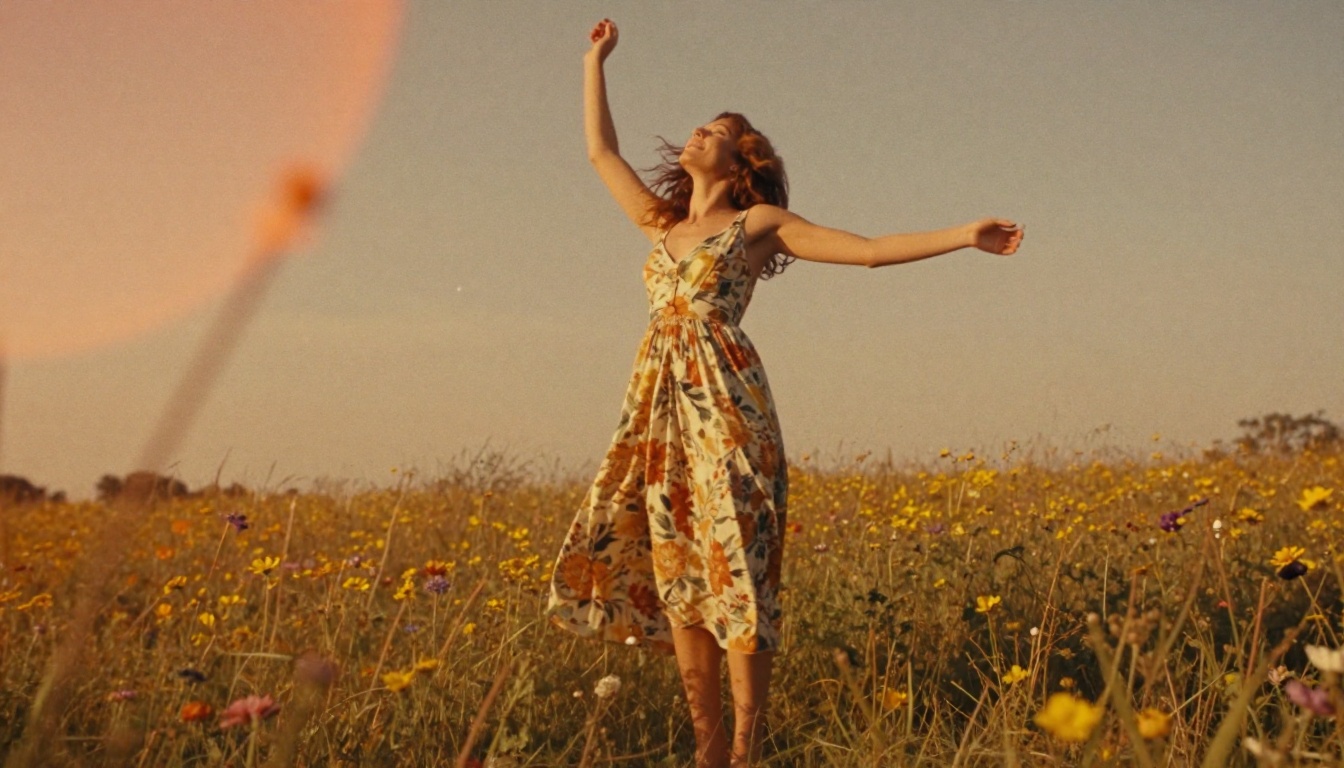
"A young woman in 1960s clothing standing on a cobblestone street at golden hour, shot on 35mm Kodak Portra 400 film, visible film grain clustering in shadows, warm orange-yellow color cast in shadows and midtones, slight lens vignetting darkening corners, horizontal film scratch across the upper frame, 85mm f/1.8 depth of field, blurred background with bokeh street lamps, melancholy and romantic atmosphere, photorealistic"
Step 3: Use Image Input for Editing Existing Photos
One of Nano Banana's strongest features is that you can upload an existing photo and describe what you want changed. This means you can take any modern digital image and add old film characteristics to it:
"Make this photo look like it was shot on 35mm Kodak Tri-X film pushed to ISO 1600. Add heavy coarse grain especially in the shadow areas, increase contrast, shift to black and white with deep shadows and slightly blown highlights, add a subtle halation glow around any window light, and add a horizontal scratch across the lower third of the frame."
The model accepts multiple reference images at once, so you can upload two or three photos and apply consistent vintage treatment across all of them in a single generation run.
Step 4: Select Output Format
Choose JPG for a realistic print-ready feel or PNG if you plan to composite the result elsewhere. JPG compression subtly adds to the analog feel by introducing slight artifacts similar to aged photo scanning.
💡 Pro tip: Run the same prompt two or three times. Because AI generation has natural variation, you will get slightly different grain patterns and color distributions each run. Pick the one that feels most authentic to what you are going for.
Here are five specific prompt formulas you can adapt for different film aesthetics. Each one targets a distinct stock and era.
The 35mm Portra Street Formula
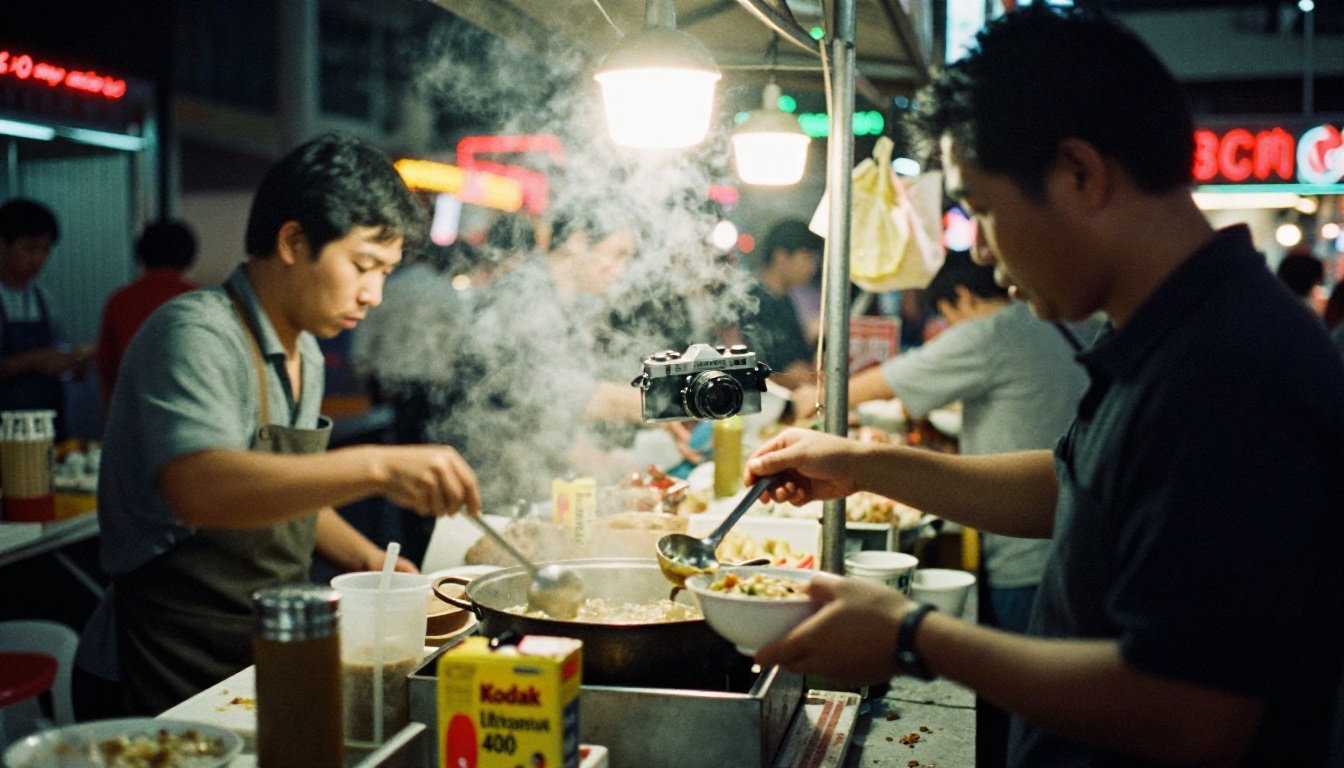
"[Subject on urban street], shot on 35mm Kodak Portra 400, visible film grain, warm orange-brown shadow cast, lifted shadow tones, gentle corner vignette, 50mm f/2 lens, slight chromatic aberration on high-contrast edges, photorealistic"
Best for: Portraits, street scenes, everyday moments
The Super 8 Summer Formula
"[Subject in outdoor summer setting], shot on Super 8mm film, warm orange-yellow color cast throughout, pronounced film grain, soft focus background, light leak from upper corner bleeding amber diagonally, dust particles on film surface, low-angle wide lens, golden hour backlight, joyful atmosphere, photorealistic"
Best for: Memories, summer, candid family moments
The Tri-X Documentary Formula
"[Subject in available light interior], shot on 35mm Kodak Tri-X at ISO 1600 pushed development, black and white, extremely heavy coarse grain in shadows, high contrast with blown highlights and near-black shadows, 35mm wide lens, intimate documentary feel, photorealistic"
Best for: Portraits, journalism, gritty environments
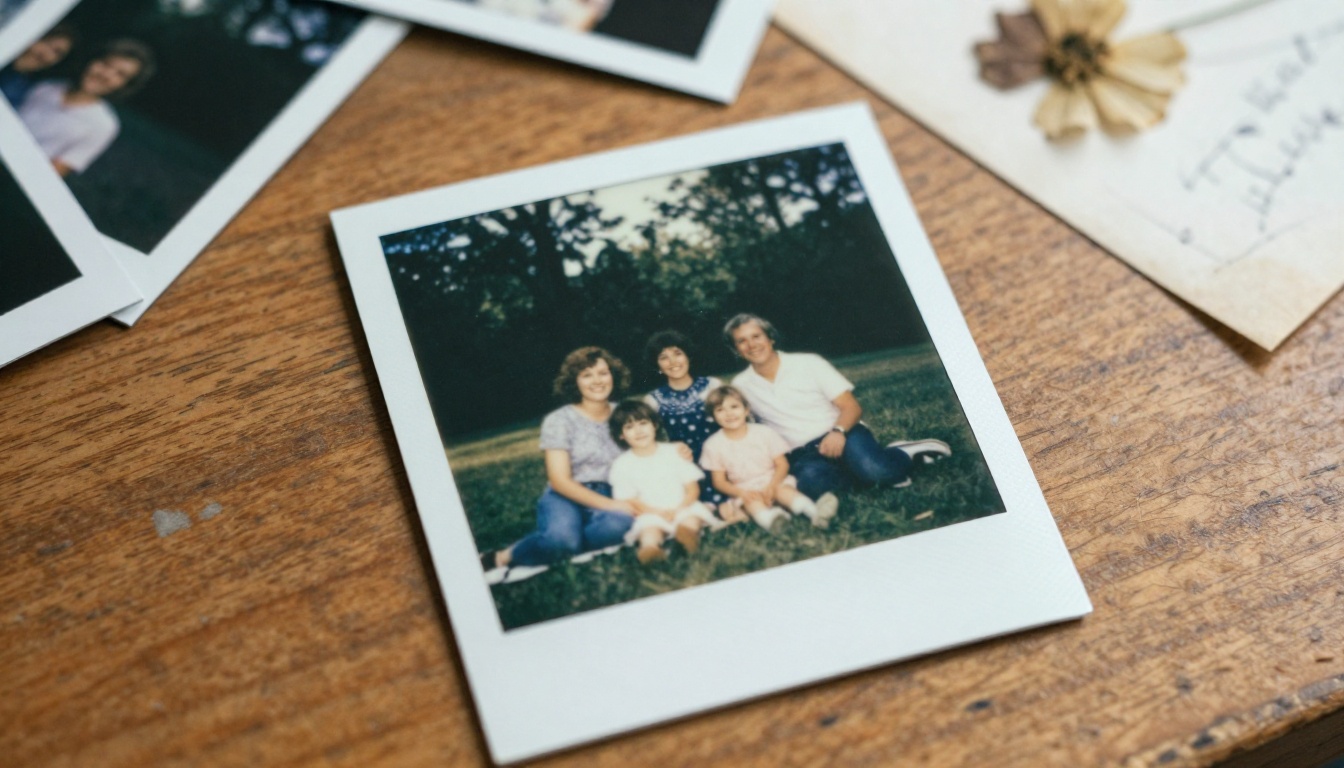
The Polaroid Fade Formula
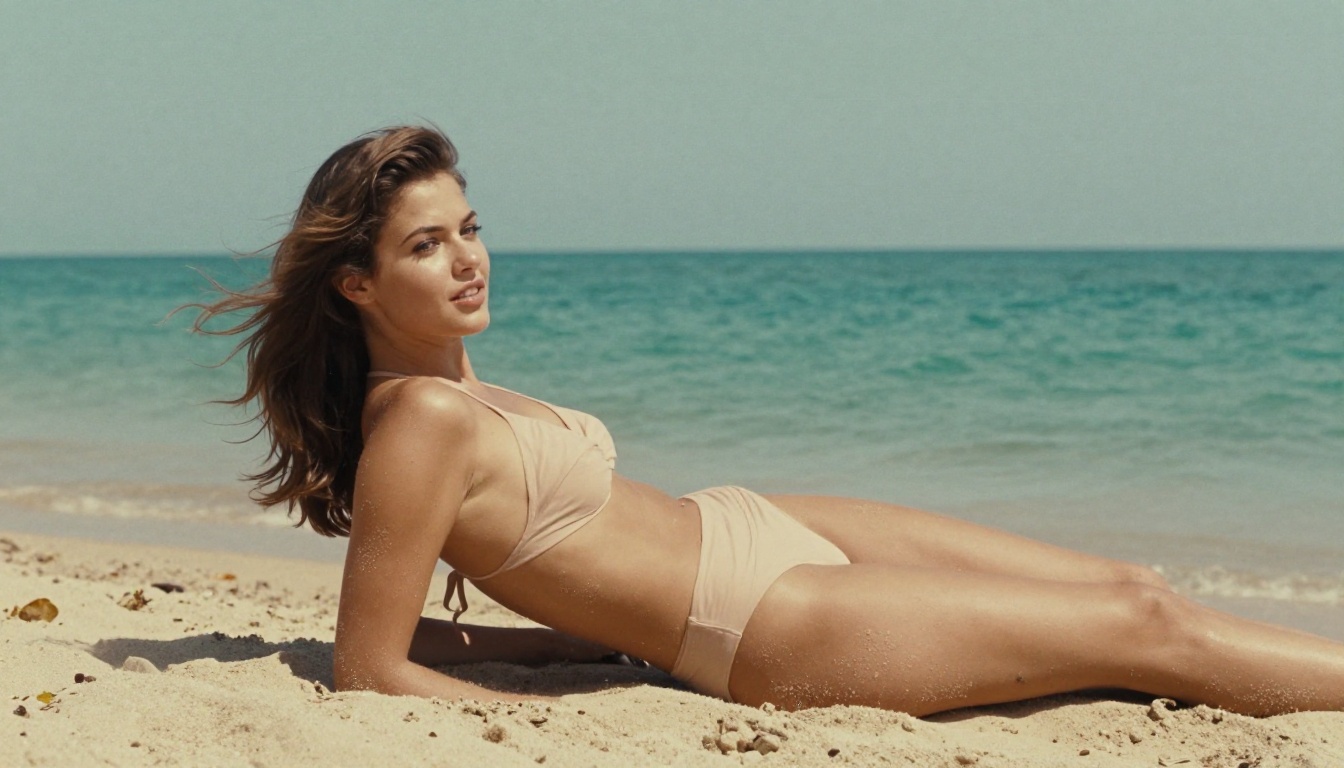
"[Subject at casual moment], shot on Polaroid 600 film, soft milky image quality, low contrast, faded colors with warm peach and cool teal cast, heavy soft grain, edges fading to white, blue-white bleaching in corners, photorealistic"
Best for: Family photos, candid personal moments, nostalgia
The Ektachrome Slide Formula
"[Subject in landscape or travel setting], shot on Kodak Ektachrome E100 slide film, rich deep blue sky, high contrast, slight magenta fade in highlights, fine grain, saturated colors with vivid greens and blues, slight overexposure in sky areas, photorealistic"
Best for: Travel, landscapes, architecture
Getting the film look in the generated image is step one. PicassoIA has additional models that let you push the aesthetic further in post.
Adding Physical Film Damage
The Dust and Scratch Removal v2 model from Topaz Labs is engineered to remove dust and scratches from scanned film photos. You can study its parameters to understand what authentic film damage looks like, and reference those characteristics directly in your Nano Banana prompts for more accurate results.
Colorizing Old Photo Style Images
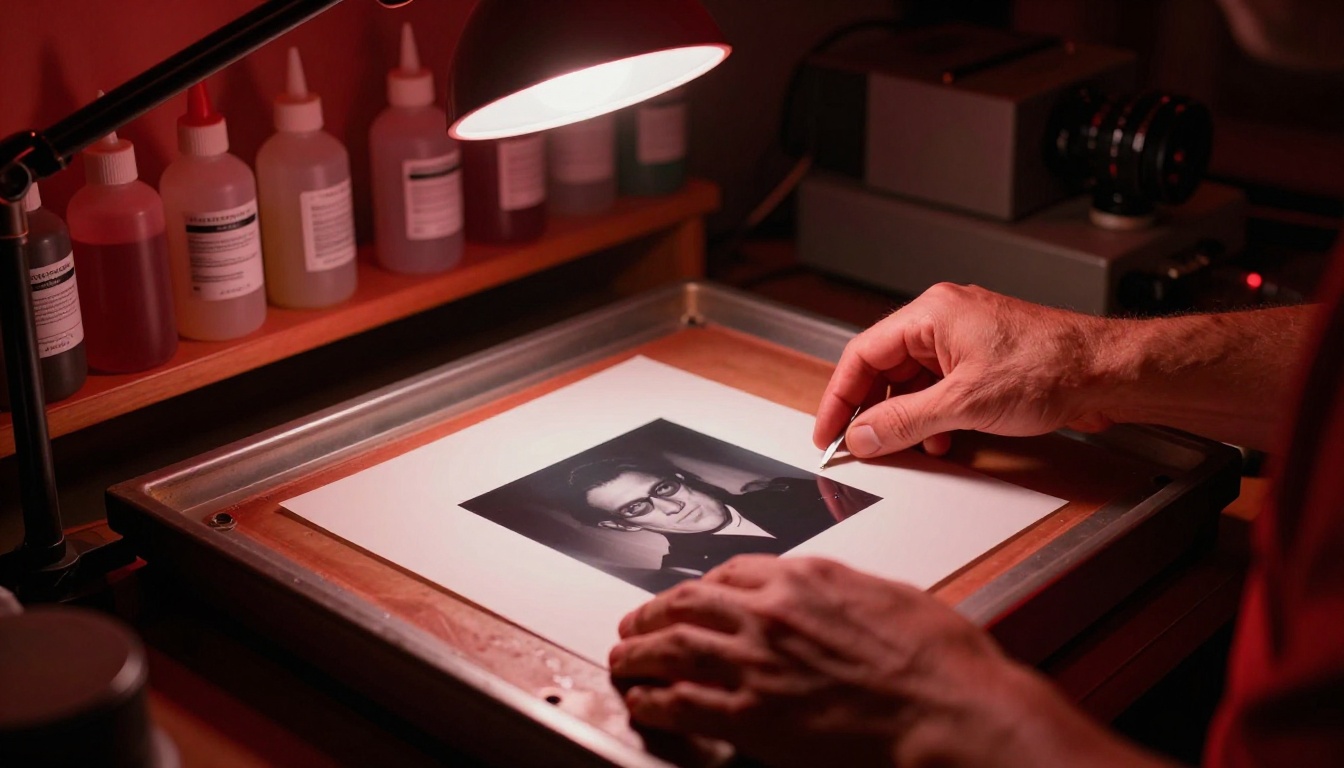
The Image Colorization model from Topaz Labs adds realistic color to black and white photographs. Generate a Tri-X black and white result with Nano Banana, then colorize it to produce something that looks like a hand-tinted darkroom print from the 1950s.
💡 Workflow idea: Generate a Tri-X portrait with Nano Banana, colorize it with the Topaz model, then use GPT Image 2 for additional targeted edits. Each step layers another level of authenticity onto the final image.
3 Common Mistakes to Avoid
Most people who try this get close but not quite there. Here is where they go wrong.
Describing the Effect Instead of the Process
Writing "vintage photo" or "old film effect" is too vague. AI models respond better to technical process descriptions. Instead of "vintage," write "Kodak Portra 400 shot in 1975." Instead of "grainy," write "heavy silver halide grain clustering in shadows at ISO 800 push development." Specificity is what creates authenticity.
Skipping the Color Cast
The single biggest differentiator between film and digital is the color cast. Every film stock has one. Forgetting to specify it makes the image look like a digitally desaturated photo with grain layered on top. Always name the color cast explicitly: "warm orange-yellow shadow cast," "cool magenta tones in highlights," "faded peach and teal palette."
Forgetting the Lens Details
The lens shapes everything. A 28mm wide lens with slight barrel distortion feels entirely different from an 85mm telephoto with compressed background. Including the lens specification in your prompt shapes the compositional feel and adds to the believability of the film effect. Real photographers do not choose lenses arbitrarily, and neither should your prompts.
What the Results Actually Look Like
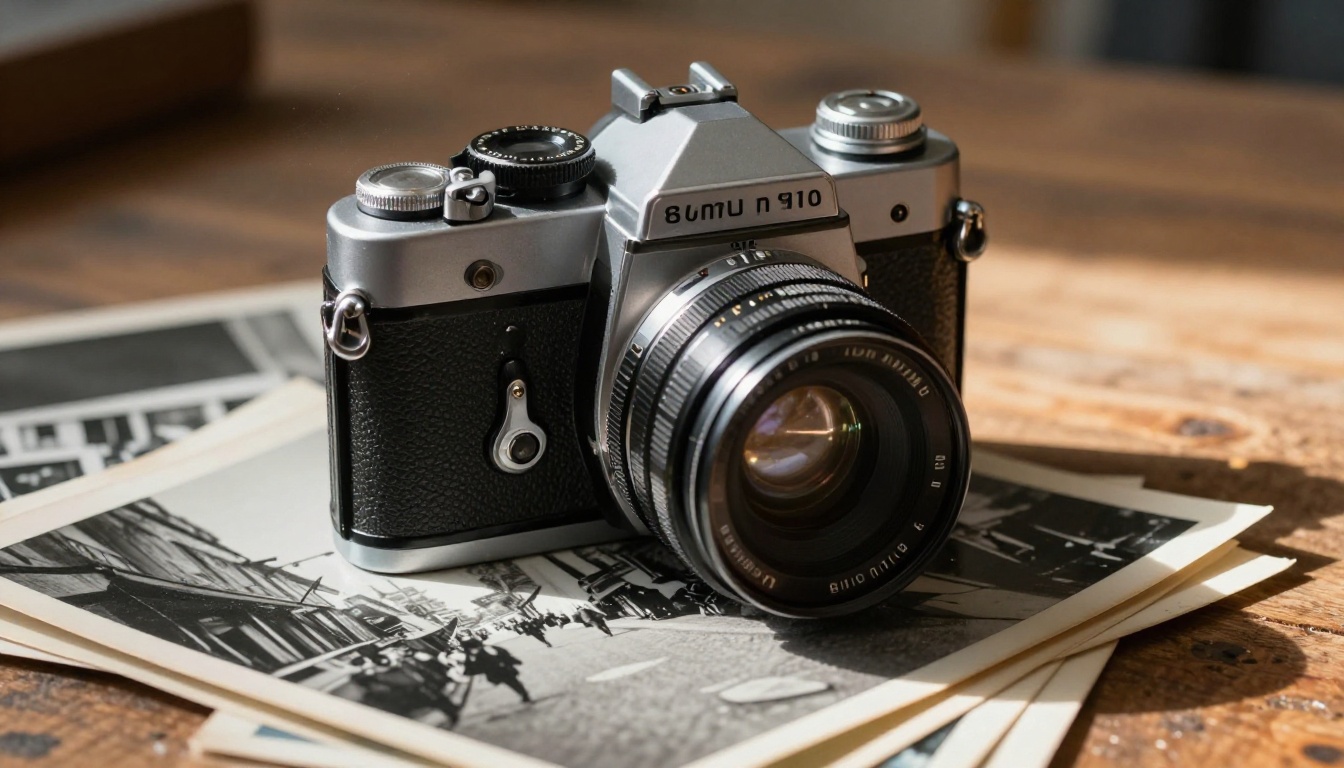
The images you can get from Nano Banana with detailed film prompts are genuinely impressive. The grain falls naturally according to luminosity in the image. The color casts integrate with the subject rather than sitting uniformly on top. Light leaks interact with the bright areas of the frame. The results do not look like Instagram filters. They look like someone found actual negatives.
The model's ability to accept multiple input images is particularly useful for batch work. If you have a series of photos you want to give a consistent film treatment, you can upload several at once and describe the look you want applied across all of them.
Your Turn to Shoot
Old film photography is one of the richest visual aesthetics in the history of the medium, and now you do not need a darkroom, film rolls, or a specific camera to create it. With Nano Banana on PicassoIA, every element of the film look is within reach through a well-constructed text prompt.
The formula is straightforward: be specific about your film stock, describe the grain behavior, name the color cast, include the lens and physical imperfections, and let the model do the rest. The images throughout this article were all generated using exactly the approach described above. They are not photographs. They are prompts.
PicassoIA has over 90 text-to-image models available, including tools for image colorization, restoring aged photos, and full editing workflows with GPT Image 2. The old film look is one thread in a much larger creative toolset. Start with Nano Banana, experiment with the five formulas above, and see what your prompts produce.


