How to Generate Portraits That Look Real: The Definitive Visual Playbook
Most AI portraits fail for the same reasons: plastic skin, dead eyes, and lighting that looks like a ring flash in a bathroom. This article breaks down the exact prompting strategies, model choices, and settings that separate a convincing photorealistic portrait from a generic AI face.
Most AI portraits look wrong the instant you see them. The skin is too smooth. The eyes have no depth. The lighting is technically correct but emotionally flat. Getting a portrait that actually looks like a photograph of a real person takes more than typing "realistic woman portrait" into a text box. It takes a systematic approach to prompting, model selection, and the specific parameters that control how a face is rendered at a microscopic level. This playbook covers every variable, from skin pore language to film stock selection to inference step counts, so you can stop generating AI faces and start generating AI photographs.
Why Most AI Portraits Fail
The Smoothness Problem
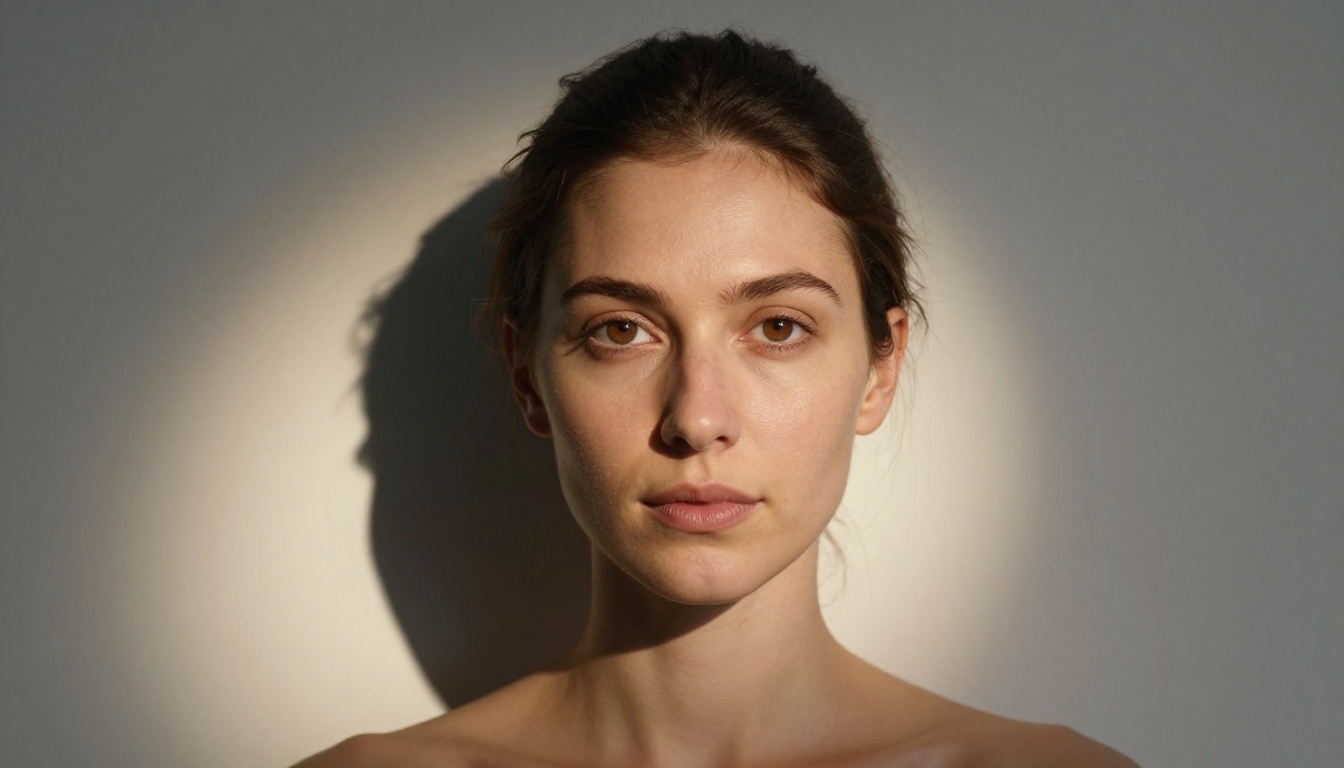
The single biggest tell in a fake AI portrait is over-smooth skin. Real human skin has pores, micro-hairs, slight color variation, the ghost of past blemishes, and a thin film of natural oil. AI models default to what they were trained to consider "attractive," which is usually airbrushed and surgically clean. The fix is deliberate: you have to explicitly ask for imperfection.
Add these phrases to every portrait prompt:
"visible pores on nose bridge and cheeks"
"natural skin texture, not retouched"
"slight sebaceous sheen on the T-zone"
"faint freckles scattered across the nose"
"subtle redness along the nostrils"
The Eyes Are Everything
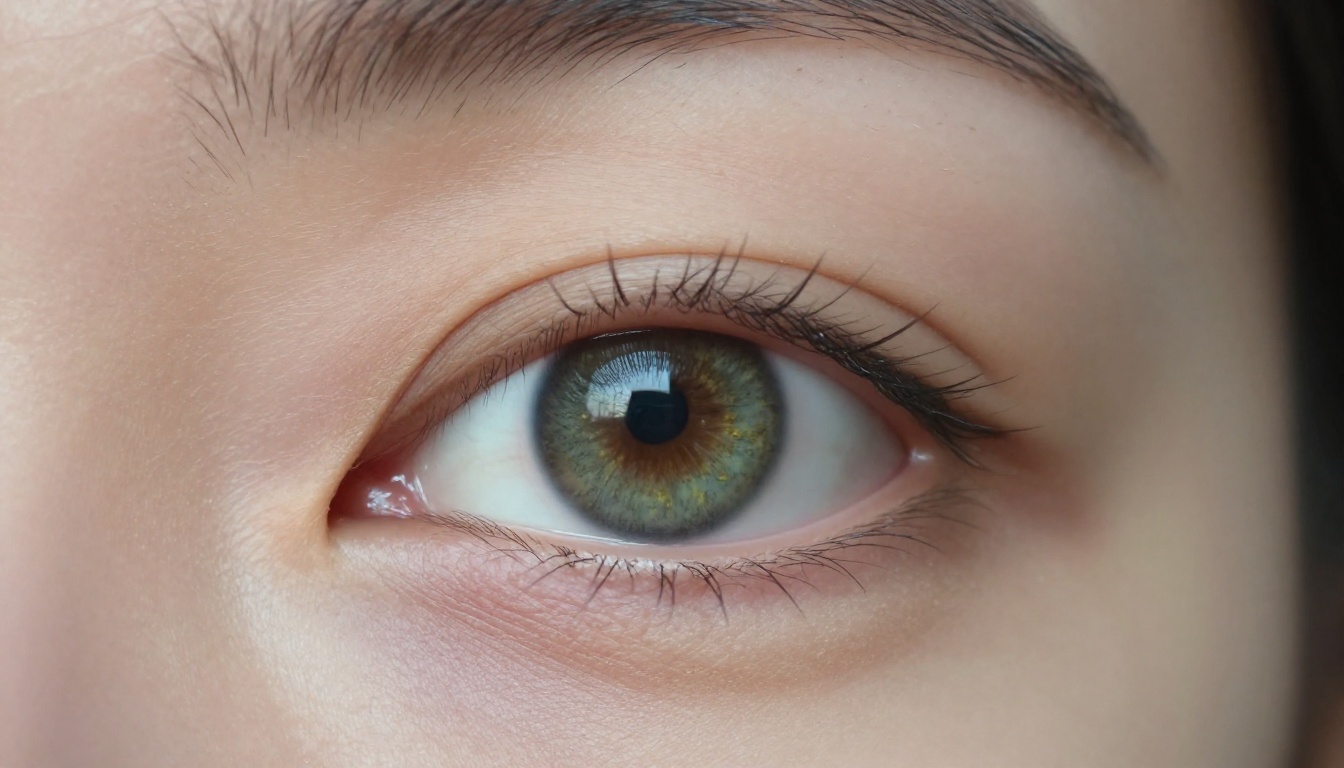
Eyes are where AI falls apart most visibly. A real eye has a wet catchlight, a specific iris pattern in a distinct color, visible capillaries in the sclera, lash roots grounded in the eyelid, and a natural heaviness in the upper lid. Prompt for all of it.
💡 Tip: Add "catchlight in eyes, wet lower lid, natural iris detail, visible eyelash roots" to every face-focused prompt. These four phrases alone will dramatically improve realism across any model.
Dead Lighting vs. Real Lighting
Real photographers obsess over where light comes from. AI models, by default, produce front-lit faces with no directional quality. This looks like a passport photo. You need to specify the source, the shadow behavior, and the color temperature of every light in the scene.
The Anatomy of a Perfect Portrait Prompt
Subject Description and Specificity
Vague subject descriptions produce vague faces. "A woman" will generate a statistical composite. "A woman in her late 40s with silver-streaked dark hair, olive skin, and laugh lines around the eyes" produces something with character.
Vague
Specific
"A woman"
"A 45-year-old woman with deep-set green eyes and a slight gap between her front teeth"
"A man with stubble"
"A man with 3-day salt-and-pepper stubble, slightly uneven growth near the jaw"
"Old person"
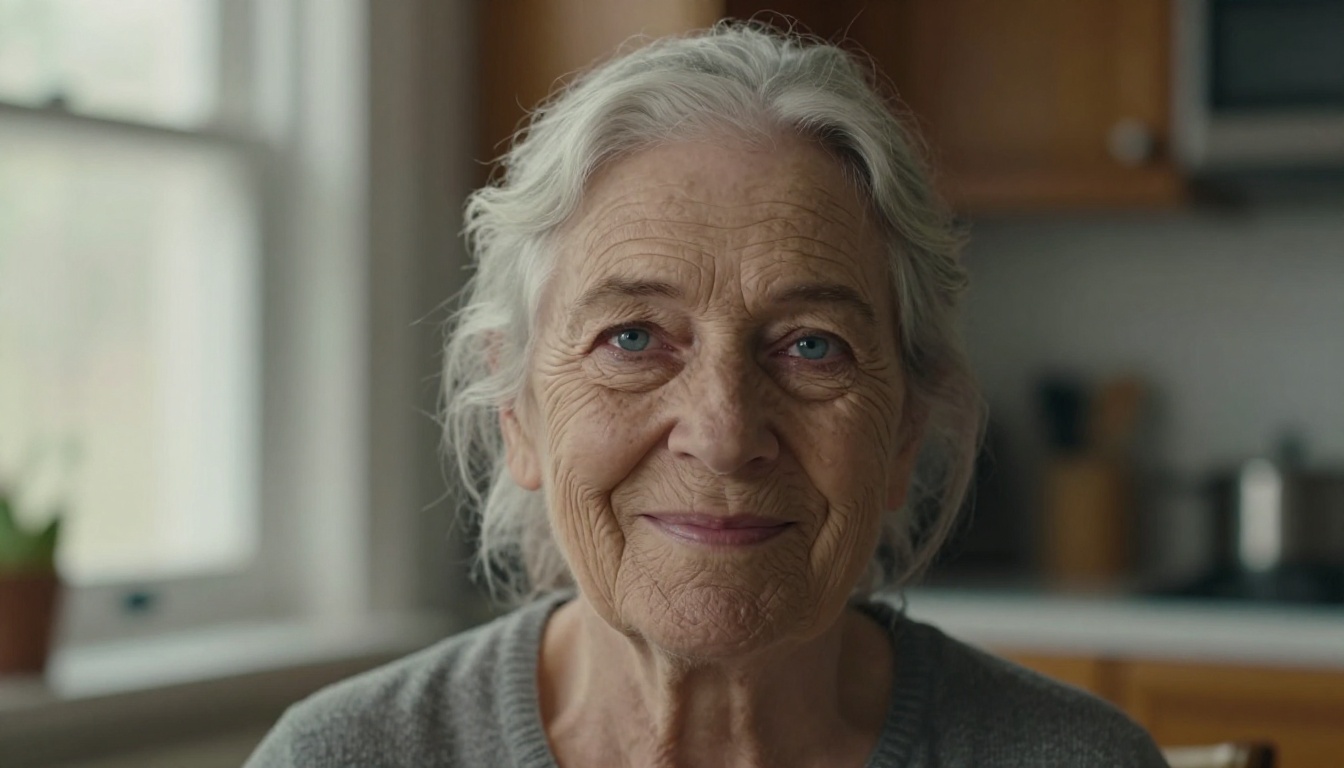
"A 72-year-old woman, pale blue watery eyes, silver hair loosely pulled back"
"Young man"
"A 22-year-old with slightly asymmetric features and a faint scar near the left brow"
Asymmetry is one of the most powerful words in portrait prompting. Real faces are asymmetrical. AI faces are often perfectly symmetrical, which reads as uncanny. Describing uneven features, slightly different eye sizes, or an off-center part immediately pushes the result toward real.
Lighting Architecture
This is the section most people skip, and it is why their portraits look like renders.
Lighting a face in a prompt requires three components working together:
1. Source direction: Where does the light originate in 3D space?
"Warm light from the upper-left at 45 degrees"
"Soft backlight from a large window behind the subject"
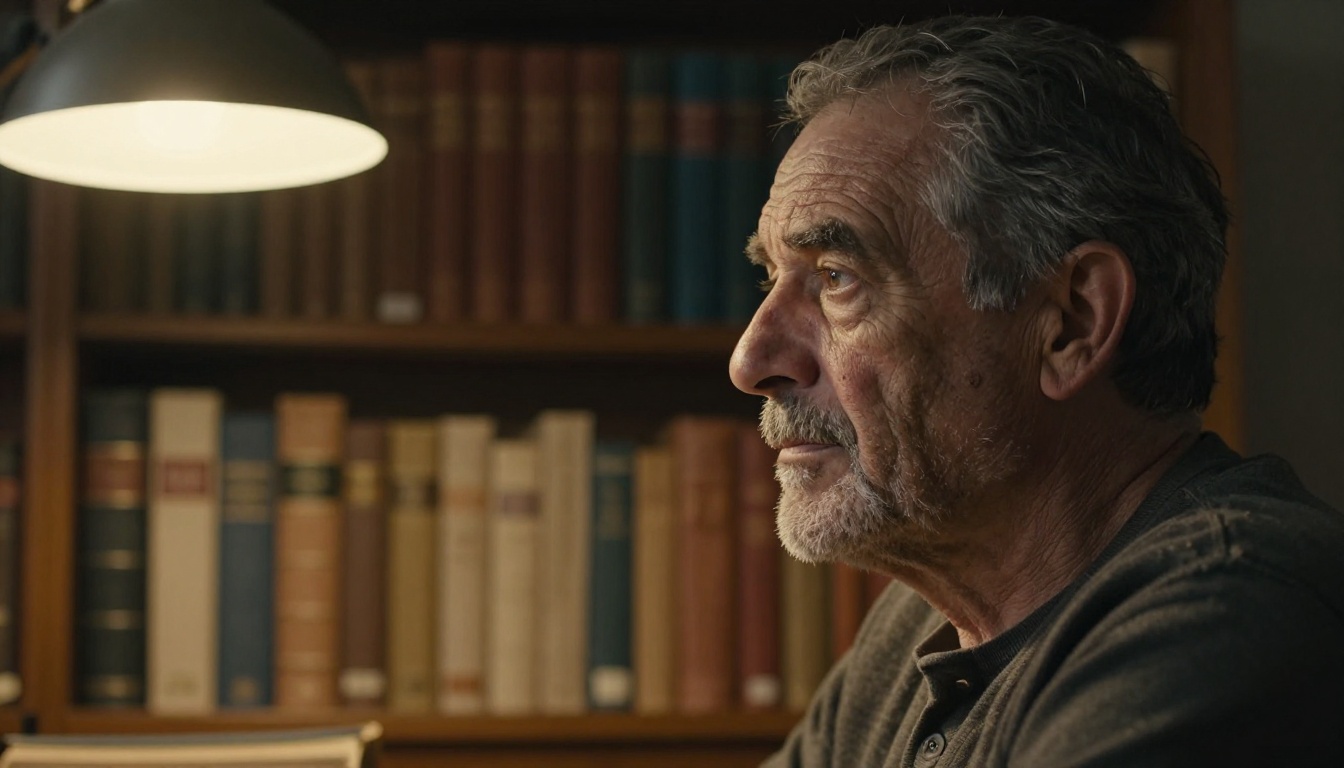
"Single overhead lamp creating a narrow pool of warm light on the face"
2. Quality: Hard (directional, crisp shadow edges) or soft (diffused, smooth gradients)?
Hard: "harsh direct sunlight, sharp shadow edges on the nose"
Soft: "overcast diffused window light, no hard shadows, even skin illumination"
3. Color temperature: What is the emotional register of the light?
Warm: "golden hour amber, Kodak Portra 400 color shift"
Including camera and lens data in your prompt tells the model how to render depth, compression, and background blur. These are not decorative details, they are functional instructions.
35mm f/2.8 - Environmental framing, slight edge distortion on very close faces
100mm macro f/4 - Extreme skin and eye detail, used for close-up fragment compositions
Adding camera body names ("shot on Canon EOS R5," "Sony A7IV," "Leica M11") provides additional realism cues. The model has been trained on millions of images tagged with camera EXIF metadata and responds to this language.
Film Stock and Grain
Film grain is one of the most powerful realism hacks available. Digital AI renders default to a hyper-clean output. Specifying a film stock forces the model to add organic grain structure and color character.
Film Stock
Visual Effect
Kodak Portra 400
Warm skin tones, fine grain, lifted shadows, natural color
Fuji Velvia 50
Saturated and sharp, vivid greens, fine grain
Kodak Ektar 100
High contrast, vivid, crisp detail
Kodak Vision3 500T
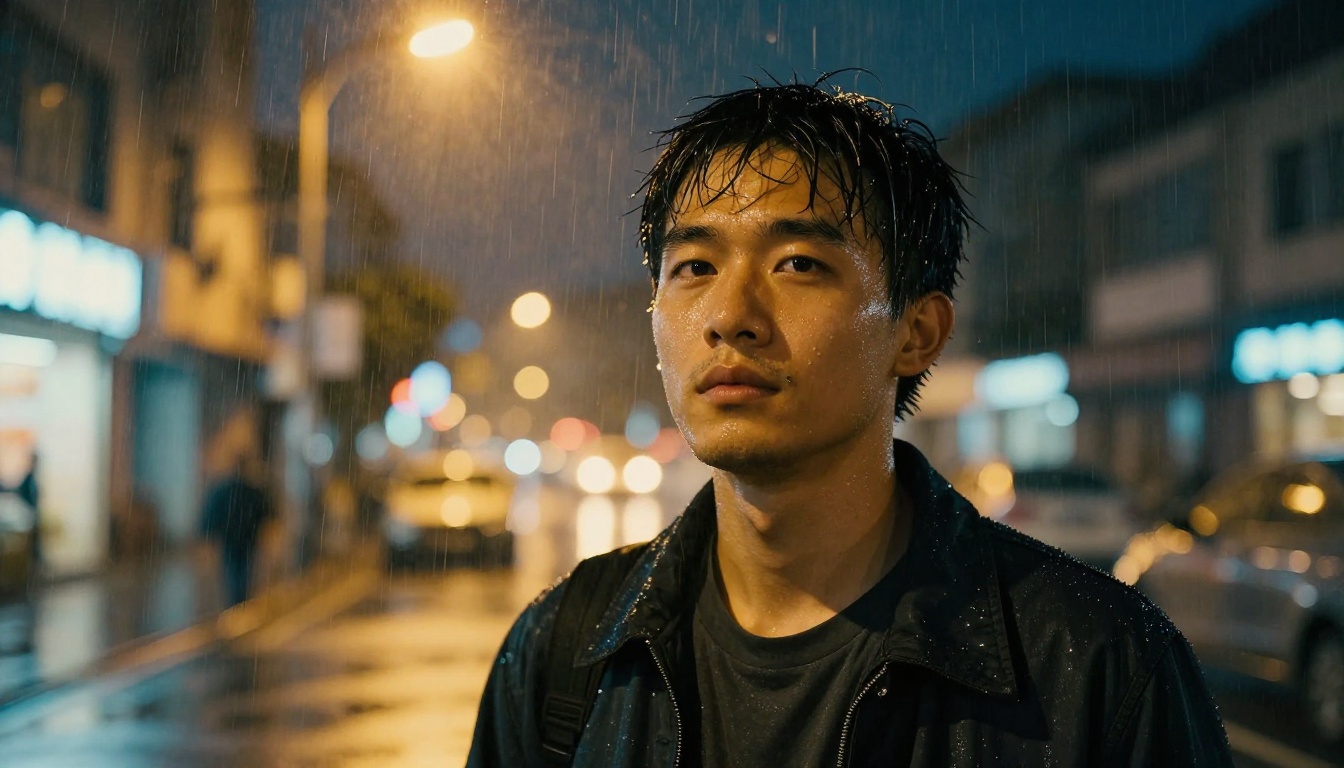
Cinema film emulation, warm shadows, works for night scenes
Fuji Neopan 400
Black and white, high contrast, real textured grain
Composition That Makes a Portrait Feel Alive
Distance and Angle
Most AI portrait prompts default to a face-forward medium shot. Breaking this habit immediately produces more interesting and believable results.
Five compositions worth rotating through:
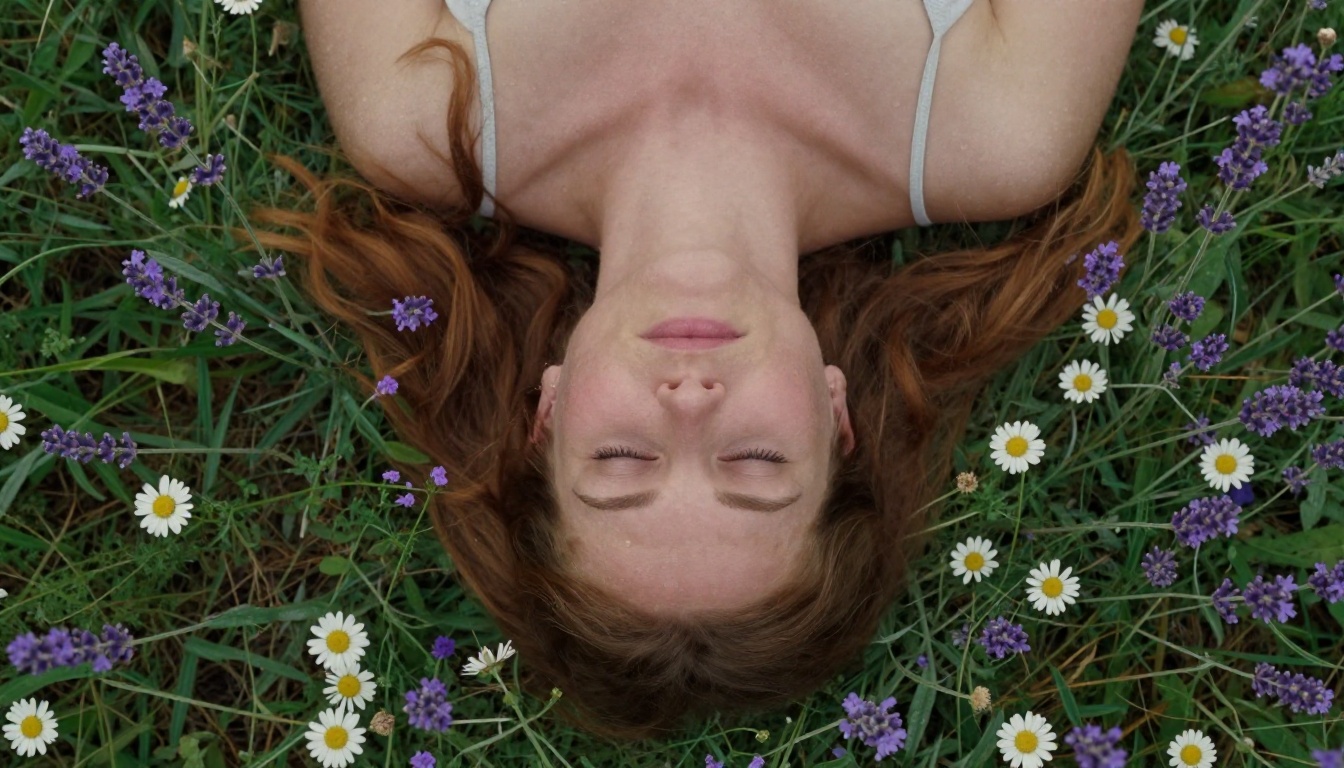
Close-up (chin to forehead) for emotional intensity and skin detail
Extreme close-up (eyes only, lips only) for micro-texture focus
Low-angle (camera below chin level looking up) for presence and scale
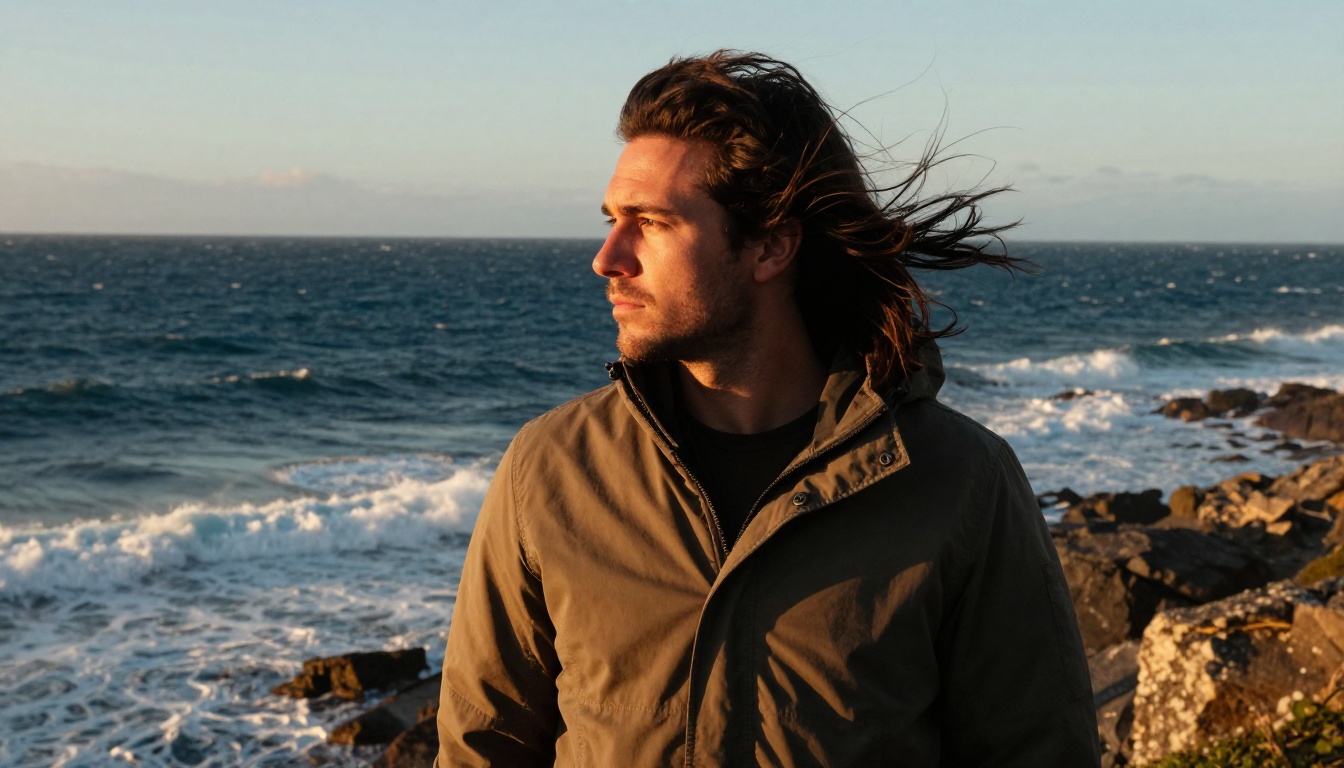
Environmental (subject occupies half the frame, location fills the rest) for context and story
Profile or over-the-shoulder for intimacy and a non-confrontational gaze
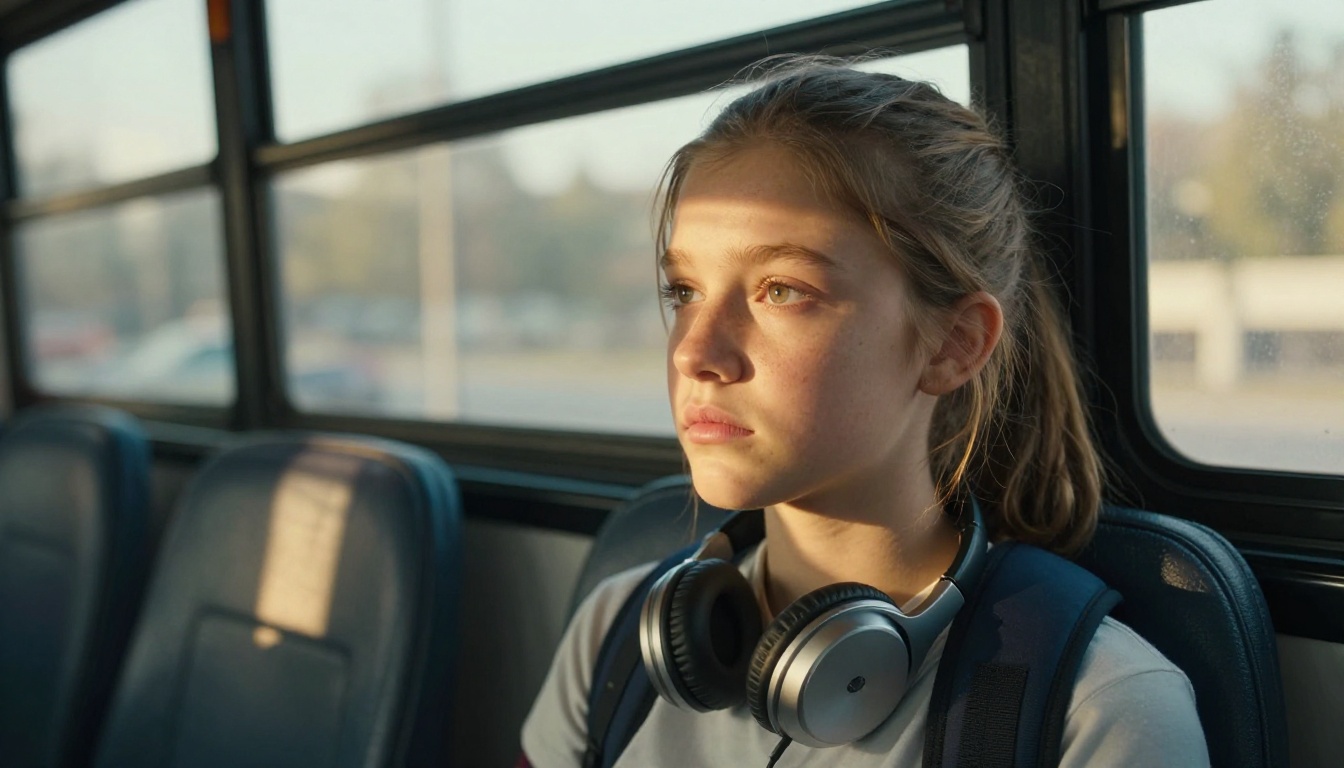
💡 Tip: Add "subject not looking directly at camera" to roughly half your portraits. Off-axis gaze dramatically reduces the hollow "AI stare" that makes generated faces feel dead.
Depth of Field and Background Detail
A portrait with a fully sharp background reads as a snapshot, not a photograph. Specify:
"shallow depth of field, background blurred to soft cream bokeh"
A specific background that justifies the environment: "out-of-focus warm bookshelves behind subject"
Approximate distance: "subject standing 2 meters from a stone wall"
Skin Detail at the Micro Level
Pores, Texture, and Imperfection
Real skin is a landscape. Here is a reference list of micro-detail terms that reliably improve photorealistic AI portrait output:
Pore language: "pores visible on nose bridge and cheeks, enlarged pores near the chin"
Vascular detail: "faint blue veins near the temple, slight redness at the nostril edges"
Surface variation: "natural sebum on the T-zone, matte skin on the cheeks and forehead"
Age markers: "faint crow's feet at eye corners," "defined nasolabial folds," "lip lines"
Hair: "micro-hairs on the upper lip and jaw, sideburn stubble"
Condition: "slightly dry skin on the forehead, natural flaking at the lip corner"
None of these make a portrait unattractive. They make it human. Human is what creates the involuntary second look.
Wet and Reflective Surface Cues
Eyes should be wet. Lips should carry natural moisture. Skin should have a slight organic specular quality.
"wet lower eyelid rim, sharp catchlight in the iris"
"lips naturally moist, no product, slight asymmetry in upper lip"
"subtle specular highlight on nose tip, cheekbones catching ambient light"
How to Use Flux Dev on Picasso IA for Realistic Portraits
Flux Dev is the strongest model on the platform for photorealistic portrait work. Its 12-billion parameter architecture holds fine detail simultaneously across the entire face, where smaller models often lose coherence in the eyes while getting the skin right, or vice versa.
Step-by-Step: Your First Photorealistic Portrait
Step 1: Open the model
Navigate to Flux Dev on Picasso IA and open the generation panel.
Step 2: Set your aspect ratio
For close-up portraits use 4:5. For environmental or atmospheric shots use 9:16 or 3:2. For wide cinematic compositions use 16:9.
Step 3: Disable Go Fast
Toggle off "Go Fast" mode. This switches from the fp8 quantized version to the full bf16 precision model, producing noticeably sharper skin detail and more accurate eye rendering. Worth the extra few seconds.
Step 4: Set inference steps to 50
Use the maximum 50 denoising steps. For portrait realism, this makes a visible difference over the default 28 steps. Facial features sharpen, skin texture becomes more resolved, and eye detail improves significantly.
Step 6: Lock in a seed
Once you generate a result you like, copy the seed value. You can iterate the prompt while keeping the same compositional base stable.
Step 7: Refine with img2img
Upload your best result into Flux Dev's img2img mode, set prompt strength to 0.3, and add more specific micro-detail instructions. This polishes the output without disrupting the composition.
Flux Schnell for Fast Concept Testing
When you are still finding the right prompt direction, Flux Schnell generates a result in under five seconds. Run 15-20 variations with Schnell to nail lighting and composition, then switch to Flux Dev for the final high-fidelity render.
💡 Workflow: Schnell for iteration speed, Flux Dev for final quality. This mirrors how professionals approach a photoshoot: rapid auto-mode tests to find the frame, then full manual settings for the keeper.
3 Common Mistakes That Kill Realism
1. Prompting for Beauty Instead of Character
"Beautiful woman, perfect skin, symmetrical features" is the recipe for the generic AI face that has flooded the internet. Beauty is not the same as realism. Real people have character, and character comes from specificity: an asymmetric smile, a strong nose, a particular eye shape. Prompt for character.
2. One-Sentence Prompts
Most portrait prompts fail from brevity. A face that looks real requires a paragraph, not a sentence. Every detail you omit is filled in by statistical average, which produces a generic output. Elaborate on every element you want to control.
3. Skipping the Negative Prompt
On Stable Diffusion, the negative prompt is half the generation. Excluding unwanted elements is as powerful as describing what you want. Add:
plastic skin, airbrushed, oversmoothed, digital art, illustration, cartoon, CGI,
ring flash, white seamless backdrop, perfectly symmetrical, wax figure
5 Lighting Setups That Work Every Time
Setup
Prompt Fragment
Mood
Rembrandt
"warm light from upper-left at 45 degrees, triangular shadow under cheekbone"
Classic, intimate, dramatic
Golden Hour
"warm amber sunlight from lower right, rim light on jaw and hair, long shadows"
Alive, cinematic, warm
Overcast Window
"diffused light from large north-facing window, no hard shadows, even skin"
Honest, documentary, natural
Chiaroscuro
"single desk lamp, deep shadow across one side of face, dark background"
Intense, sculptural, mysterious
Street Night
"warm streetlamp pool overhead, darkness surrounding, wet pavement reflections"
Urban, tense, cinematic
Environmental Portraits: Embedding a Person in a World
The strongest portraits do not isolate a face against a blur. They embed a person in a believable world.
A face on bokeh is recognizable as an AI output. A face in a kitchen with morning light coming through a window feels like a photograph someone actually took. Environmental context adds plausibility because it explains the lighting and gives the subject a reason to be there.
Location prompts that justify lighting naturally:
"sitting in a weathered diner booth, fluorescent overhead with a warm color cast"
"standing in a doorway, strong backlight from the street, face in soft fill shadow"
"inside a car at dusk, dashboard glow from below, street lights streaking across the window glass"
The location is not the subject. It is the alibi that makes the subject convincing.
For portrait work where consistency across multiple images matters, Flux 1.1 Pro offers seed-based reproducibility across prompt variations. Fix the seed, adjust the lighting description, and the model returns images of the same person in different conditions.
This is useful for:
Building a character study with multiple lighting scenarios
Creating a series of portraits for a presentation or visual project
Testing how the same face reads under different emotional conditions
The model also accepts an image prompt alongside text input. Upload a reference photograph and describe the style or composition you want, and it will steer the generation in that direction.
Your First Real Portrait: Start Here
Copy this starter prompt template and fill in the bracketed sections:
[Age and gender], [specific physical feature 1], [specific physical feature 2],
[location/environment]. [Light source] from [direction], [light quality],
[shadow description]. Shot on [camera body] with [focal length] f/[aperture].
Visible pores, natural skin texture, [film stock] film grain, shallow depth of field,
RAW photorealistic photography, 8K.
A filled example:
A 38-year-old man with a close-cropped beard showing flecks of gray, deep-set brown eyes,
standing in a narrow European alley on a rainy afternoon. Warm amber light from a single
overhead lamp, soft diffused secondary fill from wet cobblestones below, shadow falling
across the right side of his face. Shot on Nikon Z6 with 85mm f/1.8. Visible pores,
natural skin texture, Kodak Portra 400 film grain, shallow depth of field,
RAW photorealistic photography, 8K.
Run that on Flux Dev with 50 inference steps and no Go Fast mode. The result will be in a different category from what a one-line prompt produces.
Start with Flux Schnell to iterate fast, switch to Flux Dev for your final render. Apply the prompt structure from this article: specific subject, directional lighting, lens data, skin terms, and film stock. Lock a seed when you find a composition you like. Refine with img2img.
The difference between an AI face and a photograph of a real person is not the model. It is the specificity of what you ask for. Use that specificity, and the results speak for themselves.