Product photography is expensive. A proper photoshoot for a new product line, studio rental, photographer fees, models, retouching, can easily hit $2,000 to $5,000 before you have a single usable image. That is the problem Nano Banana Pro was built to solve.
Nano Banana Pro is a text-to-image model developed by Google that excels at generating highly photorealistic, studio-quality product visuals from a written description. It belongs to the same family as Nano Banana and Nano Banana 2, but the Pro version pushes significantly further in terms of surface detail, lighting accuracy, and material realism, making it the top choice for commercial product mockup work.
What Nano Banana Pro Actually Does
Most AI image generators are trained on a wide variety of content: landscapes, portraits, abstract art, fantasy scenes. That breadth comes at a cost. When you ask a general-purpose model to generate a product shot, it often gets the lighting wrong, makes surfaces look plasticky, or fails to replicate the subtle physics of how fabric drapes or how glass refracts light.
Nano Banana Pro is different. Its architecture places a heavy emphasis on physical accuracy: how light bounces off matte vs. glossy surfaces, how metal catches specular highlights, how transparent liquids inside bottles create caustic light patterns on a nearby surface. The result is product imagery that genuinely looks like it came from a commercial photography studio.
💡 Material Accuracy: Nano Banana Pro renders material textures with exceptional precision. Glass, leather, cotton, aluminum, ceramic, each has a distinctly different visual fingerprint, and the model captures all of them convincingly.
These are the three models in the Nano Banana family available on PicassoIA:
Why Product Mockups Matter More Than Ever
Online shopping decisions happen in seconds. When a buyer lands on a product page, the image does the selling before the words do. Research consistently shows that high-quality product photography increases conversion rates by 30% or more on ecommerce platforms.
The problem is that most small brands, indie designers, and startup founders do not have photography budgets. They are bootstrapping. They need a product mockup that looks real enough to sell, not a stock image template with a logo slapped on it.
This is where AI-generated product mockups have changed the economics of visual production. With Nano Banana Pro, you can:
- Generate multiple angles of the same product without a physical prototype
- Produce lifestyle context shots showing the product in real-world environments
- Iterate on color variants without a single trip to a studio
- Create seasonal campaign visuals on demand at zero additional cost
- Test packaging concepts before committing to print runs
Setting Up Your First Mockup
Choosing the Right Product Type
Before writing a single word of your prompt, think clearly about what you are photographing. Different product categories have different visual conventions that buyers recognize and trust.
Apparel (t-shirts, hoodies, hats) generally performs best on a mannequin or flat-lay composition with clean neutral backgrounds. Packaging (coffee bags, boxes, pouches) benefits from lifestyle context: a kitchen counter, a cafe table, natural scatter props. Beauty and skincare products command premium real estate when shot on marble, stone, or botanically-styled surfaces. Tech accessories look most credible in minimalist desk setups with architectural light.
Knowing your product category helps you write a prompt that speaks the visual language buyers already expect.
Writing a Prompt That Actually Works
The single biggest factor in your output quality is the prompt. Nano Banana Pro responds extremely well to specific, layered prompts that describe five things:
- The subject: what product, what position, what condition
- The environment: surface material, background, props
- The lighting: direction, quality, color temperature
- The camera: angle, lens focal length, aperture
- The texture details: material specifics, surface finish, micro-details
Here is a comparison of a weak prompt vs. a strong one:
| Prompt Quality | Example |
|---|
| Weak | "A bottle of perfume on a table" |
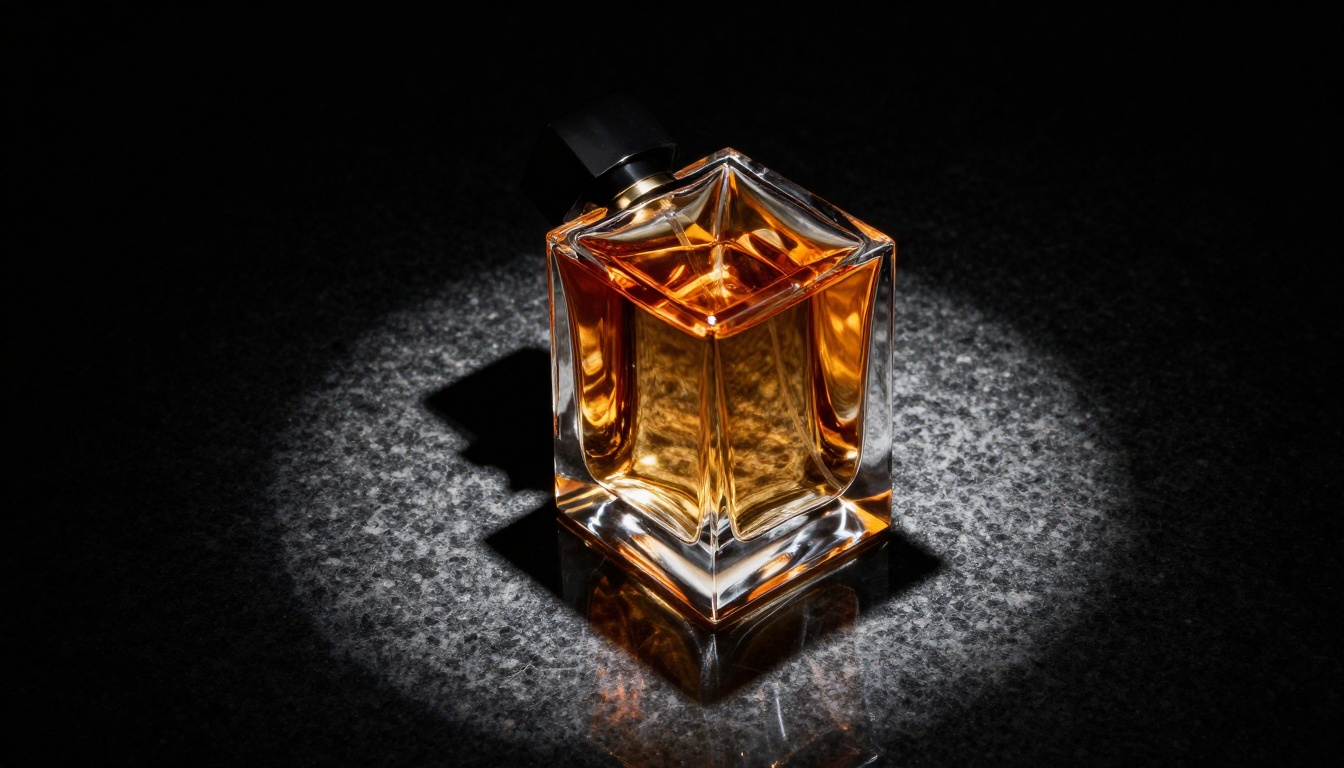
| Strong | "A tall frosted glass perfume bottle on polished black granite, single overhead spotlight creating caustic light patterns, amber liquid visible through thick glass walls, 100mm macro lens f/2.8, photorealistic 8K, Kodak Portra 400 film grain" |
The difference in output quality between these two prompts is not subtle. It is the difference between a snapshot and a campaign image.
💡 Lens Tip: Always specify your camera lens. "85mm f/1.8" for hero beauty shots, "100mm f/2.8 macro" for extreme close-ups, "35mm f/5.6" for flat lays with full-field sharpness. The model uses this information to determine depth of field and perspective.
Adjusting the Parameters
On PicassoIA, you can control several settings when running Nano Banana Pro:
- Aspect Ratio: Use 16:9 for hero banners and website headers. Use 1:1 for social media posts. Use 4:3 for marketplace listings.
- Seed: Lock a seed value to reproduce the same composition with minor prompt variations. This is ideal for creating color variants of the same base shot.
- Prompt Upsampling: Enable this when your prompt is under 50 words. The model intelligently expands it with relevant photographic detail.
5 Product Types That Work Best
Apparel and T-Shirt Mockups
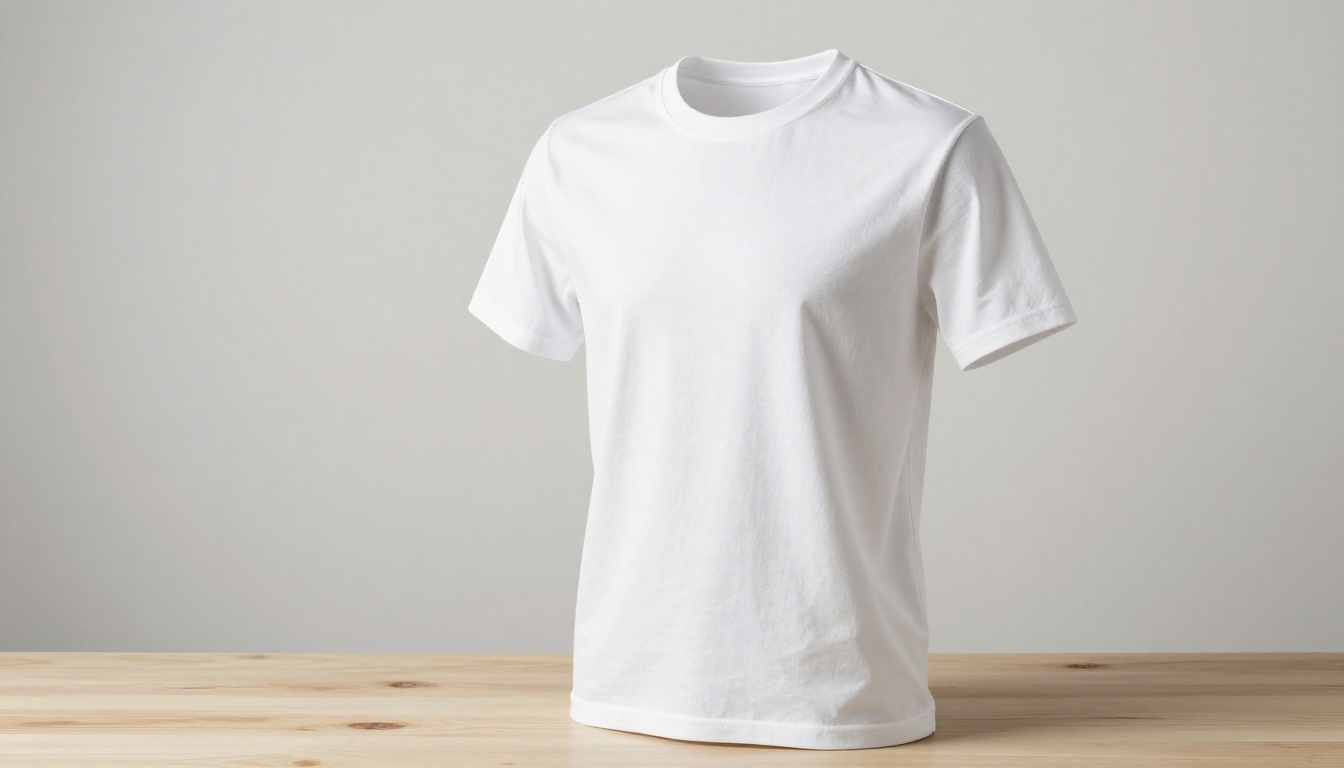
The apparel category is where AI product photography first proved its commercial viability, and Nano Banana Pro excels here. The secret to a convincing apparel mockup is fabric physics. Describe how the fabric sits: whether it is taut across shoulders on a mannequin, or relaxed in a flat-lay with natural wrinkles at the hem.
Specify the material explicitly. "100% cotton with fine weave texture" gives you different results than "heavyweight fleece with brushed interior." Both look real, but they are visually different products that send different brand signals.
Packaging and Bottles
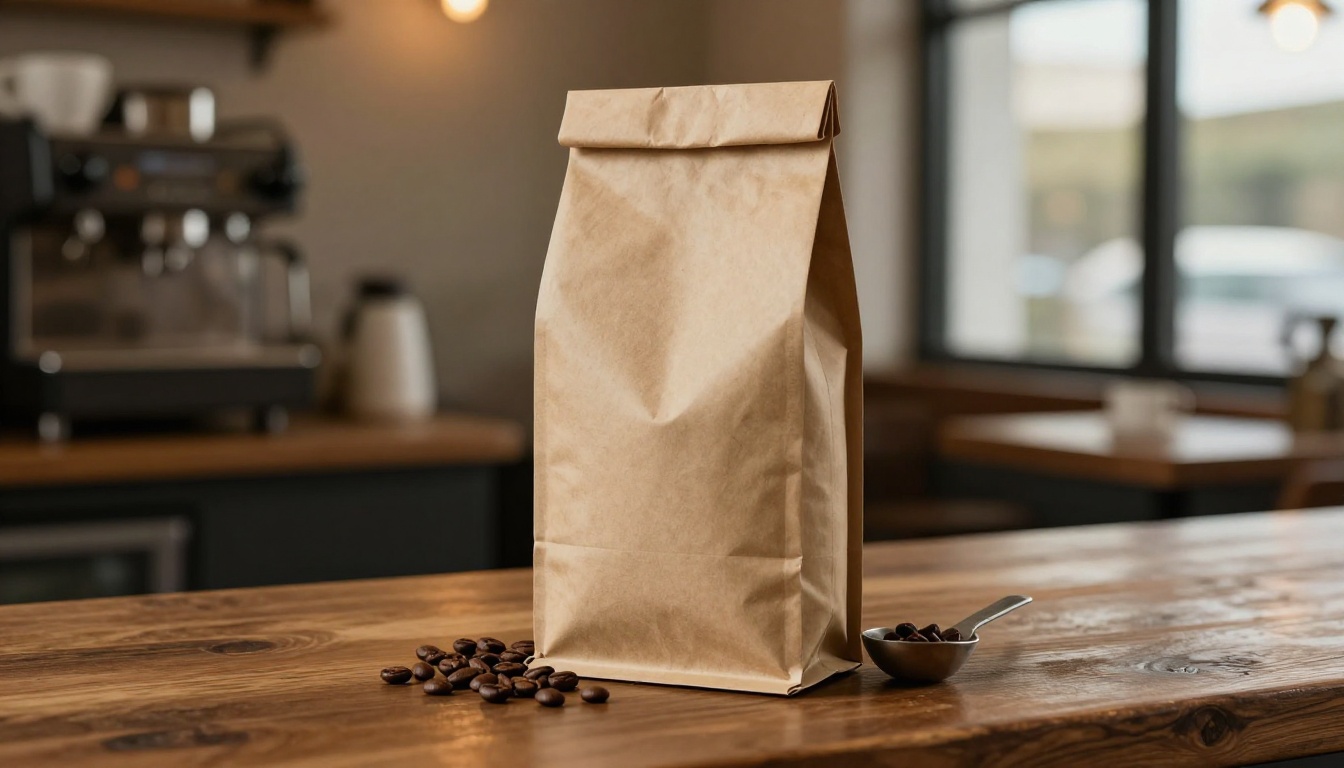
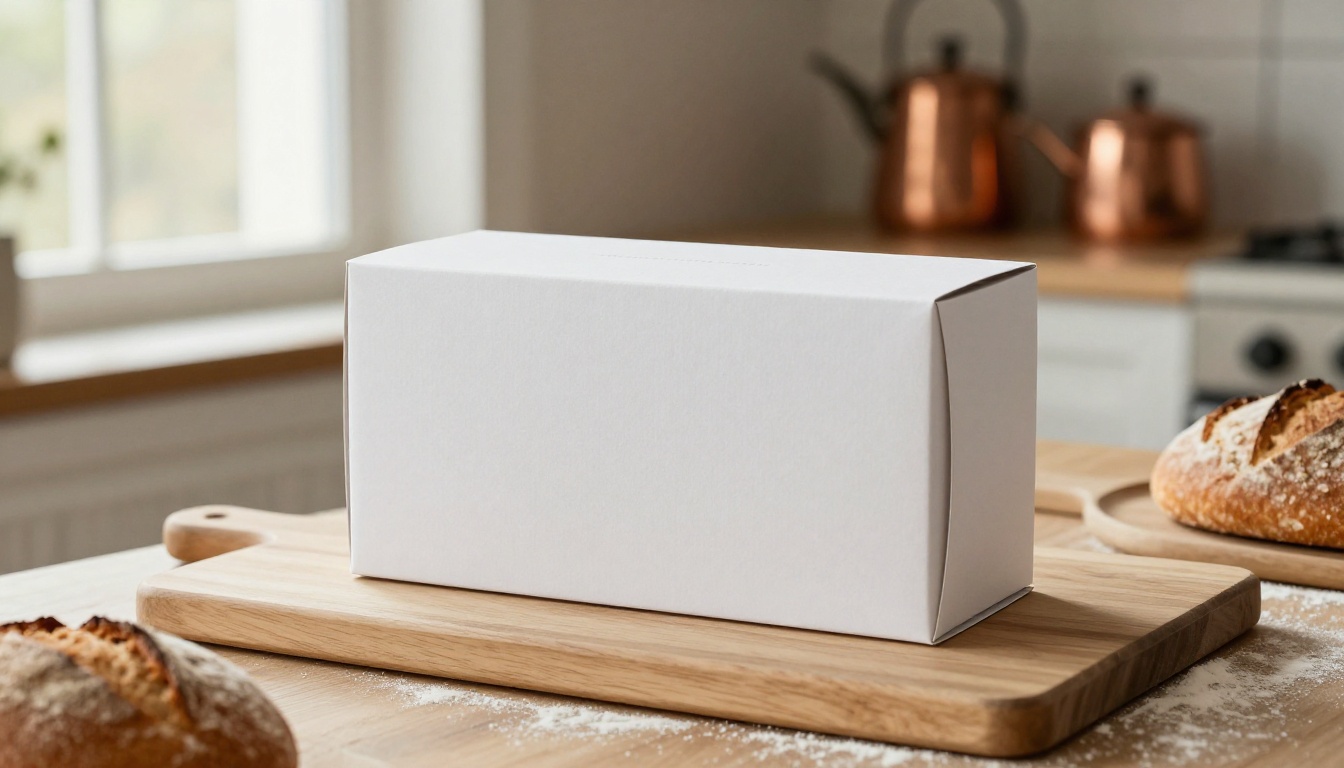
Packaging is arguably the most commercially valuable product category for AI mockups. Getting packaging photography right traditionally requires printing a physical proof, hiring a set designer, and booking a full studio day. With Nano Banana Pro, you generate the concept first, validate it with your team, and only then commit to physical production.
For best results with packaging: describe the material texture explicitly (kraft paper, glossy laminate, frosted glass), specify the surface contact point (what the package is standing on and what shadow it casts), and include lifestyle props that reinforce the brand story.
Tech Accessories
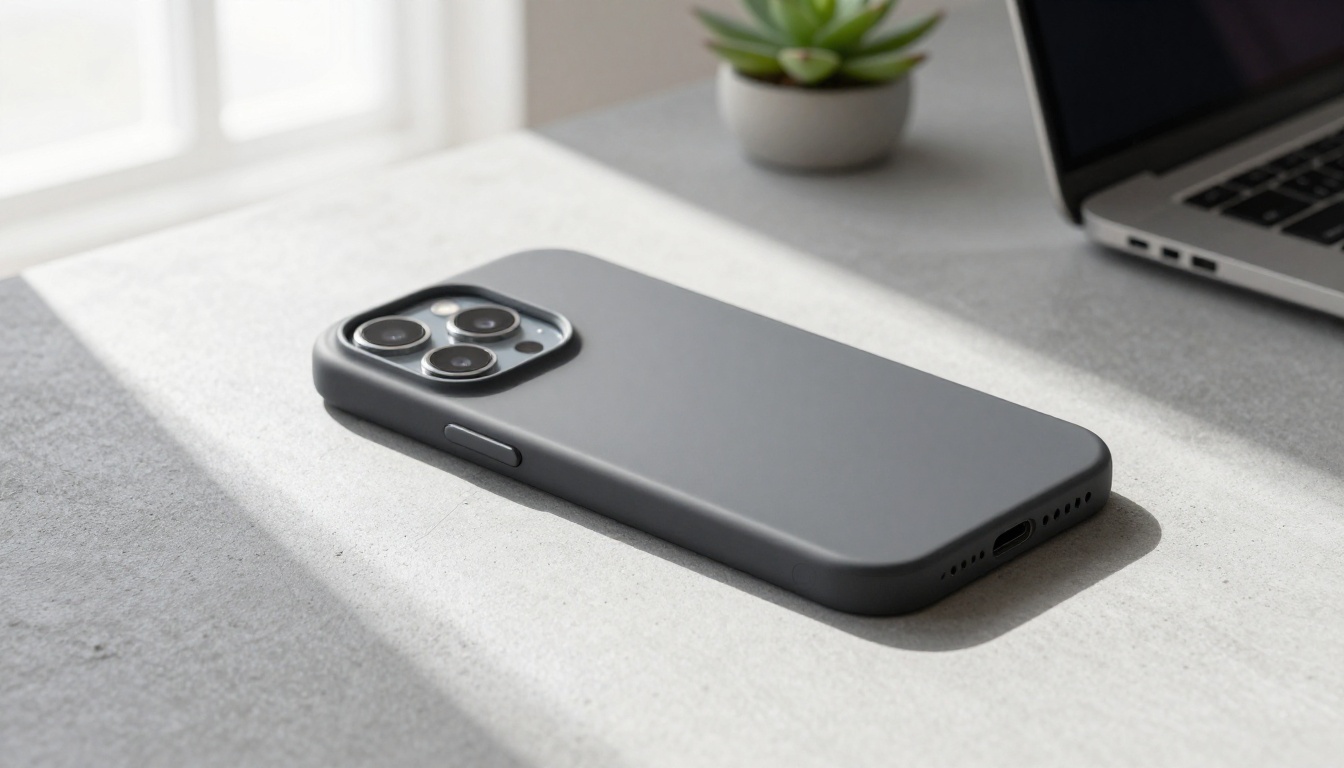
Tech accessories live in a world of clean lines, hard surfaces, and architectural light. Nano Banana Pro handles matte plastic and brushed aluminum surfaces with high accuracy.
For tech products: always use concrete, slate, or light wood surfaces. Avoid fabric or soft textures. Specify window light from a single direction to create dimensional shadows that make the product feel solid and physically real.
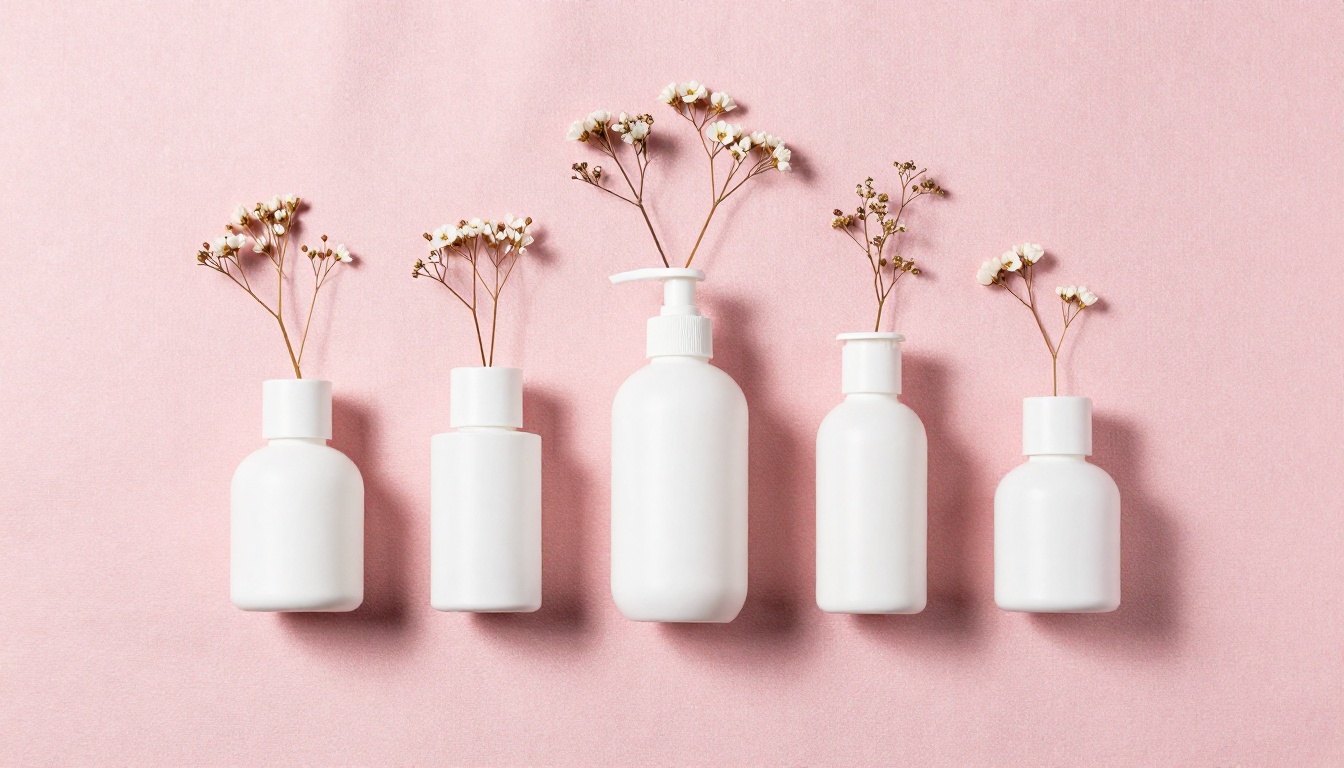
Beauty and Skincare
The beauty category is intensely visual. A serum bottle on the wrong surface feels like a $12 product. The same bottle on white marble with botanical props feels like a $200 product. Nano Banana Pro gives you full control over the luxury signifiers that make beauty products look premium.
Surface is everything in beauty product photography. White marble, black granite, pale terrazzo, light oak, pink linen. Each surface sends a different brand signal. Always describe the surface texture in detail: "white Carrara marble with gray veining, visible surface gloss, subtle reflection of the bottle."
Lifestyle Context Shots
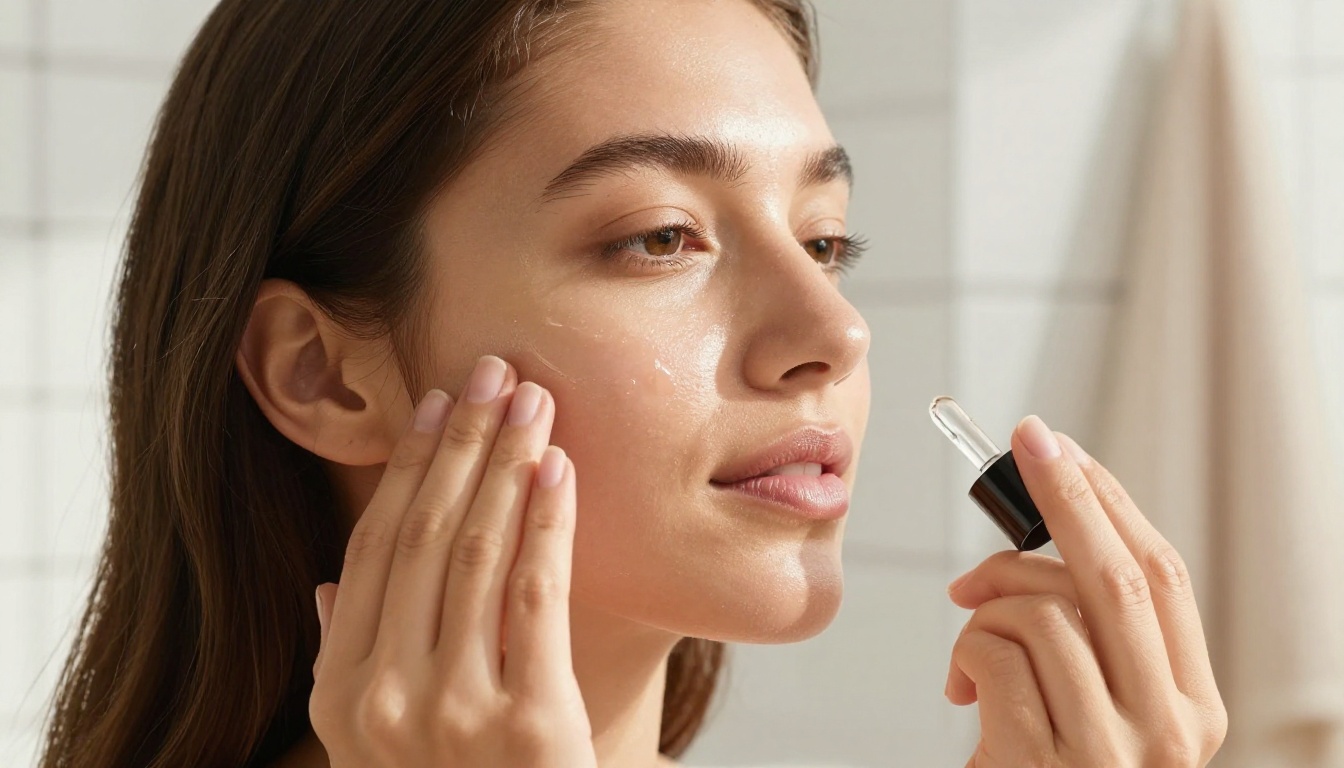
The most persuasive product images are not hero shots. They are lifestyle shots: your product in someone's hands, on their desk, in their bathroom, at their table. These images sell the aspiration, not just the object.
With Nano Banana Pro, you can generate lifestyle shots that include a person interacting with the product without hiring a model. Describe the person partially (hands, a forearm, a blurred silhouette) to keep the focus on the product while adding the human warmth that flat product shots lack.
How to Use Nano Banana Pro on PicassoIA
Since Nano Banana Pro is available directly on PicassoIA, the workflow is simple. No API keys, no local installation, no technical overhead.
Step 1: Open the Model
Go to the Nano Banana Pro page on PicassoIA. You will see the generation interface with the prompt field, aspect ratio selector, seed input, and advanced settings panel.
Step 2: Write Your Prompt
Use the five-part structure above: Subject + Environment + Lighting + Camera + Texture. For a product mockup, 60 to 100 words in your prompt is the sweet spot. Too short and you lose specificity. Too long and the model can start generating conflicting elements.
💡 Prompt Template: "[Product description] on [surface material], [lighting direction and quality], [camera angle and lens focal length], [material texture details], photorealistic, 8K, Kodak Portra 400 film grain"
Step 3: Set Aspect Ratio and Seed
Choose your ratio based on where the image will be used. Lock a seed number if you plan to generate variations of the same composition. The seed ensures the underlying composition stays stable while your prompt changes bring in different details.
Step 4: Generate and Iterate
Run the generation. If the first output is close but not perfect, adjust one element of the prompt and regenerate. Common fixes:
- Too dark: Add "soft diffused natural light, bright and airy atmosphere"
- Surface looks fake: Add a specific texture descriptor like "visible marble veining" or "rough linen weave visible at 8K"
- Product appears blurry: Add "sharp focus on product, ultra-detailed surface, 8K resolution"
- Background is distracting: Add "blurred background, shallow depth of field, smooth bokeh"
Comparing Models for Product Work
Nano Banana Pro is the top choice for final commercial product shots, but it helps to know when to use other models available on PicassoIA:
The practical workflow most professionals use: draft with Nano Banana to find the right composition quickly, then finalize with Nano Banana Pro at full resolution for the final output.
Common Mistakes That Kill Your Results
After generating hundreds of product mockups, these are the patterns that consistently produce disappointing output:
1. Vague surface descriptions
Saying "on a table" gives the model too much freedom. Tables can be plastic folding tables or polished Italian marble. Specify every detail of the surface.
2. Forgetting to describe light
Light direction is the most powerful variable in product photography. "Natural morning window light from the left" gives you a completely different result than "overhead studio lighting." Always describe it explicitly.
3. Ignoring camera angle
Flat eye-level product shots are easy. What separates great product photography is angle: a slight low-angle on a perfume bottle makes it feel monumental. An aerial angle on a flat-lay coffee setup makes it feel editorial. Tell the model exactly where the camera sits.
4. Contradicting yourself in the prompt
"Bright and airy but dark and moody" will confuse the model. Pick one visual direction and commit to it throughout the entire prompt.
5. Stopping at the first result
First-generation outputs are rarely final. The value of AI product mockups is that iteration is free. Adjust one variable at a time and regenerate until you have the shot you need.
💡 Before regenerating, ask yourself: Is my surface specific? Is my light source described with direction? Is my camera angle and lens stated? Does any part of my prompt contradict another part?
Take Your Mockups Further
Once you have a base product image from Nano Banana Pro, PicassoIA offers several tools to push the result even further.
Upscaling for Print
The base output from Nano Banana Pro is already high resolution, but for print applications (packaging, billboards, trade show displays) you may need to go further. PicassoIA's Super Resolution tools can upscale your image 2x or 4x while preserving and enhancing surface detail.
Background Removal for Marketplaces
For marketplace listings on Amazon, Etsy, or Shopify, many platforms require a pure white background. After generating your lifestyle mockup, use PicassoIA's Background Removal tool to isolate the product instantly, with no tedious manual masking required.
Inpainting with Flux Fill Pro
If your mockup is nearly perfect but one element is off (a label position, a stray prop, a shadow that does not work), Flux Fill Pro lets you repaint specific areas while keeping everything else intact. Select the problem area, describe what should replace it, and generate. This is faster than starting over and risking losing a composition you already like.
Your Product Deserves Visuals That Sell It
The barrier to professional-grade product photography has dropped significantly. What used to take a studio, a photographer, and a full production day now takes a well-crafted prompt and a few minutes on PicassoIA.
Nano Banana Pro is available right now. Start with one of your existing products: describe it exactly as it looks, place it on a surface that fits your brand, add the light source, add the camera angle, and run the generation.
The first result may not be perfect. The fifth one will be. And unlike a studio day, every iteration costs nothing except a few seconds of generation time.
Use Nano Banana for rapid ideation, Nano Banana 2 for balanced drafts, and Nano Banana Pro when you are ready to create the shot that actually goes live. Your product deserves visuals that sell it properly, and now you have the tools to make that happen without a photography budget.


