Paying $500 for a product photo shoot that takes three days and still comes back with mediocre lighting is no longer the only option. AI image generation has reached a point where a well-written text prompt produces commercial-grade product photos, complete with precise lighting control, photorealistic material rendering, and backgrounds styled exactly as you need them, in under a minute.
This article covers exactly how to generate product photos with AI: the models worth using, the prompts that get results, a step-by-step workflow, and the honest limitations you should know before replacing your entire photography budget.
Why Product Photos Make or Break Sales
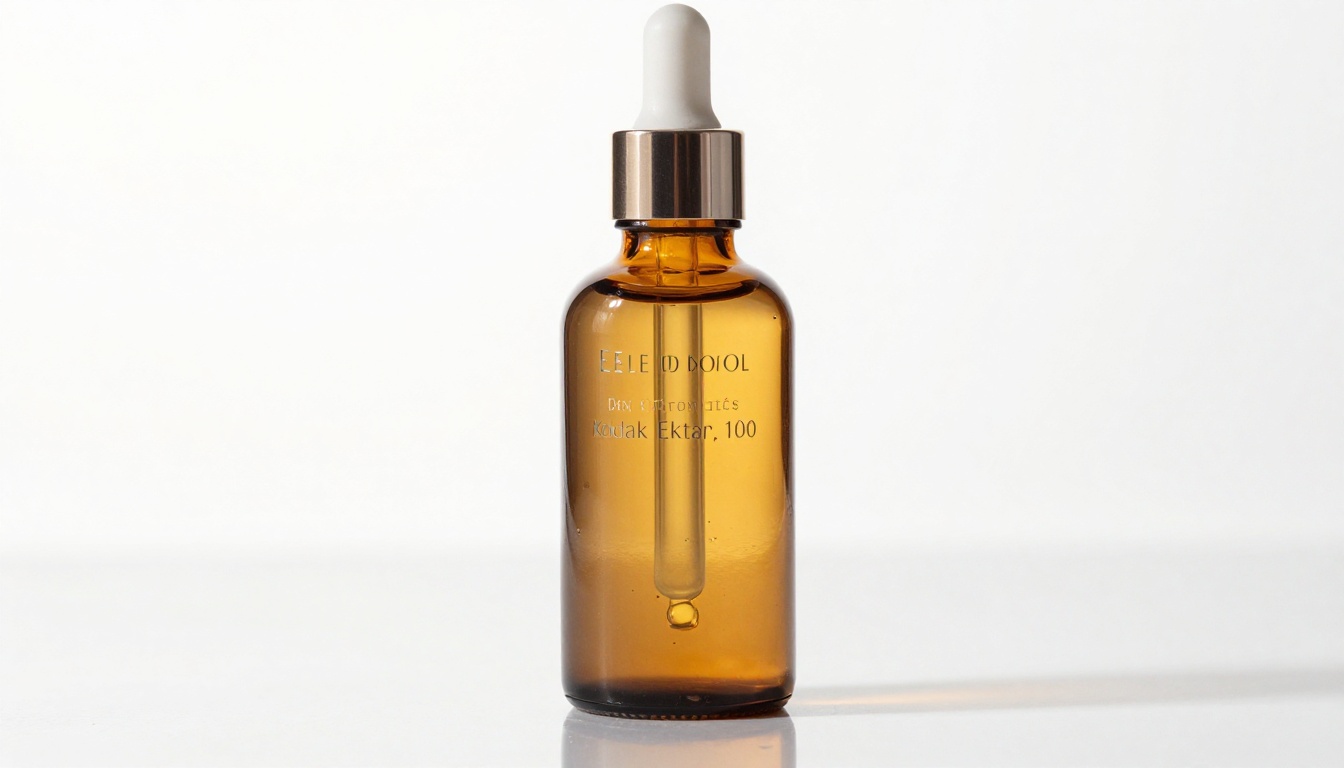
The quality of your product images directly determines whether a shopper adds to cart or bounces. This is not an opinion.
The Real Numbers Behind Conversion Rates
Multiple ecommerce studies put the figure in the same ballpark: 67% of consumers say image quality is "very important" when making a purchase decision online. On Amazon, product listings with professional photography convert at nearly 3x the rate of listings with amateur photos. On Shopify stores, a single high-quality image can increase add-to-cart rates by up to 30%.
The problem is that professional photography is expensive and slow. A single product shoot with a freelance photographer runs anywhere from $150 to $800 per product, plus studio rental, props, and editing time. For a catalog of 50 SKUs, that budget is simply not realistic for most brands.
What Buyers Actually See
Buyers are not looking at your product description first. They look at the photo. In the first 3 seconds, the brain has already formed an impression of product quality based entirely on visual cues: lighting, surface texture, background cleanliness, and apparent material quality. A photo with harsh shadows, color casts, or a cluttered background signals low quality regardless of how good the actual product is.
💡 This is the gap AI fills. Consistent, clean, studio-quality visuals for any product, on demand, without a photographer.
How AI Changes the Photography Equation
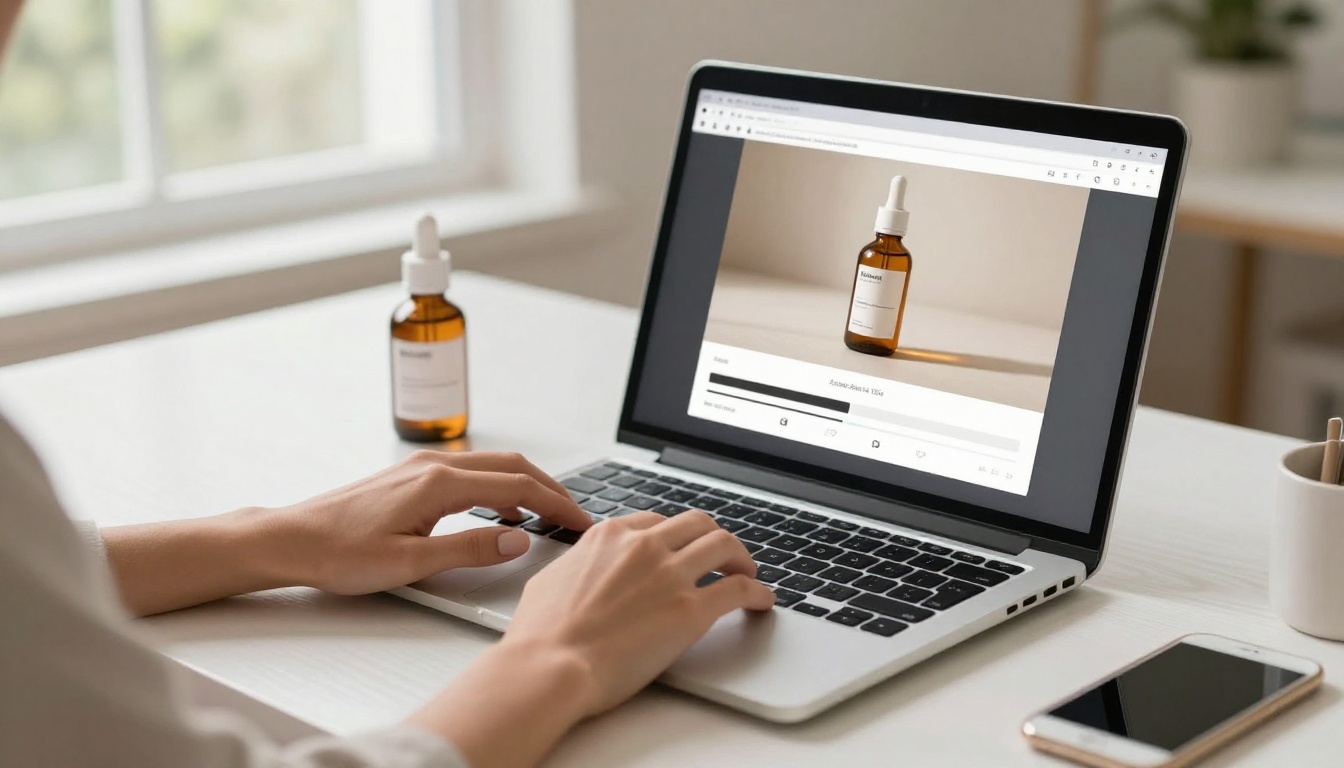
Traditional product photography requires a physical setup: a camera, lenses, lighting equipment, a clean backdrop, and the skill to operate all of it. AI product photography requires a text prompt and internet access.
From Text Prompt to Studio Shot
Modern AI image models have been trained on billions of product photographs, studio setups, lighting conditions, and material types. When you describe a skincare serum bottle on a white background with soft side lighting, the model understands not just what the words mean, but what professional product photography with those specifications actually looks like at a pixel level.
The output is not a rendering or a 3D composite. The best models today produce images that are genuinely indistinguishable from studio photography when viewed at standard screen resolution.
What AI Gets Right
- Lighting accuracy: Simulate any studio setup, from softbox to ring light to golden hour window light
- Background control: Pure white, gradient, lifestyle, contextual, or completely transparent output with the right models
- Material rendering: Glass, matte plastic, chrome, fabric, leather, and liquid surfaces all render with photorealistic texture
- Composition control: Three-quarter angle, overhead flat-lay, eye-level hero shot, all specified in the prompt
- Speed: From prompt to usable image in 15 to 60 seconds
Which AI Models Work Best for Products
Not all models are built for the same output. For product photography specifically, you want models that prioritize photorealism, sharp label rendering, and clean material textures.
For Maximum Photorealism
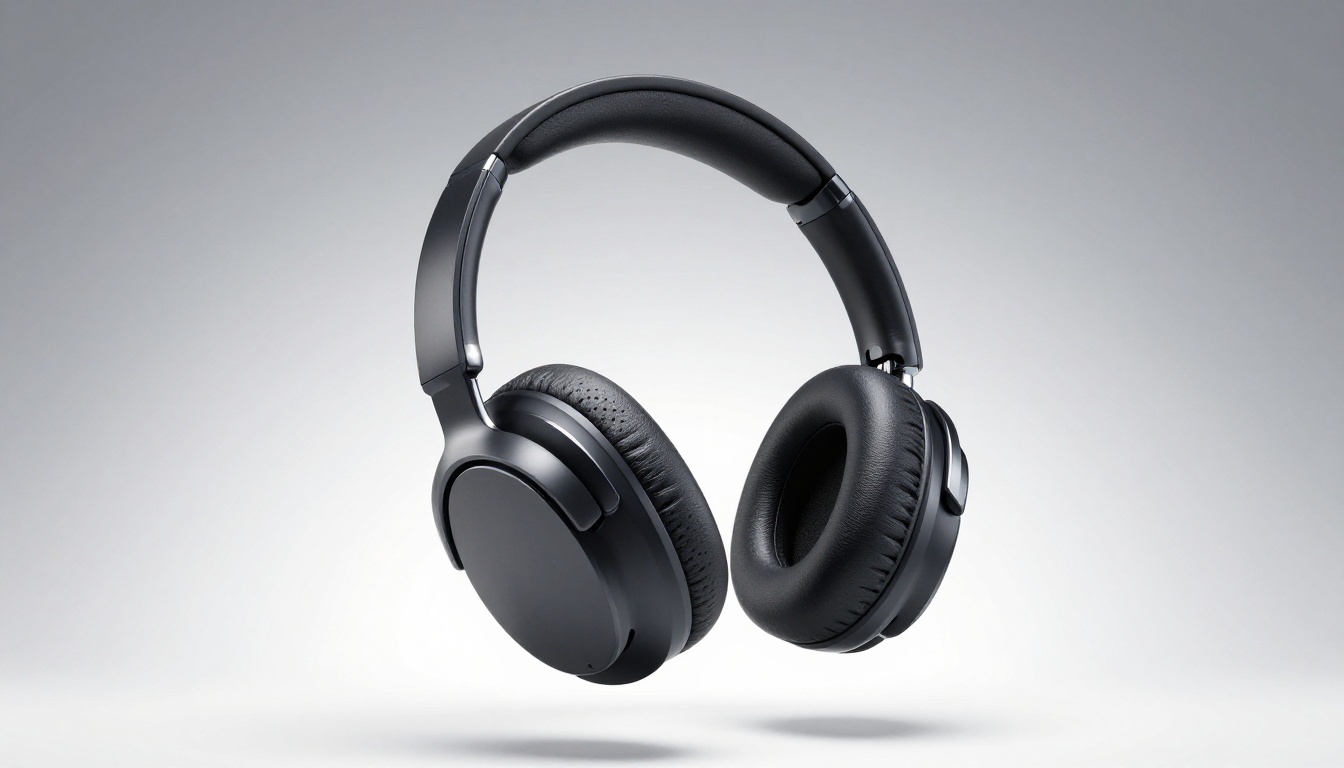
Flux 1.1 Pro Ultra produces 4-megapixel photorealistic images with exceptional detail in reflective and transparent surfaces. This is the go-to for products with glass, chrome, or complex surface finishes. The level of specular highlight accuracy on glass bottles and polished metal is notably better than most other models.
Flux Pro is the workhorse for detailed product scenes. It handles multi-product flat-lay setups well and renders fabric textures with particularly high accuracy.
Imagen 4 Ultra from Google excels at high-detail rendering and handles complex lighting scenarios with natural accuracy. Strong choice for food and beverage product photography where color fidelity matters most.
For Label Text and Clean Output
GPT Image 1.5 is the best choice when your product has readable text on the label. It also supports transparent PNG output, which is directly useful for ecommerce listings that require white or transparent backgrounds.
Recraft v4 Pro produces print-ready images with exceptional color accuracy and is particularly strong for branded product packaging and catalog work.
Ideogram v3 Quality renders product label text and graphic elements with sharp accuracy when your prompt includes specific label descriptions.
Model Comparison at a Glance
How to Write Prompts That Actually Work
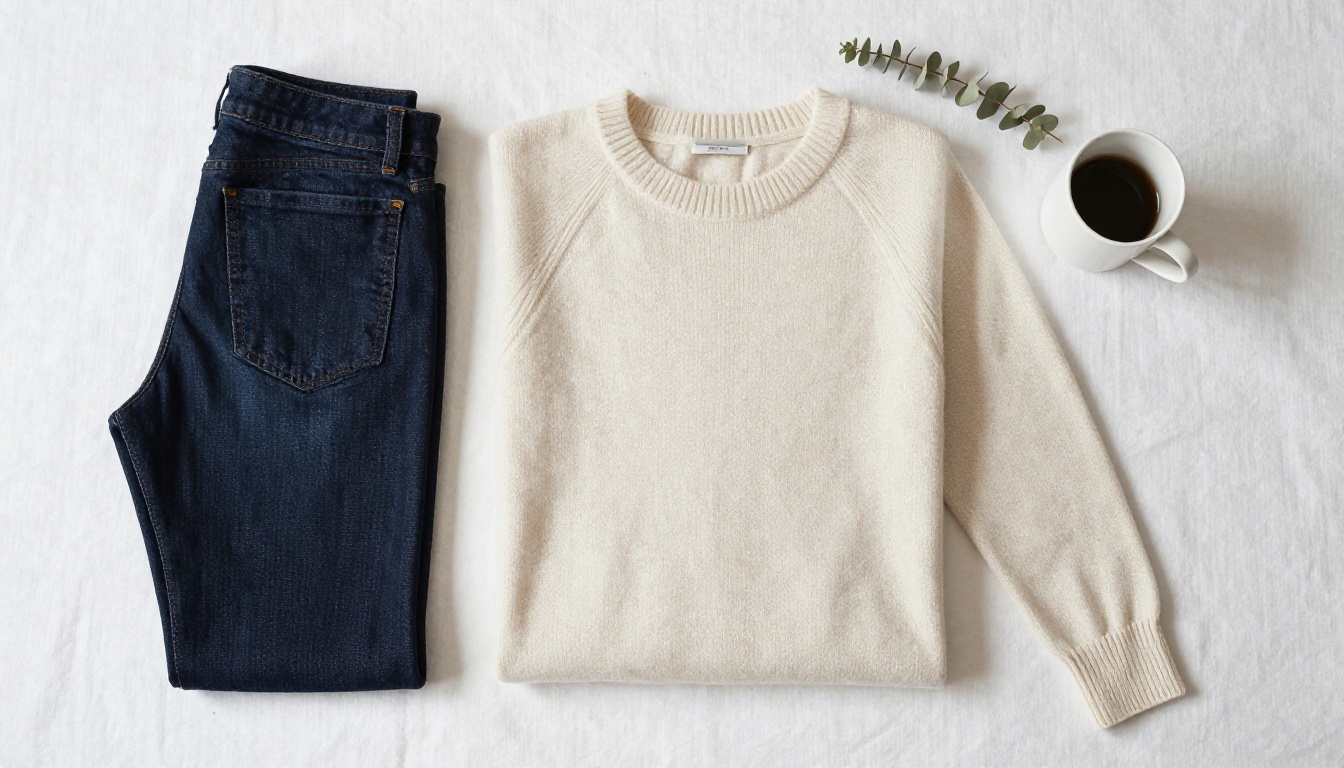
The biggest difference between a mediocre AI product photo and a great one is the prompt. This is a skill, and it follows a clear structure.
The 5-Part Product Prompt Formula
Every effective product photography prompt needs five components:
- Subject definition: Exactly what the product is, its material, finish, and color
- Environment and surface: What it sits on and what surrounds it
- Lighting specification: Where the light comes from, how hard or soft, what color temperature
- Camera angle and lens: Overhead, eye-level, low-angle; wide or telephoto or macro
- Texture and quality modifiers: Film grain, resolution, photographic style references
Working example:
"Single amber glass essential oil bottle on white marble surface with light grey veining, soft diffused window light from left creating gentle shadow to right, three-quarter angle at 30 degrees elevation, 85mm lens f/8, label clearly readable, warm 4500K color temperature, photorealistic, Kodak Portra 400 grain, 8K resolution"
This prompt hits all five components and gives the model enough specificity to produce a commercial-quality result on the first or second generation.
3 Prompt Mistakes That Ruin Results
💡 Mistake 1: Vague product descriptions. "A bottle" produces generic results. "A cylindrical 100ml amber glass bottle with frosted finish and gold crimped cap" gives the model enough to produce something accurate.
💡 Mistake 2: No lighting information. Without lighting specs, the model guesses. Always specify where light comes from and how soft or hard it is.
💡 Mistake 3: Missing camera angle. "Product photo" gives no compositional direction. "Three-quarter angle at 45 degrees elevation from front-left" produces a specific, repeatable shot.
Prompt Modifiers Worth Adding
These additions consistently improve output quality across all models:
photorealistic, 8K as explicit quality anchorsKodak Portra 400 film grain or Kodak Ektar 100 to control color character and grain texture--style raw to prevent artistic interpretation from overriding photographic realism- Specific f-stop values (
f/8, f/11) to signal maximum apparent sharpness
- Color temperature in Kelvin (
4500K, 5500K) for precise lighting mood
How to Use Flux 1.1 Pro Ultra on PicassoIA
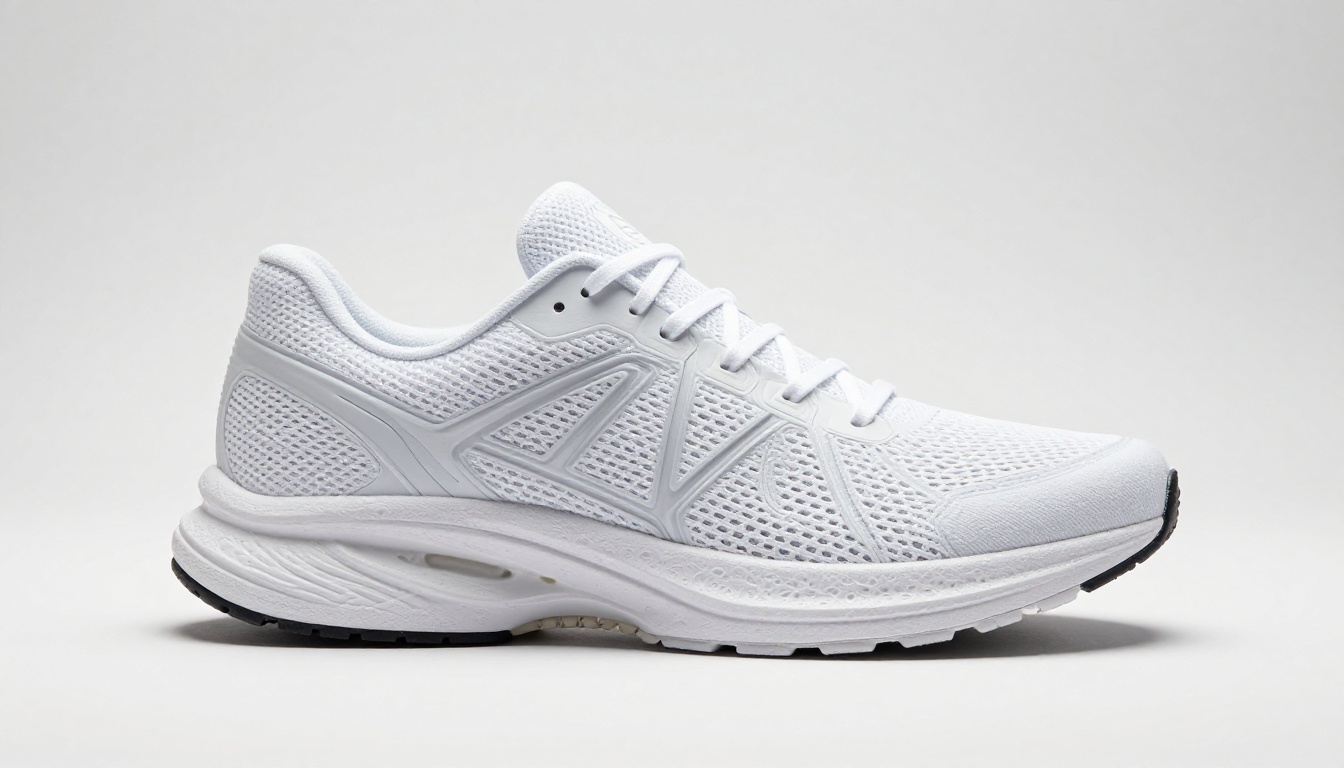
PicassoIA gives you access to Flux 1.1 Pro Ultra and every major text-to-image model from a single interface. Here is a step-by-step workflow for generating product photos:
Step 1: Choose Your Model
Navigate to Flux 1.1 Pro Ultra in the PicassoIA model collection. For most product photography, this is the best starting point because of its 4MP output and photorealism accuracy on glass, metal, and fabric surfaces.
For products with readable label text, switch to GPT Image 1.5, which handles typography rendering significantly better.
Step 2: Set Your Aspect Ratio
Product photography for ecommerce typically uses these ratios:
| Ratio | Best Use |
|---|
| 1:1 | Amazon, eBay, and most marketplace main product images |
| 4:3 | Website hero sections and lifestyle shots |
| 16:9 | Banner ads, social media headers, editorial use |
| 9:16 | Instagram Stories, TikTok product posts |
Step 3: Write Your Prompt
Use the 5-part formula. Spend extra time on the product description. The more specific material, finish, and color details you include, the more accurate the output.
Parameter tips specific to Flux 1.1 Pro Ultra:
- Include
--style raw to disable artistic filters
- Use
photorealistic and 8K as explicit quality anchors
- Reference film stocks like
Kodak Portra 400 or Kodak Ektar 100 to set the tonal character
- Use
f/8 or f/11 in the prompt for maximum apparent depth-of-field sharpness
Step 4: Iterate on the First Output
The first generation is a draft. Look at it critically:
- Is the lighting direction correct?
- Are there shadow artifacts or unnatural reflections?
- Is the product angle what you wanted?
- Is the surface texture accurate?
Adjust the specific elements that are off and regenerate. Two to three iterations typically produces a final image ready for use.
Step 5: Refine with Flux Kontext Pro
Use Flux Kontext Pro for text-based image editing: change the background color, swap the surface material, or adjust the lighting without regenerating from scratch. This is particularly useful when you have an image that is 90% correct but needs one specific element changed.
Beyond the Shot: Post-Generation Workflow
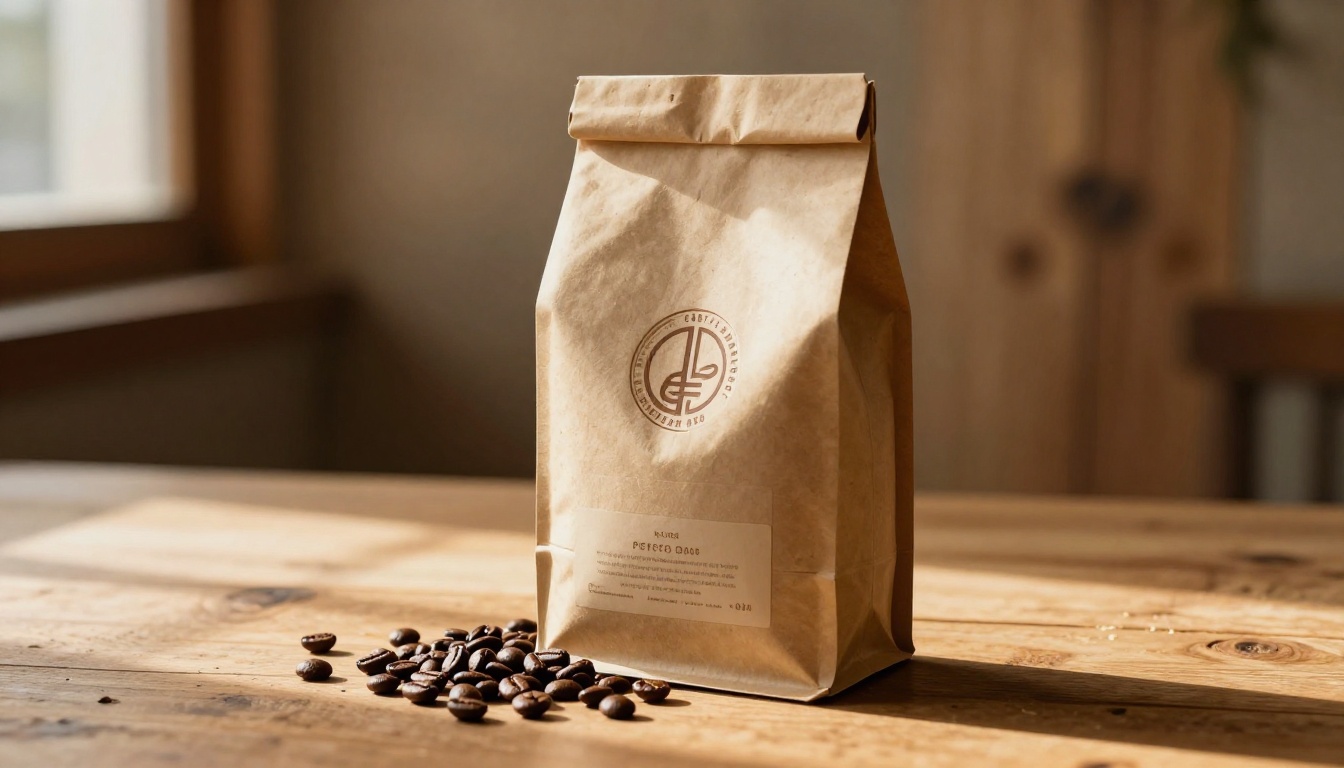
Generating the image is step one. For commercial use, two additional processing steps commonly apply.
Background Removal
Most ecommerce platforms want product images on pure white or transparent backgrounds. AI background removal handles this in seconds. PicassoIA's background removal tools isolate the product from any generated background, producing a clean cutout suitable for composite work or direct listing upload.
This is especially useful when you generate a lifestyle scene for social media but need the same product image on white for an Amazon listing. Generate once with context, remove background, reuse across formats.
Super Resolution Upscaling
Flux 1.1 Pro Ultra already outputs at 4 megapixels, which covers most digital use cases. For print applications, including packaging mockups, trade show banners, and retail displays, running the output through PicassoIA's super-resolution upscaling tools pushes the image to print-ready resolution without quality loss.
The upscaling models analyze the image and add genuine detail rather than simply interpolating pixels. A product photo upscaled 4x maintains material texture accuracy and remains commercially viable at large print formats.
What AI Cannot Do Yet
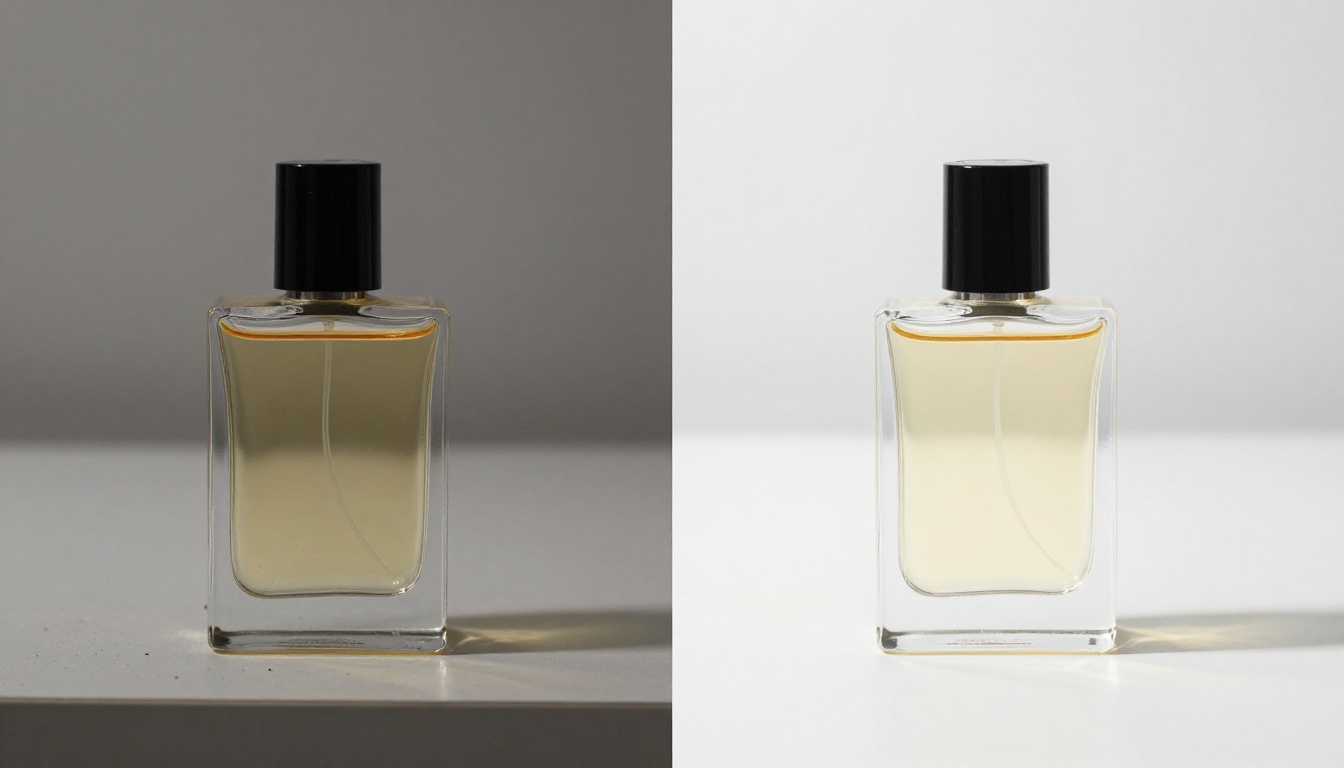
Honest evaluation requires acknowledging where AI product photography has real limits.
When Physical Shots Still Win
- Highly reflective surfaces at macro distance: Chrome and mirror-finish products at extreme close range produce artifacts that are difficult to control through prompting alone
- Exact brand colors: If your packaging uses a specific Pantone value, AI may not match it precisely without extensive iteration and color correction
- Complex multi-product arrangements: Scenes with five or more products in specific spatial relationships are hard to control accurately through text alone
The Consistency Problem
Generating the same product consistently across multiple shots is the main technical limitation. If you generate a hero shot, a three-quarter shot, and a lifestyle shot of the same product, each generation will have subtle differences in the product shape and surface details.
Practical workarounds:
- Use the same seed value across generations for maximum visual consistency
- Use image-to-image generation with Flux 2 Pro, which accepts a reference image and maintains product consistency across variations
- Use Flux Kontext Pro to edit an existing generated image rather than generating entirely new shots
Label Text Accuracy
Unless you use a model specifically designed for text rendering, product label text in AI images is often garbled or stylized rather than matching your actual brand font and copy. The practical workaround is to generate the product without visible label text and composite the actual label in post-production using standard design tools.
Prompts by Product Category
Different product types need different prompt approaches. Here are starting templates by category:
Beauty and Skincare:
"[Product name, size, material finish] on white marble surface, single softbox from upper left, three-quarter angle 30 degrees elevation, 85mm f/8, label readable, 4500K, photorealistic 8K Kodak Portra 400"
Fashion and Apparel:
"[Garment type, color, fabric] overhead flat-lay on white linen, shadowless even lighting from dual softboxes, 50mm f/9 straight down, individual fabric fibers visible, neutral 5500K, photorealistic 8K"
Electronics and Gadgets:
"[Device name and color] three-quarter angle on white acrylic with mirror reflection, split lighting main from upper right and rim from left, 85mm f/8, chrome and matte surface textures detailed, 5000K neutral, photorealistic 8K"
Food and Beverage:
"[Product] on [wood or slate or marble] surface, warm window light from left, 50mm f/2.5 shallow depth of field, bokeh background, ambient warm 3800K, product texture clearly rendered, photorealistic 8K Kodak Portra 400"
Footwear:
"[Shoe description] three-quarter angle on white pedestal, dual softbox setup main from upper left fill from lower right, 85mm f/11 full sharpness, mesh or leather texture detail, 5500K, photorealistic 8K Kodak Ektar 100"
The Real Cost Comparison
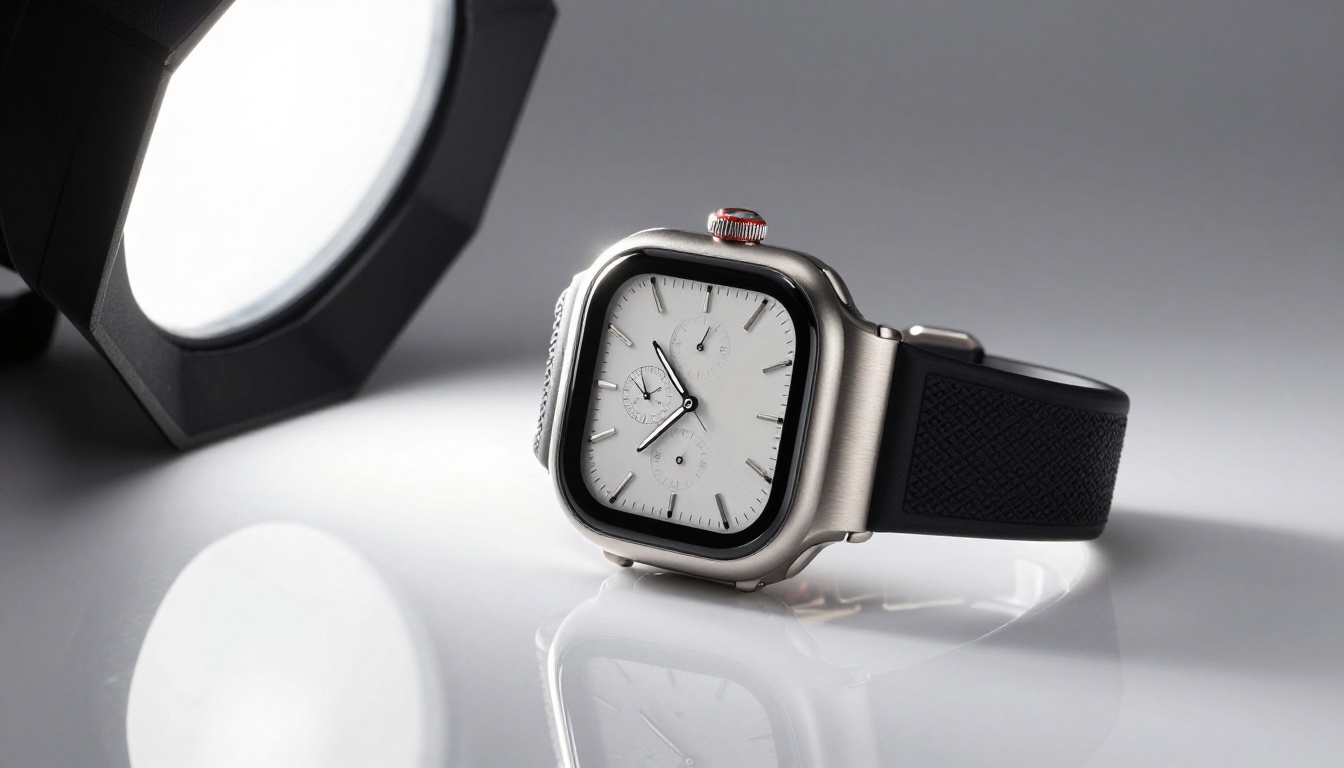
The economics of AI product photography are straightforward:
| Method | Cost Per Image | Turnaround Time |
|---|
| Freelance photographer | $150 to $500 | 3 to 7 days |
| In-house studio setup | $50 to $150 plus equipment cost | Same day |
| AI generation on PicassoIA | Fraction of the above | Under 1 minute |
| AI generation plus post-editing | Fraction of the above | Under 5 minutes |
For catalog-scale production covering 50 to 500 products, the difference becomes significant enough to change what is possible for small and mid-size brands. A Shopify seller with 40 products who previously spent $6,000 on a product shoot can now generate an equivalent set of images, with full background and lighting control, in an afternoon.
The speed advantage also changes how you test. Instead of committing to one set of hero images per product for a quarter, you can generate three angle variations in 10 minutes and run A/B tests on which converts better before committing to a final direction.
💡 Bottom line: AI product photography is not a replacement for every situation. It is a tool that gives you professional output at a speed and cost that were previously impossible, covering the majority of ecommerce photography use cases without any physical setup.
Start Creating Your Own Product Images
The tools to produce professional product photography are available right now, with no camera, no studio, and no photography experience required. The models on PicassoIA cover every category: Flux 1.1 Pro Ultra for maximum photorealism, GPT Image 1.5 for label accuracy and transparent backgrounds, Imagen 4 Ultra for food and beverage color fidelity, Recraft v4 Pro for print-ready packaging output, and editing tools like Flux Kontext Pro for refining images without regenerating from scratch.
Pick one product. Write a prompt using the 5-part formula. Run your first generation on PicassoIA. The gap between a first attempt and a usable commercial image is usually two to three iterations. By your fifth or sixth prompt, you will be producing results that would have required a professional studio setup a year ago.
The catalog does not build itself, but now it builds a lot faster.


