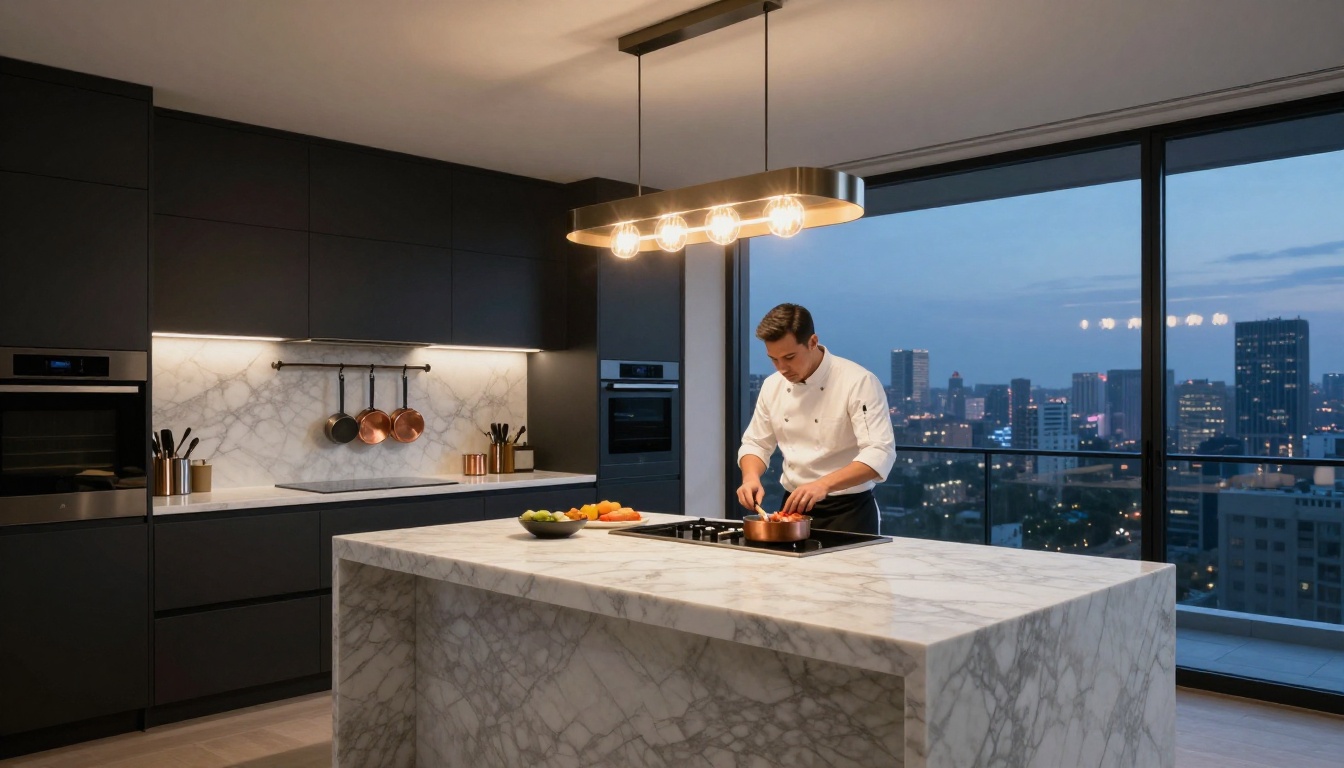
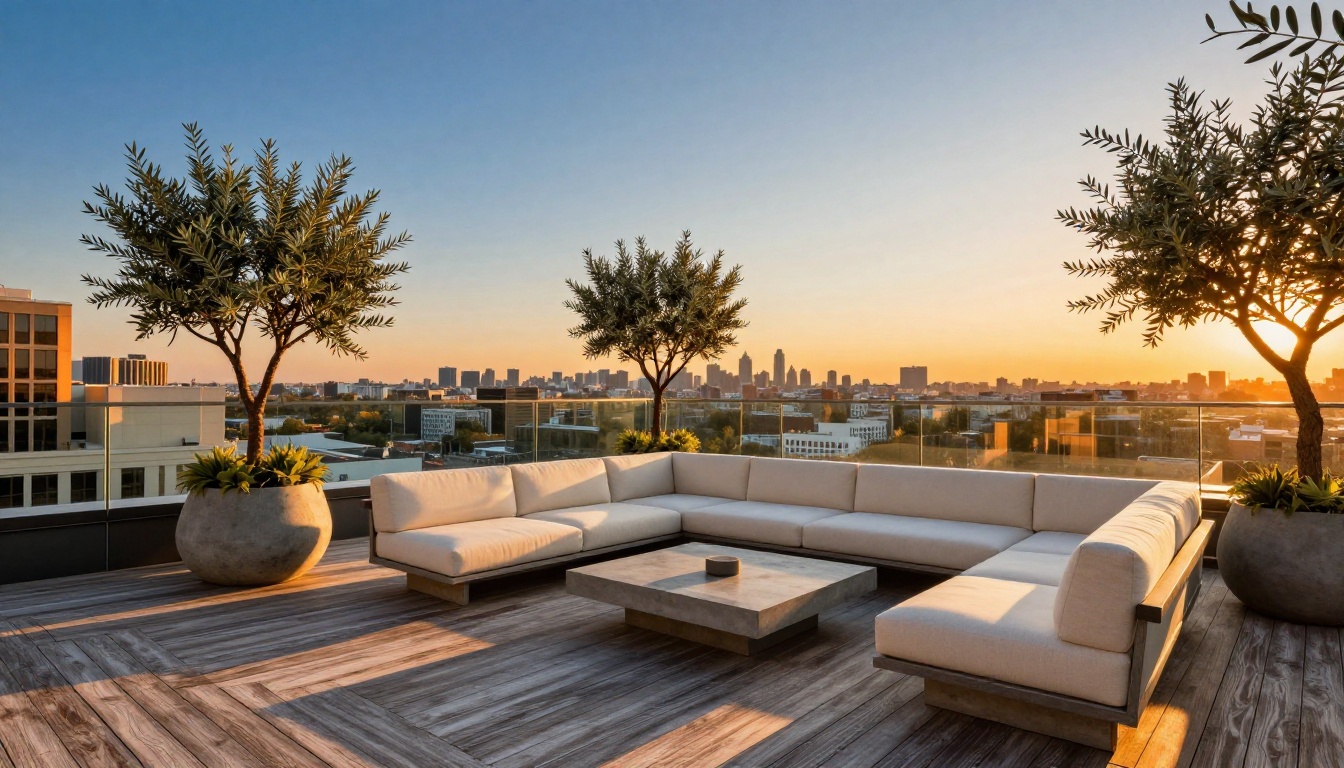
Stop paying thousands for traditional renders that take weeks to deliver. AI image generators now produce photorealistic exterior and interior renders from a simple text prompt, in minutes. This article shows you exactly which models work best for real estate, how to write prompts that get results, and how to refine your output to listing-quality images.
Real estate marketing is an arms race. Every listing competes for the same eyeballs, and the properties that win are the ones with jaw-dropping visuals. Traditional architectural renders cost between $500 and $3,000 per image and take anywhere from three days to three weeks to deliver. AI changes that math entirely.
Why Traditional Renders Cost Too Much
The render industry is built on specialized labor. A skilled architectural visualizer charges between $50 and $150 per hour, and a photorealistic exterior render typically requires 20 to 40 hours of work. That covers modeling, texturing, lighting simulation, and post-processing. Add revision cycles and you are looking at a serious budget line before a single property is even listed.
The Real Numbers Behind Render Pricing
Render Type
Traditional Cost
Turnaround Time
Exterior render (single angle)
$800 - $2,500
5 - 14 days
Interior render (single room)
$600 - $1,800
3 - 10 days
Full property package (6 views)
$4,000 - $12,000
2 - 5 weeks
AI-generated render (any type)
$0 - $30
30 seconds - 5 minutes
The difference is not incremental. It is structural.
Time Is the Other Problem
Developers frequently need renders before construction begins, to secure financing and pre-sell units. Traditional render studios operate on project queues. Miss a deadline by a day and your timeline slips a week. AI tools respond instantly, which means you can iterate on design concepts in real time during client presentations instead of waiting for studio turnarounds.
What AI Renders Actually Look Like Now
Two years ago, AI real estate renders had a particular tell: surfaces looked like they were coated in plastic, lighting felt flat, and human proportions in staging shots were off. That era is over.
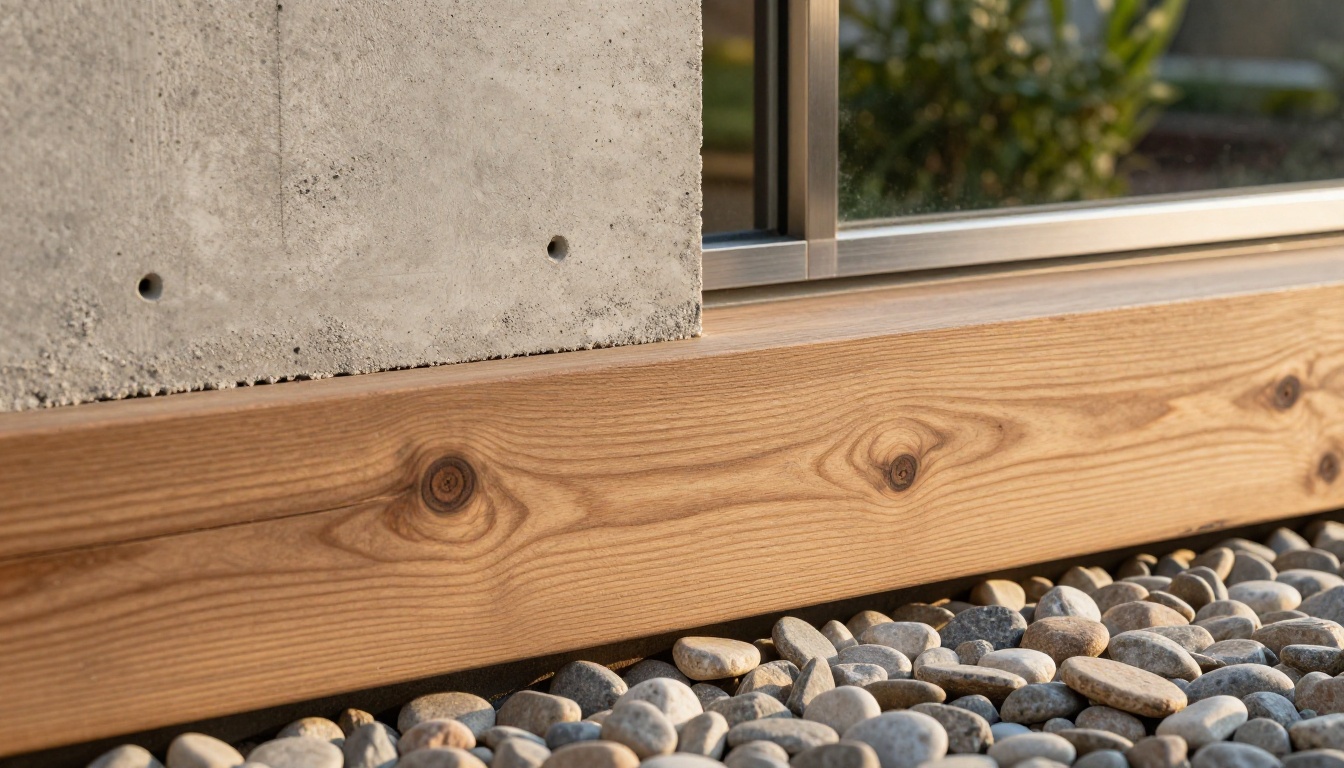
Today, the best AI models produce images where you cannot tell the difference between a rendered concept and a real photograph taken on a shoot day. Concrete textures show grain and porosity. Glass reflections track the actual sky. Hardwood floors have individual plank variations, not a repeating tile pattern.
Exterior Renders That Fool the Eye
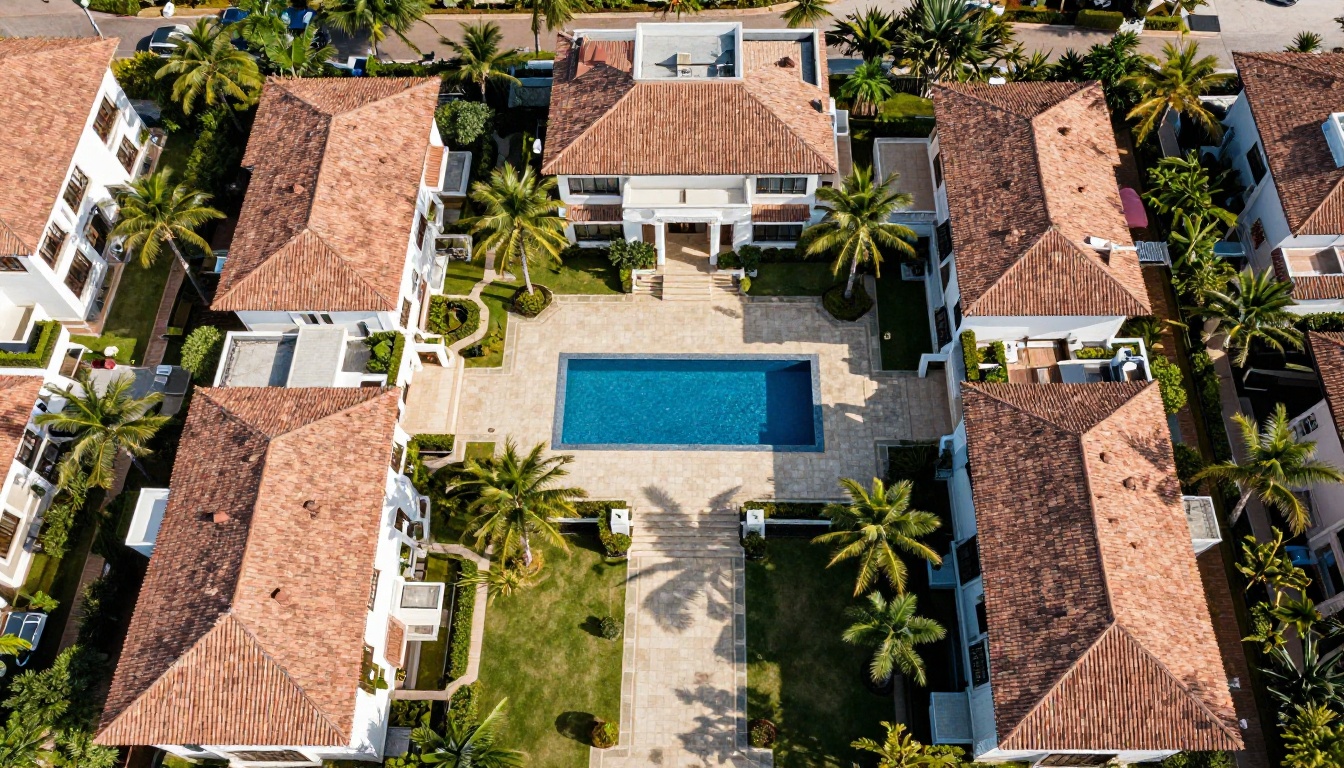
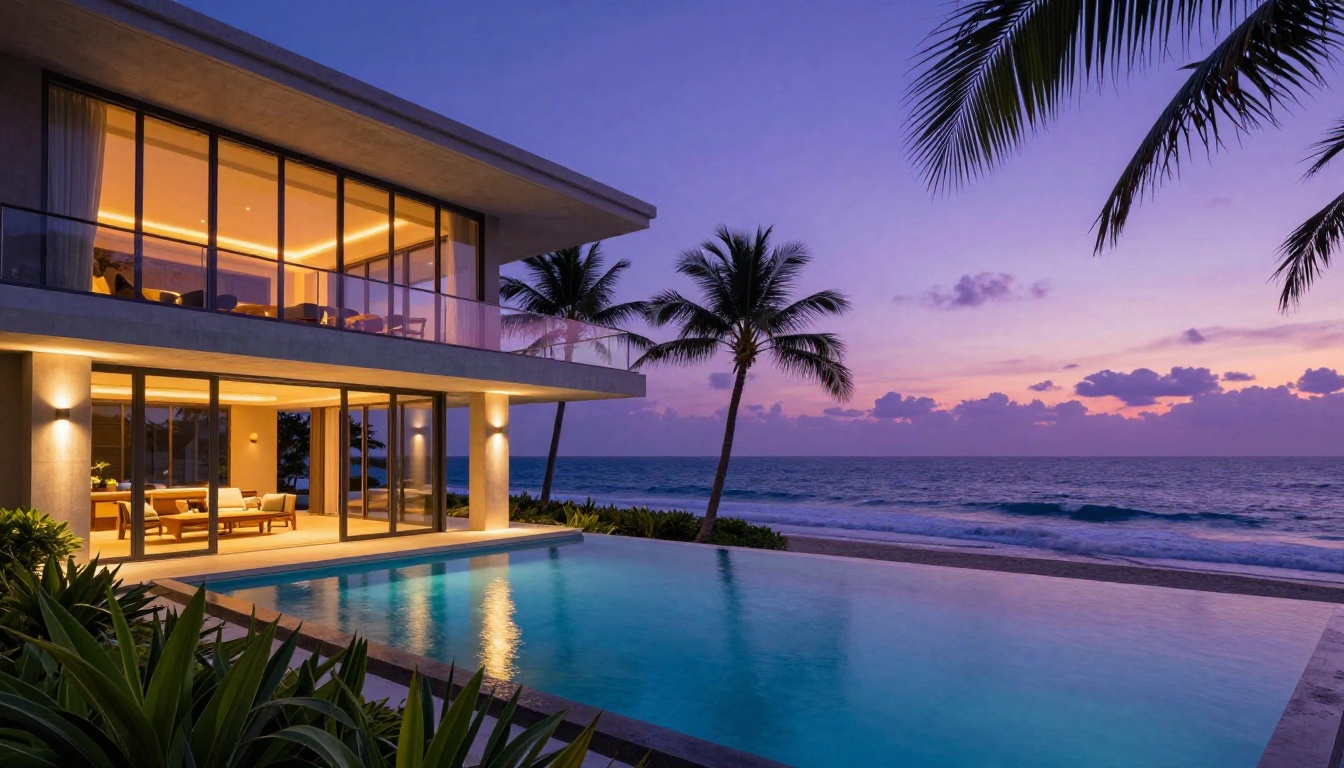
The exterior render is the flagship image for any property listing. It has to communicate the architecture, the materiality, the landscaping, and the lifestyle in a single frame. AI tools handle this by interpreting architectural intent from a well-written text prompt.
The critical variable is lighting. Specify the time of day, the direction of the sun, and whether the sky is clear or partially cloudy. "Morning light from the east" and "golden hour from the west" produce completely different results even from identical property descriptions. The models that perform best for exterior work are those trained specifically on architectural photography rather than general image generation.
Interior Renders: Every Material, Every Shadow
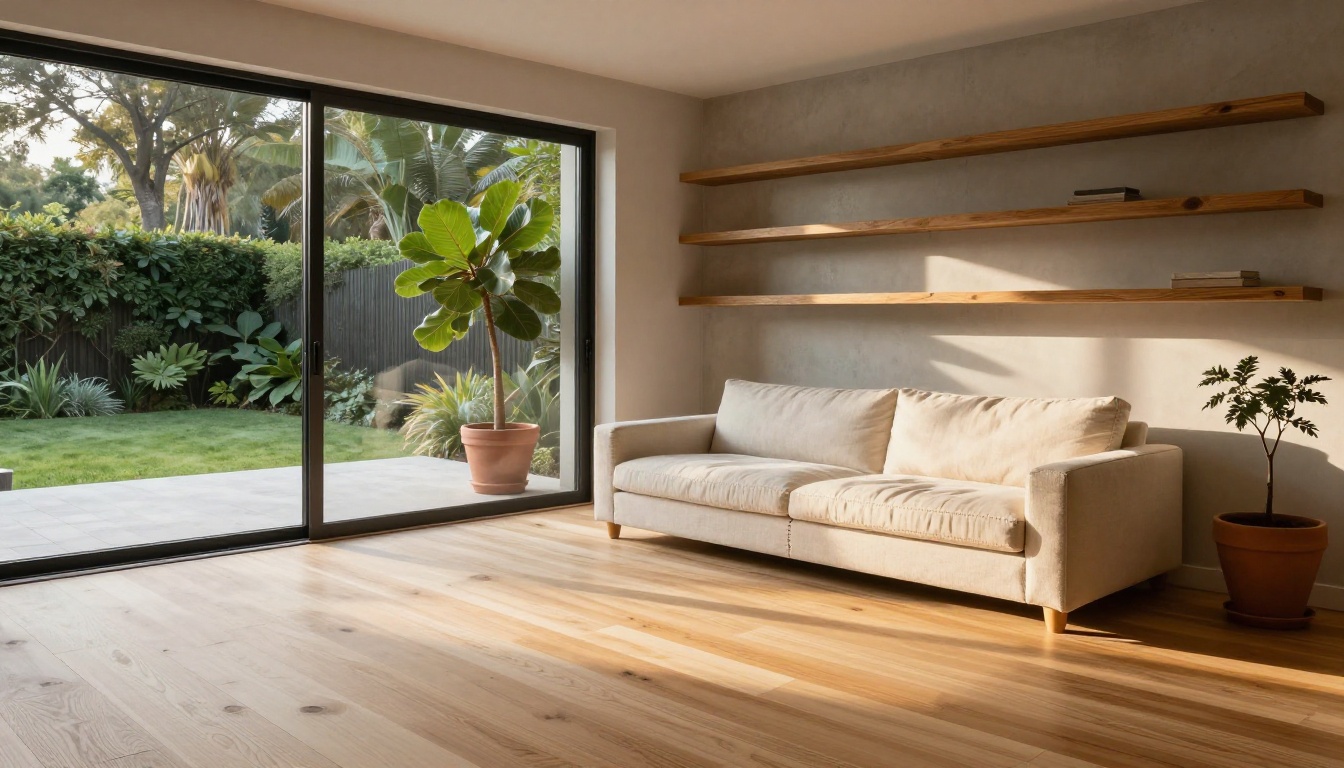
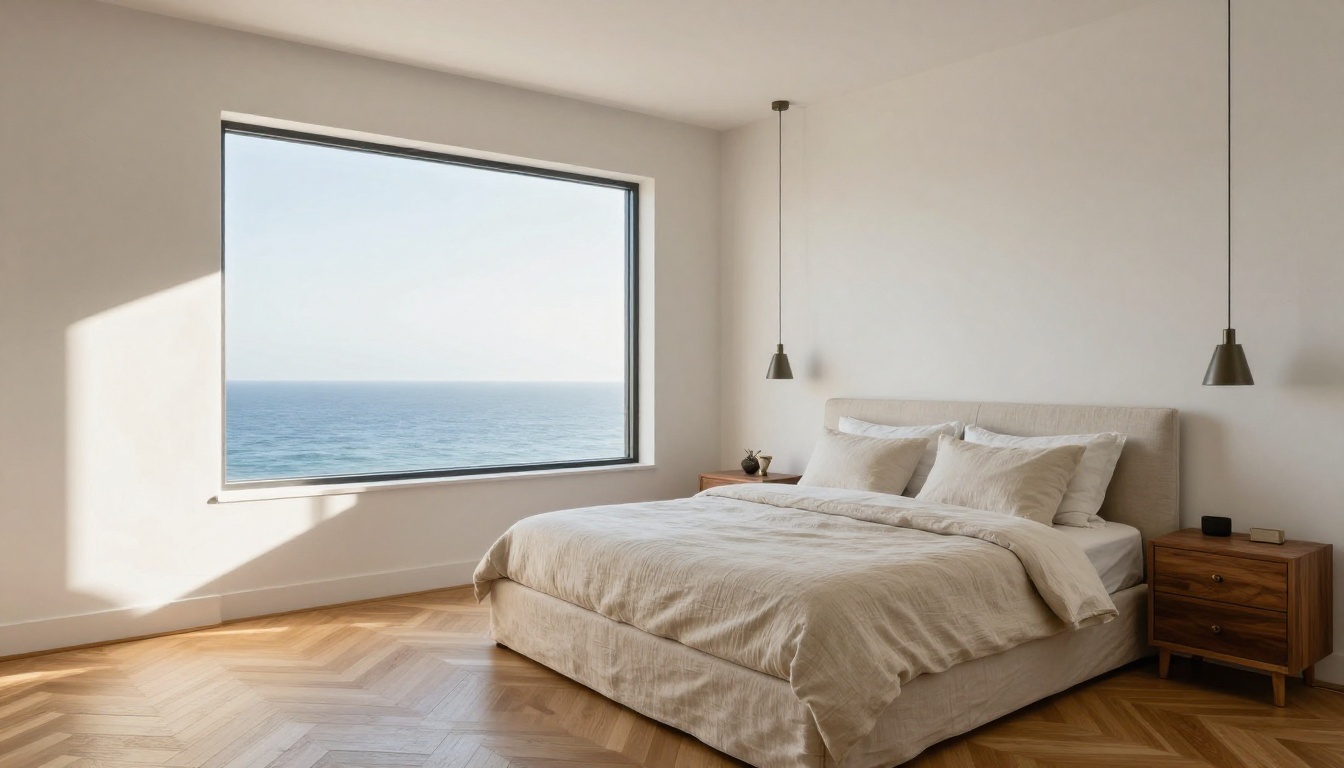
Interior renders demand a different kind of attention. You are asking the model to simulate how light behaves inside a closed space, bouncing off walls, floors, furniture, and glass. The best AI models now handle indirect lighting, ambient occlusion, and material-specific reflections without needing you to set up a virtual scene.
The critical factor is being specific about materials. "Concrete wall" gives you a generic result. "Raw board-formed concrete wall with visible 15cm formwork tie holes arranged in a 60cm grid, slight moisture variation in the surface tone" gives you something a client will want to frame.
The Right Models for Real Estate Work
Not all text-to-image models are equal for architectural visualization. Some are optimized for creative illustration. Others are trained on photographic datasets and produce results that are grounded in physical reality. For real estate, you need the second category.
GPT Image 2 for Photorealistic Output
GPT Image 2 is one of the most reliable models for photorealistic architectural imagery. Its understanding of spatial relationships and perspective is strong, which matters enormously when you are rendering a building that needs to look structurally plausible. It handles complex lighting scenarios without the typical AI artifacts: no floating shadows, no impossible reflections.
For a standard exterior render, GPT Image 2 produces results that require minimal post-processing. The model interprets architectural vocabulary like "cantilever," "double-height volume," and "ribbon window" correctly, which saves significant time in the prompting phase.
Flux Krea Dev: No AI Look
Flux Krea Dev was specifically developed to remove the telltale signs of AI image generation. The result is a model that produces images with genuine photographic character: slight optical distortion consistent with real lenses, natural color variation across surfaces, and micro-detail that reads as captured rather than computed.
For luxury real estate, where clients are sophisticated and will notice if something looks "generated," Flux Krea Dev is the right choice. It bridges the gap between AI speed and photography credibility.
Seedream 4.5 for 4K Detail
Seedream 4.5 from ByteDance delivers native 4K output, which matters the moment you want to print renders for physical marketing materials: site hoardings, brochures, exhibition boards. Most AI models generate at resolutions that look fine on screen but fall apart in print. Seedream 4.5 does not have that problem.
Flux Canny Pro for Structure Control
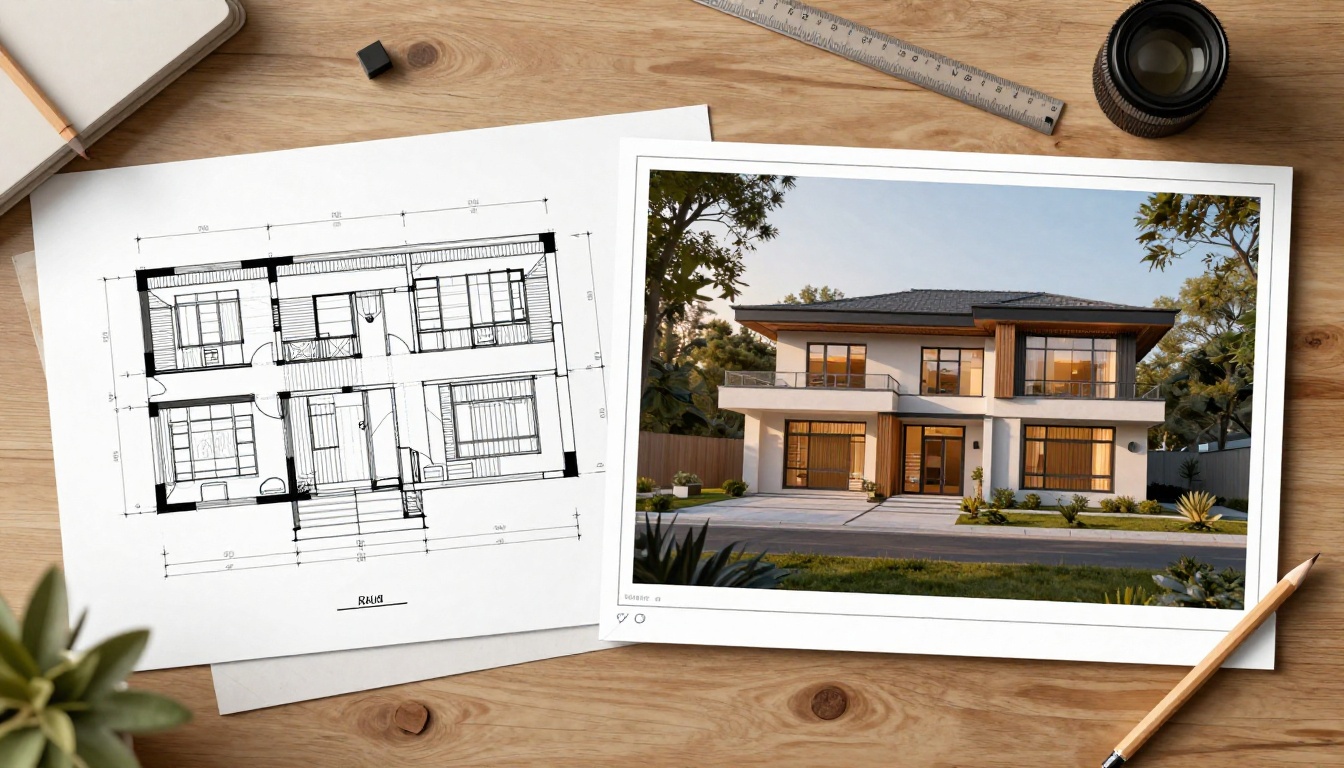
One limitation of pure text-to-image generation for real estate is that you cannot guarantee a specific building footprint or massing. If you have existing CAD drawings or sketches, Flux Canny Pro solves that problem. It uses edge detection to maintain the structural lines from a reference image while generating photorealistic surface textures and lighting around them.
This is the model that bridges AI generation with actual architectural design. You provide the massing model or sketch; Flux Canny Pro provides the photorealistic skin.
How to Use GPT Image 2 for Property Renders
The workflow for generating a real estate render with GPT Image 2 is straightforward once you understand the prompt structure. Here is the process broken into three clear steps.
Step 1: Pick Your Property Type and Style
Before writing a single word of your prompt, decide on three things:
Each combination requires different vocabulary in the prompt. A contemporary minimalist villa needs references to clean lines, absence of ornament, and material honesty. A Mediterranean property needs terracotta, arches, and warm stone. Nailing this before you write a single word prevents generic outputs.
Step 2: Build the Perfect Render Prompt
The anatomy of a strong real estate render prompt follows this structure:
"Exterior photograph of a contemporary villa, white board-formed concrete facade, floor-to-ceiling glass walls with slim aluminum frames, cantilevered flat roof, surrounded by manicured lawn and mature olive trees, golden hour sunlight from the upper left casting long shadows across the facade, low-angle architectural shot with 24mm wide lens, warm evening atmosphere, photorealistic RAW 8K, Kodak Portra 400 film grain"
Every element earns its place. Remove the camera specification and the perspective becomes generic. Remove the lighting direction and the image loses its mood. Remove the material detail and surfaces become abstract.
Step 3: Refine with Flux Fill Pro
Almost every first-pass render has a zone that needs fixing. A window reflection that reads as opaque. A section of landscaping that looks sparse. A doorway that is slightly off-proportion. Flux Fill Pro handles these corrections through inpainting: you mask the problem area and describe the correction in text.
This is significantly faster than going back to the generation model with a modified prompt and hoping the new output preserves everything you liked in the original. Flux Fill Pro modifies the specific area you define while leaving the rest of the image intact.
💡 Tip: Use Flux Fill Pro for landscaping corrections first. Gardens and plantings are the most common weak point in AI real estate renders, and a targeted fix usually takes under a minute.
Prompts That Actually Work
The difference between a mediocre AI render and a portfolio-quality result is almost entirely in the prompt. Here are the formulas that produce consistent results.
Exterior Prompt Formula
Build your exterior prompt by combining these elements in sequence:
[Property type] + [Architectural style] + [Primary material with texture detail] +
[Secondary material with texture detail] + [Landscaping] + [Time of day and sun direction] +
[Sky condition] + [Camera angle and lens] + [Atmosphere] + [Technical spec]
Add weather effects sparingly. Light rain, morning mist, or dramatic clouds add atmosphere but also add unpredictability. For a first render, stick to golden hour with a clear sky.
Interior Prompt Formula
[Room type] + [Spatial volume description] + [Floor material and texture] +
[Wall treatment and texture] + [Furniture style and pieces] + [Light source direction and quality] +
[Camera position and height] + [Background view] + [Technical spec]
Always specify the camera height. "Eye-level at 1.6m" produces a different result from "seated height at 0.9m" or "standing at 1.8m." Interior renders at seated height feel more intimate and genuinely luxurious.
3 Mistakes That Ruin Real Estate Prompts
Vague materials: "Stone wall" produces inconsistent results. "Pale limestone ashlar blocks with visible mortar joints and slight surface weathering" produces reliable, photorealistic stone every time.
No camera angle: Without a specified angle, models default to a standard eye-level frontal shot. Specify low-angle, aerial, or three-quarter angle to get more dynamic compositions.
Over-specifying style tags: Tags like "luxury" and "high-end" are filler words to an AI model. Replace them with physical details: "recessed LED strip lighting at ceiling level," "custom-milled oak millwork," "honed black granite countertop."
Polish Your Results
Generating a strong render is step one. Getting it to listing-ready quality takes two additional operations.
Upscale to 4K with P Image Upscale
The default output resolution from most AI generators is sufficient for web use but falls short for printed materials. P Image Upscale takes your render and produces a sharp 4K version in one second, preserving all the texture detail from the original while eliminating any compression artifacts.
Run every render through this step before delivering to clients or uploading to property portals. The difference in perceived quality is significant, particularly in surface textures like timber, stone, and fabric.
Fix Problem Areas with Flux Fill Pro
In addition to targeted corrections, Flux Fill Pro is useful for expanding the canvas of a render when the composition is slightly too tight. Describe what should exist beyond the current frame edge and the model extends the image naturally.
This is particularly useful for exterior renders where the foreground needs more breathing room or the sky needs extending for a broader, more cinematic crop.
The Numbers Don't Lie
For teams that produce visual marketing at volume, the economic case for AI renders is overwhelming. Here is how the numbers break down across a typical development project requiring 20 property images.
Cost Comparison
Approach
Cost Per Image
20 Images Total
Revision Cost
Traditional render studio
$1,200 avg
$24,000
$200 - $600 per revision
Freelance visualizer
$700 avg
$14,000
$150 - $400 per revision
AI generation (platform subscription)
$5 - $30
$100 - $600
Effectively $0
The revision cost column is where the real value difference lives. With traditional renders, every client feedback round costs money and time. With AI, you regenerate or inpaint in minutes at no additional cost.
Turnaround Time Comparison
Approach
First Delivery
Revision Round
Full Set (20 images)
Traditional studio
7 - 14 days
3 - 5 days per round
4 - 8 weeks
Freelance visualizer
5 - 10 days
2 - 4 days per round
3 - 6 weeks
AI generation
2 - 10 minutes
Instant
1 - 2 hours
For pre-sales campaigns where speed directly determines revenue, this is not a minor improvement. It is a different business model.
Models Worth Knowing for Specific Scenarios
Real estate projects are not one-size-fits-all. Different property types benefit from different model characteristics.
The technology is ready. The economics are clear. The only thing left is the first render.
Start with a single exterior image. Pick a property you know well, whether that is a current listing, a development project, or even your own home. Write a detailed prompt using the formula above. Run it through GPT Image 2 or Flux Krea Dev. Upscale the result with P Image Upscale.
What used to take two weeks and cost a thousand dollars now takes five minutes and a well-written sentence. The renders are real. The savings are real. The question is how many listings you want to produce before the rest of your market catches on.
Picasso IA gives you access to all the models referenced in this article, including GPT Image 2, Flux Krea Dev, Seedream 4.5, Flux Canny Pro, and Flux Fill Pro, all in a single platform. Create your first property render today and see exactly what the shift looks like in practice.